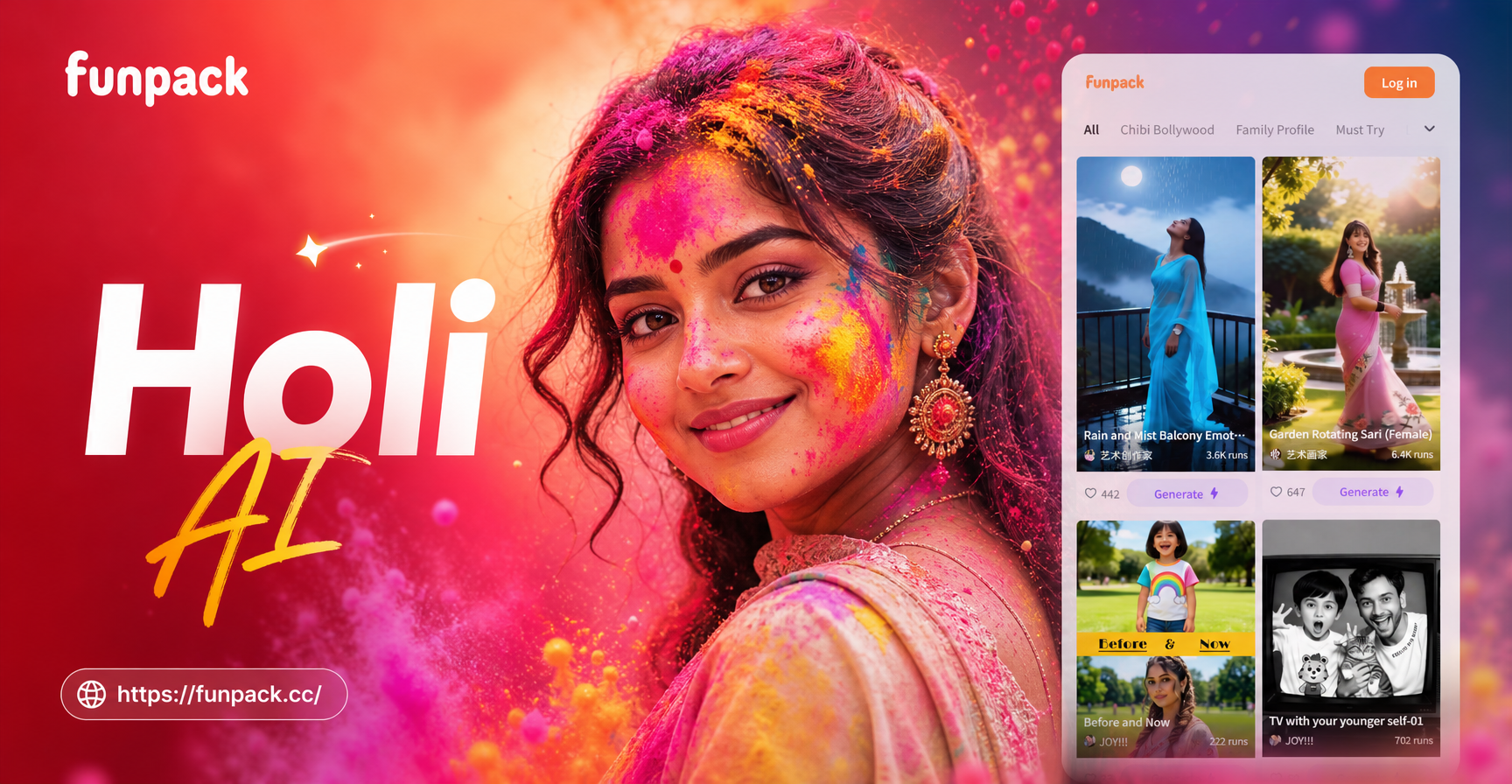
What Are Holi AI Photo Editing Prompts?
Holi AI photo editing prompts are short text instructions that tell an AI image tool exactly how to add the colors, energy, and atmosphere of India's most vibrant festival to your photos. Instead of manually editing with software, you type a prompt describing the powder clouds, water splashes, festive clothing, or color explosions you want, and the AI generates the result on your uploaded image.
These prompts are perfect for making Holi greeting cards, social media posts, profile pictures, or just having fun with friends. The key is to be specific about colors, motion, lighting, and the subject's expression so the AI understands the festive mood you are going for.
How funpack Simplifies Holi Photo Editing
funpack is a mobile AI design tool that combines text-to-image and image-to-image capabilities. You upload a photo, enter one of the Holi prompts below, and choose a style filter if you want. The AI then applies colorful powder, water effects, or artistic transformations while keeping the subject recognizable. No design skills or complex prompt engineering needed. Download the app to start creating.
24 Holi AI Photo Editing Prompts for Stunning Results
Below are ready-to-use prompts organized by style. Each prompt works well in funpack's image-to-image feature. Paste one into the prompt box, upload your photo, and generate. You can also use these as text-to-image prompts to create original Holi scenes from scratch.
Classic Color Explosion Prompts
- Transform this photo into a vibrant Holi festival scene, with clouds of pink, yellow, and green powder exploding around the subject, joyful expression, natural skin tones, high detail, festive atmosphere.
- Add Holi color powder splashes to this portrait, keep the subject's face recognizable, background filled with flying gulal in rainbow colors, dynamic motion, realistic photography.
- Edit this image to show two friends throwing colored powder at each other during Holi, bright blue and magenta dust in the air, laughter, candid moment, outdoor daylight.
- Convert this selfie into a Holi greeting card style, subject holding a fistful of red powder, colorful background with bokeh, warm golden hour lighting.
- Apply a Holi makeover to this photo, covering the subject's hair and clothes in multiple hues of abir, while keeping the eyes and smile crisp, festive and vibrant.
Romantic Couple Holi Prompts
- Turn this couple photo into a dreamy Holi moment, both people gently smearing pink and purple powder on each other's cheeks, soft afternoon light, romantic and joyful.
- Edit this image to place the couple under a shower of colored water during Holi, wet hair, colorful droplets frozen in air, laughter, cinematic composition.
- Create a Holi festival portrait of this couple back to back, each throwing a hand of yellow and orange powder upward, powder trails forming a heart shape in the sky.
- Apply warm color grading and Holi powder accents to this couple's photo, subtle red and gold powder on their clothes, blurred colorful background, elegant and festive.
- Transform this picture into a candid Holi embrace, faces close together, color powder dusting their hair and shoulders, natural expressions, vibrant but not oversaturated.
Slow Motion and Candid Moment Prompts
- Convert this photo into a slow motion Holi moment, frozen water balloon bursting with colored liquid, droplets suspended in air, sharp focus on the subject's excited face.
- Add a burst of orange and pink powder behind the subject as they jump, powder forming a cloud trail, action shot, high shutter speed look, outdoor festival crowd blur in background.
- Edit this image to show the subject laughing with head tilted back, vibrant gulal powder falling from above onto their face and shoulders, candid joy, natural skin texture.
- Create a Holi water fight scene from this photo, multiple water jets with colored dye, subject covering face with hands, playful moment, wet and glossy skin, bright daylight.
- Apply a Holi action freeze to this photo, subject throwing a handful of blue powder directly at the camera, powder particles sharp and detailed, bokeh from festival lights in background.
Artistic and Creative Holi Prompts
- Transform this portrait into an oil painting style Holi artwork, thick brush strokes of magenta, teal, and yellow powder, subject smiling softly, canvas texture, classical portrait lighting.
- Create a double exposure effect with this photo, overlay a Holi powder cloud silhouette in rainbow colors onto the subject's profile, dreamy and artistic, high contrast.
- Edit this image to mimic a Ghibli animation style Holi scene, hand drawn pastel colors, soft powder puffs, gentle smiles, whimsical background with floating color droplets.
- Apply a cyberpunk Holi twist to this photo, neon blue and pink powder with glowing edges, dark background with LED festival lights, futuristic fashion, high energy.
- Produce a watercolor Holi portrait from this photo, soft bleeding colors of yellow, pink, and green, delicate brush edges, subject's eyes sharply in focus, elegant and airy.
Group Holi Prompts
- Turn this group photo into a Holi celebration, multiple people throwing colored powder at the camera, rainbow clouds around everyone, each face distinct and joyful, outdoor festival scene.
- Edit this team photo to show a Holi color fight, colored powder covering everyone's clothes but faces clean and recognizable, dynamic poses, laughter, bright daylight.
- Apply Holi effects to this family picture, adding flying gulal in pink, green, and yellow, children smiling, adults throwing powder, warm and festive atmosphere.
- Convert this friends photo into a Holi dance moment, color powder bursting from the ground as they jump, frozen motion, high energy, colorful background blur.
How to Customize These Holi Prompts for Your Photos
To make any prompt your own, just change a few details. Swap the colors to match your outfit or brand palette. Add specific clothing descriptions like white kurta, sunglasses, or flower garland. Mention the background you want, such as temple courtyard, rooftop, or street celebration. You can also include names or text overlays for greeting cards by appending phrases like add the text Happy Holi in elegant gold letters at the top.
If you want a more subtle effect, add the phrase minimal color, pastel tones, or soft powder dust instead of explosion. For intense celebration looks, use words like massive color blast, full body covered, or high saturation. The more direct and visual your words, the better the AI result.
Fixing Common Holi AI Photo Issues
Sometimes the first generation may not look right. Here are quick fixes for common problems.
Color washout on skin: Add the phrase keep natural skin tones and reduce powder opacity around face. This helps the AI avoid turning the subject into a solid color.
Distorted or blended faces: Use a clear front facing photo and include preserve facial features and original face shape in the prompt. funpack's multi person processing also helps when editing group photos.
Too busy background: Add simple background, blurred festival crowd, or clean sky background to give the subject more focus.
Wrong festival look: Always include the words Holi festival and gulal powder. These terms anchor the AI to the specific Indian celebration instead of a generic color party.
Quick Tips for Better Holi AI Results
- Use well lit, high resolution photos for best detail. Avoid dark or blurry images.
- Specify the lighting in the prompt, such as golden hour, soft morning light, or bright midday sun.
- Mention the photo style you want, like realistic photography, cinematic still, or anime art.
- Keep the prompt to one focused scene. One action, one color story, one subject expression works best.
- Generate multiple variations with slight tweaks, then pick your favorite.
Conclusion
With the right Holi AI photo editing prompts, you can transform any ordinary photo into a burst of festival joy. Whether you want a classic color explosion, a romantic couple moment, or a creative artistic twist, these prompts give you a strong starting point. Download funpack, paste a prompt, and start creating your own Holi magic today.