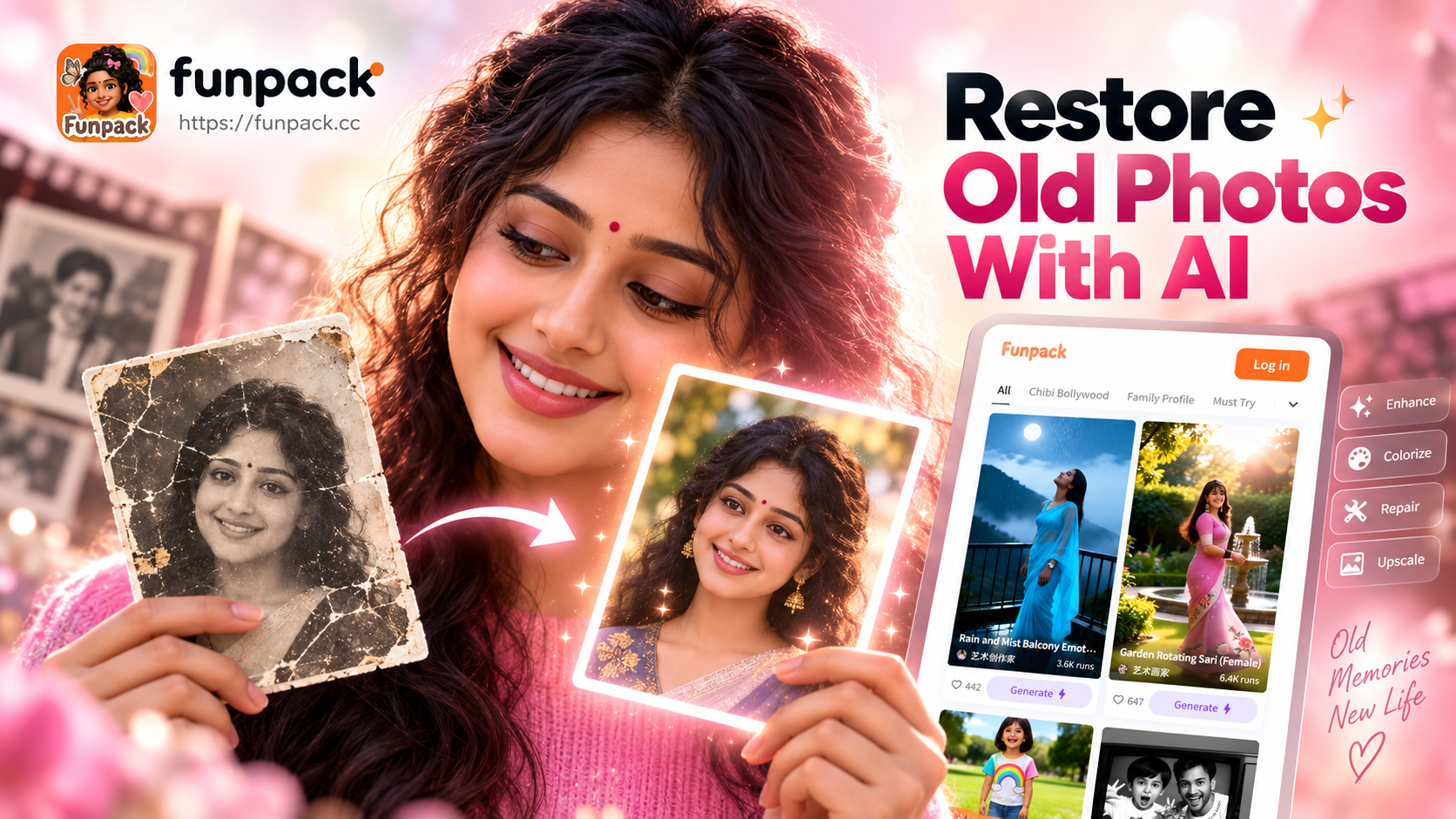
How AI Breathes New Life Into Old Photographs
For decades, restoring a treasured family photo meant expensive, time-consuming manual work with specialized software. Today, artificial intelligence has democratized this process, making it accessible to everyone with a smartphone. AI photo restoration tools like Funpack use advanced machine learning models trained on millions of images to understand what 'damage' looks like and intelligently reconstruct what's missing.
The AI doesn't just guess. It analyzes the structure of faces, objects, and backgrounds, fills in cracks and scratches with plausible textures, and sharpens blurred features. For black and white photos, it can even add realistic color based on historical context and common color palettes, a process known as AI colorization. The result is a seamless restoration that honors the original while making it look fresh and new.
What Kind of Damage Can AI Photo Restoration Fix?
Modern AI tools are remarkably adept at handling a wide range of common photographic deterioration. Here are the primary issues they can resolve.
Physical Damage and Scratches
Old prints often suffer from creases, tears, and surface scratches. AI algorithms can detect these linear imperfections and inpaint the affected areas by sampling surrounding pixels, effectively 'healing' the photo without a trace.
Fading and Color Degradation
Over time, photos lose contrast and color saturation. AI restoration enhances the dynamic range, deepens shadows, and brightens highlights to recover the original tonal depth. For color photos that have turned yellow or magenta, it corrects the color balance.
Blurriness and Low Resolution
Whether from camera shake, poor focus, or repeated photocopying, blurry photos can be sharpened using AI super-resolution. This technology upscales images while adding detail, making faces and text clearer than they were in the original low-res scan.
Noise and Grain
High ISO film grain or digital noise can obscure details. AI models are trained to distinguish between meaningful detail and unwanted noise, smoothing out the grain while preserving important textures like hair, fabric, and skin.
Black and White Colorization
This is one of the most magical applications. By understanding the context of a scene (e.g., sky is blue, grass is green, skin has warm tones), AI can apply believable, nuanced color to monochrome images, transforming historical moments into vivid snapshots.
Step-by-Step Guide: Restoring Your Photos with Funpack
The process is designed to be incredibly simple, putting powerful technology at your fingertips in three easy steps.
1. Download the Funpack App
Everything happens on your mobile device. Search for 'Funpack' on the Google Play Store and download the app. It consolidates all AI creative tools, including the dedicated photo restoration filters, into one easy-to-use platform.
2. Upload Your Old Photo
Open the app and navigate to the photo restoration section. You can take a new picture of a physical photograph (ensure good, even lighting) or select an existing scan or digital copy from your gallery. The AI works best with the highest quality source image you can provide.
3. Choose Your Restoration Style and Generate
Funpack offers multiple AI filters tailored for different needs. Select 'Photo Restoration' for general repair and sharpening, or 'AI Colorize' for adding color to black and white photos. Tap 'Generate,' and within seconds, you'll see a stunning side-by-side comparison of the old and new versions. You can then save the restored image directly to your phone.
Beyond Restoration: Creative Possibilities with Restored Photos
Once your photos are restored, a world of creative sharing opens up. Use Funpack's other AI tools to create animated videos from the restored stills, making your ancestors smile or blink. Generate AI-powered family portraits by combining restored images of relatives from different eras. Or, apply artistic filters to turn a restored photo into a vintage painting or classic film still, perfect for framing and gifting.
Best Practices for Scanning Old Photos for AI Restoration
The quality of your restoration starts with the quality of your scan. Follow these tips for best results.
- Use a Flatbed Scanner: If possible, use a scanner instead of a phone camera. Set the resolution to at least 600 DPI.
- Clean the Photo and Scanner Glass: Gently wipe away dust with a microfiber cloth to avoid scanning imperfections.
- Scan as Color: Even for black and white photos, scan in color mode (RGB). This captures more tonal information for the AI to work with.
- Save in a Lossless Format: Save the scan as a PNG or high-quality JPEG (90-100% quality) to prevent compression artifacts.
- For Phone Photos: Lay the photo on a flat, well-lit surface. Avoid shadows and glare. Use your phone's native camera app for maximum resolution.
Preserving Your Family Legacy
Photo restoration is more than a technical process. It's an act of preserving history, reconnecting with loved ones, and safeguarding memories for future generations. With AI tools like Funpack, this power is no longer locked away in professional studios. It's in your pocket, ready to resurrect smiles from the past and ensure they are never forgotten. Start your journey of memory preservation today.