Add Your Face To Any Photo
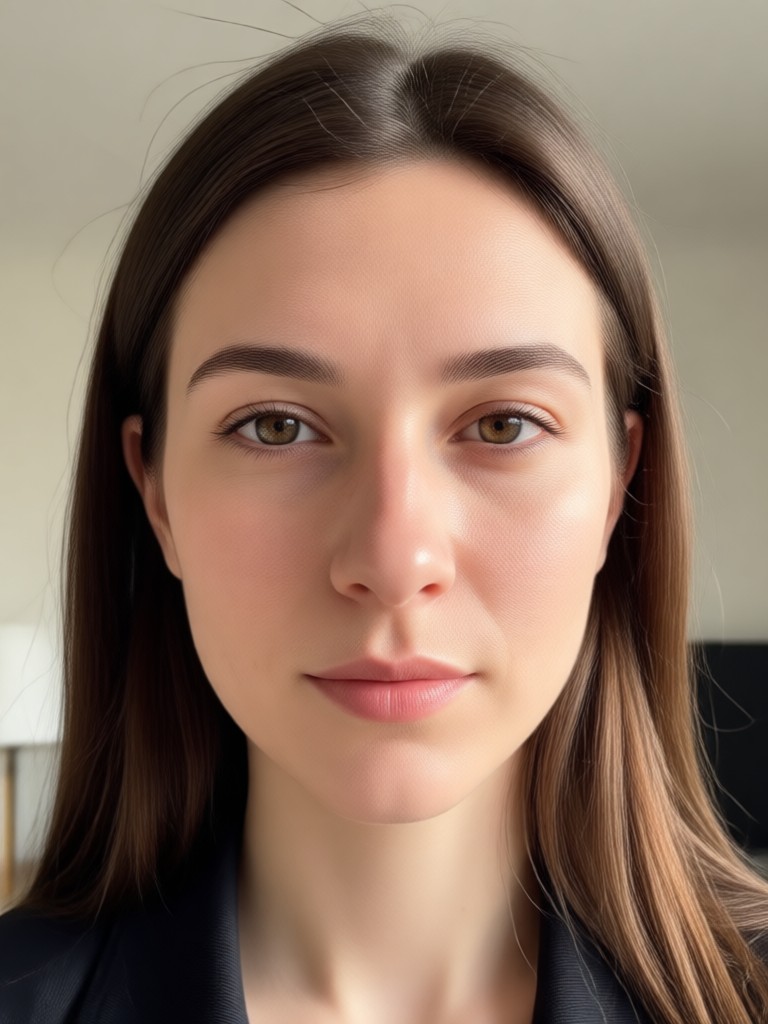
Choose the Face Swap Filter That Fits
Browse a massive library of face insert effects. From celebrity looks to cinematic roles, one tap applies your face instantly.
Why Funpack Is the Best Face Addition Tool
Stop struggling with complicated editing software. Funpack automates the heavy lifting so you can focus on having fun with your photos.
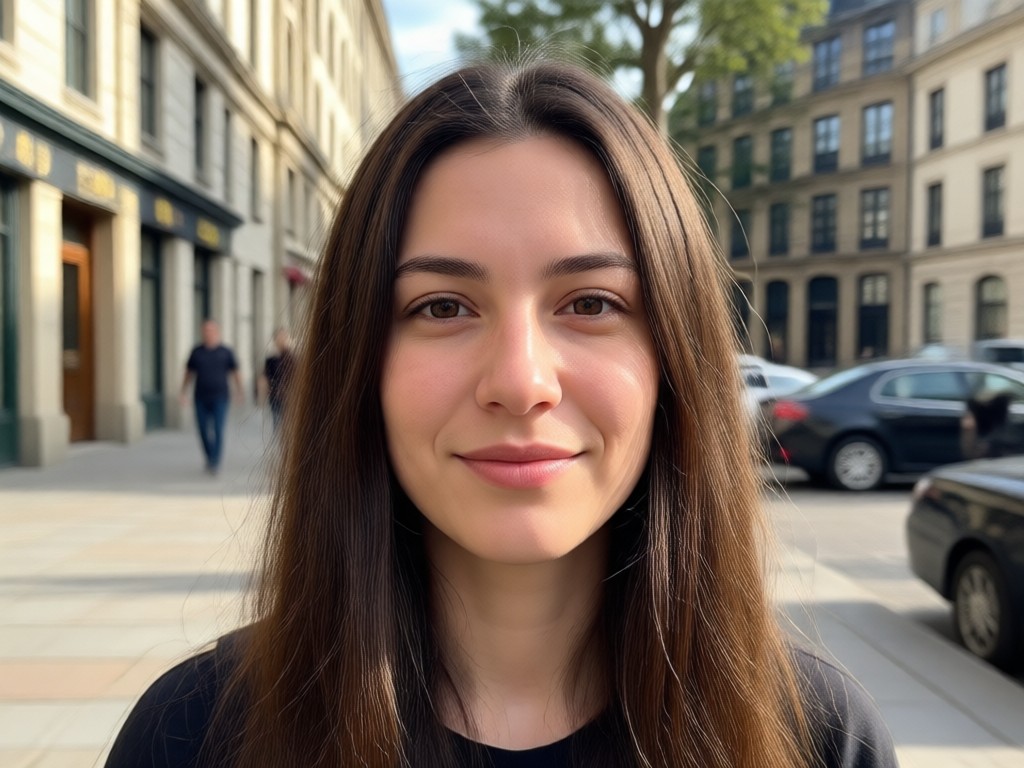
Realistic Face Mapping
The AI does more than cover an existing face. It analyzes lighting, angles, and skin tone to blend your features naturally into the new photo. The edges are smooth, the colors match, and the result looks like you were actually there.
Realistic Face Mapping
The AI does more than cover an existing face. It analyzes lighting, angles, and skin tone to blend your features naturally into the new photo. The edges are smooth, the colors match, and the result looks like you were actually there.

Huge Template Library
You do not need a source photo for every idea. Choose from thousands of ready-made scenes including movie posters, sports moments, and fantasy settings. One tap drops your face right into the action.
Huge Template Library
You do not need a source photo for every idea. Choose from thousands of ready-made scenes including movie posters, sports moments, and fantasy settings. One tap drops your face right into the action.
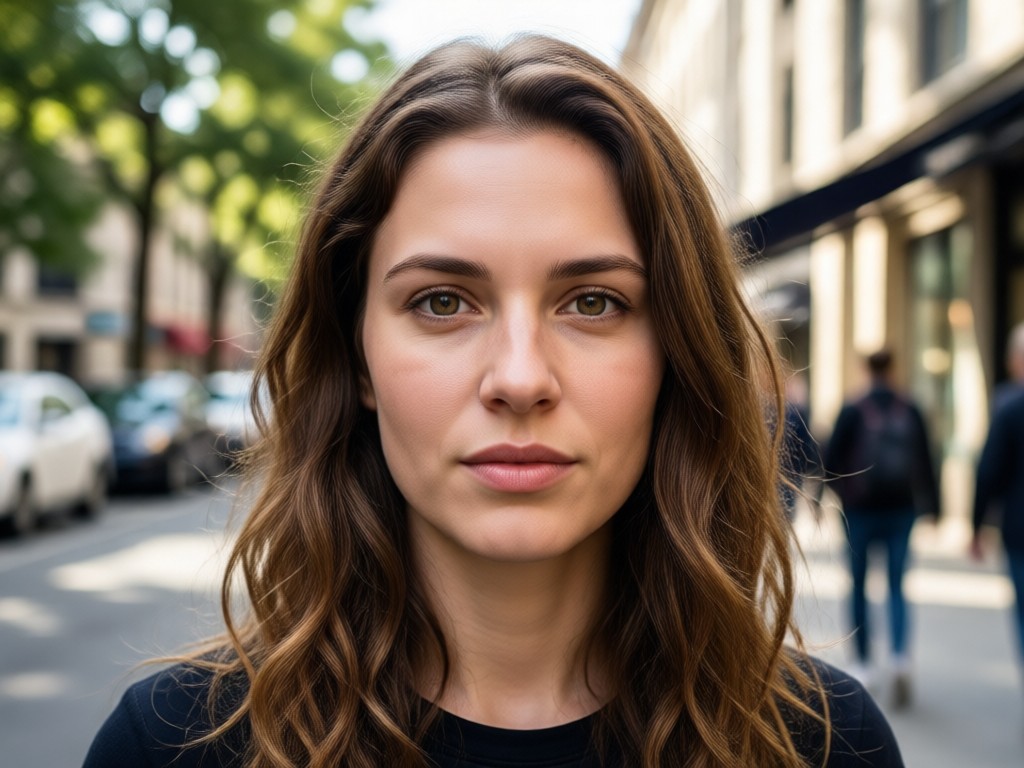
Fast Mobile Processing
You do not need a gaming PC to render high quality edits. The cloud handles the work and sends a crisp, high resolution image back to your phone in seconds. It is perfect for quick social media posts.
Fast Mobile Processing
You do not need a gaming PC to render high quality edits. The cloud handles the work and sends a crisp, high resolution image back to your phone in seconds. It is perfect for quick social media posts.
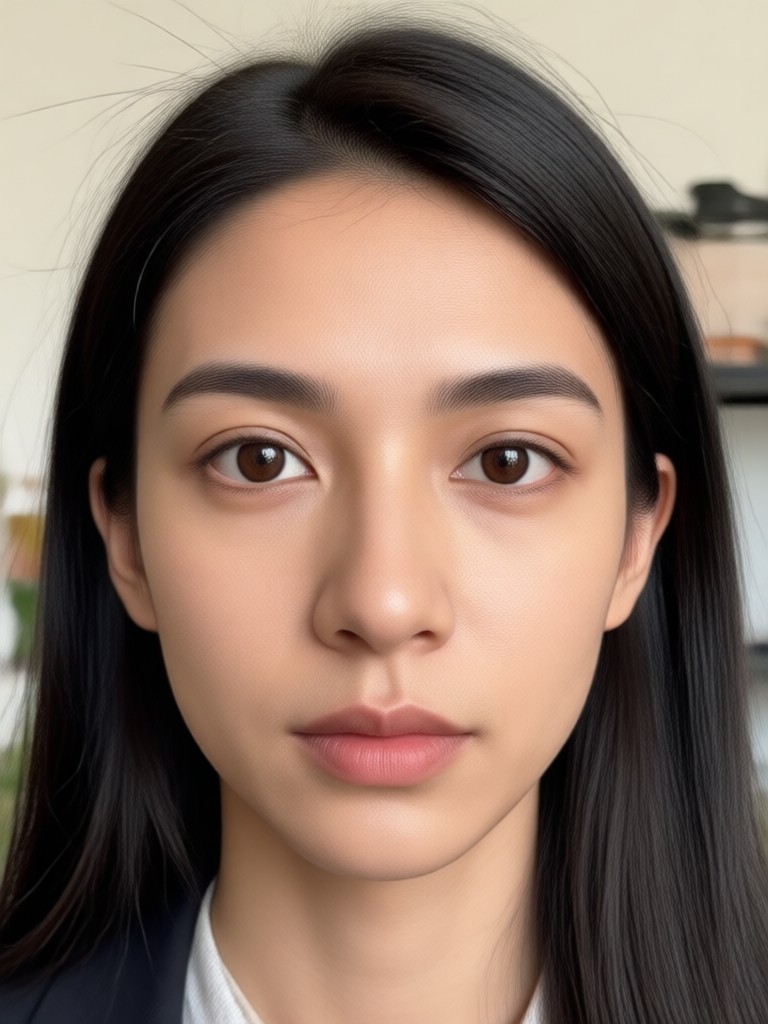
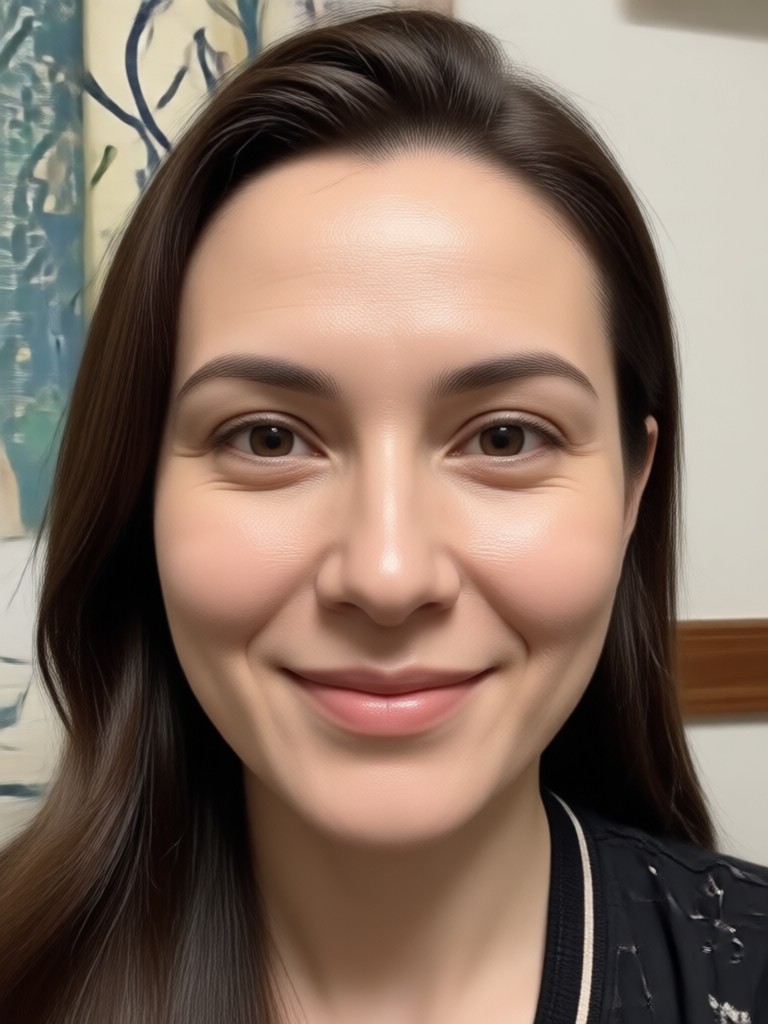
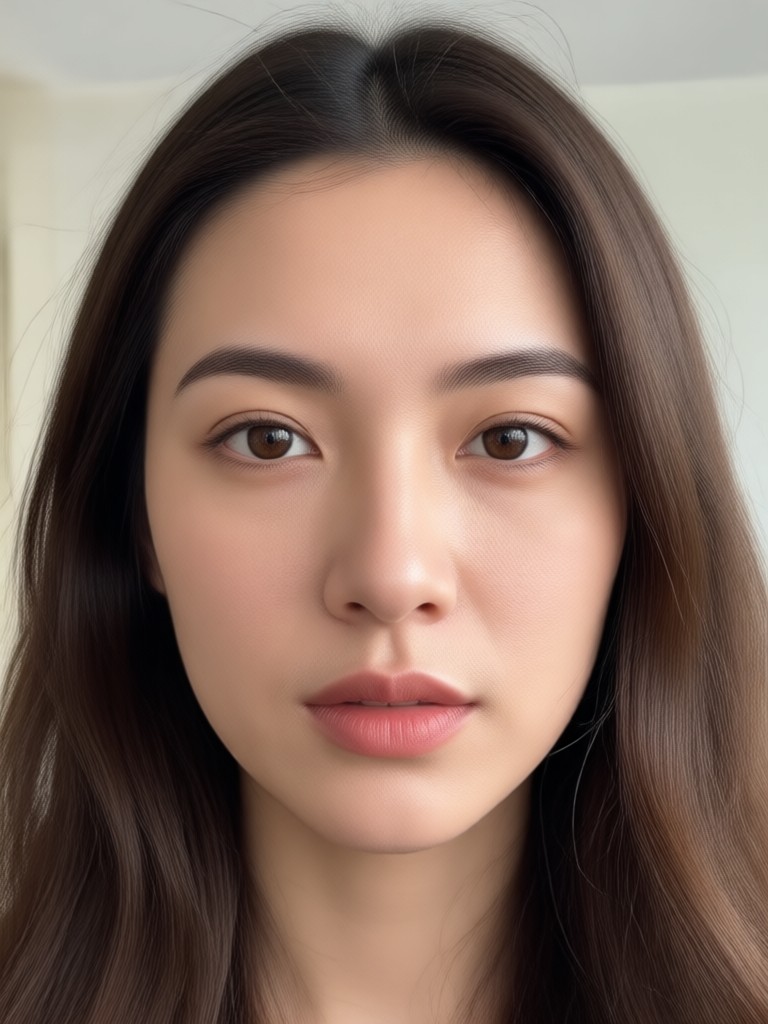
See Faces Added to Any Scene
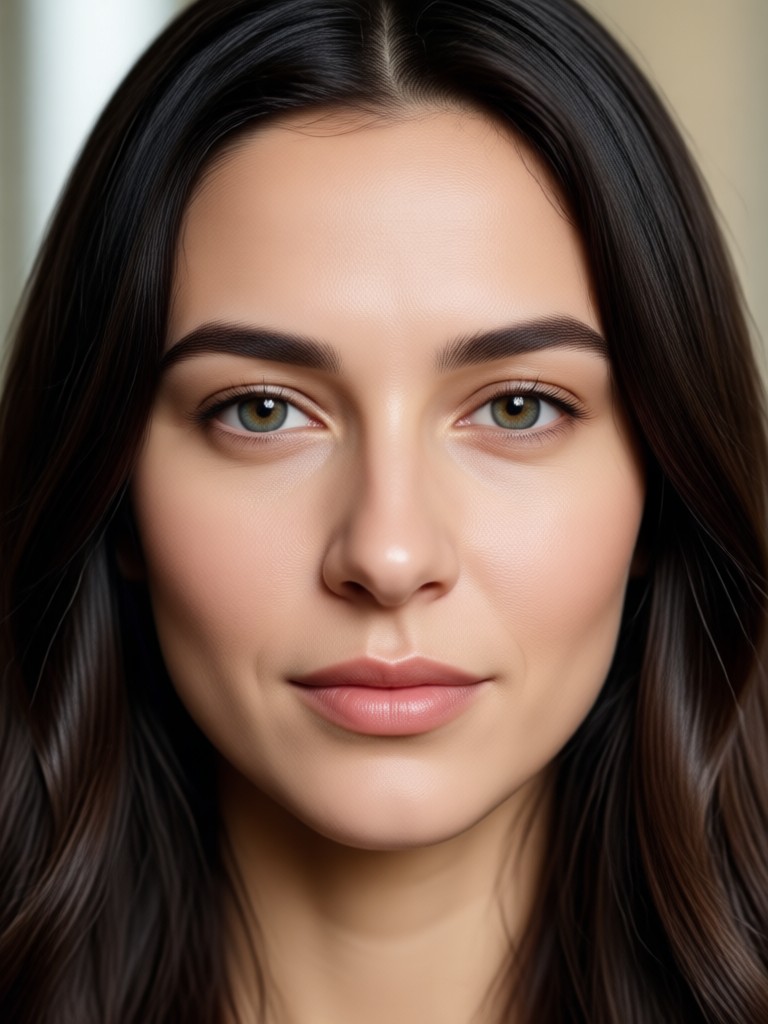
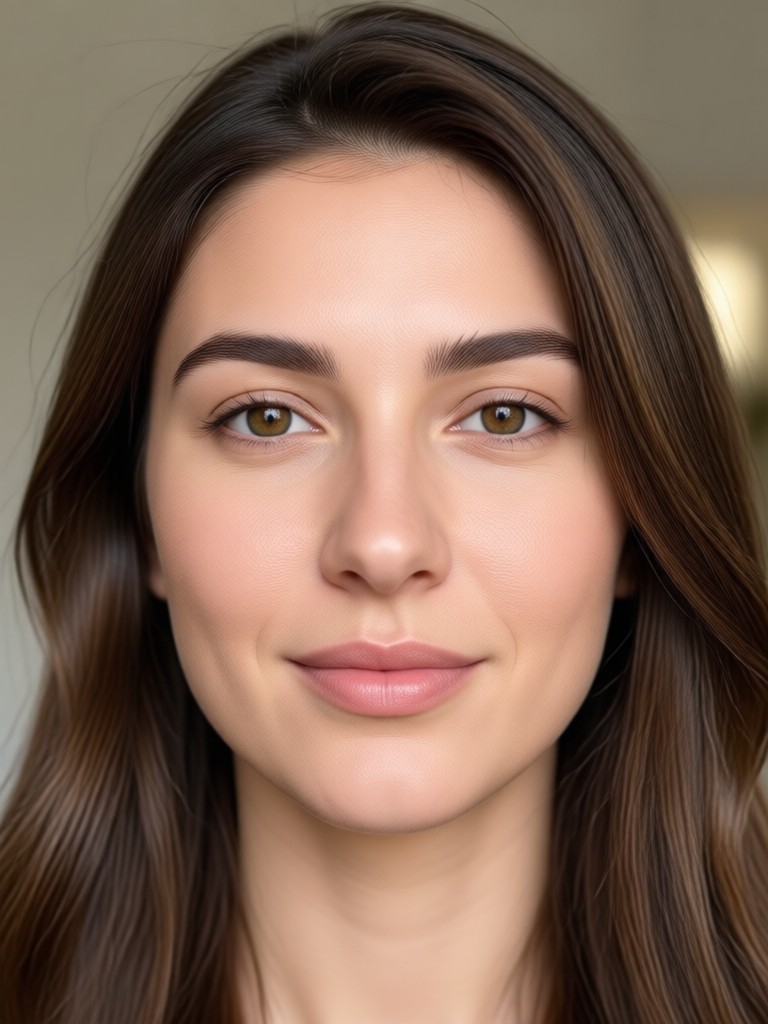
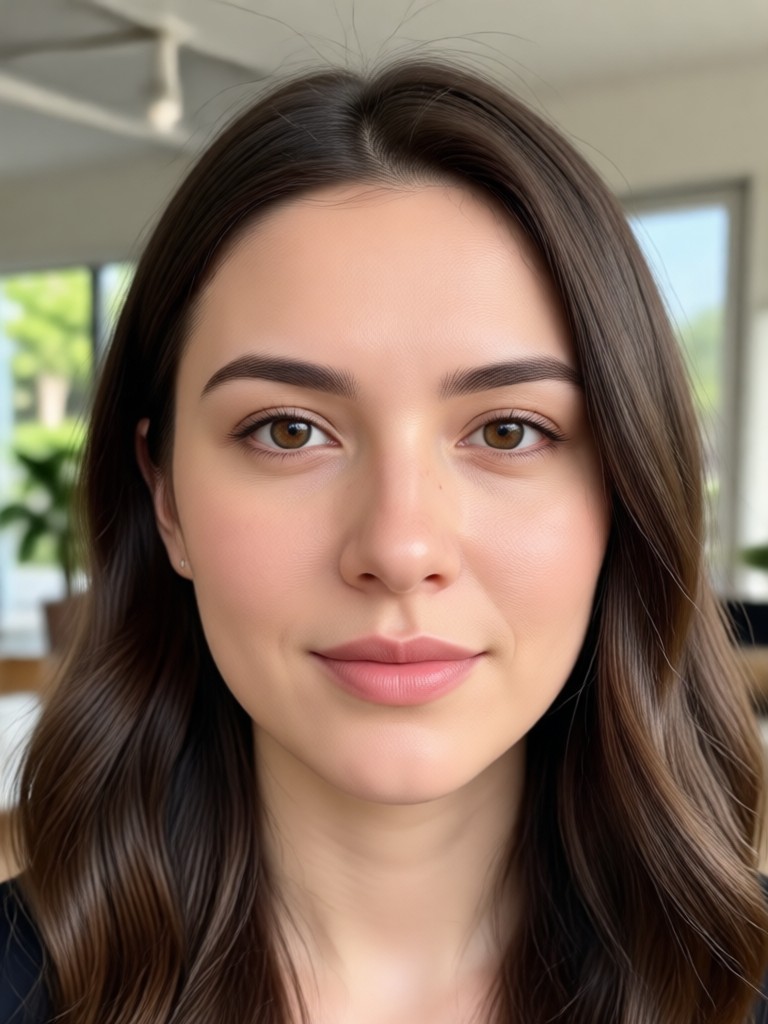
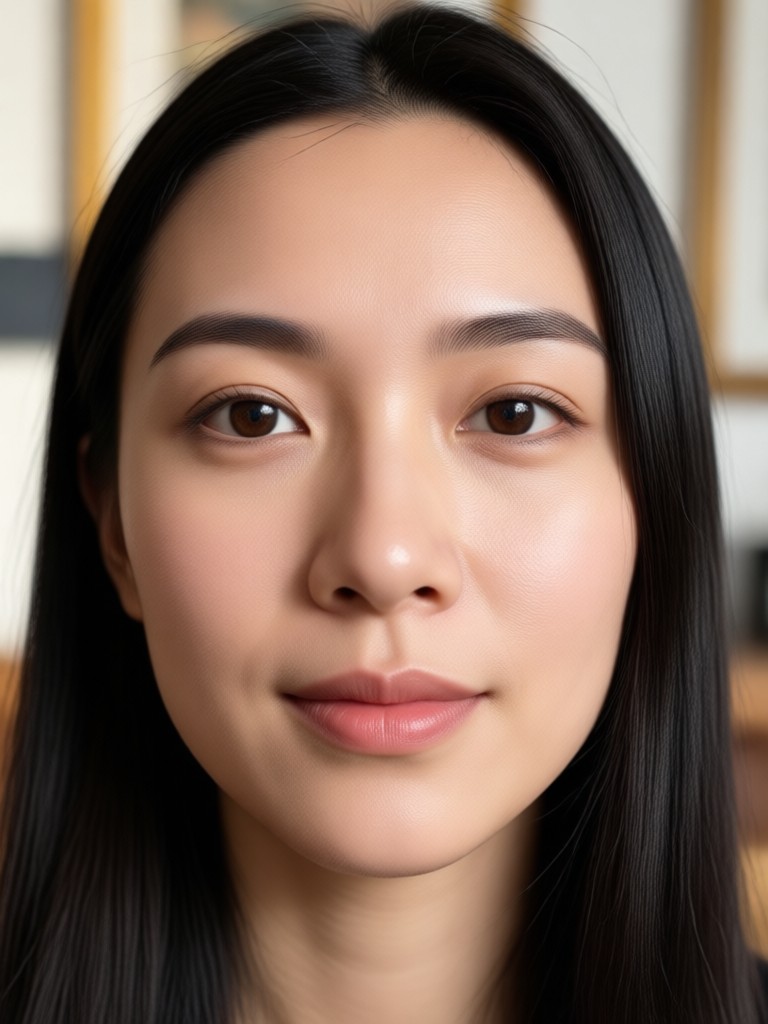
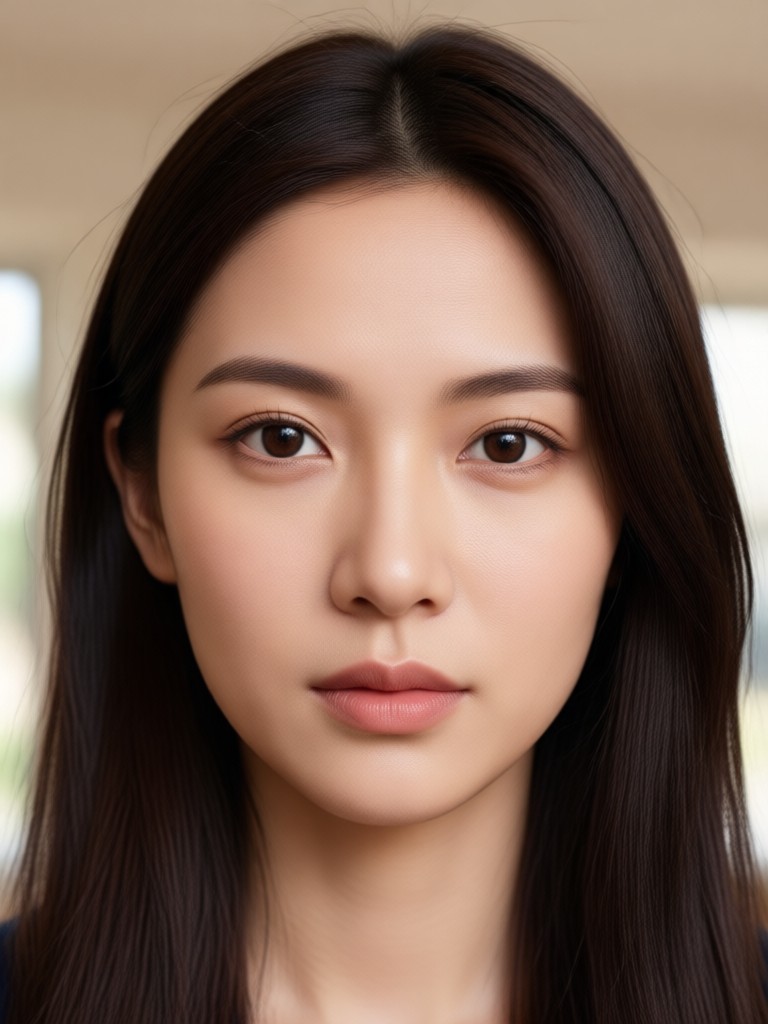
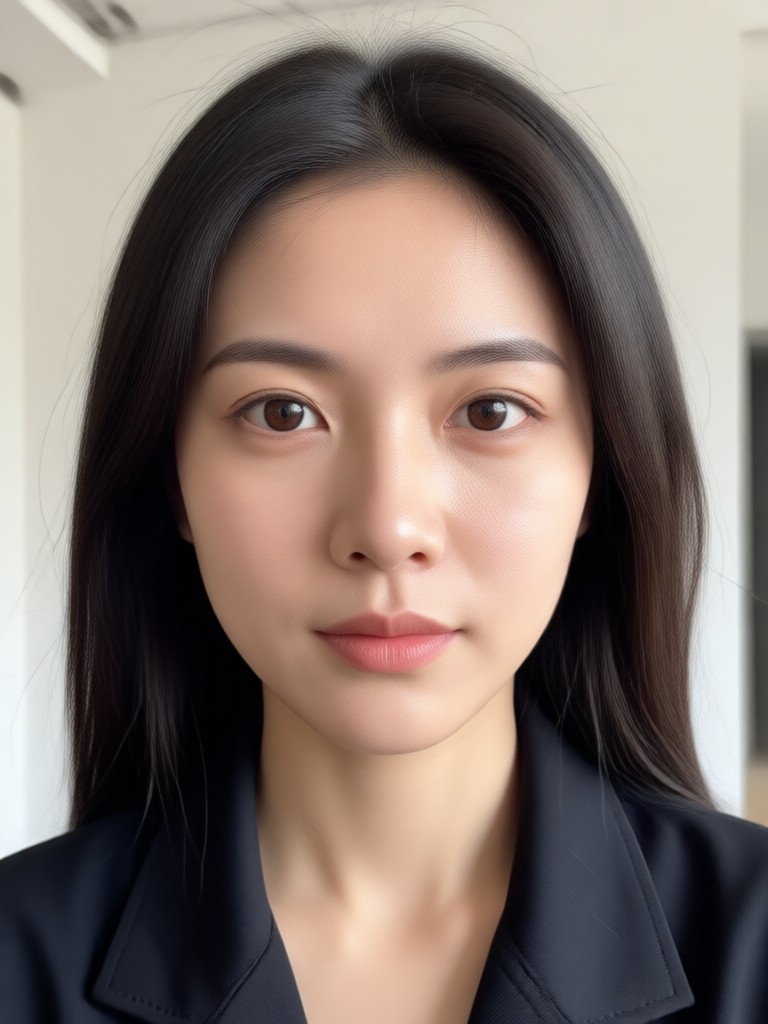
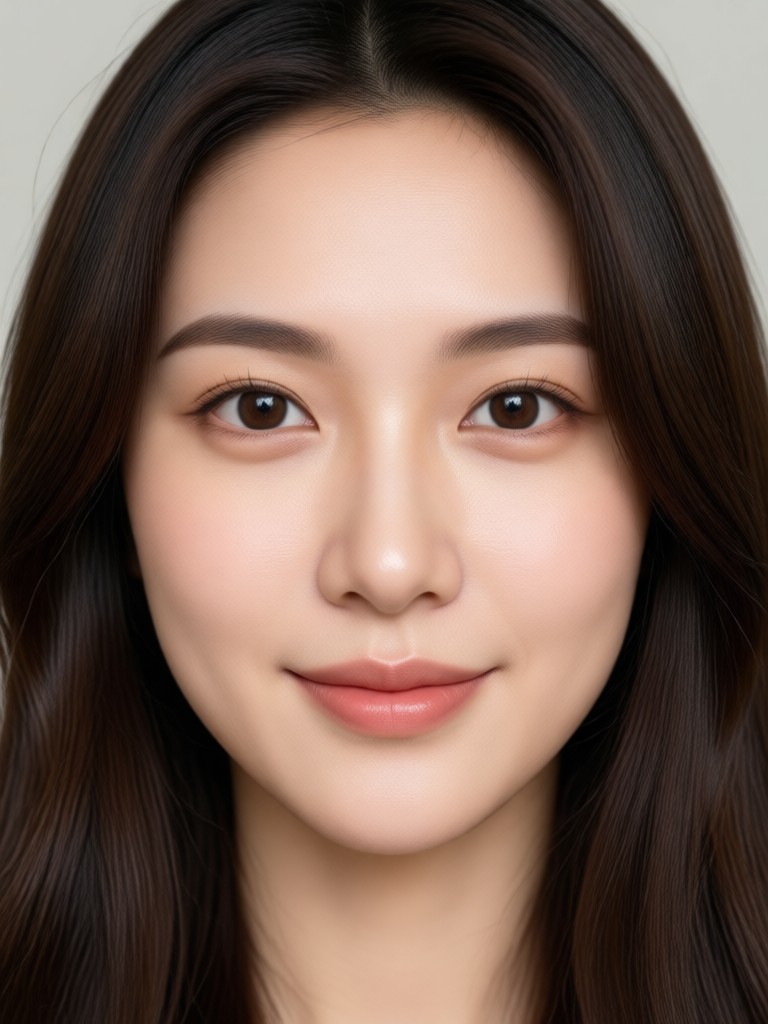
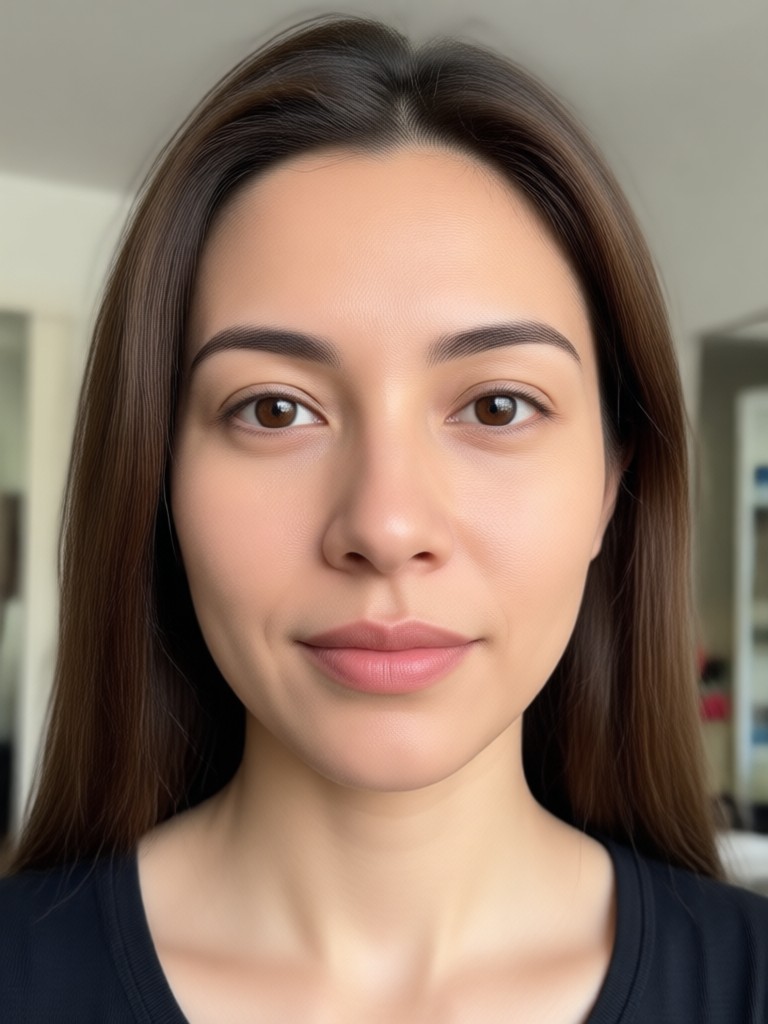
Check out these examples of users placing themselves into brand new worlds. From vintage portraits to futuristic sci-fi, the AI keeps your identity intact.
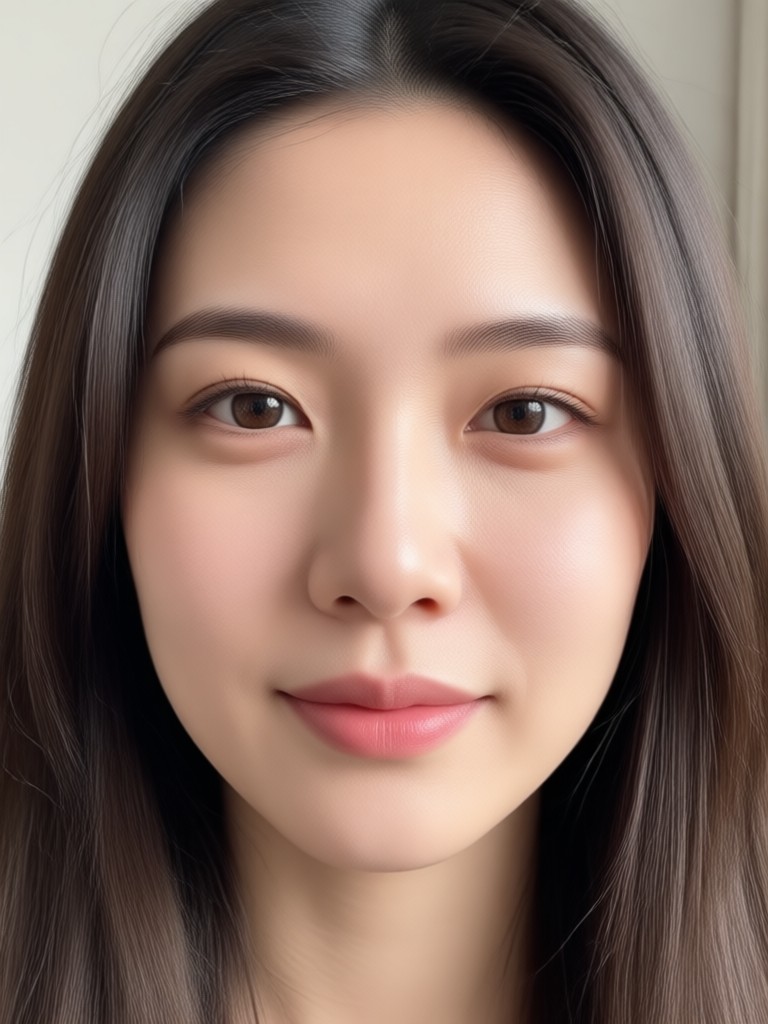
Why Add Your Face to Photos
Face insertion is not just a silly trick. It has practical uses for content creators, business owners, and anyone looking to refresh their digital presence.

From Profile Pics to Premium Branding
Maybe you want to see how a new hairstyle looks on you before committing to a cut. Or perhaps you are a marketer who needs a professional headshot without hiring a photographer. You might even just want to surprise your friends by inserting yourself into a scene from their favorite show. Funpack gives you the flexibility to control the result. Because the AI learns your facial structure, it applies your likeness accurately across dozens of characters and poses. You can create a consistent set of avatars for your social media channels or generate a funny birthday card in seconds. The tool removes the barrier between imagination and reality.
From Profile Pics to Premium Branding
Maybe you want to see how a new hairstyle looks on you before committing to a cut. Or perhaps you are a marketer who needs a professional headshot without hiring a photographer. You might even just want to surprise your friends by inserting yourself into a scene from their favorite show. Funpack gives you the flexibility to control the result. Because the AI learns your facial structure, it applies your likeness accurately across dozens of characters and poses. You can create a consistent set of avatars for your social media channels or generate a funny birthday card in seconds. The tool removes the barrier between imagination and reality.
How to Add Your Face to Any Picture
You only need three steps to create a convincing face insert. The process takes less than a minute once you have the app installed.

Step 01.
Download the Funpack app from Google Play and open it on your phone. No account setup is required to start browsing the free templates.

Step 02.
Upload a clear, front facing selfie. Then select the photo or template you want to put your face into. Pick from thousands of categories.

Step 03.
Tap Generate. The AI blends your face into the picture. Save the high resolution result to your gallery or share it directly to social media.
Who Uses Funpack to Add Faces

Chris B.
I made a fake movie poster with my face on it for my friends birthday. It looked so real that people thought he booked a role in a new film.

Dana K.
I used this to see how I would look with different makeup styles before buying expensive products. It saved me a lot of money.
Mike R.
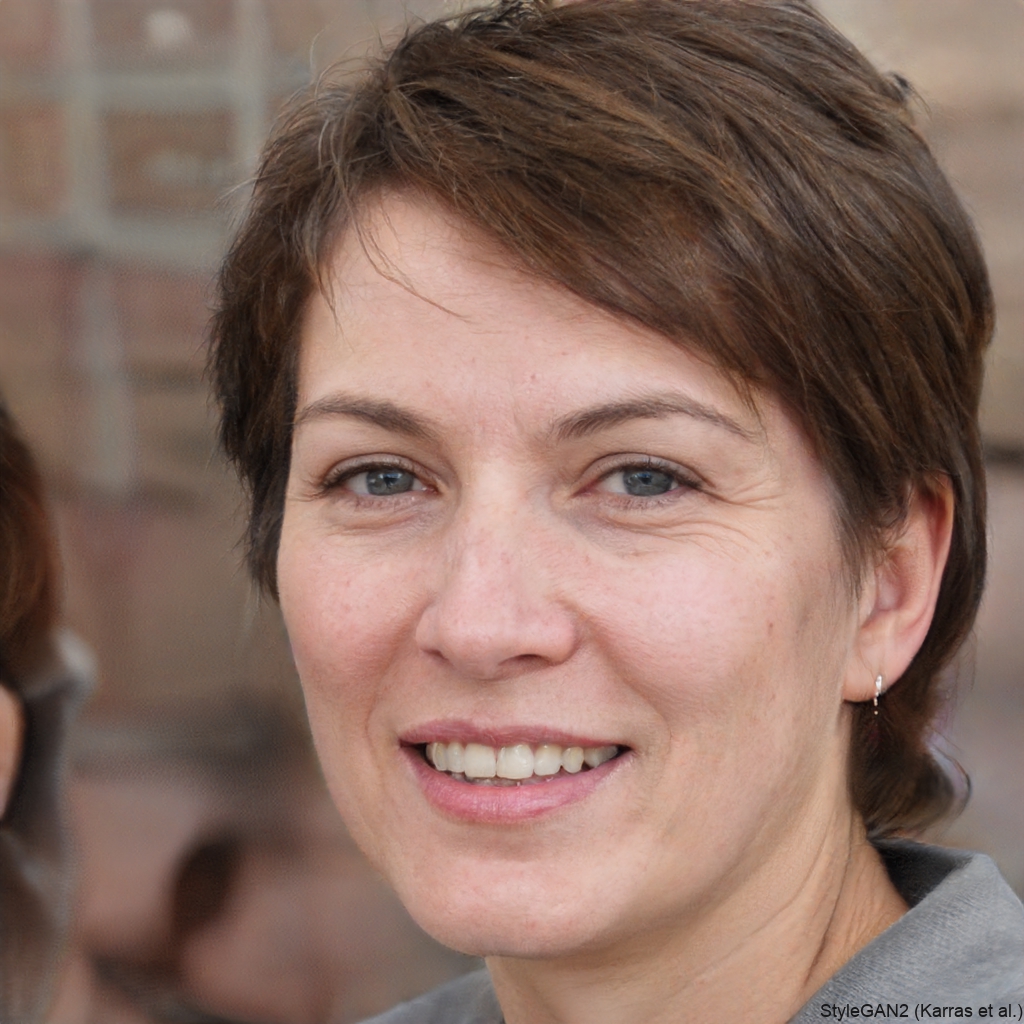
The quality is much better than other face apps I have tried. The blending around the jawline is very clean and it keeps my skin texture.
Sarah L.
I run a small boutique and I used this to put my face on different outfits for my social media ads. It performs better than standard product shots.
Chris B.
I made a fake movie poster with my face on it for my friends birthday. It looked so real that people thought he booked a role in a new film.
Dana K.
I used this to see how I would look with different makeup styles before buying expensive products. It saved me a lot of money.
Mike R.
The quality is much better than other face apps I have tried. The blending around the jawline is very clean and it keeps my skin texture.
Sarah L.
I run a small boutique and I used this to put my face on different outfits for my social media ads. It performs better than standard product shots.
Chris B.
I made a fake movie poster with my face on it for my friends birthday. It looked so real that people thought he booked a role in a new film.
Dana K.
I used this to see how I would look with different makeup styles before buying expensive products. It saved me a lot of money.
Mike R.
The quality is much better than other face apps I have tried. The blending around the jawline is very clean and it keeps my skin texture.
Sarah L.
I run a small boutique and I used this to put my face on different outfits for my social media ads. It performs better than standard product shots.
Frequently Asked Questions
Get quick answers about using Funpack to insert your face into any image.
Ready to See Your Face Everywhere?
Download Funpack now and start putting your face into any photo you can imagine. High quality results, endless templates, and zero editing skills required.

Ready to See Your Face Everywhere?
Download Funpack now and start putting your face into any photo you can imagine. High quality results, endless templates, and zero editing skills required.