Aesthetic Selfie Video Filters Soft Dreamy Pastels
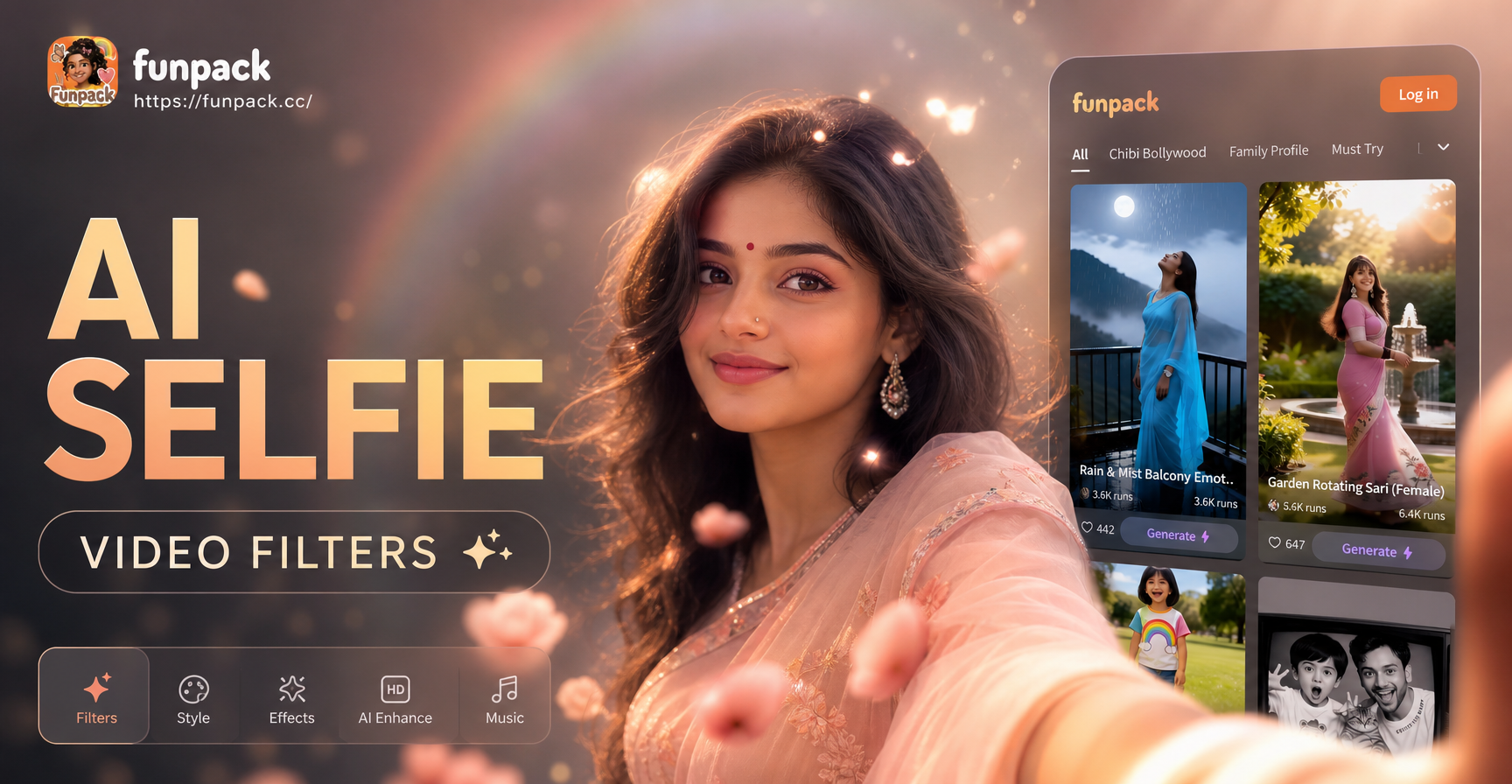
Discover Your Perfect Dreamy Aesthetic
From soft cream pastels to romantic blush tones, find the filter that perfectly matches your desired mood and content style.
Craft Your Signature Soft Dreamy Look
Our aesthetic filters go beyond a simple preset. They intelligently apply color, light, and texture to give your videos a professional, dream-like quality.
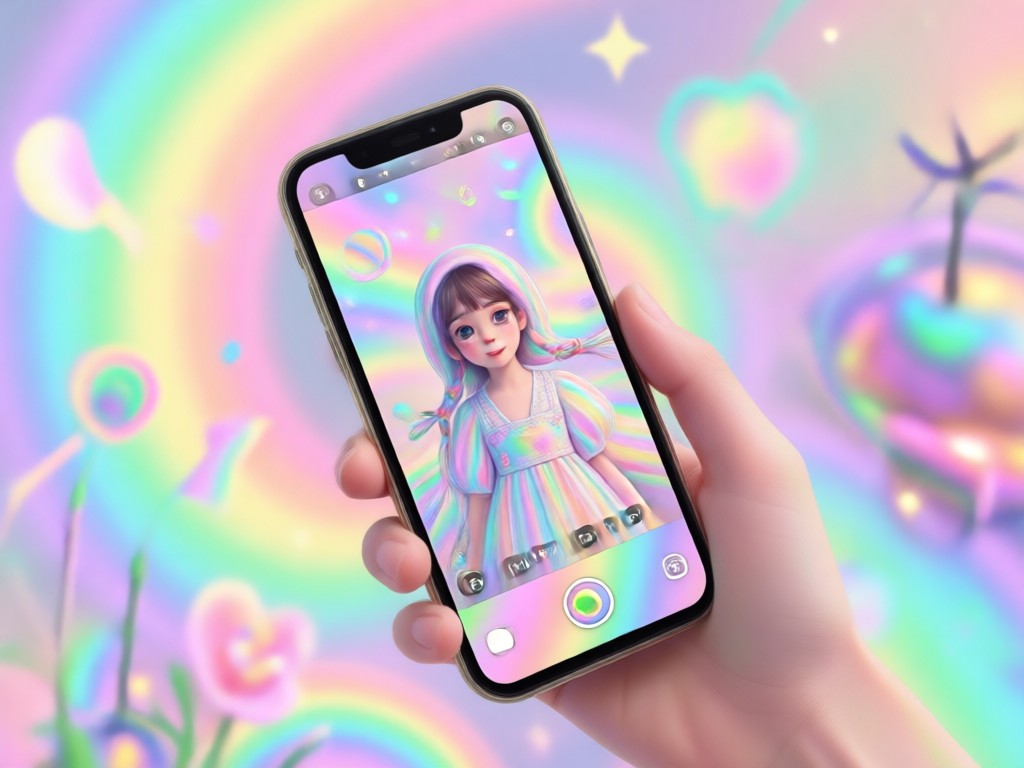
Gentle Pastel Color Grading
Apply subtle washes of lavender, cream, peach, and sky blue. The AI smartly adjusts tones to complement skin and environments without oversaturation.
Gentle Pastel Color Grading
Apply subtle washes of lavender, cream, peach, and sky blue. The AI smartly adjusts tones to complement skin and environments without oversaturation.
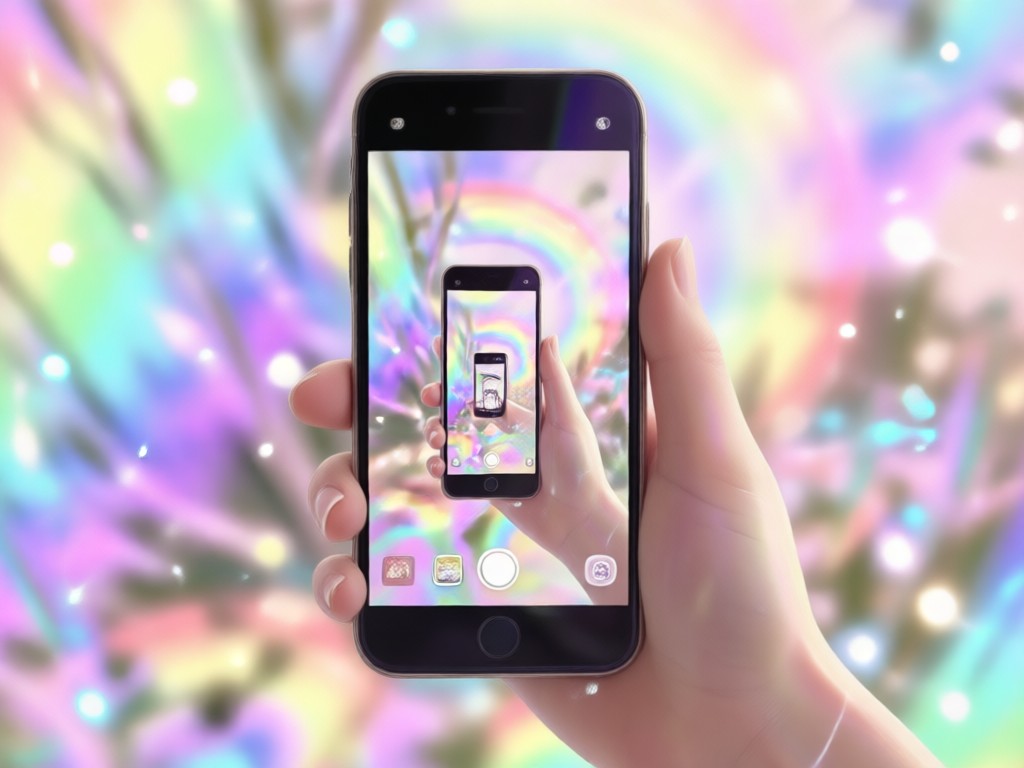
Ethereal Glow & Soft Focus
Add a luminous, sun-kissed glow and a gentle soft focus effect that mimics cinematic diffusion filters for a truly dreamy aesthetic.
Ethereal Glow & Soft Focus
Add a luminous, sun-kissed glow and a gentle soft focus effect that mimics cinematic diffusion filters for a truly dreamy aesthetic.
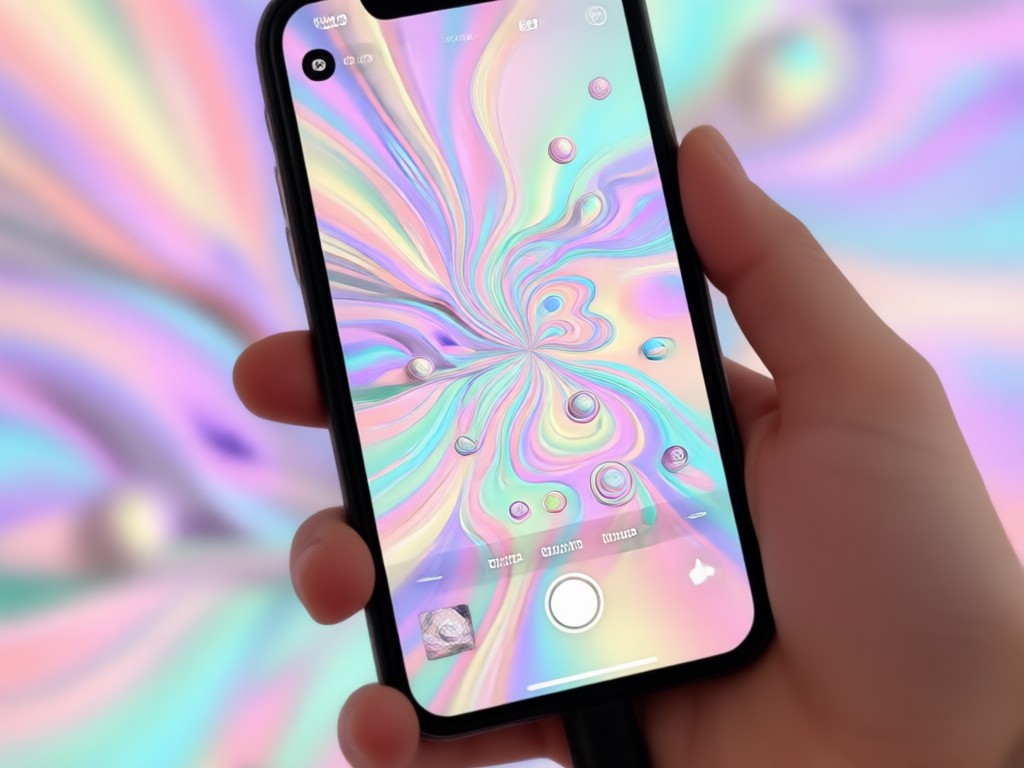
Creamy Bokeh & Light Leaks
Simulate beautiful background blur with creamy bokeh shapes and add organic-looking light leaks for a vintage, romantic film aesthetic.
Creamy Bokeh & Light Leaks
Simulate beautiful background blur with creamy bokeh shapes and add organic-looking light leaks for a vintage, romantic film aesthetic.
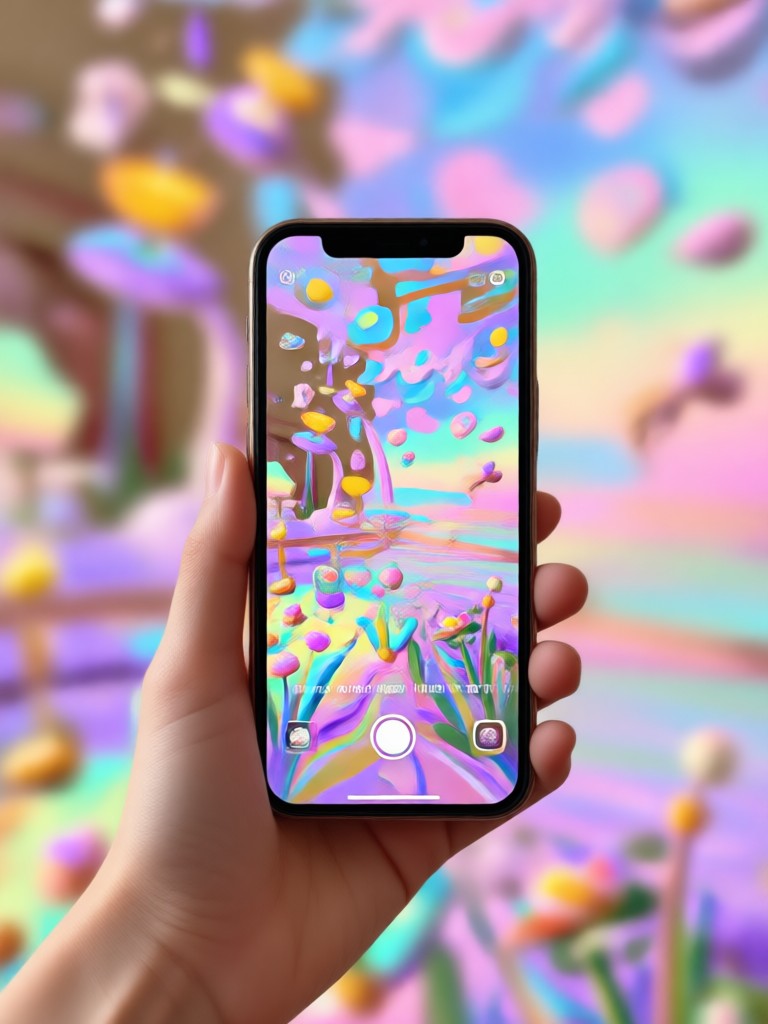
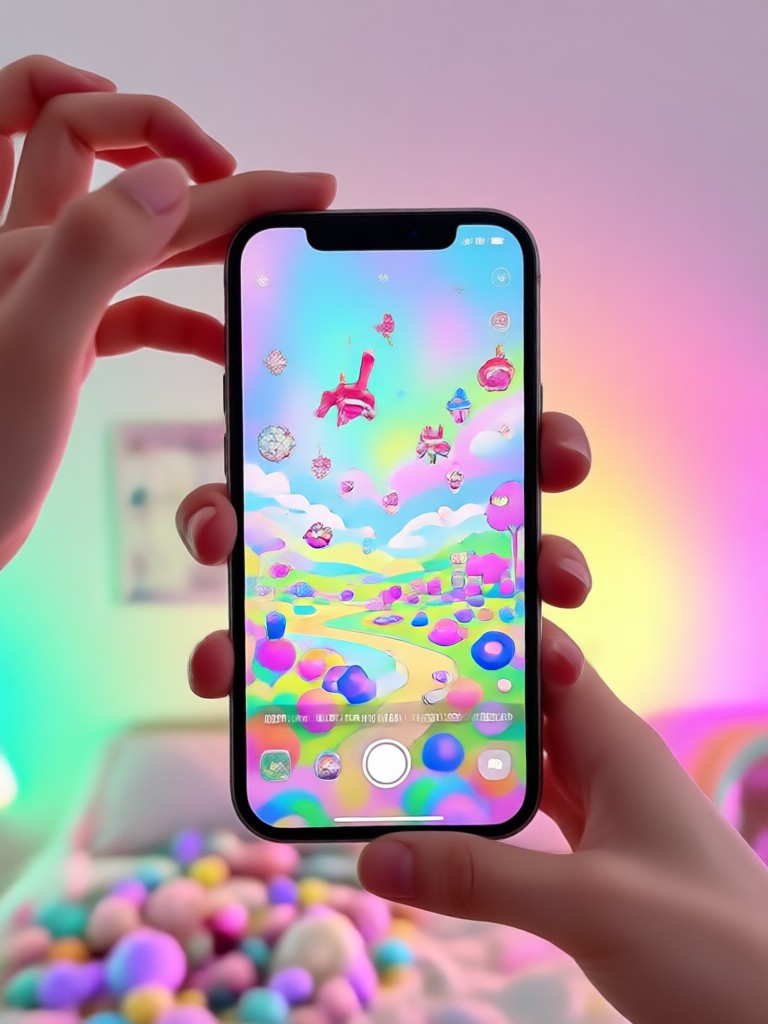
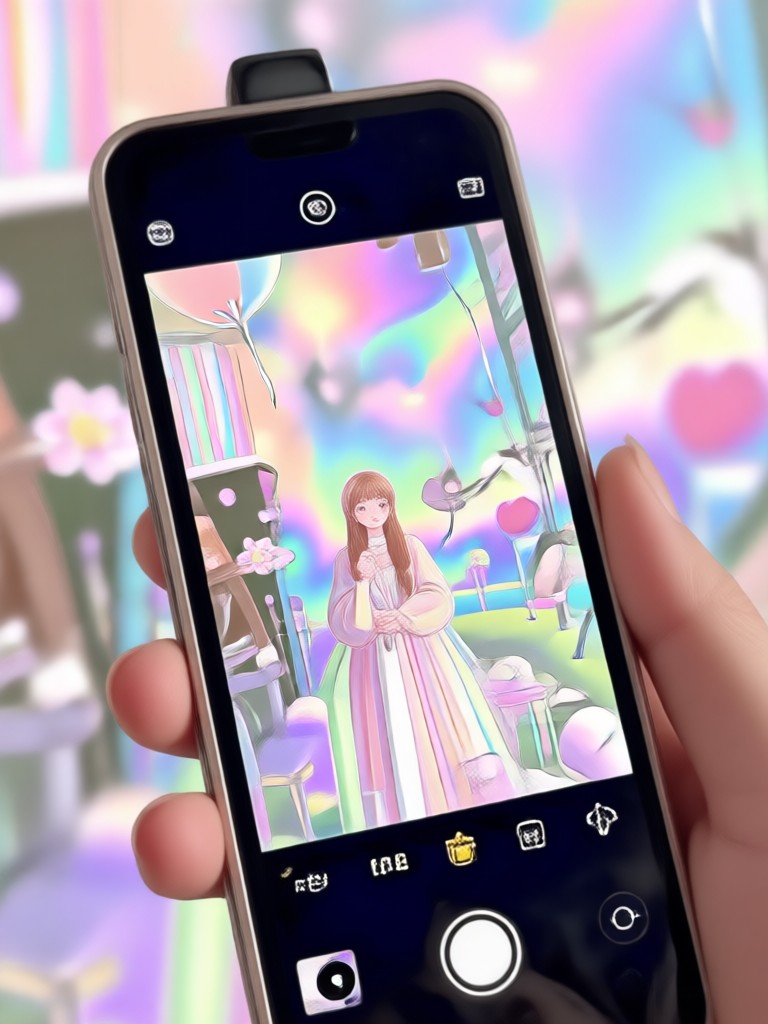
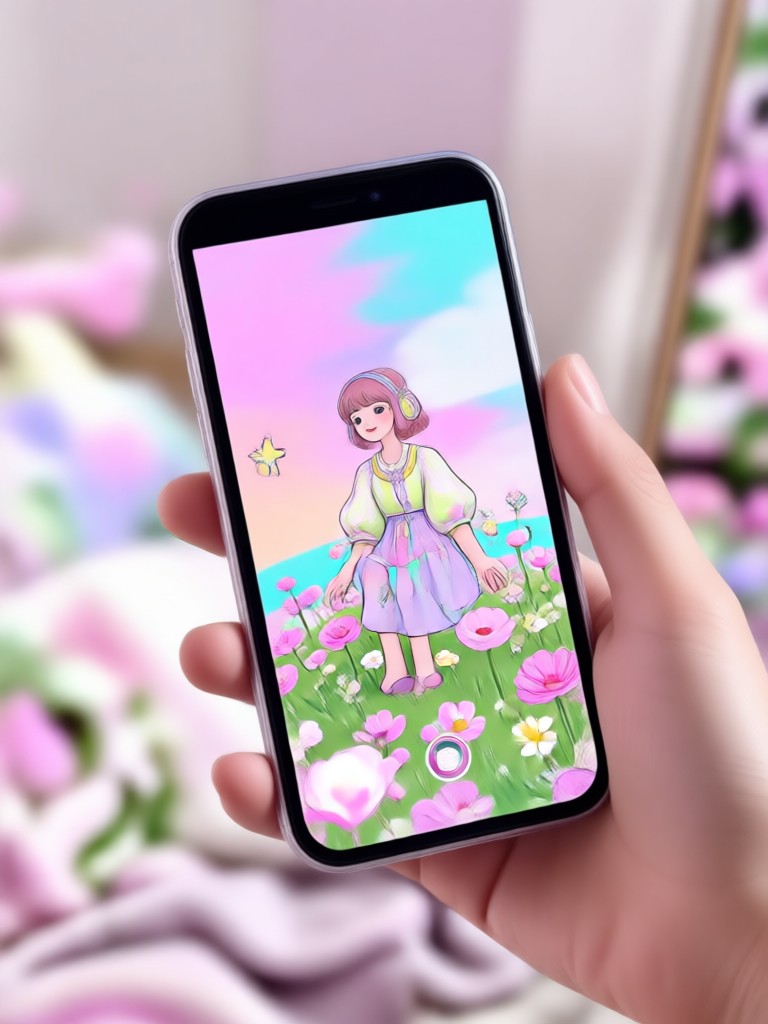
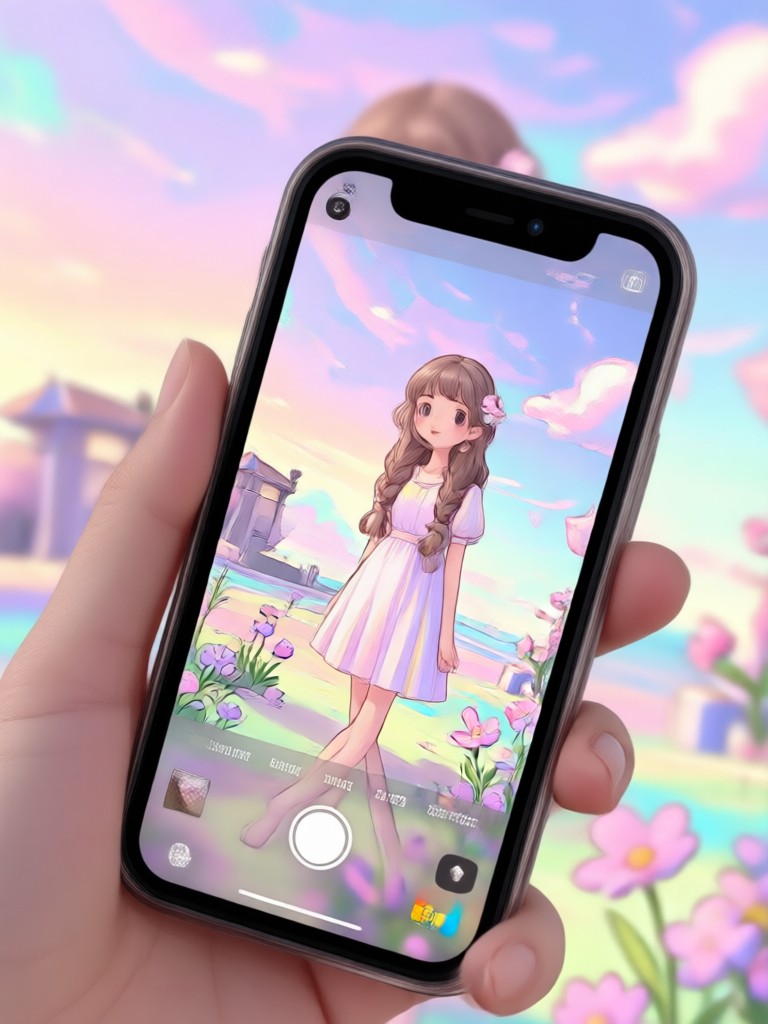
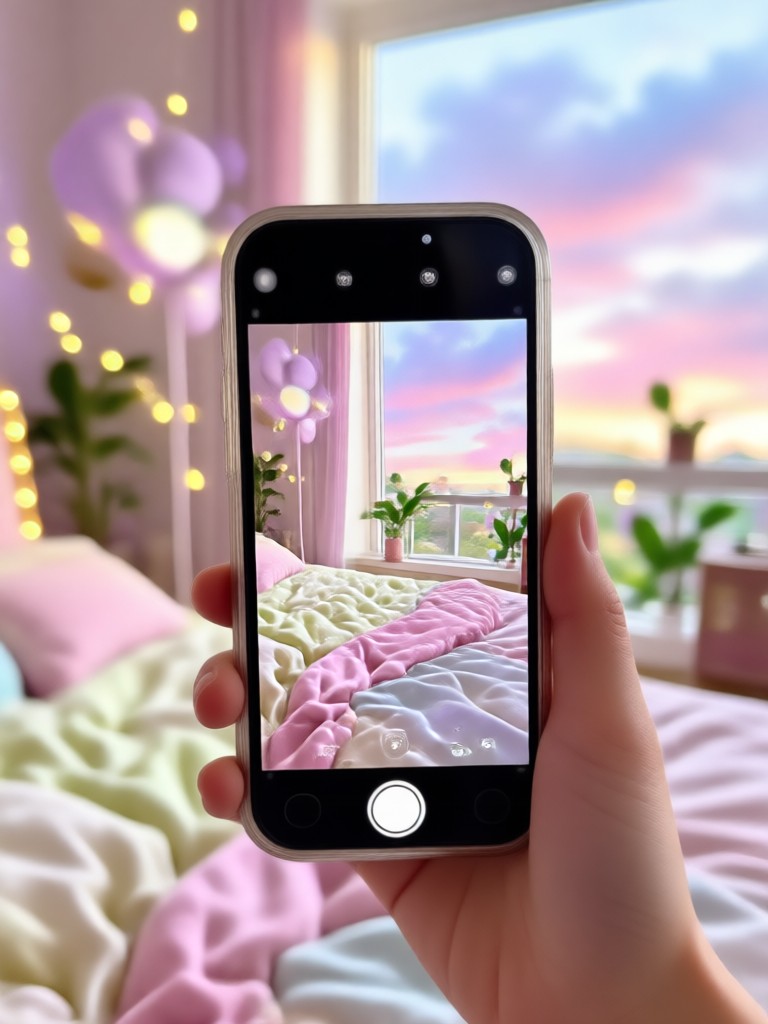
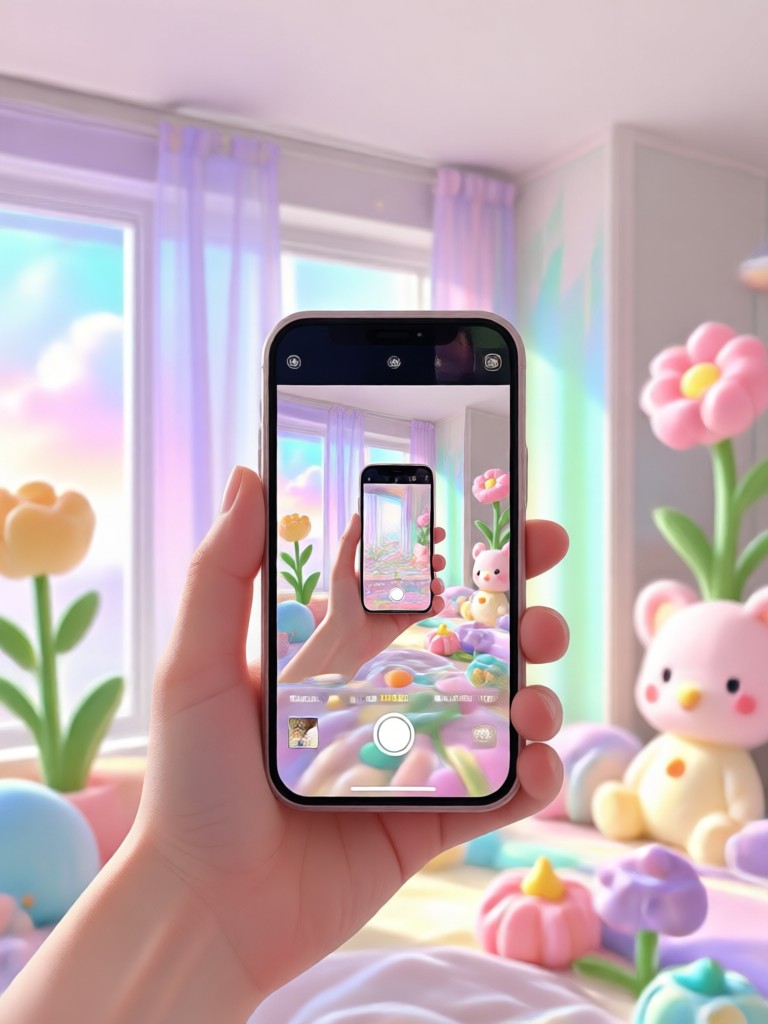
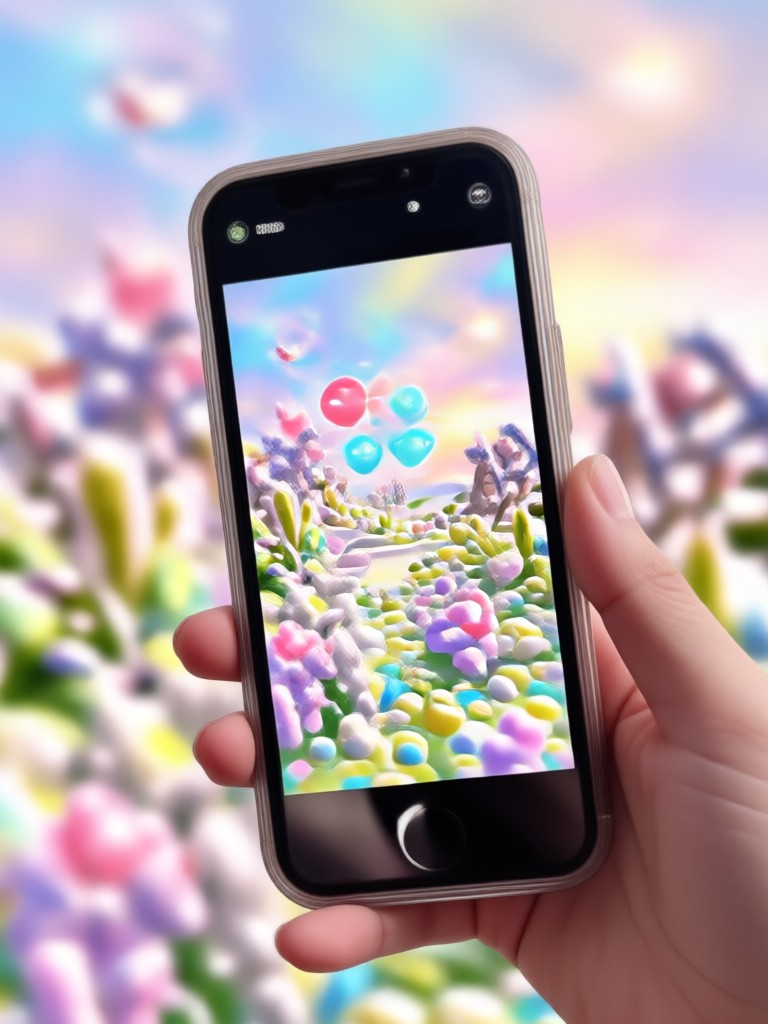
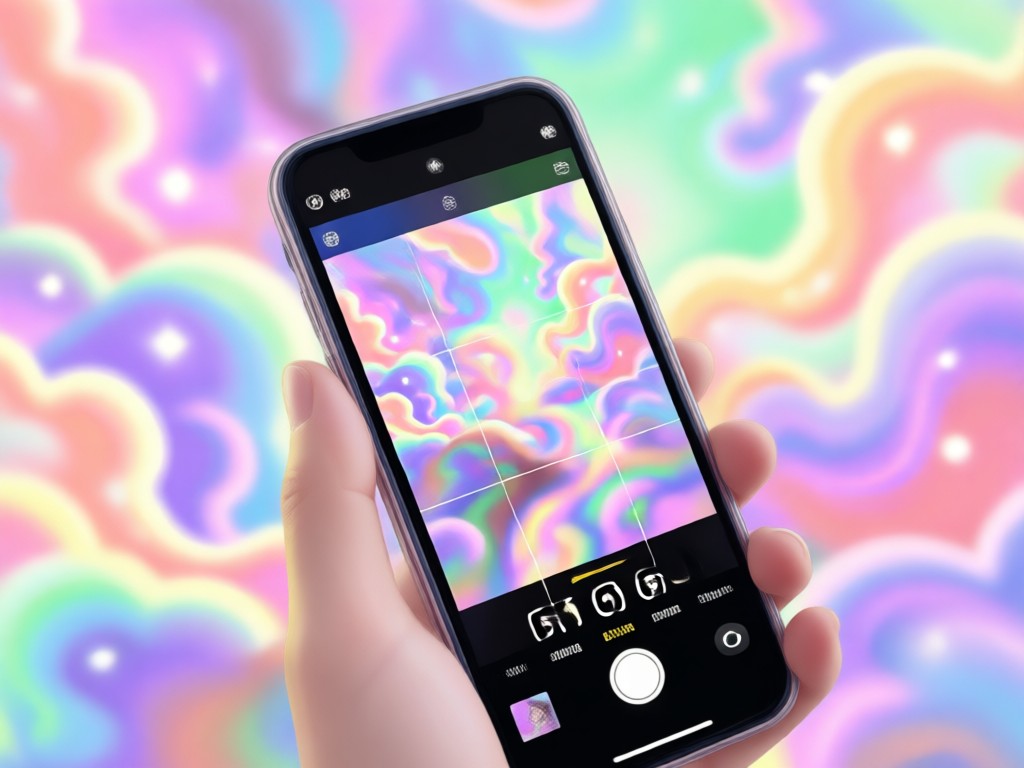
The Soft Dreamy Aesthetic in Motion
See how our aesthetic filters transform ordinary selfie videos into soft, dreamy, and pastel-hued visual stories. Get inspired for your next creation.
Why Choose Our Aesthetic Video Filters?
Stand out on social media with a consistent, professional soft dreamy aesthetic. Our filters are built with AI to ensure colors look natural, skin tones remain flattering, and the dreamy effect enhances your video without looking artificial.
Why Choose Our Aesthetic Video Filters?
Stand out on social media with a consistent, professional soft dreamy aesthetic. Our filters are built with AI to ensure colors look natural, skin tones remain flattering, and the dreamy effect enhances your video without looking artificial.
How to Apply Soft Dreamy Pastel Filters?
Create stunning aesthetic selfie videos in just three simple steps using the funpack app on your phone.

Step 01.
Download the funpack app from Google Play to access all soft dreamy pastel filters and aesthetic video tools.
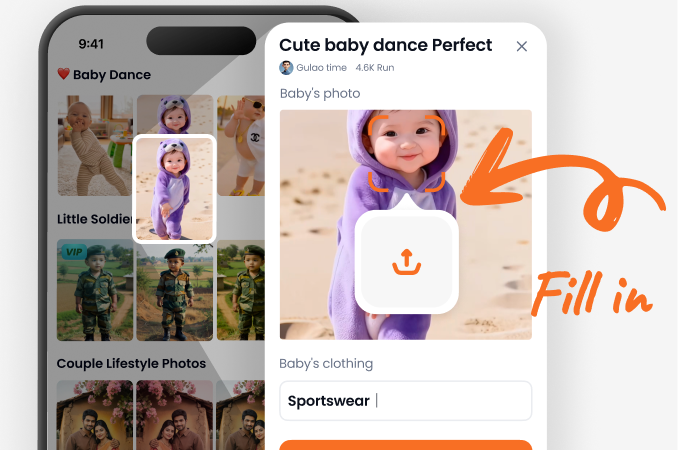
Step 02.
Select the 'Video' tab and browse the 'Aesthetic' category. Choose a filter like 'Soft Blush', 'Dream Glow', or 'Pastel Cream'.
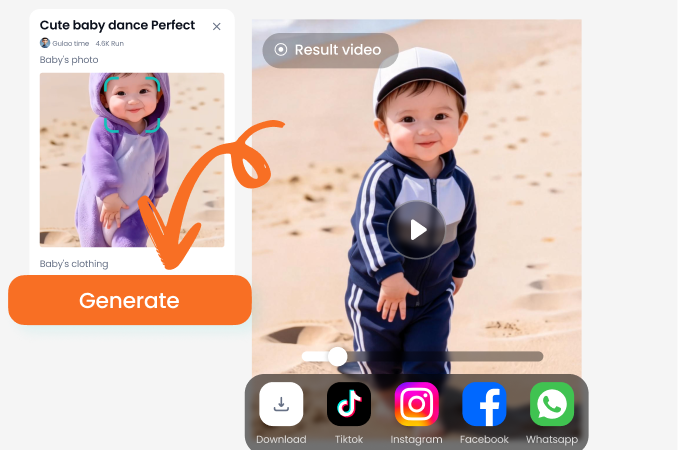
Step 03.
Upload your selfie video, apply the filter, and adjust intensity if desired. Export in high quality and share your dreamy creation.
Content Creators Love the Dreamy Aesthetic
Perfect for my lifestyle channel's vibe
I was struggling to get a consistent soft color grade across all my videos. These aesthetic filters do it instantly. The 'Pastel Cream' filter is now my signature look, and my audience always asks about it.
Makes my travel videos look like a dream
The soft dreamy filters add such a magical, ethereal quality to my travel clips. The glow effect makes golden hour footage absolutely stunning. It's so easy to get a professional aesthetic on my phone.
Essential for my ASMR and calm content
The gentle pastel tones and soft focus are exactly what I need to complement my calming ASMR videos. It enhances the tranquil mood without any complicated editing software.
Aesthetic Selfie Video Filter FAQs
Find answers to common questions about creating soft, dreamy, pastel-hued videos with our aesthetic filters.
More Topics You May Like
Explore more topics you may like and discover fresh ideas tailored to your interests.
Angry Face Filter: AI Rage & Grumpy Mood Effects
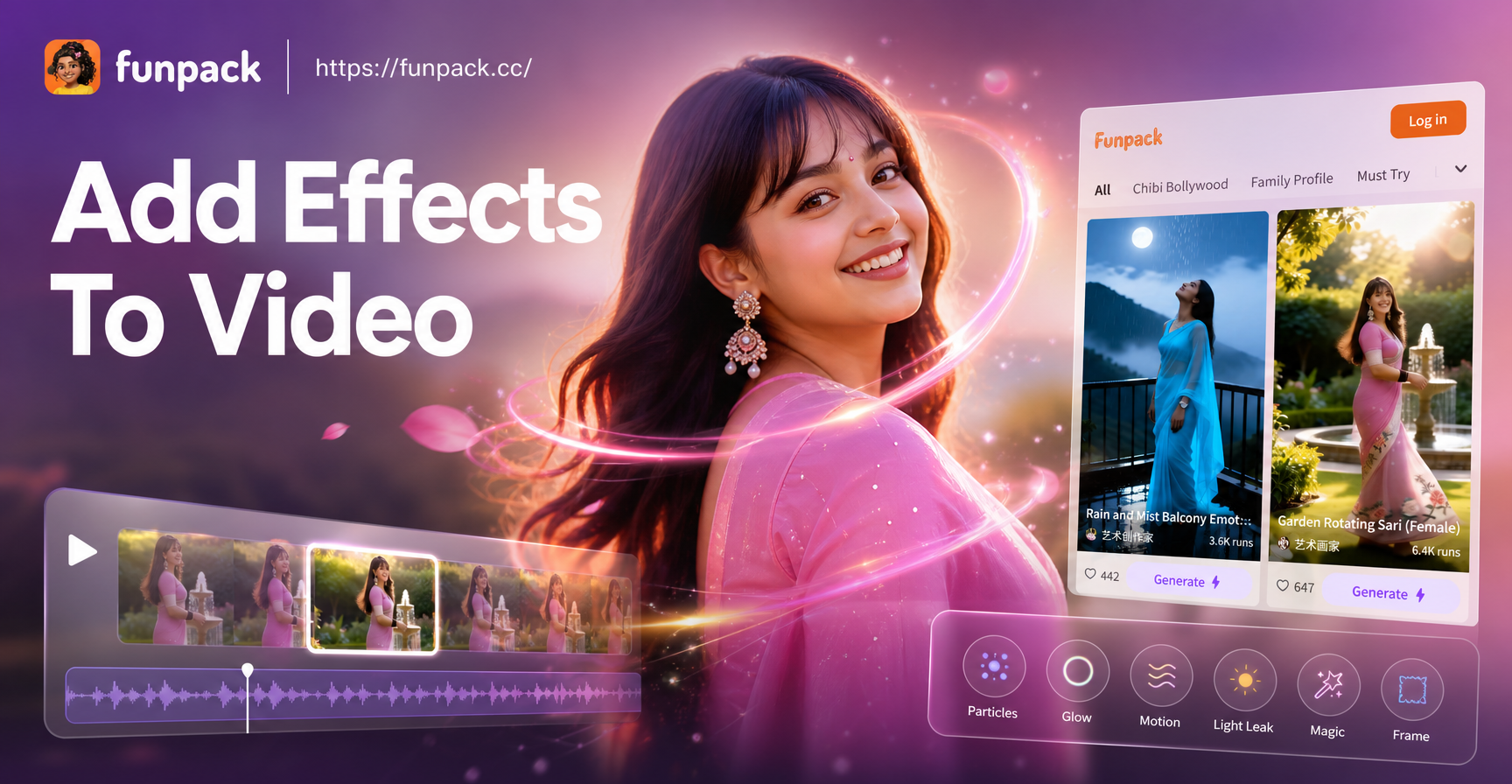
Add Pro Visual Effects to Video in Seconds | AI Magic Tool
AI Video Face Editor: Transform Your Look in Any Clip
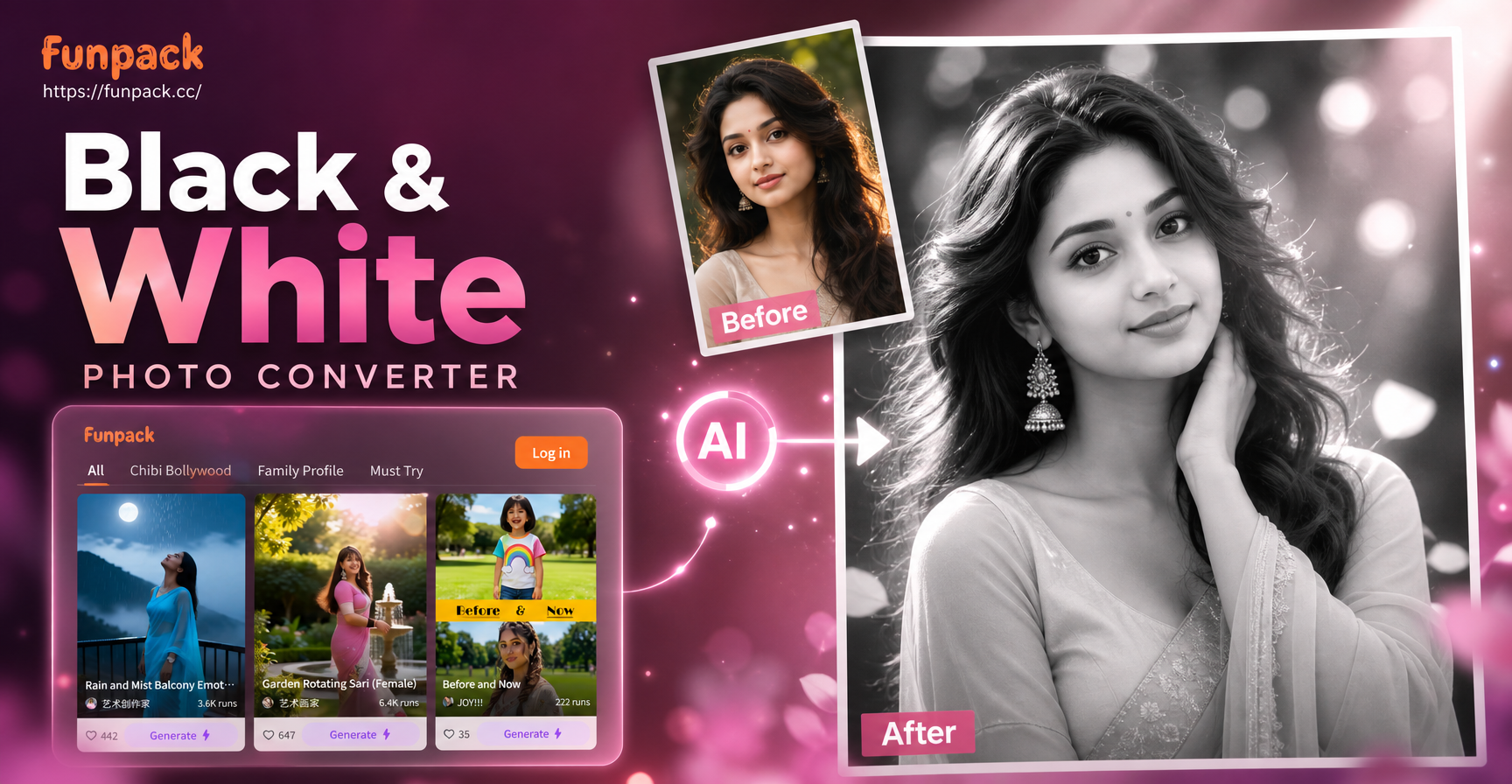
Transform Photos: Free B&W Converter
Angry Face Filter: AI Rage & Grumpy Mood Effects
Add Pro Visual Effects to Video in Seconds | AI Magic Tool
AI Video Face Editor: Transform Your Look in Any Clip
Transform Photos: Free B&W Converter
Define Your Dreamy Visual Style
Stop searching for the perfect aesthetic. Transform your videos with professional soft dreamy pastel filters in one tap. Download funpack and start creating today.
Define Your Dreamy Visual Style
Stop searching for the perfect aesthetic. Transform your videos with professional soft dreamy pastel filters in one tap. Download funpack and start creating today.