AI Blurred Background Generator
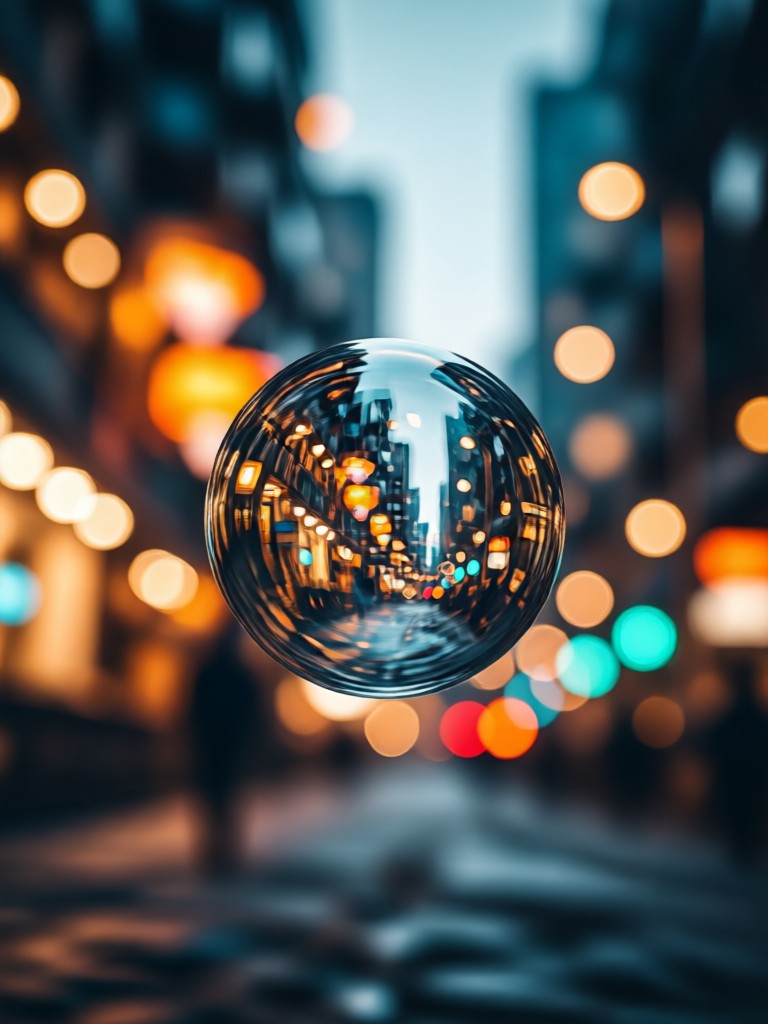
Choose Your Perfect Blur Effect
From subtle depth-of-field to dramatic cinematic bokeh, select the blur style that best fits your video's mood and subject.
Key Features of AI Blur Background
Our generator uses advanced AI to deliver professional-grade blurring effects that are realistic, adjustable, and incredibly easy to use.
Smart Subject Detection
The AI automatically and accurately identifies the main subject in your video or photo, ensuring the blur is applied perfectly to the background only.
Smart Subject Detection
The AI automatically and accurately identifies the main subject in your video or photo, ensuring the blur is applied perfectly to the background only.
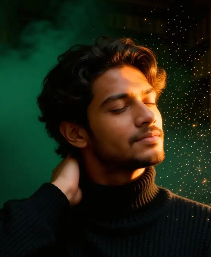
Adjustable Blur Intensity
Fine-tune the strength of the blur effect from a soft, natural depth-of-field to an intense, artistic bokeh for maximum creative control.
Adjustable Blur Intensity
Fine-tune the strength of the blur effect from a soft, natural depth-of-field to an intense, artistic bokeh for maximum creative control.
Cinematic Bokeh Styles
Choose from various blur styles, including realistic lens bokeh, Gaussian blur, and motion blur, to match the aesthetic of your project.
Cinematic Bokeh Styles
Choose from various blur styles, including realistic lens bokeh, Gaussian blur, and motion blur, to match the aesthetic of your project.
How to Blur a Video Background with AI?
Create professional-looking videos with a blurred background in just three simple steps, directly from your phone.
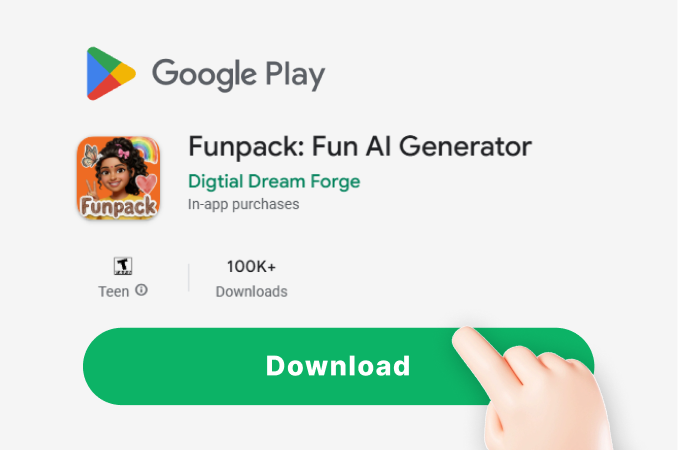
Step 01.
Download the funpack app from Google Play to access the AI blur video background tool on your mobile device.
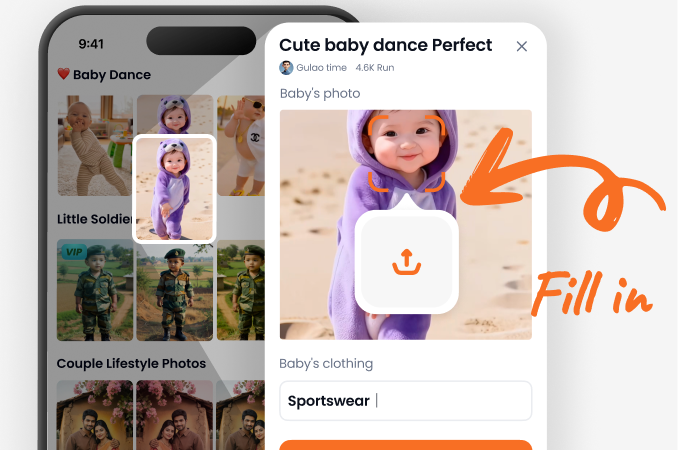
Step 02.
Upload your video or photo, then select the 'Blur Background' filter from our extensive effects library.
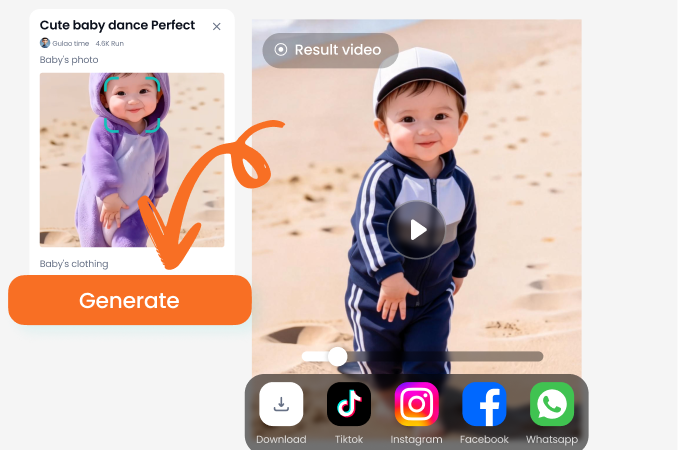
Step 03.
Adjust the blur strength to your liking, then export and share your professionally focused video instantly.
AI Blur Background Results Gallery
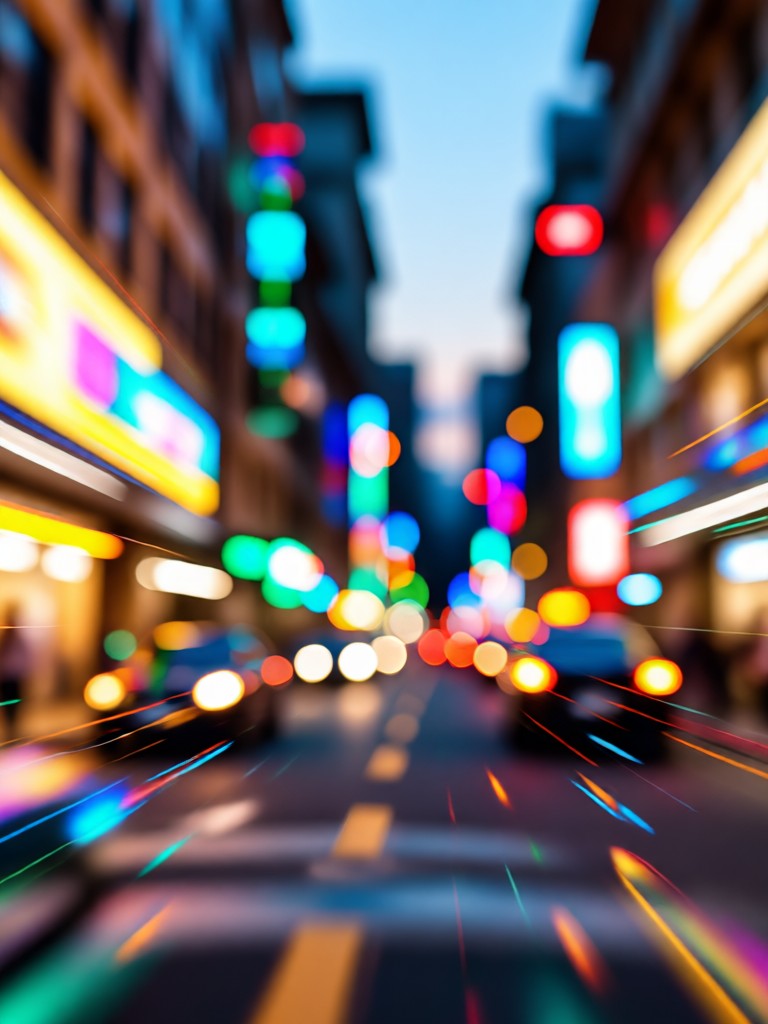
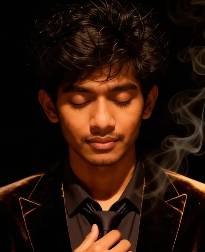
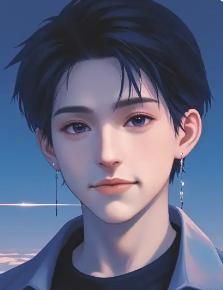
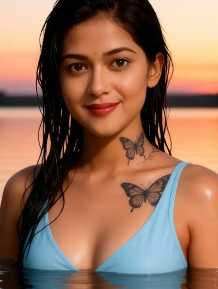
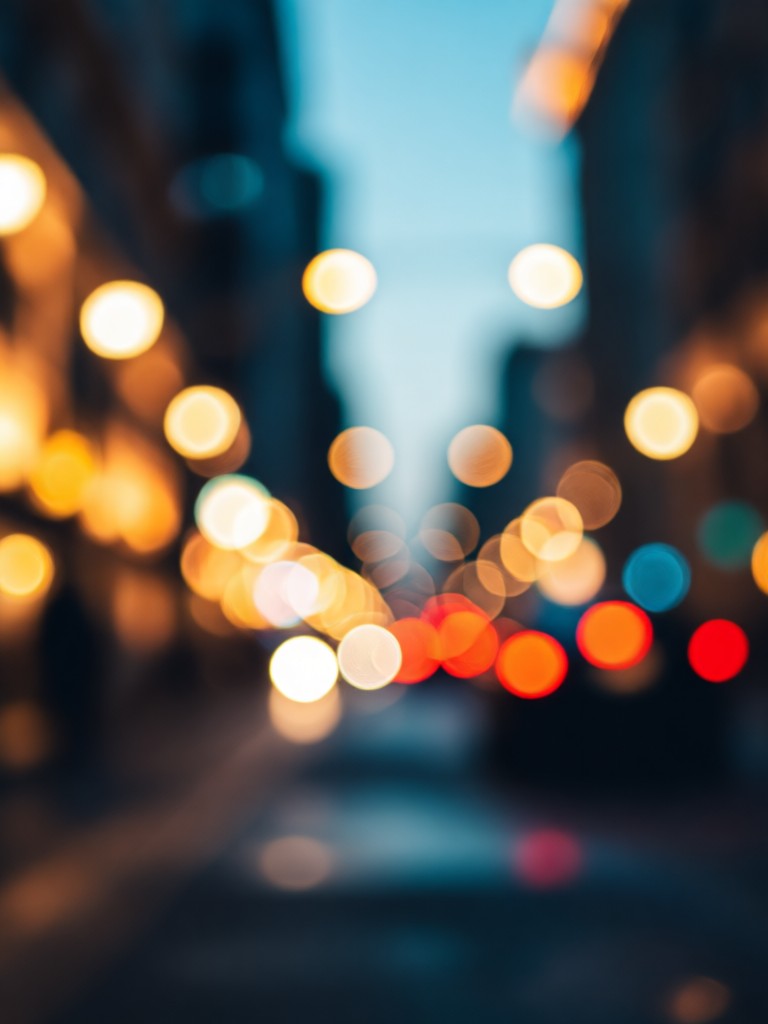
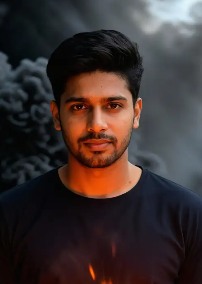
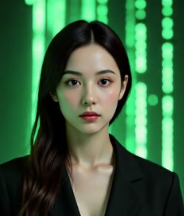
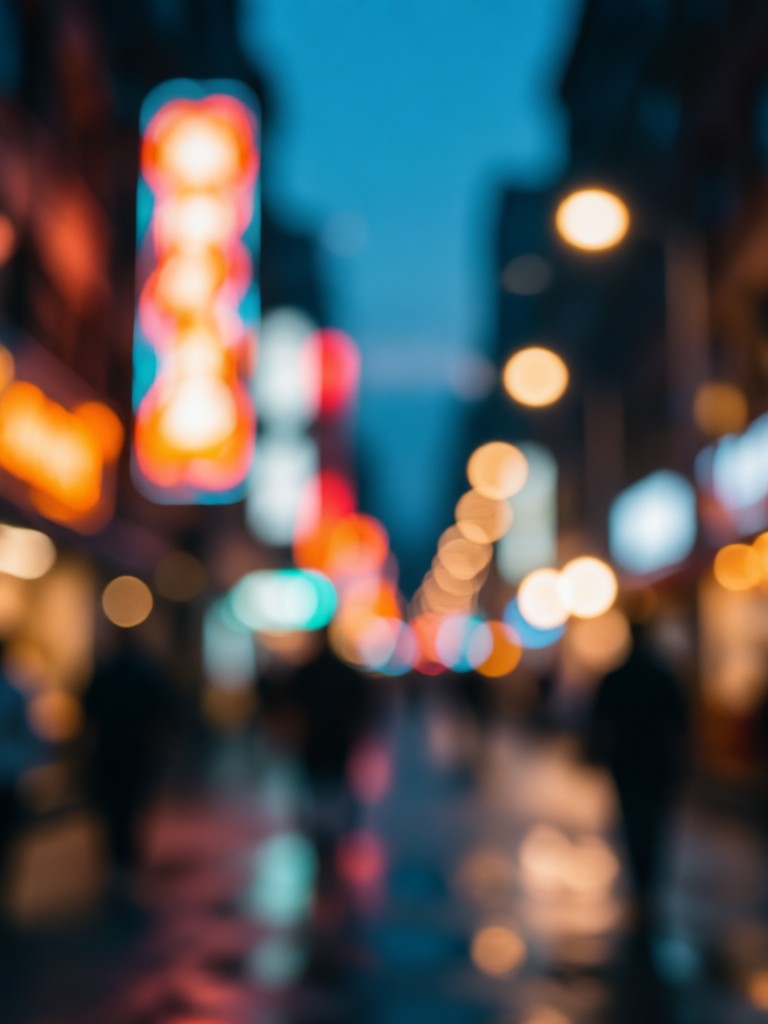
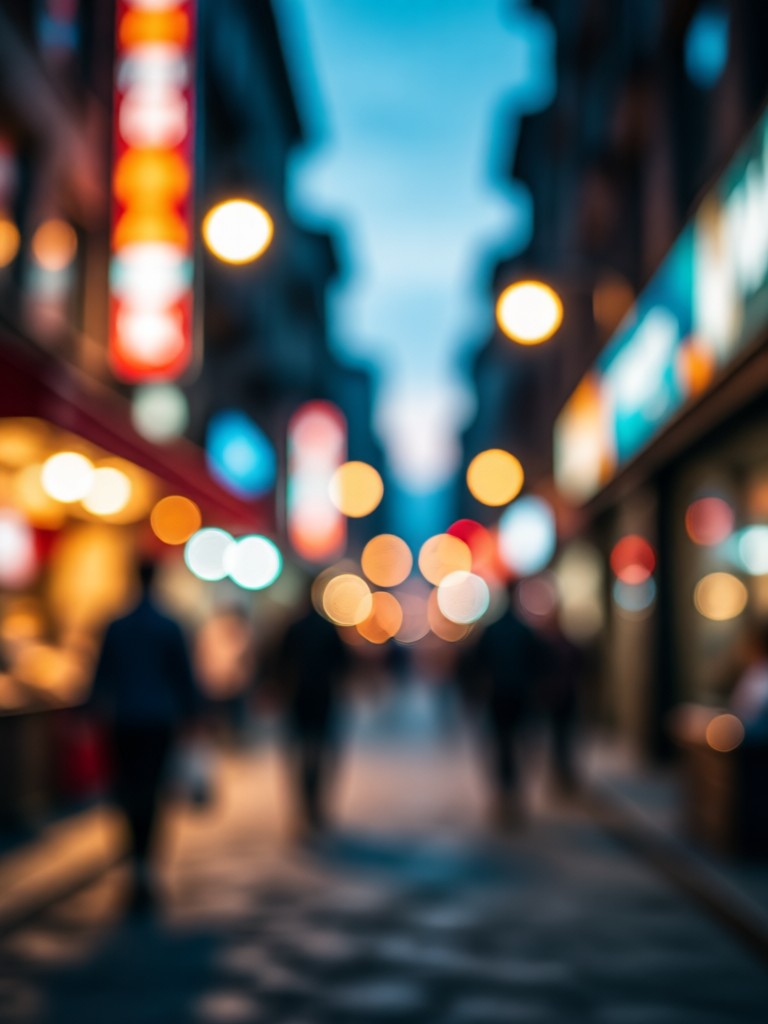
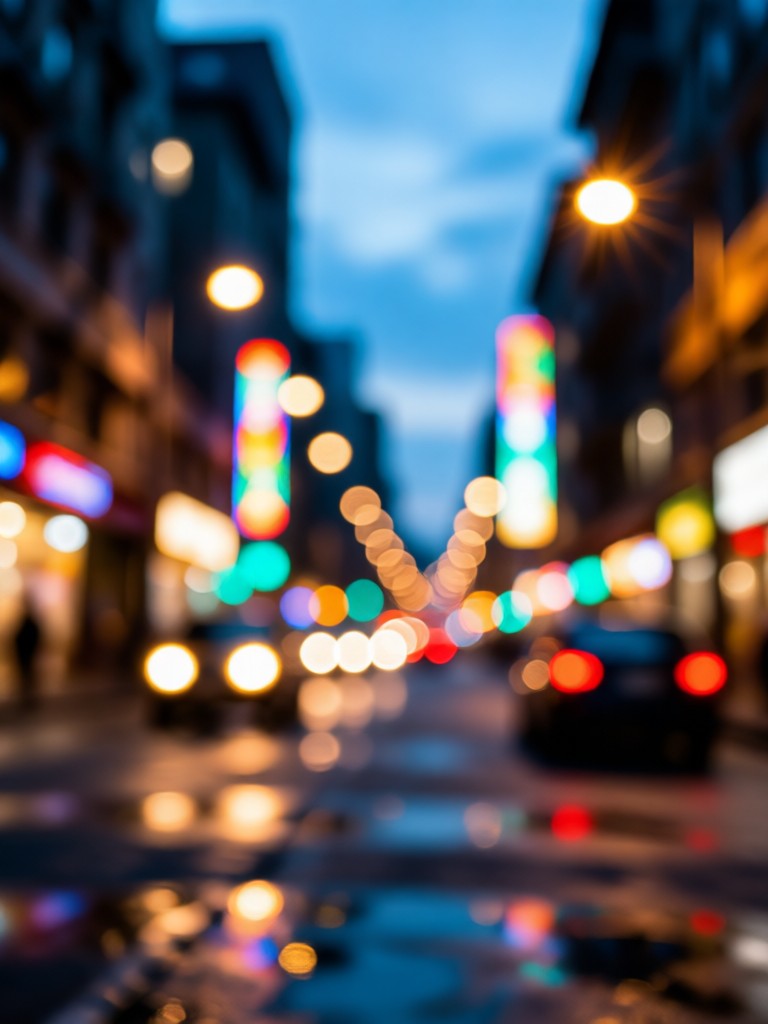
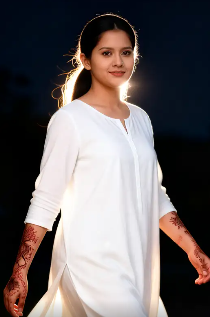
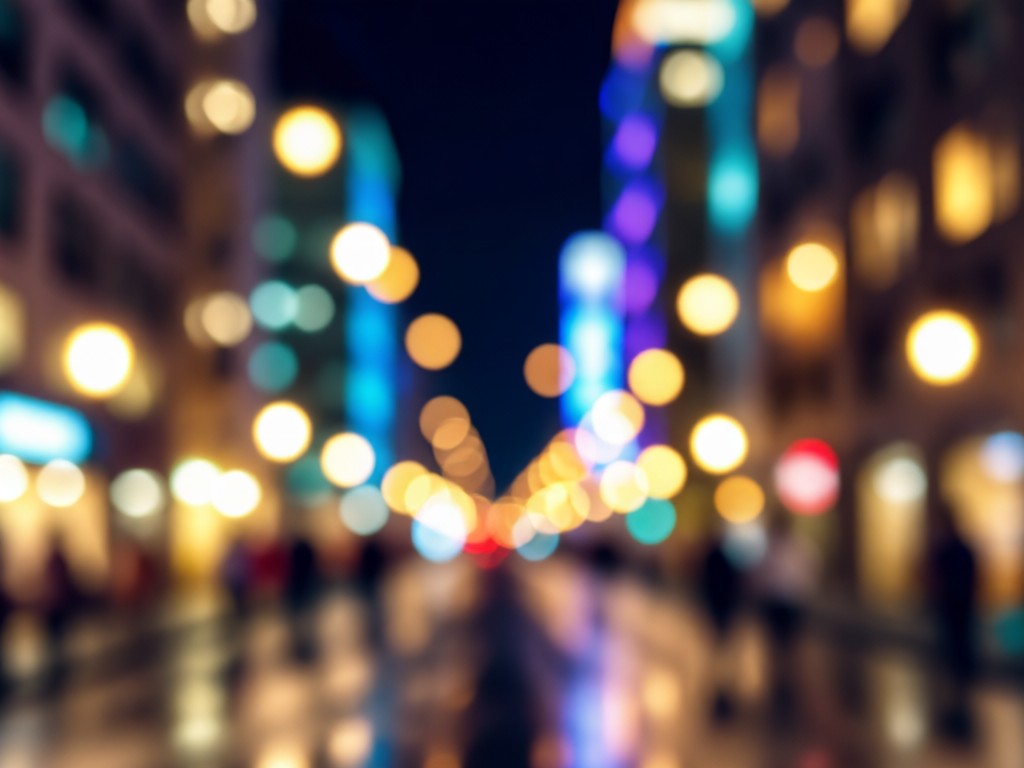
See how AI transforms ordinary videos and photos into cinematic masterpieces by adding professional blurred backgrounds. Get inspired for your next project.

Why Use an AI Blurred Background Generator?
Manually blurring backgrounds in video editing software is time consuming and requires skill. Our AI does it instantly, delivering consistent, high quality results that make your subject stand out with professional polish, perfect for content creators, marketers, and anyone wanting to improve their video quality.
Why Use an AI Blurred Background Generator?
Manually blurring backgrounds in video editing software is time consuming and requires skill. Our AI does it instantly, delivering consistent, high quality results that make your subject stand out with professional polish, perfect for content creators, marketers, and anyone wanting to improve their video quality.
Here is What Content Creators Think
A Game-Changer for My YouTube Channel
My talking head videos look so much more professional now. The AI blur video background tool isolates me perfectly every time, even with a cluttered desk behind me. It saves me hours in editing.
Perfect for Client Social Media Content
I use this to quickly polish product demo videos for my small business clients. The cinematic blur makes even simple smartphone footage look high end, and they love the results.
Makes Online Teaching Videos More Engaging
When I record lessons, I need my students focused on me, not my home office. This AI blurred background generator is incredibly easy and creates a clean, distraction free frame every time.
Get the AI Blur Tool on Your Phone
Download funpack now and transform your videos anywhere. Access the AI blur video background generator and thousands of other creative effects directly in your pocket.

Frequently Asked Questions
Get quick answers to common questions about using the AI blurred background generator for your videos and photos.
More Topics You May Like
Explore more topics you may like and discover fresh ideas tailored to your interests.
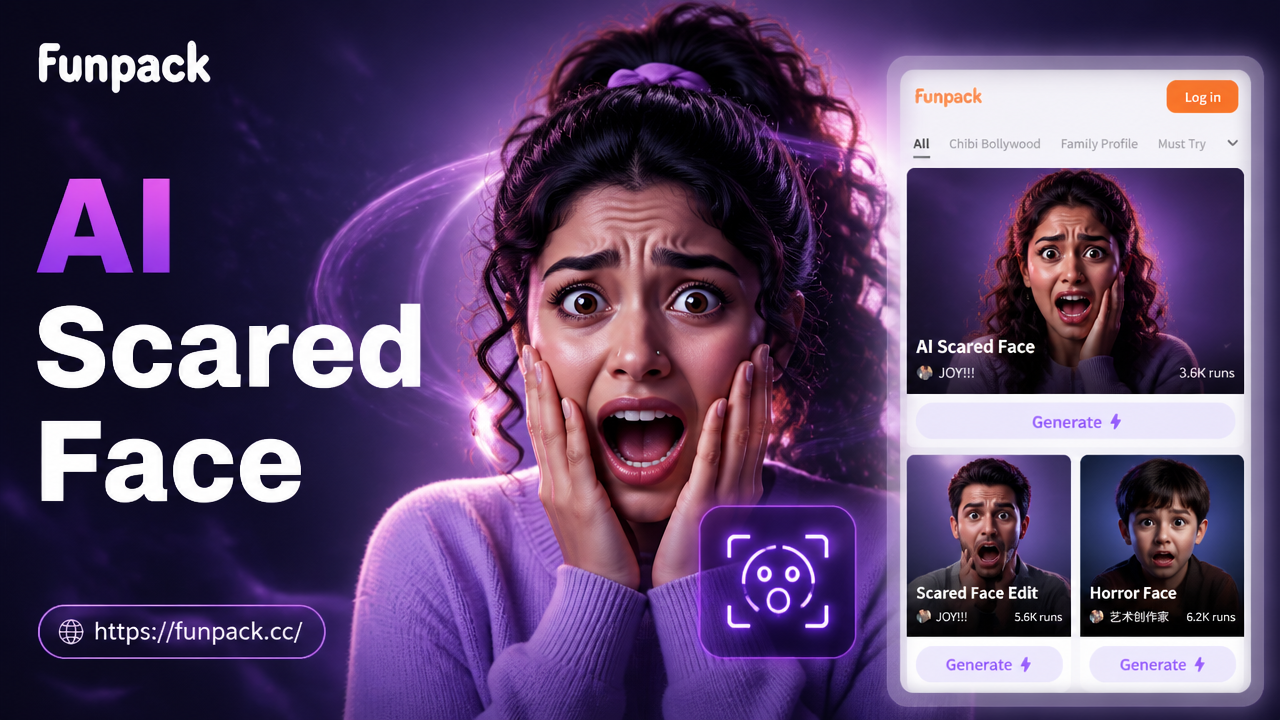
AI Scared Face Effect: Create Viral Horror & Fear Memes
Use the AI Scared Face Effect to instantly transform photos into hilarious fear memes. Add realistic scared expressions, jump scares, and viral horror effects with one tap. No editing skills needed.
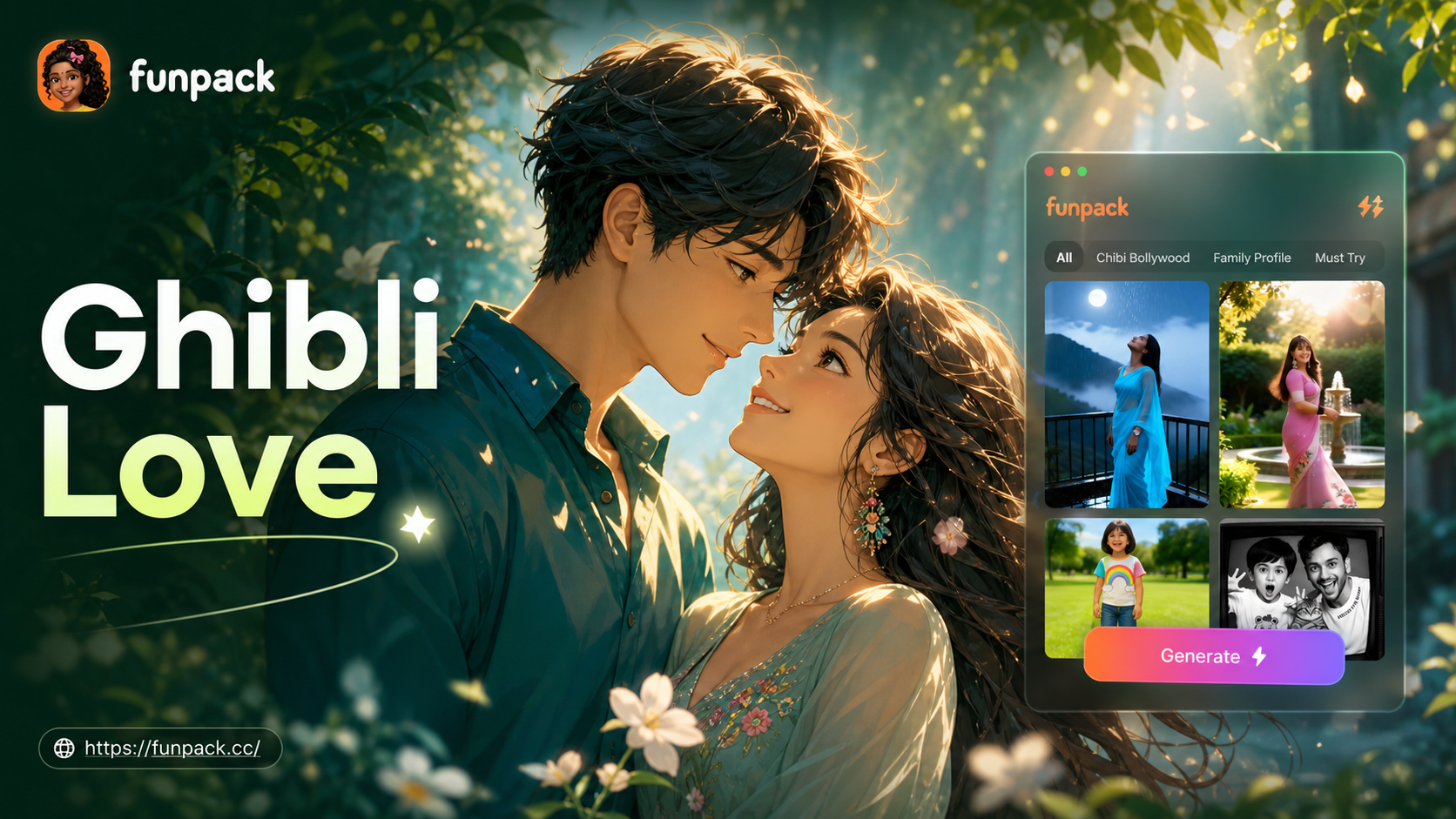
Ghibli Couple Photo: Create Magical Anime Portraits
Transform your photos into magical Ghibli couple portraits. Use AI to instantly become characters from Studio Ghibli films. No artistic skills needed. Create enchanting anime-style couple photos in seconds.
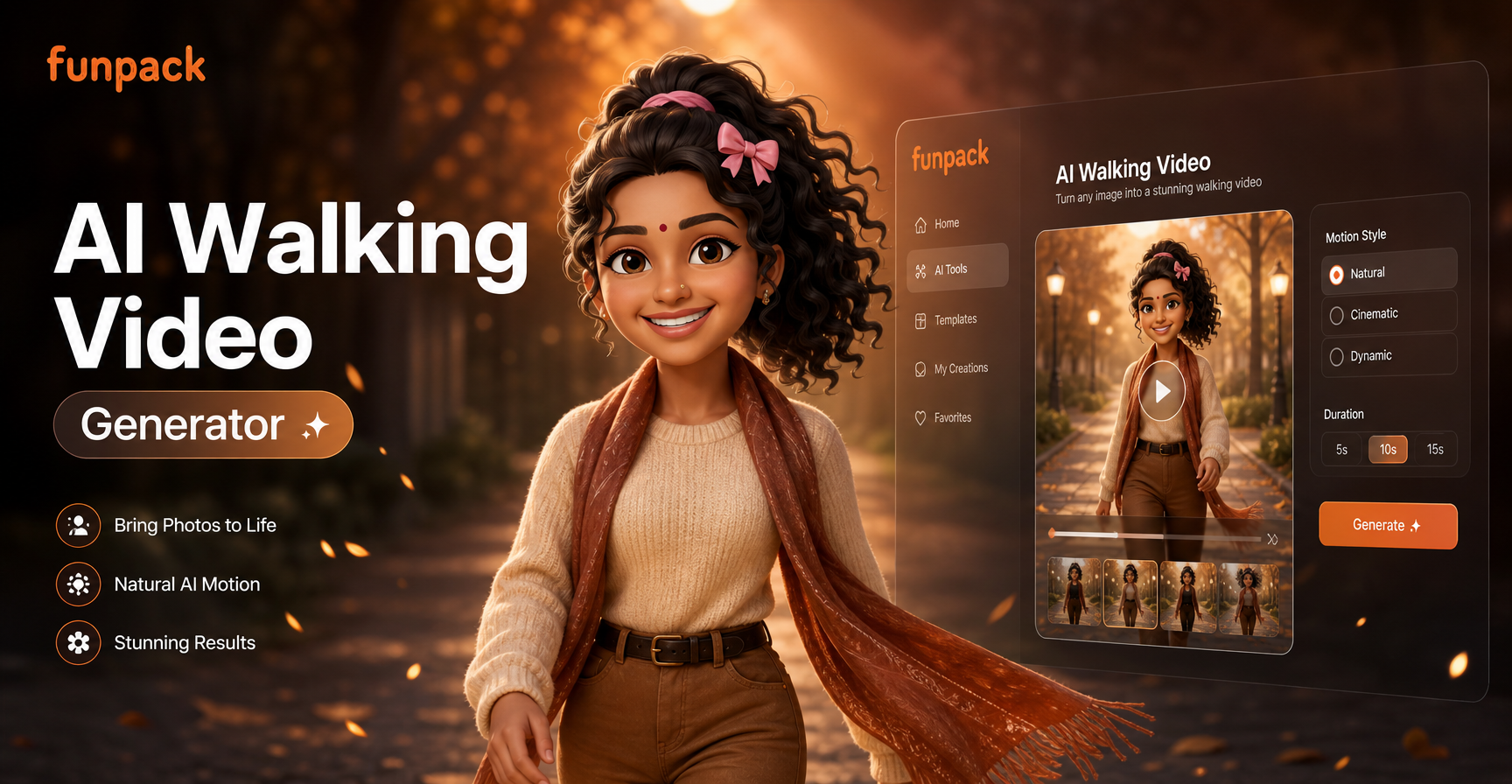
Create AI Walking Videos Instantly | FunPack
Generate lifelike AI walking videos for free. No skills needed. Upload a photo, pick a template, and watch your character move realistically in seconds.
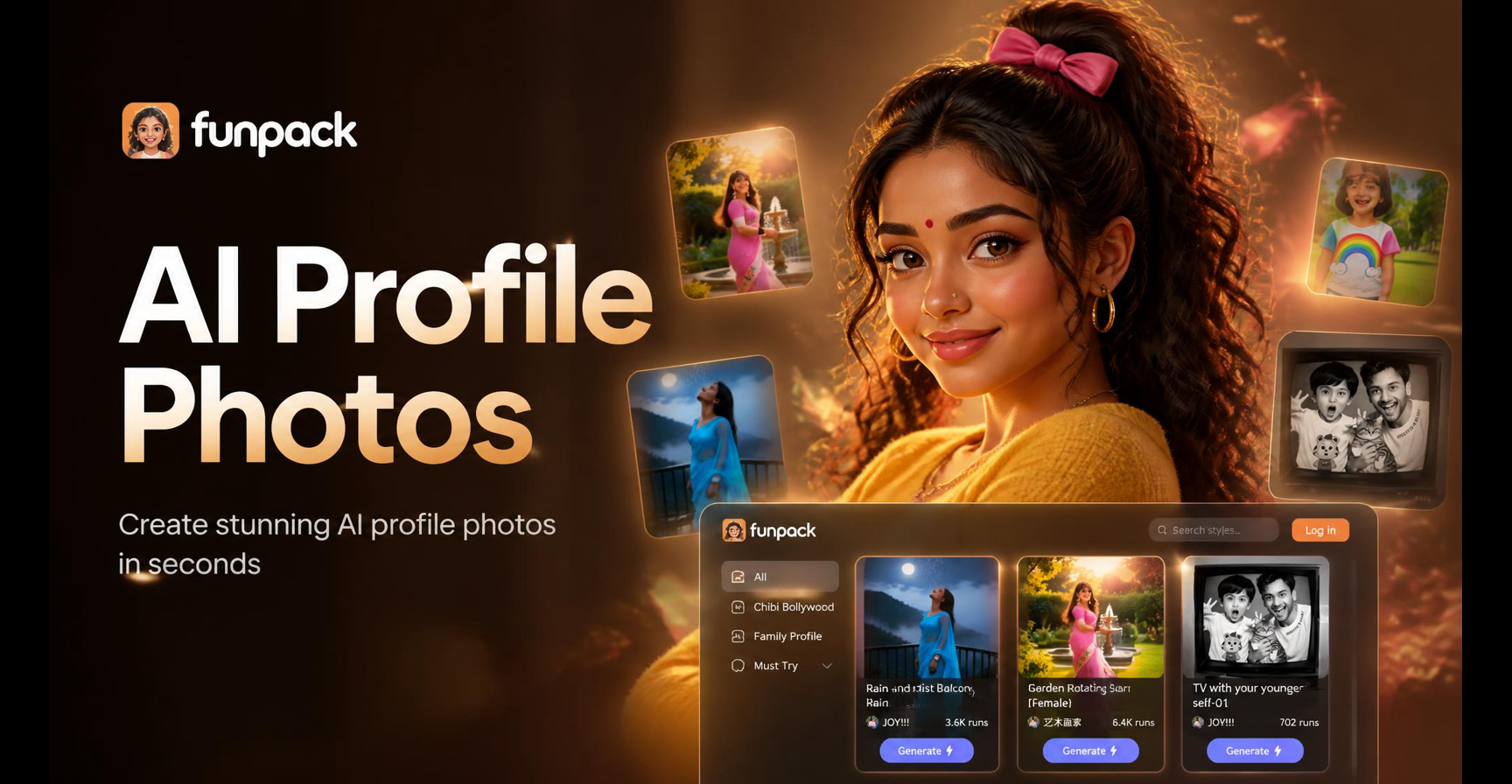
Professional AI Profile Photos | Headshot Generator
Generate professional AI profile pictures instantly. Our Profile Photo Maker creates high-quality, custom headshots for LinkedIn, corporate bios, and social media. Download the app and transform your photos.
Create Cinematic Videos in Seconds
Stop struggling with complex editing software. Download funpack now and use the AI blur video background tool to instantly elevate your content.

Create Cinematic Videos in Seconds
Stop struggling with complex editing software. Download funpack now and use the AI blur video background tool to instantly elevate your content.