AI Face Retouch
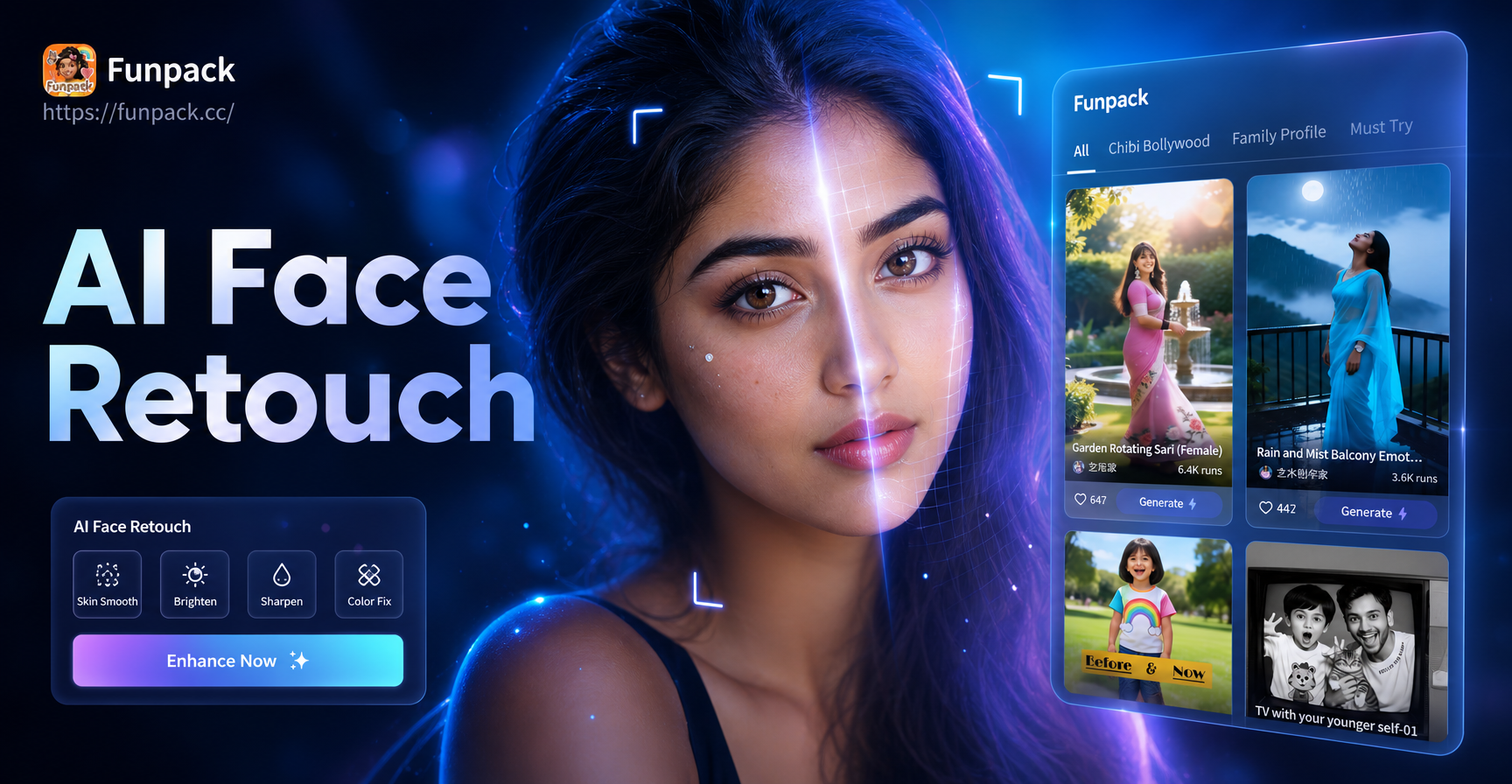
Popular AI Beauty Filters
Explore our most-loved filters for skin retouching, portrait enhancement, and creative beauty effects. Each one is designed to deliver professional-grade results instantly.
Key Features of AI Face Retouch
Our AI technology analyzes your facial features to apply intelligent, non-destructive enhancements that look completely natural, never overdone.
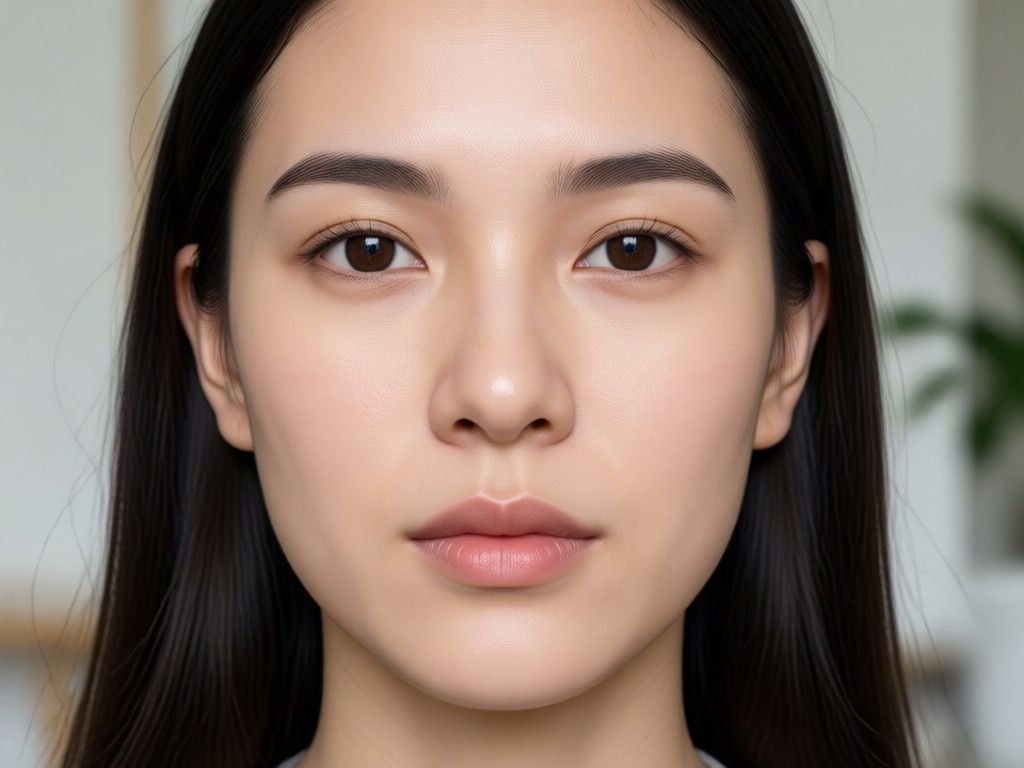
One-Tap Skin Perfection
Our core AI automatically detects and smooths skin texture, reduces visible pores, and removes temporary imperfections like pimples or dark spots for a clear, even complexion.
One-Tap Skin Perfection
Our core AI automatically detects and smooths skin texture, reduces visible pores, and removes temporary imperfections like pimples or dark spots for a clear, even complexion.
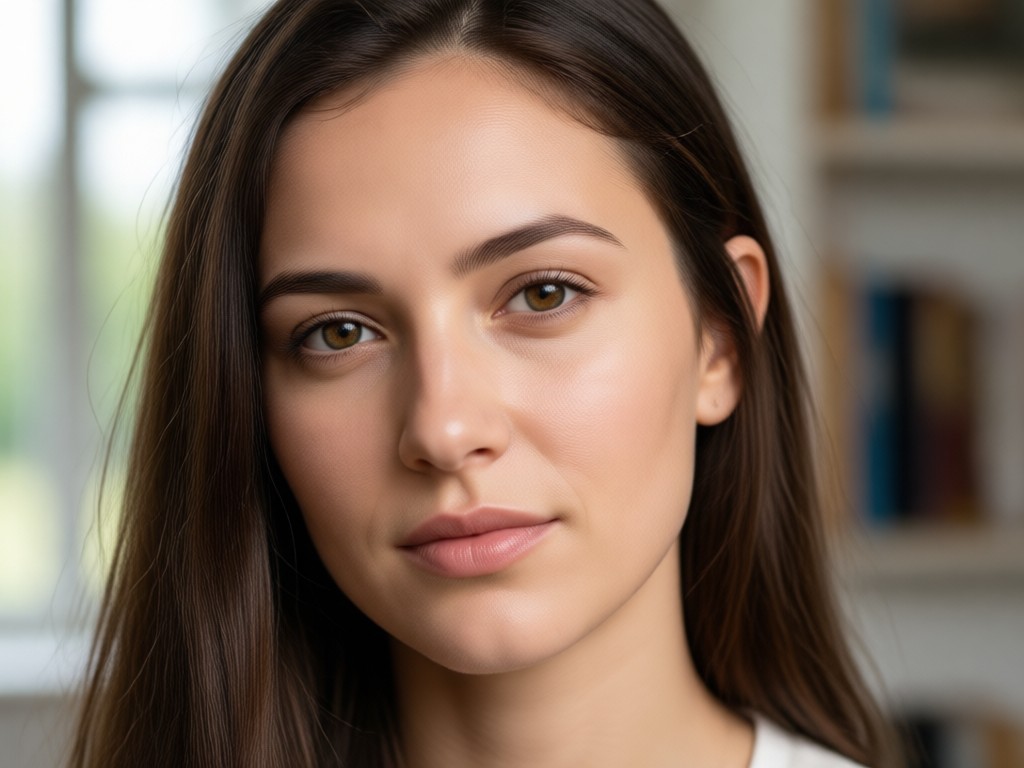
Smart Facial Sculpting
Subtly enhance your natural bone structure. The AI can gently contour, slim the jawline, or lift facial features for a more defined and balanced appearance.
Smart Facial Sculpting
Subtly enhance your natural bone structure. The AI can gently contour, slim the jawline, or lift facial features for a more defined and balanced appearance.
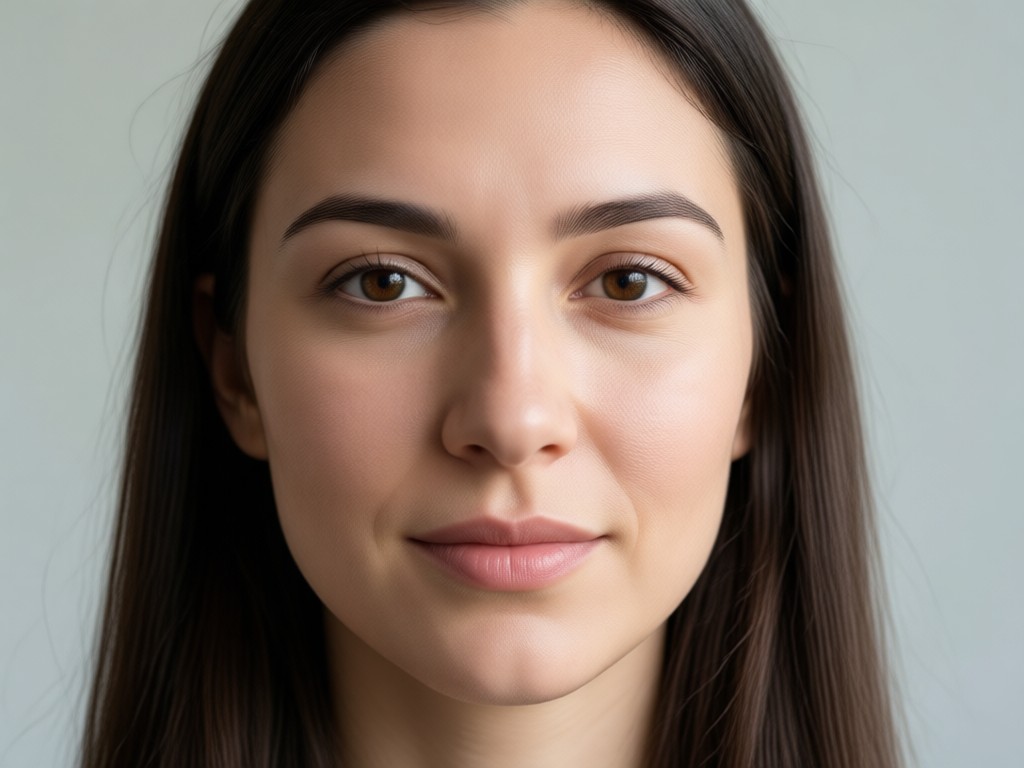
Eye & Teeth Enhancement
Brighten dull eyes, reduce dark circles, and whiten teeth with a single adjustment. The AI works selectively to make these key features pop naturally.
Eye & Teeth Enhancement
Brighten dull eyes, reduce dark circles, and whiten teeth with a single adjustment. The AI works selectively to make these key features pop naturally.
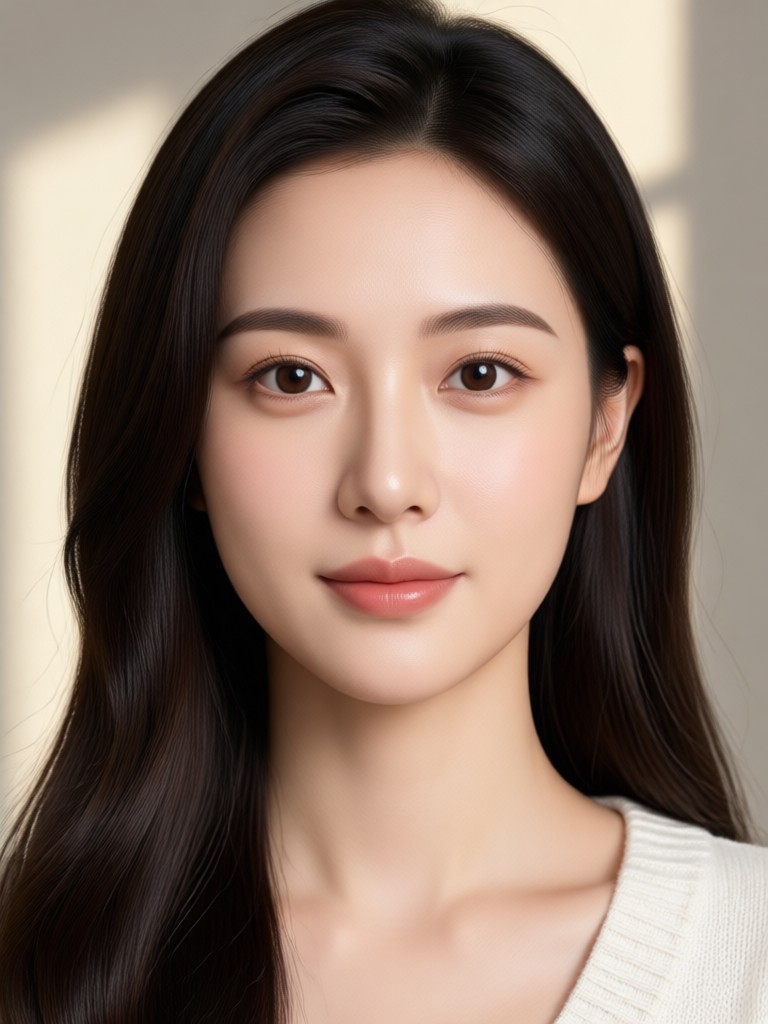
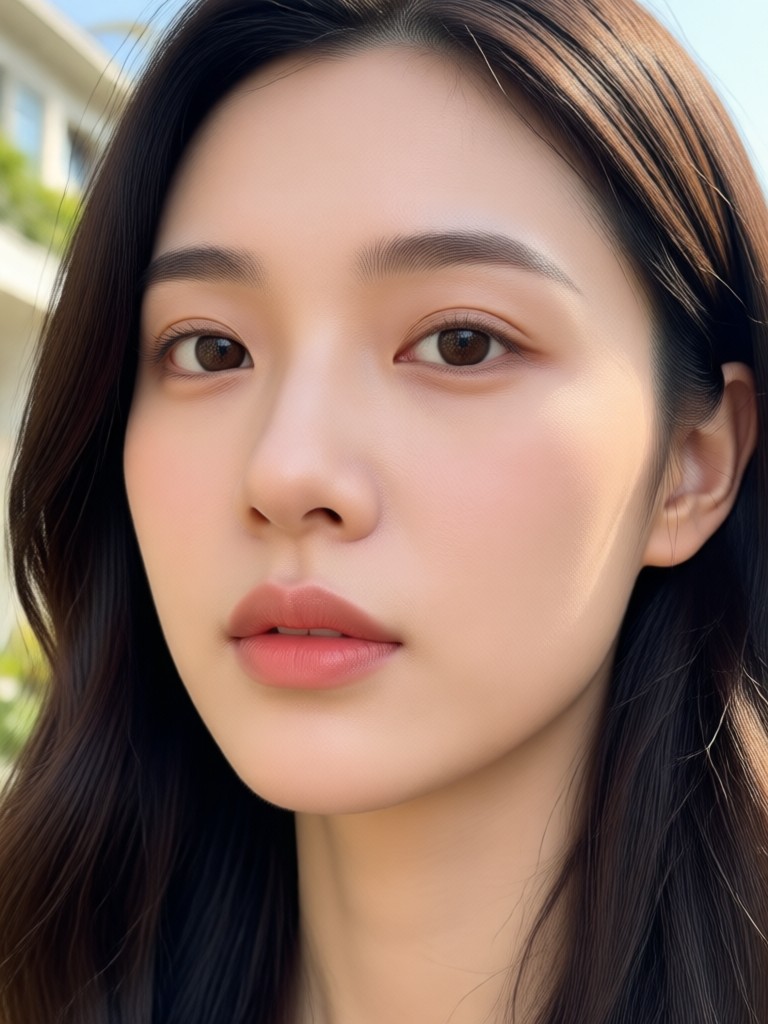
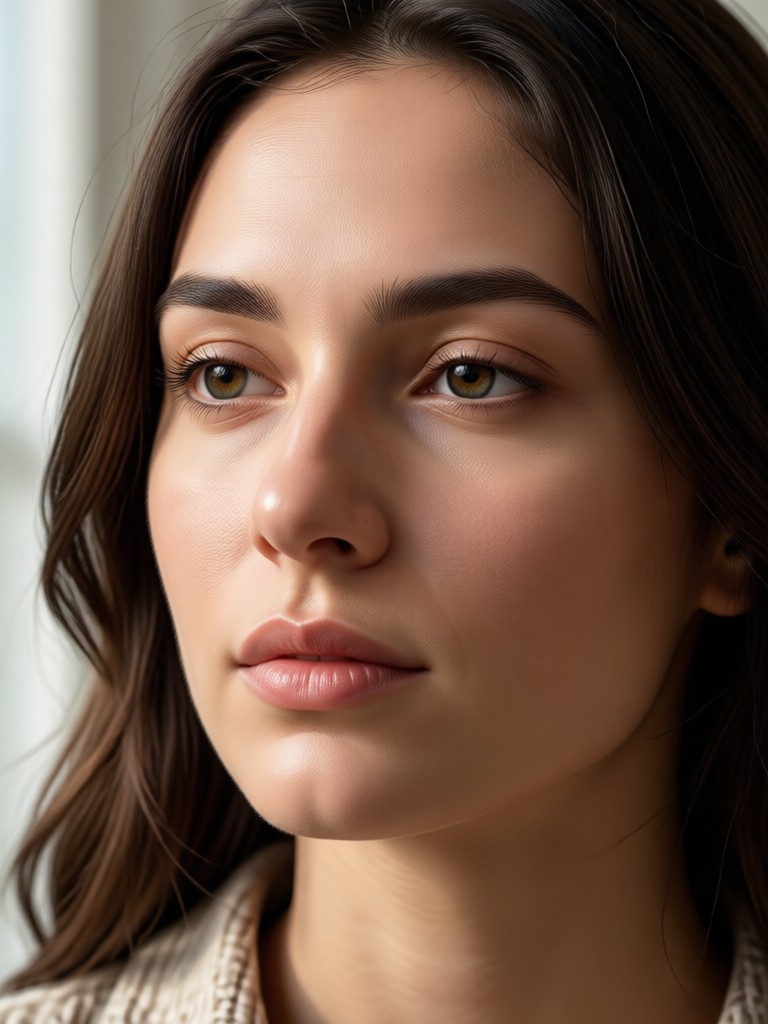
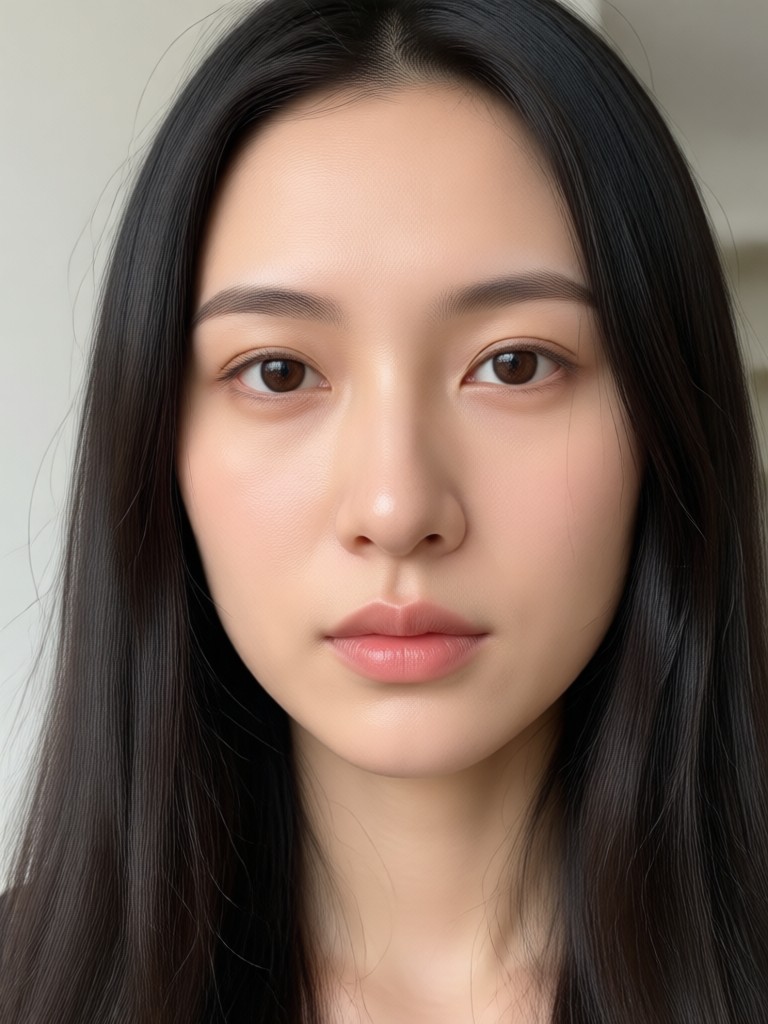
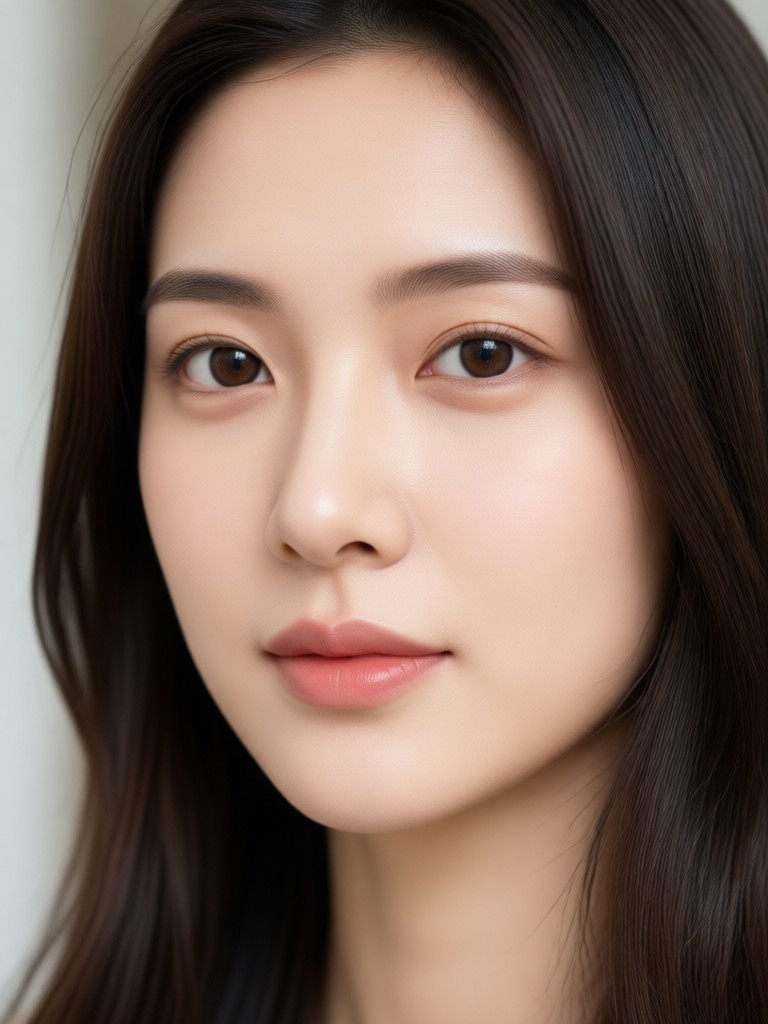
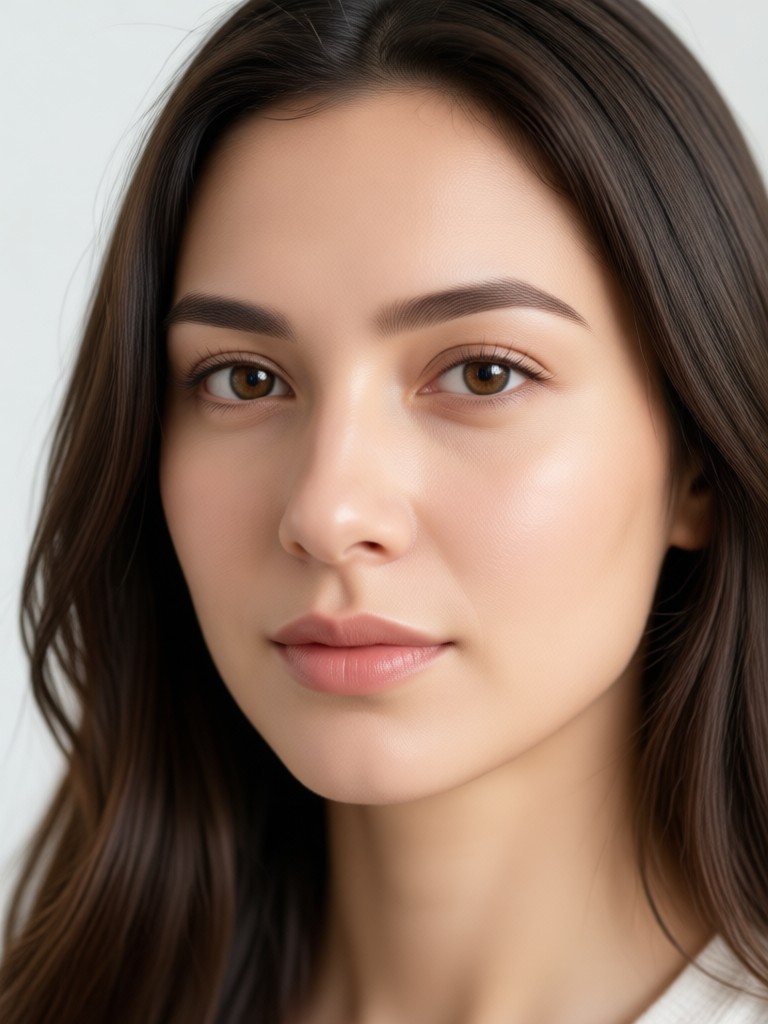
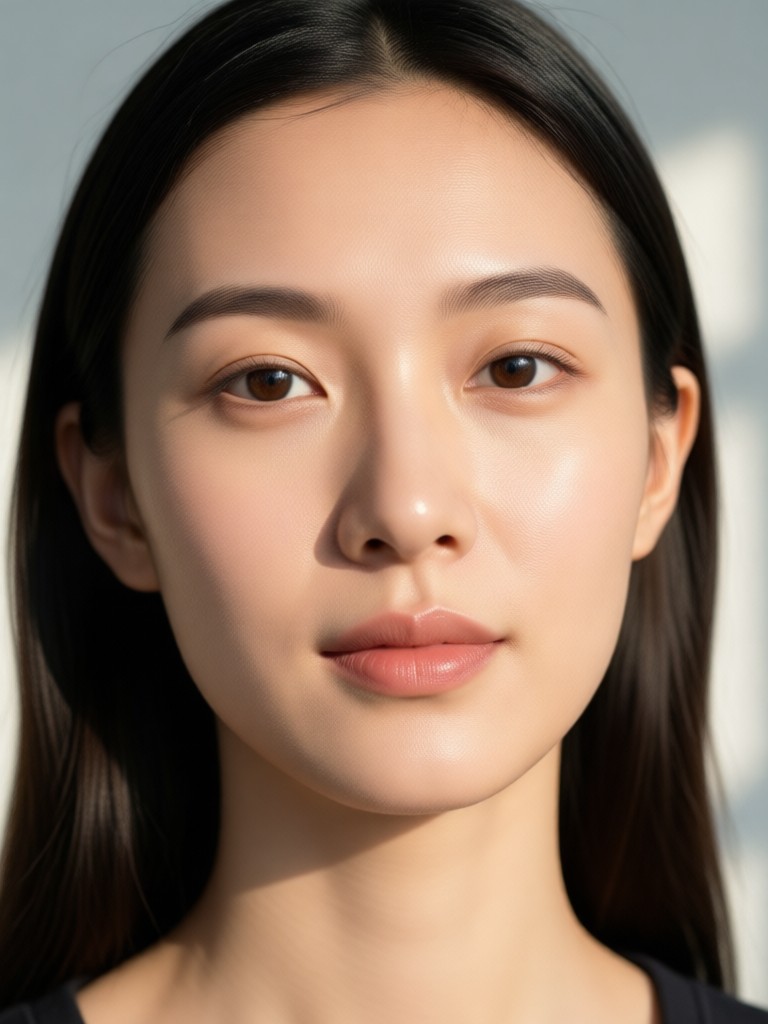
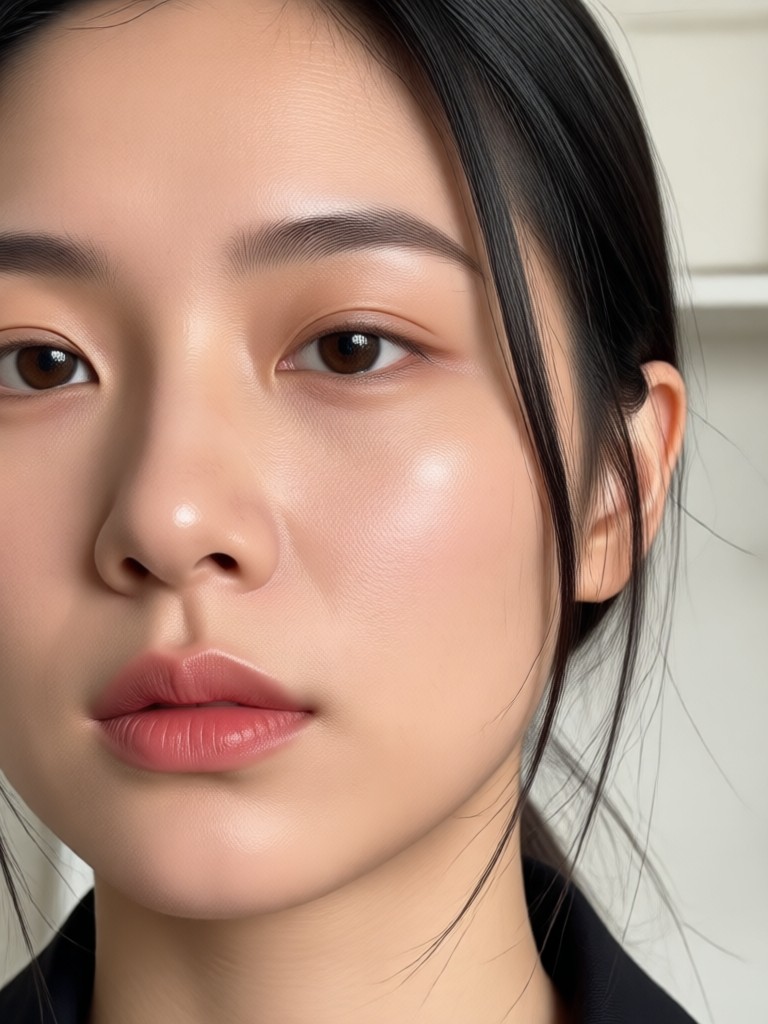
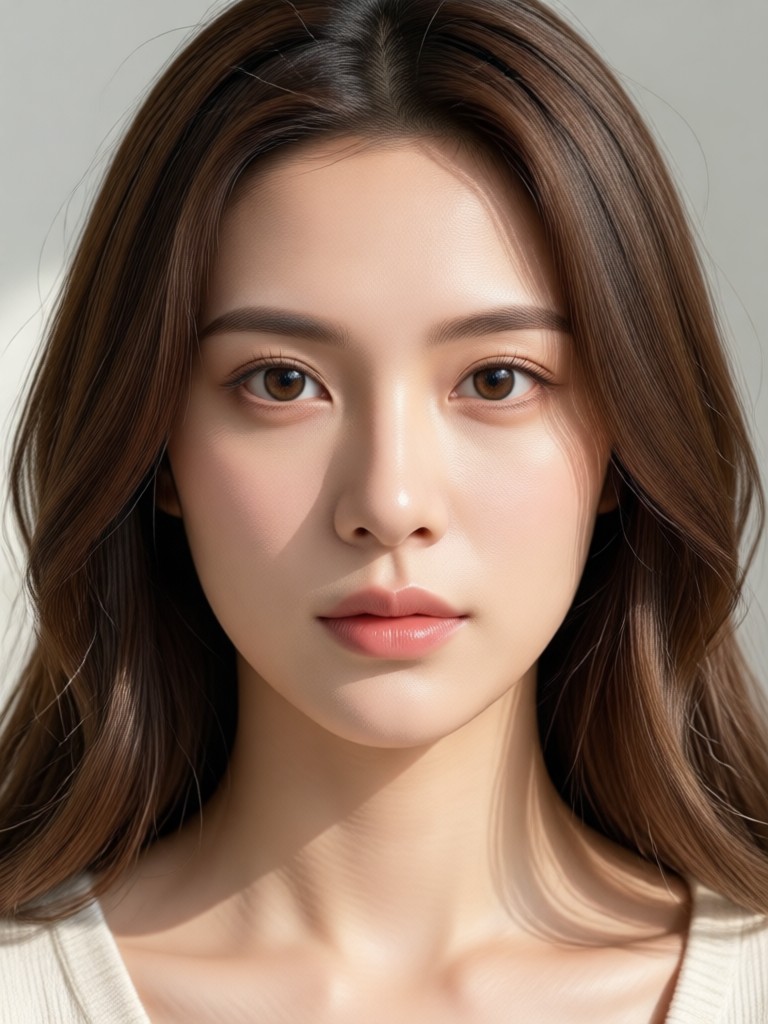
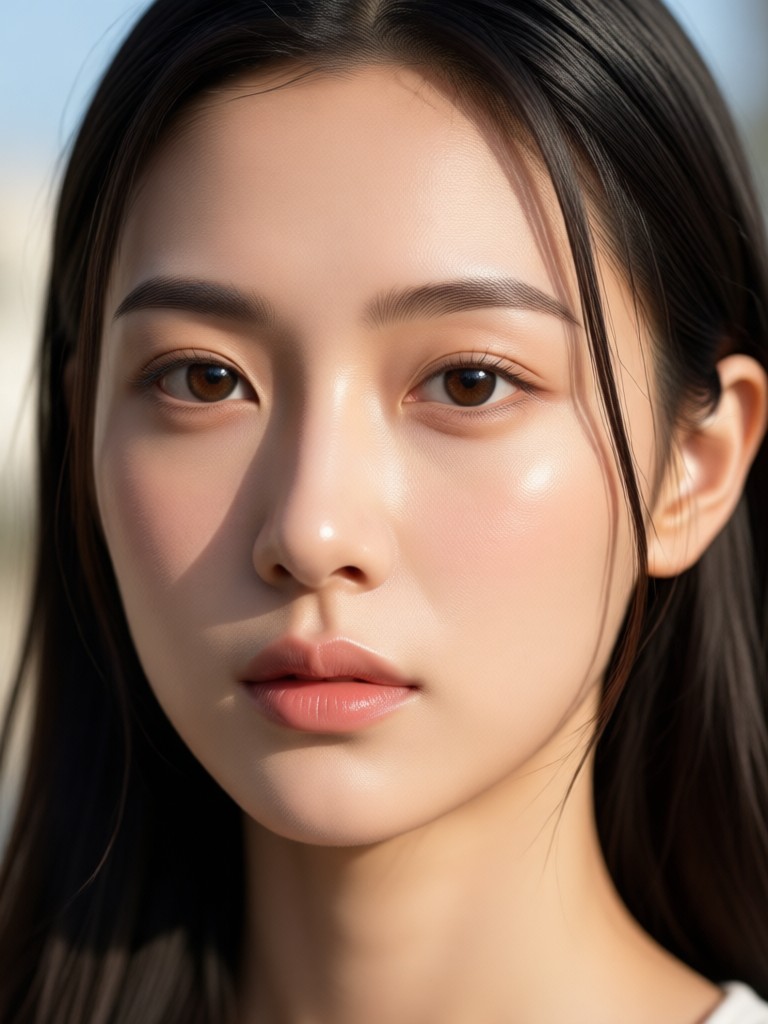
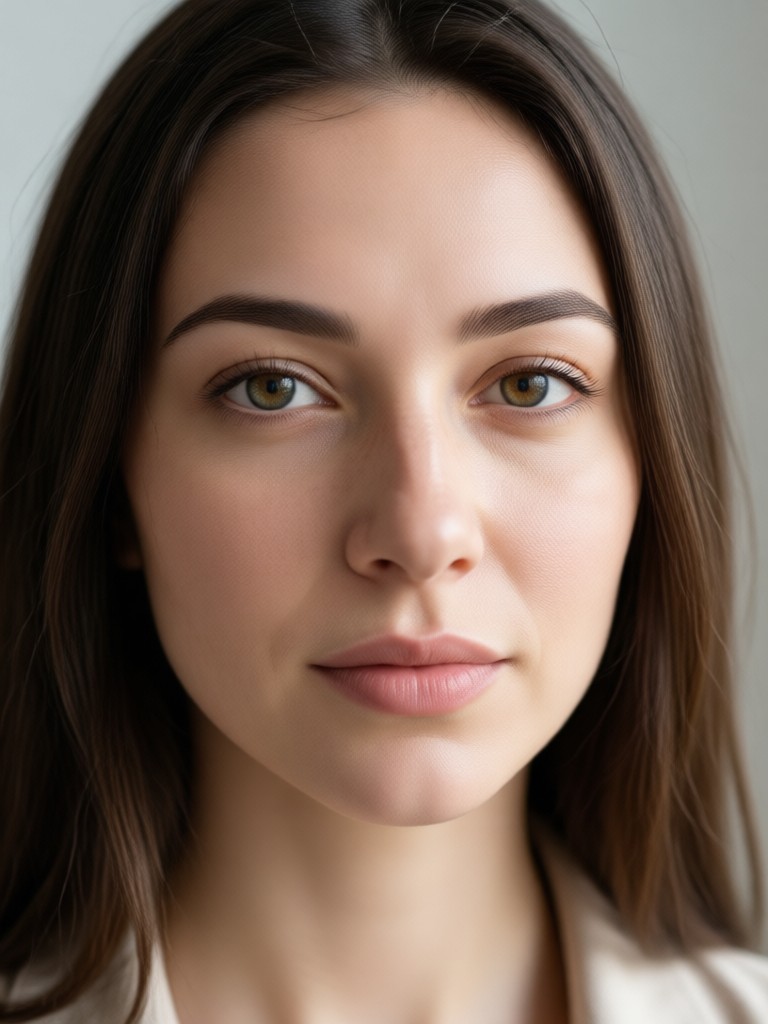
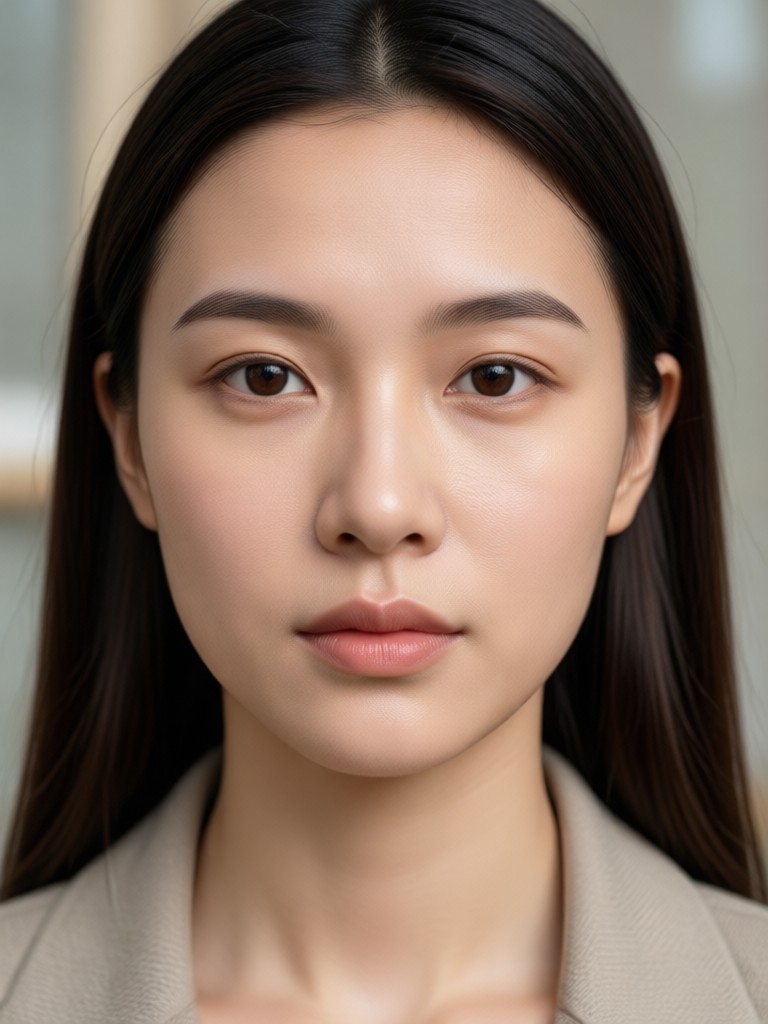
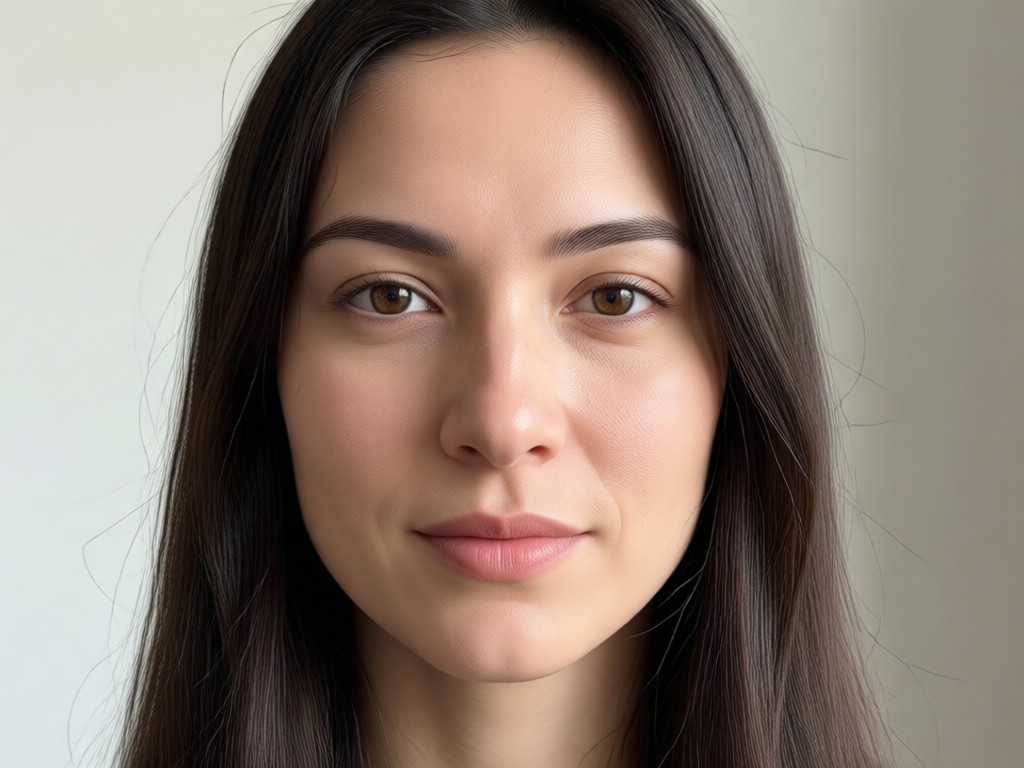
AI Face Retouch Results Gallery
See the transformative power of AI retouching. These results show how subtle enhancements can elevate a portrait from ordinary to extraordinary, all while keeping it authentic.
Why Use AI Over Manual Editing?
Manual editing with traditional apps is time-consuming and requires skill. Our AI Face Retouch delivers consistent, high-quality results in seconds by intelligently analyzing and enhancing each unique face.
Why Use AI Over Manual Editing?
Manual editing with traditional apps is time-consuming and requires skill. Our AI Face Retouch delivers consistent, high-quality results in seconds by intelligently analyzing and enhancing each unique face.
How to Retouch Your Face with AI?
Achieve professional portrait retouching in three simple steps. All you need is your phone and a photo.

Step 01.
Download the funpack app from Google Play. It's your all-in-one mobile studio for AI photo and video creation, including face retouch.
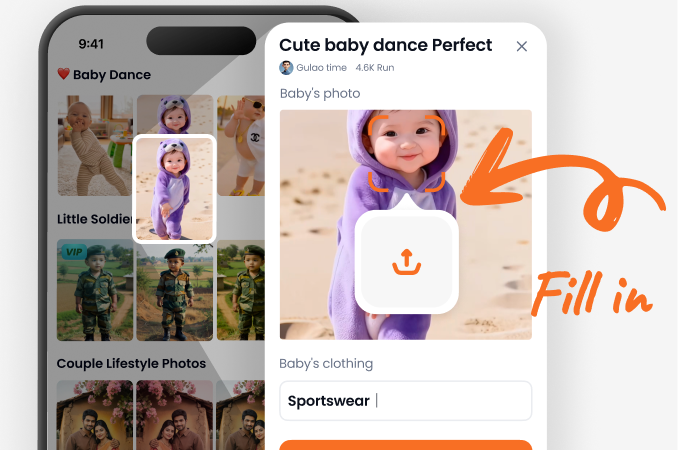
Step 02.
Upload your portrait photo and select the 'AI Face Retouch' filter. You can also browse other beauty-enhancing filters for different looks.
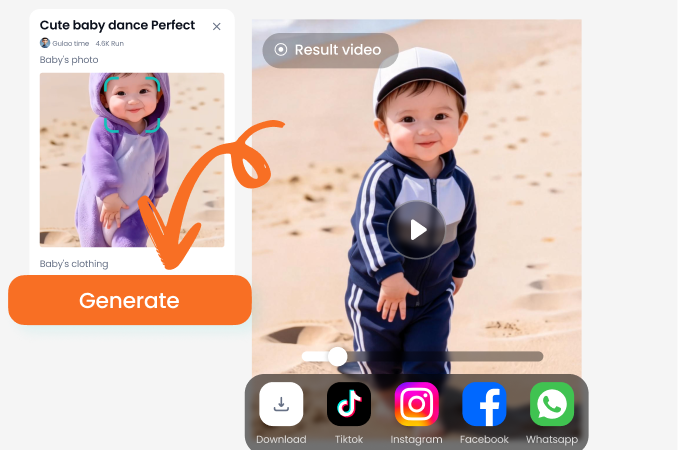
Step 03.
Watch the AI work its magic. Review the flawless result, download it instantly, and share your enhanced portrait on any social platform.
Who Uses AI Face Retouch
Maya Chen
As a portrait photographer, this saves me hours in post-production. The AI handles skin smoothing perfectly, so I can focus on the artistic direction. My clients love the natural yet polished results.
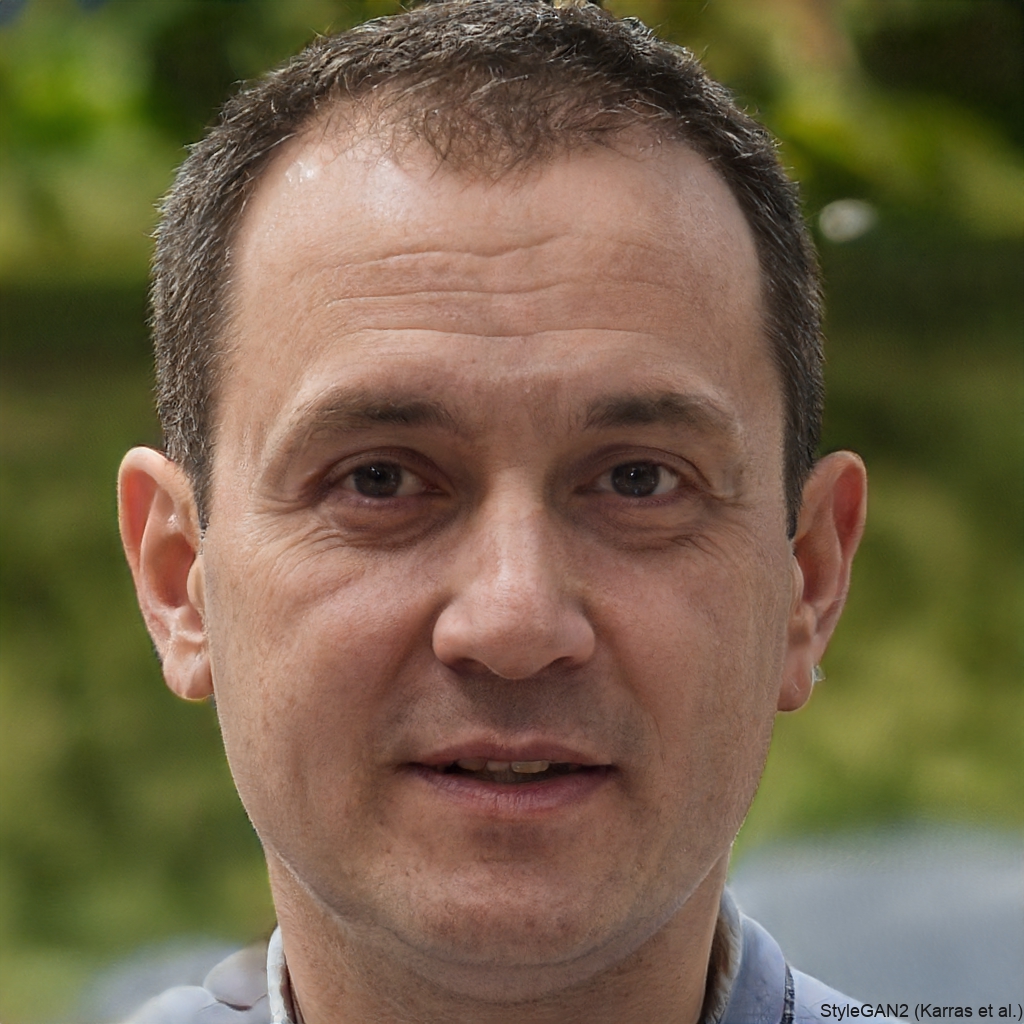
David Park
This is my secret weapon for Instagram and TikTok. It makes my skin look great without that obvious 'filtered' look. Consistency across all my content is now effortless.
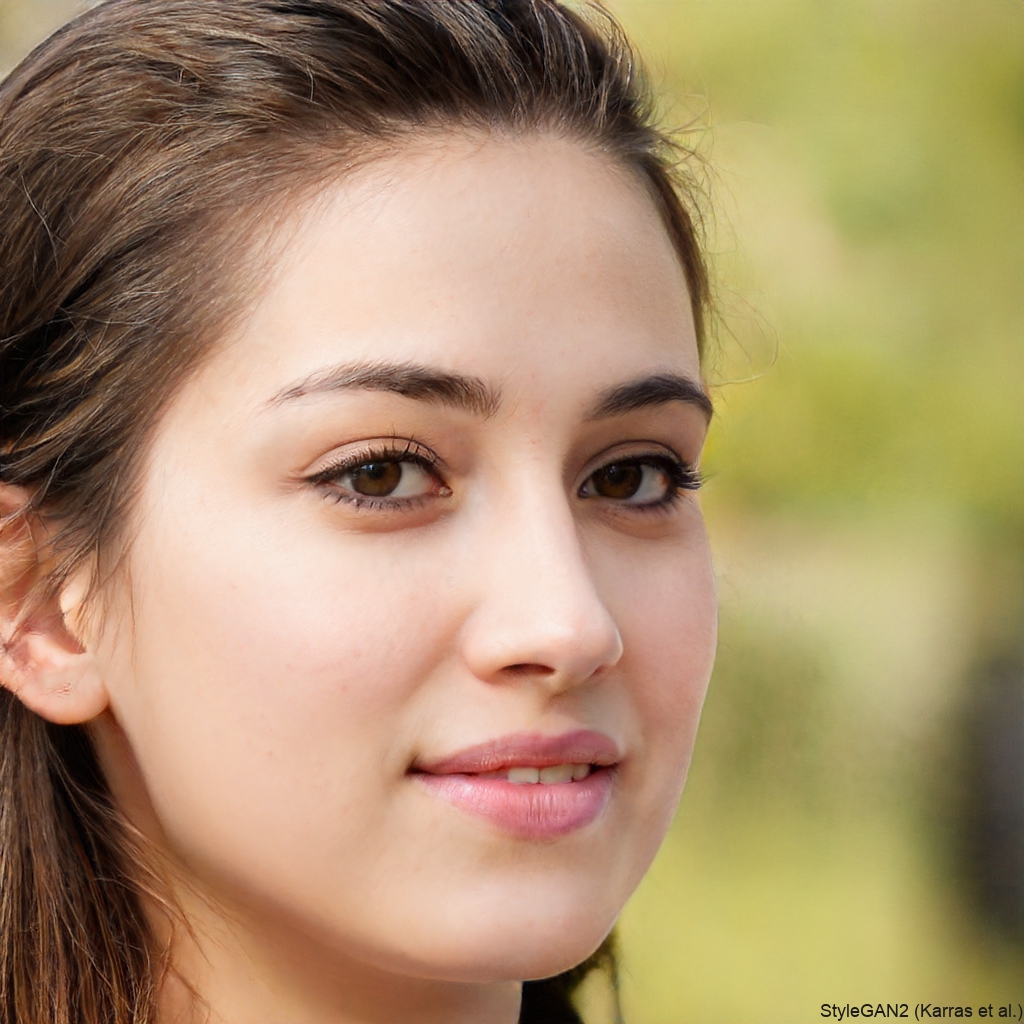
Sarah Johnson
For LinkedIn and professional headshots, this tool is invaluable. It removes tiredness from my eyes and gives my skin a healthy glow, making me look refreshed and confident, which is crucial for my career.
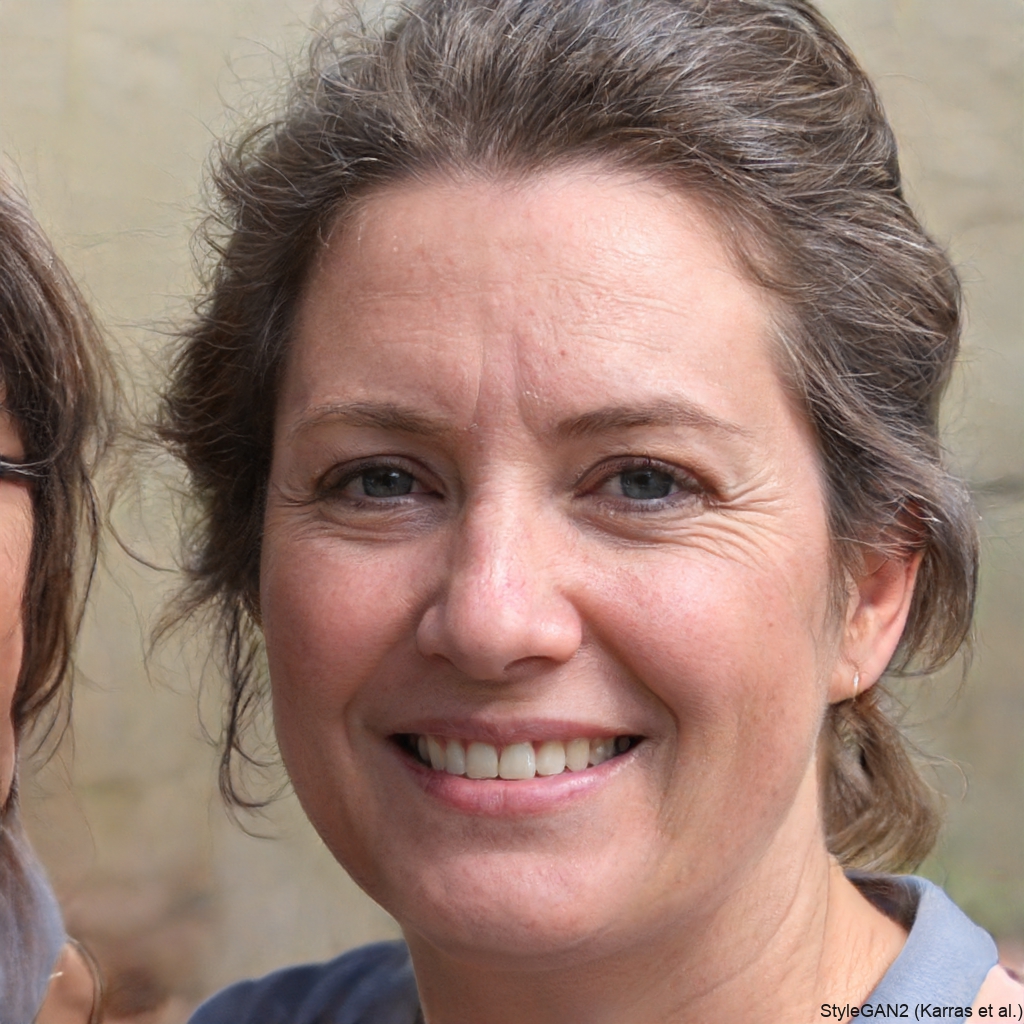
Alex Rivera
I have zero photo editing skills, but with this app, my selfies always look amazing. It fixes blemishes and brightens my smile with one tap. It feels like having a personal editor in my pocket.
Maya Chen
As a portrait photographer, this saves me hours in post-production. The AI handles skin smoothing perfectly, so I can focus on the artistic direction. My clients love the natural yet polished results.
David Park
This is my secret weapon for Instagram and TikTok. It makes my skin look great without that obvious 'filtered' look. Consistency across all my content is now effortless.
Sarah Johnson
For LinkedIn and professional headshots, this tool is invaluable. It removes tiredness from my eyes and gives my skin a healthy glow, making me look refreshed and confident, which is crucial for my career.
Alex Rivera
I have zero photo editing skills, but with this app, my selfies always look amazing. It fixes blemishes and brightens my smile with one tap. It feels like having a personal editor in my pocket.
Maya Chen
As a portrait photographer, this saves me hours in post-production. The AI handles skin smoothing perfectly, so I can focus on the artistic direction. My clients love the natural yet polished results.
David Park
This is my secret weapon for Instagram and TikTok. It makes my skin look great without that obvious 'filtered' look. Consistency across all my content is now effortless.
Sarah Johnson
For LinkedIn and professional headshots, this tool is invaluable. It removes tiredness from my eyes and gives my skin a healthy glow, making me look refreshed and confident, which is crucial for my career.
Alex Rivera
I have zero photo editing skills, but with this app, my selfies always look amazing. It fixes blemishes and brightens my smile with one tap. It feels like having a personal editor in my pocket.
Frequently Asked Questions
Find answers to the most common questions about our AI Face Retouch technology and how to get the best results.
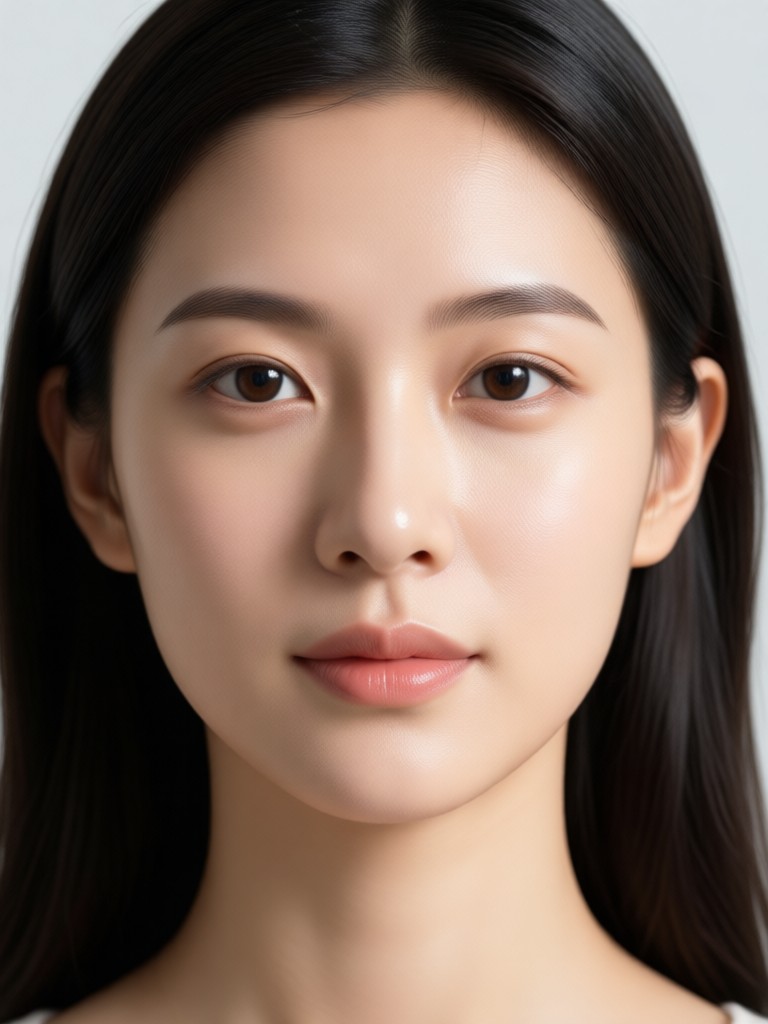
AI Face Retouch in Your Pocket
Carry a professional photo studio with you. Download the funpack app to access AI Face Retouch and thousands of other creative filters directly on your Android phone.

More Topics You May Like
Explore more topics you may like and discover fresh ideas tailored to your interests.
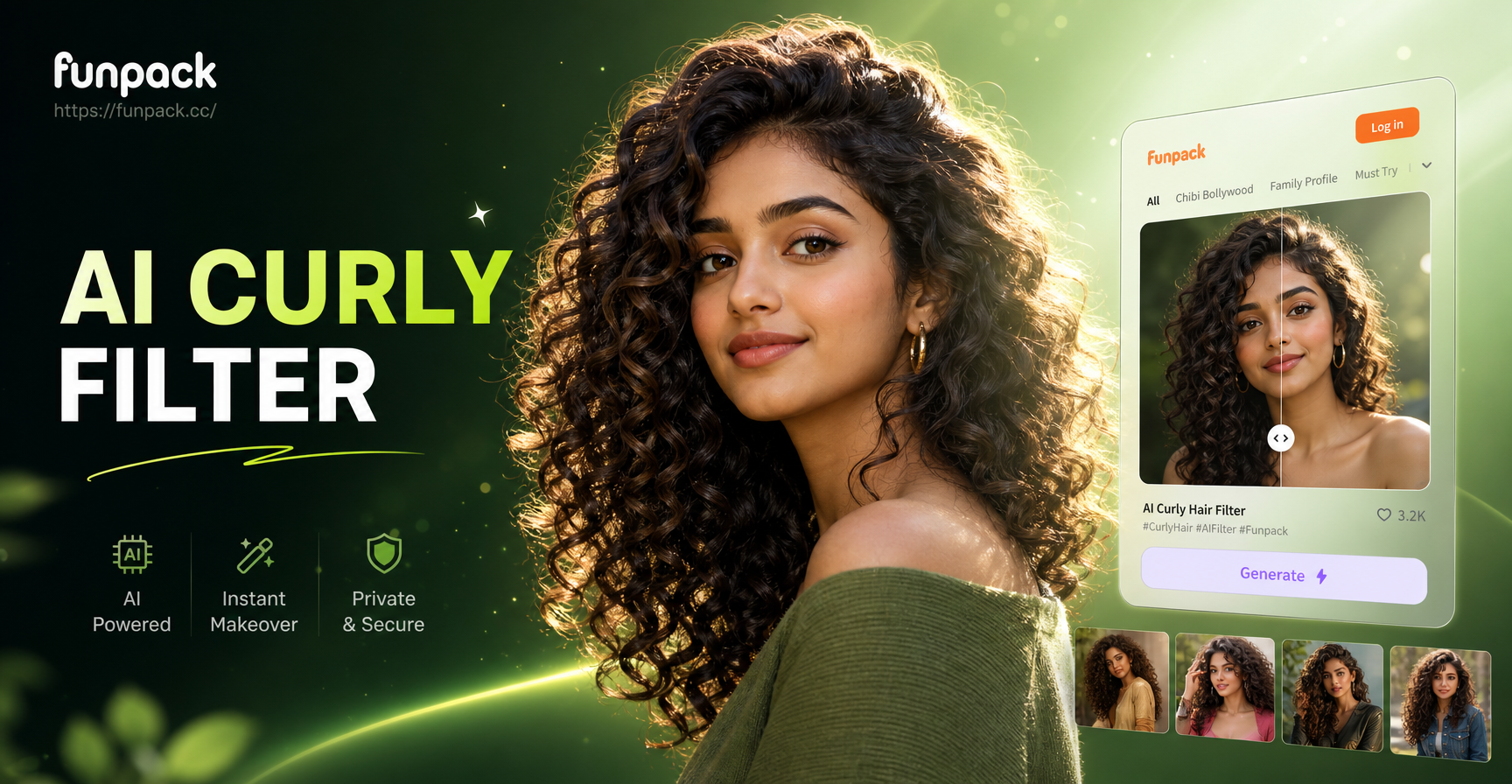
Curl Magic: Transform Your Look Instantly With AI
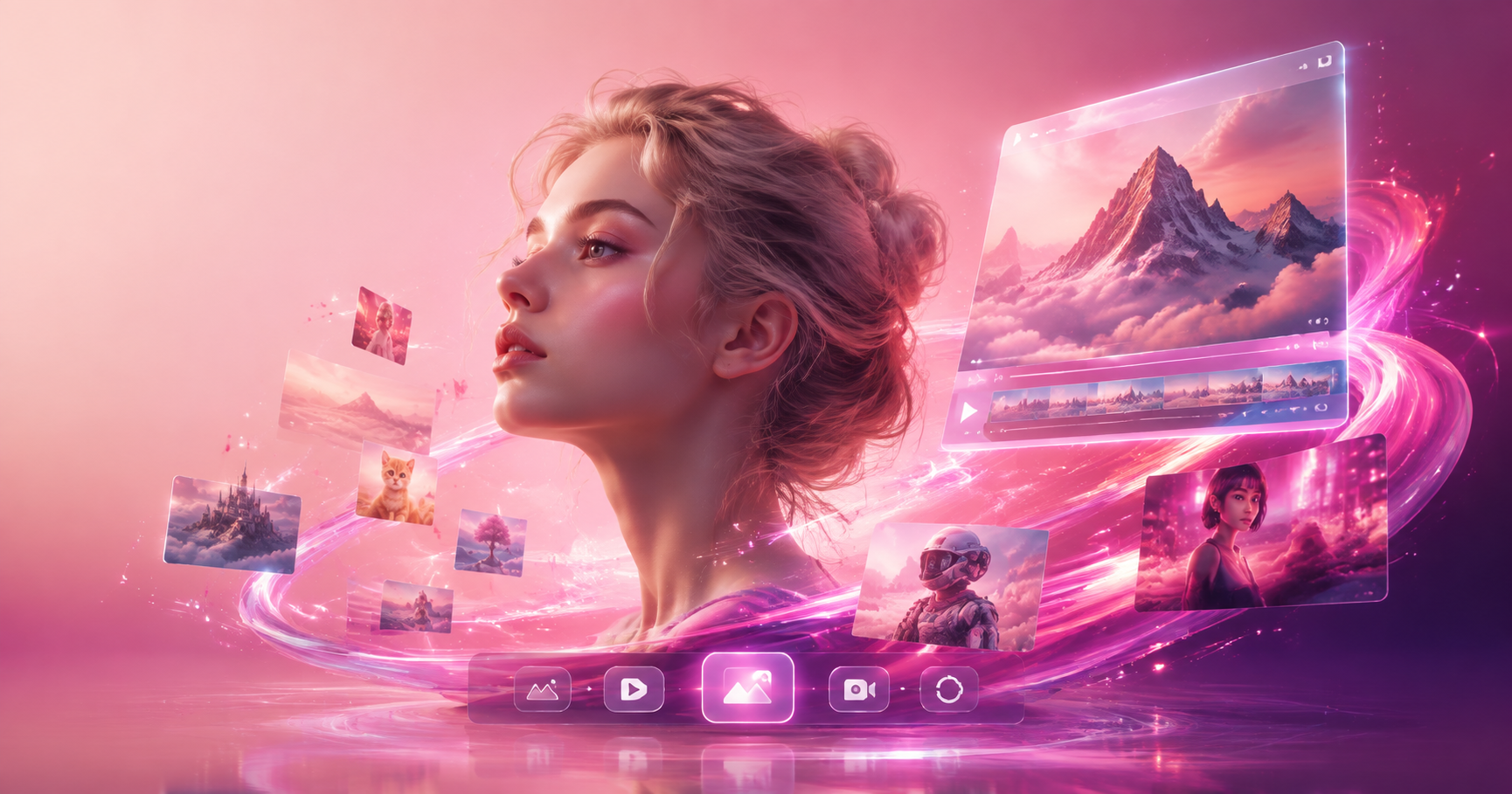
AI Character Swap Video - AI Powered Creative Tool | funpack
Fun Mustache Filters: Add a Beard & Style to Any Photo
Create Your Dream AI Models With One Tap
Curl Magic: Transform Your Look Instantly With AI
AI Character Swap Video - AI Powered Creative Tool | funpack
Fun Mustache Filters: Add a Beard & Style to Any Photo
Create Your Dream AI Models With One Tap
Flawless Portraits, Effortlessly
Stop spending hours editing. Let AI deliver perfect skin and balanced features in seconds. Download the app and transform your photos today.
Flawless Portraits, Effortlessly
Stop spending hours editing. Let AI deliver perfect skin and balanced features in seconds. Download the app and transform your photos today.