AI Princess Generator
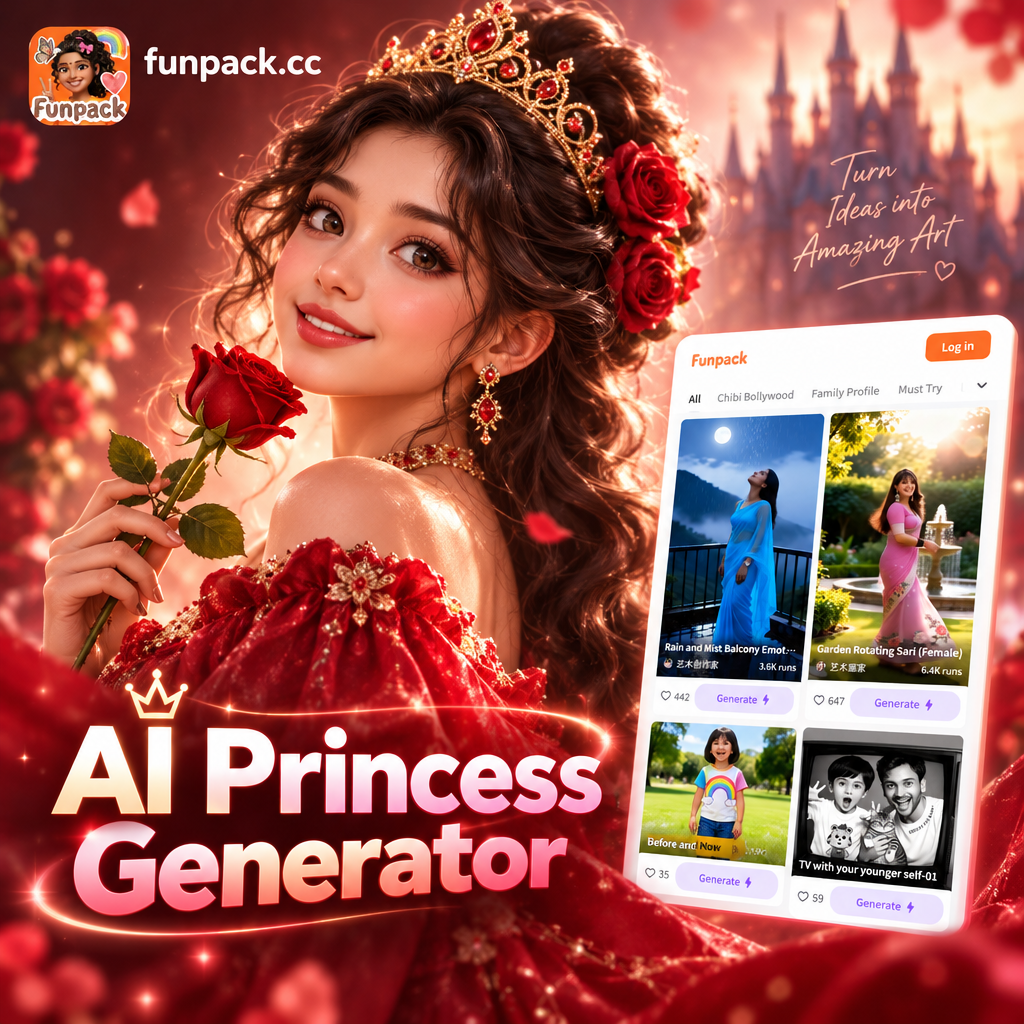
Choose Your Royal Princess Style
Explore a curated set of princess filters, from classic royalty to anime fantasy, and find the one that matches your dream portrait.
Key Features of AI Princess Generator
Create magical royal portraits in seconds. Upload a photo, choose a style, and let the AI transform your look with elegant gowns, royal accessories, and dreamy backgrounds.
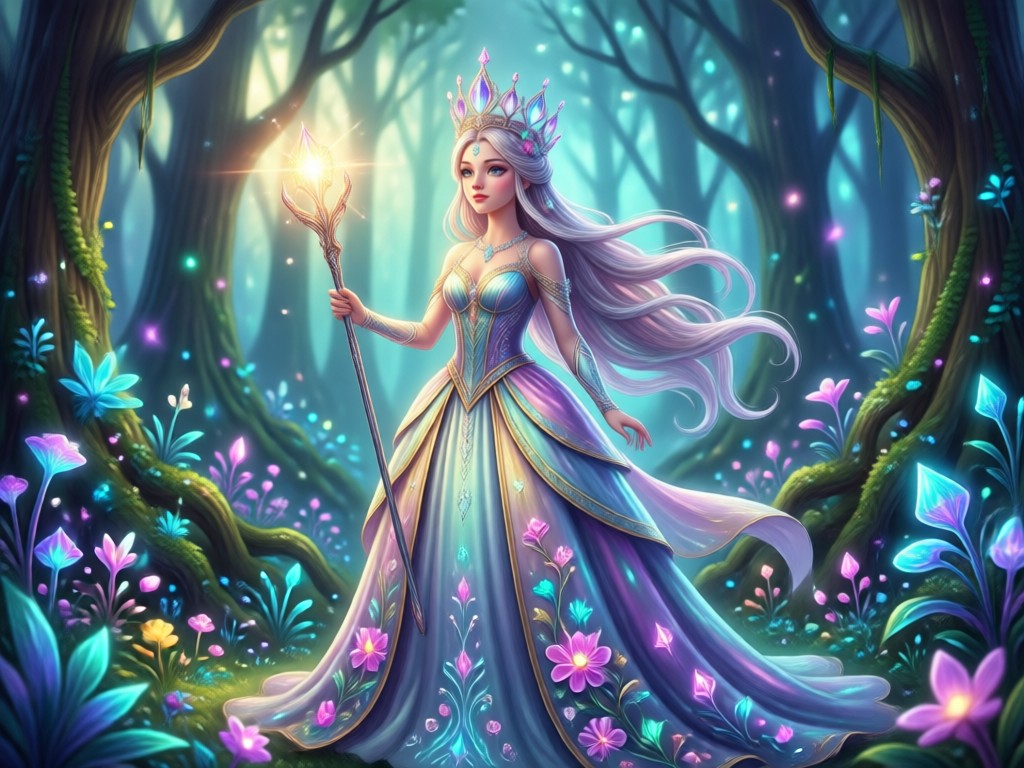
Royal Portrait Transformation
Turn any selfie into a polished royal portrait. The AI adds elegant details like tiaras, soft curls, and refined makeup while keeping your natural features recognizable. You get a finished image that looks professionally retouched and ready to share.
Royal Portrait Transformation
Turn any selfie into a polished royal portrait. The AI adds elegant details like tiaras, soft curls, and refined makeup while keeping your natural features recognizable. You get a finished image that looks professionally retouched and ready to share.
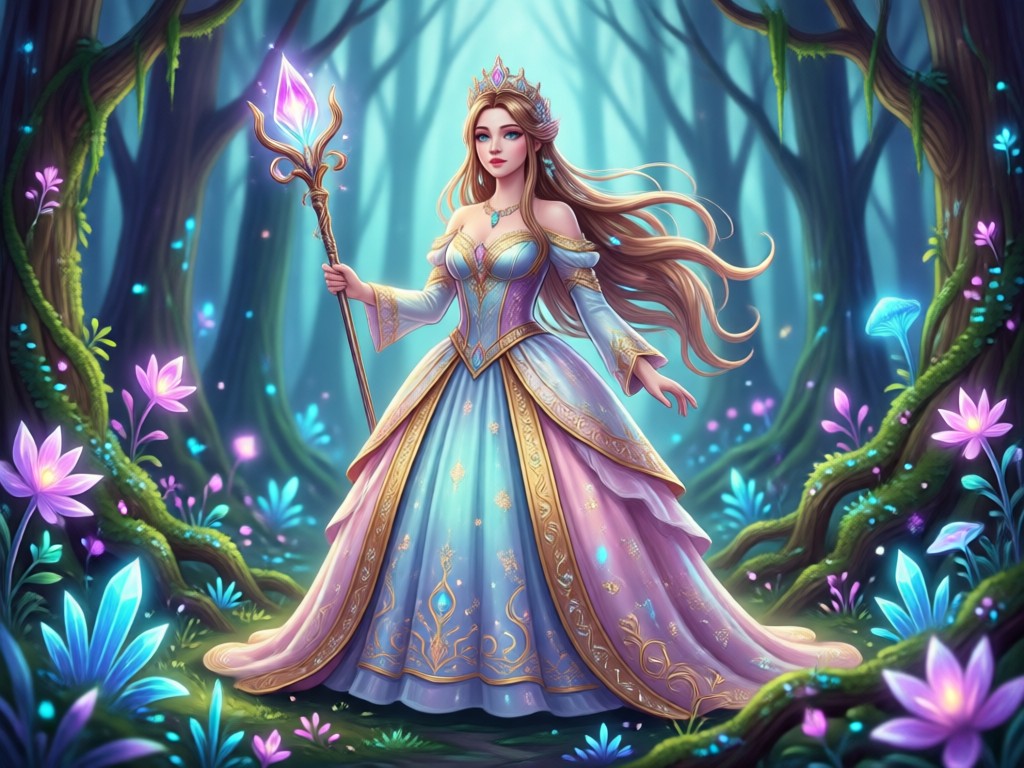
Fantasy Backgrounds
Place yourself in enchanted castles, moonlit gardens, and glittering ballrooms. Each background is designed to match your chosen princess aesthetic and create a cohesive magical scene. The AI blends your portrait with the setting naturally and convincingly.
Fantasy Backgrounds
Place yourself in enchanted castles, moonlit gardens, and glittering ballrooms. Each background is designed to match your chosen princess aesthetic and create a cohesive magical scene. The AI blends your portrait with the setting naturally and convincingly.
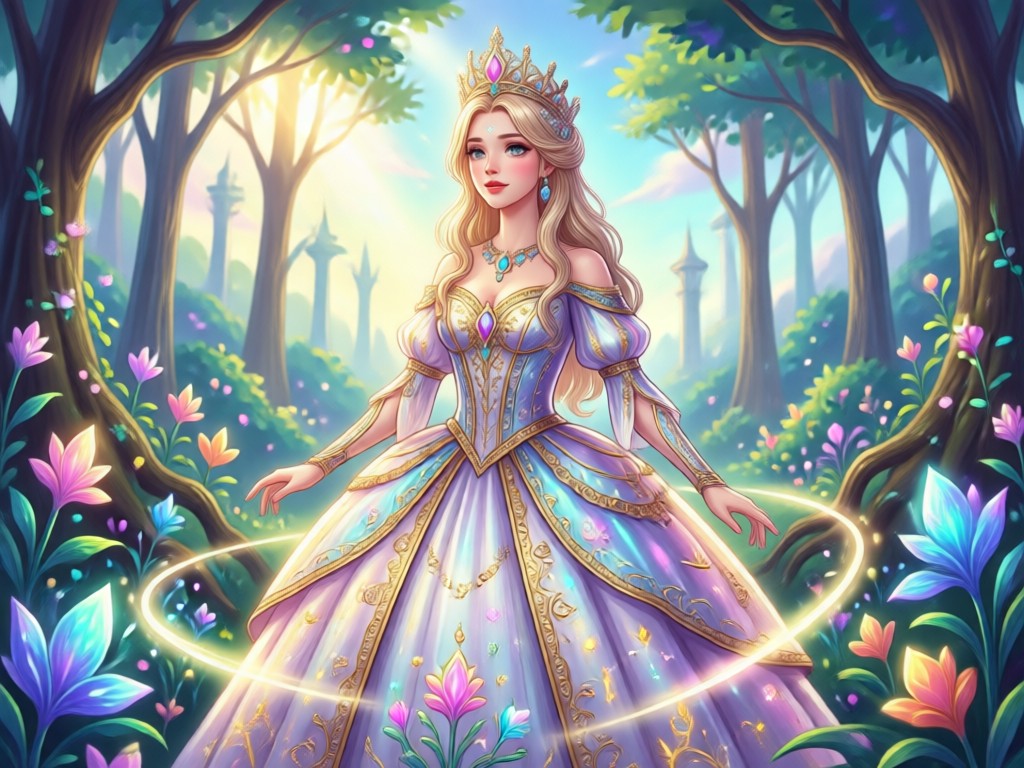
Anime and Classic Styles
Switch between classic oil painting looks, modern 3D renders, or Japanese anime princess styles. You can generate multiple versions from one photo and compare the results instantly. Each style gives your portrait a completely different visual mood.
Anime and Classic Styles
Switch between classic oil painting looks, modern 3D renders, or Japanese anime princess styles. You can generate multiple versions from one photo and compare the results instantly. Each style gives your portrait a completely different visual mood.
How to Create an AI Princess Portrait
Turn your photo into a royal princess portrait in three simple steps using the funpack app.

Step 01.
Download the funpack app from Google Play and open it on your phone.

Step 02.
Choose the AI Princess Generator filter and upload a clear selfie or full body photo.

Step 03.
Select your preferred princess style, generate the image, then download and share it on social media.
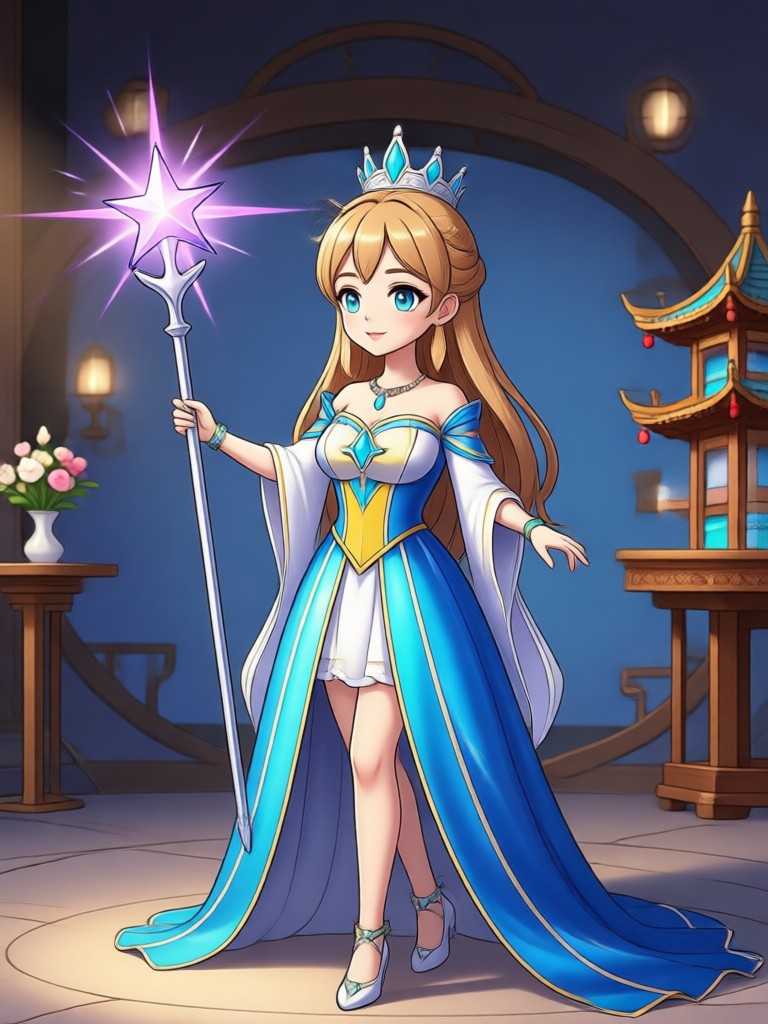
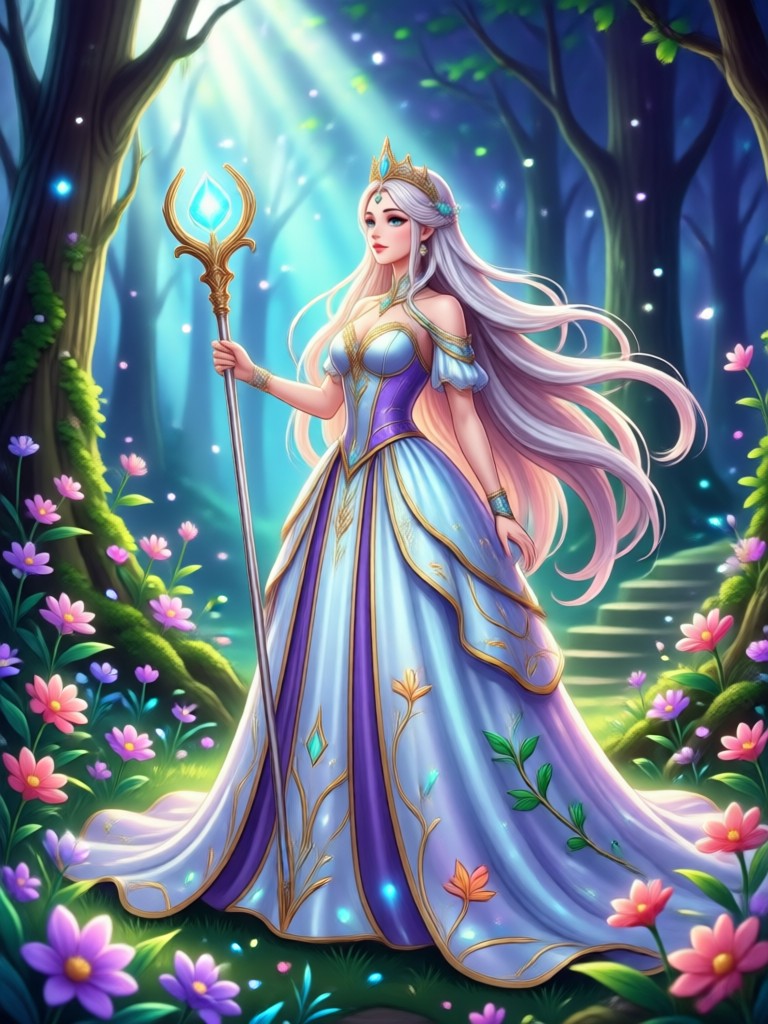
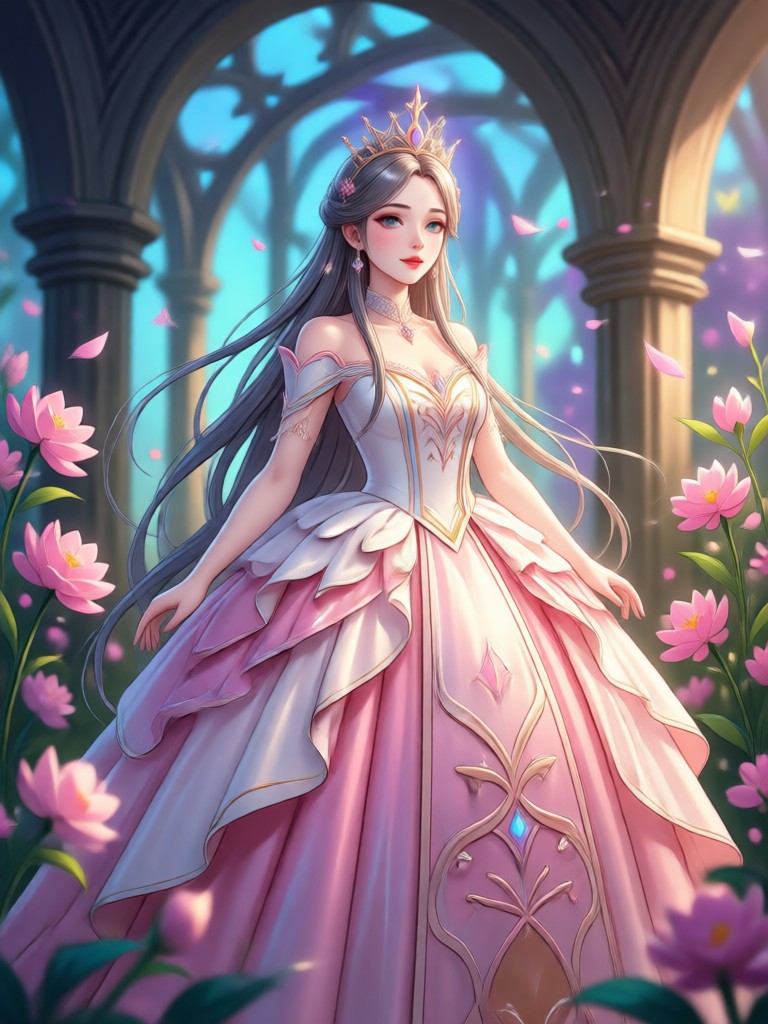
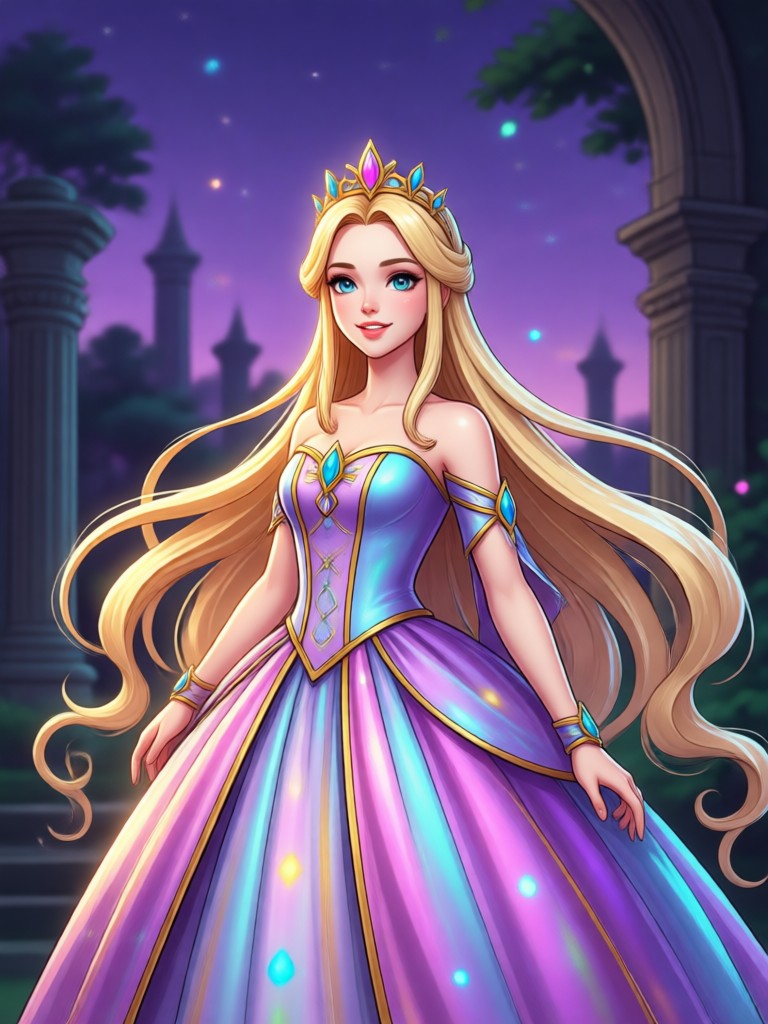
AI Princess Generator Gallery
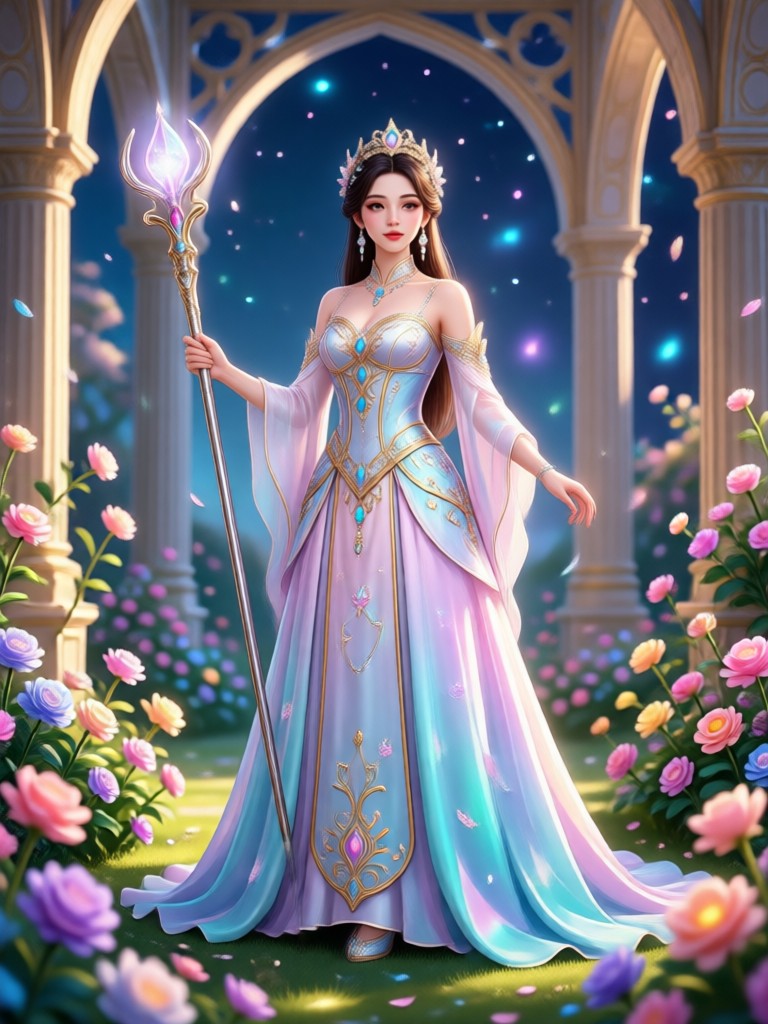
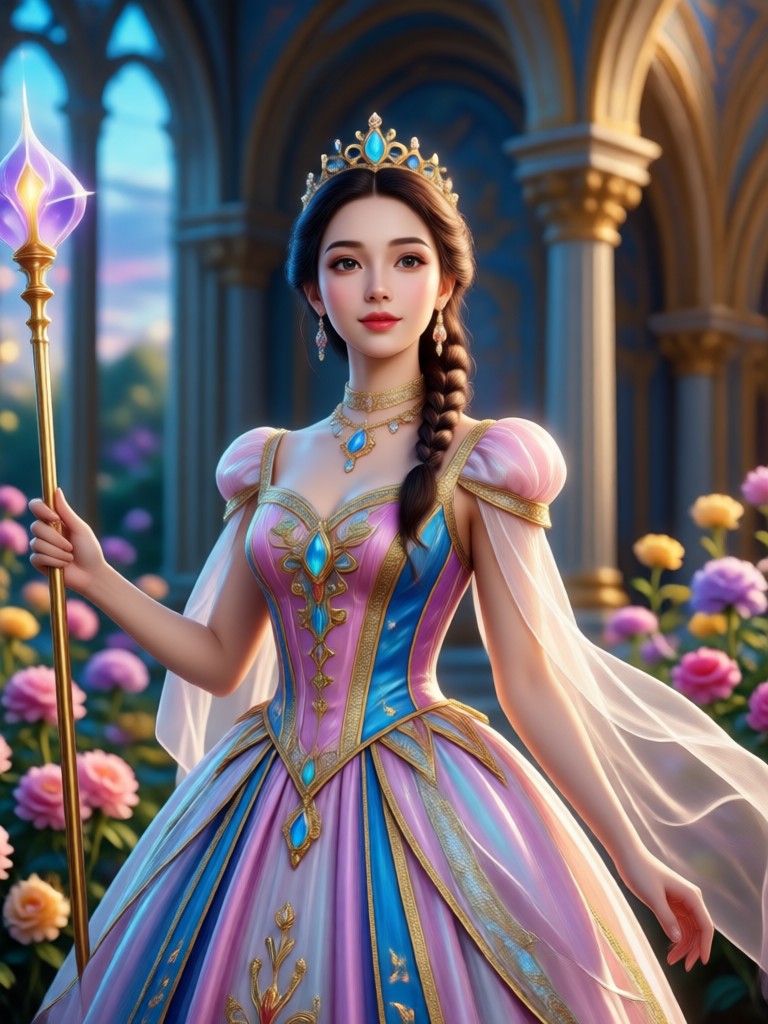
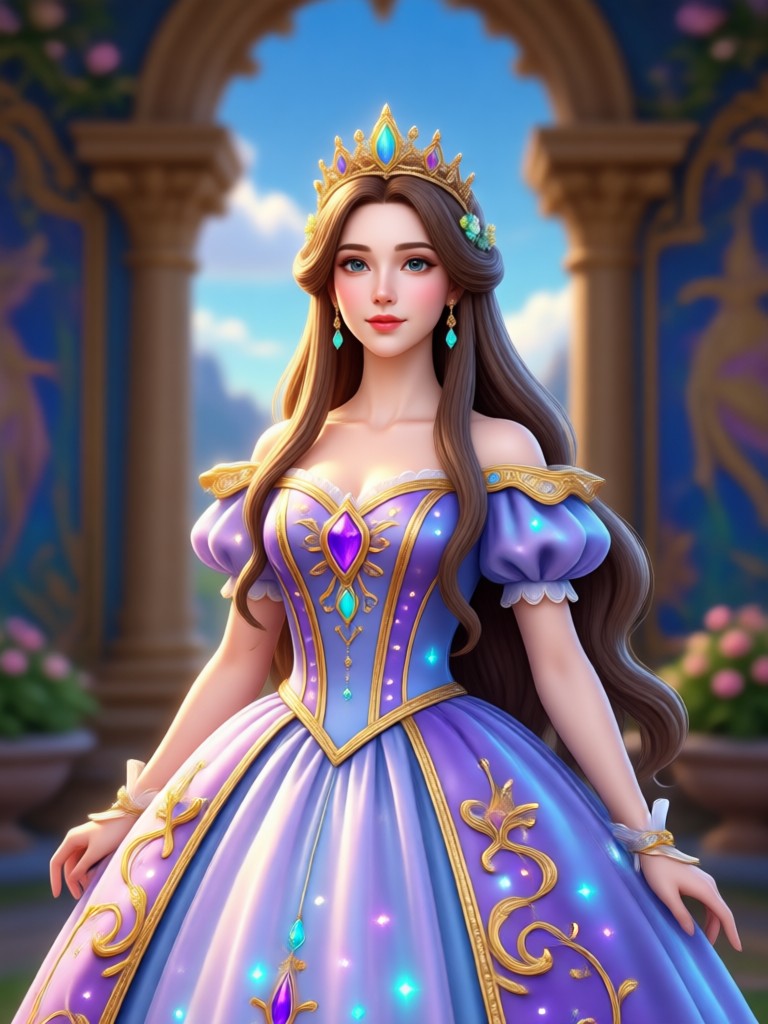
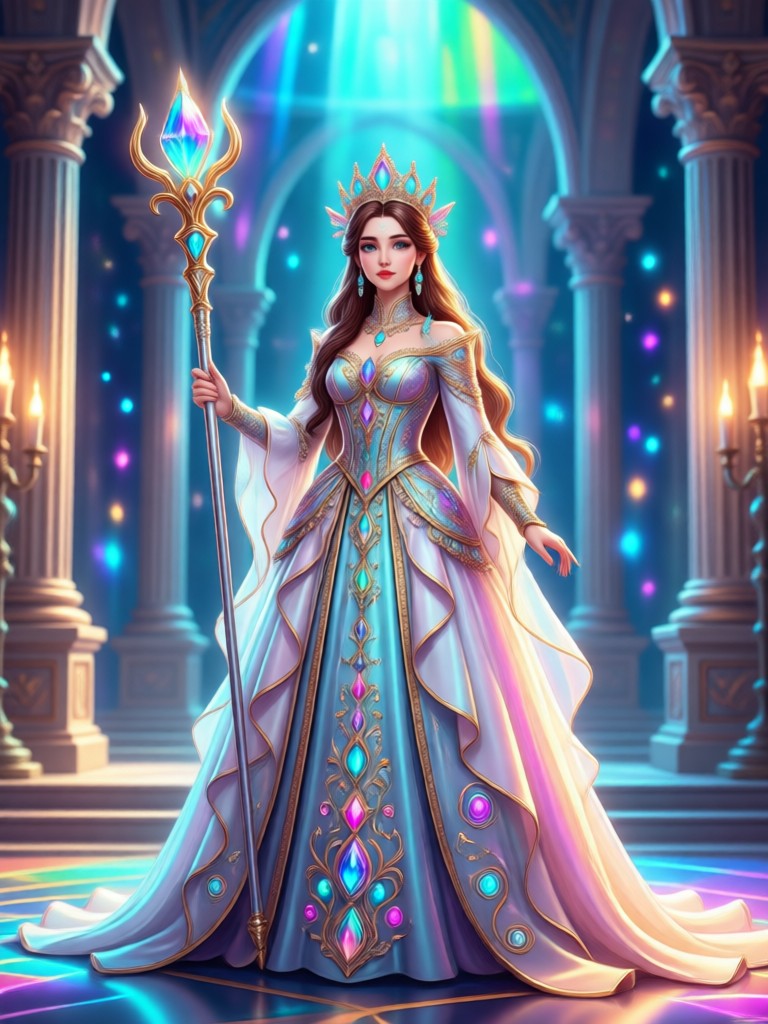
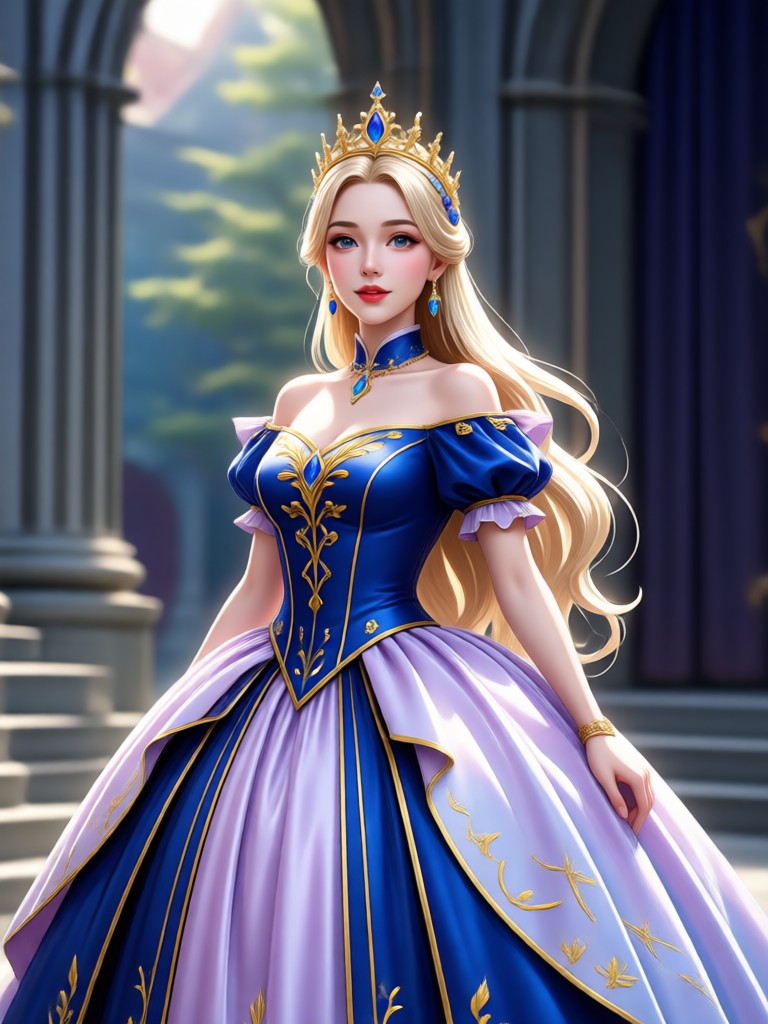
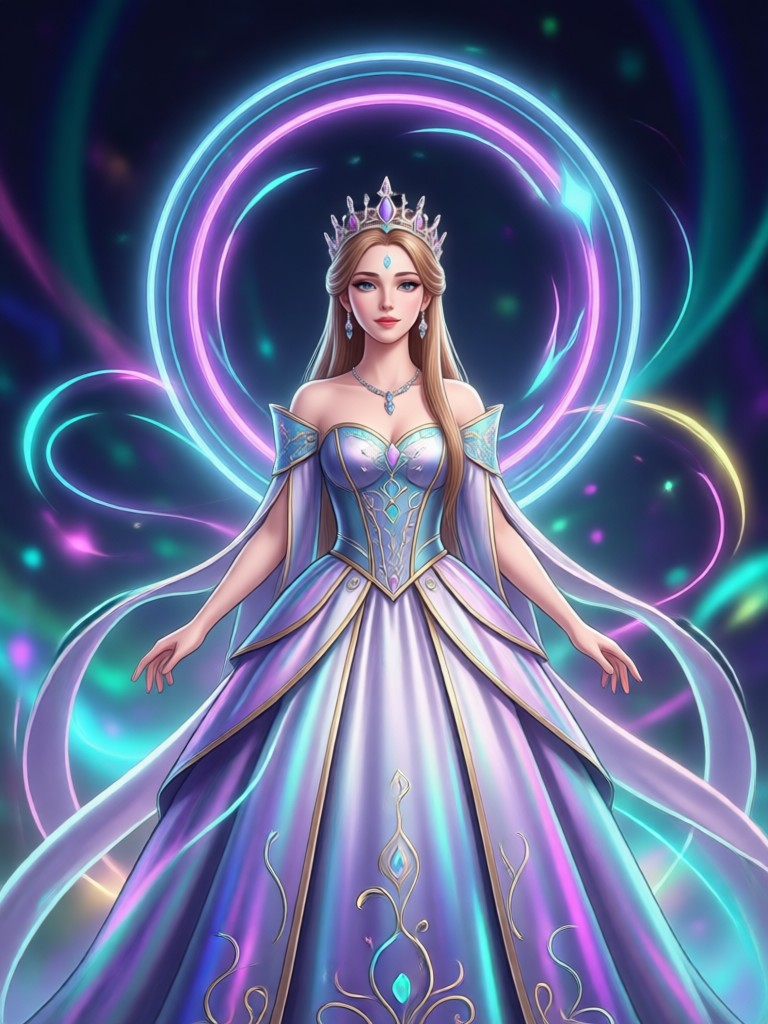
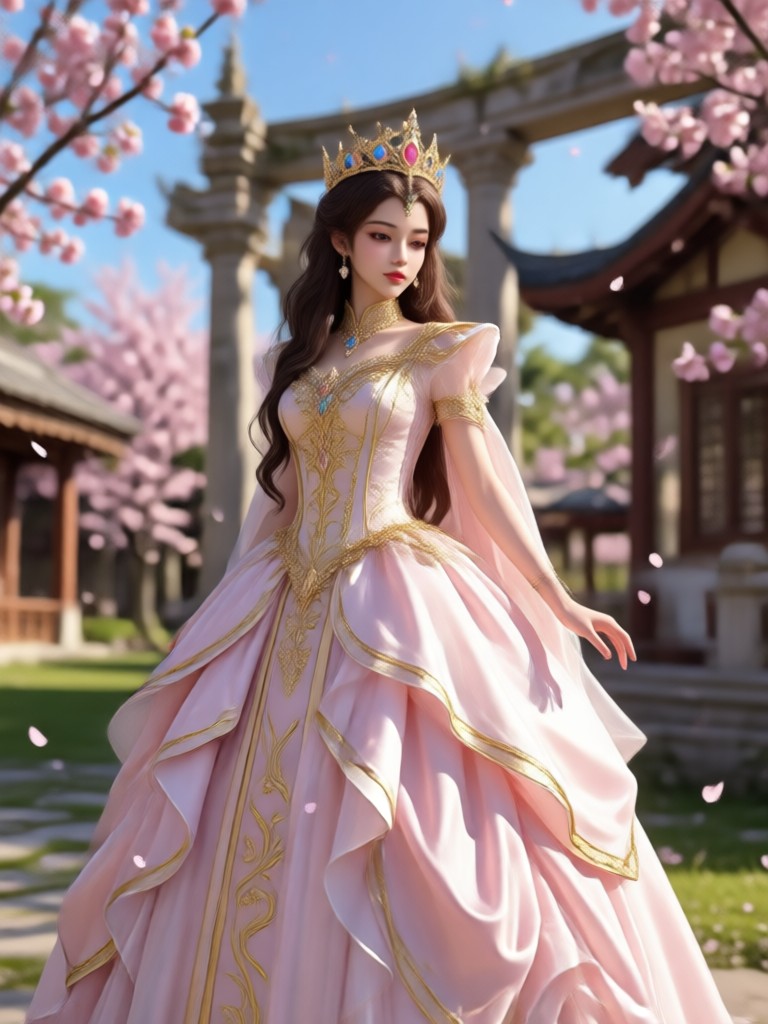
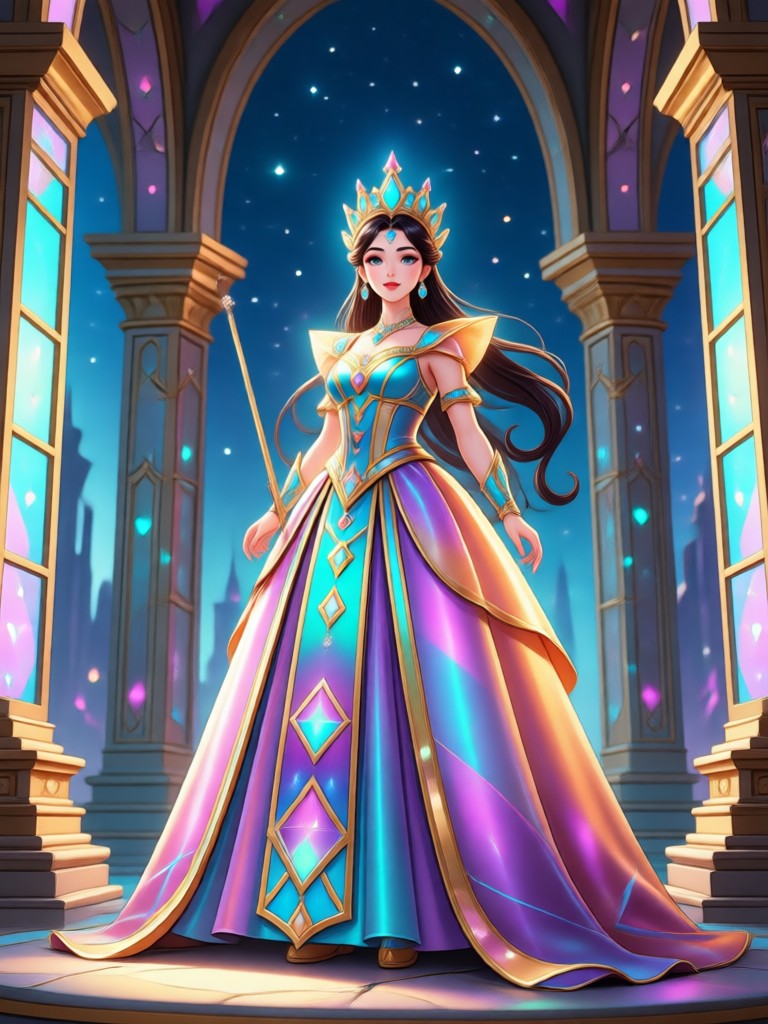
See the magical transformations created by our AI Princess Generator. From royal ball gowns to anime princess looks, find inspiration for your next portrait.
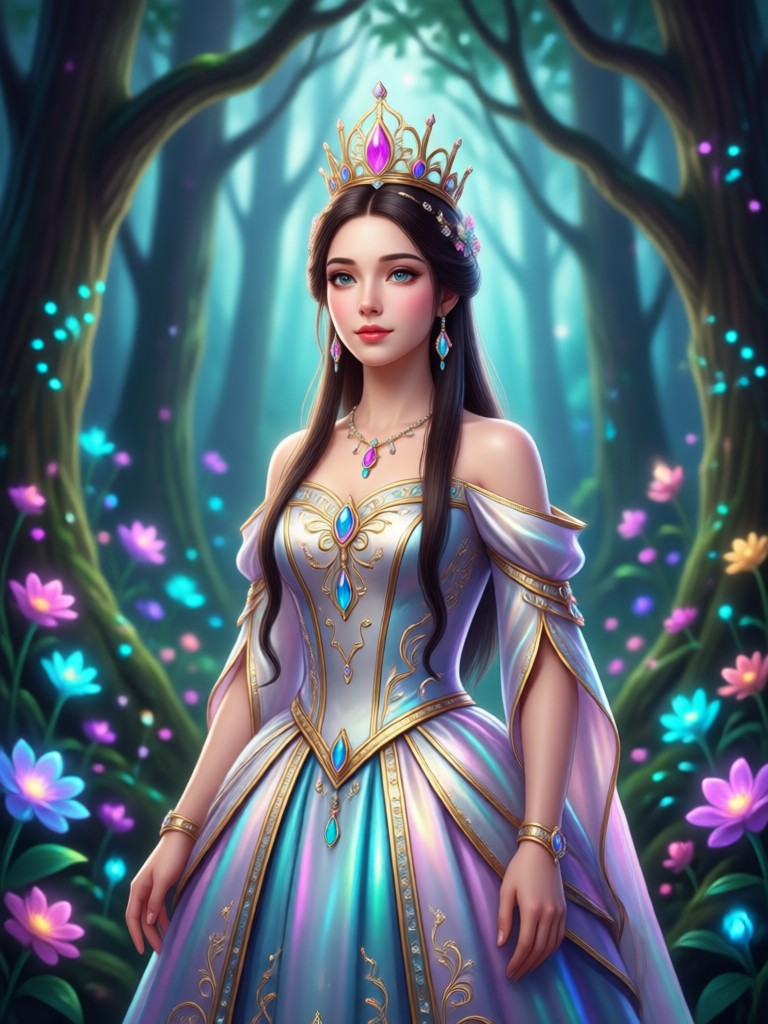
Create Princess Photos on Your Phone
Download funpack for Android and access the AI Princess Generator anytime. Turn selfies into royal portraits, share with friends, and stay on top of fantasy photo trends.

Who Uses AI Princess Generator
Maya Collins
I turned my daughter's photo into a princess portrait for her birthday invitation. The result looked like a real painting and she was so happy.

Elena Rossi
I use it to create fantasy profile pictures for my social media. The anime princess style is my favorite and friends always ask which app I use.
Sophie Turner
I made a magical series of portraits for my cosplay page. The background options are gorgeous and the AI keeps my face consistent in every image.

Ava Brooks
I was surprised by how easy it was. Upload a photo, pick a princess filter, and in seconds I have a royal portrait that looks professionally edited.
Maya Collins
I turned my daughter's photo into a princess portrait for her birthday invitation. The result looked like a real painting and she was so happy.
Elena Rossi
I use it to create fantasy profile pictures for my social media. The anime princess style is my favorite and friends always ask which app I use.
Sophie Turner
I made a magical series of portraits for my cosplay page. The background options are gorgeous and the AI keeps my face consistent in every image.
Ava Brooks
I was surprised by how easy it was. Upload a photo, pick a princess filter, and in seconds I have a royal portrait that looks professionally edited.
Maya Collins
I turned my daughter's photo into a princess portrait for her birthday invitation. The result looked like a real painting and she was so happy.
Elena Rossi
I use it to create fantasy profile pictures for my social media. The anime princess style is my favorite and friends always ask which app I use.
Sophie Turner
I made a magical series of portraits for my cosplay page. The background options are gorgeous and the AI keeps my face consistent in every image.
Ava Brooks
I was surprised by how easy it was. Upload a photo, pick a princess filter, and in seconds I have a royal portrait that looks professionally edited.
Frequently Asked Questions
Find clear answers to common questions about the AI Princess Generator and learn how to create your own royal portraits.
More Topics You May Like
Explore more AI portrait and fantasy creators to spark your next creative project.
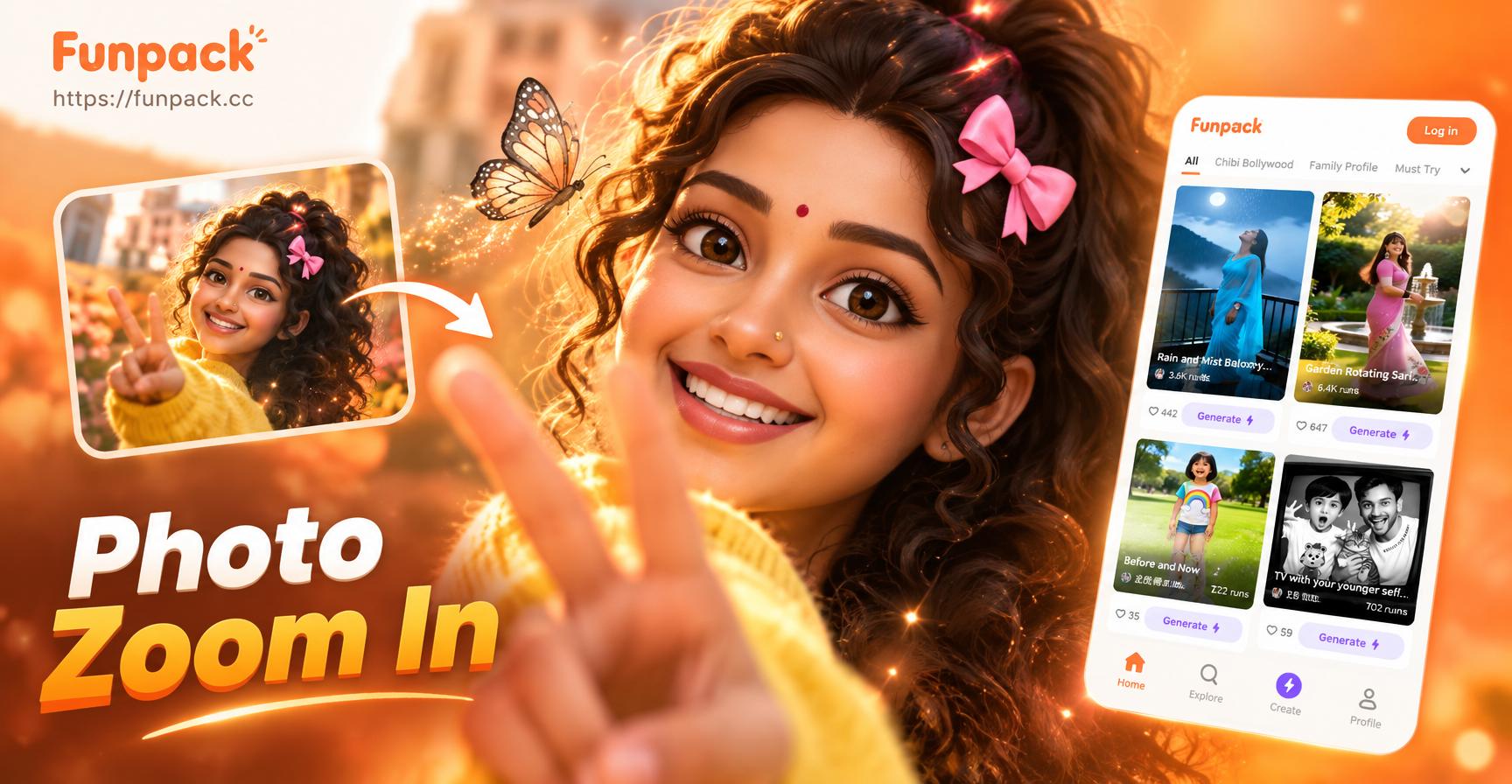
Photo Zoom In Effect App: Zoom Photos Instantly with AI
Discover the photo zoom in effect with funpack. Upload any photo and zoom in seamlessly using AI. Create stunning close-ups, enhance details, and share instantly. No design skills needed.
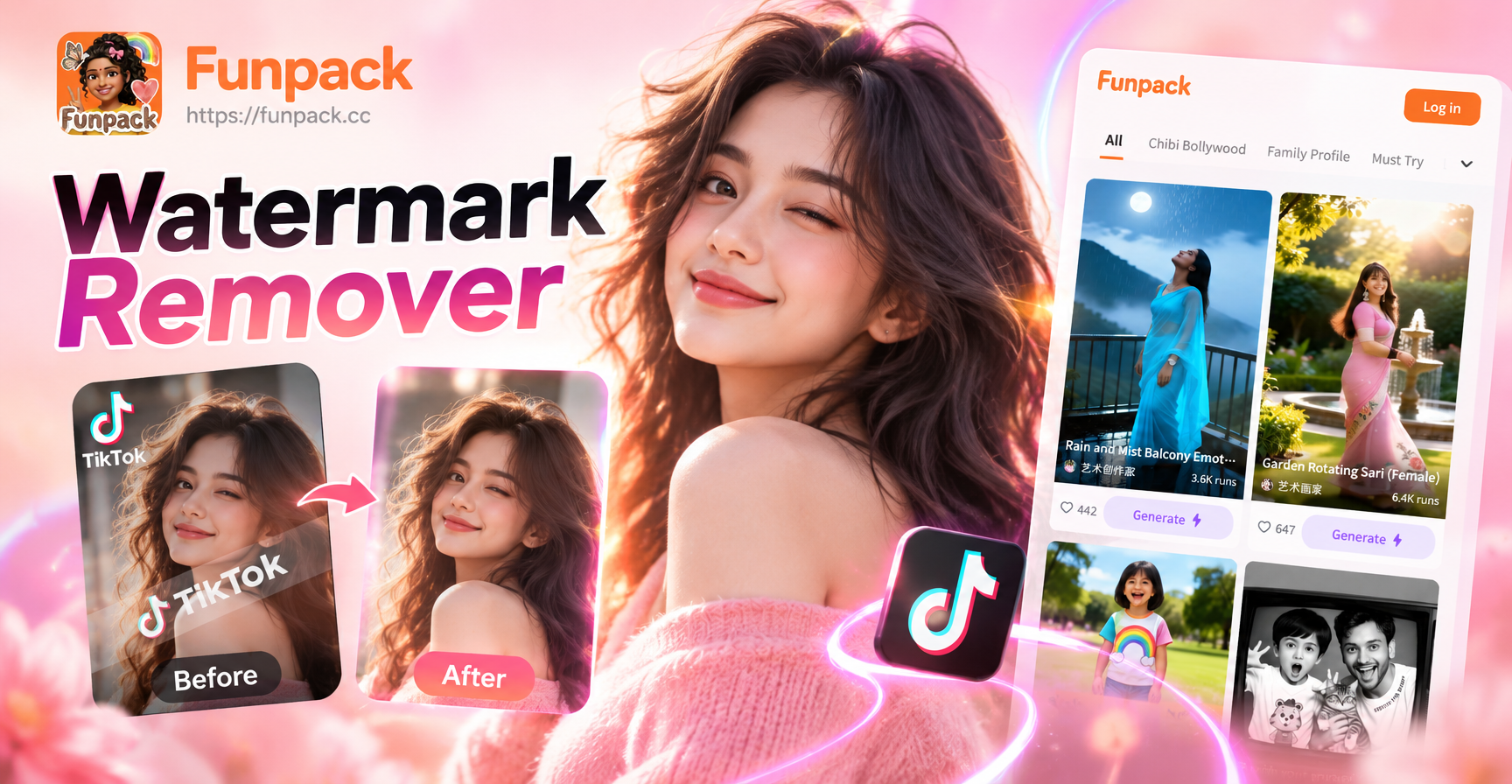
Erase TikTok Watermarks from Photos in Seconds
Remove TikTok watermarks from photos instantly with AI. Upload a picture, auto-detect the logo, and get a clean image ready to repost. No design skills needed.
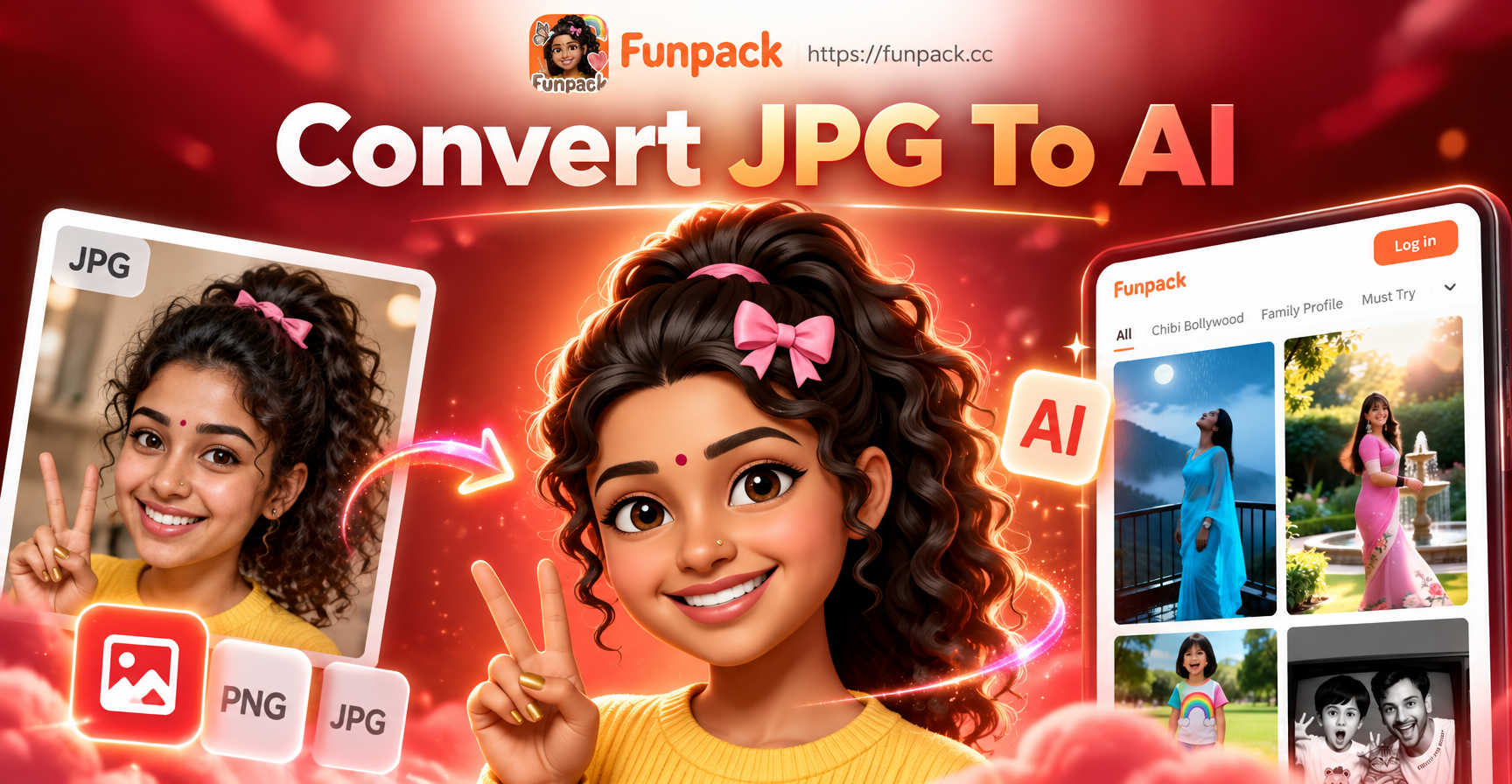
Convert JPG to AI: Turn Photos into Stunning AI Art
Convert JPG to AI with funpack. Upload any photo, pick a style template, and generate AI images in seconds. No design skills needed. Get results instantly.
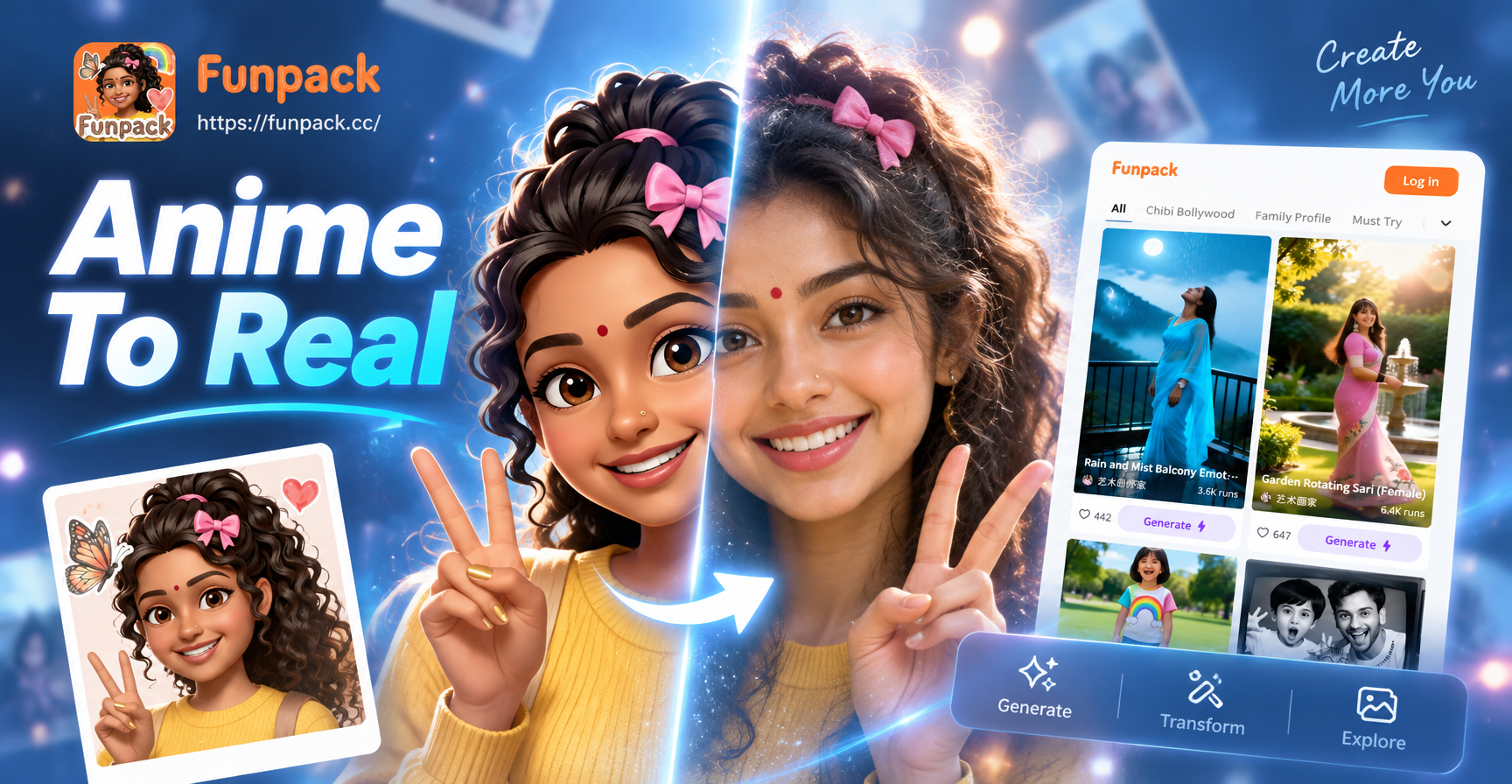
Anime To Real Life Converter: Turn Anime Into Reality
Turn any anime character into a realistic photo with funpack. Upload an image, choose a style, and watch the AI anime to real life transformation happen in seconds.
Turn Your Photo Into a Princess Today
Download the funpack app and start creating magical princess portraits in seconds. Choose your style, upload a photo, and share your royal look with the world.

Turn Your Photo Into a Princess Today
Download the funpack app and start creating magical princess portraits in seconds. Choose your style, upload a photo, and share your royal look with the world.