Blur The Background Of A Photo
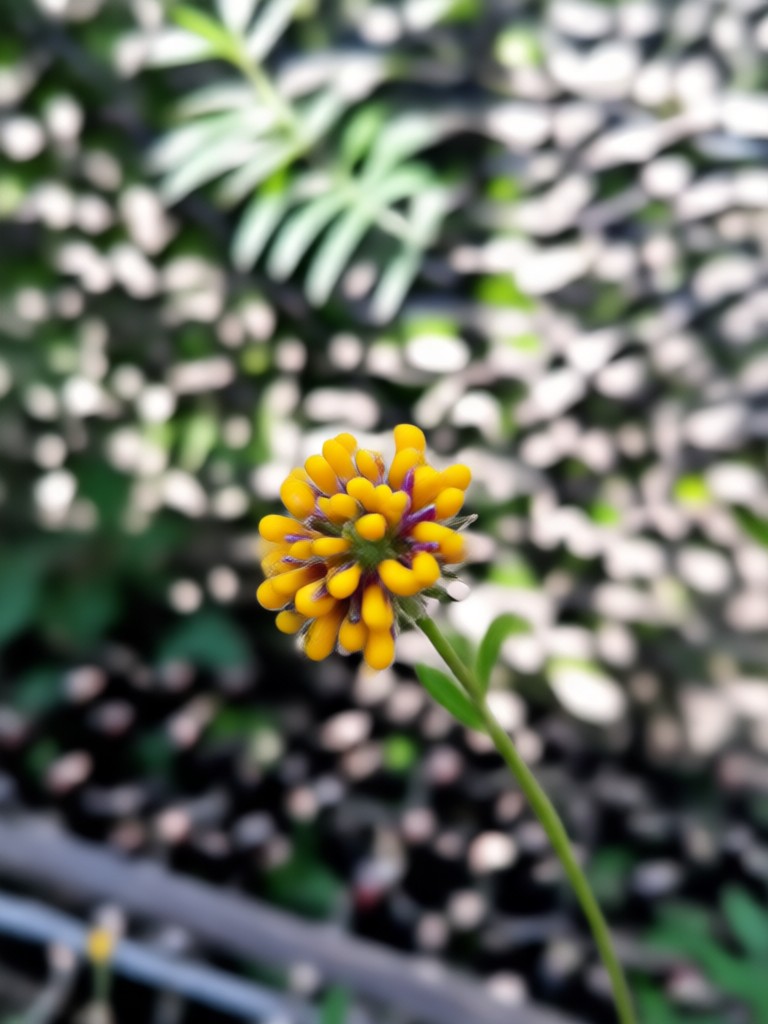
Choose Your Perfect Blur Effect
From soft portrait bokeh to artistic motion blur, select the perfect background effect to make your subject stand out.
Why Choose AI Background Blur
Our AI-powered background blur delivers professional results with zero effort. Perfect for creators, photographers, and anyone wanting better photos.
One-Click Subject Detection
AI automatically identifies your main subject with precision, separating it perfectly from the background for clean, natural blurring.
One-Click Subject Detection
AI automatically identifies your main subject with precision, separating it perfectly from the background for clean, natural blurring.
Adjustable Blur Intensity
Control the strength of your bokeh effect with a simple slider. Choose from subtle background softening to dramatic artistic blur.
Adjustable Blur Intensity
Control the strength of your bokeh effect with a simple slider. Choose from subtle background softening to dramatic artistic blur.
Multiple Blur Styles
Apply different blur types like lens bokeh, motion blur, Gaussian blur, or tilt-shift effects to match your creative vision.
Multiple Blur Styles
Apply different blur types like lens bokeh, motion blur, Gaussian blur, or tilt-shift effects to match your creative vision.
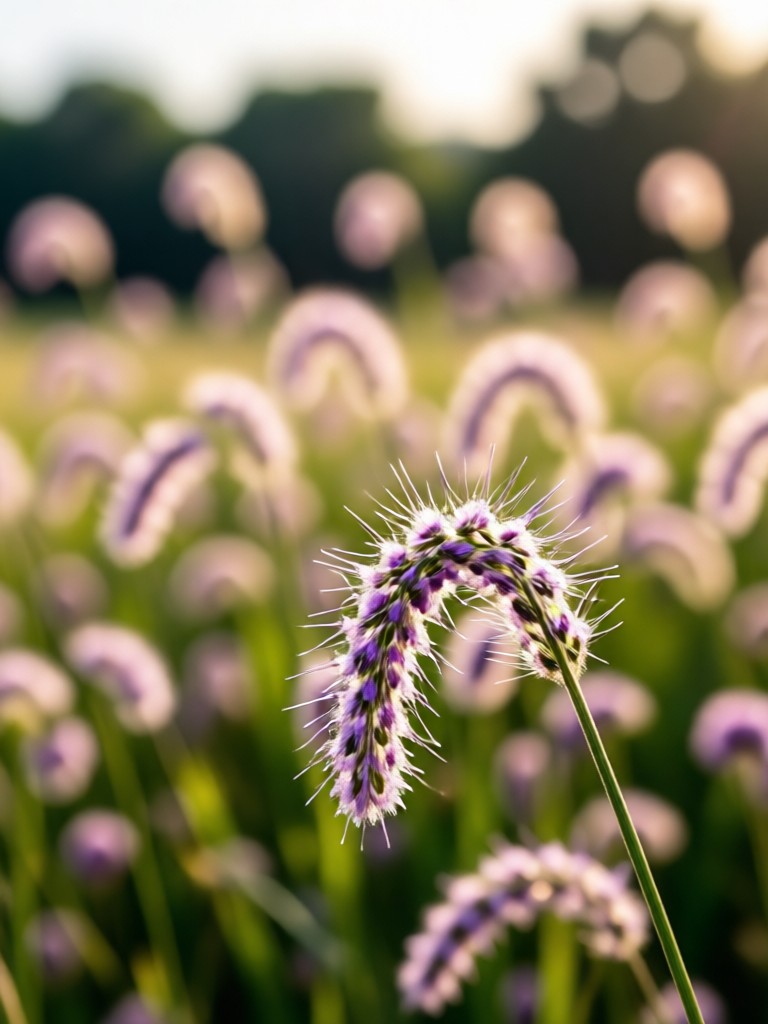
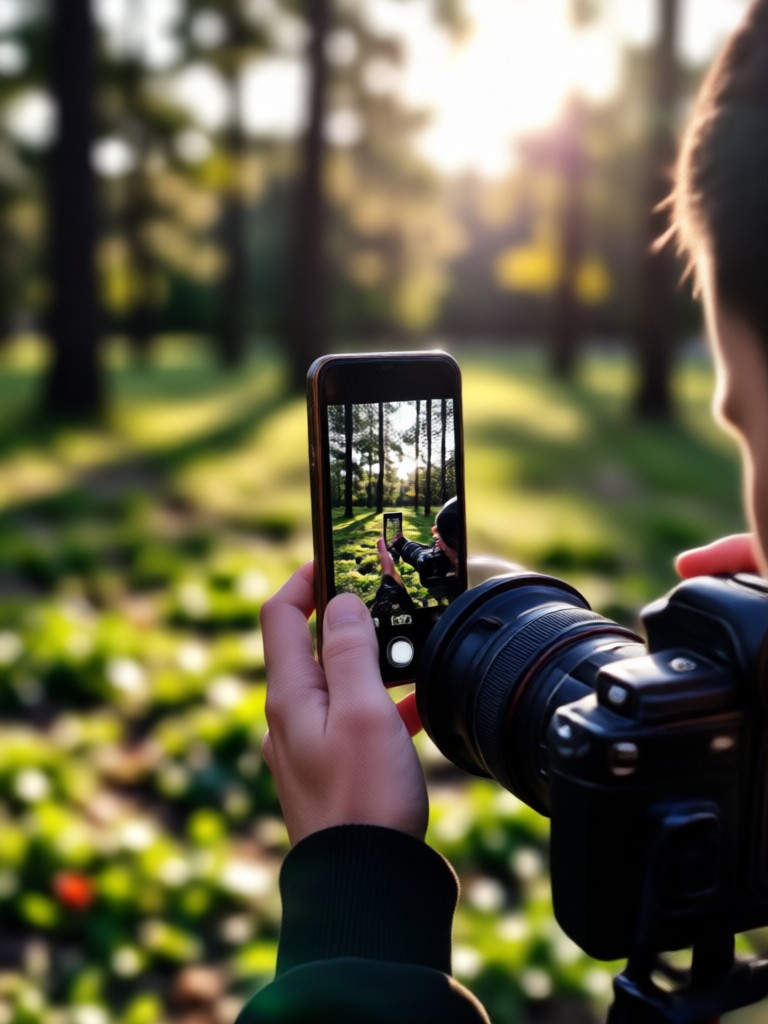
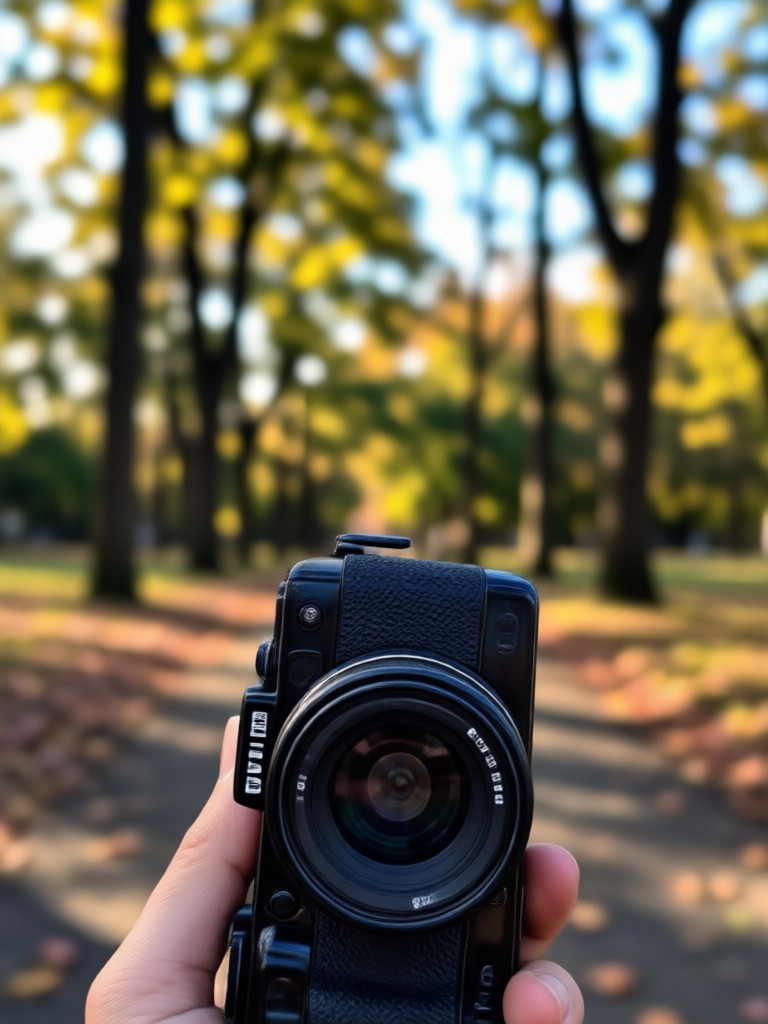
See AI Background Blur Transformations
Witness how ordinary photos become professional portraits with beautiful background blur. These examples show the power of AI photo editing.
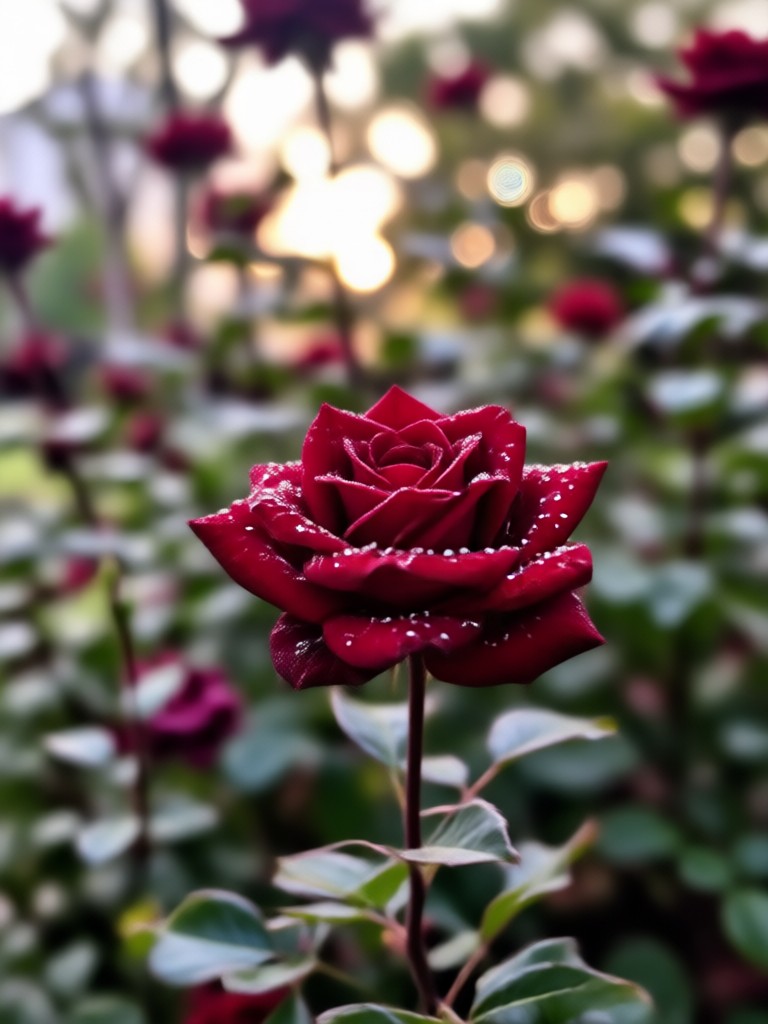
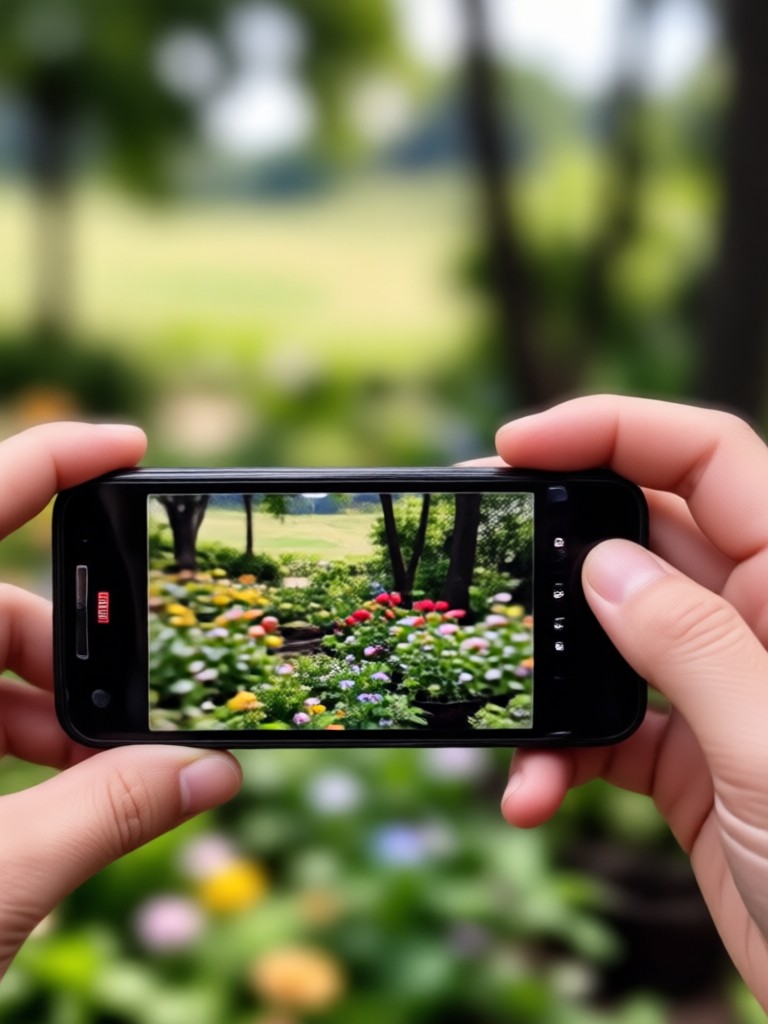
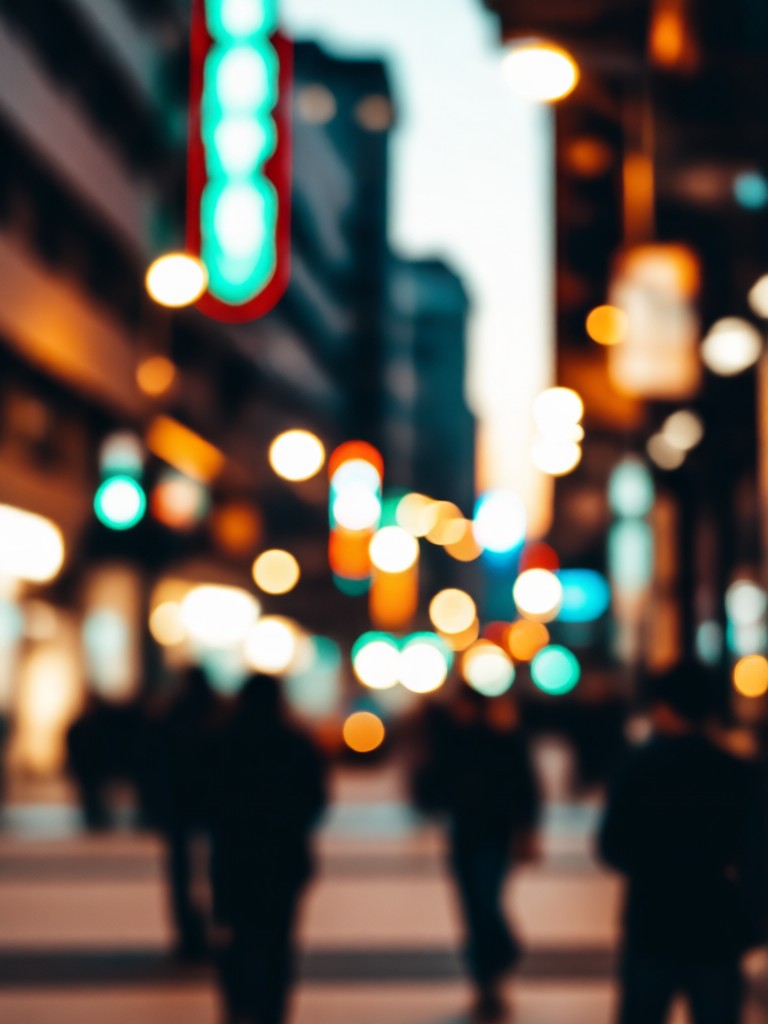
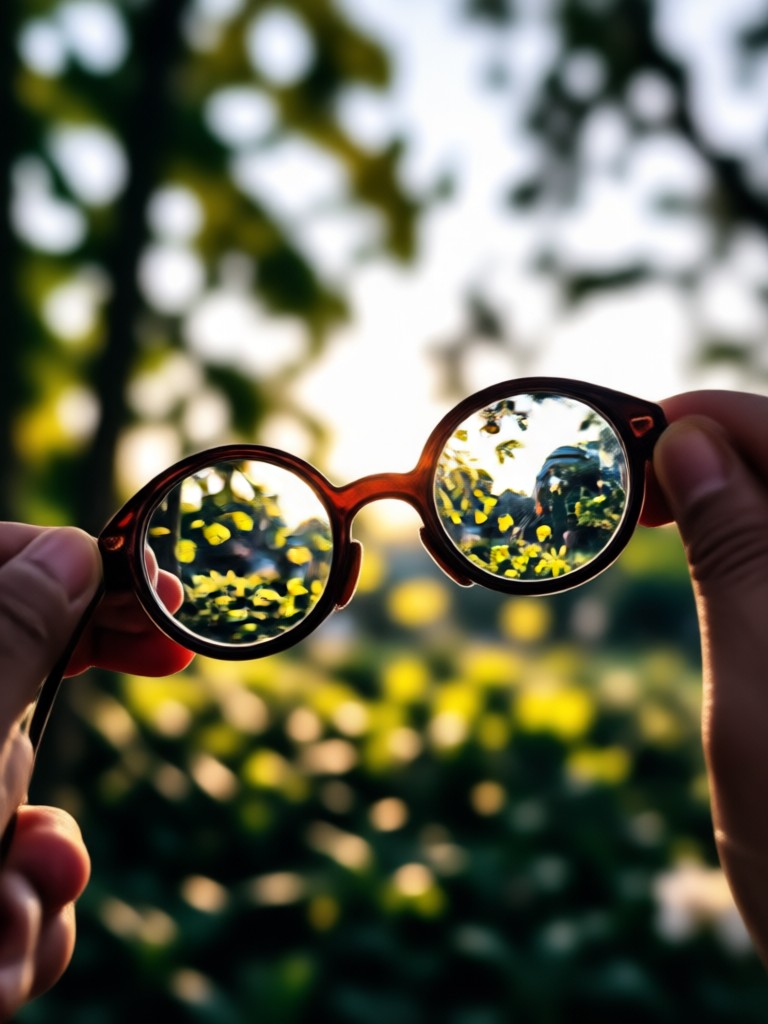
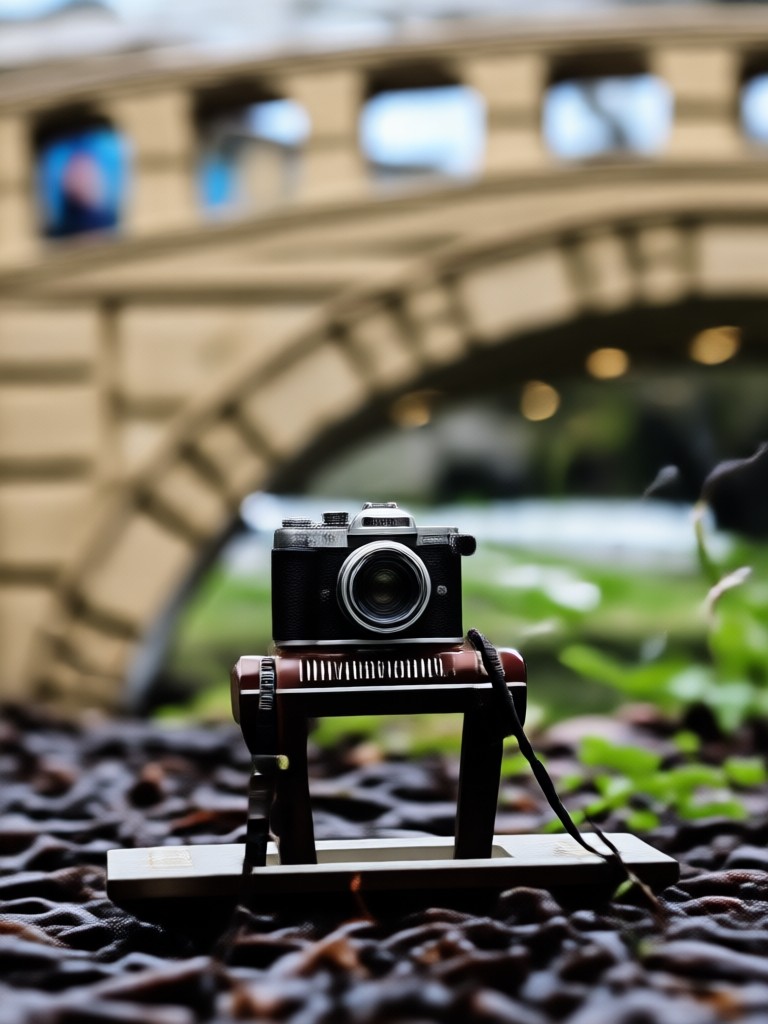
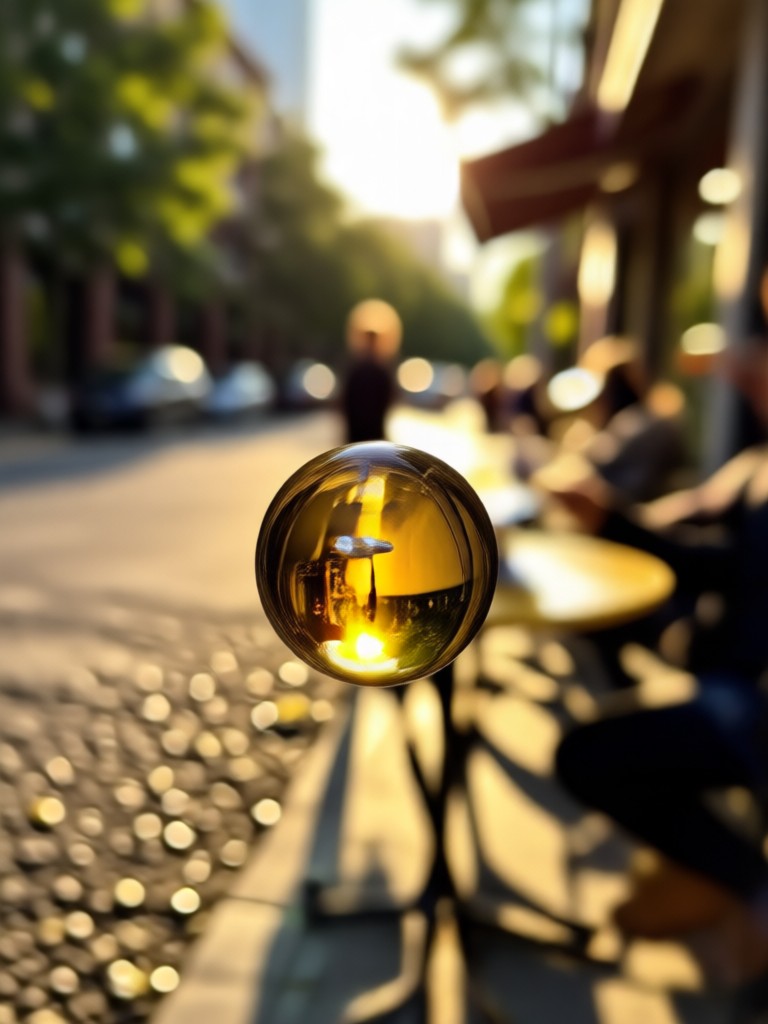
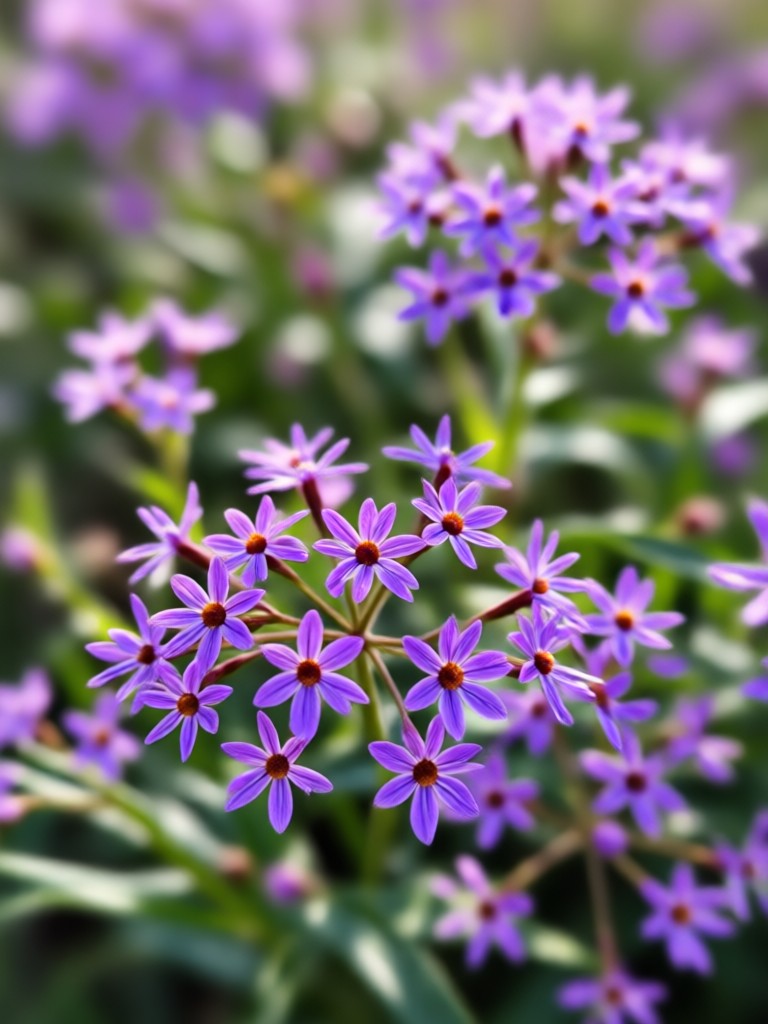
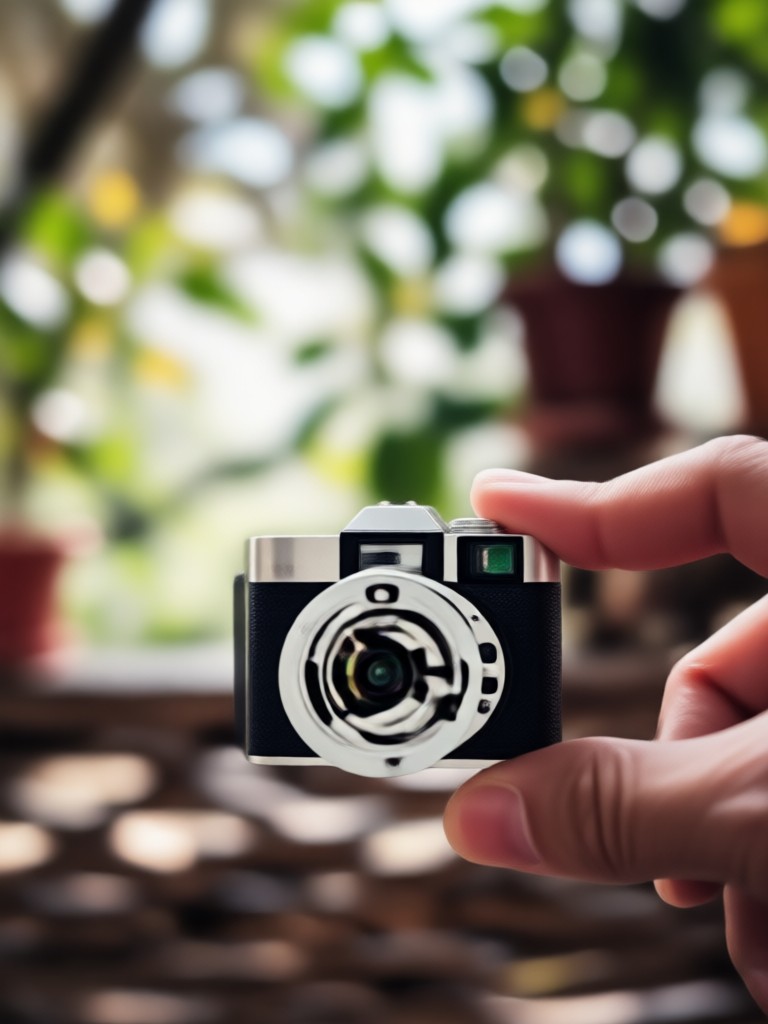
Professional Results in Seconds
Traditional background blurring requires expensive equipment and hours of editing. Our AI makes professional photography accessible to everyone.
Why Blur Backgrounds with AI
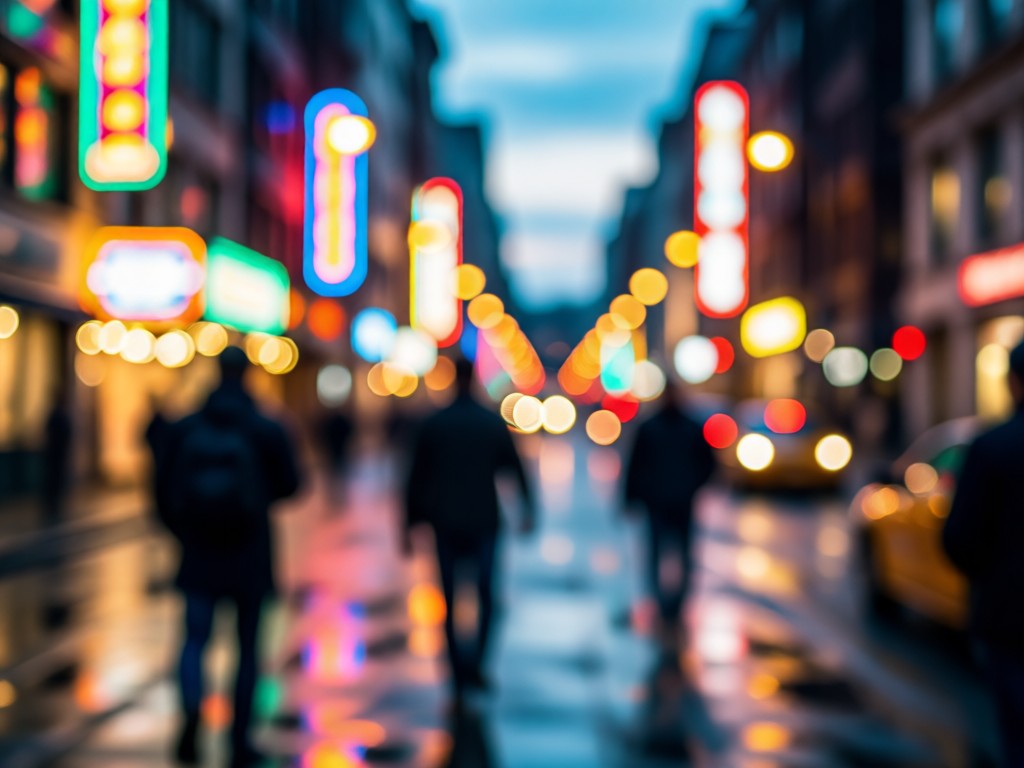
Background blur, or bokeh, focuses attention on your subject while creating beautiful, professional-looking photos. Traditionally achieved with expensive DSLR cameras and large apertures, it's now available to anyone with a smartphone. Our AI replicates this effect perfectly, analyzing depth, separating subjects, and applying natural-looking blur that mimics professional photography. Whether for portraits, product shots, or social media content, blurred backgrounds make your images stand out instantly.
Why Blur Backgrounds with AI
Background blur, or bokeh, focuses attention on your subject while creating beautiful, professional-looking photos. Traditionally achieved with expensive DSLR cameras and large apertures, it's now available to anyone with a smartphone. Our AI replicates this effect perfectly, analyzing depth, separating subjects, and applying natural-looking blur that mimics professional photography. Whether for portraits, product shots, or social media content, blurred backgrounds make your images stand out instantly.
How to Blur Photo Backgrounds in 3 Steps
Create professional-looking photos with beautiful background blur in just minutes using our simple mobile app.

Step 01.
Download the funpack app from Google Play Store to access AI background blur and hundreds of other creative effects.
Step 02.
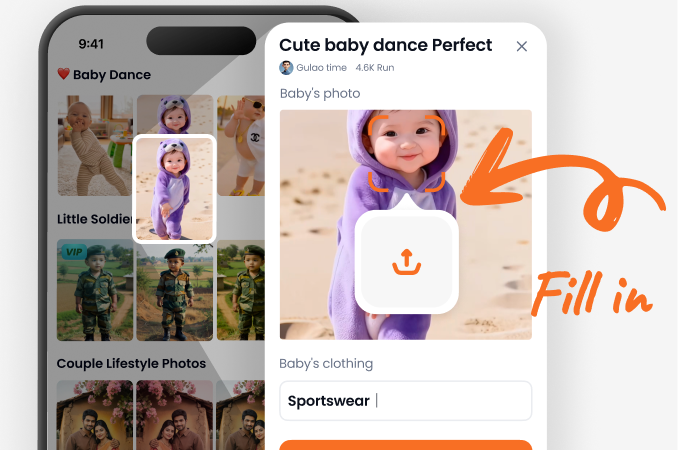
Upload any photo from your gallery. Our AI automatically detects your subject and prepares it for background blurring.
Step 03.
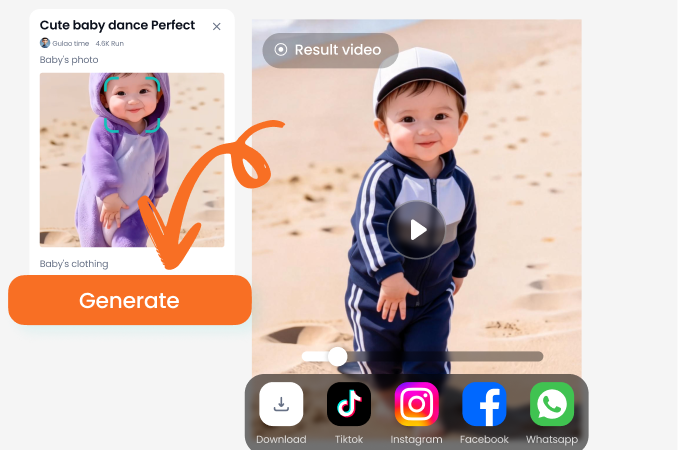
Choose your blur style and intensity, then instantly download your professionally edited photo to share anywhere.
What Users Say About AI Background Blur
Marcus Chen
As a portrait photographer, I use this daily to enhance client photos. The AI detects hair and complex edges better than any manual tool I've tried.
Sophia Rodriguez
My product photos look professional without expensive equipment. The background blur makes items pop and has increased my online sales by 30%.
Jamal Williams
This app saves me hours of editing. My Instagram portraits now have that premium look that gets more engagement and brand partnerships.
Elena Petrova
I use it to blur distracting elements in property photos. The selective blur feature helps potential buyers focus on the home's best features.
Marcus Chen
As a portrait photographer, I use this daily to enhance client photos. The AI detects hair and complex edges better than any manual tool I've tried.
Sophia Rodriguez
My product photos look professional without expensive equipment. The background blur makes items pop and has increased my online sales by 30%.
Jamal Williams
This app saves me hours of editing. My Instagram portraits now have that premium look that gets more engagement and brand partnerships.
Elena Petrova
I use it to blur distracting elements in property photos. The selective blur feature helps potential buyers focus on the home's best features.
Marcus Chen
As a portrait photographer, I use this daily to enhance client photos. The AI detects hair and complex edges better than any manual tool I've tried.
Sophia Rodriguez
My product photos look professional without expensive equipment. The background blur makes items pop and has increased my online sales by 30%.
Jamal Williams
This app saves me hours of editing. My Instagram portraits now have that premium look that gets more engagement and brand partnerships.
Elena Petrova
I use it to blur distracting elements in property photos. The selective blur feature helps potential buyers focus on the home's best features.
AI Background Blur FAQs
Get answers to common questions about blurring photo backgrounds with AI technology. Learn how to achieve professional results easily.
More AI Photo Editing Tools
Explore more topics you may like and discover fresh ideas tailored to your interests.
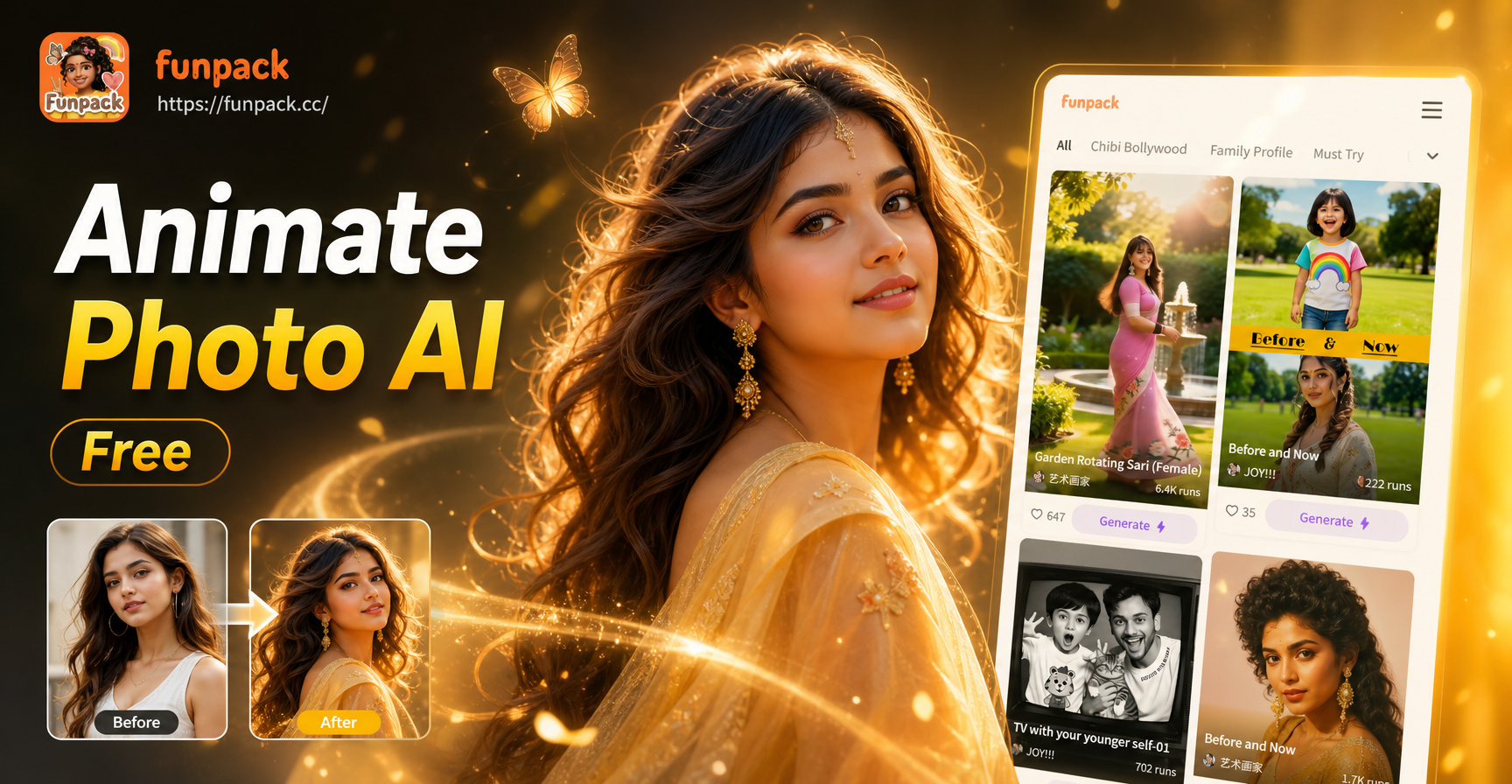
Free AI Photo Animator: Bring Your Photos to Life Instantly
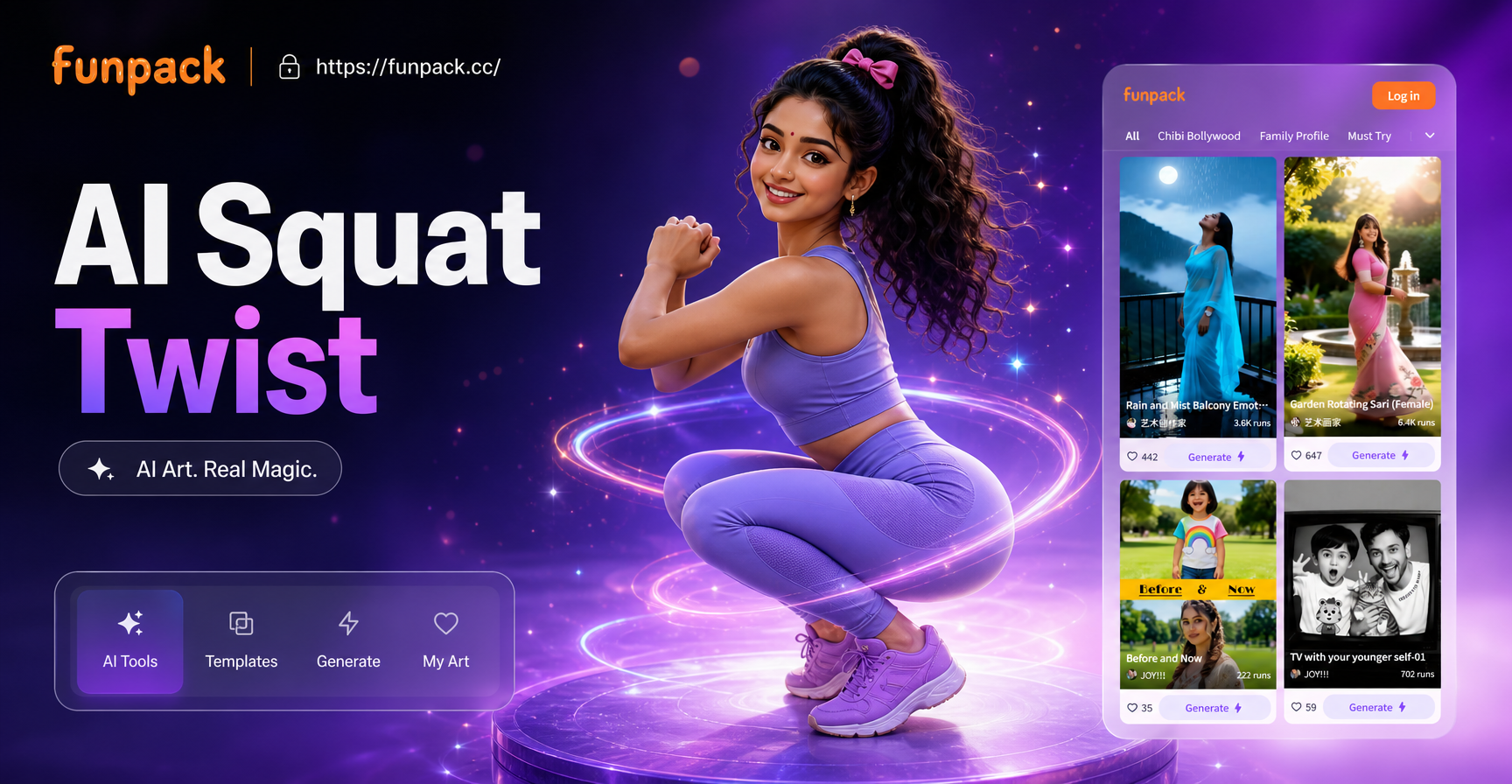
Squat Twist AI: Viral Photo Trend With AI Effects
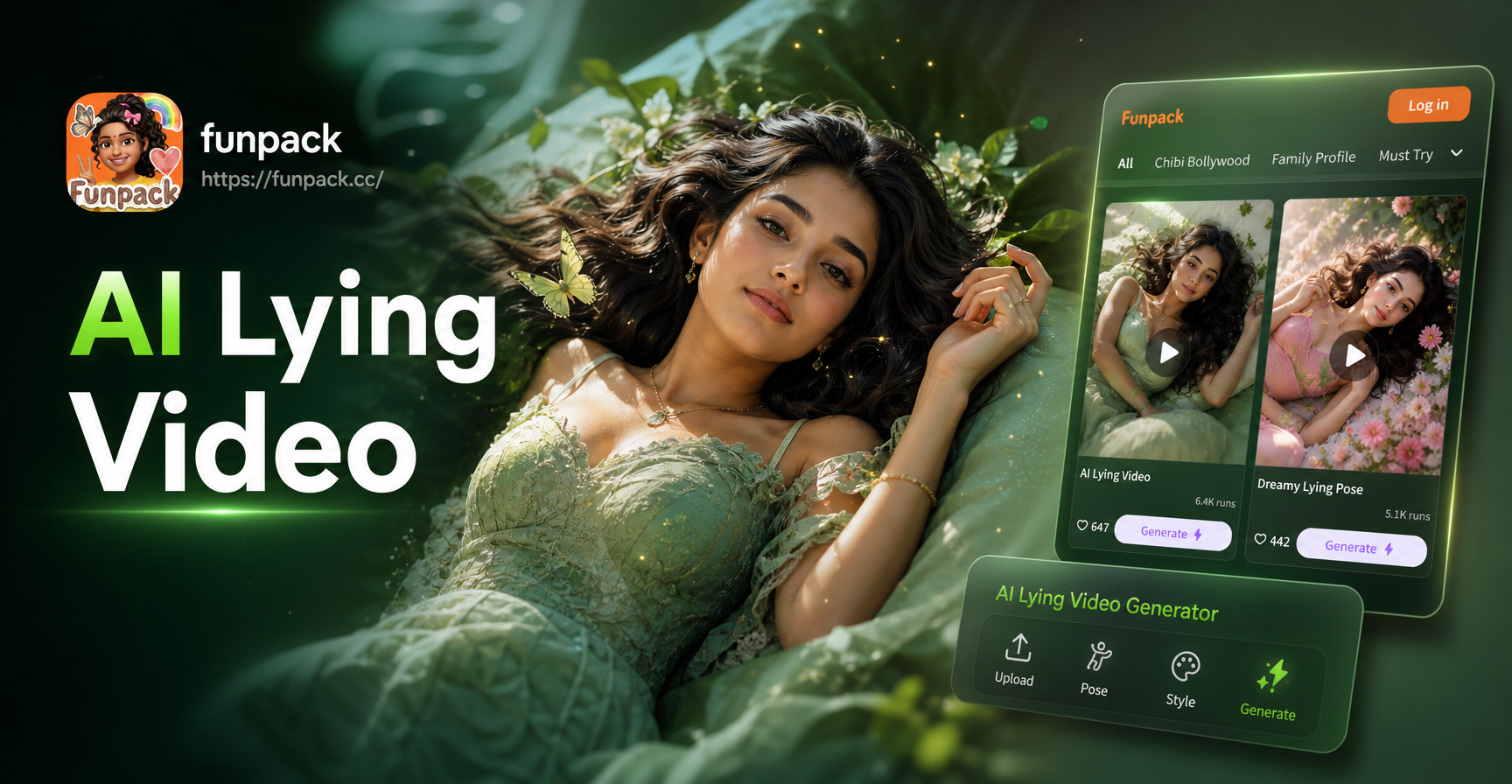
Create Realistic Lying Down Videos Instantly with AI
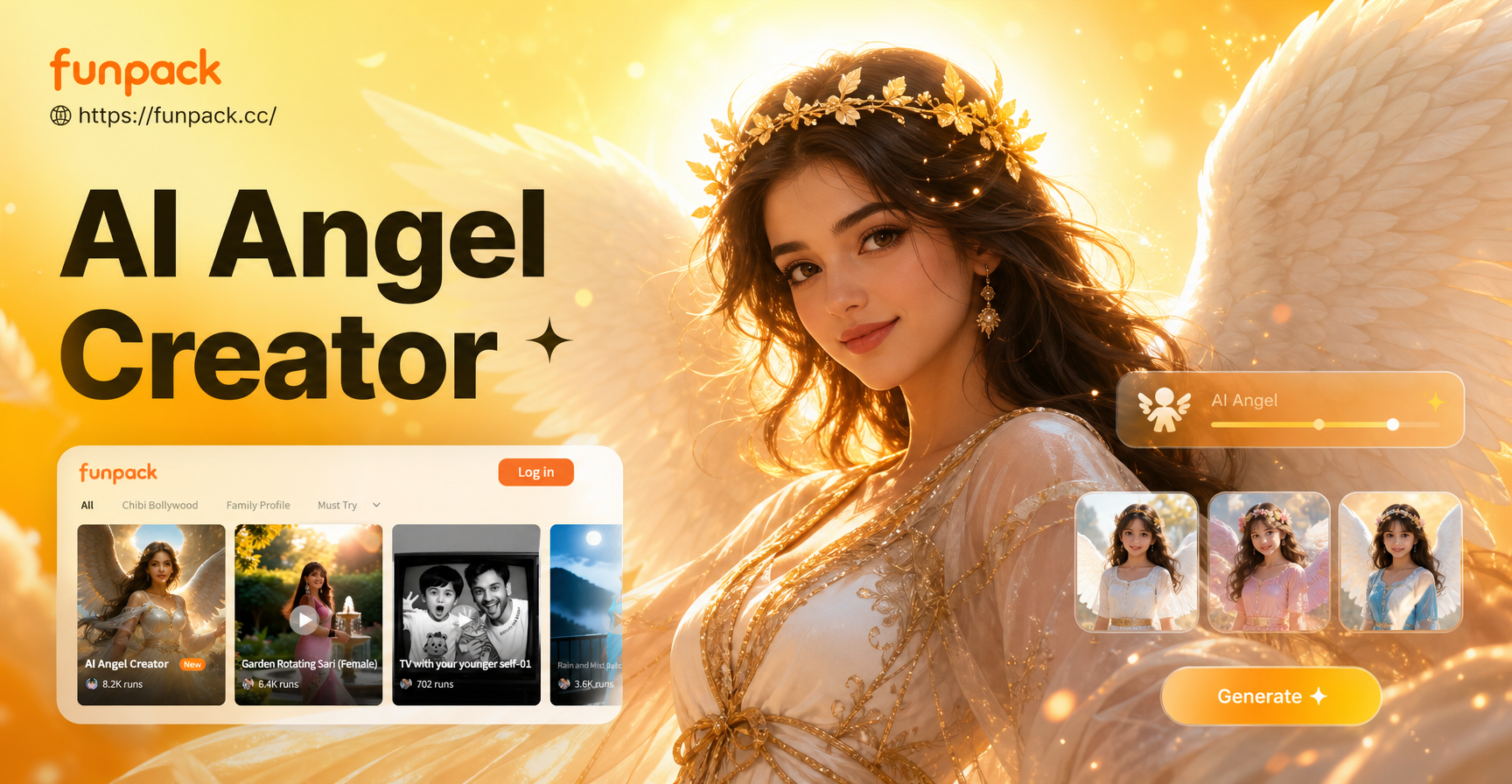
AI Angel Generator: Create Celestial Beings & Divine Art
Free AI Photo Animator: Bring Your Photos to Life Instantly
Squat Twist AI: Viral Photo Trend With AI Effects
Create Realistic Lying Down Videos Instantly with AI
AI Angel Generator: Create Celestial Beings & Divine Art
Transform Your Photos with Professional Blur
Stop wasting time with complex editing software. Get perfect background blur instantly with AI technology. Download now and make every photo portfolio-worthy.
Transform Your Photos with Professional Blur
Stop wasting time with complex editing software. Get perfect background blur instantly with AI technology. Download now and make every photo portfolio-worthy.