Double Exposure Photo Editor
Popular Double Exposure Styles
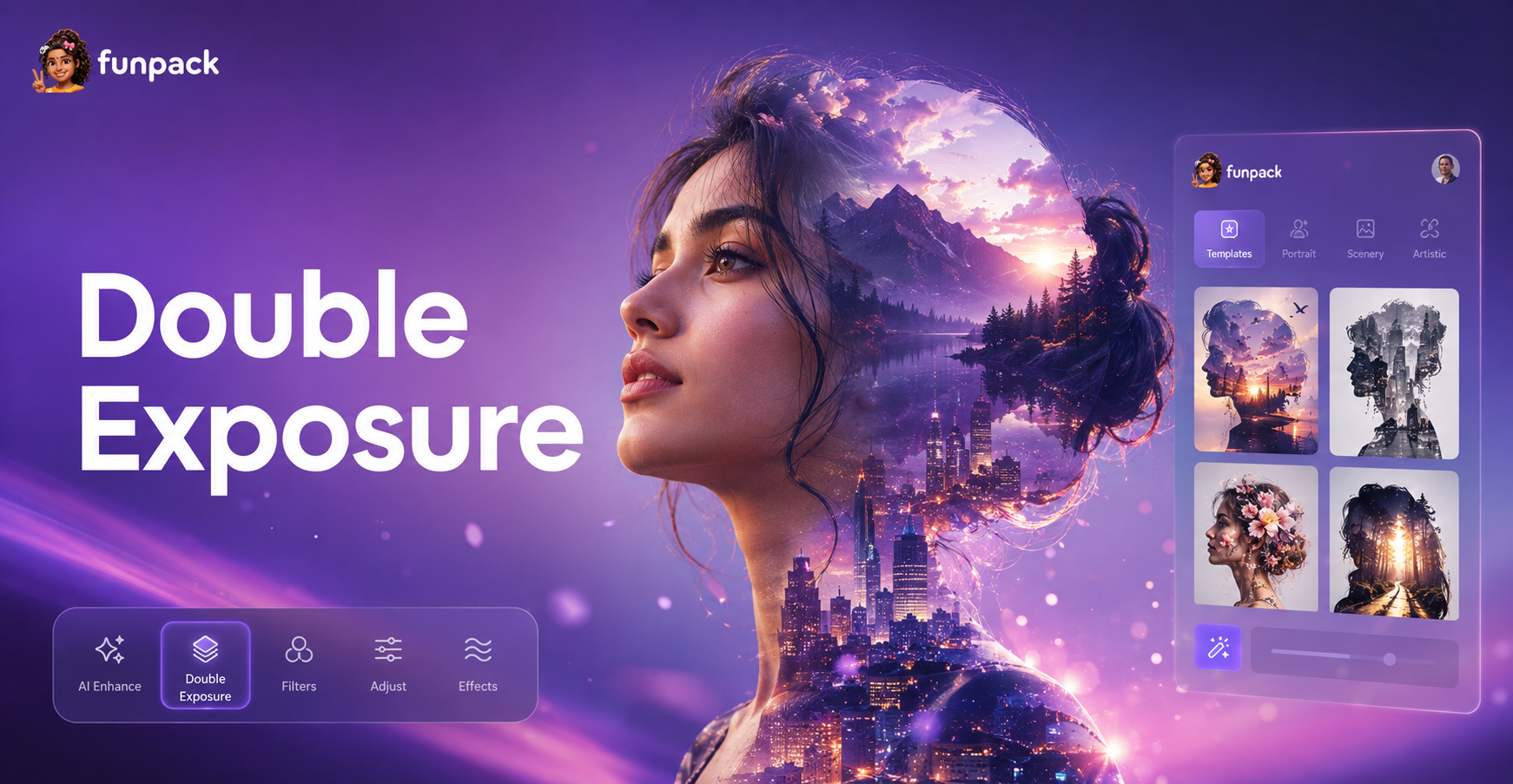
Explore a variety of artistic double exposure templates. From dramatic desert motorcycle effects to ethereal nature blends, find the perfect style for your vision.
Create Double Exposure Art in Seconds
Our AI powered editor simplifies the complex process of double exposure. Upload two photos, choose a blend mode, and watch as they merge into a cohesive masterpiece.
Intelligent Layer Blending
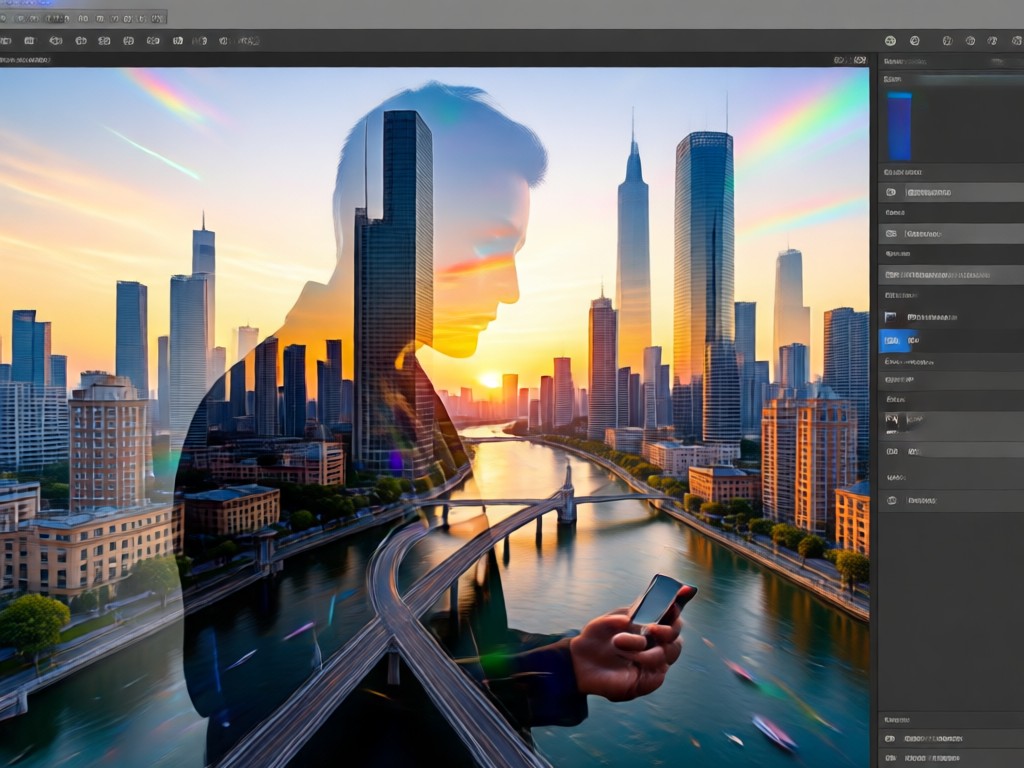
AI automatically analyzes your photos to find the perfect blend. Choose from Lighten, Darken, Multiply, Screen, and Overlay modes for different artistic outcomes.
Intelligent Layer Blending
AI automatically analyzes your photos to find the perfect blend. Choose from Lighten, Darken, Multiply, Screen, and Overlay modes for different artistic outcomes.
Desert Motorcycle Photo Effect
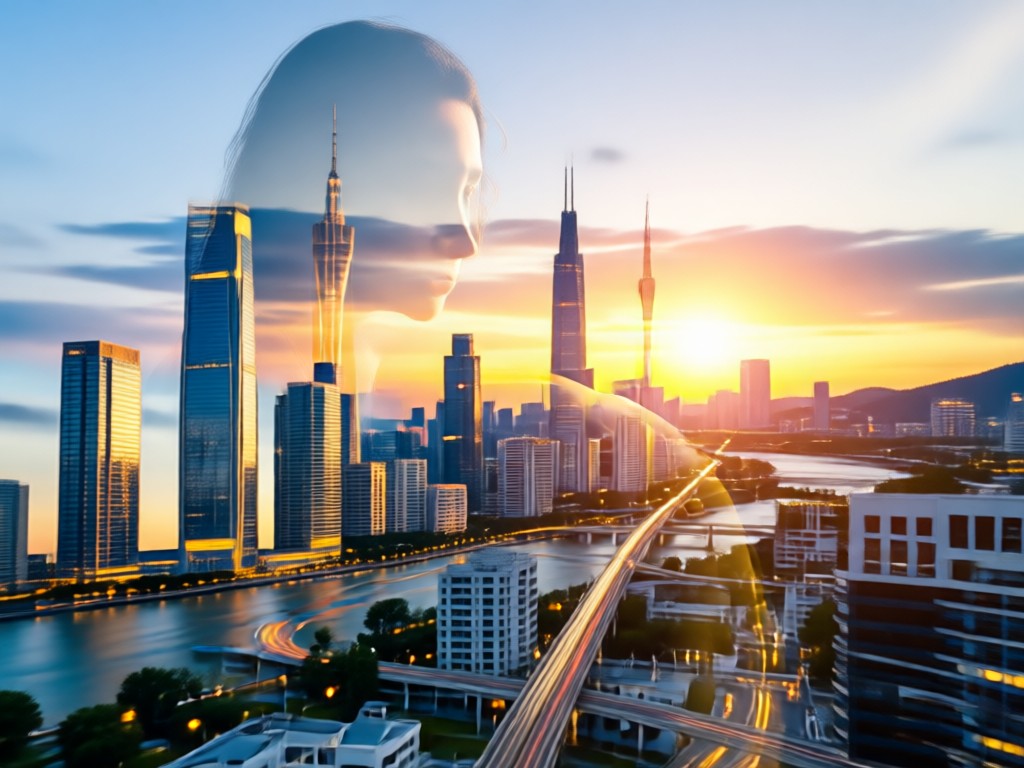
Specifically craft the popular desert motorcycle aesthetic. Blend a rider's portrait with sweeping sand dunes and dramatic skies for an adventurous, cinematic look.
Desert Motorcycle Photo Effect
Specifically craft the popular desert motorcycle aesthetic. Blend a rider's portrait with sweeping sand dunes and dramatic skies for an adventurous, cinematic look.
Precision Masking & Editing
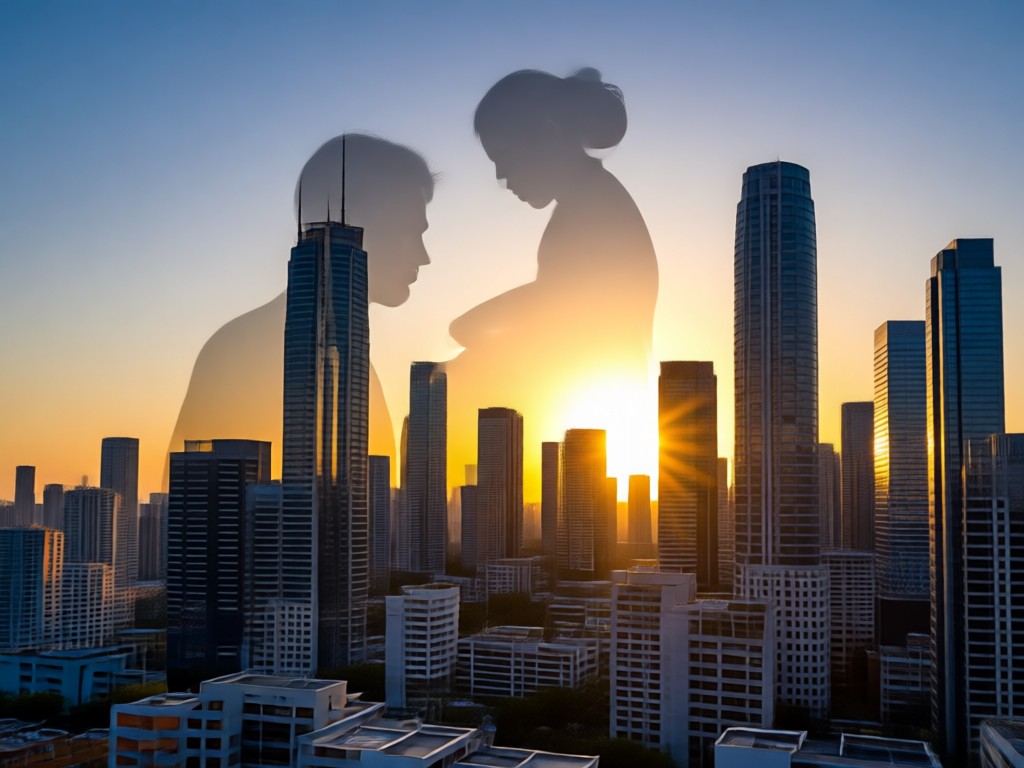
Fine tune your blend with easy to use masking tools. Erase or reveal specific parts of each image to control exactly where the double exposure appears.
Precision Masking & Editing
Fine tune your blend with easy to use masking tools. Erase or reveal specific parts of each image to control exactly where the double exposure appears.
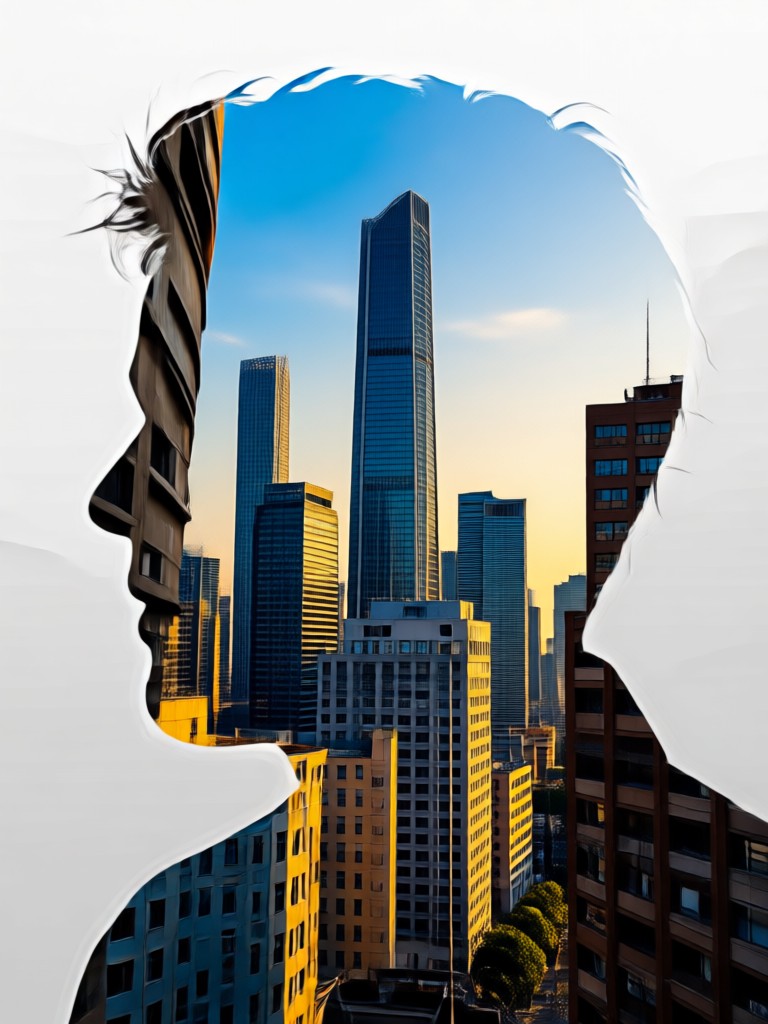
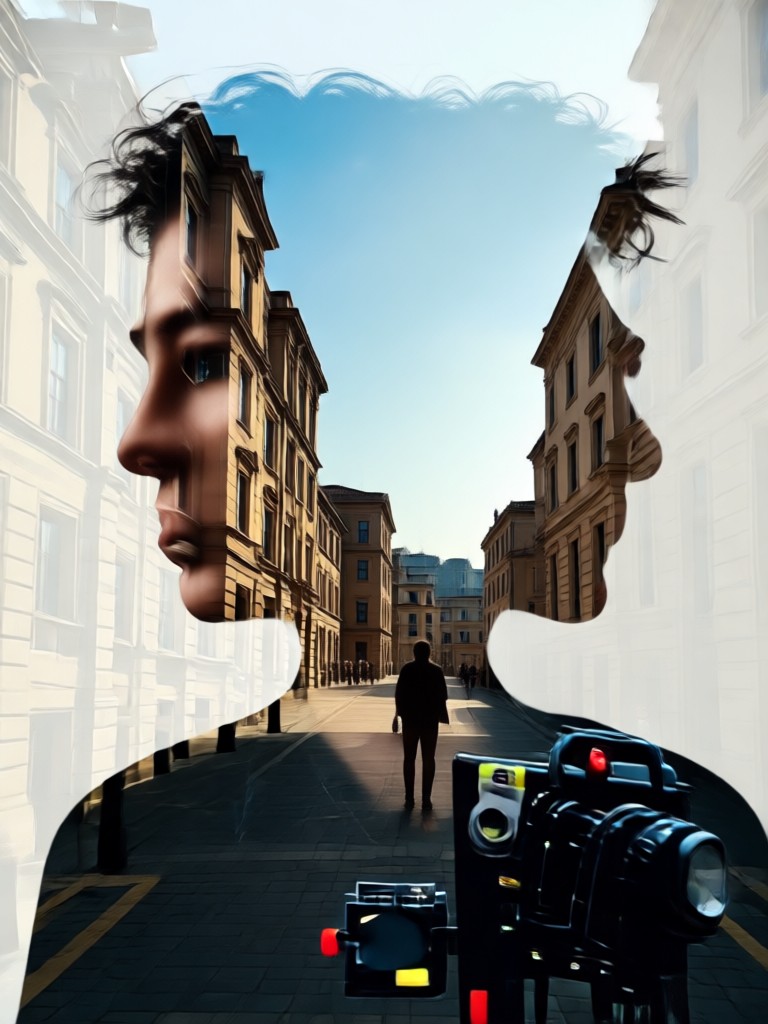
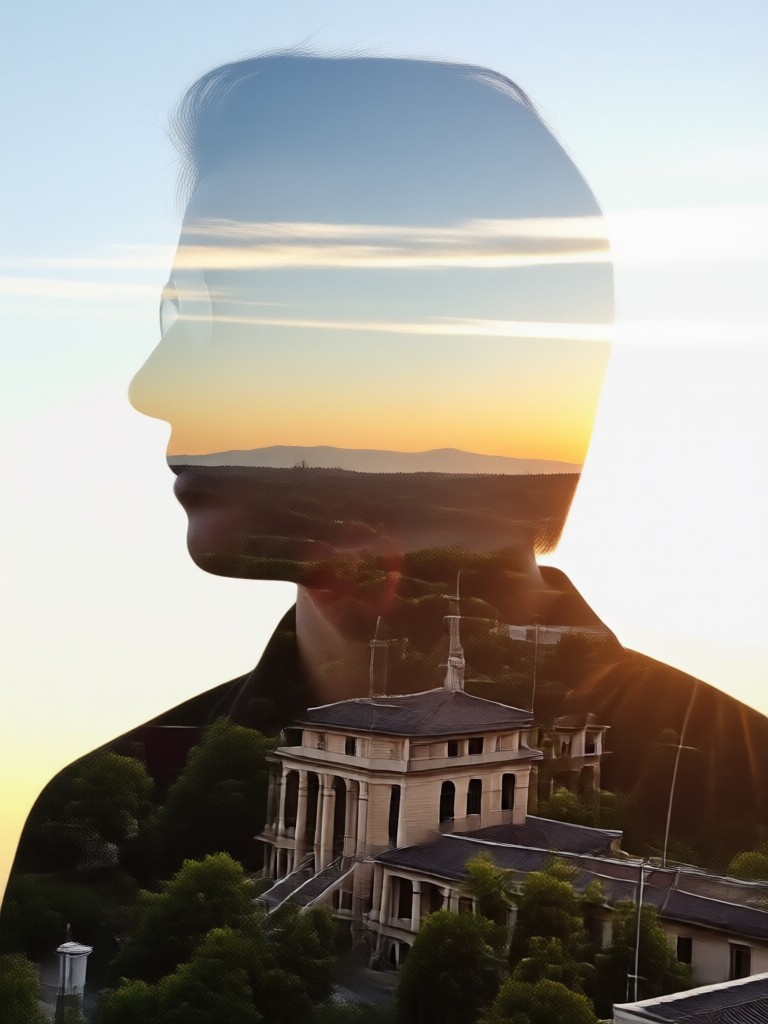
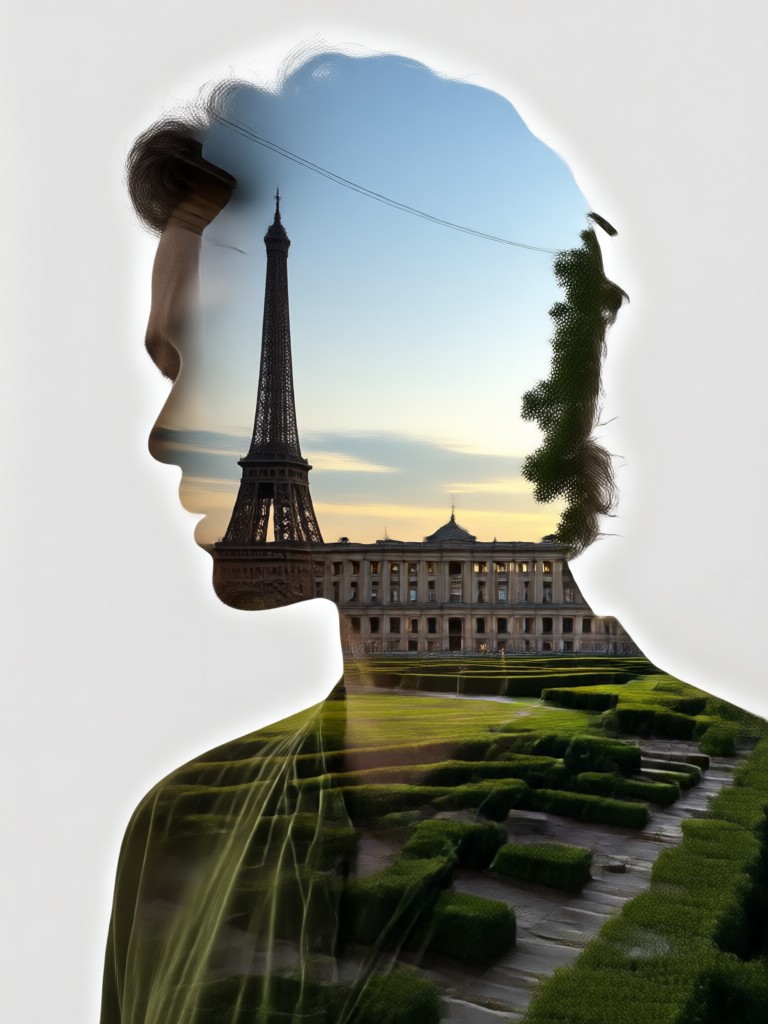
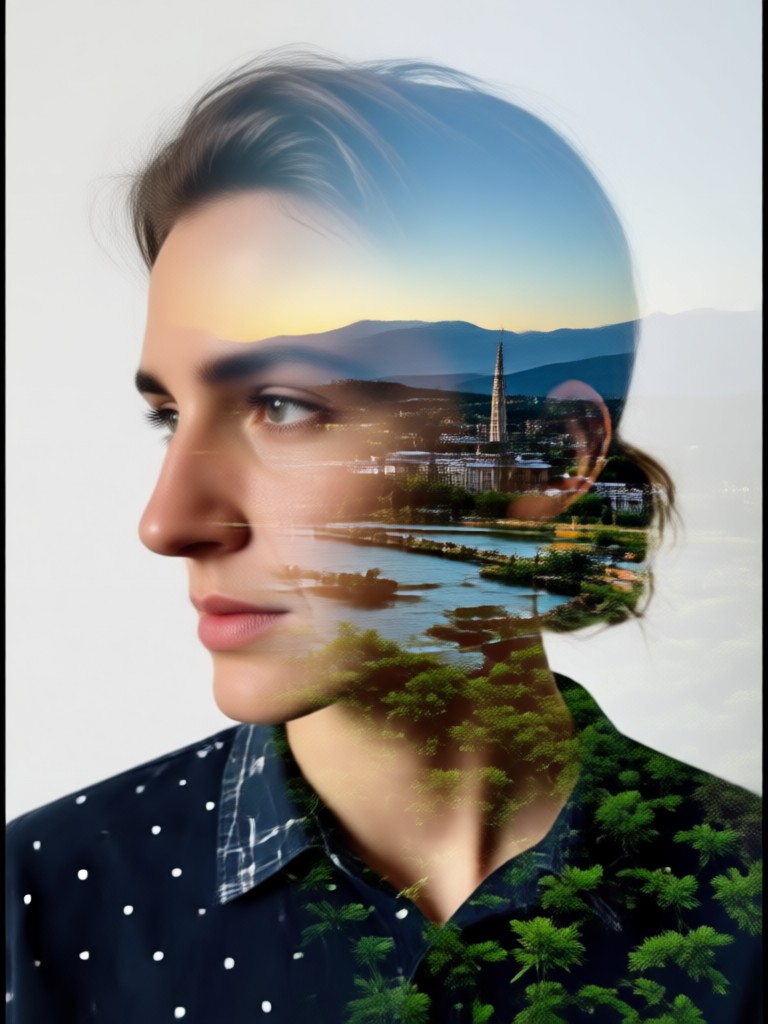
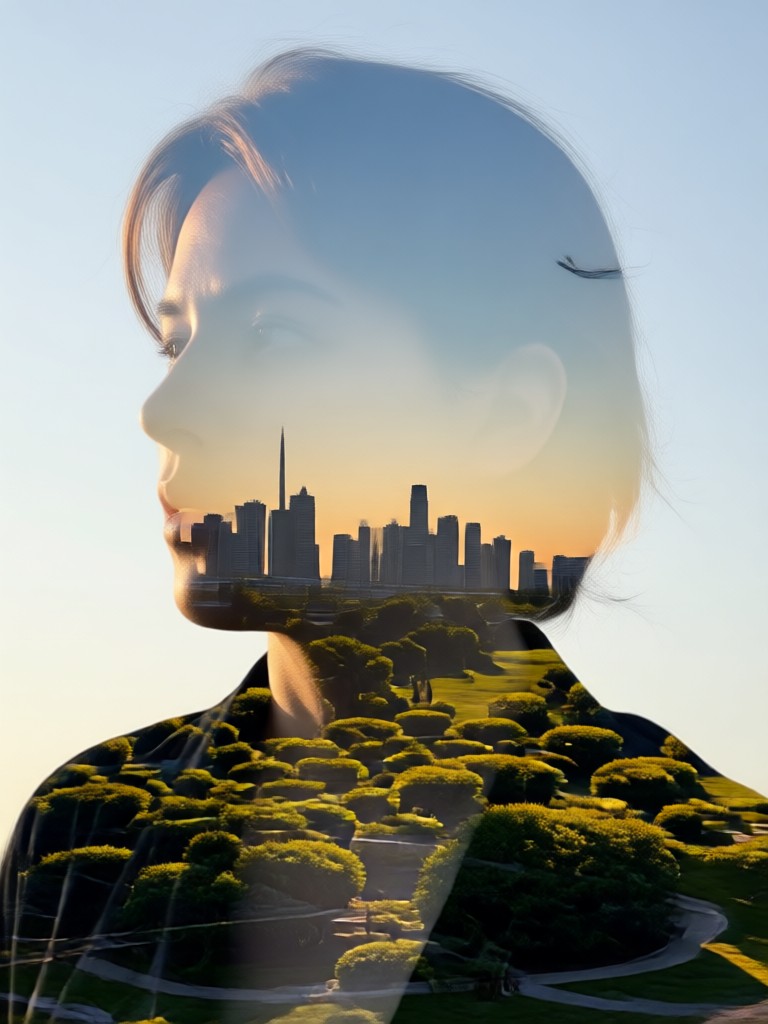
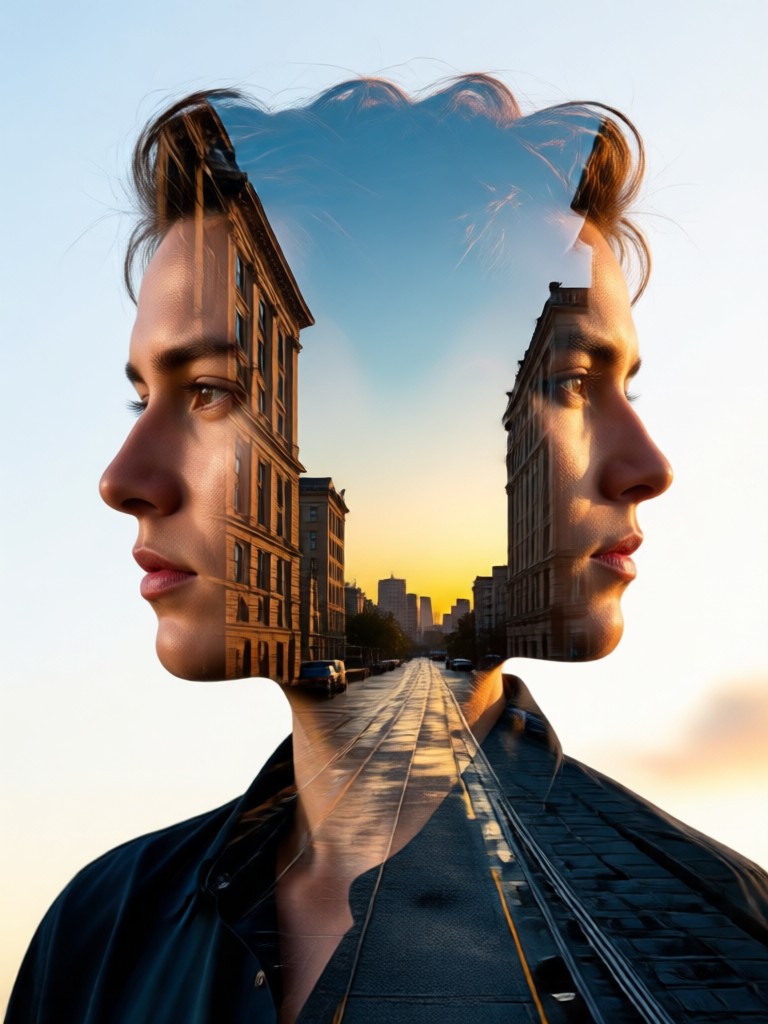
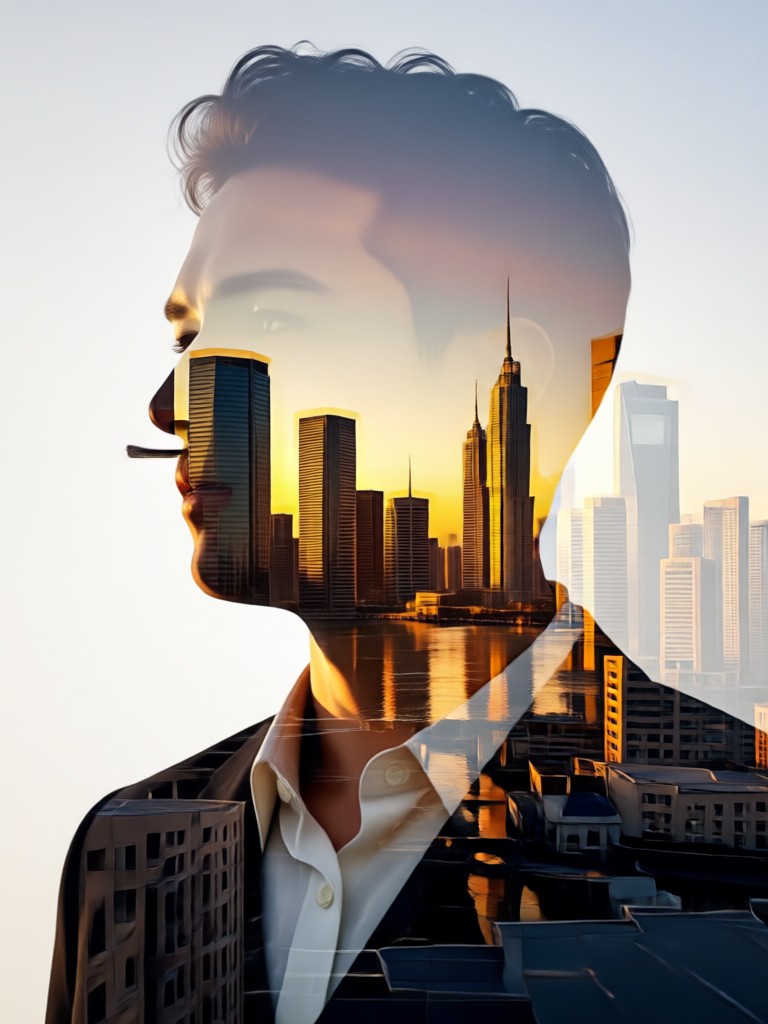
Double Exposure Inspiration Gallery
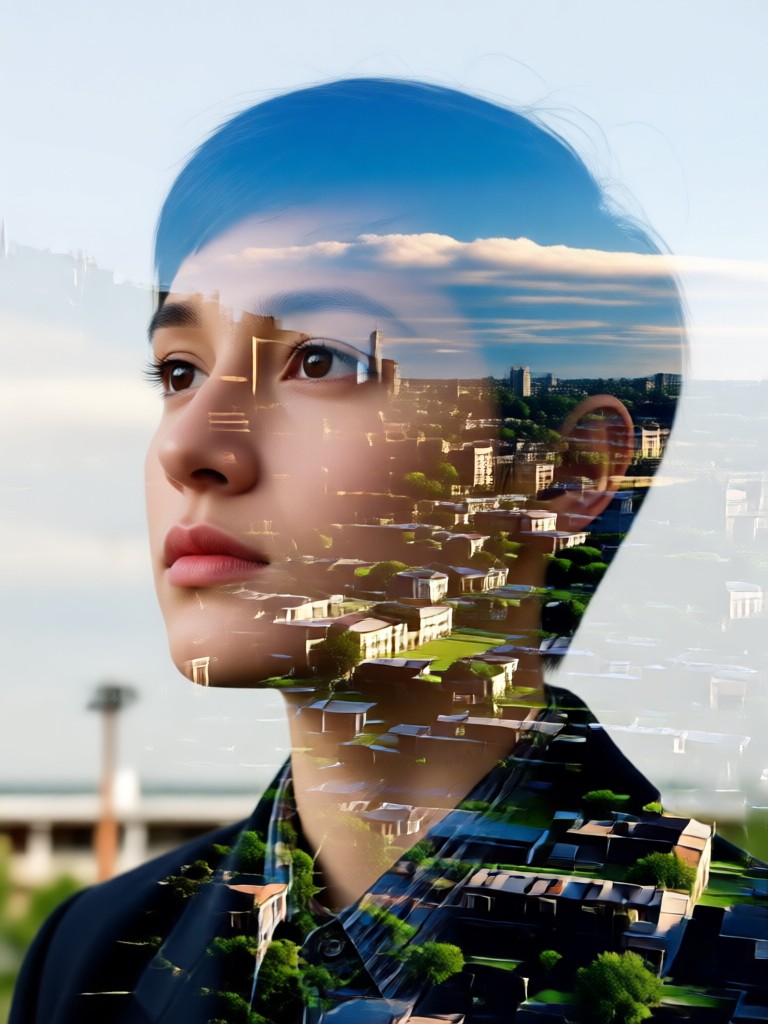
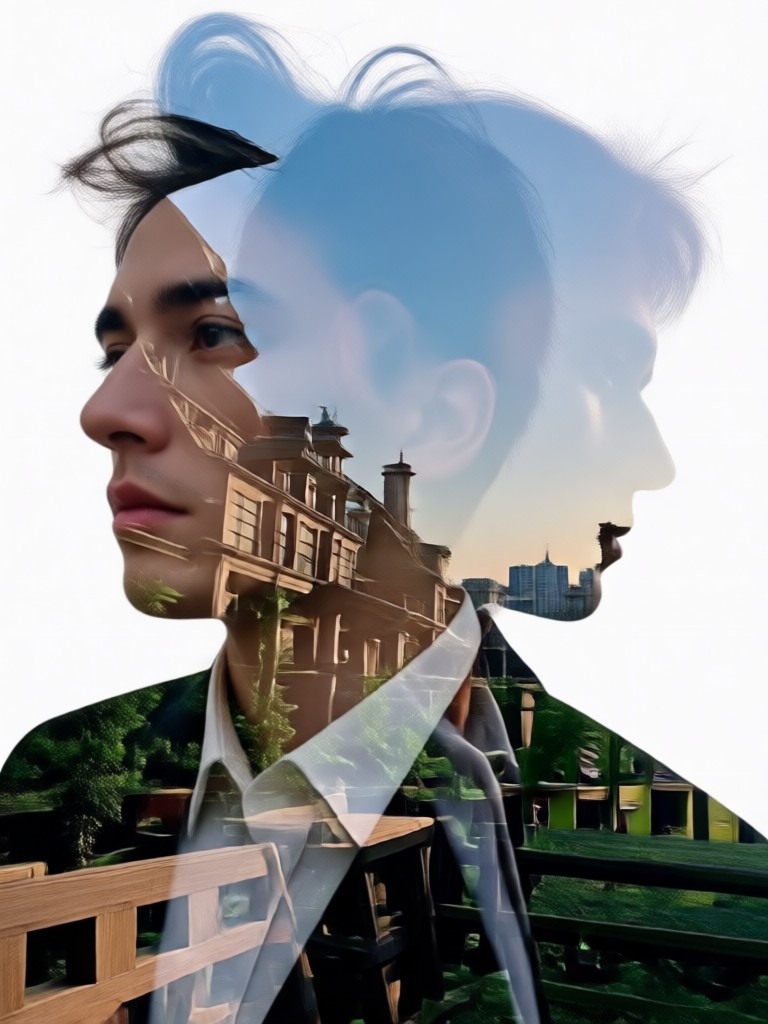
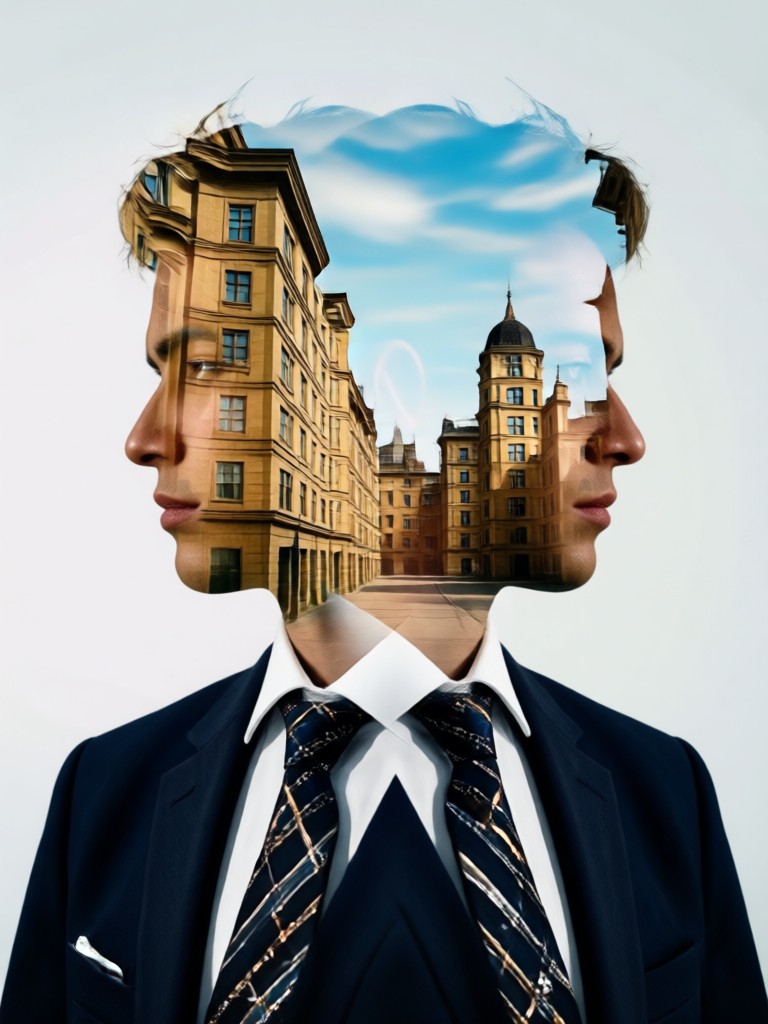
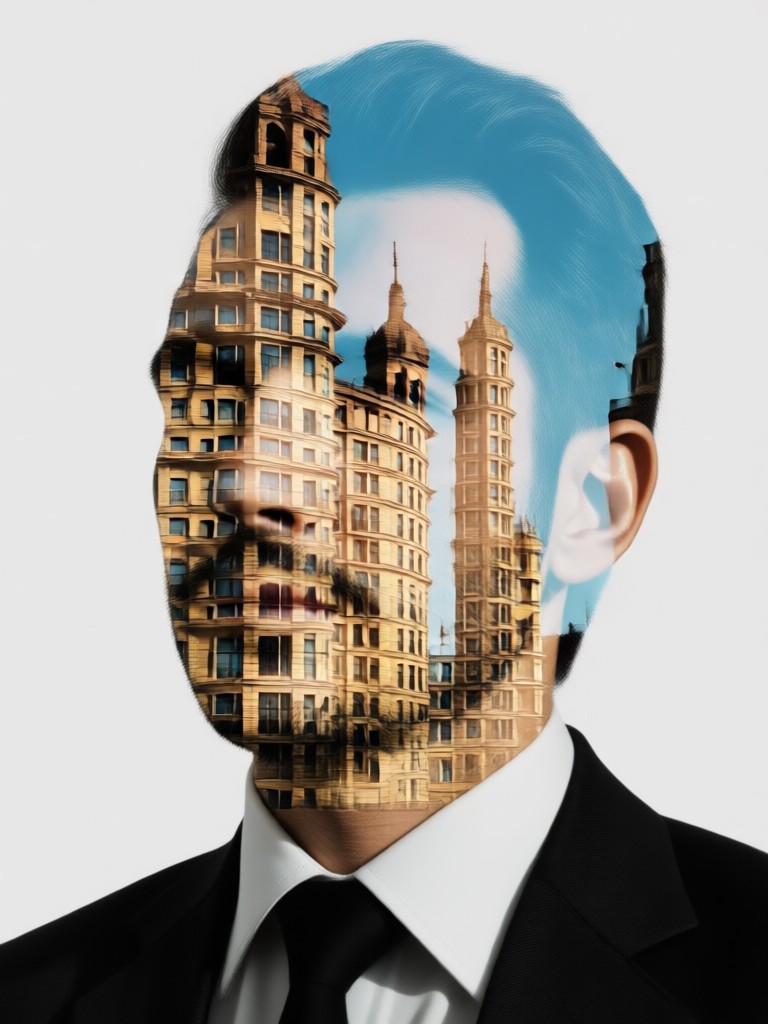
See what's possible with our double exposure photo editor. These examples show the creative range from subtle blends to bold, graphic statements.
Why Choose Our Double Exposure Editor?
Transform ordinary photos into extraordinary art without needing desktop software like Photoshop. Our mobile app makes advanced photo compositing accessible to everyone.
Professional Results, Simplified Process
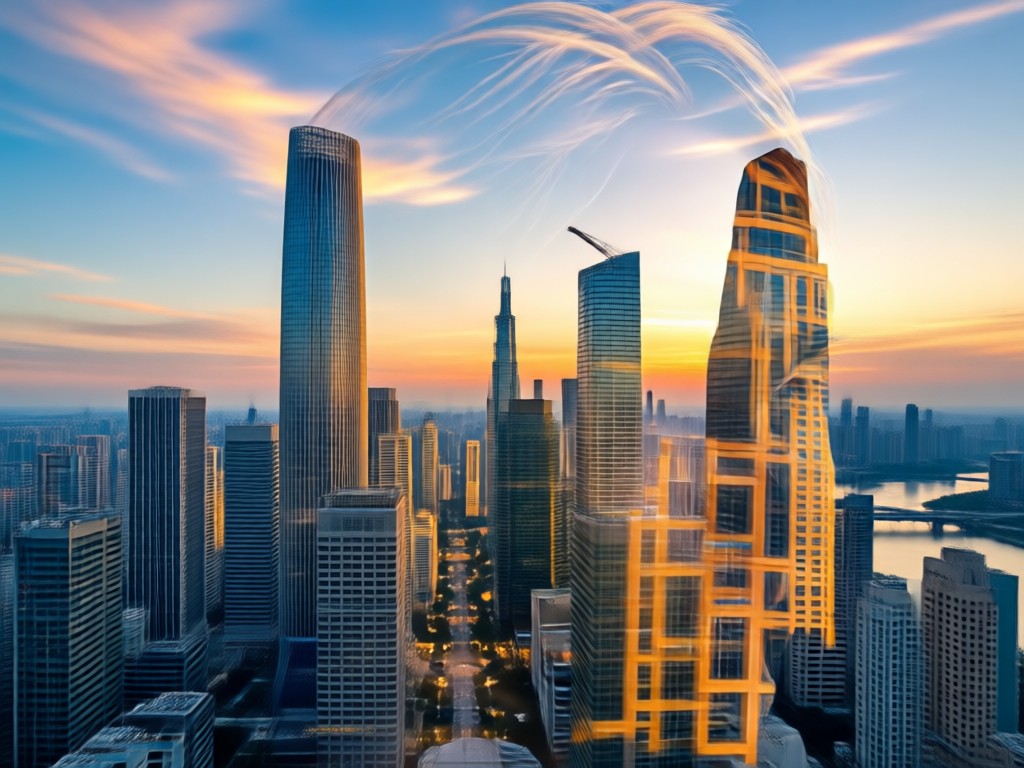
Traditional double exposure requires complex layer work and a steep learning curve. Our AI editor handles the technical blending for you. Simply select your base image (like a portrait) and your overlay image (like a desert landscape). The AI intelligently merges highlights, shadows, and details, preserving the essence of both photos while creating a seamless, artistic fusion. It's perfect for social media graphics, album art, personalized gifts, or exploring digital art.
Professional Results, Simplified Process
Traditional double exposure requires complex layer work and a steep learning curve. Our AI editor handles the technical blending for you. Simply select your base image (like a portrait) and your overlay image (like a desert landscape). The AI intelligently merges highlights, shadows, and details, preserving the essence of both photos while creating a seamless, artistic fusion. It's perfect for social media graphics, album art, personalized gifts, or exploring digital art.
How to Create a Double Exposure Photo?
Follow three simple steps to merge your photos into stunning double exposure art directly from your mobile device.

Step 01.
Download the funpack app from Google Play. Open it and navigate to the 'Double Exposure' or 'Photo Blend' category from the main effects library.
Step 02.
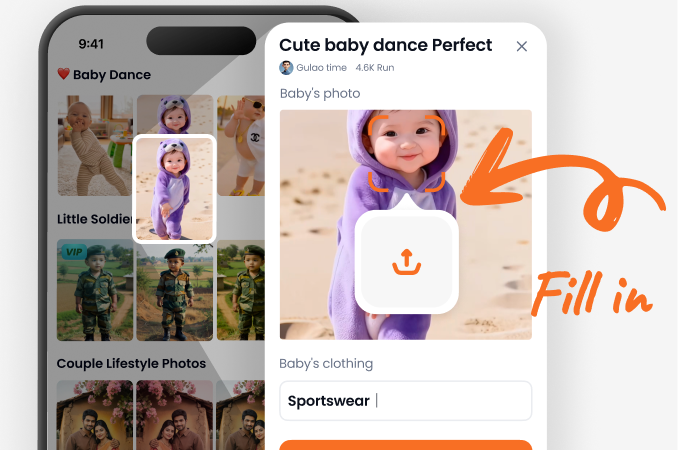
Upload your two photos. First, choose a clear portrait or subject as your base. Then, select a second image with texture, pattern, or scenery, like a desert or cityscape.
Step 03.
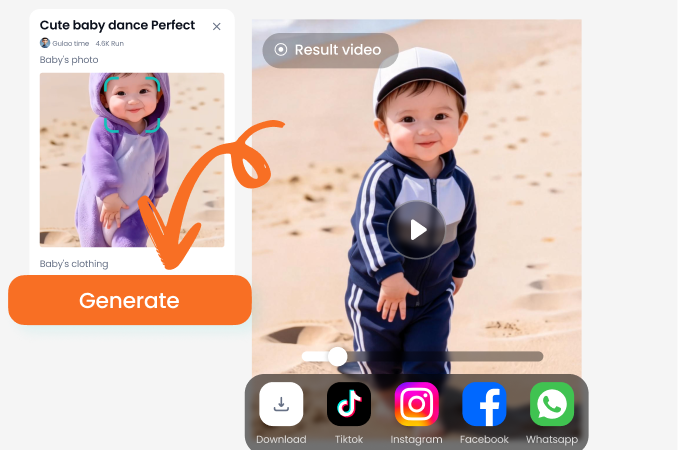
Apply the effect. Use sliders to adjust blend intensity, contrast, and color. Tap 'Generate' to create your art, then save and share your unique double exposure masterpiece.
What Creators Are Saying
Finally, a mobile app that gets double exposure right
I used to do this in Photoshop on my computer. This app saves me hours. The desert motorcycle effect is my go to for my travel photography Instagram. The blending is so smooth and natural.
Made my band's album cover in minutes
We needed a cool, artistic cover on a budget. I blended a photo of our singer with a shot of neon city lights. It looked professional and captured our vibe perfectly. Incredibly easy to use.
My secret weapon for unique social content
As a content creator, I'm always looking for ways to stand out. The double exposure editor lets me create eye catching visuals that stop the scroll. The templates are a huge inspiration starter.
Double Exposure Photo Editor FAQs
Get quick answers to common questions about creating and editing double exposure photos on your mobile device.
Create on the Go
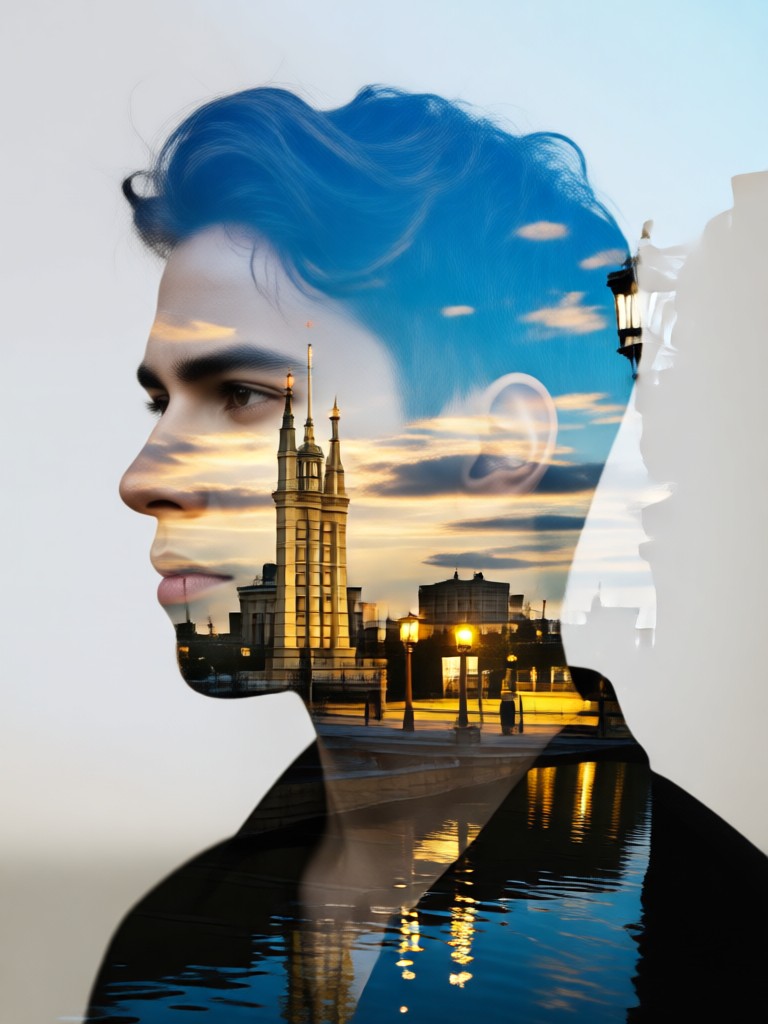
Your pocket sized double exposure studio. Transform photos anywhere, anytime. Download now and turn your gallery into an art exhibition.

More Topics You May Like
Explore more topics you may like and discover fresh ideas tailored to your interests.
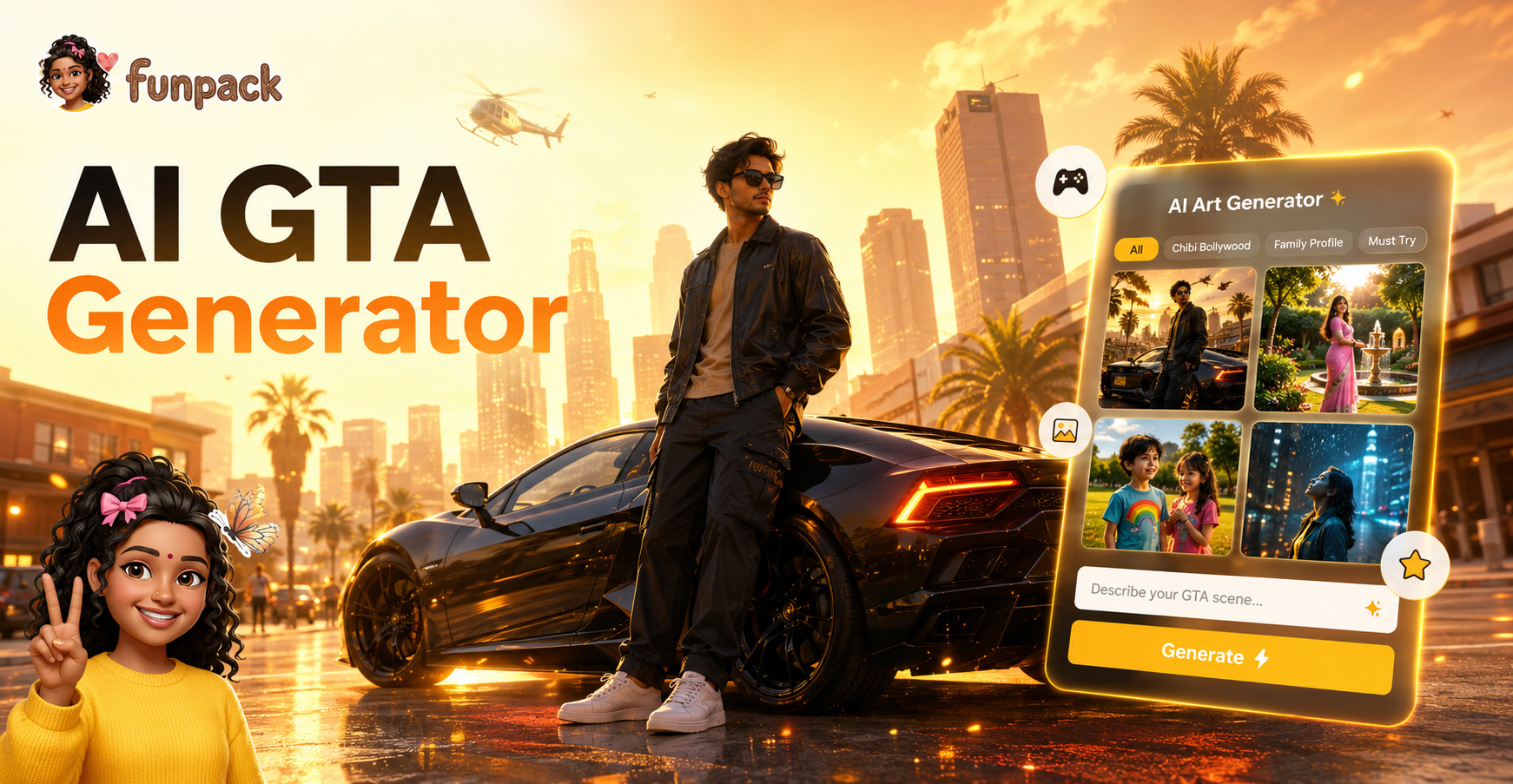
Turn Yourself into a GTA Character Instantly with AI
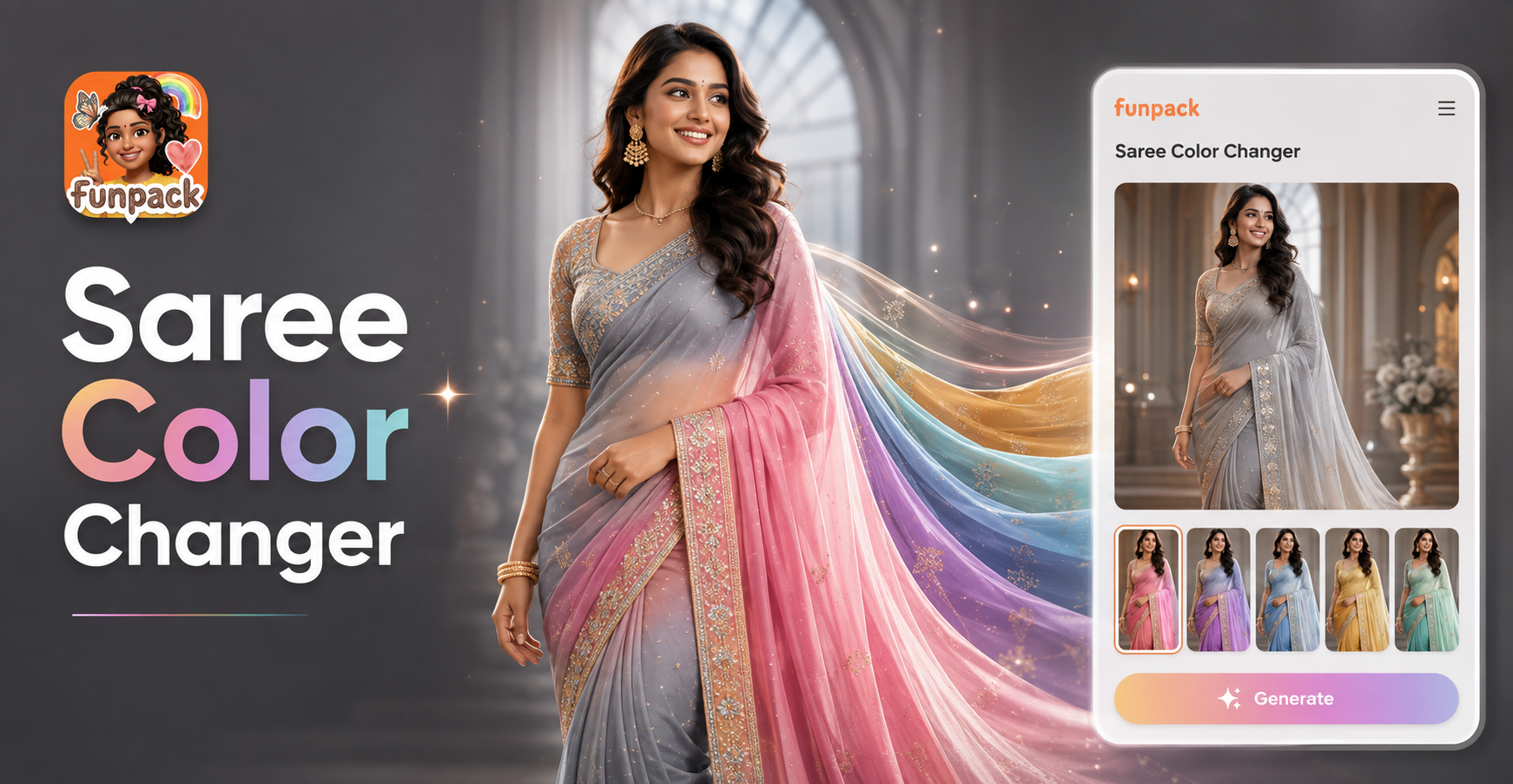
Virtual Saree Color Changer: Try New Shades Instantly
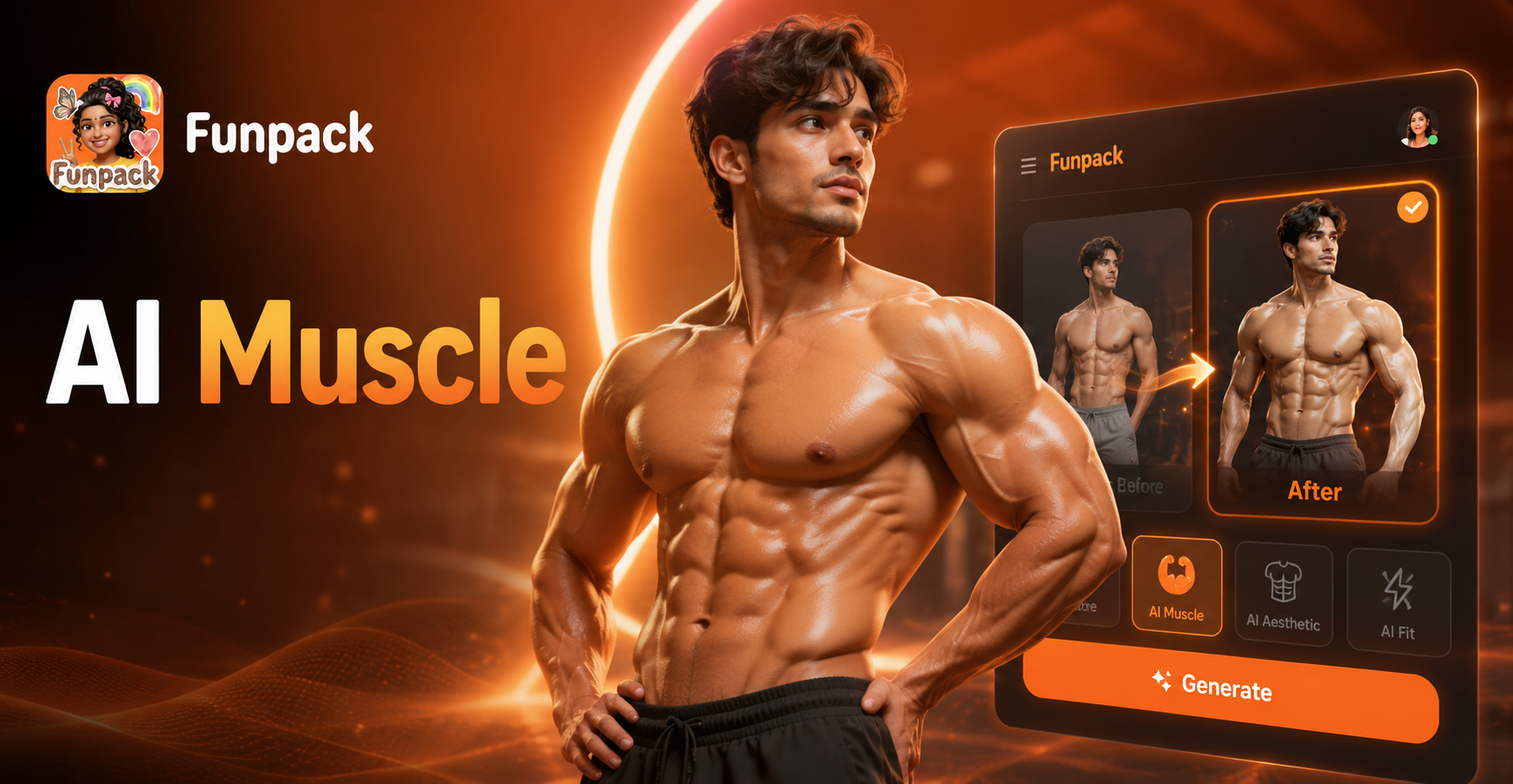
AI Muscle Generator-Build Your Ideal Physique With Funpack
Google VEO
Turn Yourself into a GTA Character Instantly with AI
Virtual Saree Color Changer: Try New Shades Instantly
AI Muscle Generator-Build Your Ideal Physique With Funpack
Google VEO
Blend Your World, Unleash Your Vision
Stop scrolling through filters and start creating original art. Merge memories, concepts, and dreams into visuals that tell your unique story. Download the app and see your photos in a new light.
Blend Your World, Unleash Your Vision
Stop scrolling through filters and start creating original art. Merge memories, concepts, and dreams into visuals that tell your unique story. Download the app and see your photos in a new light.