Face Animation App Free
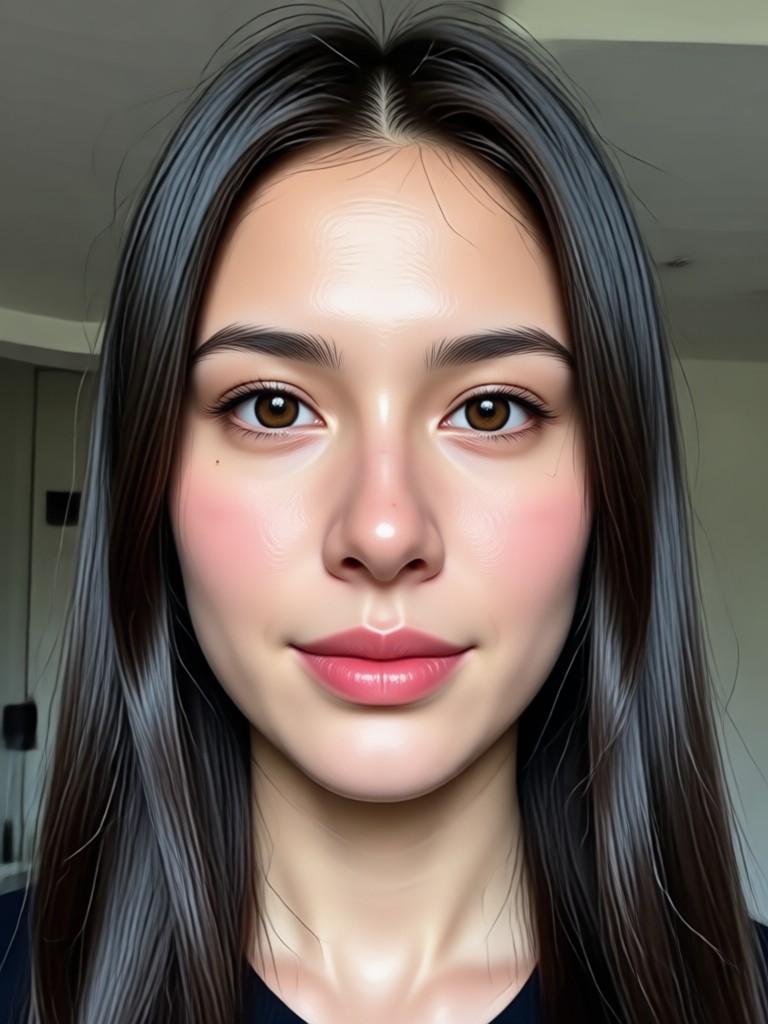
Choose the Face Animation Effect That Suits You
Discover filters for realistic talking heads, cartoon animations, and emotional expressions. Select a style and bring any portrait to life.
Key Features of the Face Animation App
Animate faces with precision, emotion, and motion. Whether you want a subtle smile or a full talking avatar, the app gives you fast and natural results.
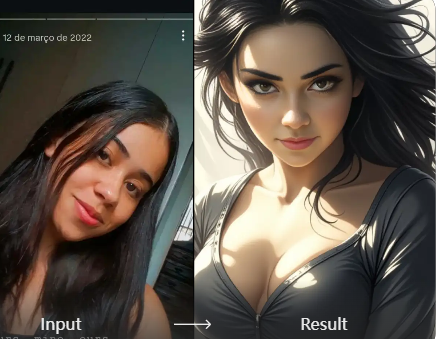
Realistic Facial Motion
Generate natural eye movement, lip sync, and head turns. The AI captures facial landmarks and applies motion that looks lifelike, not stiff or robotic.
Realistic Facial Motion
Generate natural eye movement, lip sync, and head turns. The AI captures facial landmarks and applies motion that looks lifelike, not stiff or robotic.
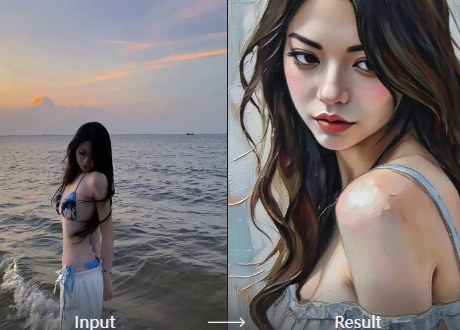
Talking Avatar Creation
Turn any portrait into a speaking character. Type a script and the face moves in sync with the audio. Ideal for storytelling, explainer videos, and fun messages.
Talking Avatar Creation
Turn any portrait into a speaking character. Type a script and the face moves in sync with the audio. Ideal for storytelling, explainer videos, and fun messages.
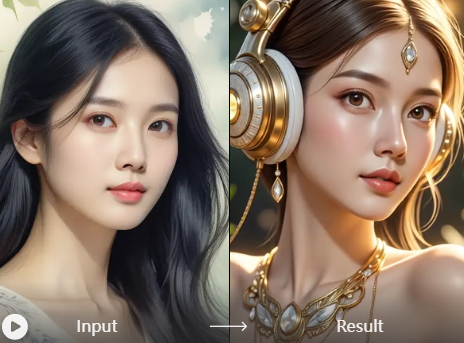
Emotion and Expression Control
Choose from happy, surprised, sad, and other expressions. Fine-tune the intensity so the animated face matches the mood you want to convey.
Emotion and Expression Control
Choose from happy, surprised, sad, and other expressions. Fine-tune the intensity so the animated face matches the mood you want to convey.
Explore Face Animation Creations
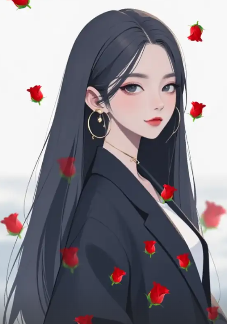
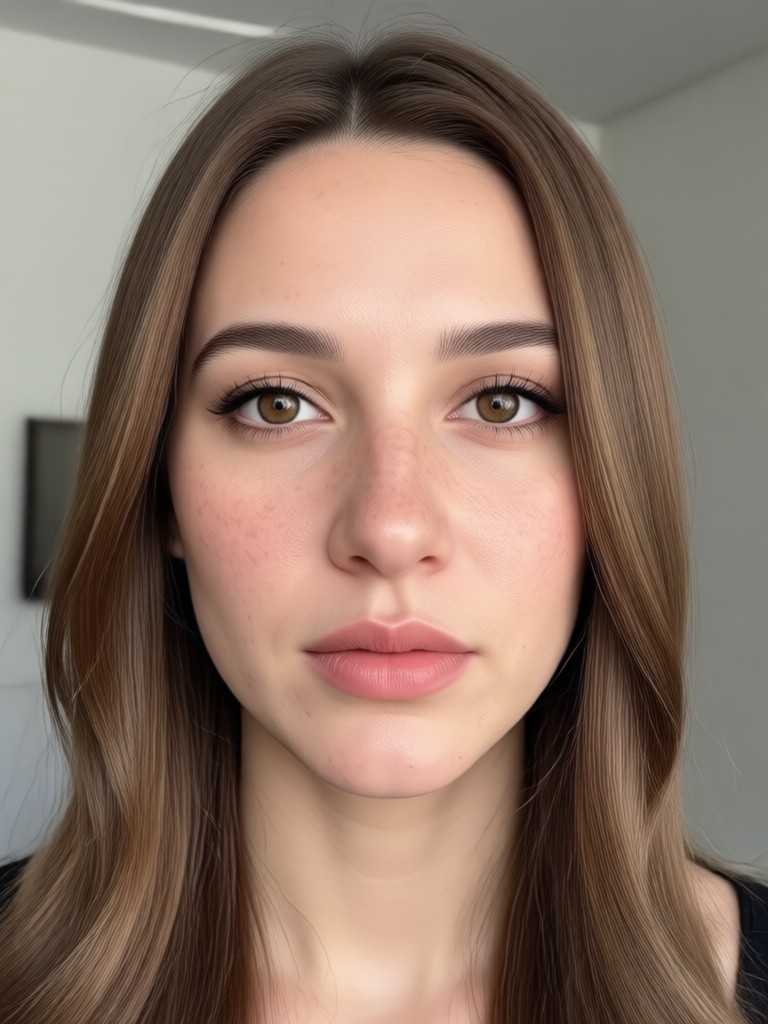
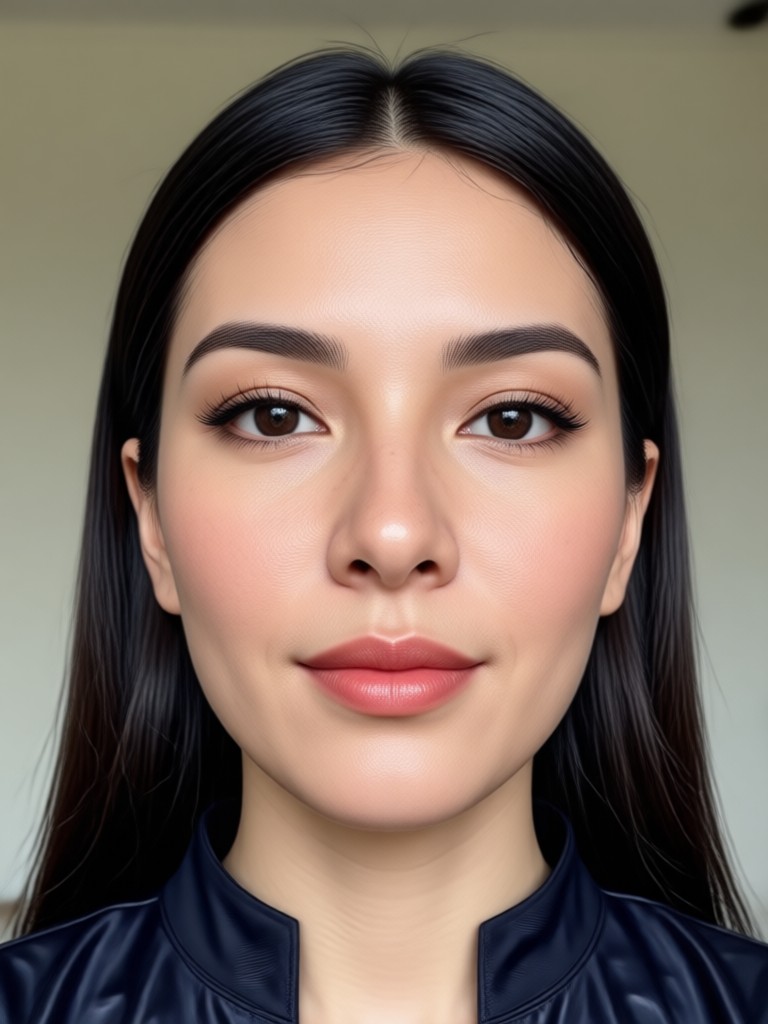
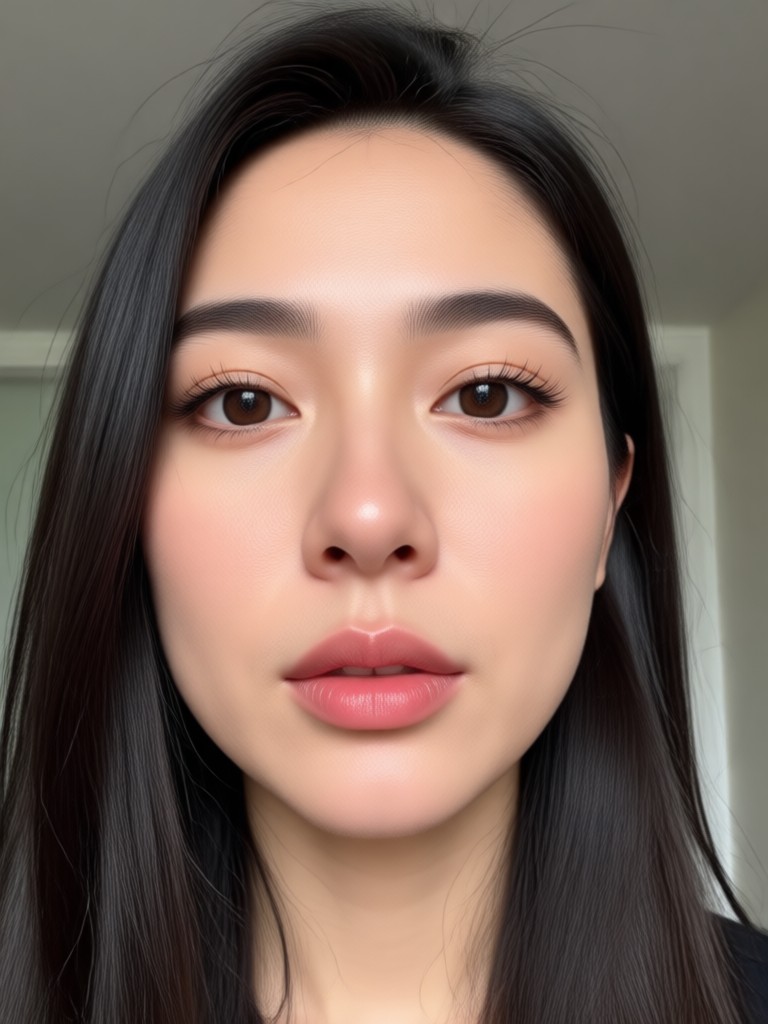
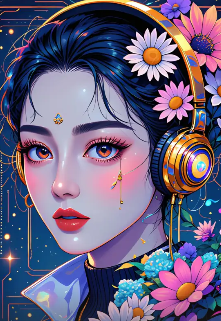
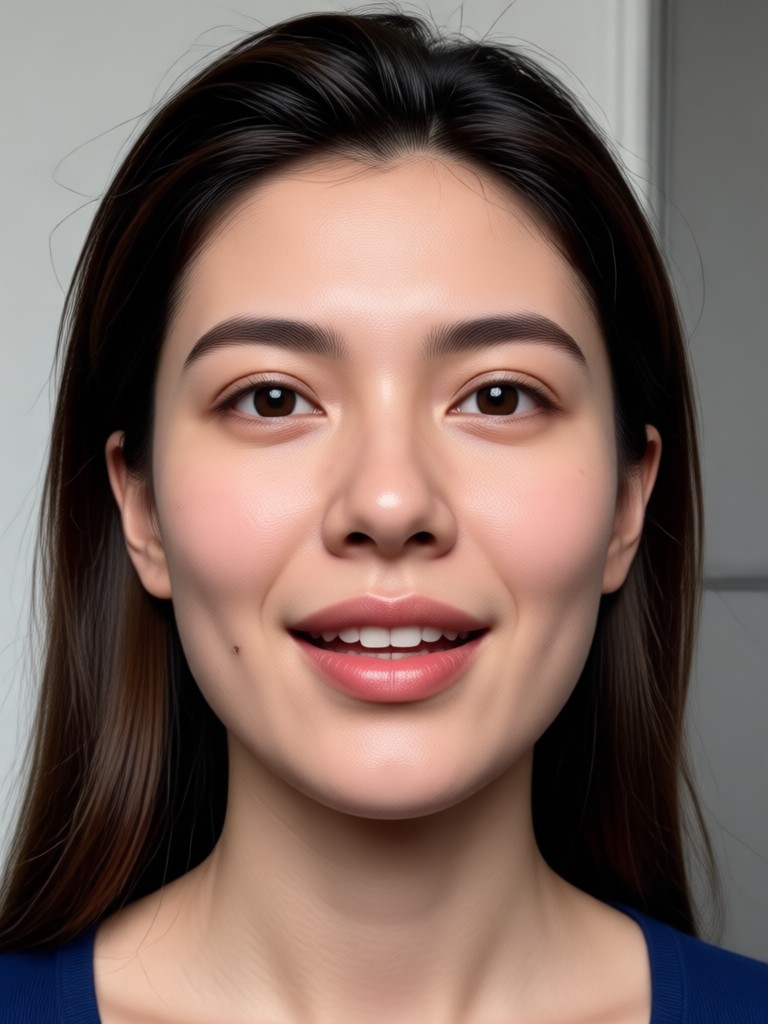
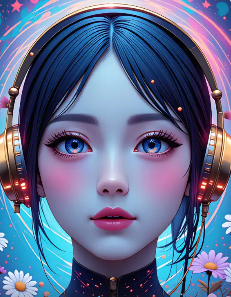
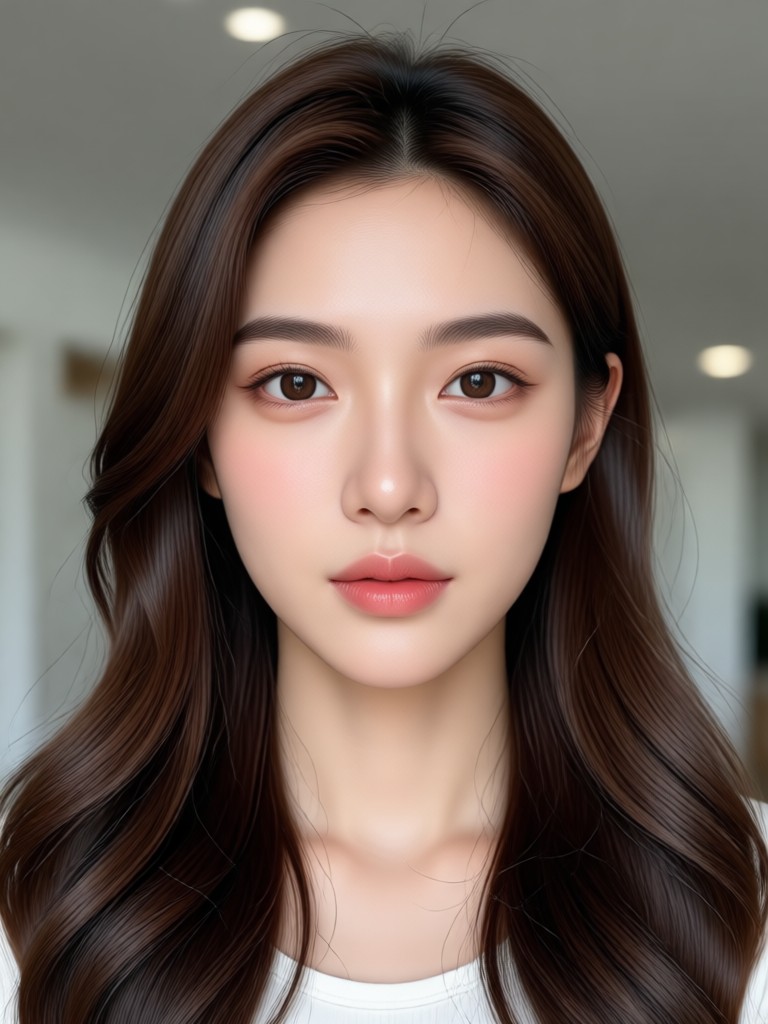
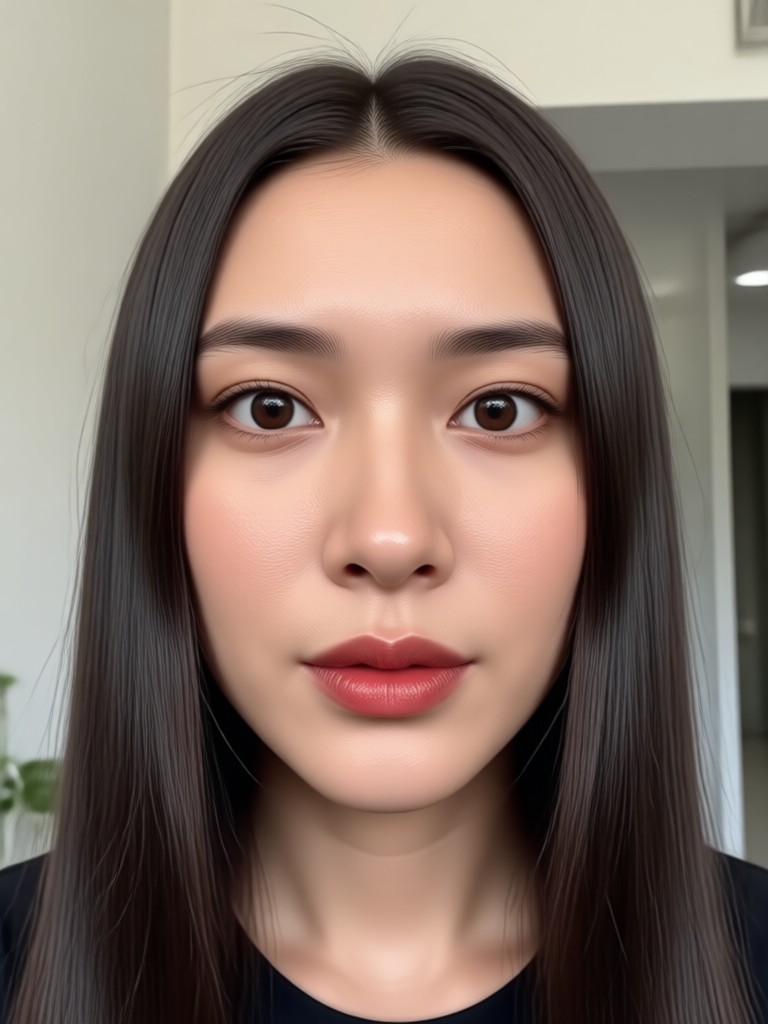
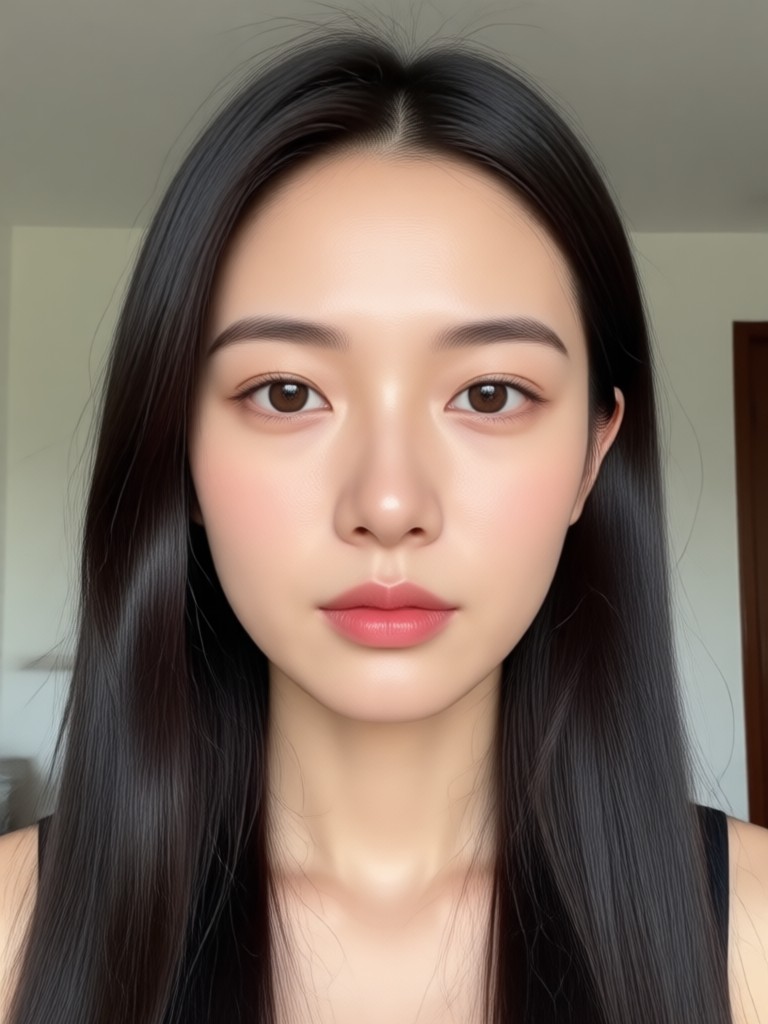
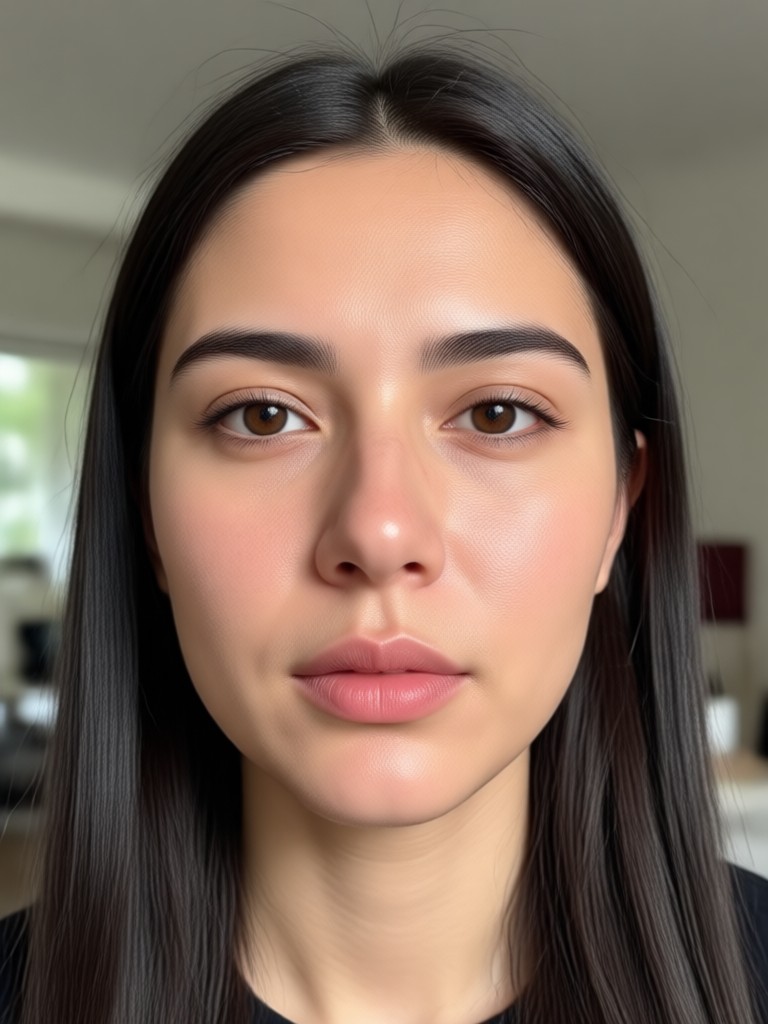
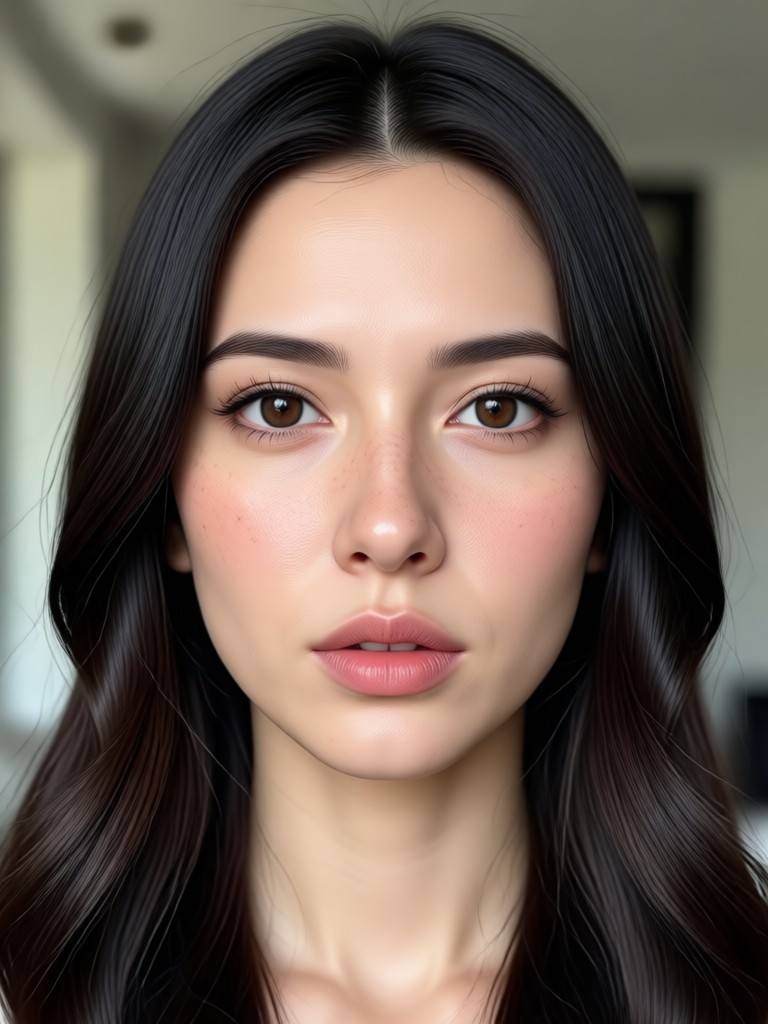
Browse examples made with the app. See how static images turn into expressive animations with simple taps and a few style choices.

How to Animate a Face for Free
Create your first animated face in three simple steps. No editing experience needed.

Step 01.
Download the app and upload a clear front facing portrait or any photo with a visible face.

Step 02.
Choose an animation style such as talking, blinking, smiling, or a full expression sequence.

Step 03.
Generate your animated face and download or share it directly to social media.
Why Use a Face Animation App
Static photos feel flat. Animation adds personality and emotion, making your content more engaging and shareable. Here is why creators choose this app for quick face animation.
Create Expressive Content Without Video Editing
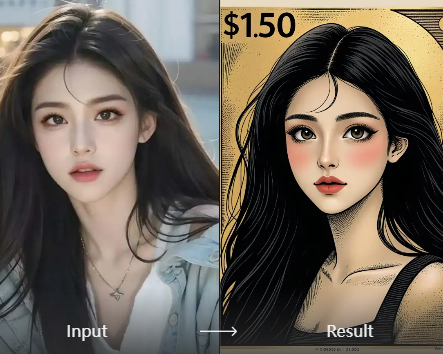
You do not need to record video or learn complex editing tools. Simply upload a photo and the AI animates the face with natural motion, realistic lip sync, and subtle head movements. This approach saves time while producing results that look professionally made. From personalized greetings to meme style reactions, the possibilities are wide open. The app handles the technical work so you can focus on the creative idea behind each face animation.
Create Expressive Content Without Video Editing
You do not need to record video or learn complex editing tools. Simply upload a photo and the AI animates the face with natural motion, realistic lip sync, and subtle head movements. This approach saves time while producing results that look professionally made. From personalized greetings to meme style reactions, the possibilities are wide open. The app handles the technical work so you can focus on the creative idea behind each face animation.
Who Uses the Face Animation App Free

Mia Chen
I use the talking avatar feature for short tutorials on Instagram. Uploading a single photo and getting a natural speaking animation feels like magic. The results always surprise my followers.

David Okafor
Creating personalized video messages for clients used to take hours. Now I animate a photo with a smile and a short voiceover in minutes. It looks professional and authentic.

Sofia Rossi
The expression control is my favorite part. I can make any portrait look surprised, happy, or serious. It is perfect for making reaction memes without filming anything.

James Lee
I animate historical figures for my history class. The students pay much more attention when a portrait blinks and speaks. The app makes learning more interactive and fun.
Mia Chen
I use the talking avatar feature for short tutorials on Instagram. Uploading a single photo and getting a natural speaking animation feels like magic. The results always surprise my followers.
David Okafor
Creating personalized video messages for clients used to take hours. Now I animate a photo with a smile and a short voiceover in minutes. It looks professional and authentic.
Sofia Rossi
The expression control is my favorite part. I can make any portrait look surprised, happy, or serious. It is perfect for making reaction memes without filming anything.
James Lee
I animate historical figures for my history class. The students pay much more attention when a portrait blinks and speaks. The app makes learning more interactive and fun.
Mia Chen
I use the talking avatar feature for short tutorials on Instagram. Uploading a single photo and getting a natural speaking animation feels like magic. The results always surprise my followers.
David Okafor
Creating personalized video messages for clients used to take hours. Now I animate a photo with a smile and a short voiceover in minutes. It looks professional and authentic.
Sofia Rossi
The expression control is my favorite part. I can make any portrait look surprised, happy, or serious. It is perfect for making reaction memes without filming anything.
James Lee
I animate historical figures for my history class. The students pay much more attention when a portrait blinks and speaks. The app makes learning more interactive and fun.
Frequently Asked Questions About Face Animation
Find clear answers about using the face animation app free. Learn how to upload, animate, and share your creations.
Get the Face Animation App Free on Google Play
Download the app and start turning portraits into talking, smiling, and expressive animations. Easy to use, fast results, and no editing experience needed.

More Topics You May Like
Explore more topics you may like and discover fresh ideas tailored to your interests.

14 August Picture Editing: Independence Day AI Photo Frames

AI Muscle Girl Generator: Stunning Fitness Art Creator

Gender Swap Picture: AI Face Swap & Filter App

AI Parody Maker: Turn Any Photo into a Funny Spoof
Erase Emojis From Photos Instantly With AI
14 August Picture Editing: Independence Day AI Photo Frames
AI Muscle Girl Generator: Stunning Fitness Art Creator
Gender Swap Picture: AI Face Swap & Filter App
AI Parody Maker: Turn Any Photo into a Funny Spoof
Erase Emojis From Photos Instantly With AI
Ready to Animate Your Photos?
Download the face animation app free and bring every portrait to life with a few taps. Create talking avatars, emotional expressions, and shareable animations in seconds.

Ready to Animate Your Photos?
Download the face animation app free and bring every portrait to life with a few taps. Create talking avatars, emotional expressions, and shareable animations in seconds.