Food Video
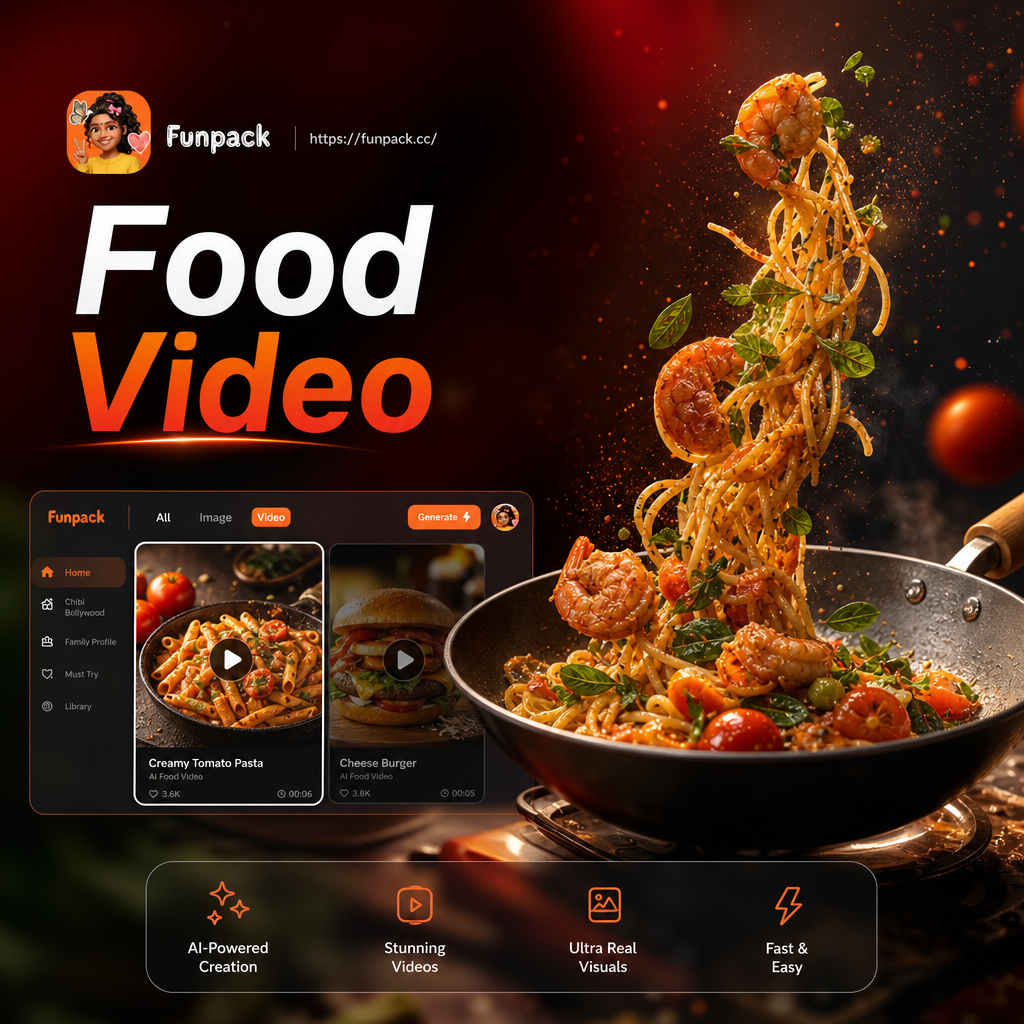
Choose a Food Video Style That Fits Your Brand
Explore trending AI food video filters for cooking tutorials, satisfying clips, restaurant promos, and more.
Key Features of AI Food Video Generator
Funpack makes it easy to create food videos from a simple prompt or photo. Explore the core features that turn static dishes into moving, appetizing content.
Text to Food Video
Type a simple prompt like 'cheese pull on pizza' and get a realistic video in seconds. No camera or storyboard needed.
Text to Food Video
Type a simple prompt like 'cheese pull on pizza' and get a realistic video in seconds. No camera or storyboard needed.
Image to Food Video
Upload a photo of any dish and bring it to life with steam, sizzle, or a slow motion sauce pour. Perfect for menus and social posts.
Image to Food Video
Upload a photo of any dish and bring it to life with steam, sizzle, or a slow motion sauce pour. Perfect for menus and social posts.
Multi Dish Scene Builder
Combine several food shots into one cohesive recipe video with smooth transitions and a consistent visual style. Great for cooking tutorials.
Multi Dish Scene Builder
Combine several food shots into one cohesive recipe video with smooth transitions and a consistent visual style. Great for cooking tutorials.
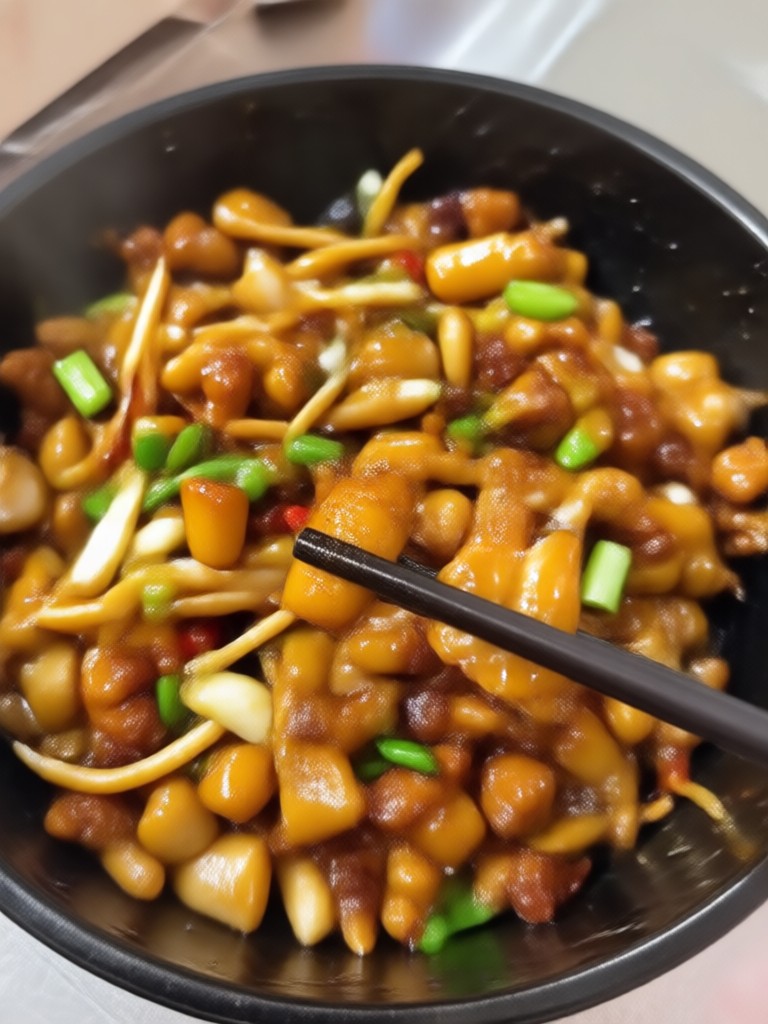
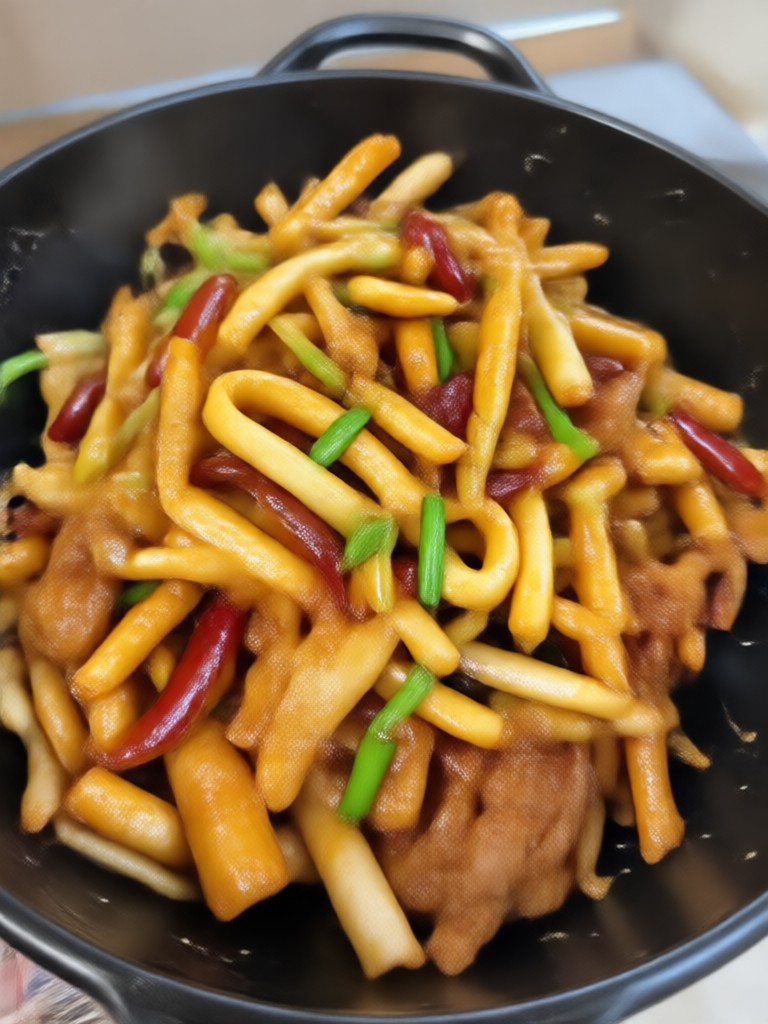
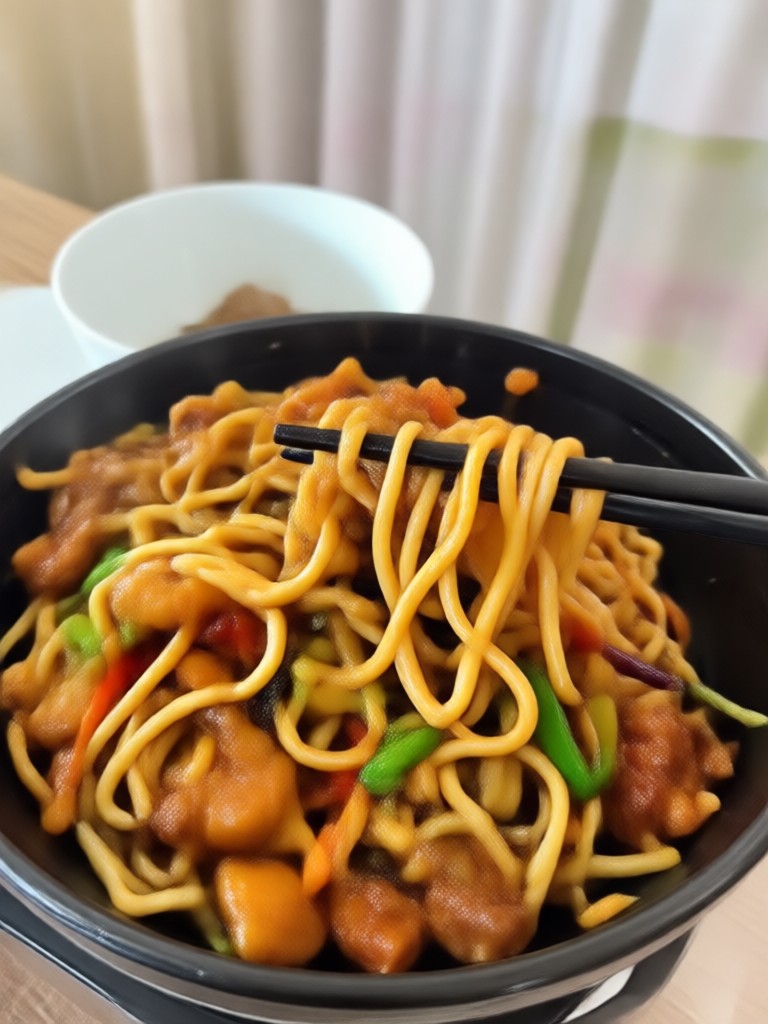
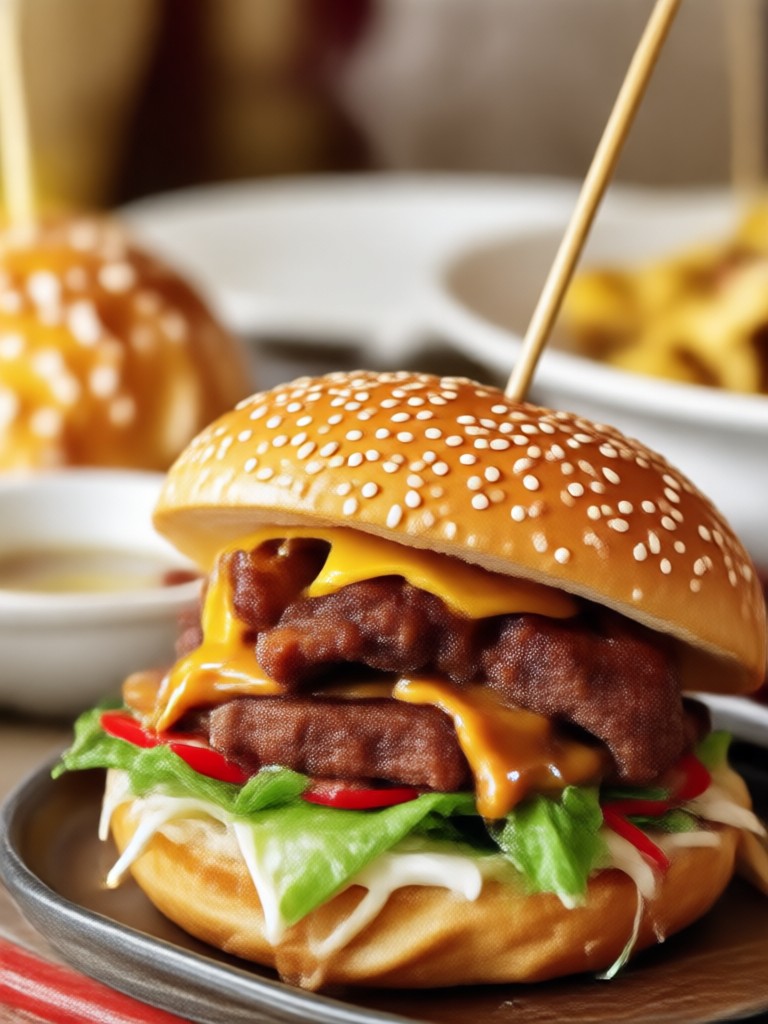
Explore AI Food Video Gallery
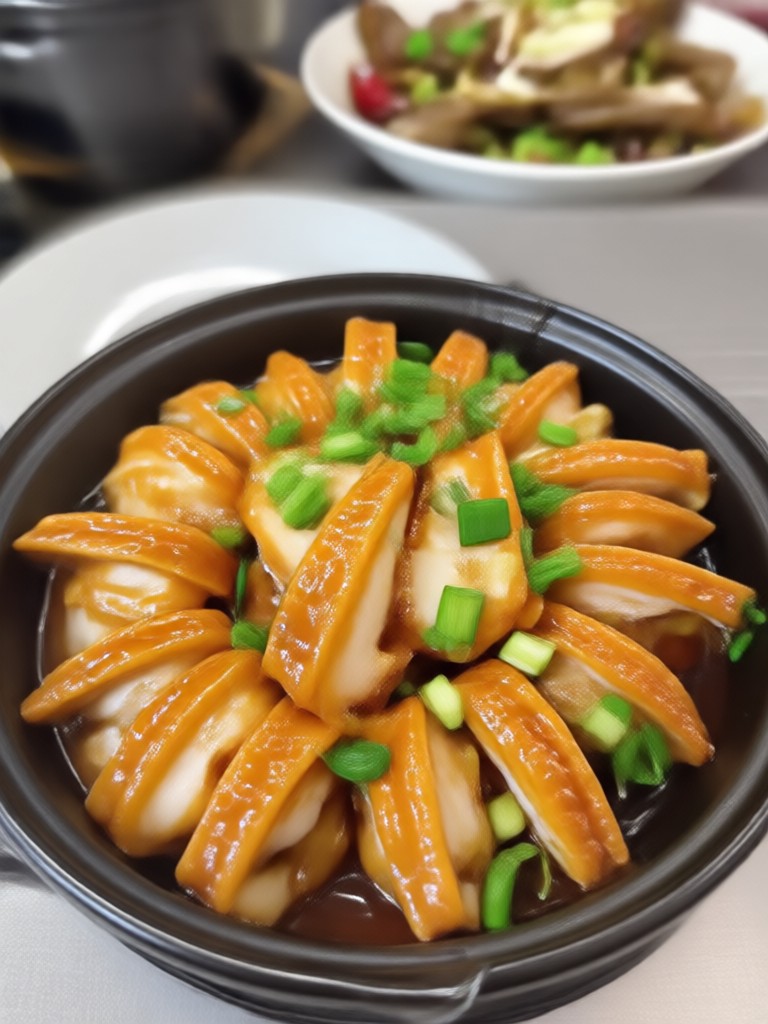
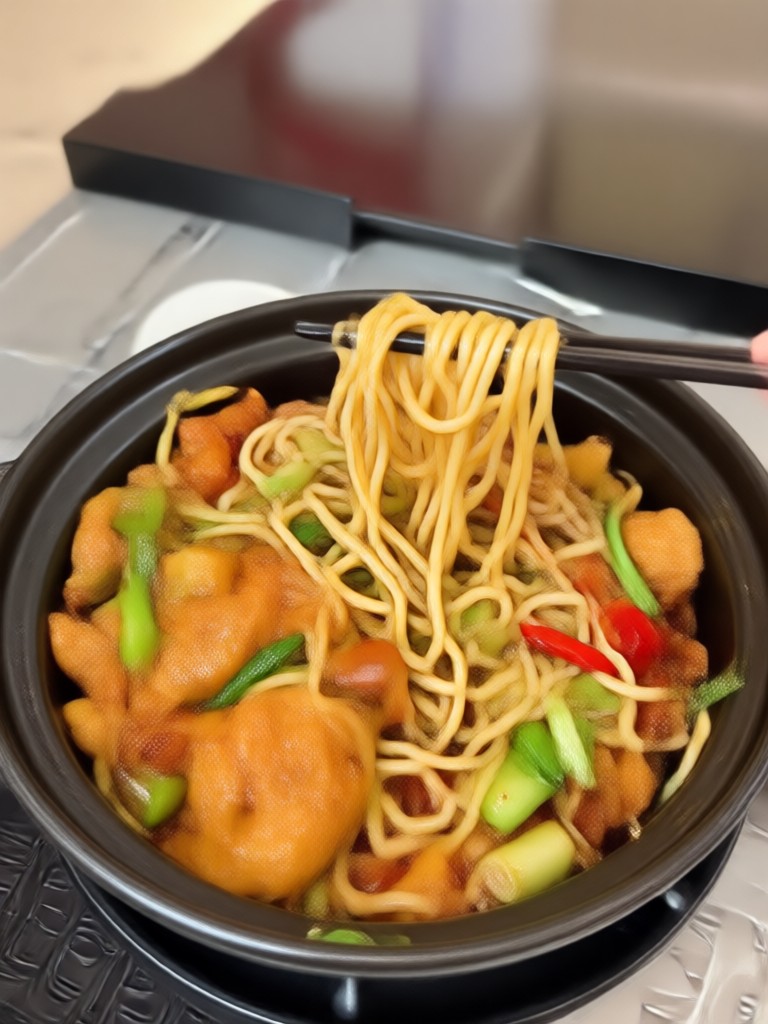
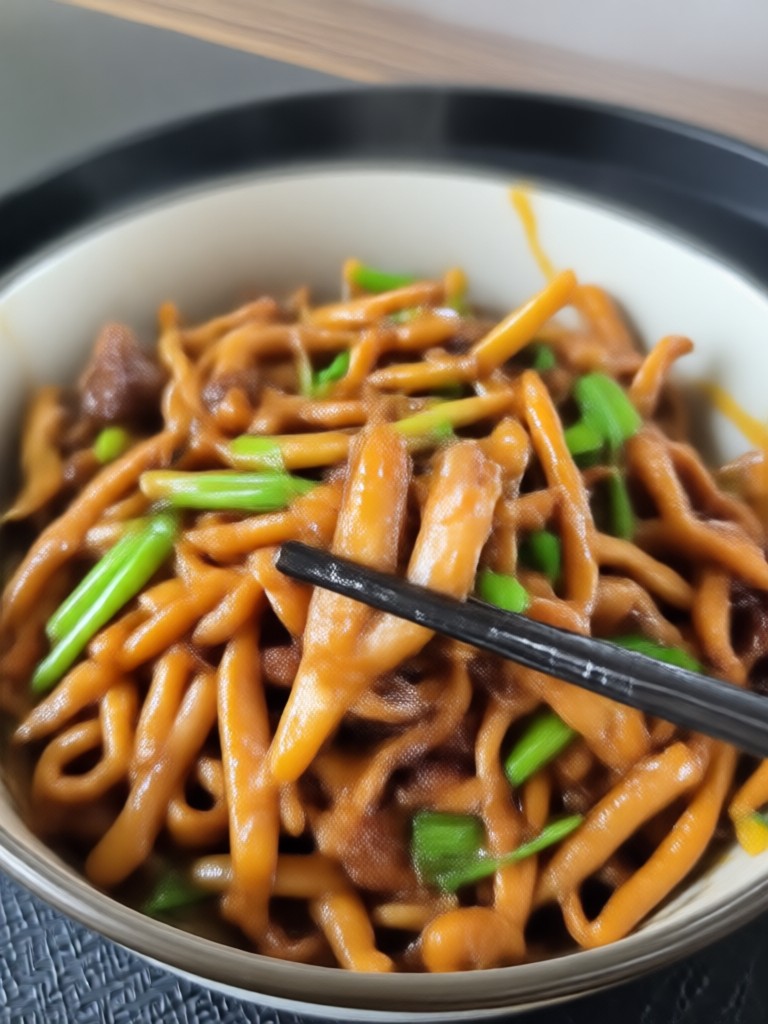
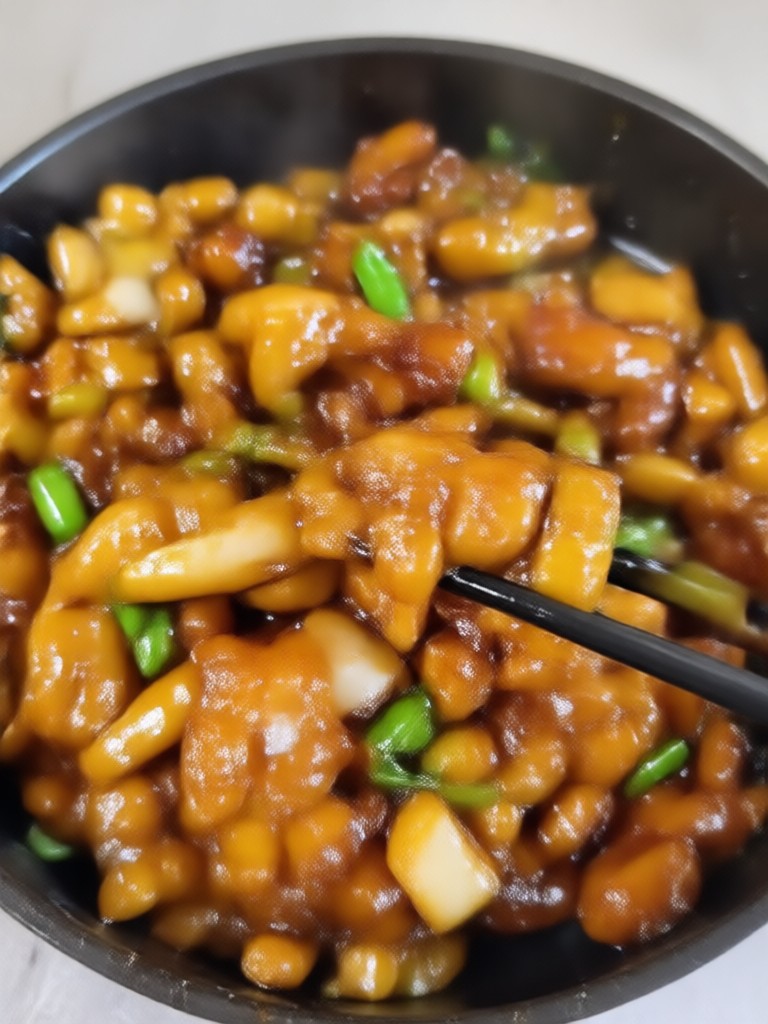
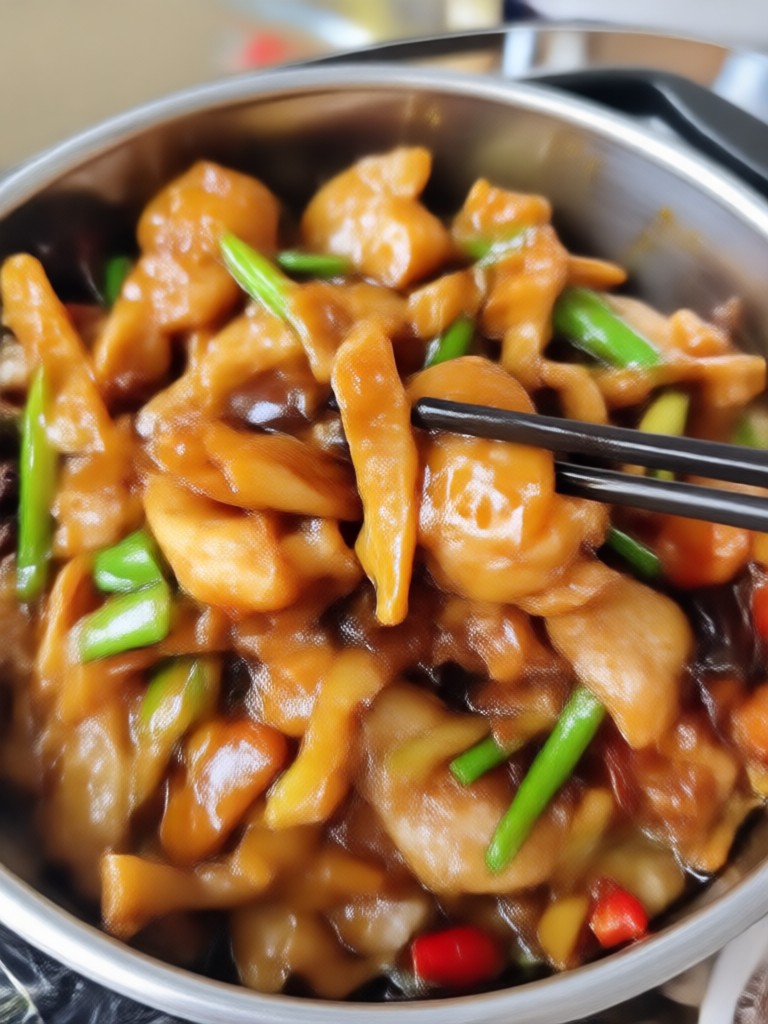
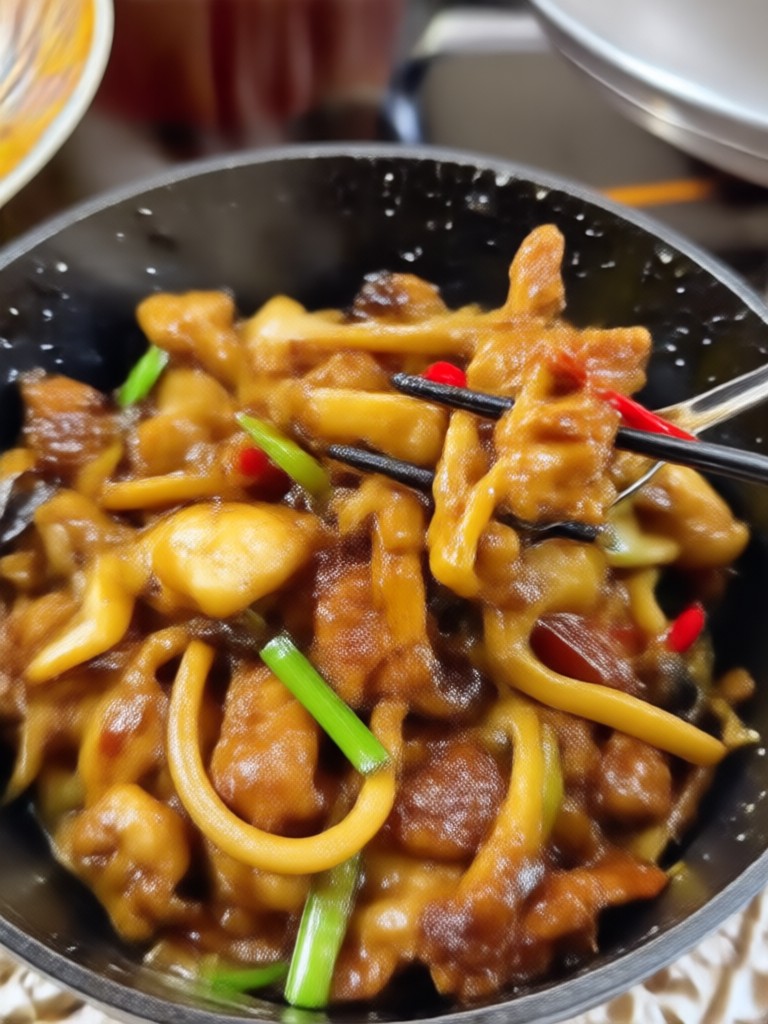
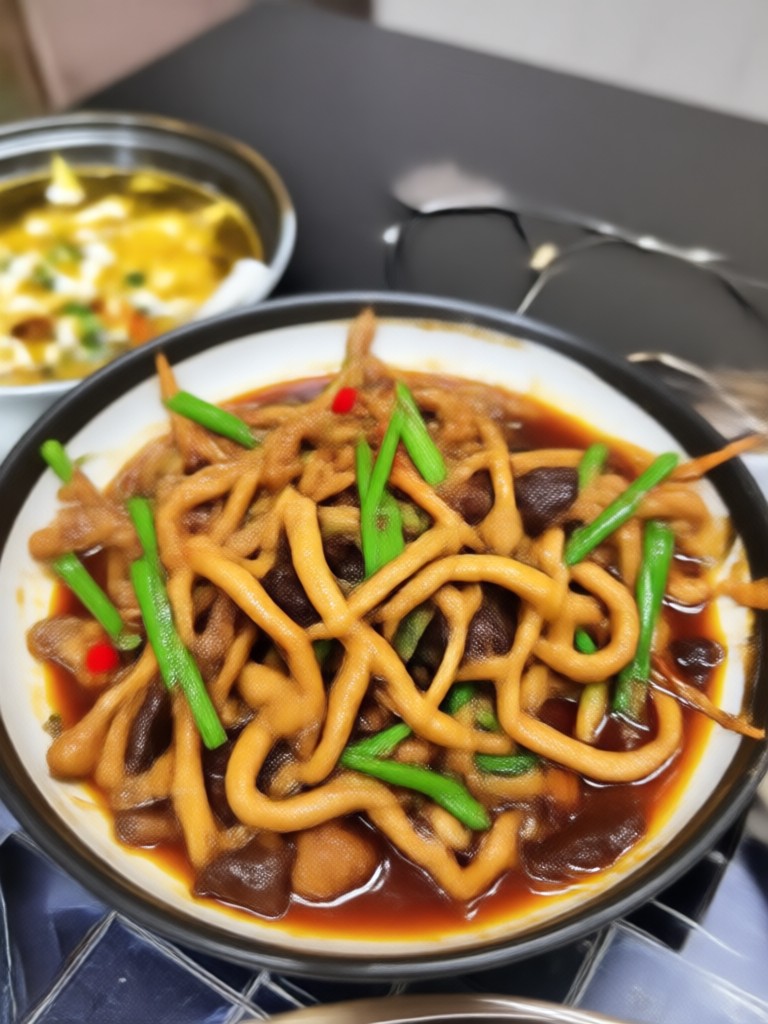
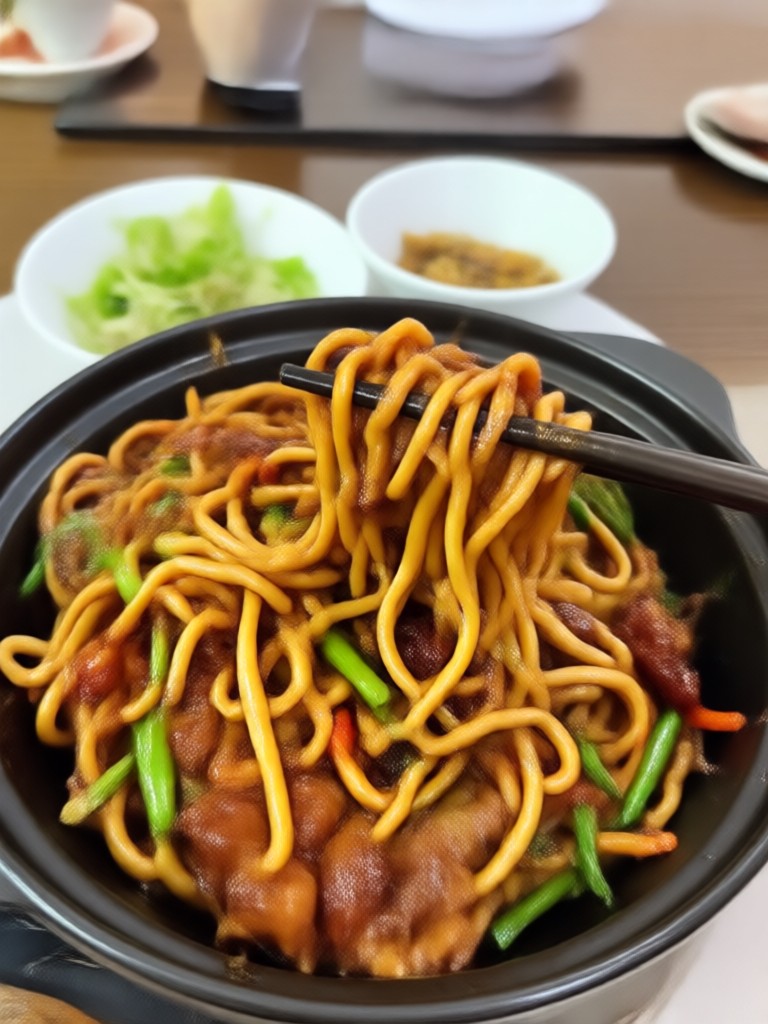
Browse mouthwatering AI generated food videos made with Funpack. Discover dishes in motion, from steaming ramen to melting chocolate, and get inspired for your next creation.
How to Make AI Food Videos?
Create delicious AI food videos in just three simple steps using Funpack.

Step 01.
Download the Funpack app from Google Play to access the food video generator anytime, anywhere.

Step 02.
Choose a food style template or type a text prompt describing the dish you want to animate.

Step 03.
Generate your food video in seconds, then download and share it with friends or on social media.
Why Use Funpack for Food Videos
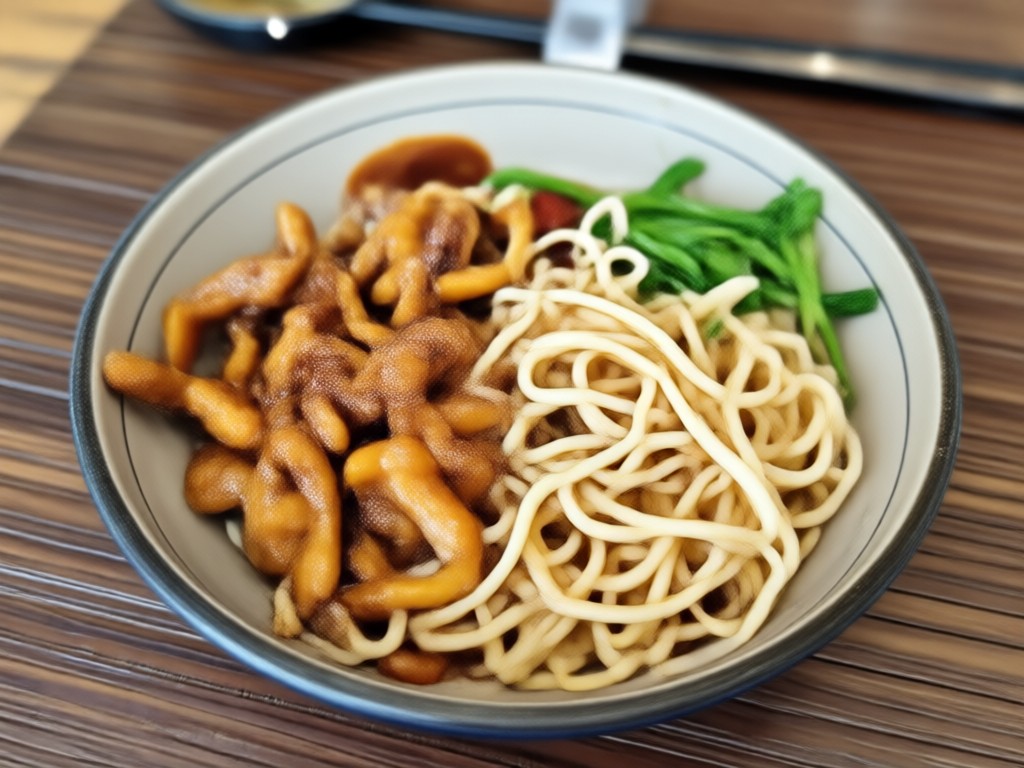
Funpack removes the need for expensive cameras, lighting, or editing software. Its AI engine understands food textures, colors, and movement, producing appetizing clips that look professionally shot. Whether you run a restaurant, manage a food blog, or just love sharing recipes, you can create scroll stopping videos in minutes.
Why Use Funpack for Food Videos
Funpack removes the need for expensive cameras, lighting, or editing software. Its AI engine understands food textures, colors, and movement, producing appetizing clips that look professionally shot. Whether you run a restaurant, manage a food blog, or just love sharing recipes, you can create scroll stopping videos in minutes.
Who Uses AI Food Video Generator

Elena Rossi
I create weekly recipe reels without filming. Funpack turns my still photos into sizzling cooking clips that my audience loves.

Marcus Chen
Our menu items now have motion videos for social ads. It increased online orders by 30 percent in one month.

Priya Patel
I use the text to video feature to generate satisfying food loops for TikTok. It saves me hours of shooting in the kitchen.

Tom Becker
Turning a photo of a croissant into a video with steam and golden butter is almost magical. My patisserie page finally looks premium.
Elena Rossi
I create weekly recipe reels without filming. Funpack turns my still photos into sizzling cooking clips that my audience loves.
Marcus Chen
Our menu items now have motion videos for social ads. It increased online orders by 30 percent in one month.
Priya Patel
I use the text to video feature to generate satisfying food loops for TikTok. It saves me hours of shooting in the kitchen.
Tom Becker
Turning a photo of a croissant into a video with steam and golden butter is almost magical. My patisserie page finally looks premium.
Elena Rossi
I create weekly recipe reels without filming. Funpack turns my still photos into sizzling cooking clips that my audience loves.
Marcus Chen
Our menu items now have motion videos for social ads. It increased online orders by 30 percent in one month.
Priya Patel
I use the text to video feature to generate satisfying food loops for TikTok. It saves me hours of shooting in the kitchen.
Tom Becker
Turning a photo of a croissant into a video with steam and golden butter is almost magical. My patisserie page finally looks premium.
Food Video AI for Android
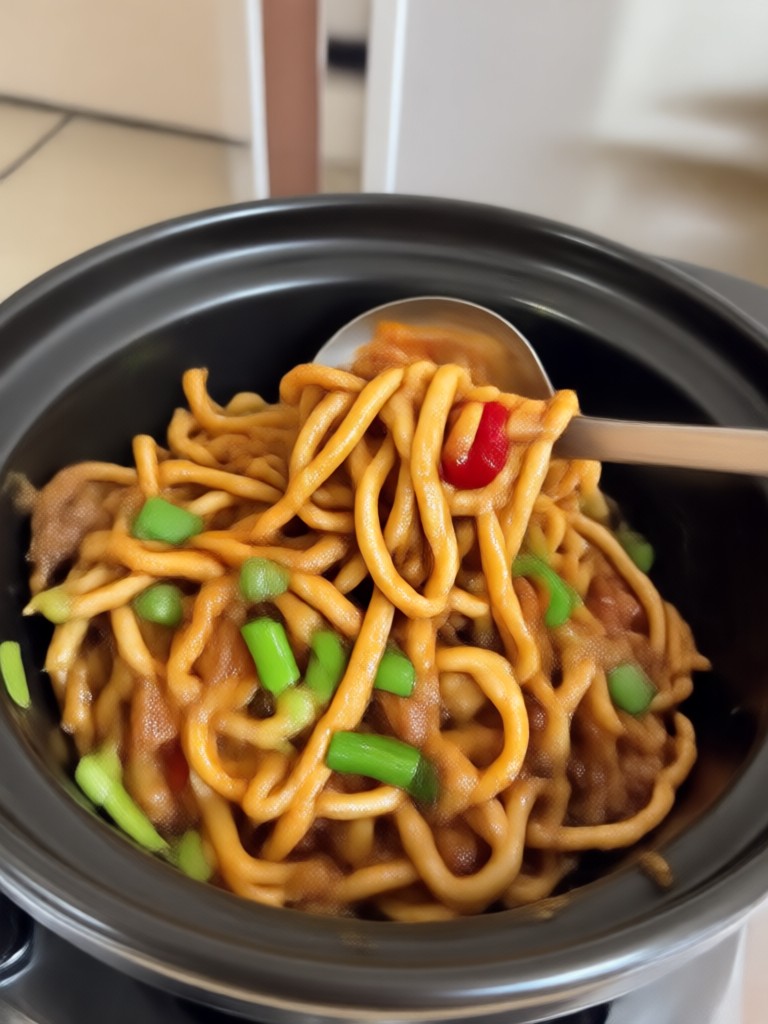
Turn your food photos into sizzling videos on your phone. No desktop editing tools required.

Frequently Asked Questions
Find clear answers to common questions about creating AI food videos with Funpack.
Create Mouthwatering Food Videos with AI
Download Funpack for free and start turning your food photos into appetizing videos today.
Create Mouthwatering Food Videos with AI
Download Funpack for free and start turning your food photos into appetizing videos today.