Gemini AI Blue Hour Photo
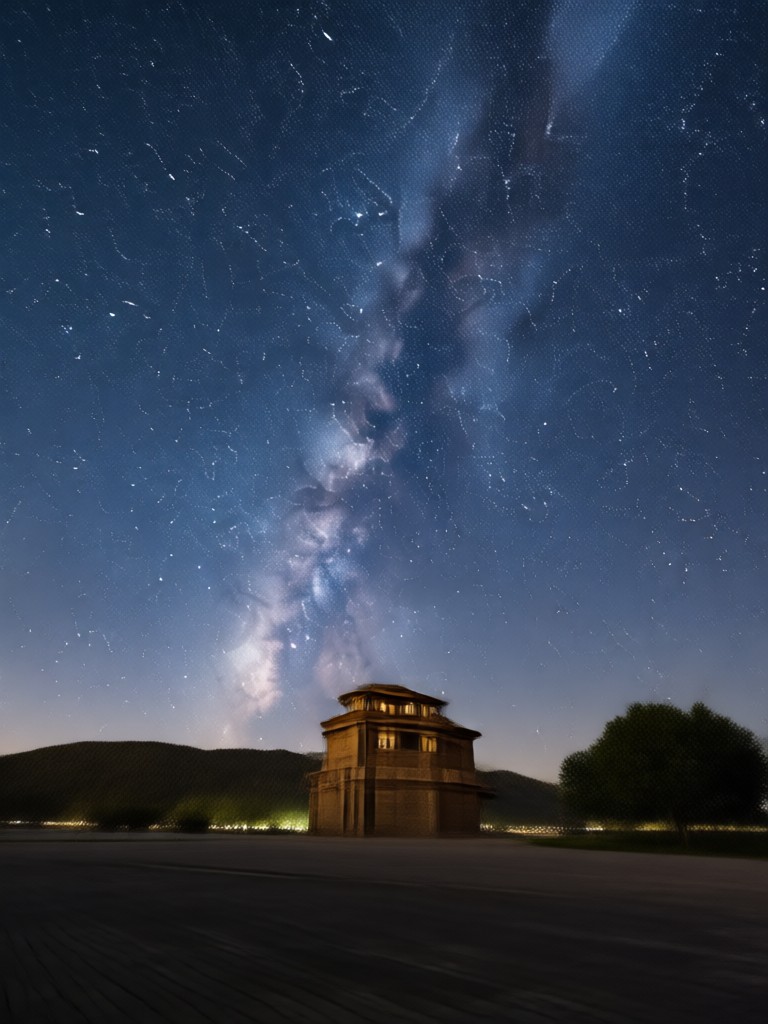
Explore Filters for That Twilight Aesthetic
Find the perfect filter to capture the quiet beauty of blue hour. Whether you want deep cinematic blues or soft nostalgic tones, these handpicked styles help you match the mood instantly.
Why Choose Gemini AI for Blue Hour Looks
Recreate the rarest hour of light with precision. Our AI understands color temperature, shadow density, and atmospheric haze, so every photo feels authentic and emotionally resonant.
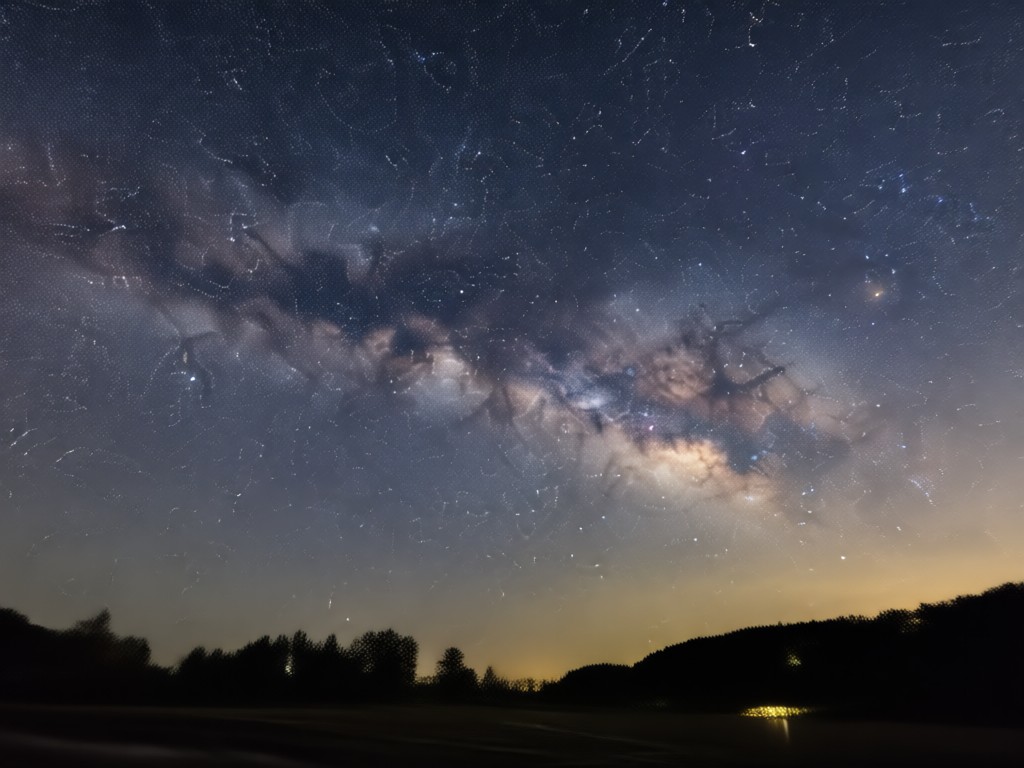
Realistic Twilight Color Grading
The AI analyzes your photo's lighting and applies a balanced blue hour palette. You get natural cool tones without losing skin warmth or making the image look artificially tinted.
Realistic Twilight Color Grading
The AI analyzes your photo's lighting and applies a balanced blue hour palette. You get natural cool tones without losing skin warmth or making the image look artificially tinted.
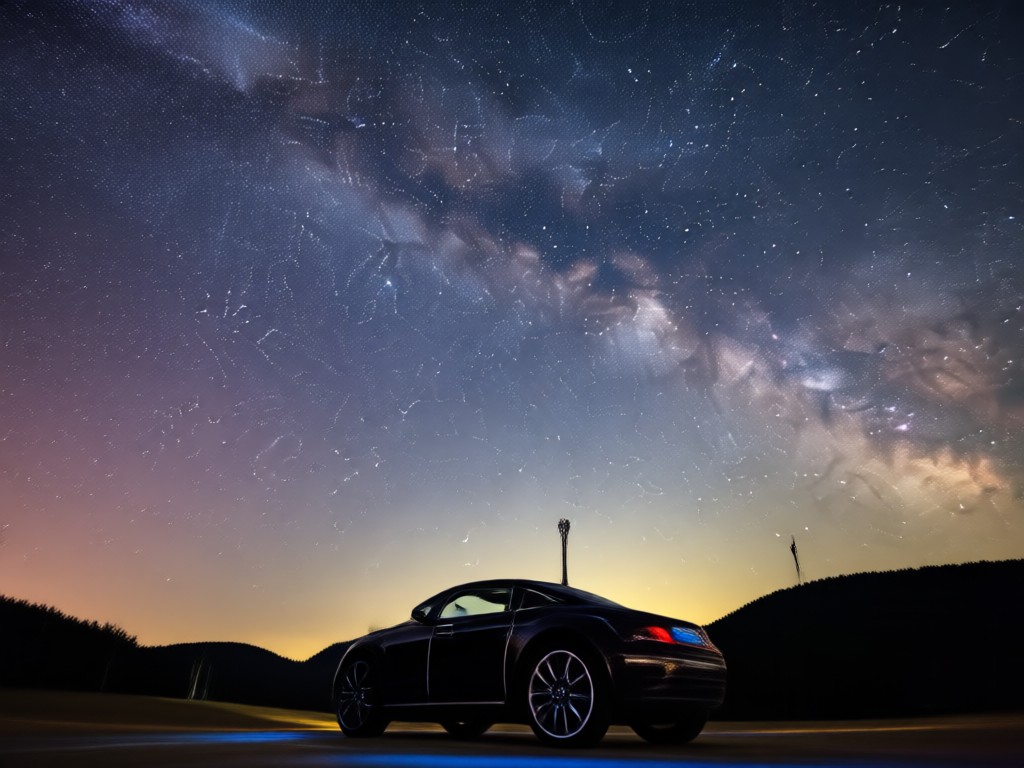
Preserves Subject Details
Unlike simple filters, the Gemini style keeps faces sharp and backgrounds clean. The AI focuses on mood transformation while maintaining the integrity of your original subject.
Preserves Subject Details
Unlike simple filters, the Gemini style keeps faces sharp and backgrounds clean. The AI focuses on mood transformation while maintaining the integrity of your original subject.
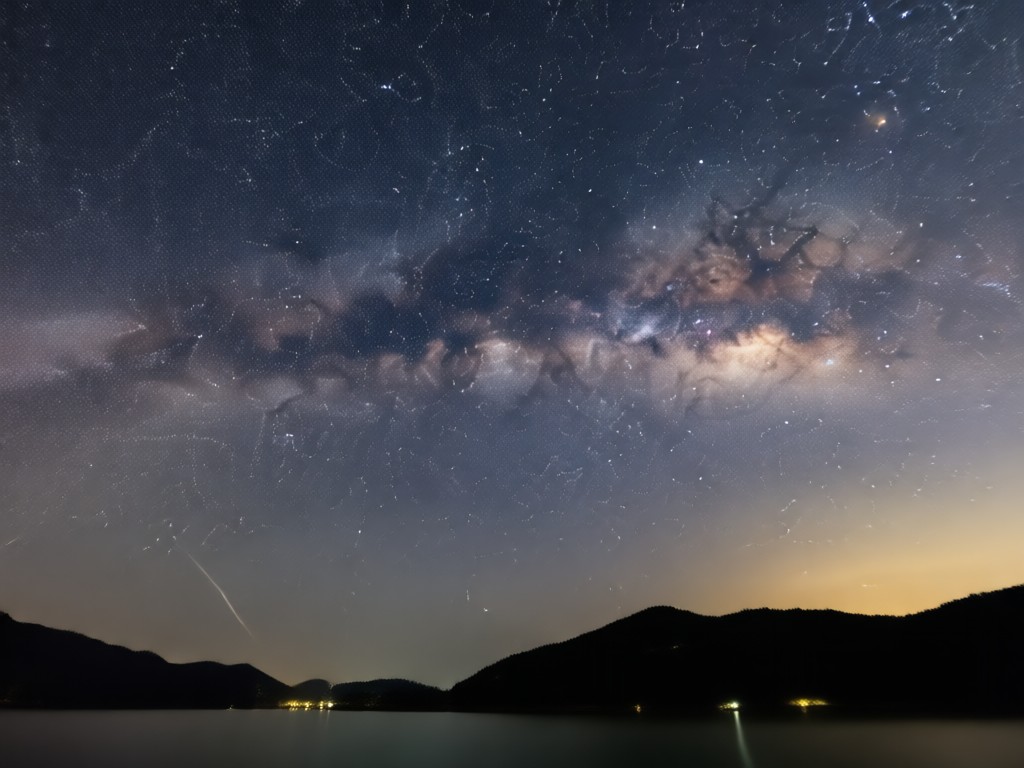
Works on Landscapes and Portraits
From city skylines to close-up portraits, the effect adapts intelligently. Perfect for travel photos, profile pictures, or artistic social media posts that need a peaceful atmosphere.
Works on Landscapes and Portraits
From city skylines to close-up portraits, the effect adapts intelligently. Perfect for travel photos, profile pictures, or artistic social media posts that need a peaceful atmosphere.
How to Create a Gemini AI Blue Hour Photo
Turn your ordinary daytime photos into mesmerizing blue hour scenes in three simple steps. No design experience or complex software needed.

Step 01.
Download the funpack app from Google Play. It is lightweight, fast, and designed for mobile creators who want professional results.

Step 02.
Upload a photo from your gallery or take a new one. Select the Gemini AI filter and adjust the intensity to match your preferred twilight mood.

Step 03.
Generate your image in seconds. Save the high-resolution result to your device or share it directly to Instagram, TikTok, or your favorite platform.
Styles You Can Achieve with the Blue Hour Look
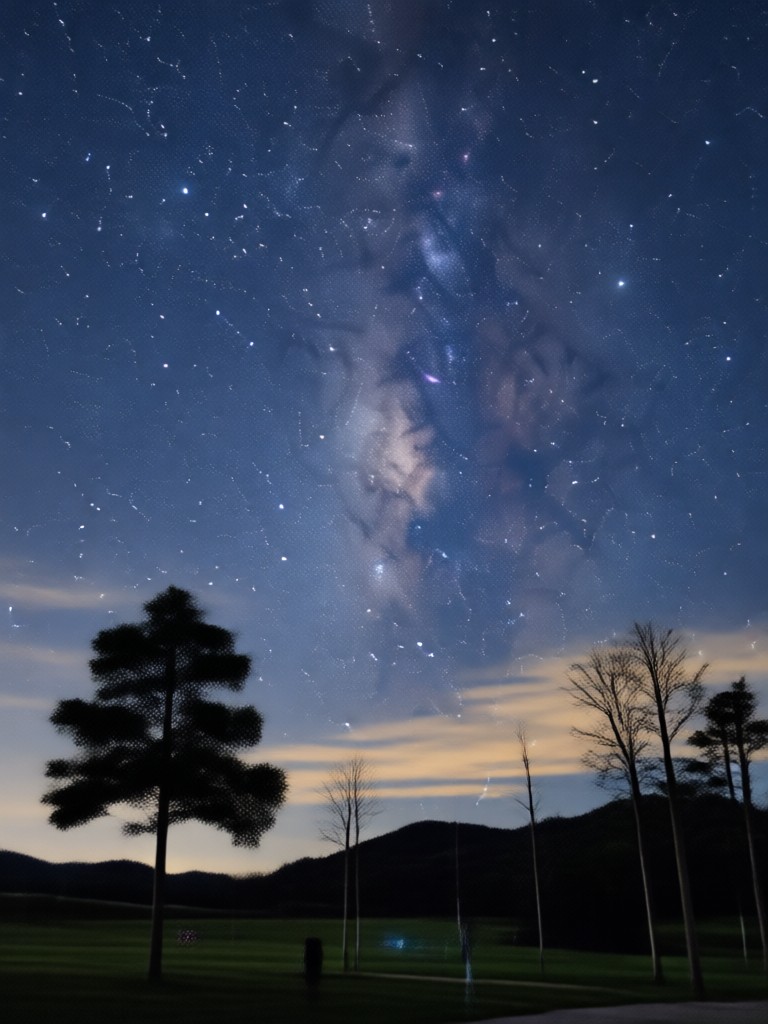
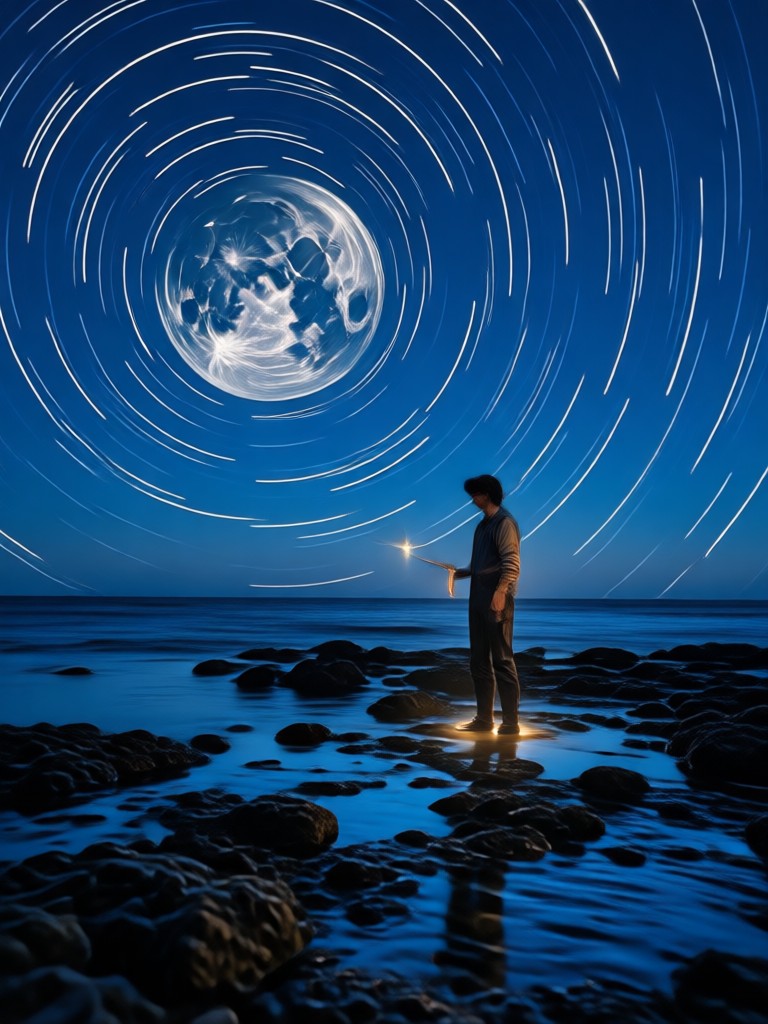
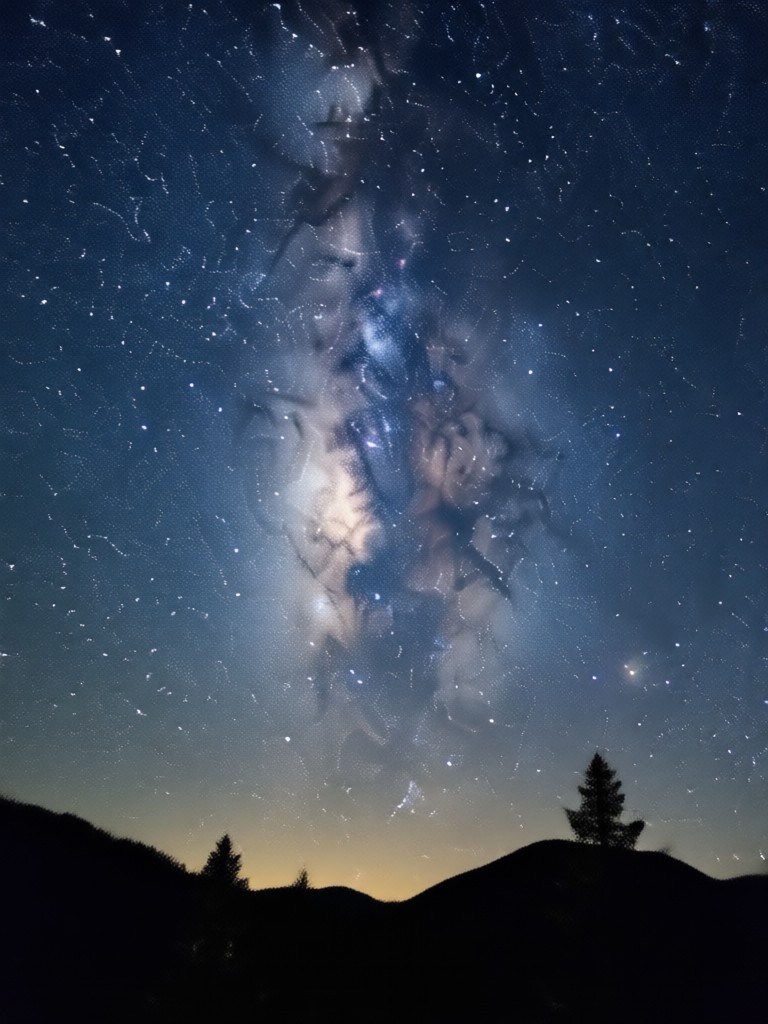
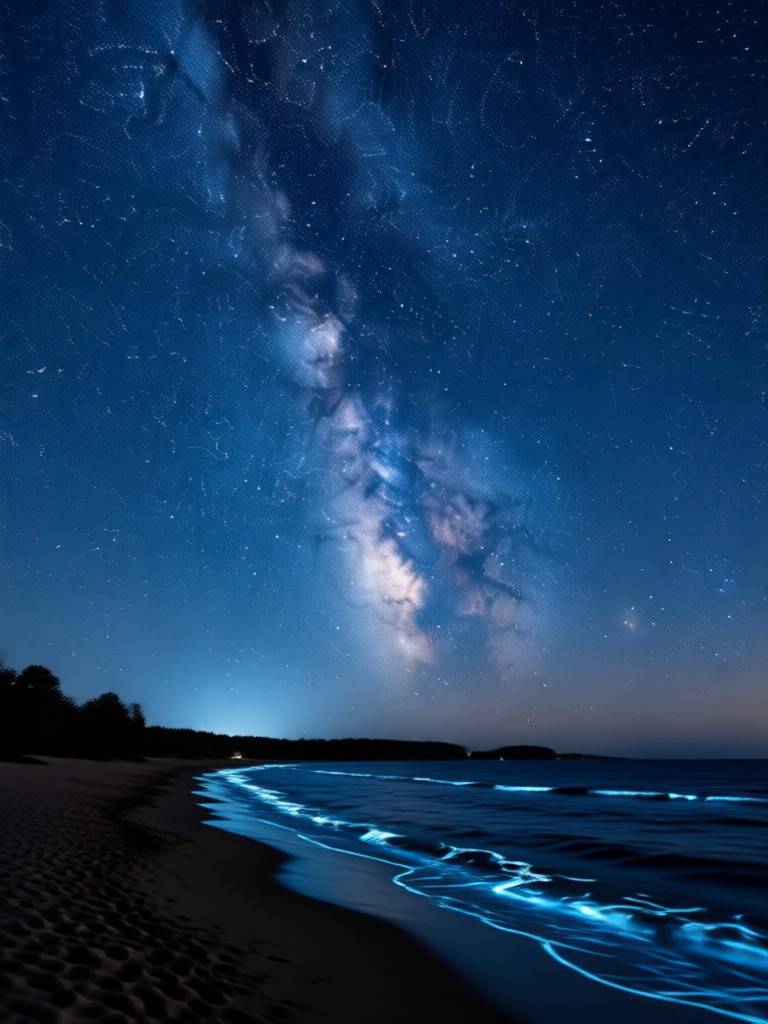
Explore different interpretations of the blue hour aesthetic. Each variation offers a unique balance of shadow, color, and atmosphere you can apply to your own photos.
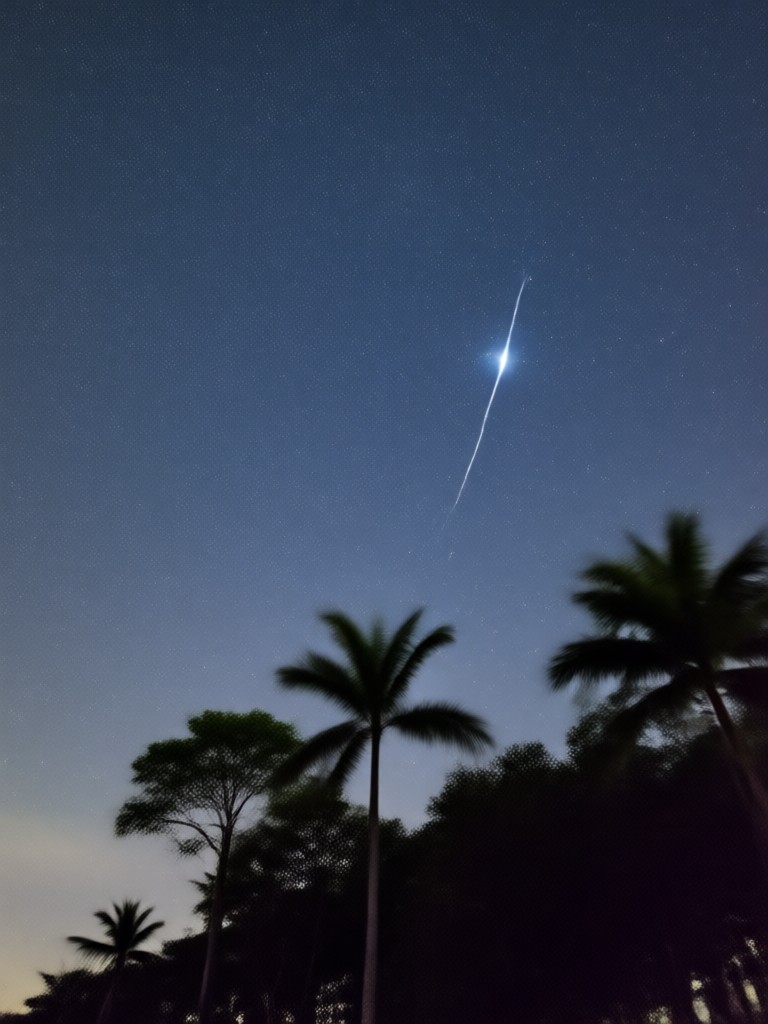
Tools That Make Blue Hour Editing Easy
Beyond the Gemini filter, funpack gives you a full toolkit to refine every twilight shot. Adjust colors, remove distractions, or generate entirely new scenes from a text prompt.
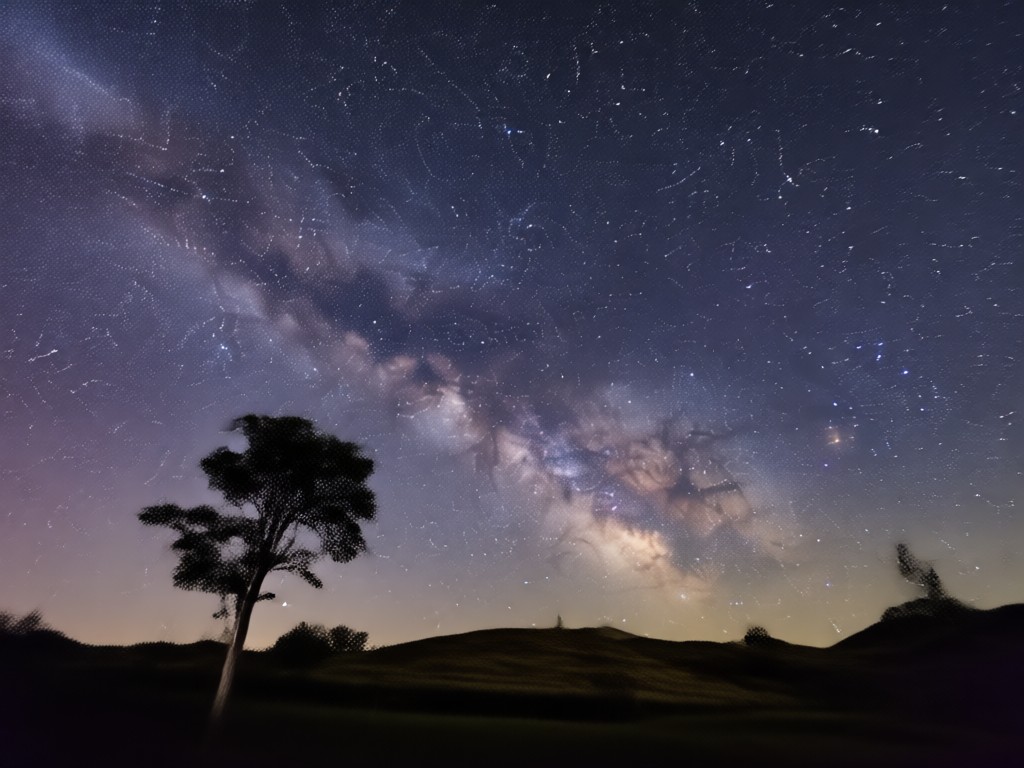
Text to Image Generation
Describe a blue hour scene in words and let AI paint it for you. Perfect for creating original backgrounds or concept art without any reference photo.
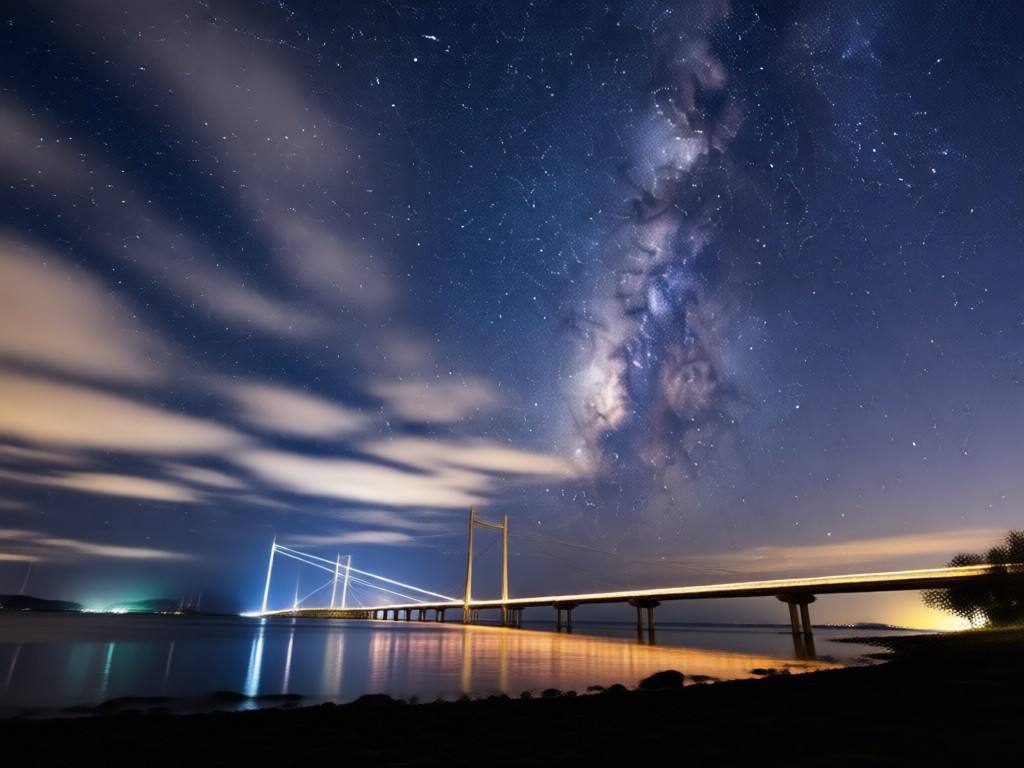
Image to Image Style Transfer
Upload a daytime photo and apply the Gemini AI Blue Hour filter to completely transform the atmosphere while keeping the original subject intact.
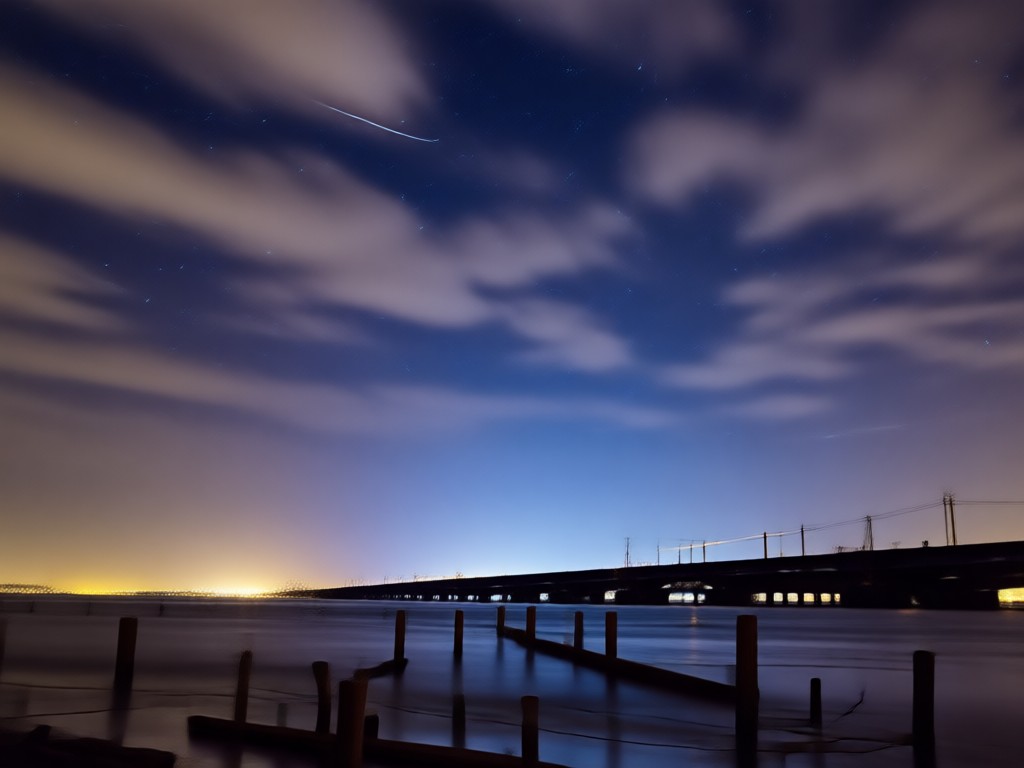
Batch Processing for Consistency
Apply the blue hour look to multiple photos at once. Maintain a consistent color palette across your entire social media feed or portfolio.
Creators Who Love the Blue Hour Vibe

Mina K.
I used to wake up at 5 AM to catch real blue hour light. Now I can turn any midday photo into the same moody scene. It saves me so much time on travel shoots.
Derek P.
The Gemini style makes my car photos look like they belong in a movie trailer. The shadows stay clean and the highlights have that soft cyan glow I could never get in editing apps.

Aisha T.
I am not a photographer at all. I just picked a selfie, tapped the blue hour filter, and got this calm, dreamy image that looks professionally shot. My friends keep asking how I did it.

Leo M.
Batch processing is a lifesaver. I edit all my product shots in the same blue hour palette before posting. My feed finally looks cohesive and high end.
Mina K.
I used to wake up at 5 AM to catch real blue hour light. Now I can turn any midday photo into the same moody scene. It saves me so much time on travel shoots.
Derek P.
The Gemini style makes my car photos look like they belong in a movie trailer. The shadows stay clean and the highlights have that soft cyan glow I could never get in editing apps.
Aisha T.
I am not a photographer at all. I just picked a selfie, tapped the blue hour filter, and got this calm, dreamy image that looks professionally shot. My friends keep asking how I did it.
Leo M.
Batch processing is a lifesaver. I edit all my product shots in the same blue hour palette before posting. My feed finally looks cohesive and high end.
Mina K.
I used to wake up at 5 AM to catch real blue hour light. Now I can turn any midday photo into the same moody scene. It saves me so much time on travel shoots.
Derek P.
The Gemini style makes my car photos look like they belong in a movie trailer. The shadows stay clean and the highlights have that soft cyan glow I could never get in editing apps.
Aisha T.
I am not a photographer at all. I just picked a selfie, tapped the blue hour filter, and got this calm, dreamy image that looks professionally shot. My friends keep asking how I did it.
Leo M.
Batch processing is a lifesaver. I edit all my product shots in the same blue hour palette before posting. My feed finally looks cohesive and high end.
Frequently Asked Questions About Blue Hour AI Photos
Find clear answers to common questions about creating Gemini AI Blue Hour photos and making the most of the funpack app.
Ready to Capture the Blue Hour Mood?
Download funpack from Google Play and turn your ordinary photos into mesmerizing twilight scenes. The Gemini AI Blue Hour filter is just one of over a million styles waiting for you.

Ready to Capture the Blue Hour Mood?
Download funpack from Google Play and turn your ordinary photos into mesmerizing twilight scenes. The Gemini AI Blue Hour filter is just one of over a million styles waiting for you.