Gemini AI Engineer Photo
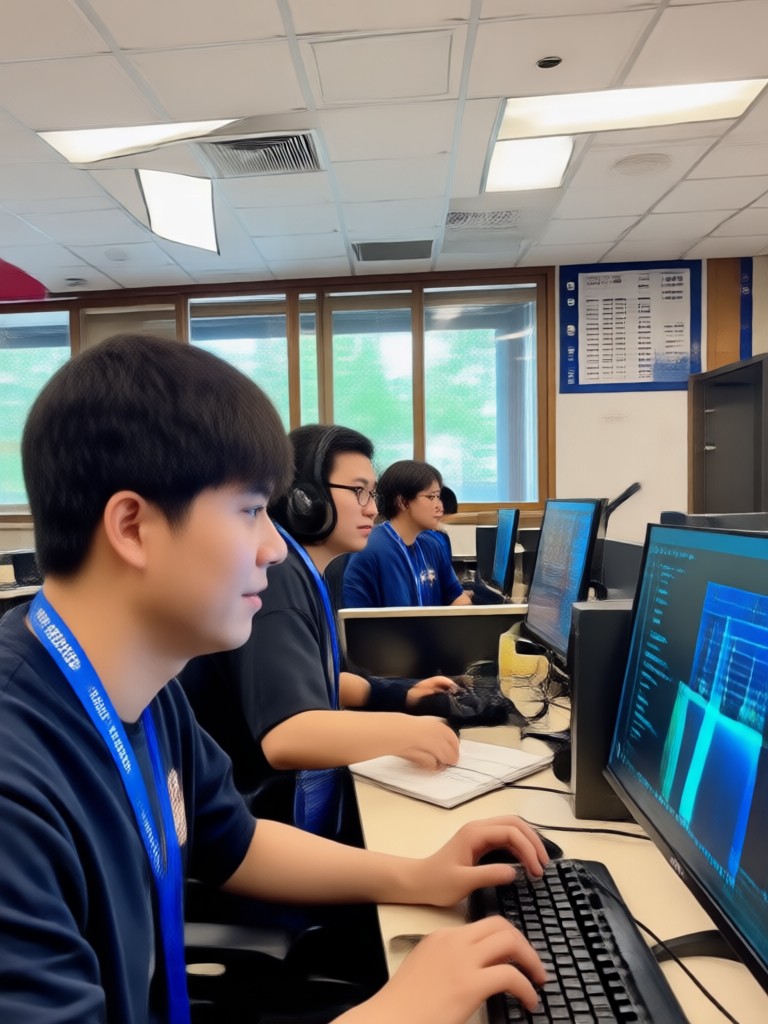
Choose an Engineer Photo Style That Fits You
Browse professional engineer filters, from business headshots to casual tech startup looks. Pick a style and generate a realistic portrait instantly.
Key Features of Gemini AI Engineer Photo Generator
Create realistic AI engineer portraits with advanced style filters and simple controls. funpack handles the details while you choose the look.
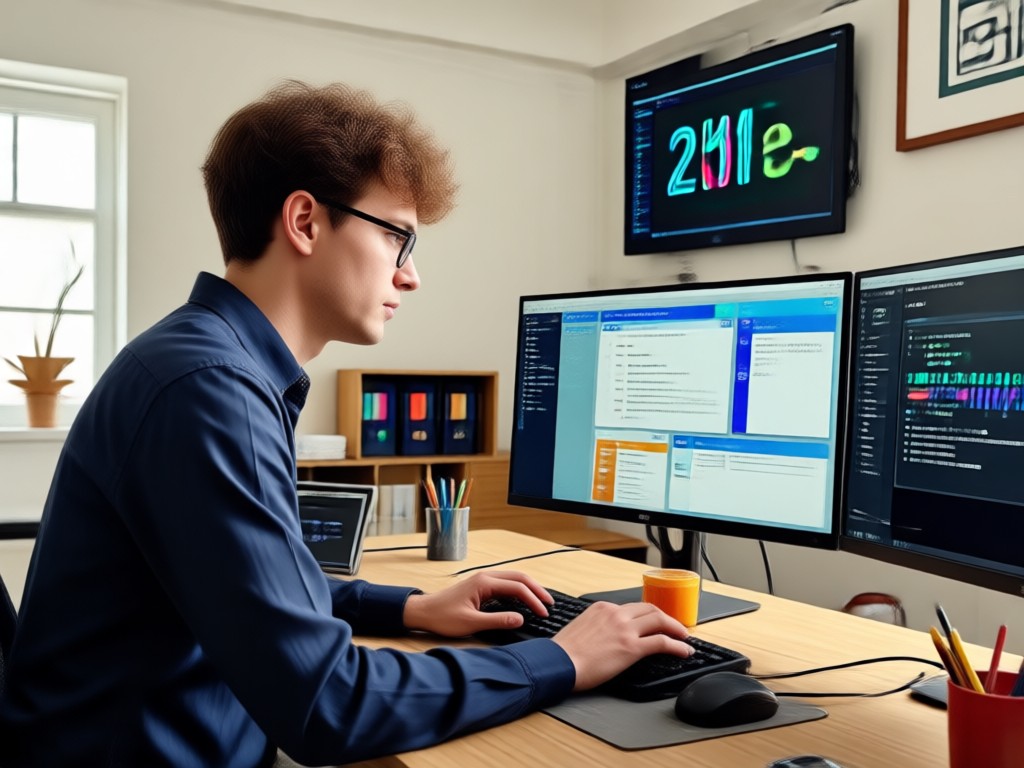
Realistic Engineer Headshots
Upload a selfie and let AI transform it into a polished engineer portrait with natural lighting and professional attire.
Realistic Engineer Headshots
Upload a selfie and let AI transform it into a polished engineer portrait with natural lighting and professional attire.
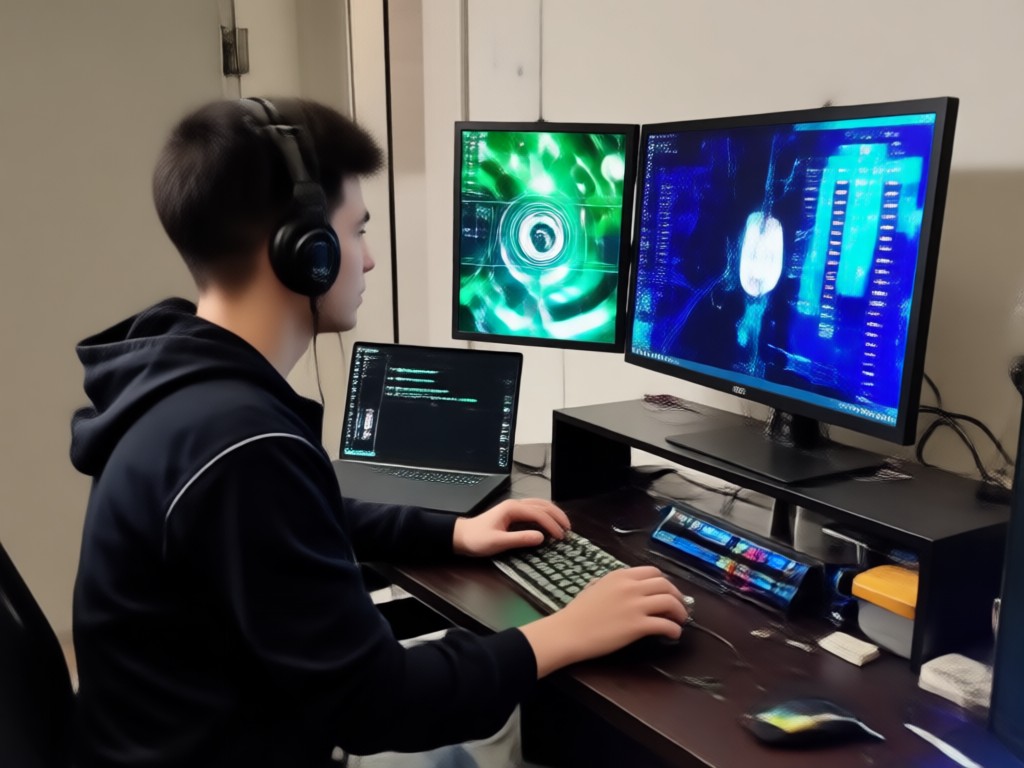
Customizable Work Styles
Choose from business casual, office, tech startup, or formal engineer looks. Adjust the background and outfit with one tap.
Customizable Work Styles
Choose from business casual, office, tech startup, or formal engineer looks. Adjust the background and outfit with one tap.

High-Resolution Output
Download crisp HD portraits ready for LinkedIn, company websites, resumes, and social media profiles. No blurry results.
High-Resolution Output
Download crisp HD portraits ready for LinkedIn, company websites, resumes, and social media profiles. No blurry results.
How to Make a Gemini AI Engineer Photo
Create a professional AI engineer portrait in three simple steps using the funpack app.

Step 01.
Download the funpack app from Google Play to get started with AI engineer photo generation.

Step 02.
Upload your photo and choose an engineer style filter, such as business headshot or tech startup look.

Step 03.
Generate your professional engineer photo, then download and share it on LinkedIn or other platforms.
Explore AI Engineer Photo Gallery
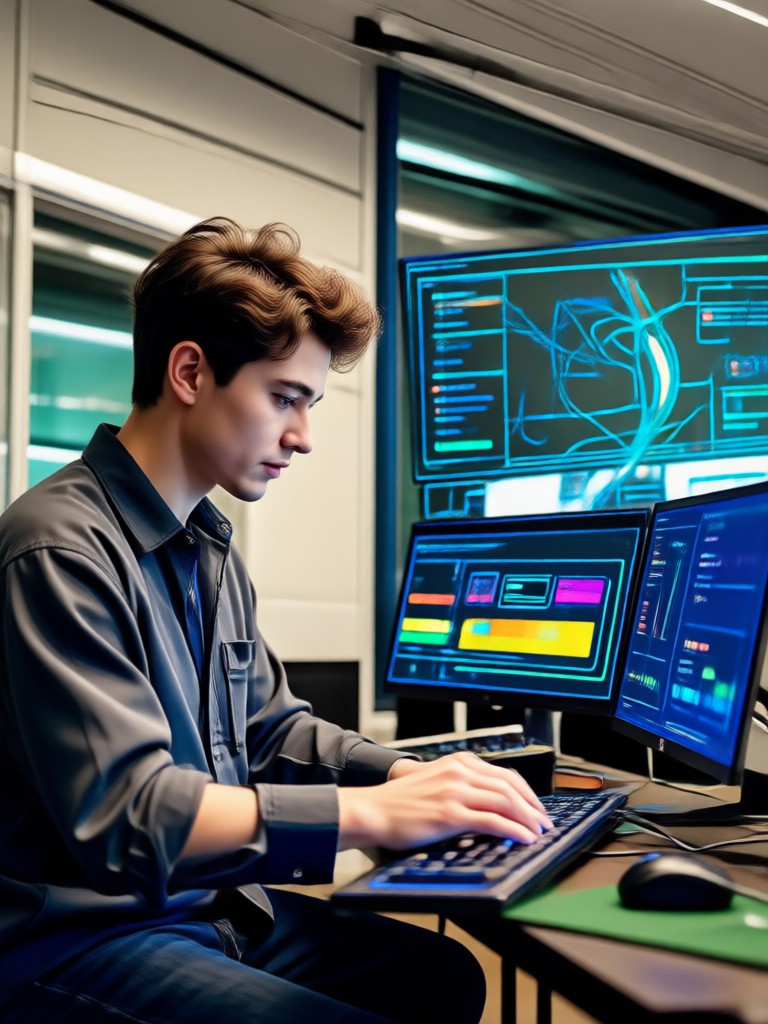
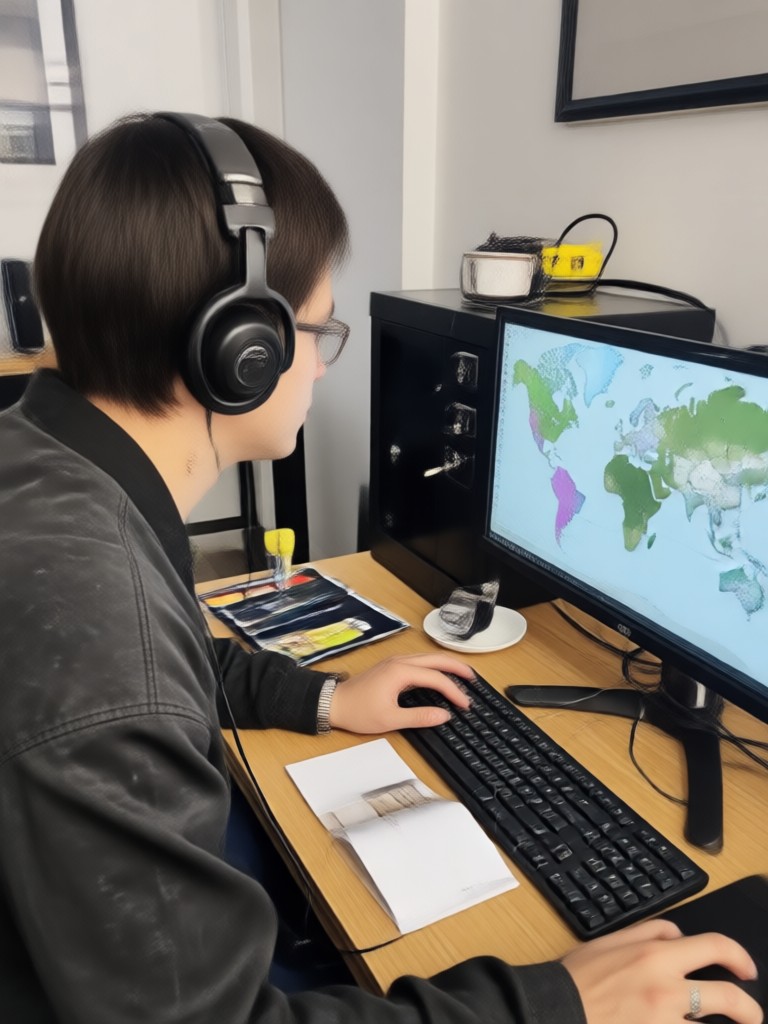
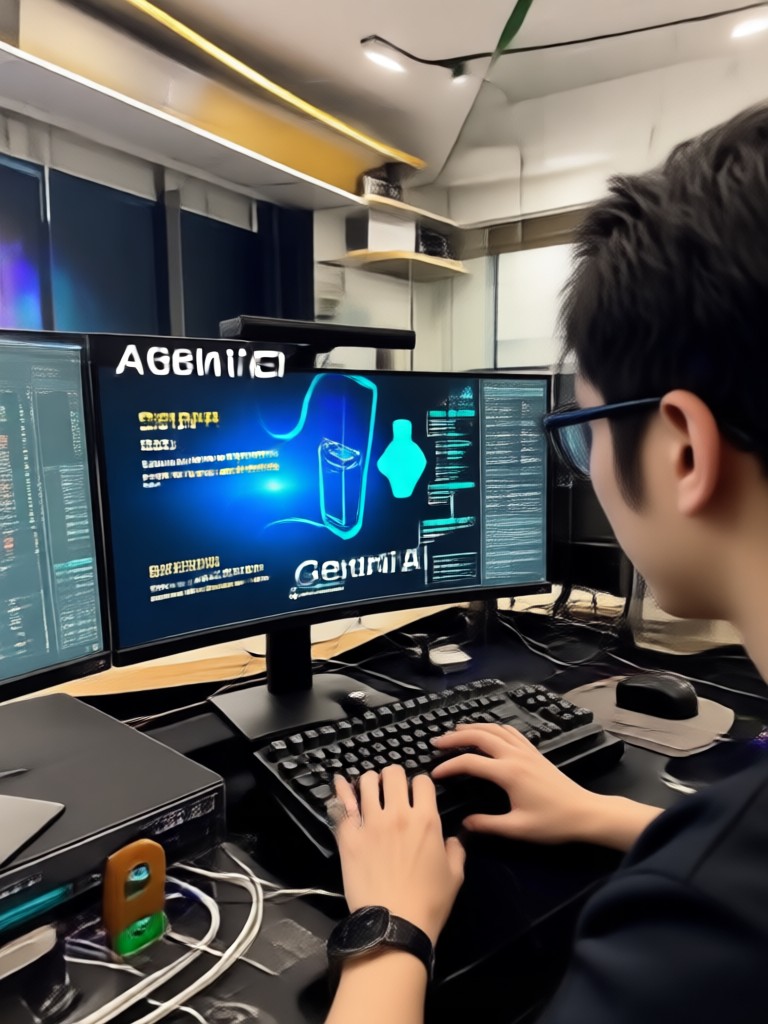
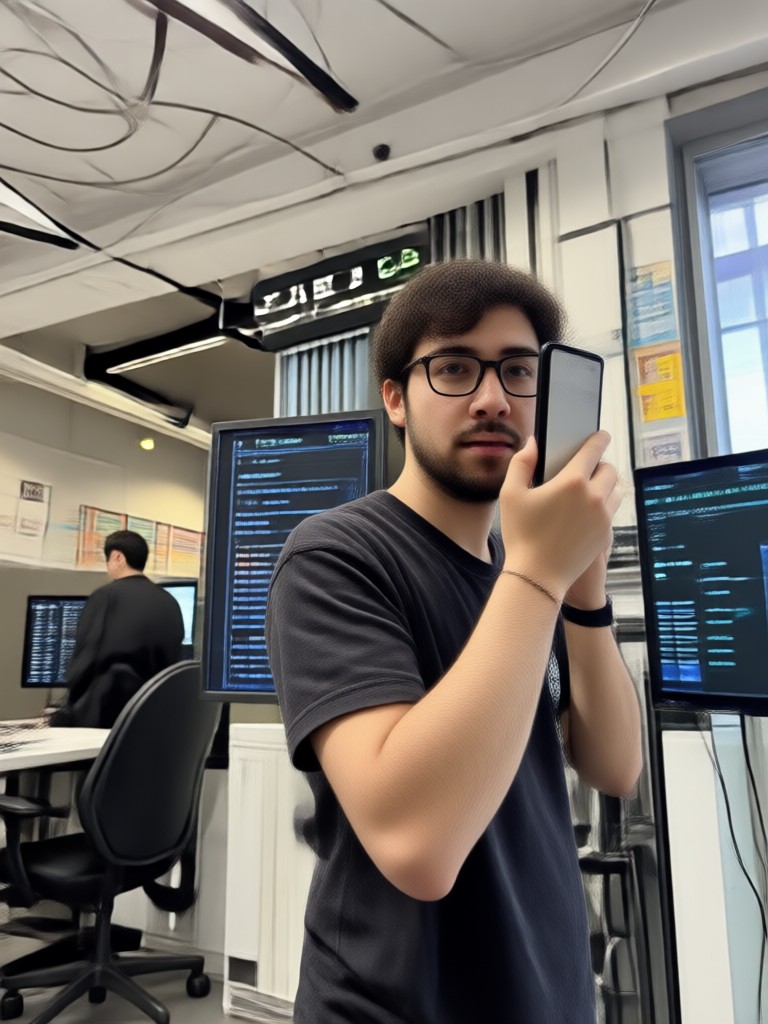
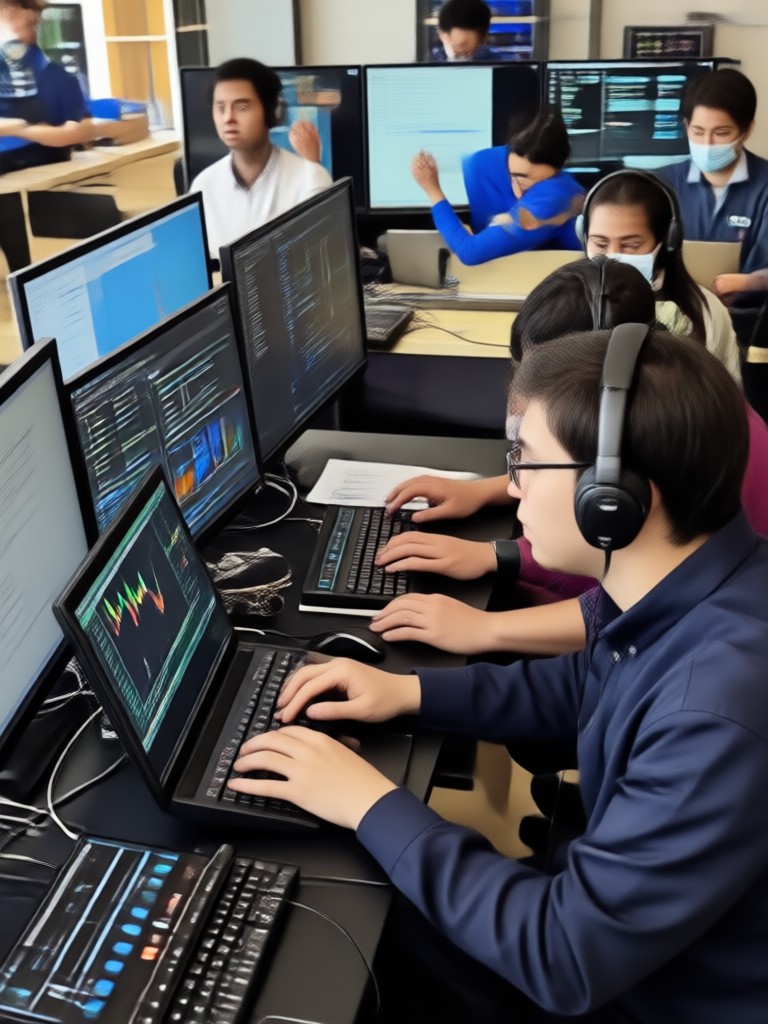
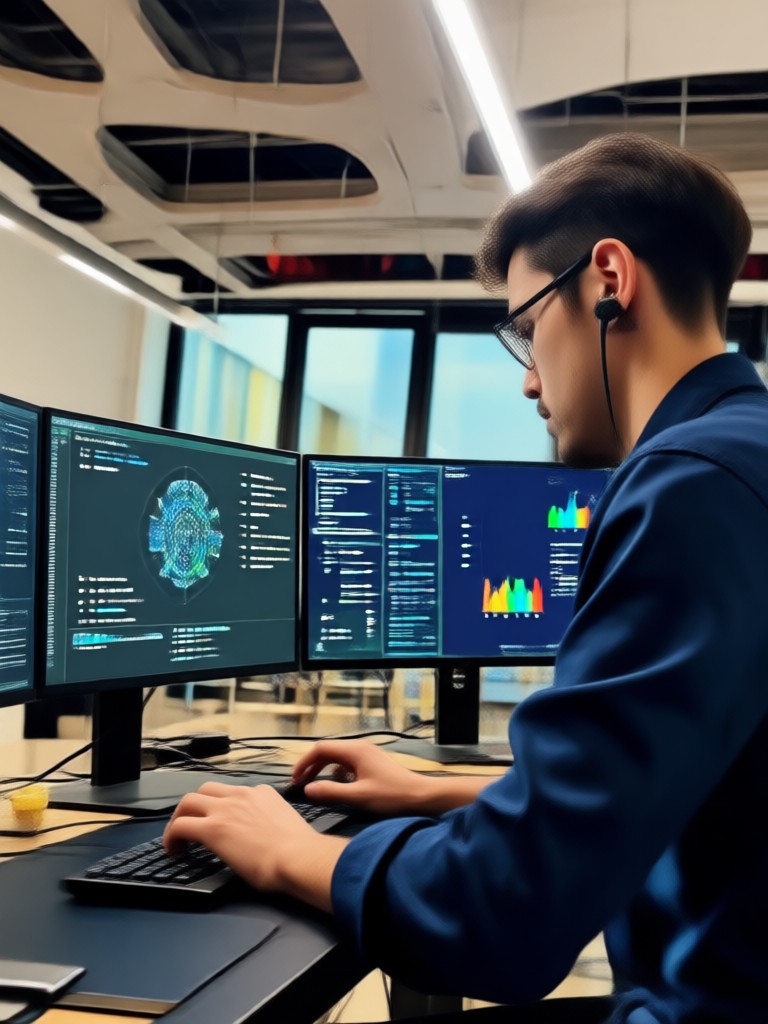
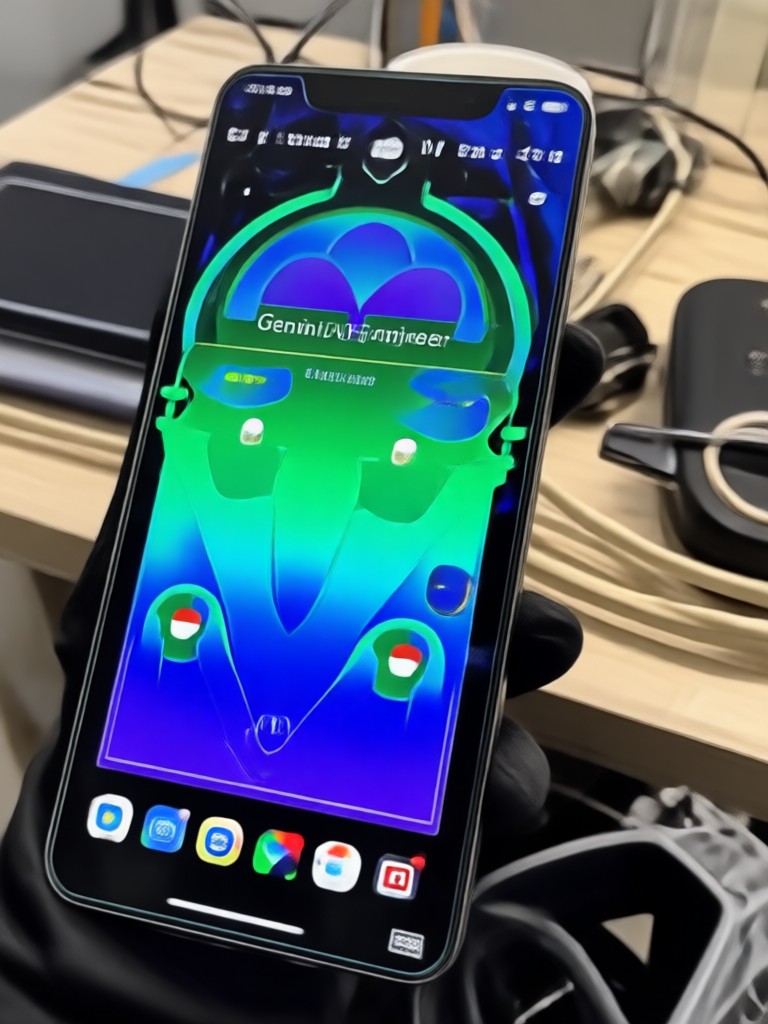
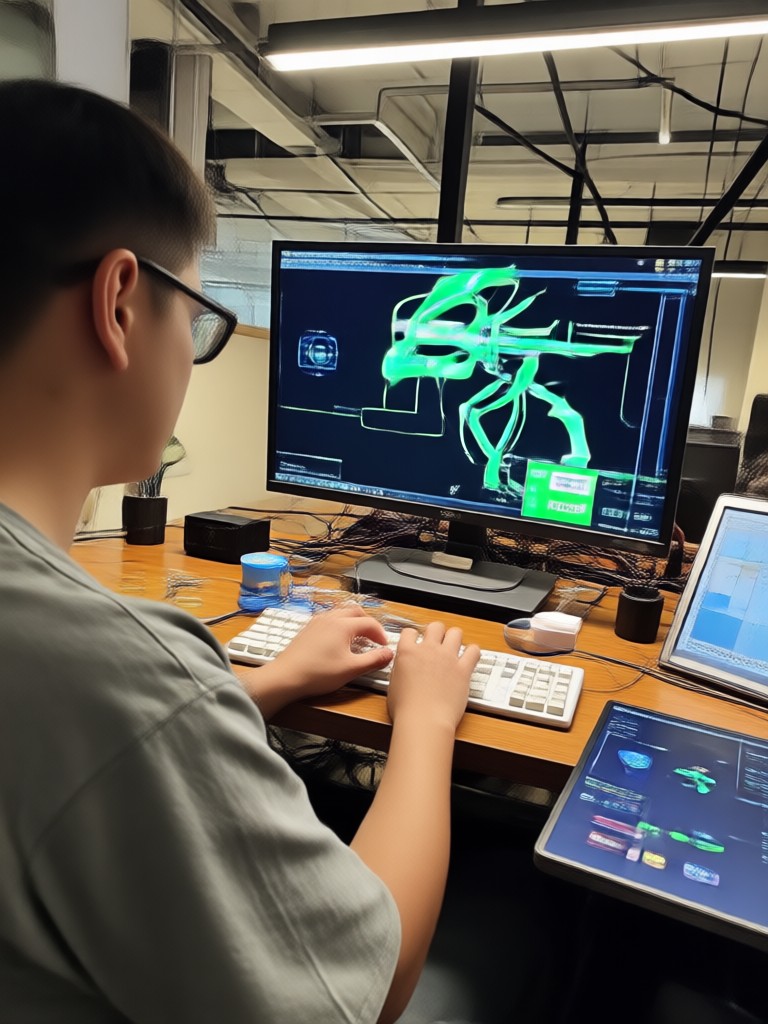
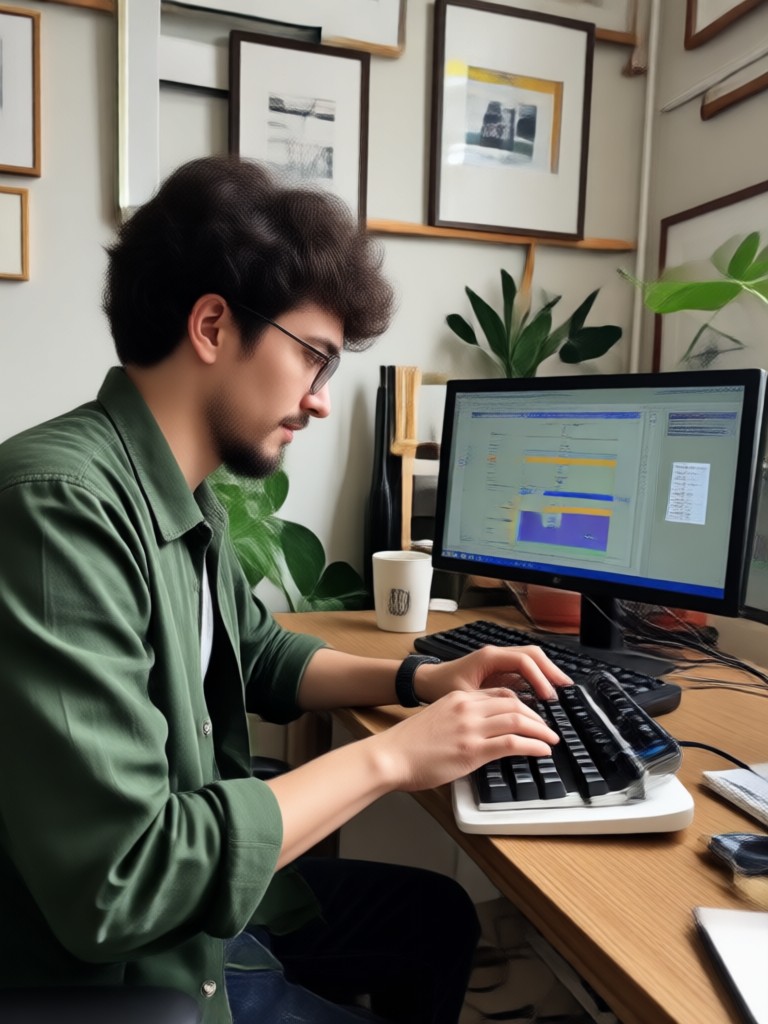
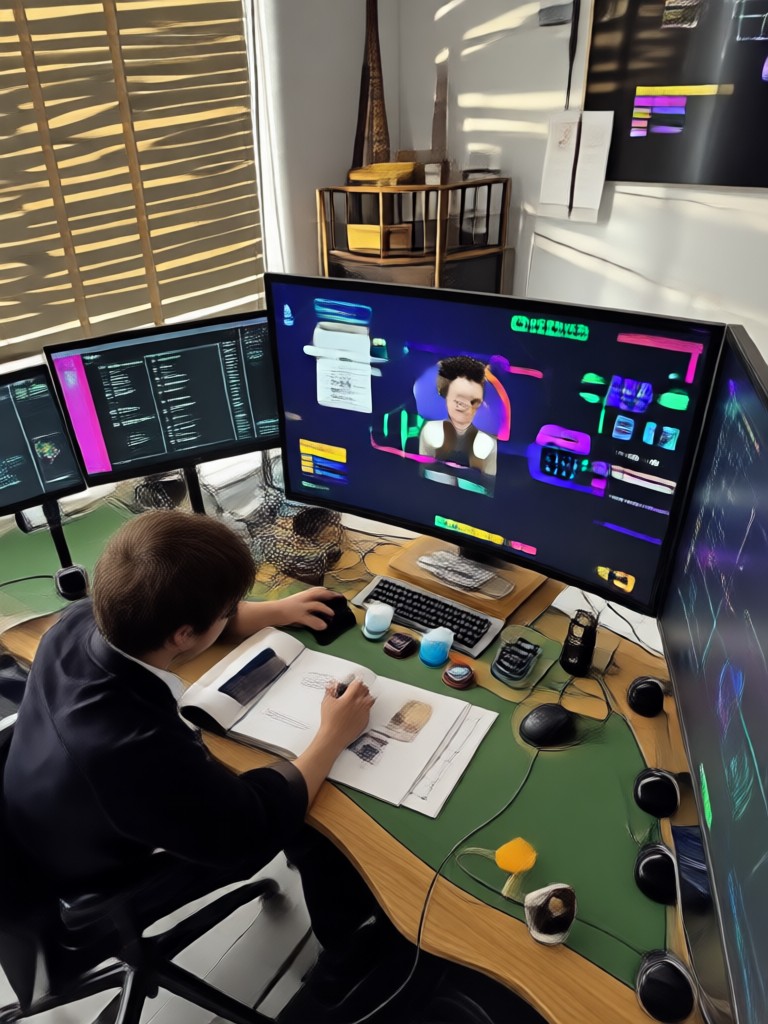
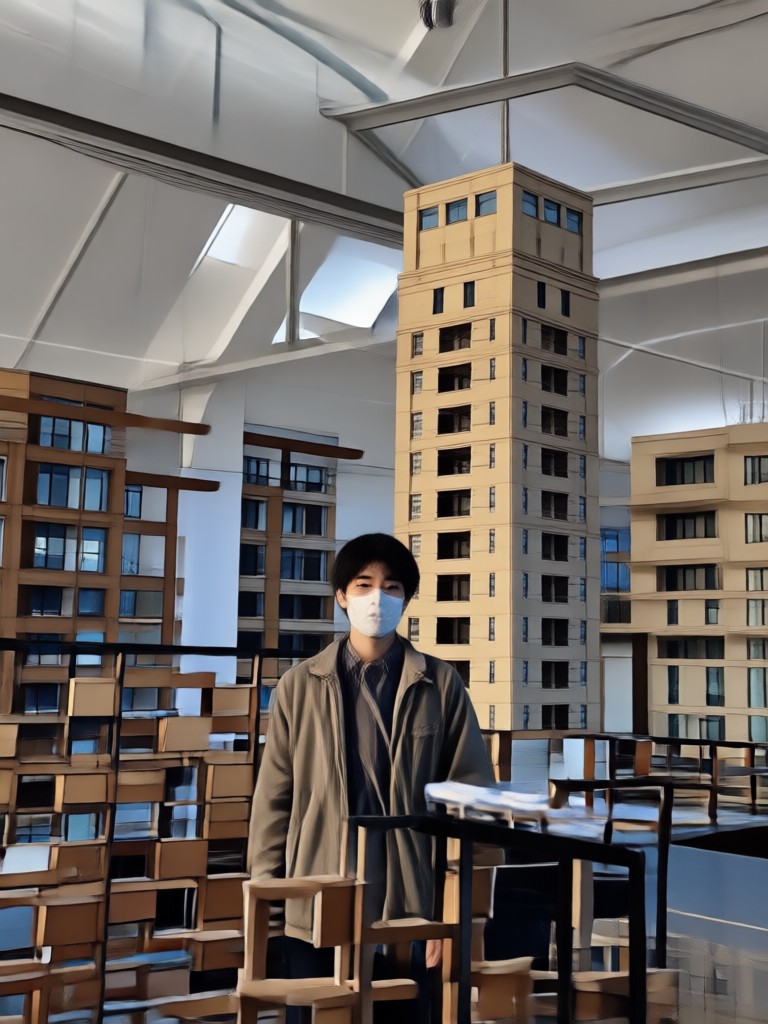
Browse realistic AI engineer portraits created with funpack. See how ordinary photos become professional headshots for tech profiles and resumes.
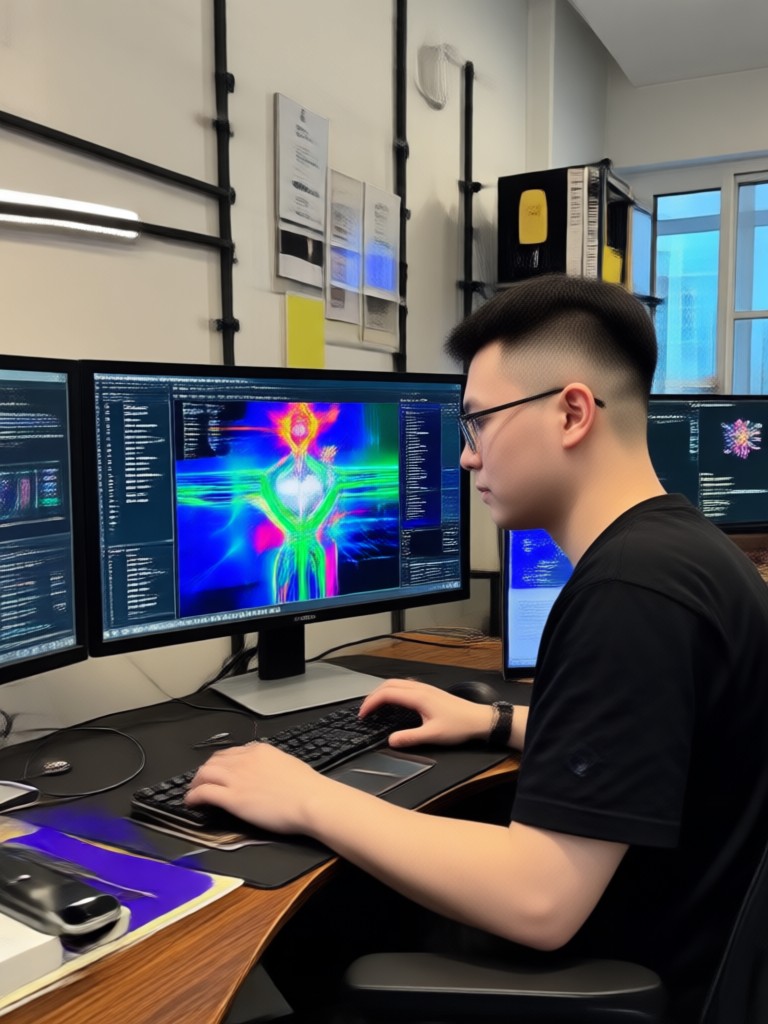

Why Use funpack for AI Engineer Photos?
funpack combines powerful AI image generation with a huge library of professional styles. You don't need to hire a photographer or edit with complex software. Just upload a photo and pick a style to get a realistic engineer headshot in minutes. Perfect for job seekers, freelancers, and tech professionals.
Why Use funpack for AI Engineer Photos?
funpack combines powerful AI image generation with a huge library of professional styles. You don't need to hire a photographer or edit with complex software. Just upload a photo and pick a style to get a realistic engineer headshot in minutes. Perfect for job seekers, freelancers, and tech professionals.

Download funpack for AI Engineer Photos
Get the mobile app and create professional engineer portraits anywhere. Available on Google Play with regular style updates.

What Users Say About Our AI Engineer Photos
Quickest way to get a professional headshot
I needed a LinkedIn photo that looked like I worked in tech. I uploaded a casual selfie and got a polished engineer portrait in under a minute.
Perfect for my startup profile
The engineer style filters made my photo look like a real team headshot. I downloaded it for our website and got compliments from colleagues.
Saved me from paying a photographer
I was skeptical at first but the AI engineer photo looked incredibly realistic. The background and lighting are spot on.
Frequently Asked Questions About Gemini AI Engineer Photo
Find clear answers about generating AI engineer photos with funpack, from style options to download quality.
More Topics You May Like
Explore more AI photo and video tools to expand your creative toolkit.

Gemini AI Butt Enhancement: Try Virtual Curves in Seconds
Gemini AI For Workout Clothes: Virtual Gym Try On

Turn Simple Desserts Into Stunning AI Art

Gemini AI Kawaii Chibi: Turn Photos Cute
Gemini AI Butt Enhancement: Try Virtual Curves in Seconds
Gemini AI For Workout Clothes: Virtual Gym Try On
Turn Simple Desserts Into Stunning AI Art
Gemini AI Kawaii Chibi: Turn Photos Cute
Ready to Create Your Gemini AI Engineer Photo?
Download funpack now and turn your selfie into a professional engineer portrait. Get realistic headshots for LinkedIn, resumes, and tech profiles in seconds.
Ready to Create Your Gemini AI Engineer Photo?
Download funpack now and turn your selfie into a professional engineer portrait. Get realistic headshots for LinkedIn, resumes, and tech profiles in seconds.