Gemini AI Ps2
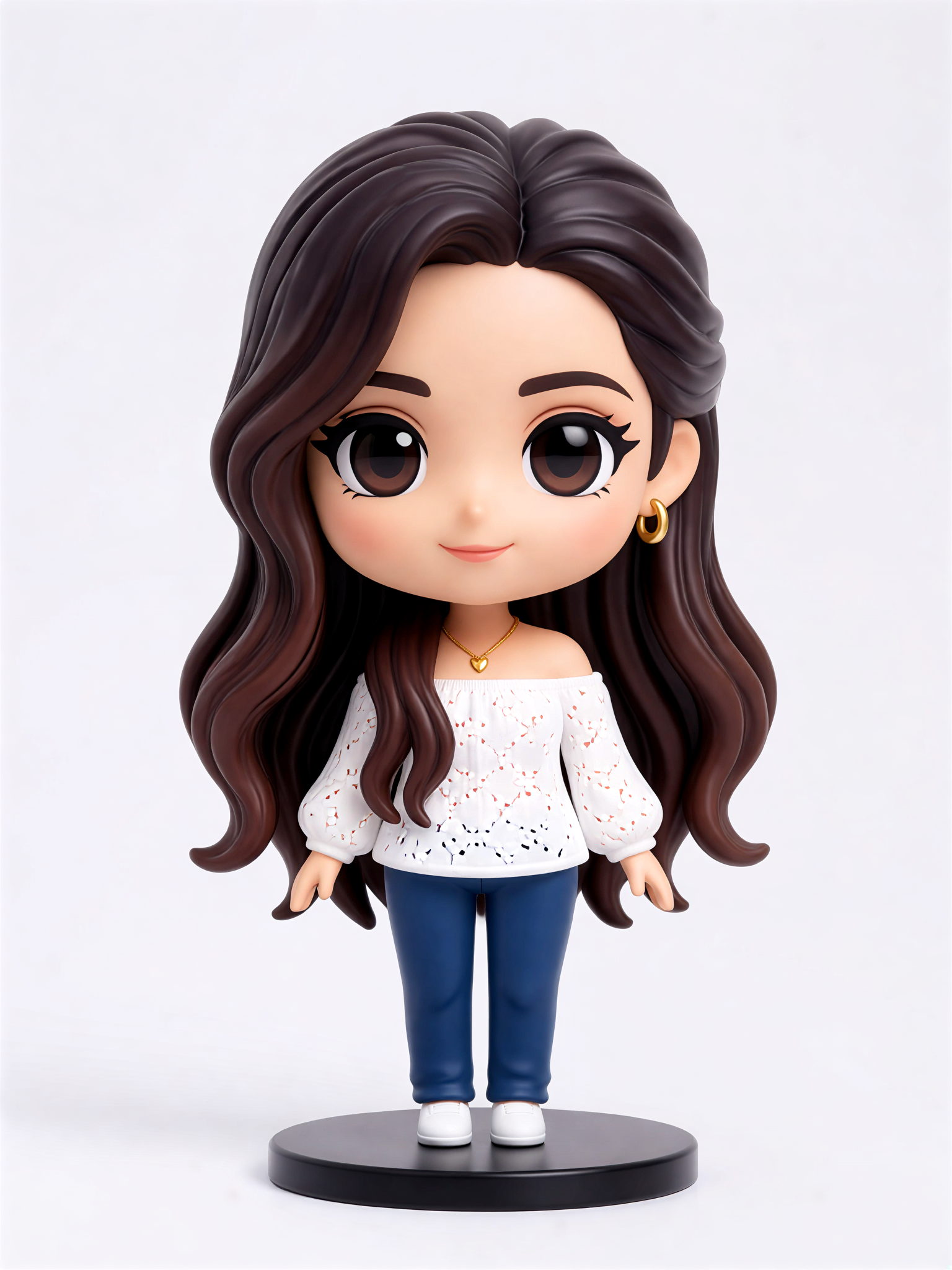
Cute Figurine


Gemini AI Ps2 Style Gallery
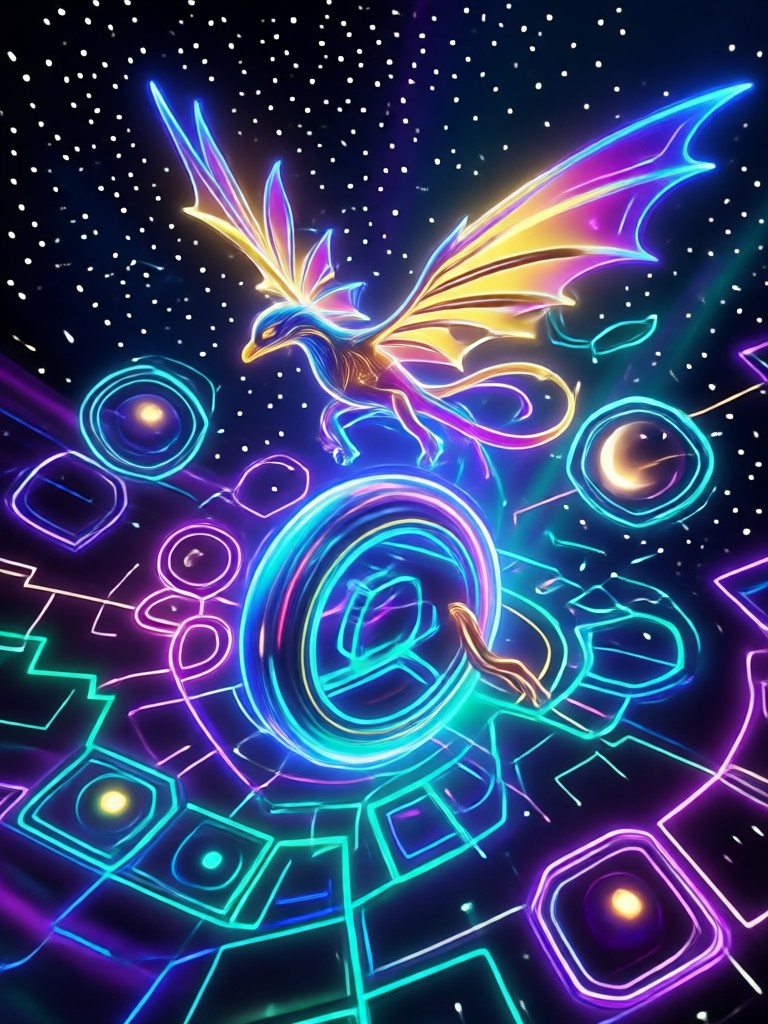
Explore what the Gemini AI Ps2 filter can create. Each image shows a real transformation from a regular photo into retro PlayStation 2 era game art with low-poly textures, nostalgic lighting, and early 2000s video game charm.
Why the Gemini AI Ps2 Filter Stands Out
The Gemini AI Ps2 filter takes your ordinary photos and converts them into authentic early 2000s PlayStation 2 era visuals. Here is what makes this retro game style generator special.
Authentic PS2 Graphics Style
Recreate the signature low-poly look, muted color palettes, and soft focus lighting from the PlayStation 2 era. Perfect for nostalgic gamers and retro content creators who want that authentic early 2000s video game feel.
Authentic PS2 Graphics Style
Recreate the signature low-poly look, muted color palettes, and soft focus lighting from the PlayStation 2 era. Perfect for nostalgic gamers and retro content creators who want that authentic early 2000s video game feel.
One-Tap Photo to Game Art
No editing skills needed. Upload any photo and the Gemini AI Ps2 filter automatically restyles it as a PS2 game scene in seconds. The AI handles the geometry reduction, texture compression, and retro color grading for you.
One-Tap Photo to Game Art
No editing skills needed. Upload any photo and the Gemini AI Ps2 filter automatically restyles it as a PS2 game scene in seconds. The AI handles the geometry reduction, texture compression, and retro color grading for you.
Works on Any Subject
From selfies and pet photos to landscapes and group shots, the filter preserves your main subject while applying the PS2 aesthetic. Faces stay recognizable, scenes stay readable, and everything gets the retro game treatment.
Works on Any Subject
From selfies and pet photos to landscapes and group shots, the filter preserves your main subject while applying the PS2 aesthetic. Faces stay recognizable, scenes stay readable, and everything gets the retro game treatment.
Bring Back the PS2 Era With Gemini AI
Remember booting up your PlayStation 2 and being blown away by the graphics? The Gemini AI Ps2 filter brings that feeling back. Turn your modern photos into nostalgic game art that looks like it came straight from a 2002 PS2 title. Whether you are making social content, profile pictures, or just want to see yourself as a retro game character, this filter delivers the full early 2000s gaming vibe in one tap.
Bring Back the PS2 Era With Gemini AI
Remember booting up your PlayStation 2 and being blown away by the graphics? The Gemini AI Ps2 filter brings that feeling back. Turn your modern photos into nostalgic game art that looks like it came straight from a 2002 PS2 title. Whether you are making social content, profile pictures, or just want to see yourself as a retro game character, this filter delivers the full early 2000s gaming vibe in one tap.
How to Use the Gemini AI Ps2 Filter
Create nostalgic PS2 era game art from your photos in just three simple steps using the funpack app.

Step 01.
Download the funpack app from Google Play and open it on your phone.

Step 02.
Upload your photo and select the Gemini AI Ps2 filter from the style library.

Step 03.
Generate your retro PS2 game style image and share it with friends or on social media.
Who Loves the Gemini AI Ps2 Filter

Marcus Chen
I grew up playing PS2 games so this filter hit different. Turned my graduation photo into something that looks like a character select screen from 2003. Absolutely perfect for my gaming channel thumbnails.

Sofia Reyes
The retro PS2 aesthetic is huge on TikTok right now and this app makes it so easy. I uploaded a simple outfit photo and got this incredible low-poly street fighter vibe. My followers kept asking how I made it.

David Park
I used the Gemini AI Ps2 filter on my dog photos and the results are hilarious. He looks like an unlockable sidekick character. The fur texture actually translates really well into that retro style.

Amara Johnson
Tried it on our group vacation photo and everyone looks like they belong in an early 2000s game lobby. The filter kept all six faces distinct which really impressed me. Instant nostalgia content.
Marcus Chen
I grew up playing PS2 games so this filter hit different. Turned my graduation photo into something that looks like a character select screen from 2003. Absolutely perfect for my gaming channel thumbnails.
Sofia Reyes
The retro PS2 aesthetic is huge on TikTok right now and this app makes it so easy. I uploaded a simple outfit photo and got this incredible low-poly street fighter vibe. My followers kept asking how I made it.
David Park
I used the Gemini AI Ps2 filter on my dog photos and the results are hilarious. He looks like an unlockable sidekick character. The fur texture actually translates really well into that retro style.
Amara Johnson
Tried it on our group vacation photo and everyone looks like they belong in an early 2000s game lobby. The filter kept all six faces distinct which really impressed me. Instant nostalgia content.
Marcus Chen
I grew up playing PS2 games so this filter hit different. Turned my graduation photo into something that looks like a character select screen from 2003. Absolutely perfect for my gaming channel thumbnails.
Sofia Reyes
The retro PS2 aesthetic is huge on TikTok right now and this app makes it so easy. I uploaded a simple outfit photo and got this incredible low-poly street fighter vibe. My followers kept asking how I made it.
David Park
I used the Gemini AI Ps2 filter on my dog photos and the results are hilarious. He looks like an unlockable sidekick character. The fur texture actually translates really well into that retro style.
Amara Johnson
Tried it on our group vacation photo and everyone looks like they belong in an early 2000s game lobby. The filter kept all six faces distinct which really impressed me. Instant nostalgia content.
Gemini AI Ps2 Filter FAQs
Find clear answers to common questions about the Gemini AI Ps2 filter and how to create retro PlayStation 2 style images with funpack.
Ready to Try the Gemini AI Ps2 Filter?
Download funpack and turn your photos into nostalgic PS2 era game art today. Tap into over one million style filters, effects, and AI generation tools, all in one simple mobile app.

Ready to Try the Gemini AI Ps2 Filter?
Download funpack and turn your photos into nostalgic PS2 era game art today. Tap into over one million style filters, effects, and AI generation tools, all in one simple mobile app.