Ginger Hair Filter: Try On a Fiery New Look

Cute Figurine


Why Use a Ginger Hair Filter?
Testing red hair used to mean hours in a salon chair or an expensive dye job. The funpack app changes that. You get a realistic ginger hair preview in seconds, letting you experiment with copper, auburn, and strawberry tones safely.

Realistic Hair Color Swap
Our AI doesn't just tint your hair. It understands lighting, texture, and shadows, so your new ginger shade looks natural. The result blends with your skin tone and follows your hair strands instead of looking flat.
Realistic Hair Color Swap
Our AI doesn't just tint your hair. It understands lighting, texture, and shadows, so your new ginger shade looks natural. The result blends with your skin tone and follows your hair strands instead of looking flat.
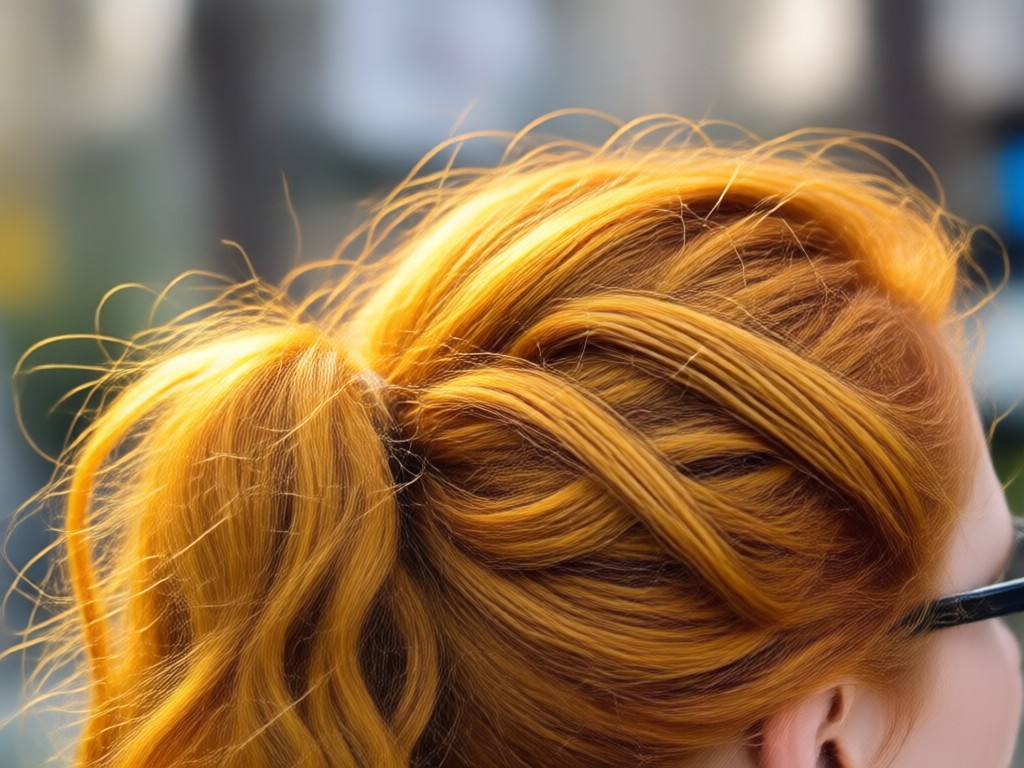
Try Multiple Ginger Shades
Not all red hair is the same. Test bright copper, deep auburn, light strawberry blonde, and bold crimson red. Pick the ginger tone that matches your style, then switch it up whenever you want.
Try Multiple Ginger Shades
Not all red hair is the same. Test bright copper, deep auburn, light strawberry blonde, and bold crimson red. Pick the ginger tone that matches your style, then switch it up whenever you want.
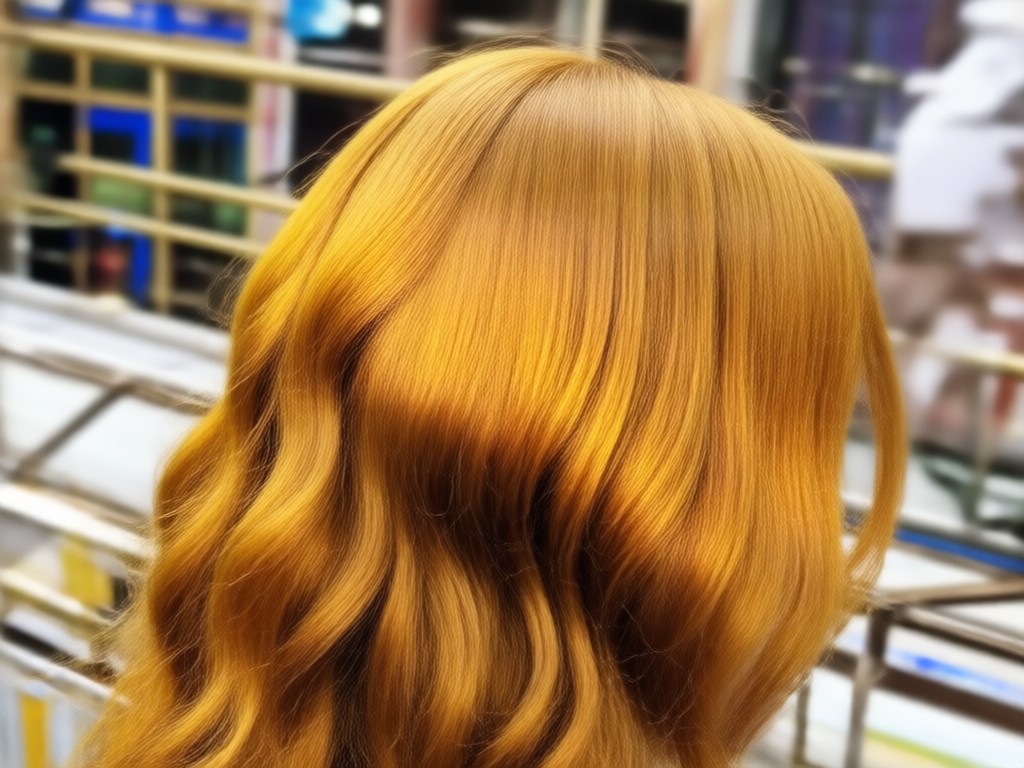
Zero Commitment Preview
Worried red hair won't suit you? Use the filter first. Upload a selfie, apply a ginger tone, and see the result instantly. It's a risk-free way to find your perfect red before touching any real dye.
Zero Commitment Preview
Worried red hair won't suit you? Use the filter first. Upload a selfie, apply a ginger tone, and see the result instantly. It's a risk-free way to find your perfect red before touching any real dye.
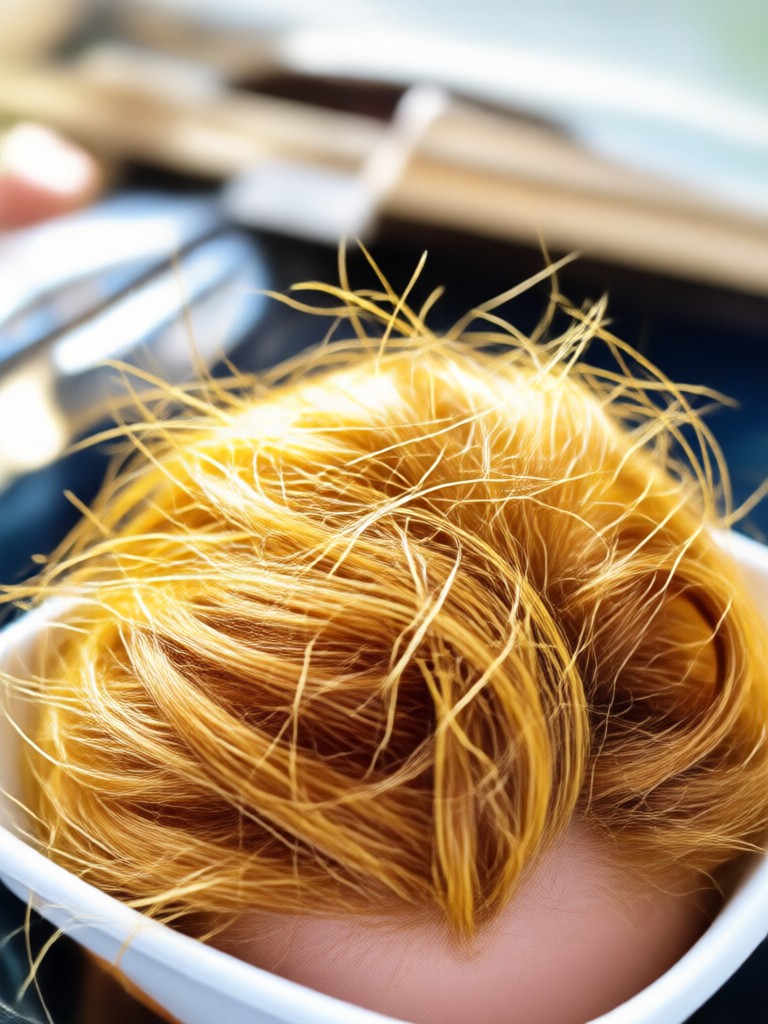
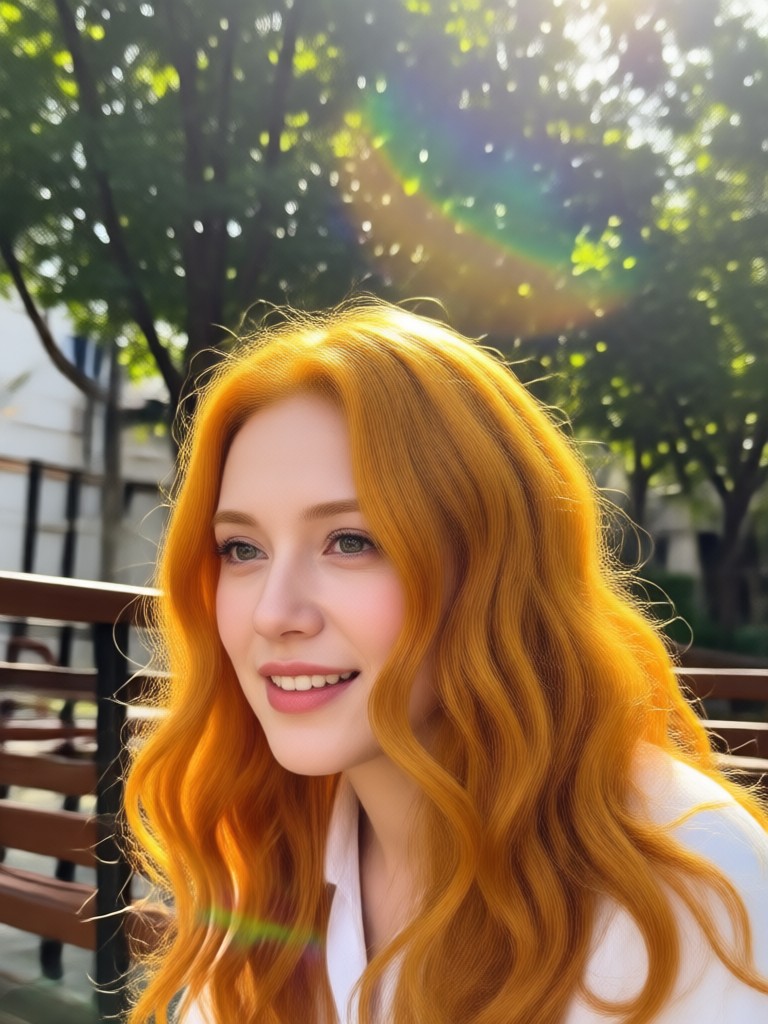
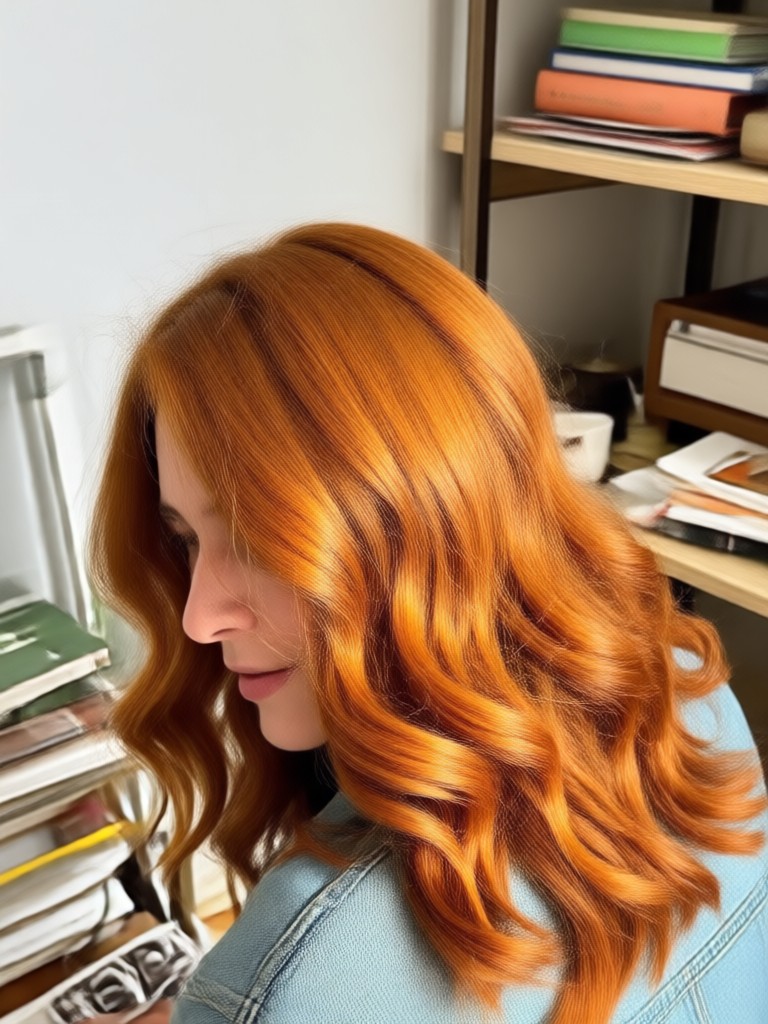
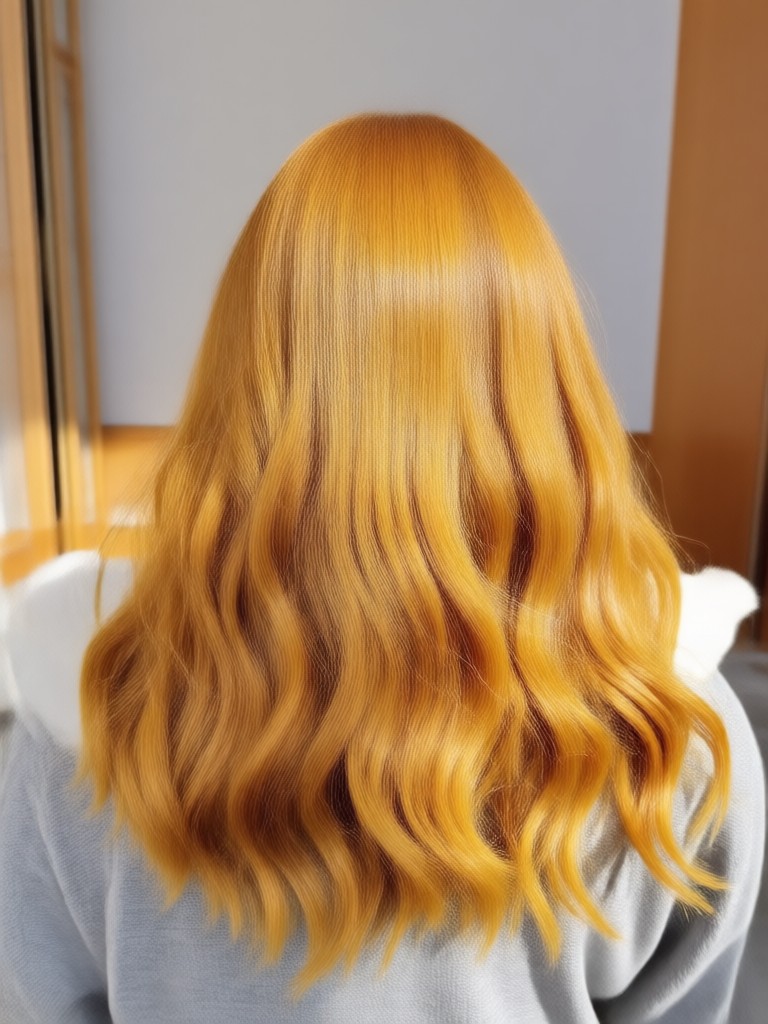
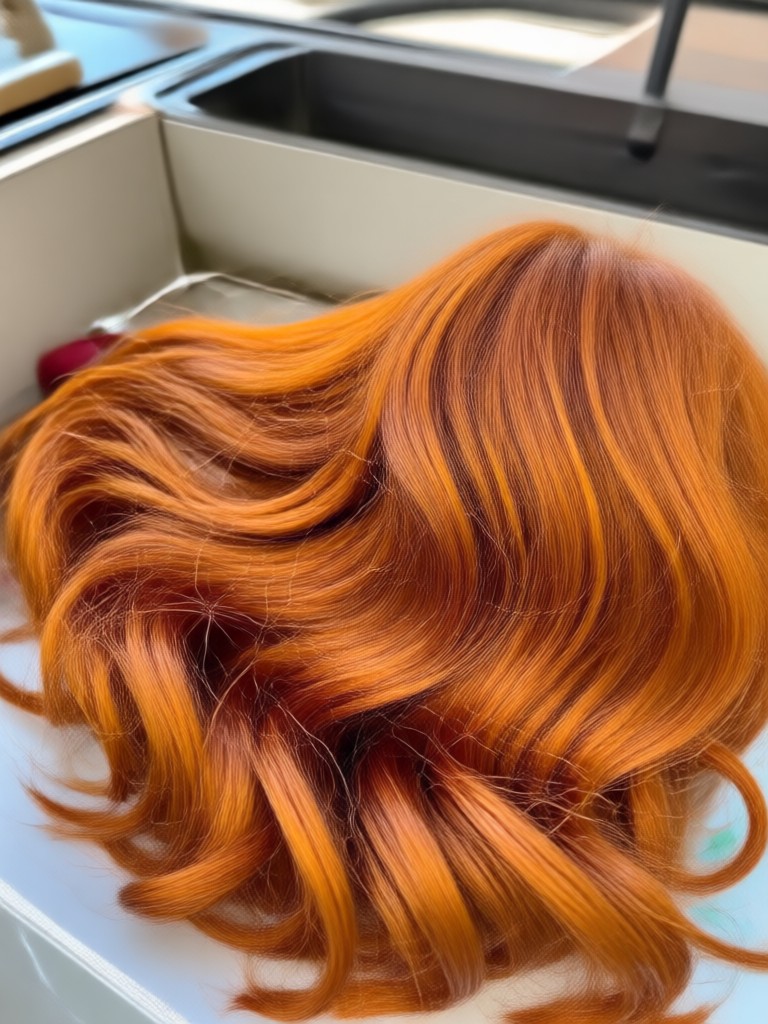
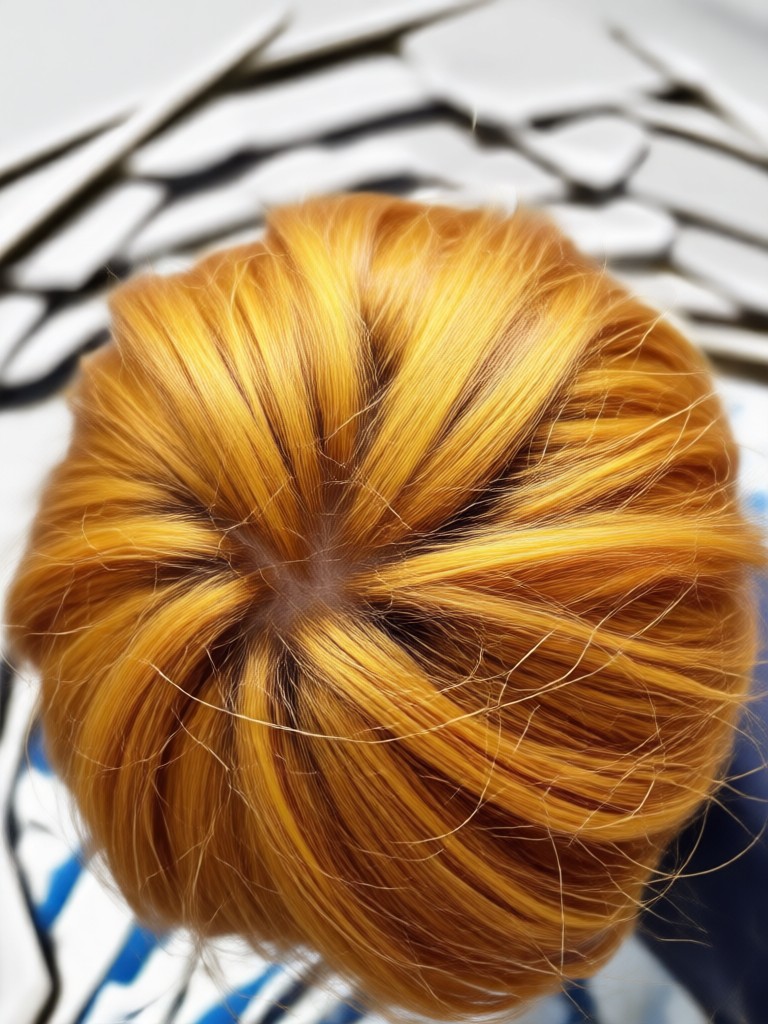
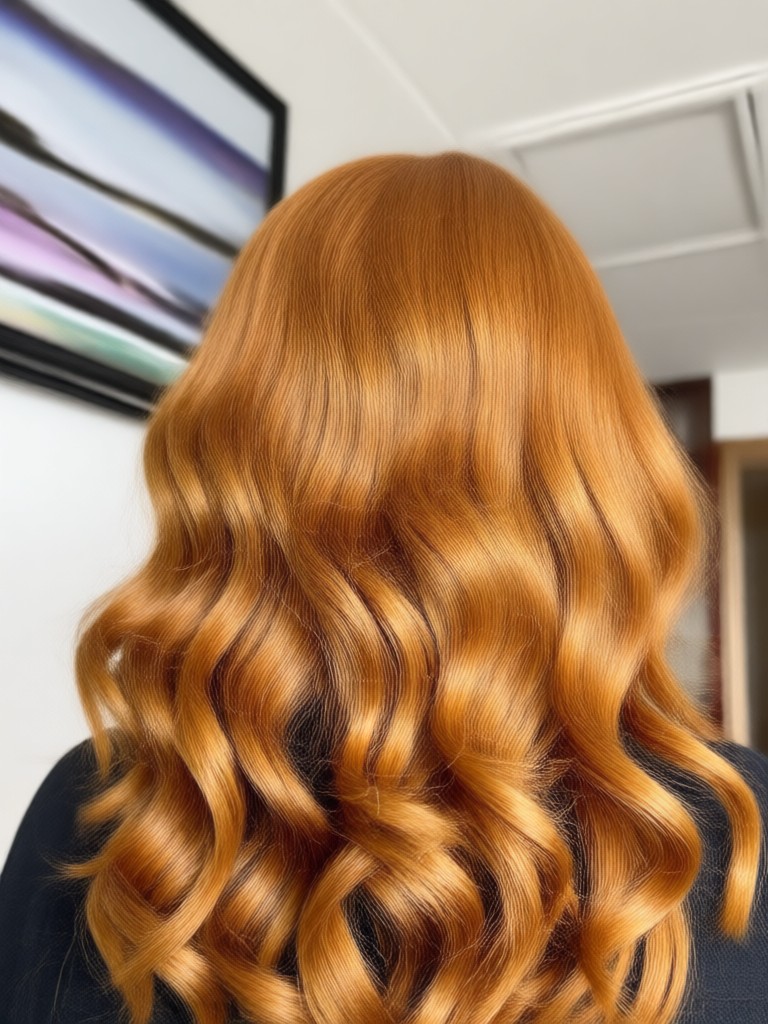
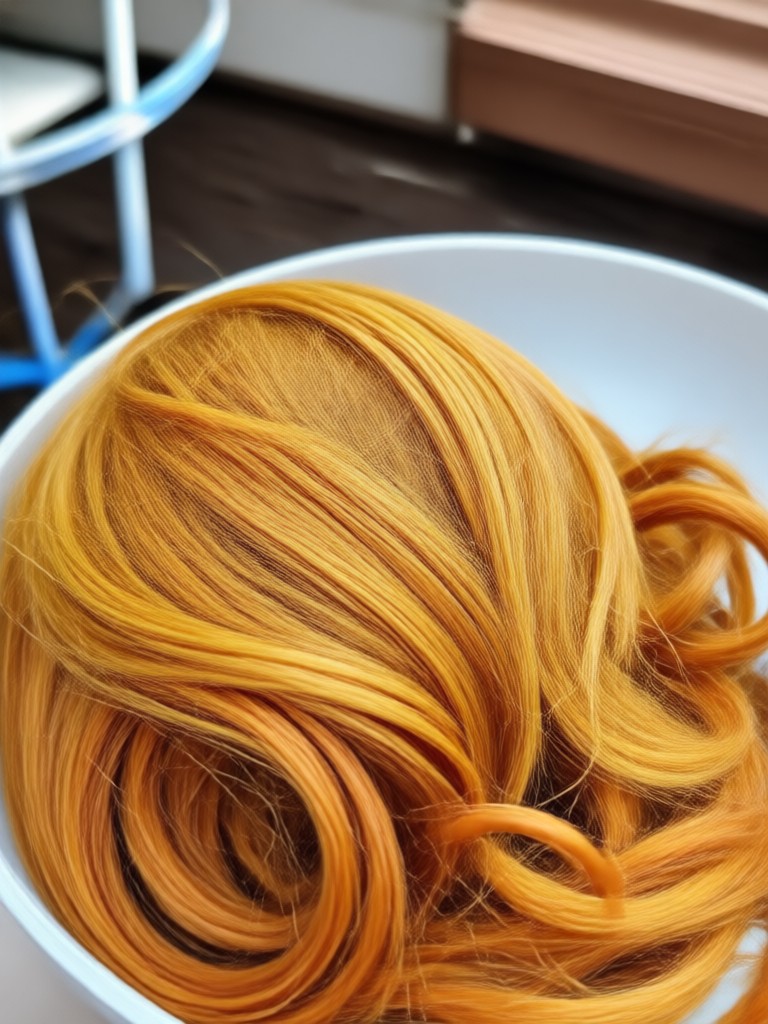
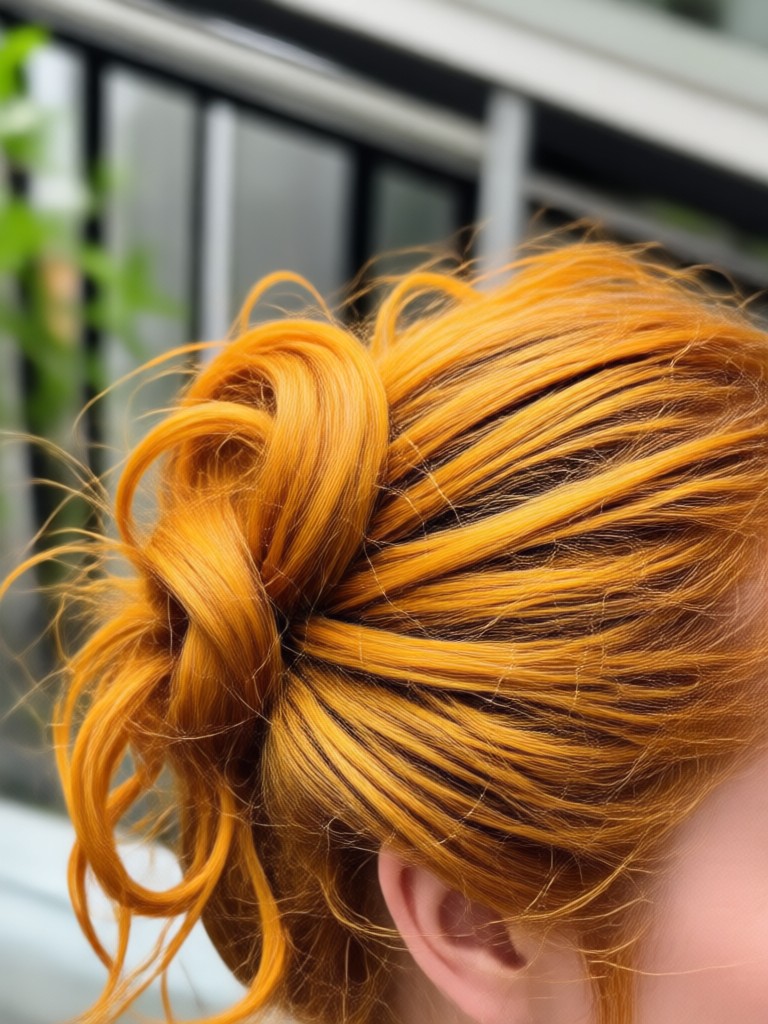
Ginger Hair Filter Results
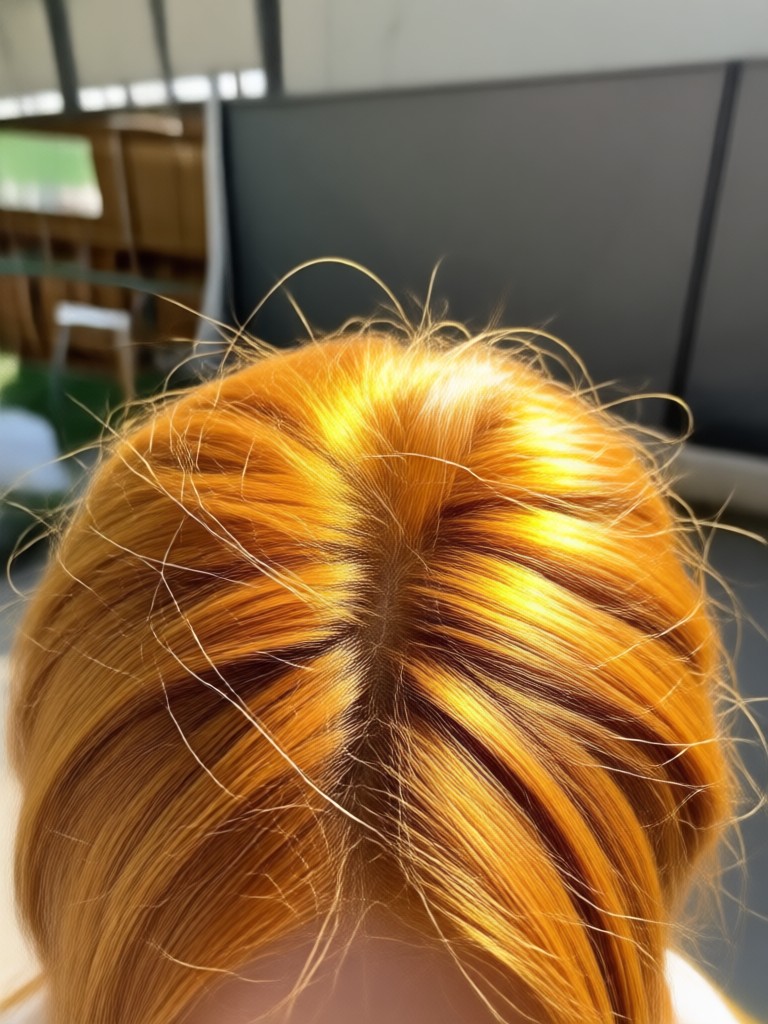
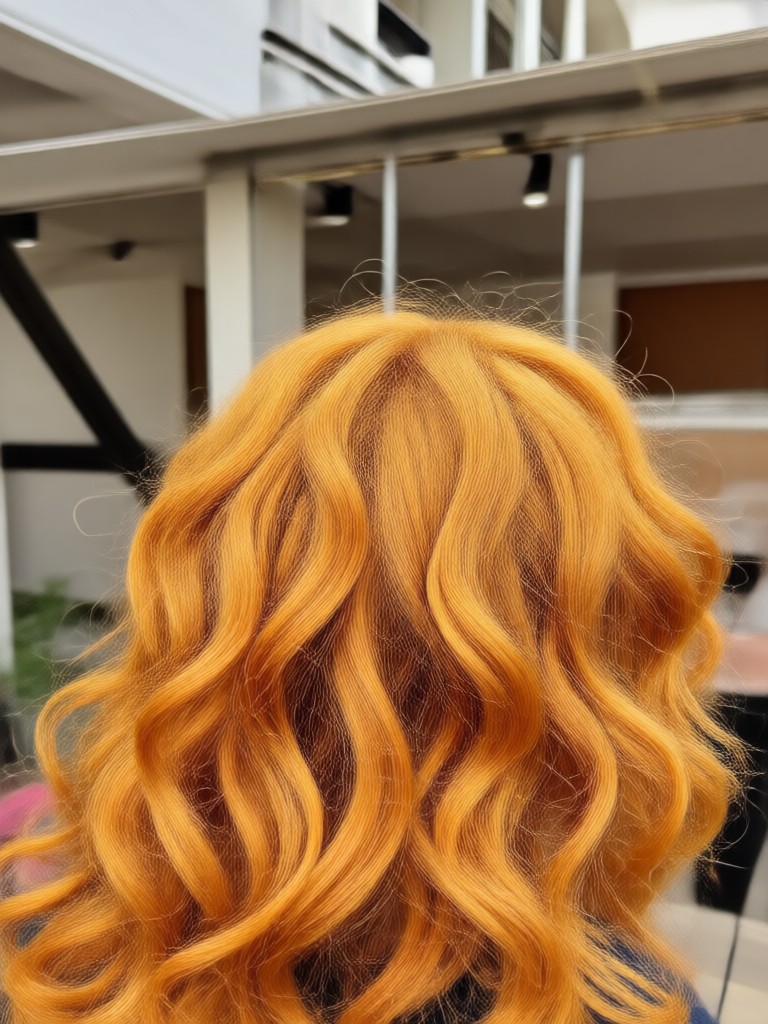
See how the AI transforms different hair types and colors into vibrant ginger shades. Browse these examples created with the funpack app. Each result keeps the original hair texture and adds a natural red tone.

How to Try the Ginger Hair Filter
You don't need any editing skills to see yourself with red hair. Follow these three simple steps in the funpack app and get your ginger hair preview in minutes.

Step 01.
Download the funpack app from Google Play. Open it and upload a clear selfie with your hair visible.

Step 02.
Pick the ginger hair filter or search for red hair styles in the template library. Choose your favorite shade.

Step 03.
Generate your image and see your new ginger hair. Download the result and share it with friends or keep it for inspiration.
Ginger Hair Color Editor for Android
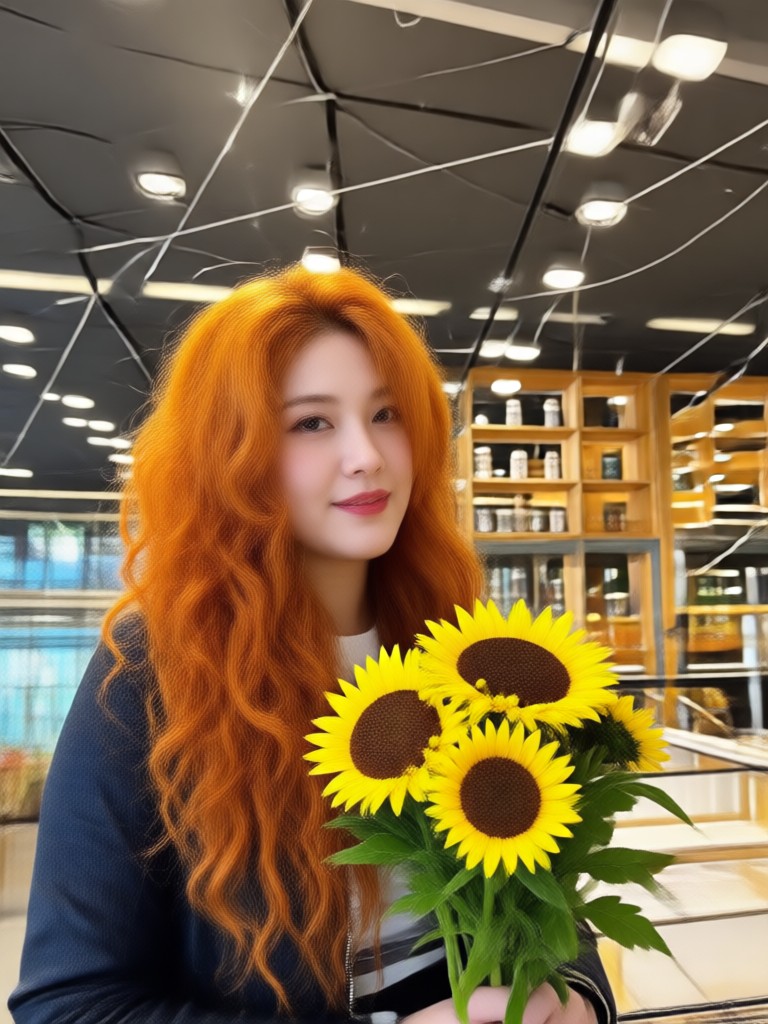
Change your hair color to ginger directly on your Android phone. The funpack app gives you realistic red hair filters that follow your natural hair texture, from soft copper to rich auburn.

Who Uses the Ginger Hair Filter

Maya Collins
I was terrified to dye my hair red. I used this filter on three different photos first and finally picked a copper shade that looked amazing. Now I have the real color and I love it.

Priya Sharma
The ginger hair filter is super realistic. It follows my curls and doesn't look like a sticker. I tried auburn and strawberry blonde before deciding on a shade for fall.

Elena Duarte
I never thought I could pull off red hair. This app showed me a light ginger tone that suits my skin perfectly. My stylist used the screenshot as a reference too.

Hannah Weiss
Forget boring hair color apps. This one keeps the shine and texture of your hair while changing the color. I tried five different ginger shades and saved them all.
Maya Collins
I was terrified to dye my hair red. I used this filter on three different photos first and finally picked a copper shade that looked amazing. Now I have the real color and I love it.
Priya Sharma
The ginger hair filter is super realistic. It follows my curls and doesn't look like a sticker. I tried auburn and strawberry blonde before deciding on a shade for fall.
Elena Duarte
I never thought I could pull off red hair. This app showed me a light ginger tone that suits my skin perfectly. My stylist used the screenshot as a reference too.
Hannah Weiss
Forget boring hair color apps. This one keeps the shine and texture of your hair while changing the color. I tried five different ginger shades and saved them all.
Maya Collins
I was terrified to dye my hair red. I used this filter on three different photos first and finally picked a copper shade that looked amazing. Now I have the real color and I love it.
Priya Sharma
The ginger hair filter is super realistic. It follows my curls and doesn't look like a sticker. I tried auburn and strawberry blonde before deciding on a shade for fall.
Elena Duarte
I never thought I could pull off red hair. This app showed me a light ginger tone that suits my skin perfectly. My stylist used the screenshot as a reference too.
Hannah Weiss
Forget boring hair color apps. This one keeps the shine and texture of your hair while changing the color. I tried five different ginger shades and saved them all.
Frequently Asked Questions
Find clear answers about using the ginger hair filter and changing your hair color with AI.
See Yourself With Ginger Hair Today
Download funpack and try on realistic ginger hair colors instantly. No dye, no commitment, just a perfect preview.
See Yourself With Ginger Hair Today
Download funpack and try on realistic ginger hair colors instantly. No dye, no commitment, just a perfect preview.