How To Create A Qr Code For Photos
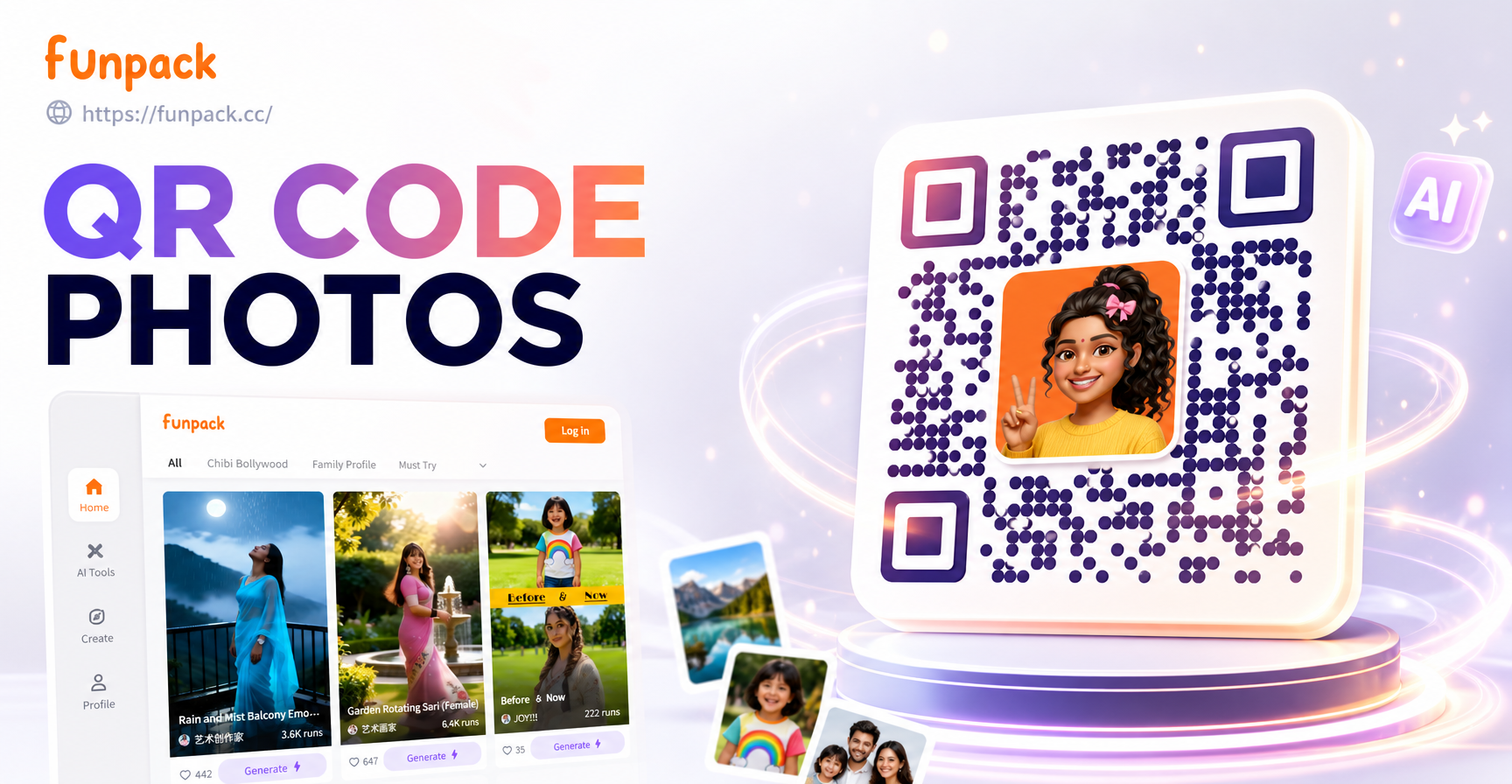
Choose AI Styles for Your Photo QR Code
Pick from thousands of AI filters to make your photo QR code stand out. From clean minimalism to artistic watercolor, these styles keep your QR scannable while looking incredible.
Key Features for Photo QR Code Creation
Funpack combines AI image generation with simple QR code placement so you can design a shareable photo in one app. No separate tools or complex software required.
AI Photo Generation
Describe any scene and let AI create a high resolution image for your QR code background. Choose from realistic, anime, 3D, watercolor, and over a million other styles. No prompt engineering needed.
AI Photo Generation
Describe any scene and let AI create a high resolution image for your QR code background. Choose from realistic, anime, 3D, watercolor, and over a million other styles. No prompt engineering needed.
QR Code Overlay Tool
Place a scannable QR code directly onto your AI generated photo. Adjust position, size, and contrast so the code stays readable while blending with your artistic style. Perfect for invites and marketing.
QR Code Overlay Tool
Place a scannable QR code directly onto your AI generated photo. Adjust position, size, and contrast so the code stays readable while blending with your artistic style. Perfect for invites and marketing.
One Tap Sharing
Export your final photo with embedded QR code in full resolution. Share directly to WhatsApp, Instagram, or save to your gallery for printing. Funpack makes distribution effortless.
One Tap Sharing
Export your final photo with embedded QR code in full resolution. Share directly to WhatsApp, Instagram, or save to your gallery for printing. Funpack makes distribution effortless.
How to Create a QR Code for Photos in 3 Steps
Follow these simple steps to design a photo QR code using funpack. The entire process happens inside the Android app.

Step 01.
Download funpack from Google Play and open the app. Create a free account to access all AI photo and QR code features.

Step 02.
Choose an AI style filter and generate a custom photo. Then tap the QR tool, paste your destination URL, and position the code on the image.

Step 03.
Preview the scannable result, adjust as needed, and export your photo with embedded QR code. Share it digitally or print it for physical use.
Why Use AI for Your Photo QR Code?
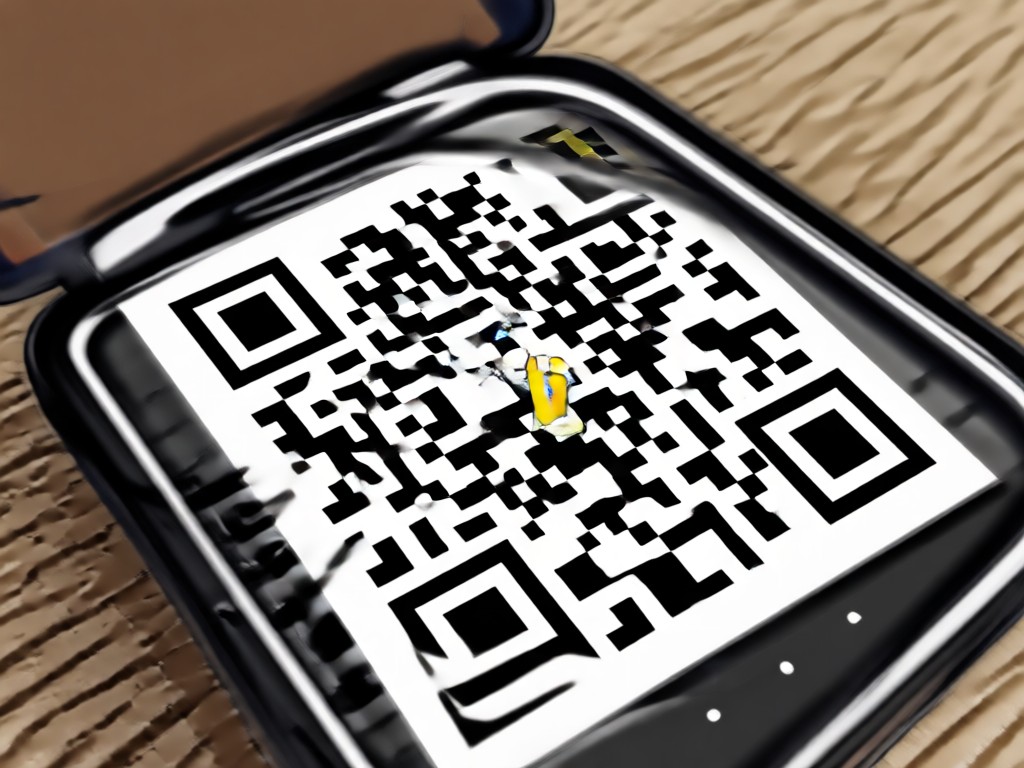
Static QR codes are boring. Funpack lets you generate an artistic photo that matches your brand or event, then embed a fully scannable QR code on top. You get a unique visual that actually gets scanned. Ideal for wedding invitations, product packaging, business cards, and social media campaigns.
Why Use AI for Your Photo QR Code?
Static QR codes are boring. Funpack lets you generate an artistic photo that matches your brand or event, then embed a fully scannable QR code on top. You get a unique visual that actually gets scanned. Ideal for wedding invitations, product packaging, business cards, and social media campaigns.
AI Photo Styles Perfect for QR Integration
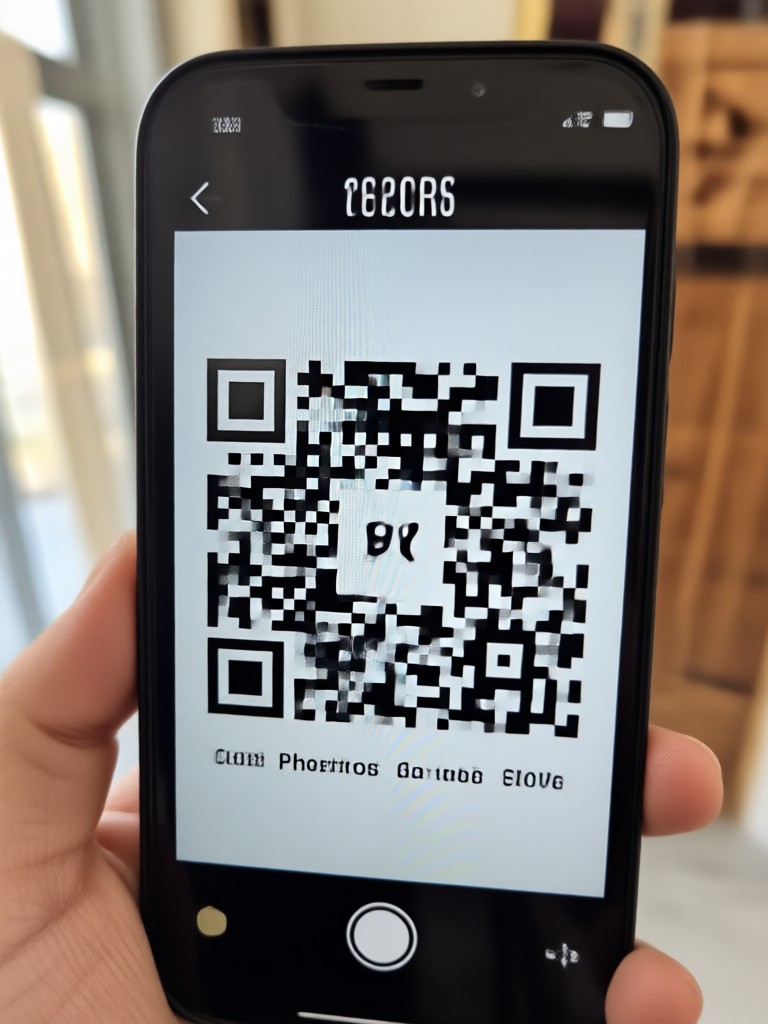
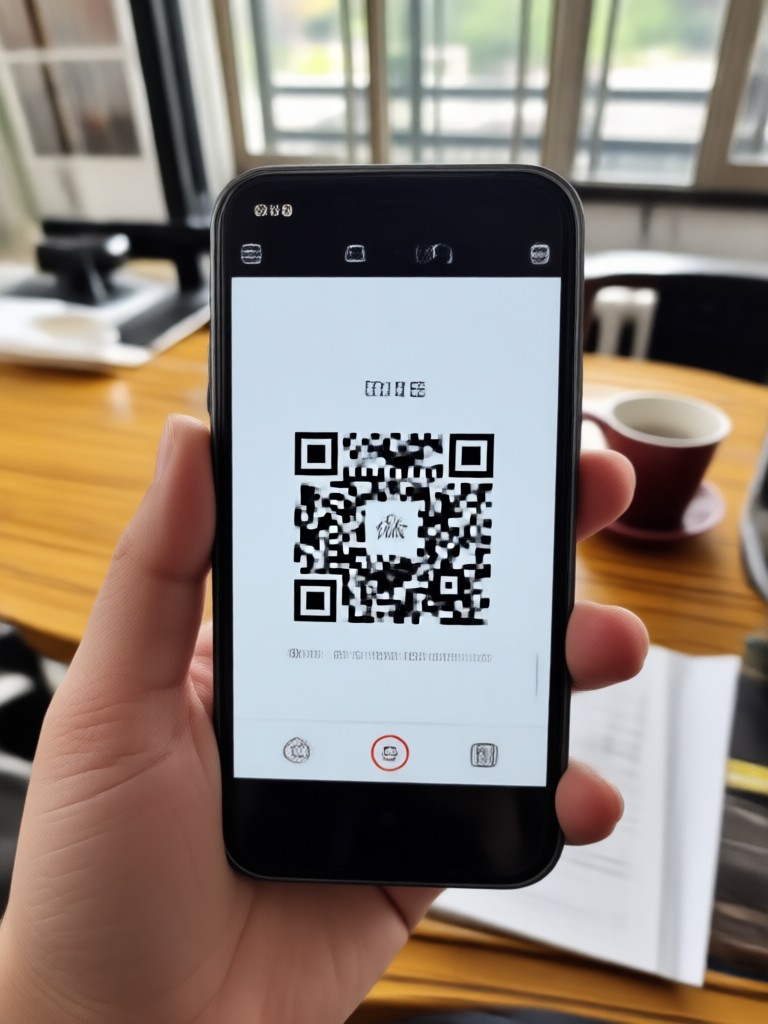
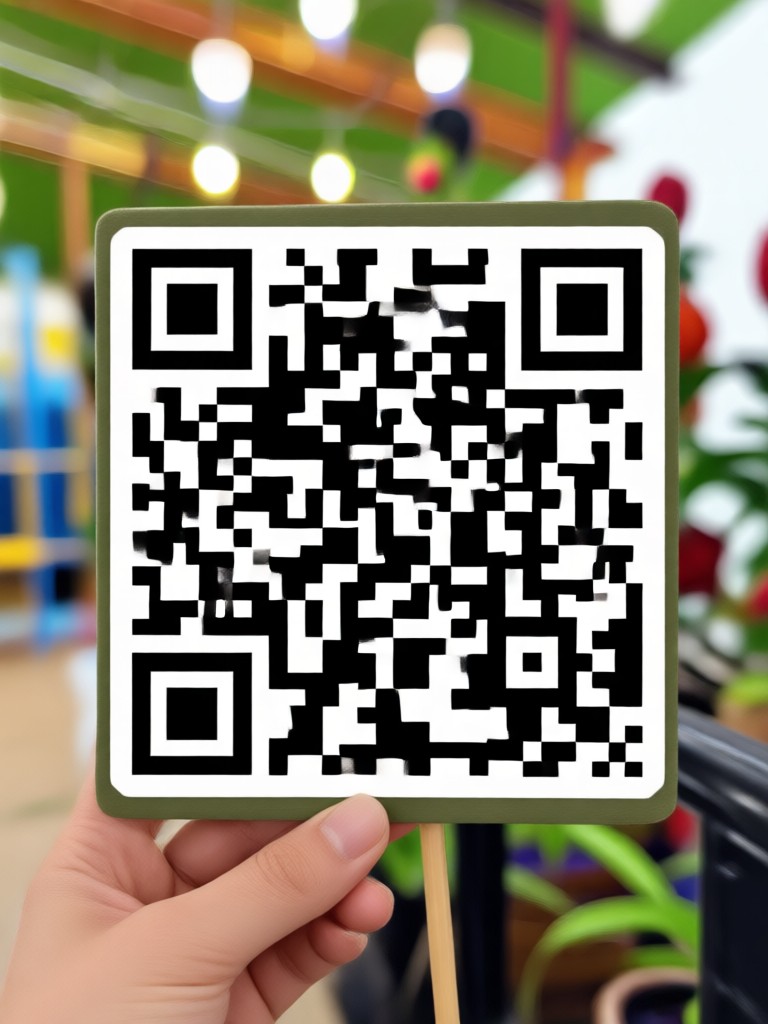
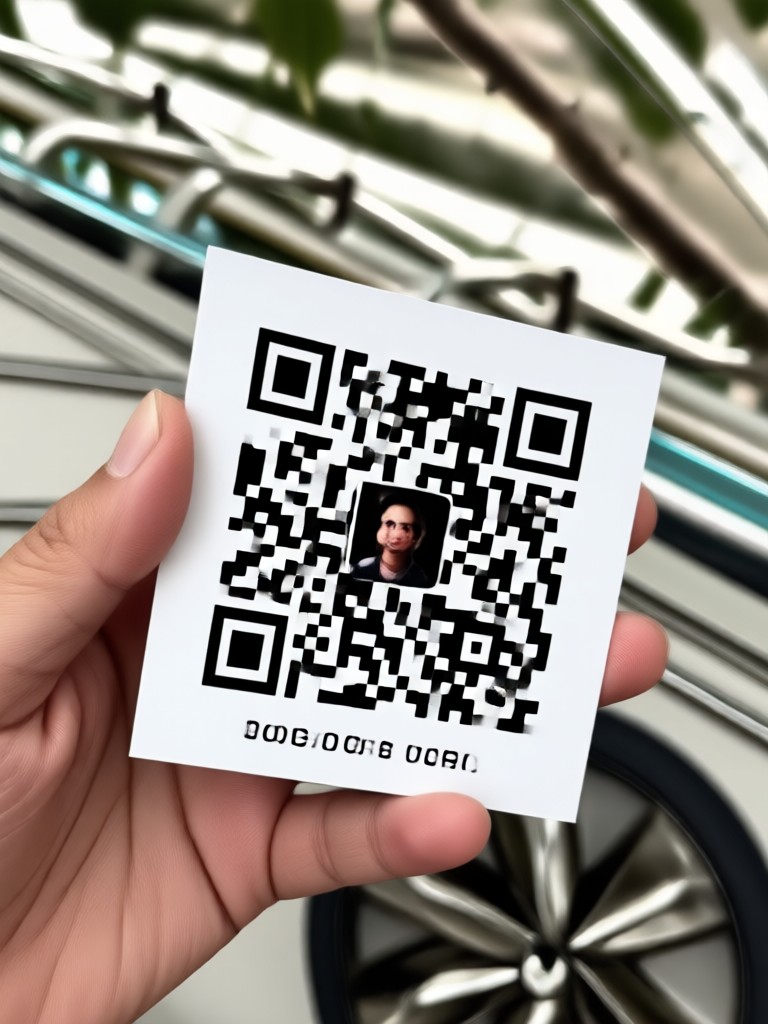
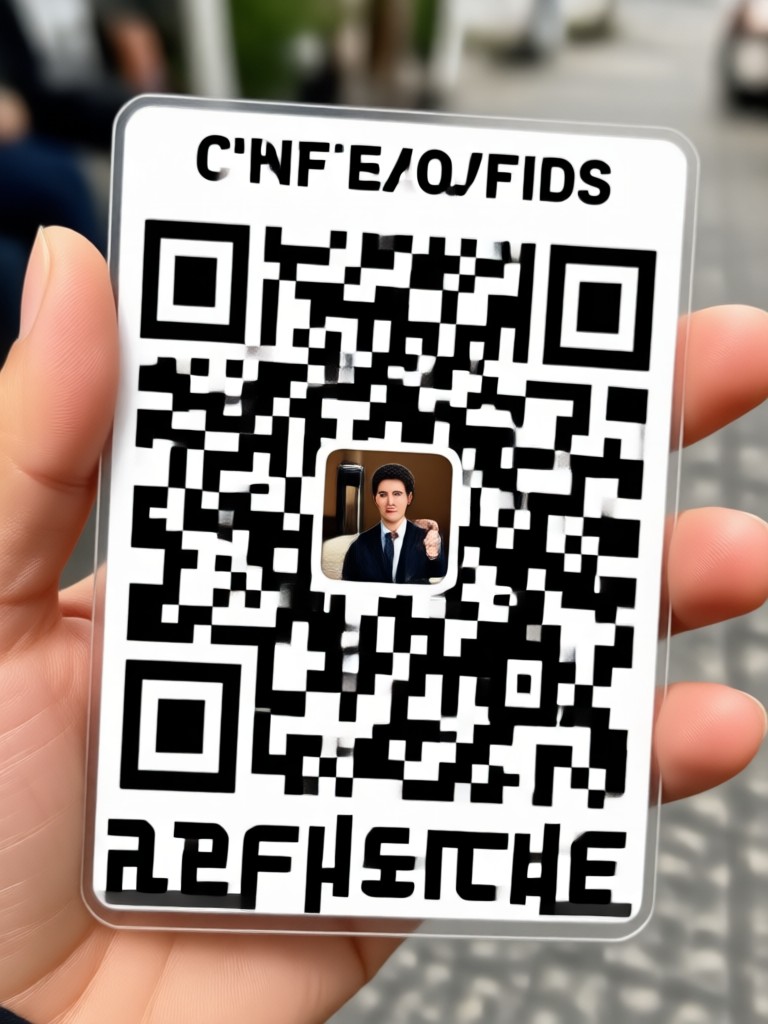
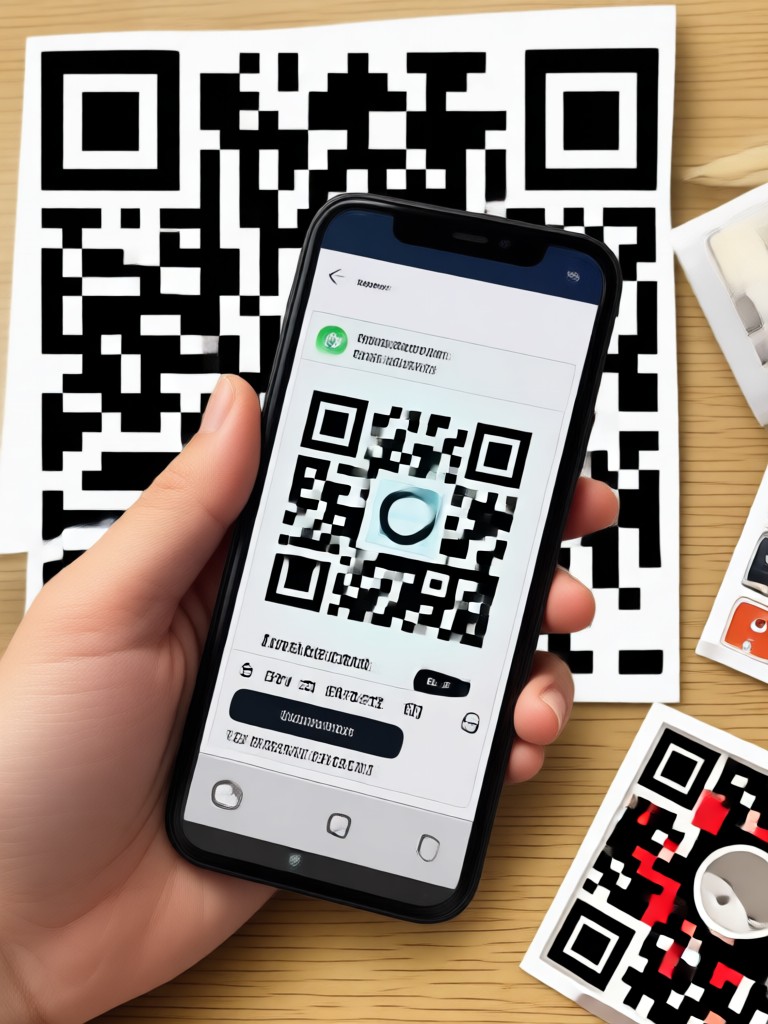
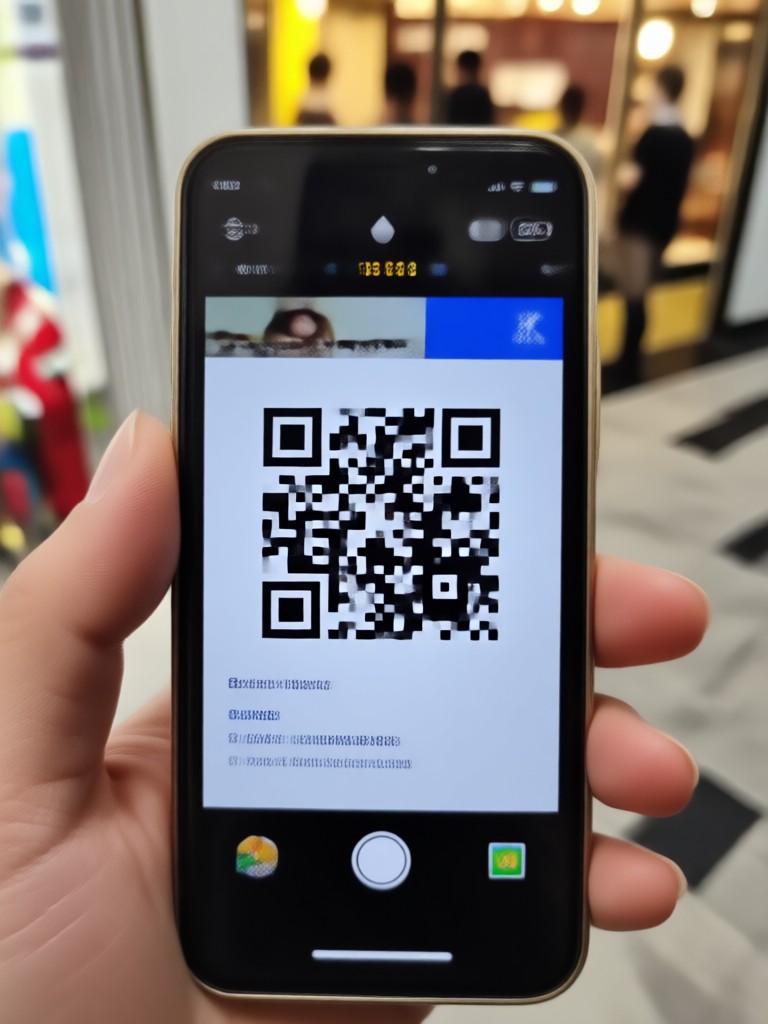
Browse stunning AI generated images that look great with a QR code overlay. From soft watercolor to bold cyberpunk, these styles keep your code readable.
Create Photo QR Codes on Android
Funpack is available exclusively on Google Play. Download now to generate AI photos and embed scannable QR codes from your phone. Fast, free to try, and no design experience required.

Who Uses AI Photo QR Codes

Elena Ross
I created QR code photo invitations for my wedding using funpack. The watercolor background and scannable code worked perfectly. Guests scanned and RSVPed in seconds.

Marcus Lee
My coffee shop menu now has a QR code on a 3D clay art image. Customers love the look and it links straight to our Instagram. Super easy to make.

Priya Nair
For our product launch, I generated cyberpunk style photos with QR codes for the entry passes. The AI filters made each ticket unique but the QR scanned every time.

Tom Becker
I sell prints online and include a QR code on each photo that links to my portfolio. Funpack helps me stylize the image first so the code feels like part of the art.
Elena Ross
I created QR code photo invitations for my wedding using funpack. The watercolor background and scannable code worked perfectly. Guests scanned and RSVPed in seconds.
Marcus Lee
My coffee shop menu now has a QR code on a 3D clay art image. Customers love the look and it links straight to our Instagram. Super easy to make.
Priya Nair
For our product launch, I generated cyberpunk style photos with QR codes for the entry passes. The AI filters made each ticket unique but the QR scanned every time.
Tom Becker
I sell prints online and include a QR code on each photo that links to my portfolio. Funpack helps me stylize the image first so the code feels like part of the art.
Elena Ross
I created QR code photo invitations for my wedding using funpack. The watercolor background and scannable code worked perfectly. Guests scanned and RSVPed in seconds.
Marcus Lee
My coffee shop menu now has a QR code on a 3D clay art image. Customers love the look and it links straight to our Instagram. Super easy to make.
Priya Nair
For our product launch, I generated cyberpunk style photos with QR codes for the entry passes. The AI filters made each ticket unique but the QR scanned every time.
Tom Becker
I sell prints online and include a QR code on each photo that links to my portfolio. Funpack helps me stylize the image first so the code feels like part of the art.
Frequently Asked Questions
Find clear answers about creating AI powered photo QR codes with funpack.
Your Photo QR Code, Ready in Minutes
Download funpack on Android and start creating scannable photo QR codes with AI styles. No design skills needed, just pick a filter, add your link, and share.
Your Photo QR Code, Ready in Minutes
Download funpack on Android and start creating scannable photo QR codes with AI styles. No design skills needed, just pick a filter, add your link, and share.