Image Sketch
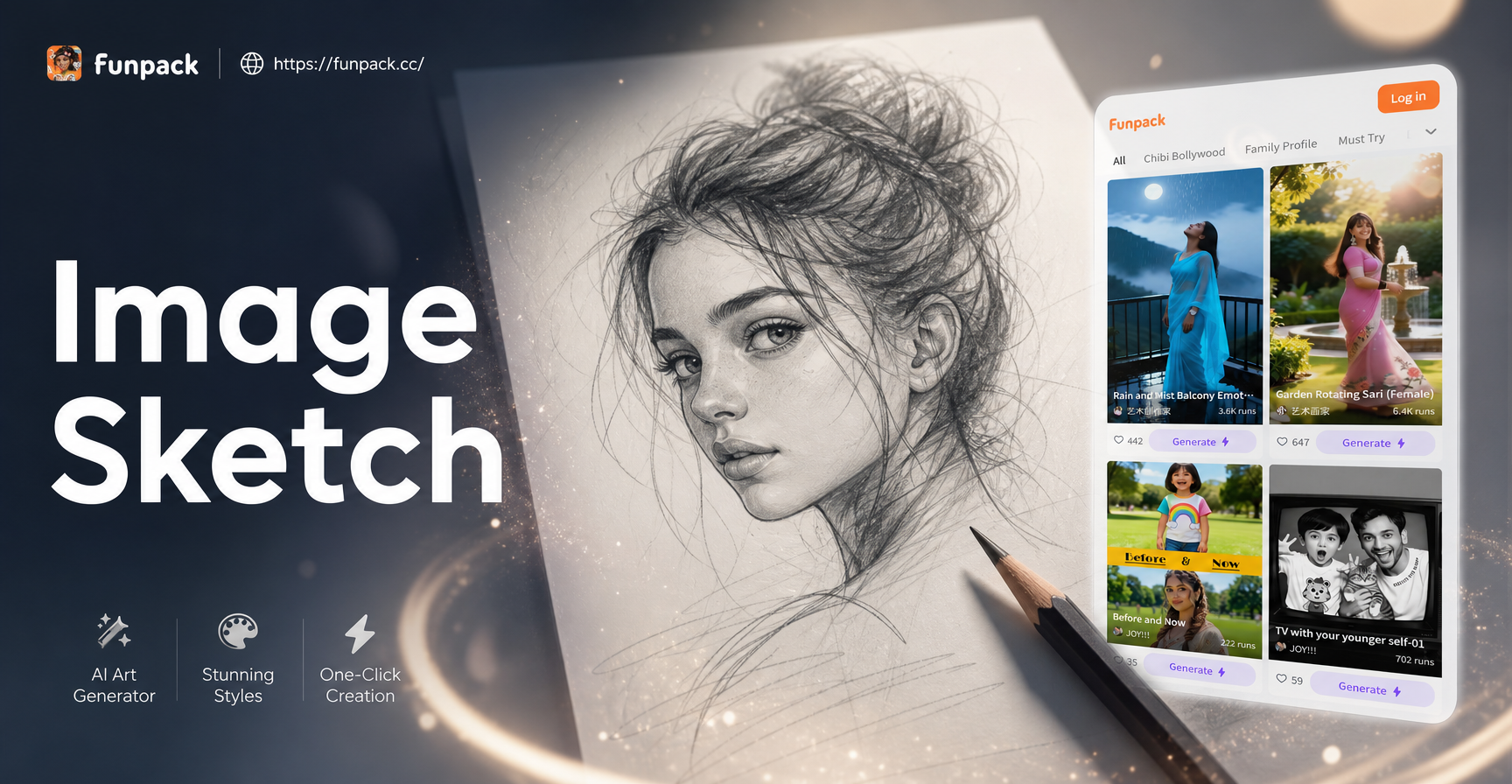
Find Your Perfect Sketch Style
Choose from a diverse collection of AI-powered sketch filters to match any creative vision, from hyper-realistic to abstract art.
Why Our AI Sketch Generator Stands Out
Our technology goes beyond simple filters to understand the artistic principles of light, shadow, and texture.
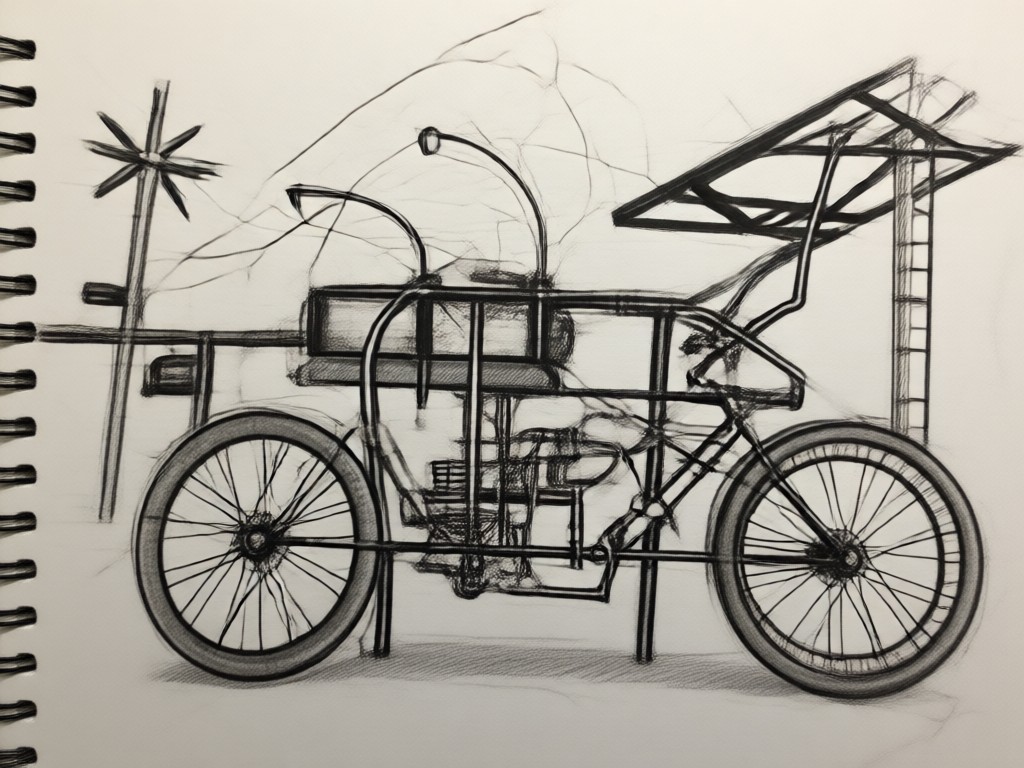
Realistic Line Work
The AI mimics the varied pressure and stroke of a real pencil or pen, creating dynamic, lifelike lines instead of uniform digital edges.
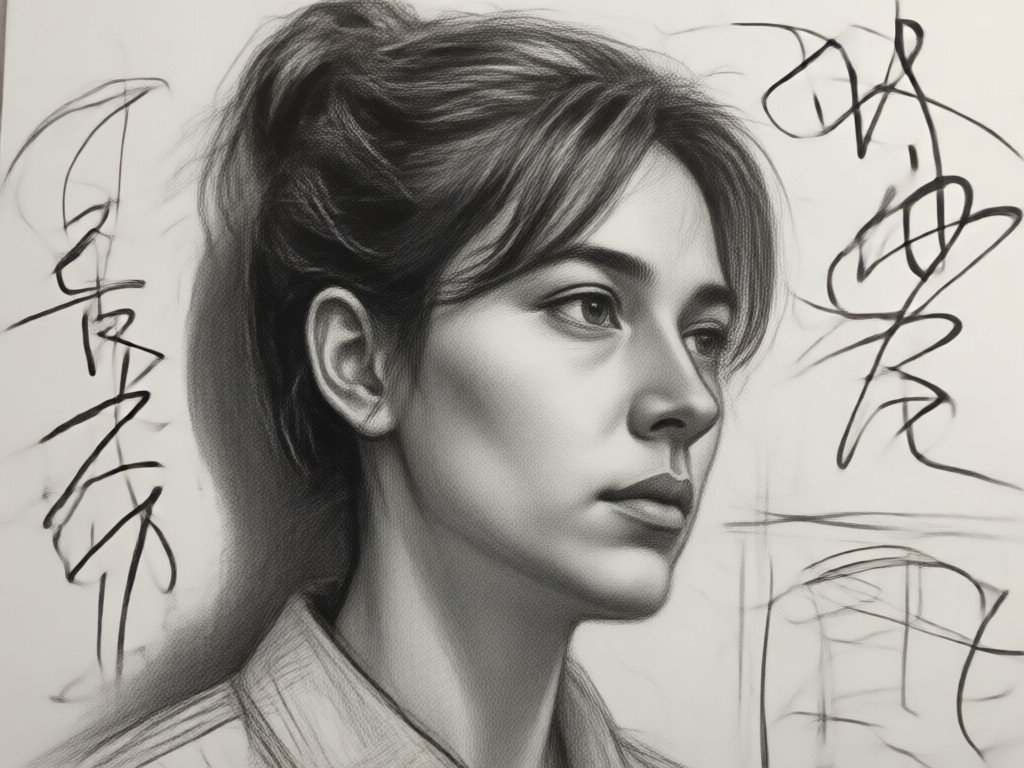
Intelligent Shading
Automatically identifies light sources and contours in your photo to apply authentic, depth-creating cross-hatching and shading techniques.
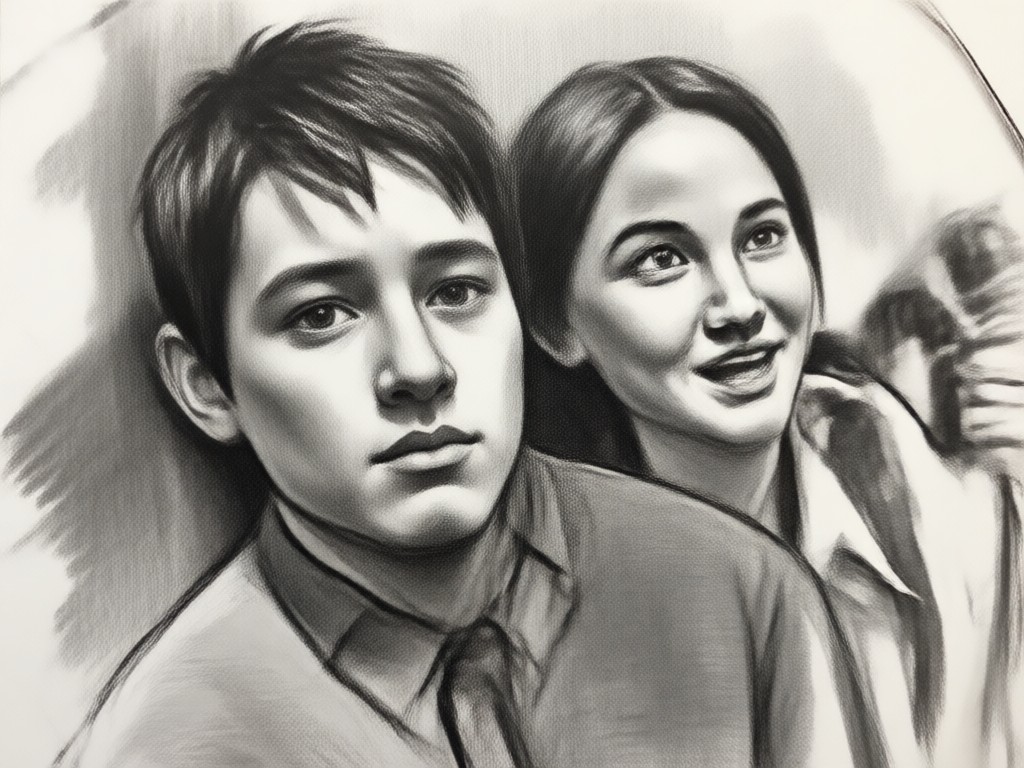
Style Variety
Generate anything from a soft graphite portrait sketch to bold architectural line art or whimsical cartoon drawings, all from the same original photo.
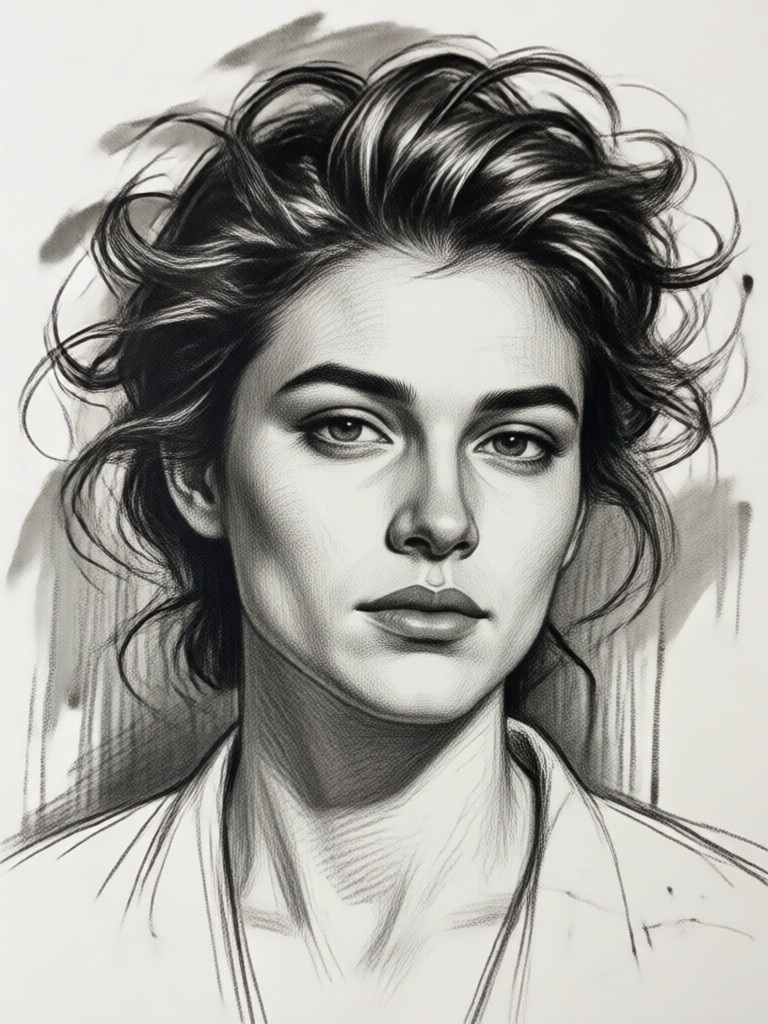
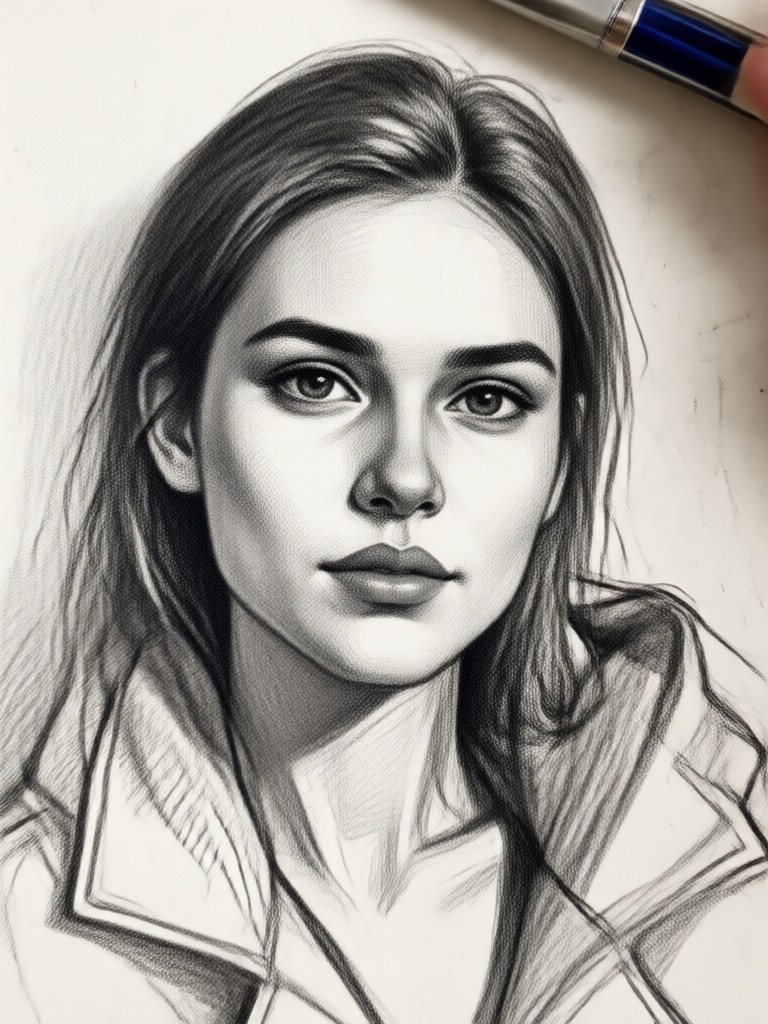
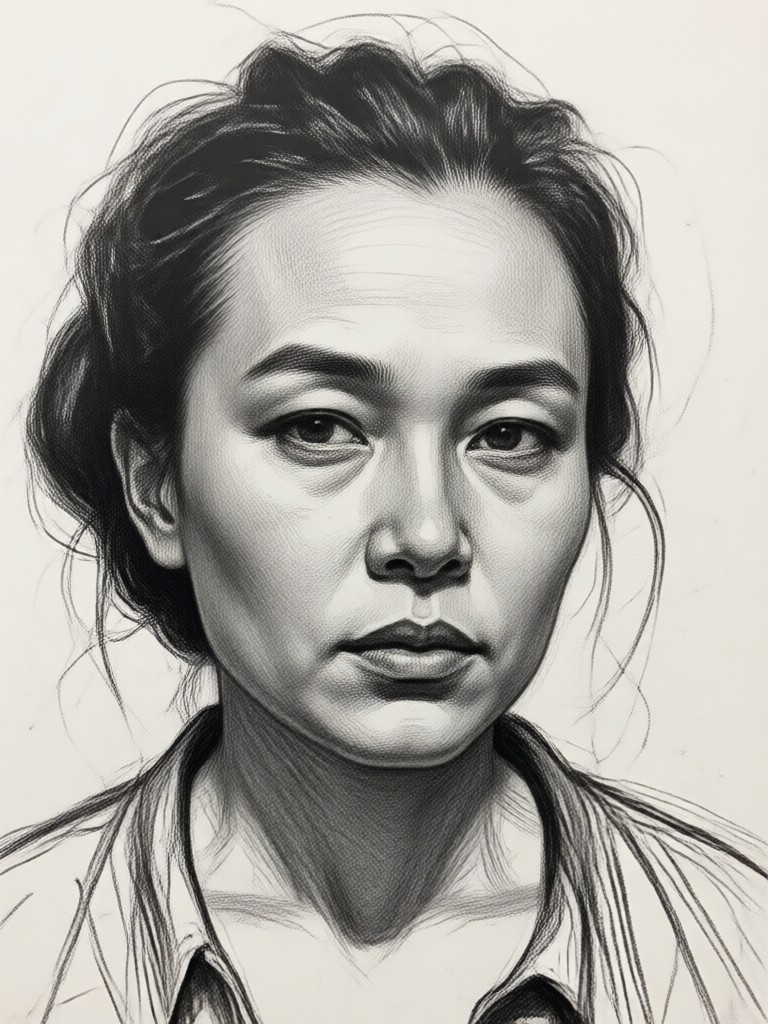
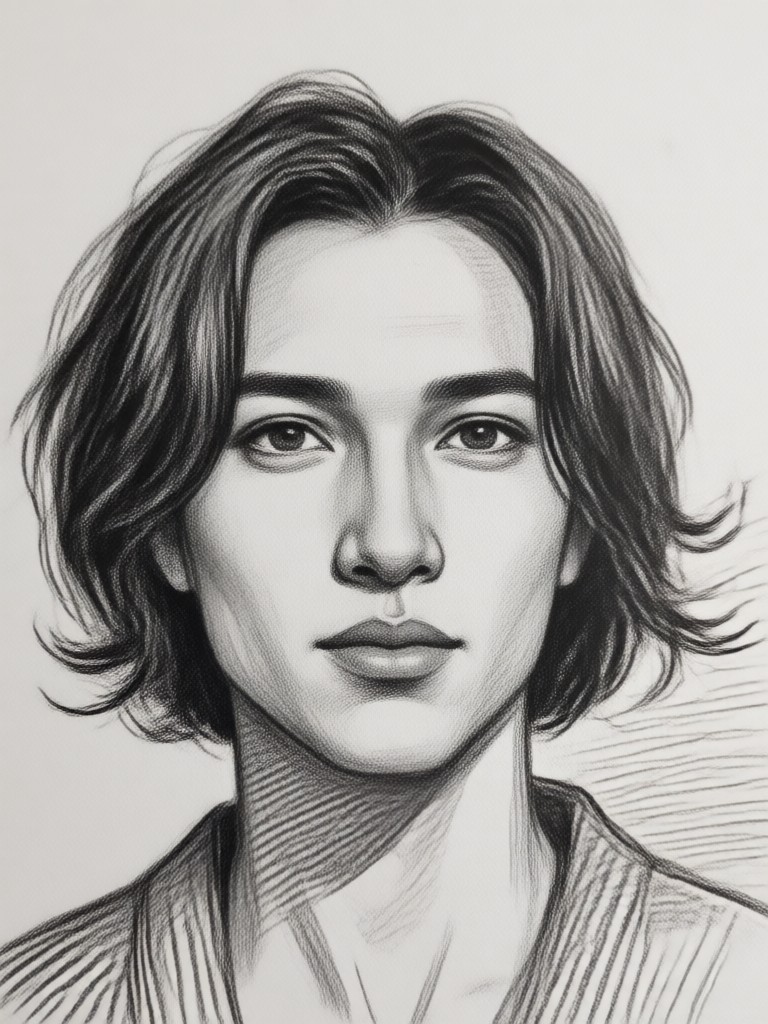
Gallery of AI Generated Sketches
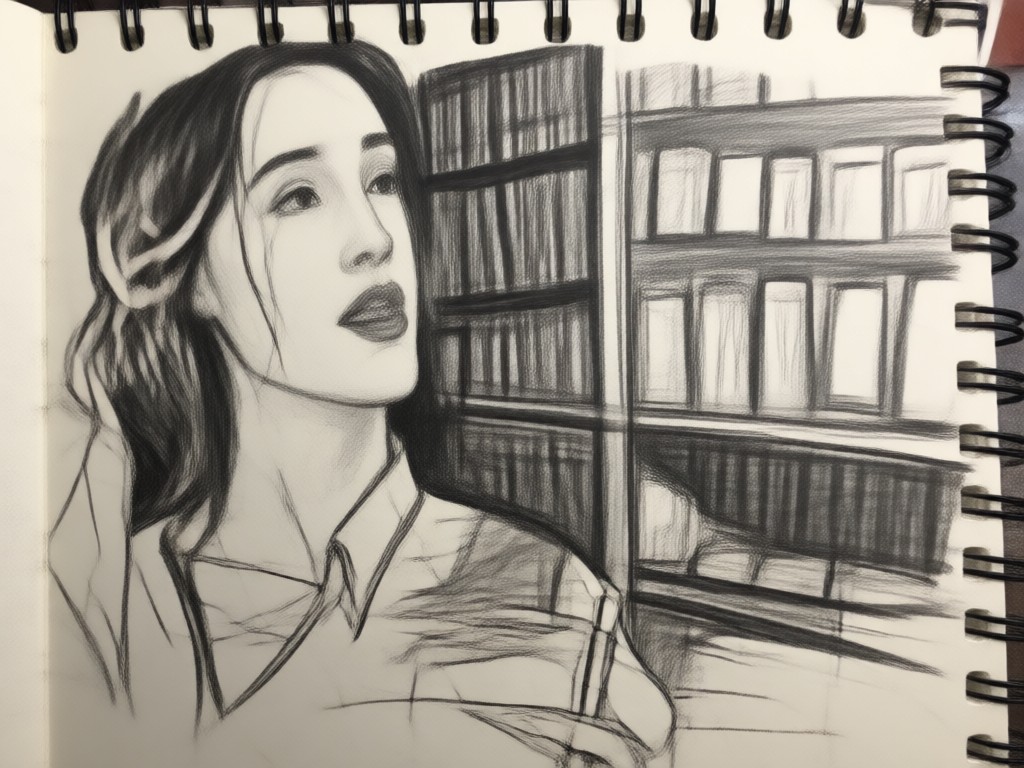
Browse a selection of stunning transformations. Each sketch was generated from an ordinary photo, showcasing the artistic potential of AI.
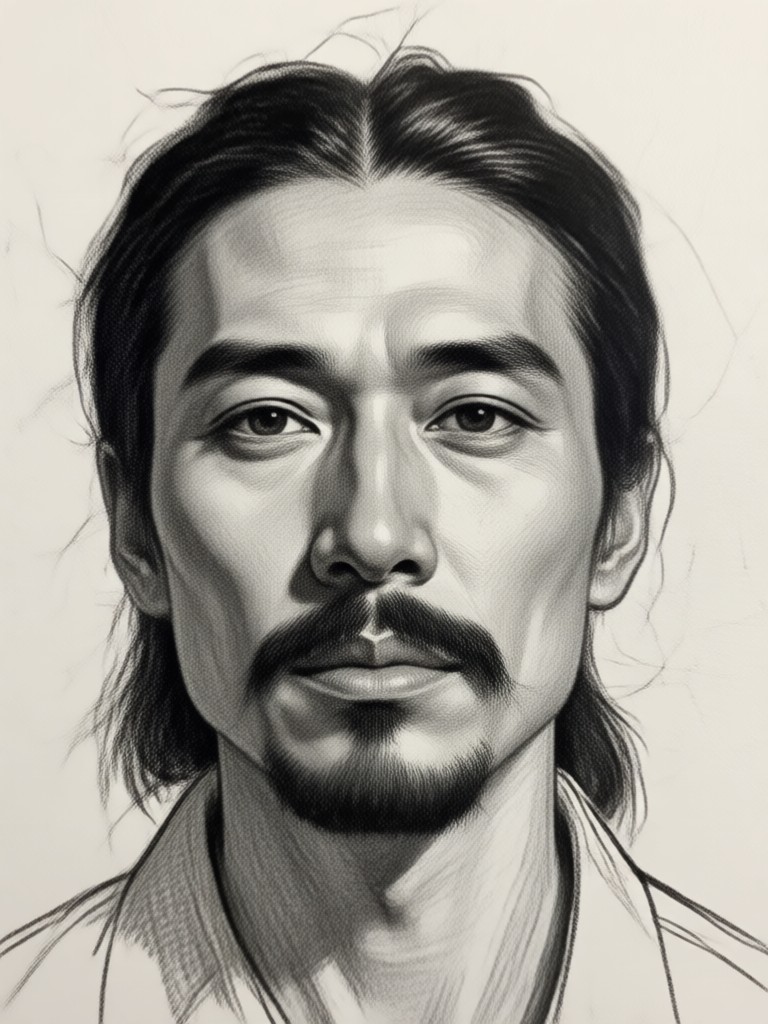
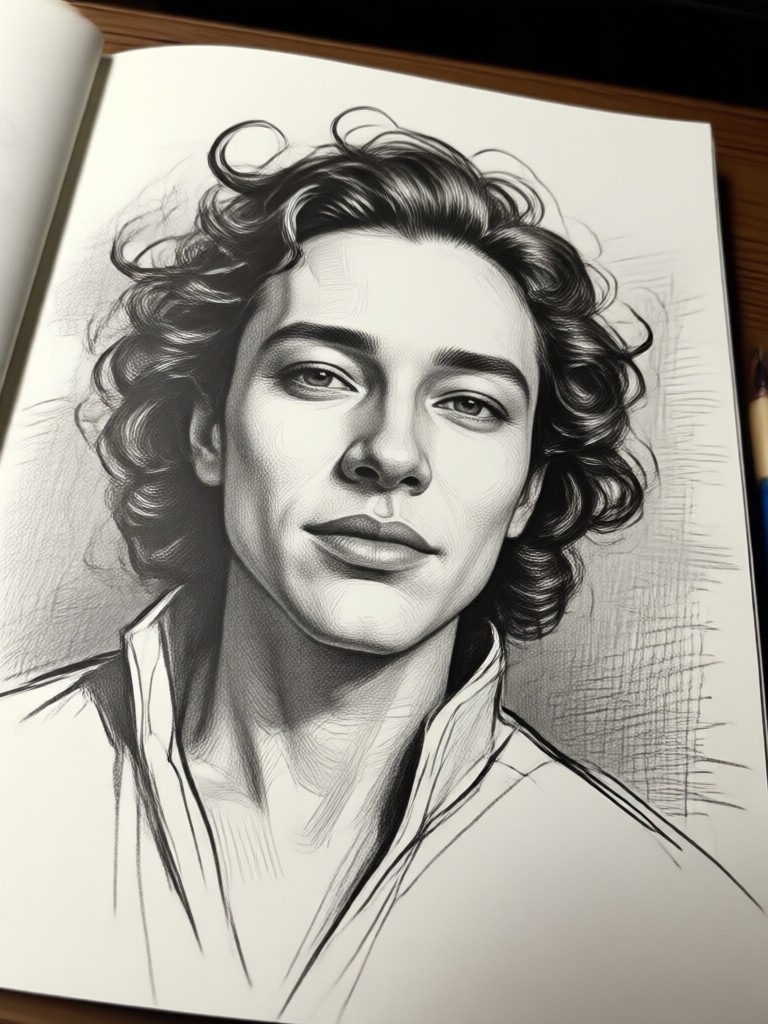
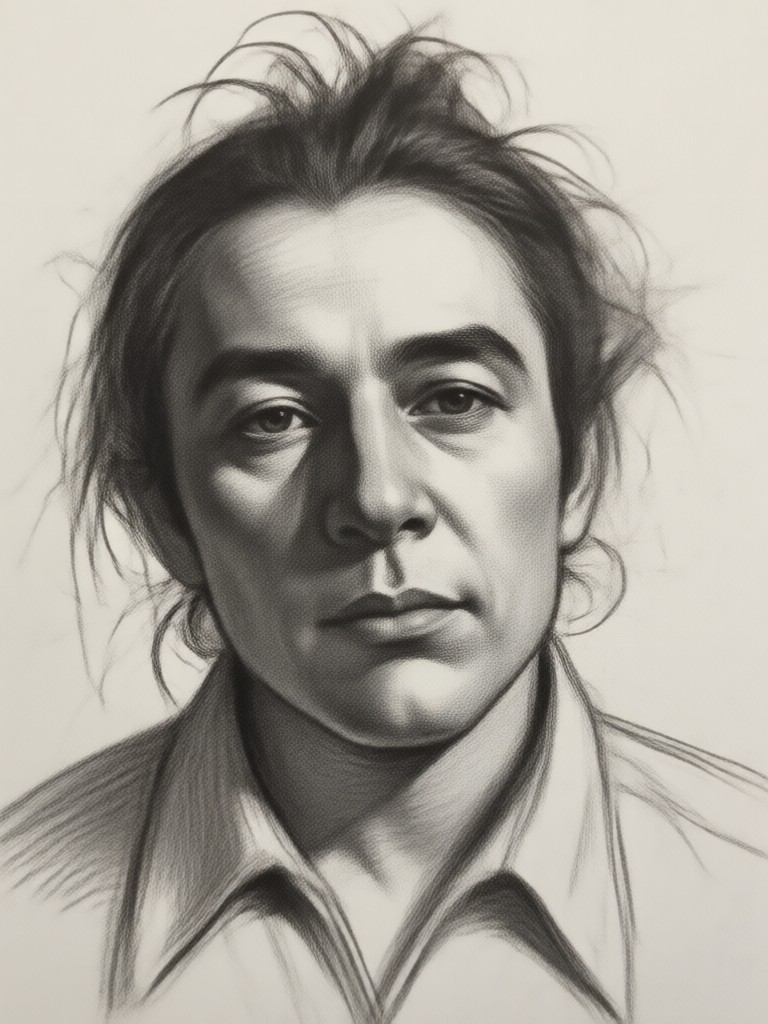
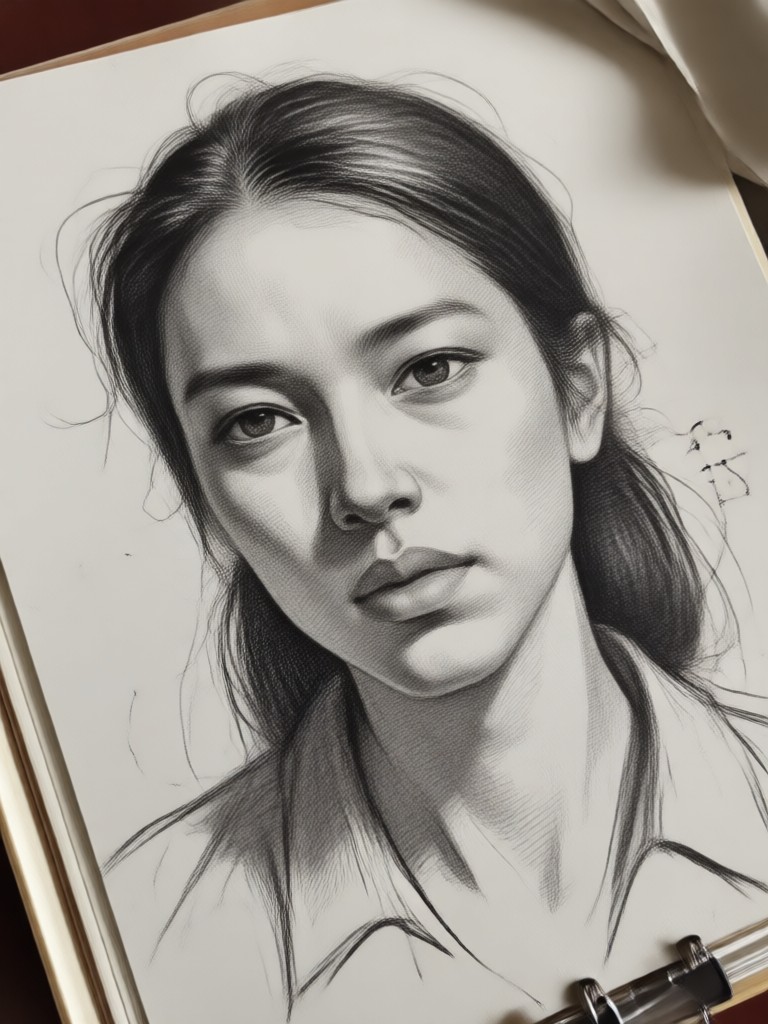
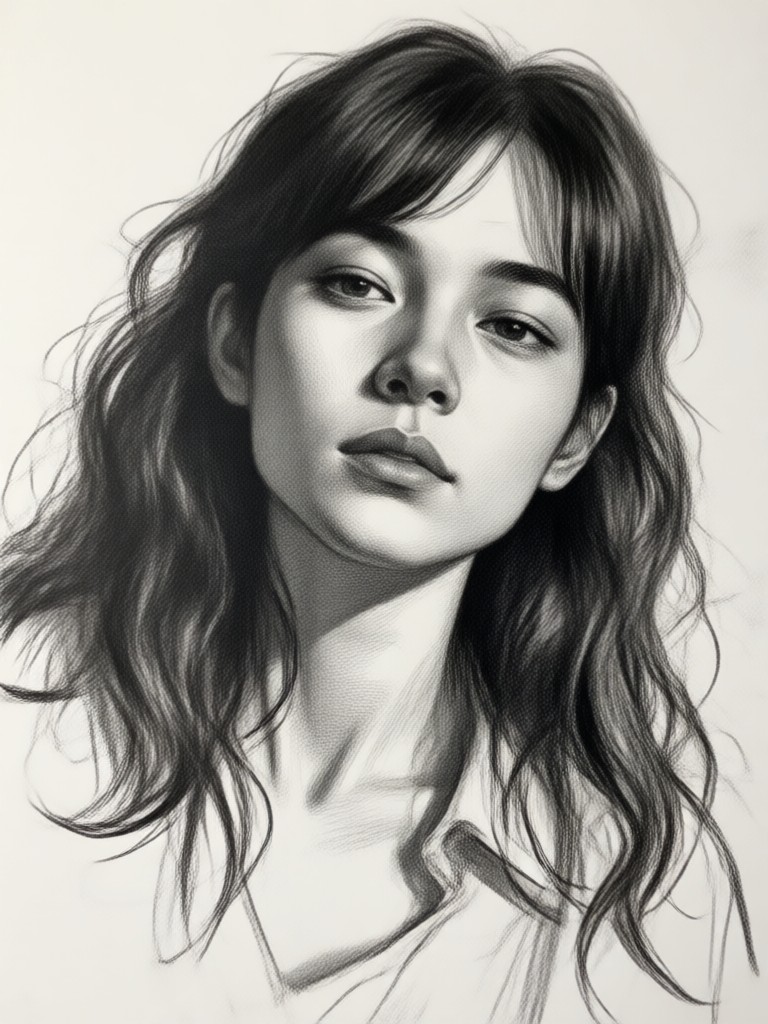
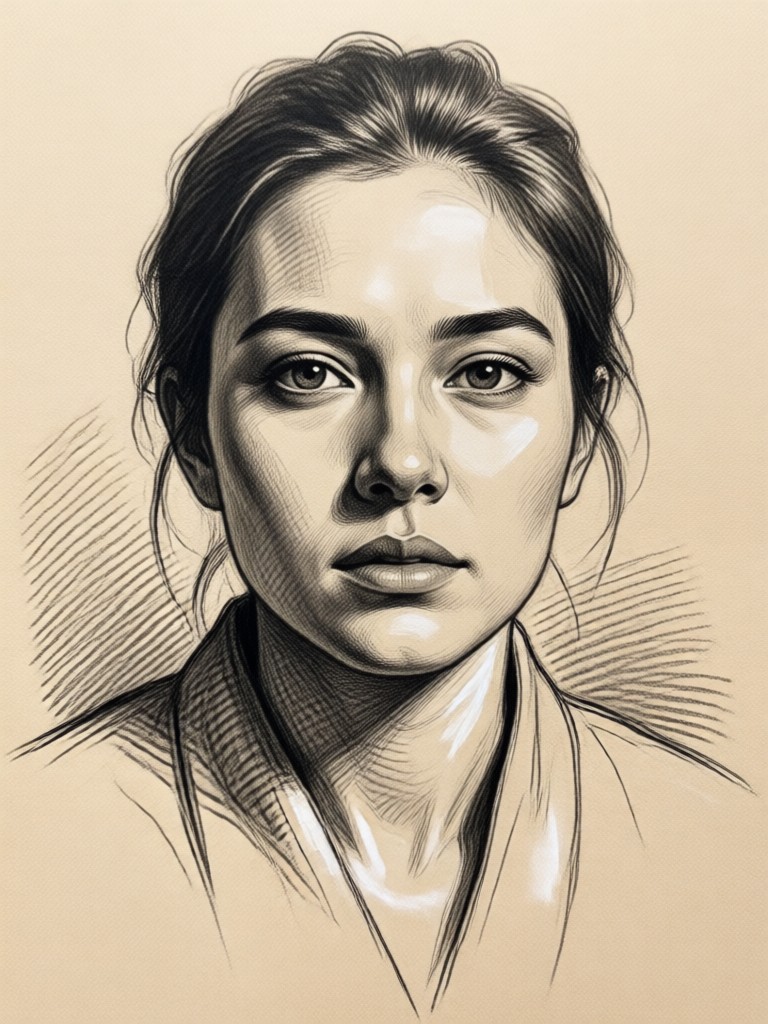
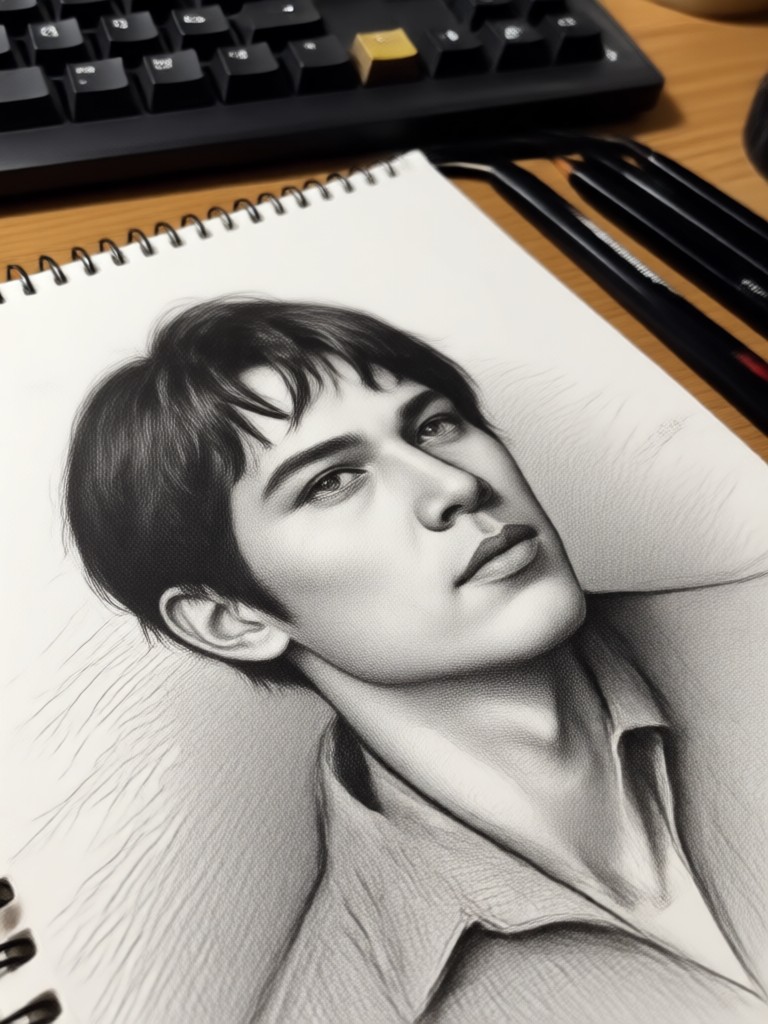
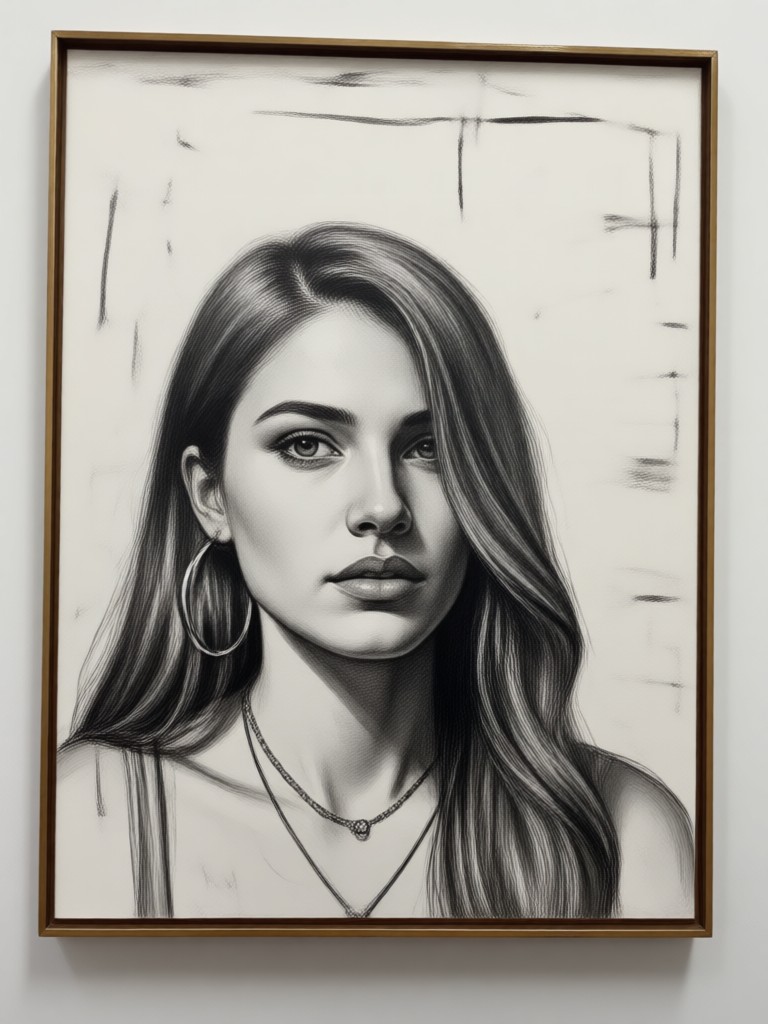
Unlock Artistic Potential Without Years of Practice
Creating a professional-quality sketch traditionally requires mastering techniques like proportion, perspective, and shading. Our AI democratizes this art form, giving everyone the ability to produce gallery-worthy sketch art from their personal memories and moments in seconds.
Unlock Artistic Potential Without Years of Practice
Creating a professional-quality sketch traditionally requires mastering techniques like proportion, perspective, and shading. Our AI democratizes this art form, giving everyone the ability to produce gallery-worthy sketch art from their personal memories and moments in seconds.
How to Create an AI Sketch in 3 Steps
Turn any photo into a beautiful sketch in less than a minute. No downloads, no complicated software.

Step 01.
Download the Funpack app from Google Play. It's your all-in-one mobile studio for AI art creation.
Step 02.
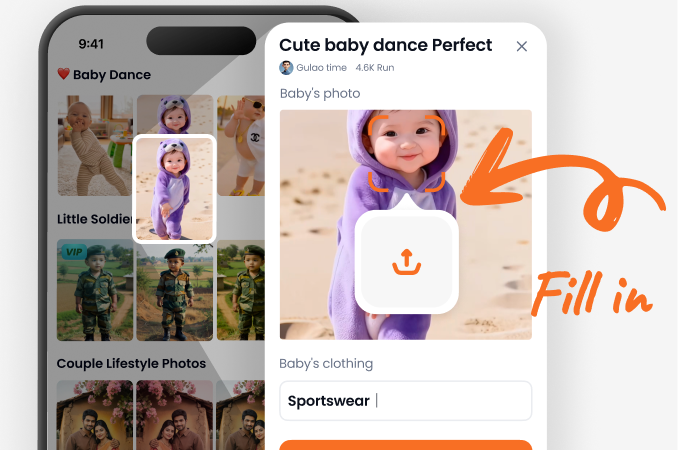
Open the app, upload your photo, and browse the 'Sketch' or 'Artistic' filter category. Select your preferred style, like pencil, ink, or charcoal.
Step 03.
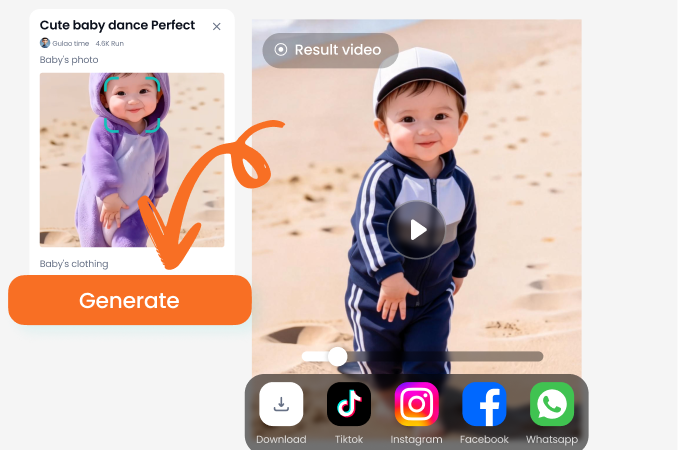
Tap 'Generate'. In seconds, your AI sketch is ready. Download the high-resolution image or share it directly to social media.
See What Our Community is Sketching
Finally, realistic sketches from my travel photos!
I've tried other apps that just apply a basic edge filter. This AI understands light and shadow. My portrait from Rome looks like it was drawn by an artist. I use it for unique gifts.
A game-changer for my Etsy shop
I turn client pet photos into custom sketch prints. The quality is consistently professional, and the variety of styles lets me offer different options. Customers love the personal touch.
Brought my old family photos to life
I had faded black and white photos of my grandparents. The AI sketch filter added so much character and texture. It feels like a piece of history reimagined. Very emotional.
Frequently Asked Questions About AI Sketch
Get answers to the most common questions about creating and using AI-generated sketches for personal or professional projects.
Turn Your World Into Art. Start Sketching Now.
Download Funpack and discover the simplest way to transform your photos into timeless sketches. Create, share, and impress in just a few taps.

Turn Your World Into Art. Start Sketching Now.
Download Funpack and discover the simplest way to transform your photos into timeless sketches. Create, share, and impress in just a few taps.