VHS Photo Filter
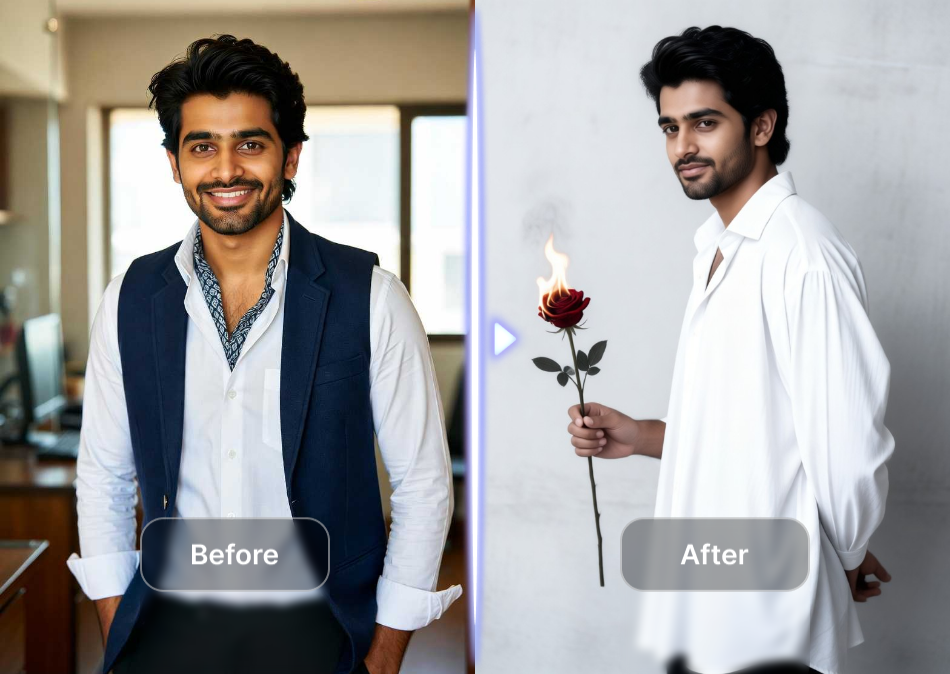
Choose Your VHS Filter Style
Explore a curated set of retro filters, from subtle grainy film to heavy glitch and static noise. Pick the perfect VHS aesthetic for your photo and apply it instantly inside the funpack app.
Key Features of VHS Photo Filter
funpack gives you everything needed to recreate the look of old camcorder footage, from fine grain to color bleed, all in one mobile app. No manual editing required.
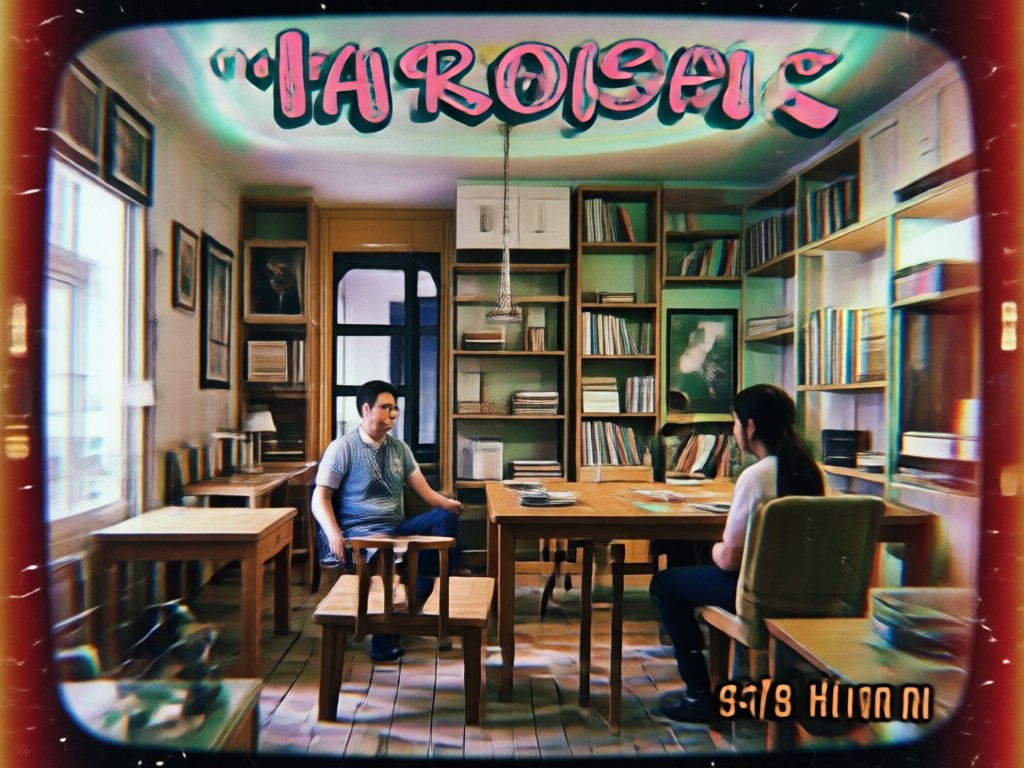
Authentic Retro Grain and Texture
The VHS photo filter adds realistic film grain, soft focus, and subtle scanlines to your images. It mimics the analog noise of old tapes without overprocessing faces or details, so your photos look like stills from a 1990s home video instead of a cheap overlay.
Authentic Retro Grain and Texture
The VHS photo filter adds realistic film grain, soft focus, and subtle scanlines to your images. It mimics the analog noise of old tapes without overprocessing faces or details, so your photos look like stills from a 1990s home video instead of a cheap overlay.
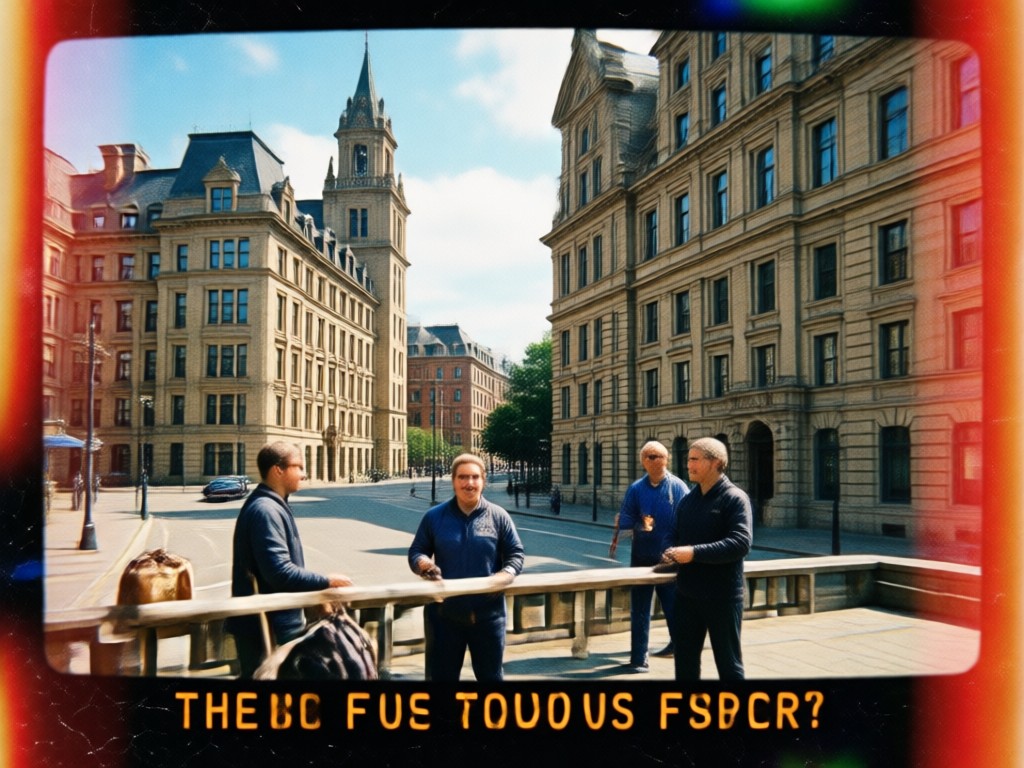
Glitch and Chromatic Effects
Add horizontal tracking errors, color fringing, and datestamp overlays that make your photo feel genuinely recorded on tape. funpack lets you adjust the intensity, so you can go from a light vintage wash to heavy corrupted VHS static with one tap.
Glitch and Chromatic Effects
Add horizontal tracking errors, color fringing, and datestamp overlays that make your photo feel genuinely recorded on tape. funpack lets you adjust the intensity, so you can go from a light vintage wash to heavy corrupted VHS static with one tap.
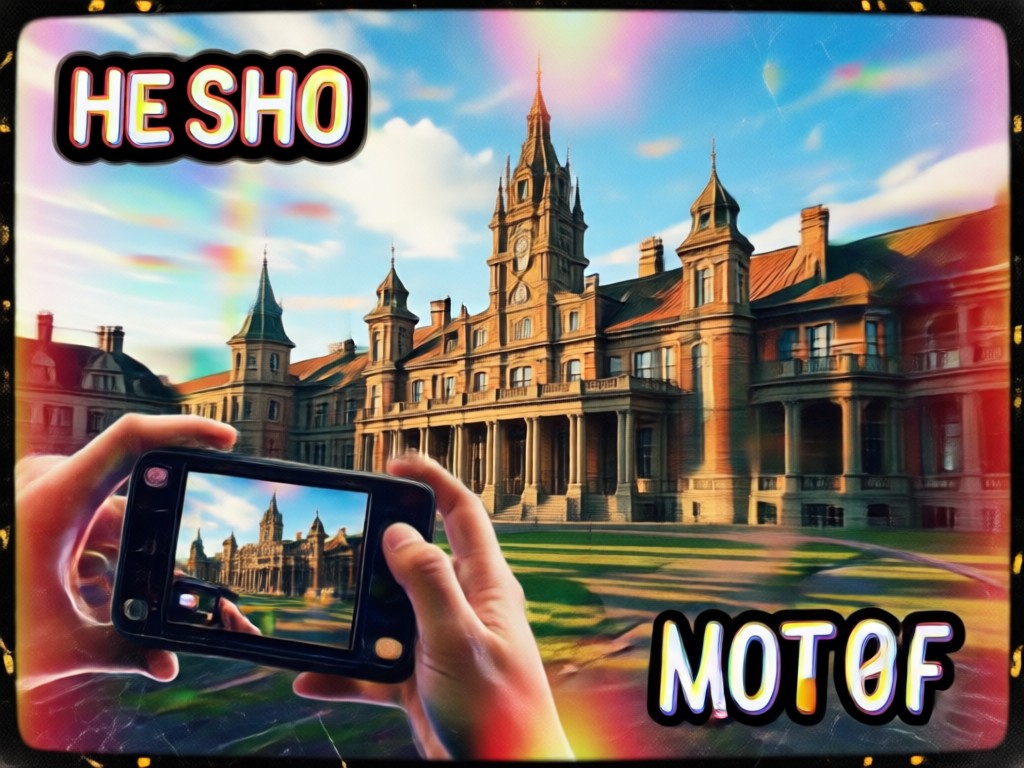
One Tap Mobile Workflow
No import, export, or timeline needed. Open funpack, upload a photo, select a VHS filter from the library, and generate your result in seconds. The app handles all the technical work on your phone, so you can focus on capturing the mood.
One Tap Mobile Workflow
No import, export, or timeline needed. Open funpack, upload a photo, select a VHS filter from the library, and generate your result in seconds. The app handles all the technical work on your phone, so you can focus on capturing the mood.
Popular VHS Filter Presets to Try
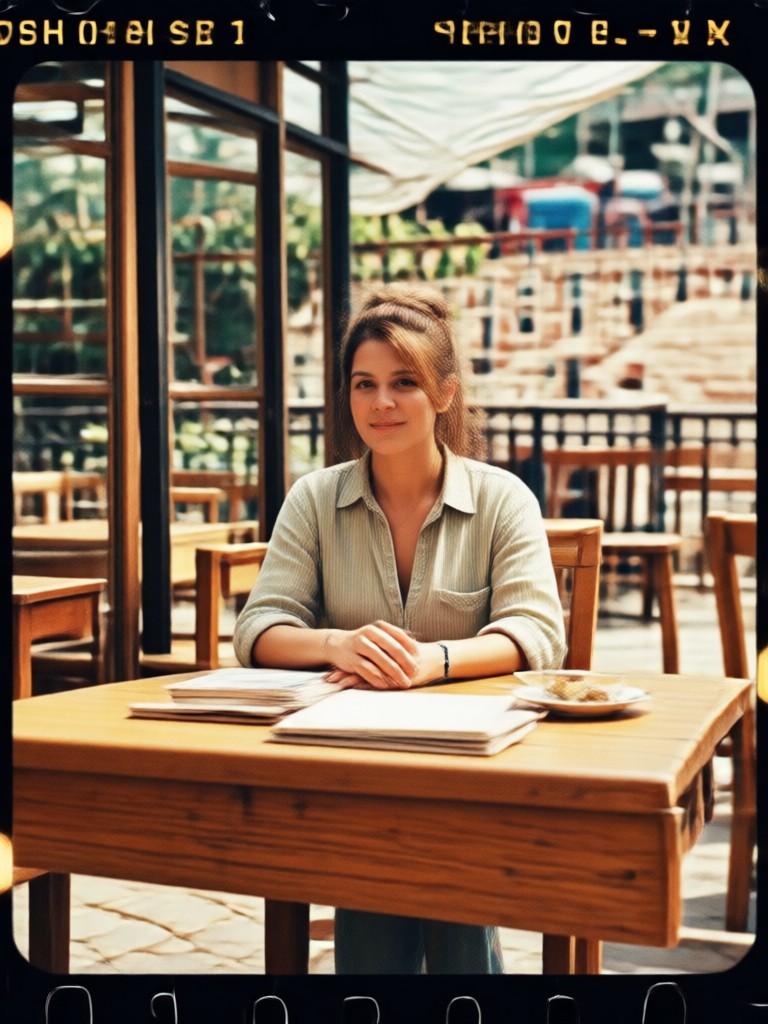
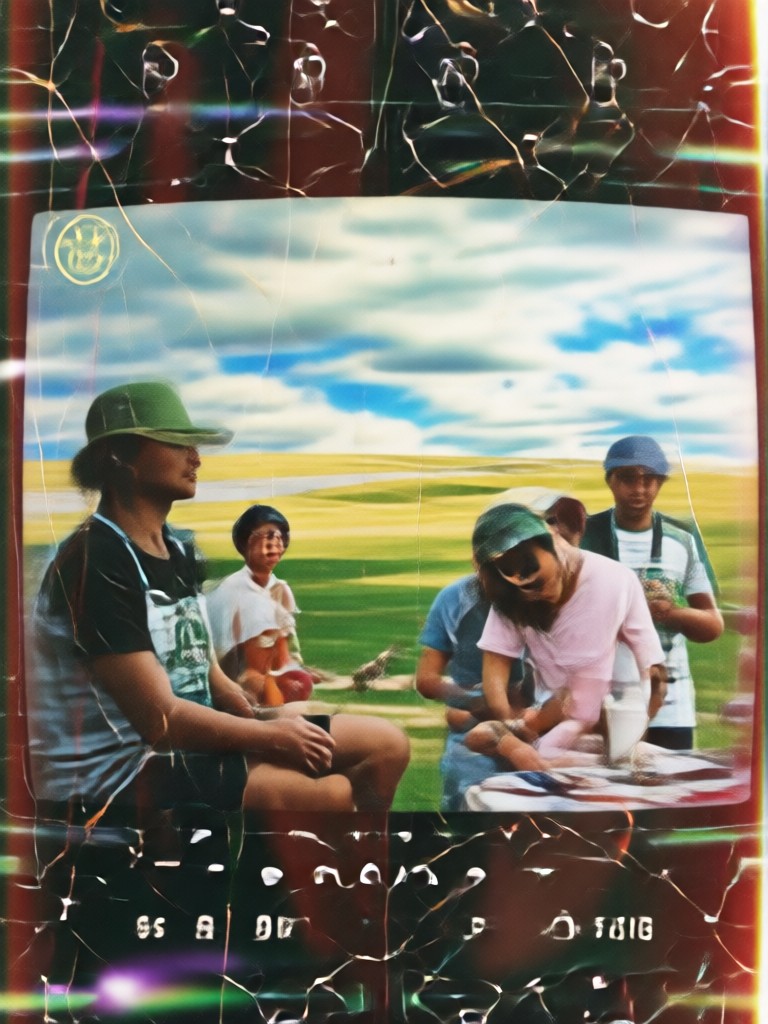
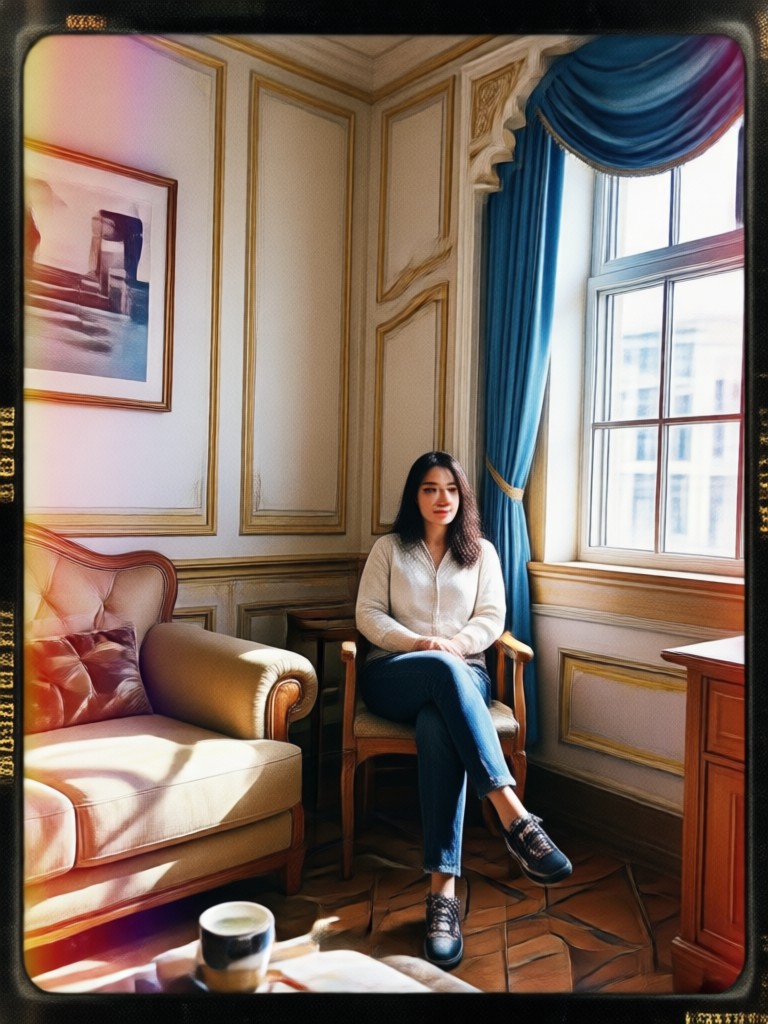
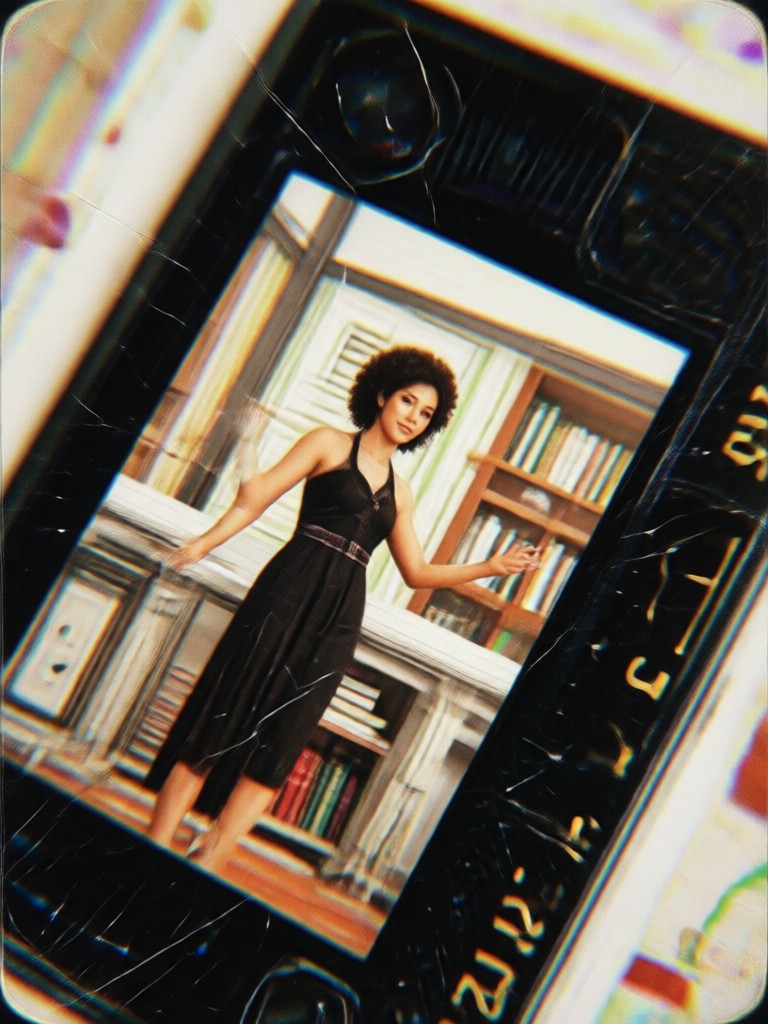
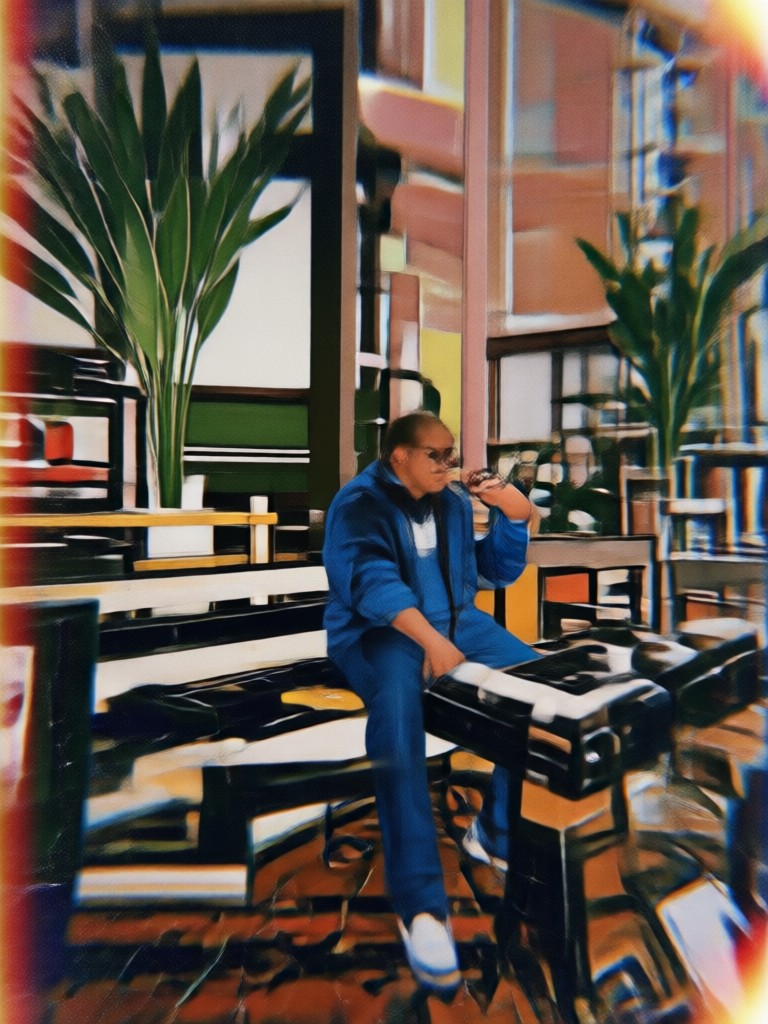
Browse five favorite VHS photo filter styles inside funpack. Each preset uses a different mix of grain, color shift, and glitch to capture the analog camcorder feel. Tap any style to apply it to your own photo in seconds.
How to Apply a VHS Photo Filter
Create nostalgic VHS photos in three simple steps using the funpack app. No editing experience needed.

Step 01.
Download funpack from Google Play and open the app on your phone.

Step 02.
Upload your photo and choose a VHS filter from the retro filter library. Adjust the intensity if you want more grain or glitch.

Step 03.
Generate your VHS photo and save or share it directly to social media.
Why Creators Love the VHS Photo Filter
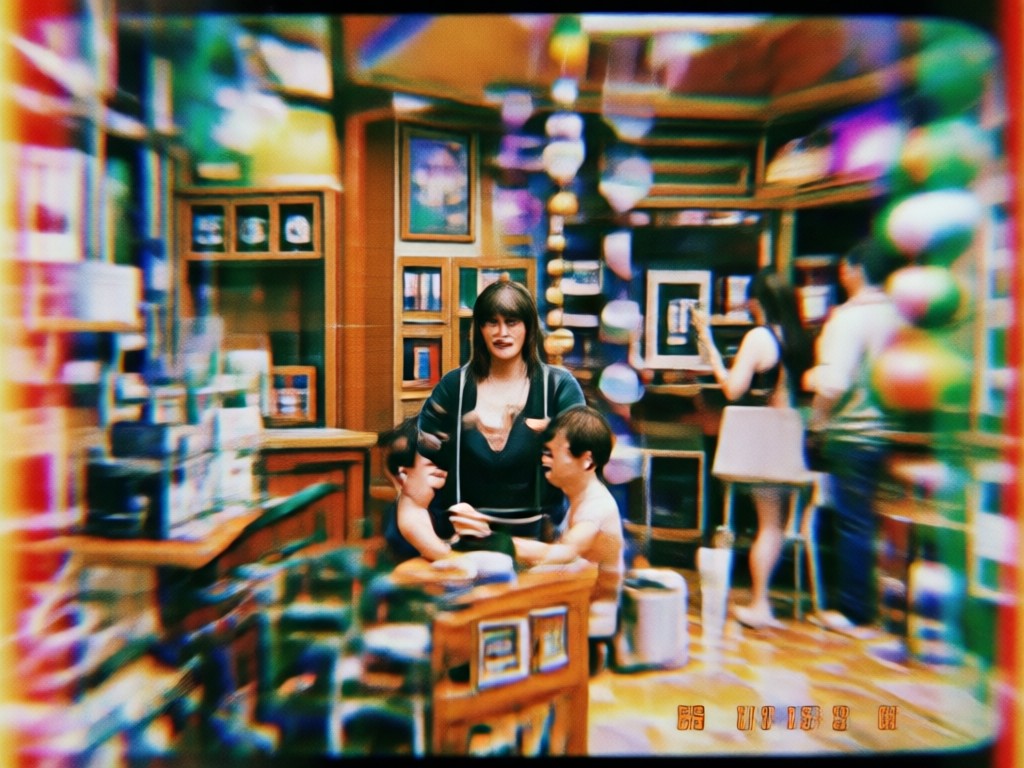
funpack turns everyday phone photos into nostalgic film frames in one tap. Creators use the VHS filter to build retro social media aesthetics, add texture to portraits, and produce eye catching content that stands out in busy feeds. The mobile app works fast and keeps your photos looking natural, not overedited.
Why Creators Love the VHS Photo Filter
funpack turns everyday phone photos into nostalgic film frames in one tap. Creators use the VHS filter to build retro social media aesthetics, add texture to portraits, and produce eye catching content that stands out in busy feeds. The mobile app works fast and keeps your photos looking natural, not overedited.
Turn Modern Photos into Vintage Tapes
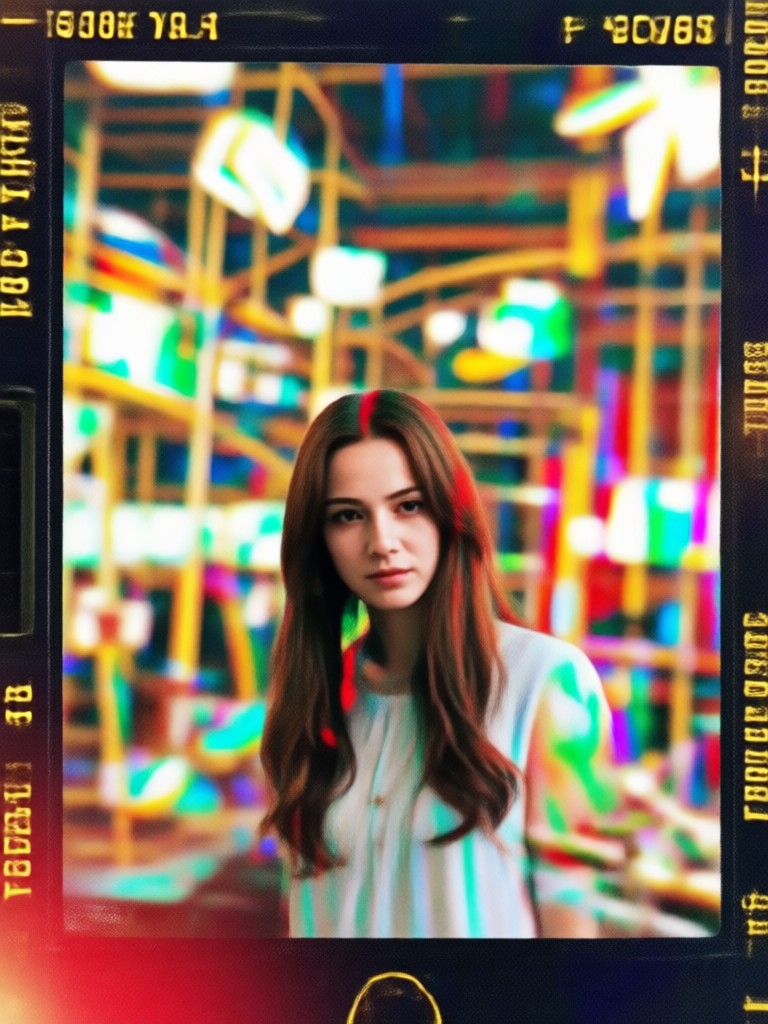
Download funpack for free on Google Play and get instant access to the VHS photo filter plus hundreds of other retro effects.

What People Say About the VHS Photo Filter
Perfect for my retro fashion posts
I used the VHS filter on my outfit photos and they instantly looked like stills from an old music video. The grain and date stamp are so realistic. My engagement went up a lot.
Easiest retro effect I have tried
I hate complicated editing apps. funpack is just upload, pick the VHS preset, and done. The glitch effect is exactly what I wanted for my band posters. It saves me so much time.
My travel photos look like old tapes
I applied the VHS filter to beach and city shots from my last trip. They have that nostalgic family video feel. The app runs smoothly on my phone and the results are high quality.
Frequently Asked Questions
Find clear answers about the VHS photo filter and how to use it with funpack.
More Topics You May Like
Explore more retro filters and AI creative tools to keep your content looking fresh and unique.

Facial Hair Generator: Try Beards & Mustaches Instantly
Use the Facial Hair Generator to add realistic beards, mustaches, and stubble to your photos. Upload a selfie, pick a style, and see your new look in seconds. Perfect for style tests and fun transformations.

Virtual Makeup Try On: Free AI Photo Editor
Apply realistic makeup to your photos for free. Upload a selfie, choose from hundreds of beauty filters, and get a flawless look in seconds. No editing skills needed.
Portrait AI Image Generator: Create Stunning AI Portraits
Create stunning AI portraits instantly. Upload a photo, apply professional styles, and generate realistic artistic headshots in seconds. No design skills needed.

VHS Photo Effect: Turn Modern Photos Into 90s Memories
Transform any photo into nostalgic VHS footage with authentic grain, scan lines, and retro color tones. Download funpack, pick a 90s filter, and create in seconds.
Get the VHS Look in Seconds
Download funpack from Google Play and start applying authentic VHS filters to your photos today. No design skills needed, just choose a preset and generate.
Get the VHS Look in Seconds
Download funpack from Google Play and start applying authentic VHS filters to your photos today. No design skills needed, just choose a preset and generate.