Chiaroscuro Photo Prompt
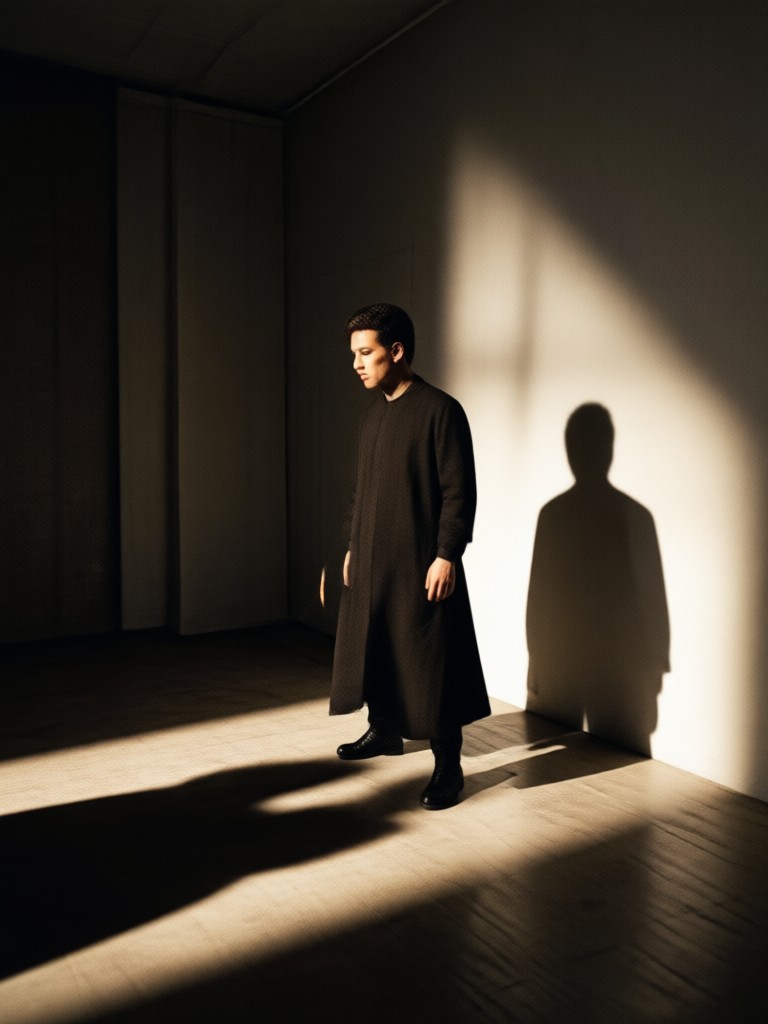
Choose the Chiaroscuro Style Filter That Fits Your Scene
Discover dramatic light and shadow filters, from Rembrandt painting to film noir photography. Find the perfect style for your chiaroscuro photo prompt.
Key Chiaroscuro Photo Prompt Styles
From classical oil paintings to gritty film noir, these prompt styles help you control light, shadow, and mood in every AI generated image.
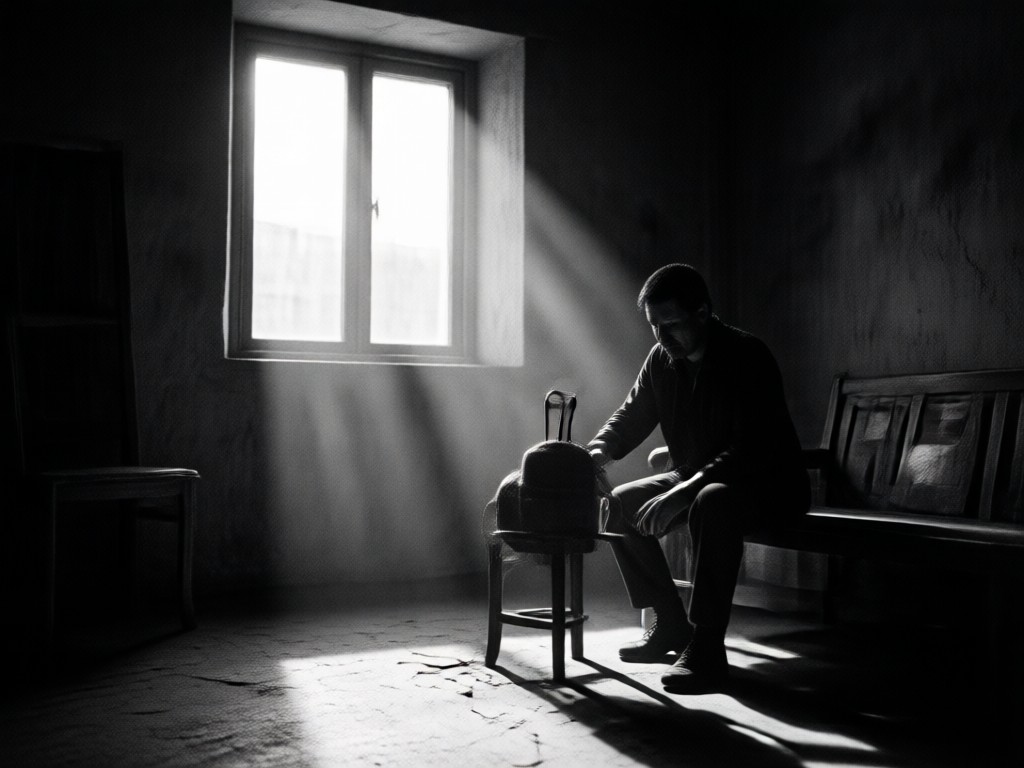
Rembrandt Lighting Prompts
Create classic portrait lighting with a small triangle of light on the shadowed cheek. Perfect for dramatic, painterly faces and historical scenes.
Rembrandt Lighting Prompts
Create classic portrait lighting with a small triangle of light on the shadowed cheek. Perfect for dramatic, painterly faces and historical scenes.
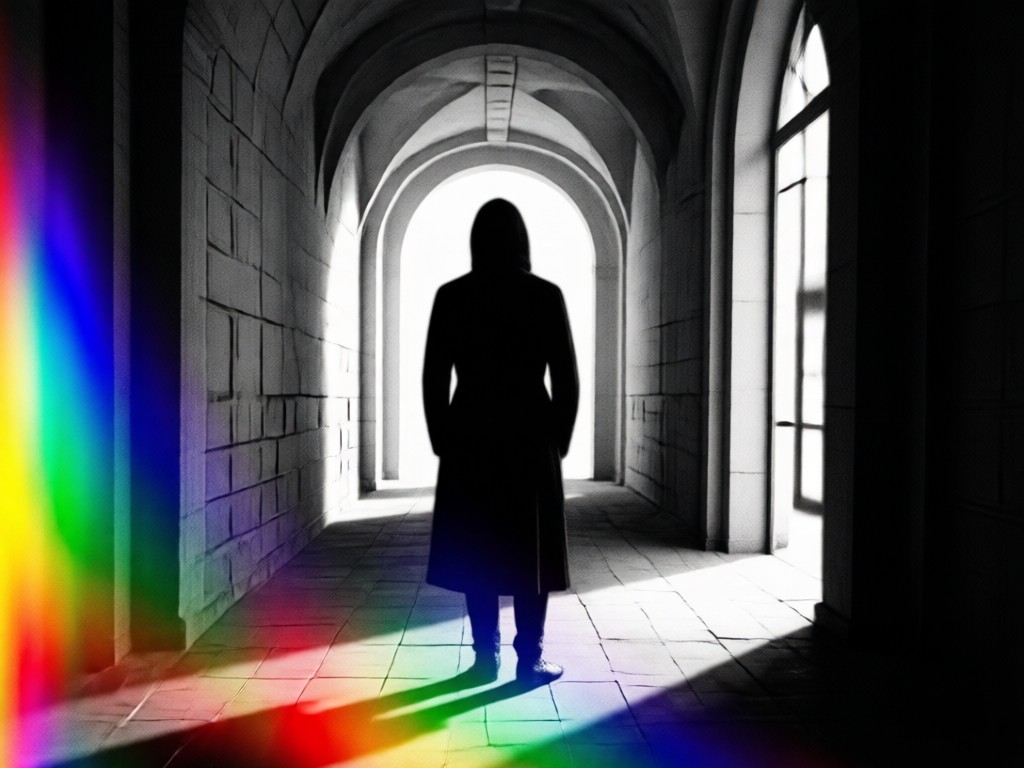
Film Noir Scene Prompts
Generate moody black and white frames with venetian blind shadows, hard side light, and deep black backgrounds. Ideal for detective stories.
Film Noir Scene Prompts
Generate moody black and white frames with venetian blind shadows, hard side light, and deep black backgrounds. Ideal for detective stories.
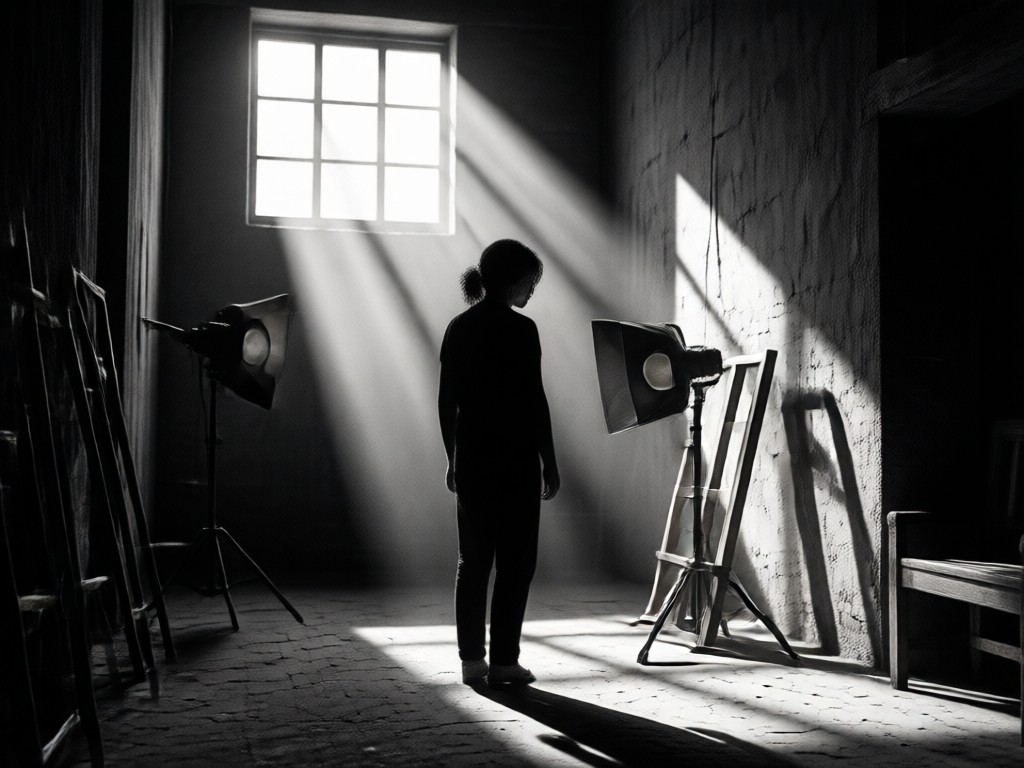
Still Life Chiaroscuro Prompts
Build dark, dramatic still life images with a single window light, rich reflections on metal and fruit, and Dutch Golden Age painting texture.
Still Life Chiaroscuro Prompts
Build dark, dramatic still life images with a single window light, rich reflections on metal and fruit, and Dutch Golden Age painting texture.
How to Create Chiaroscuro Photos with AI
Follow three simple steps in the funpack app to turn your chiaroscuro photo prompt into a stunning high contrast image.

Step 01.
Download the funpack app on your Android device and open the AI image generator.

Step 02.
Type your chiaroscuro photo prompt and choose a dramatic light and shadow style filter.

Step 03.
Generate your image, adjust if needed, and save or share your high contrast masterpiece.
Chiaroscuro AI Photo Gallery
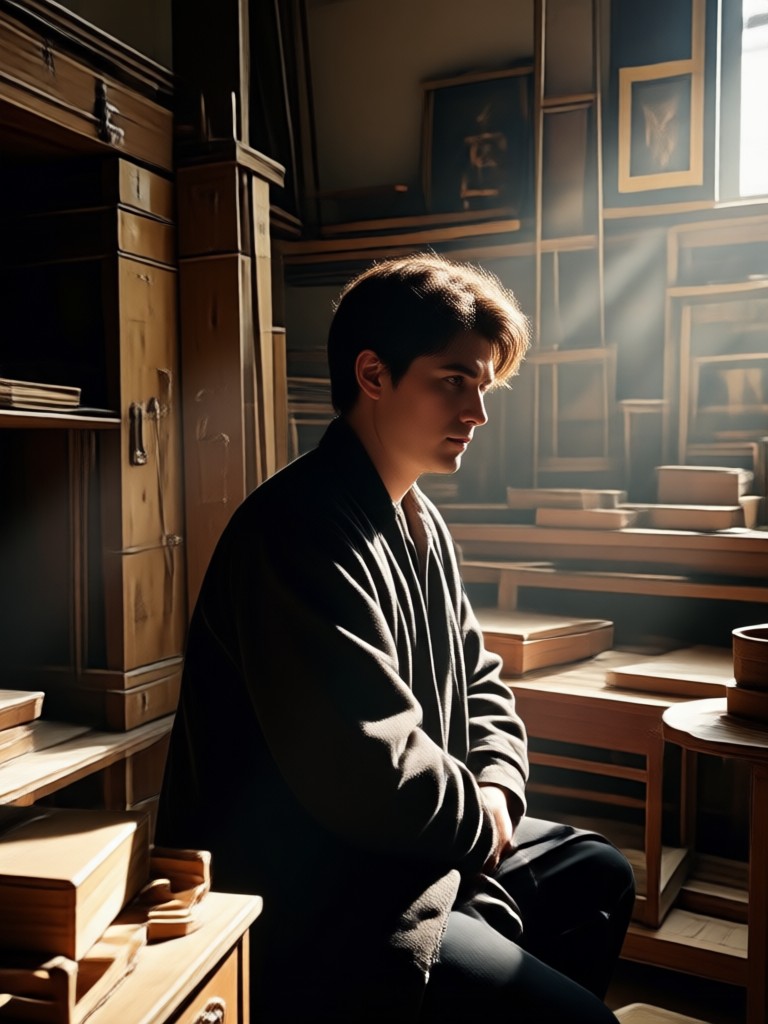
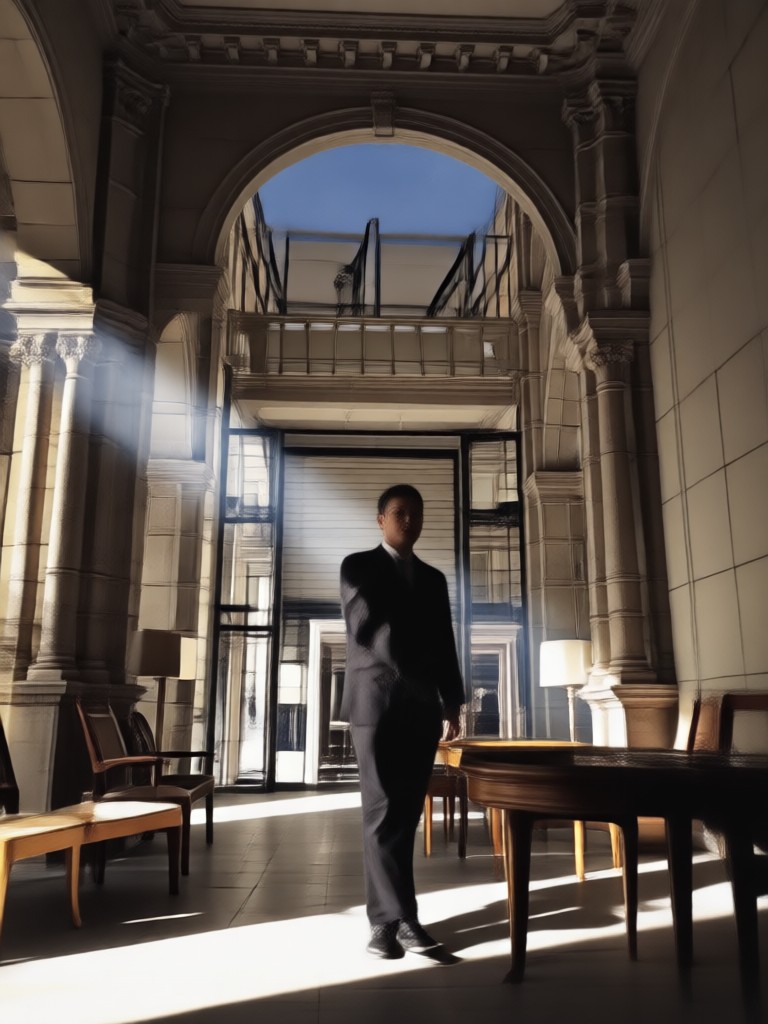
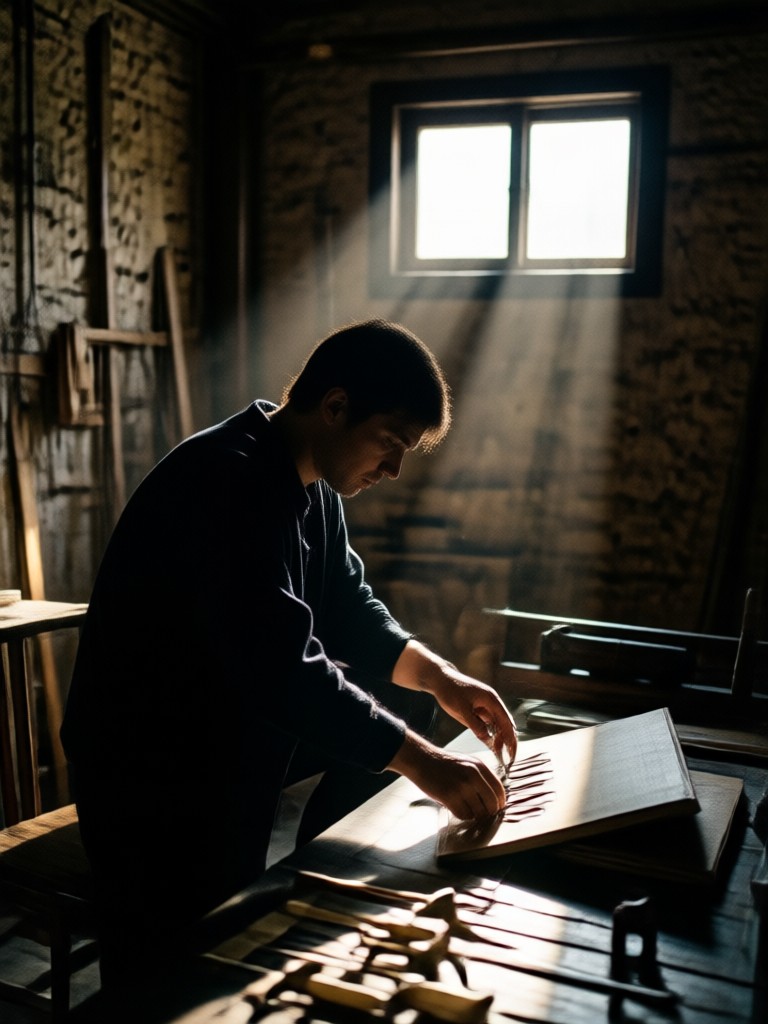
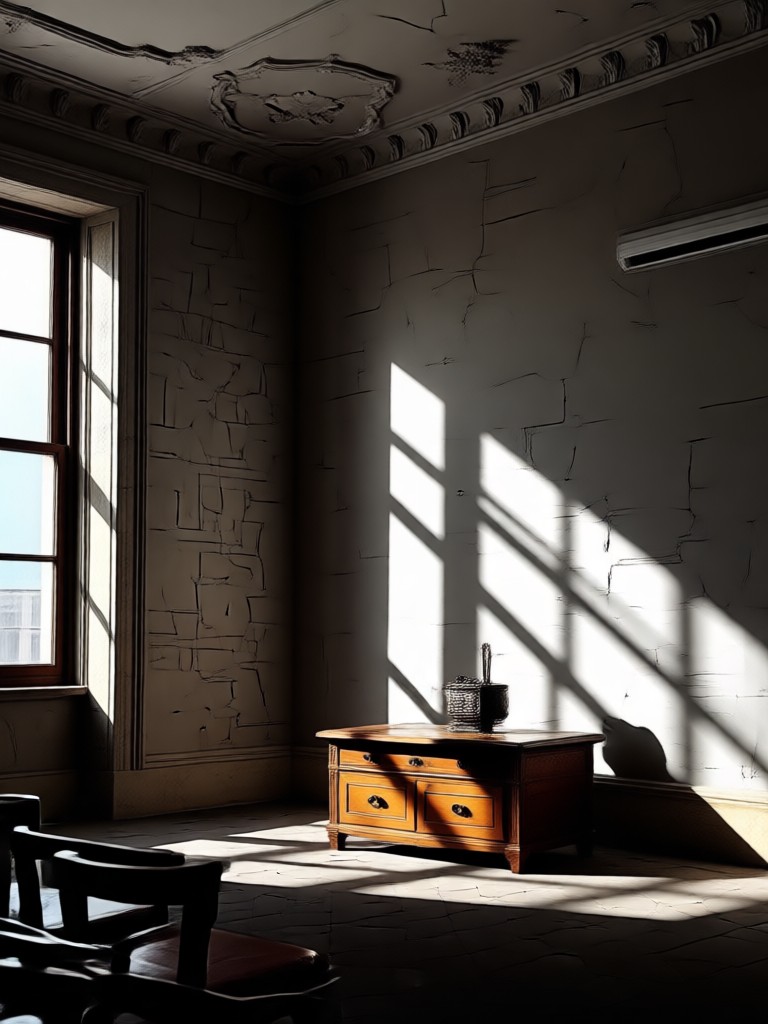
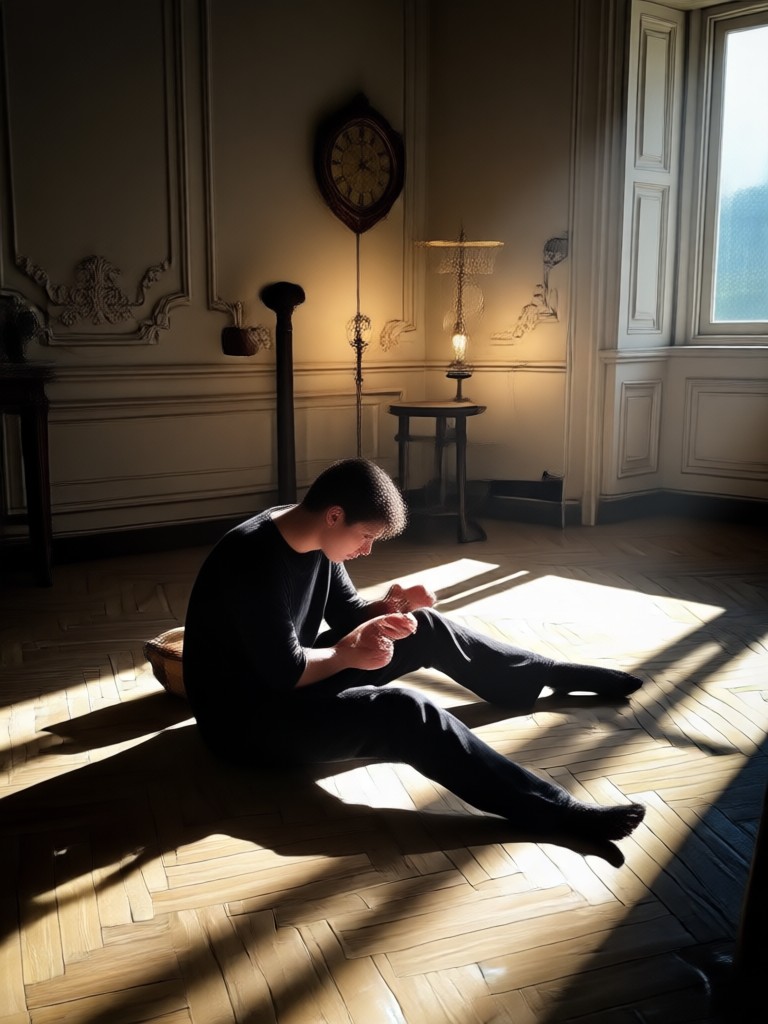
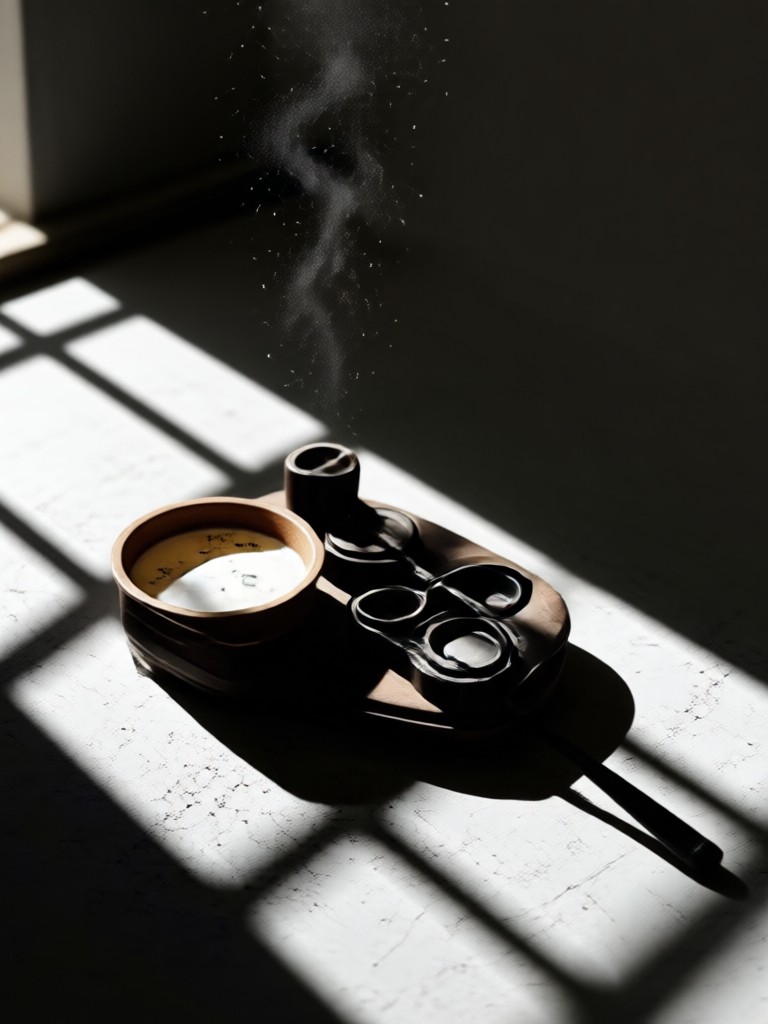
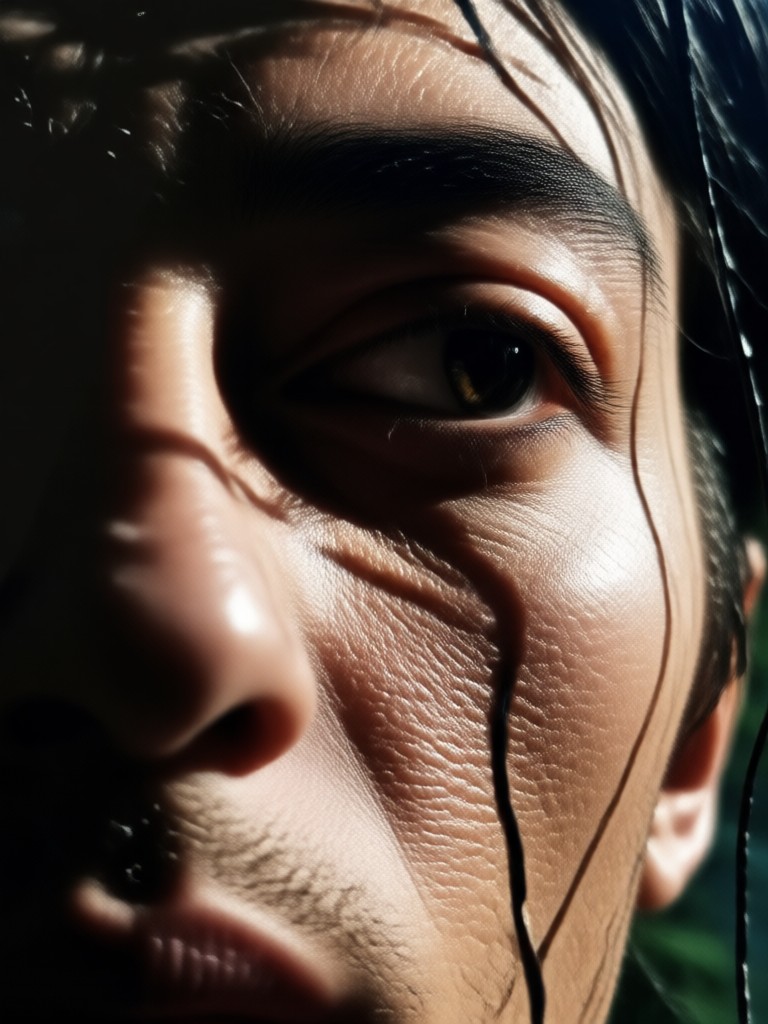
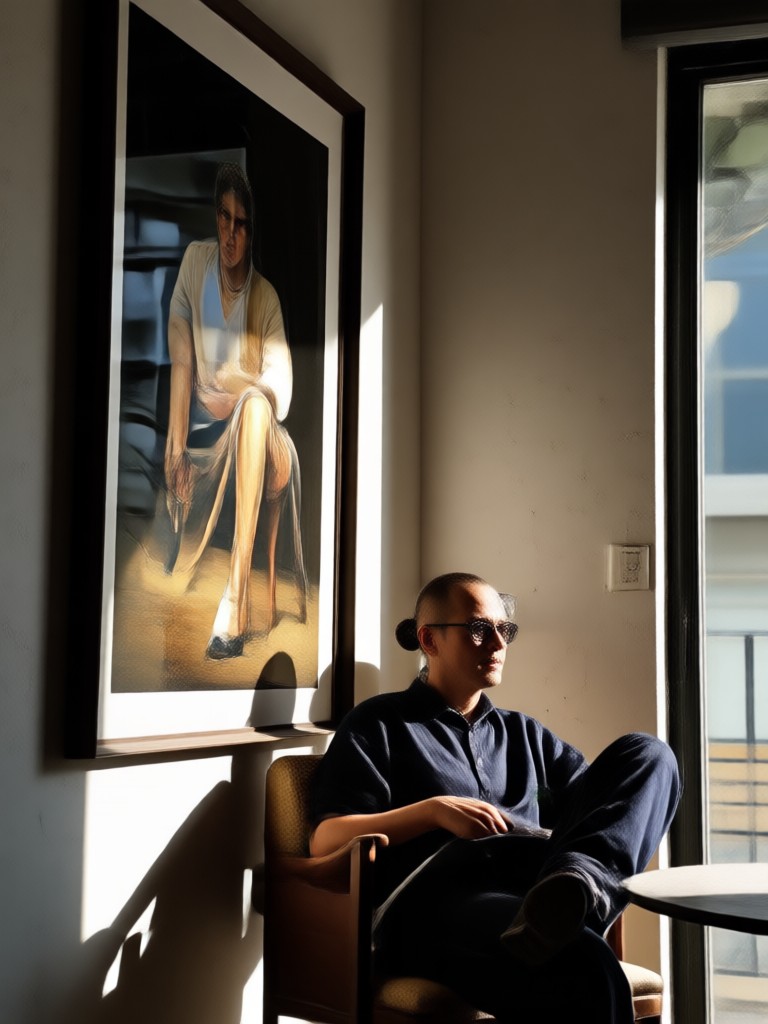
Explore dramatic examples generated from chiaroscuro photo prompts. Each image shows how a single light source can shape mood, texture, and story.
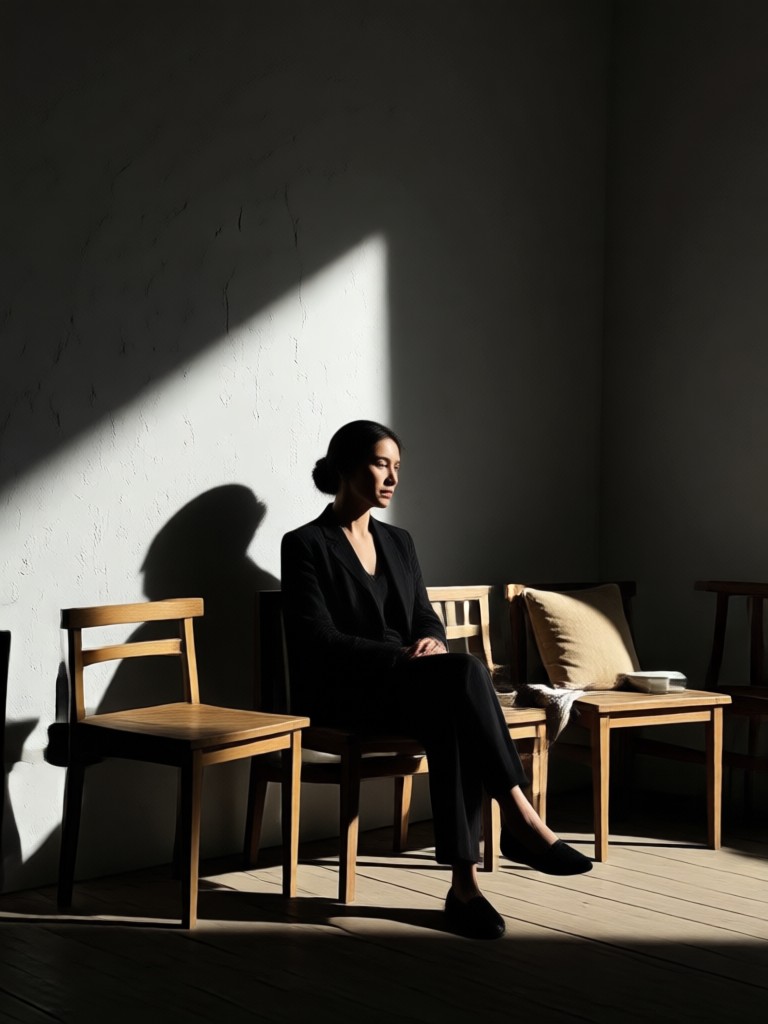
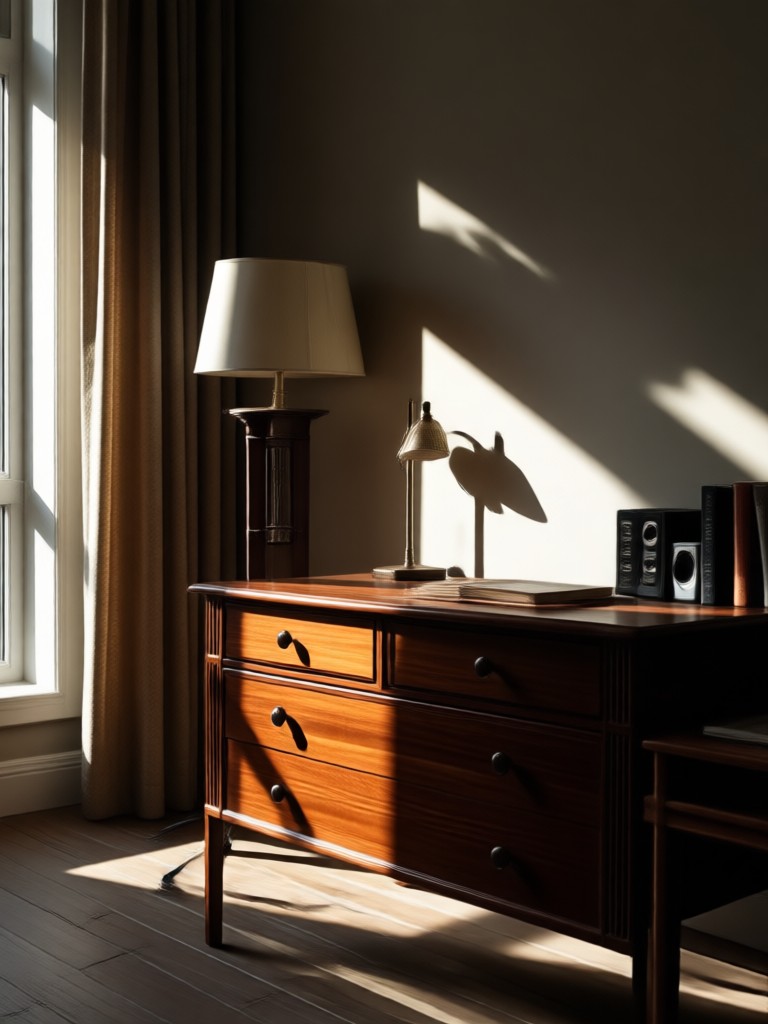
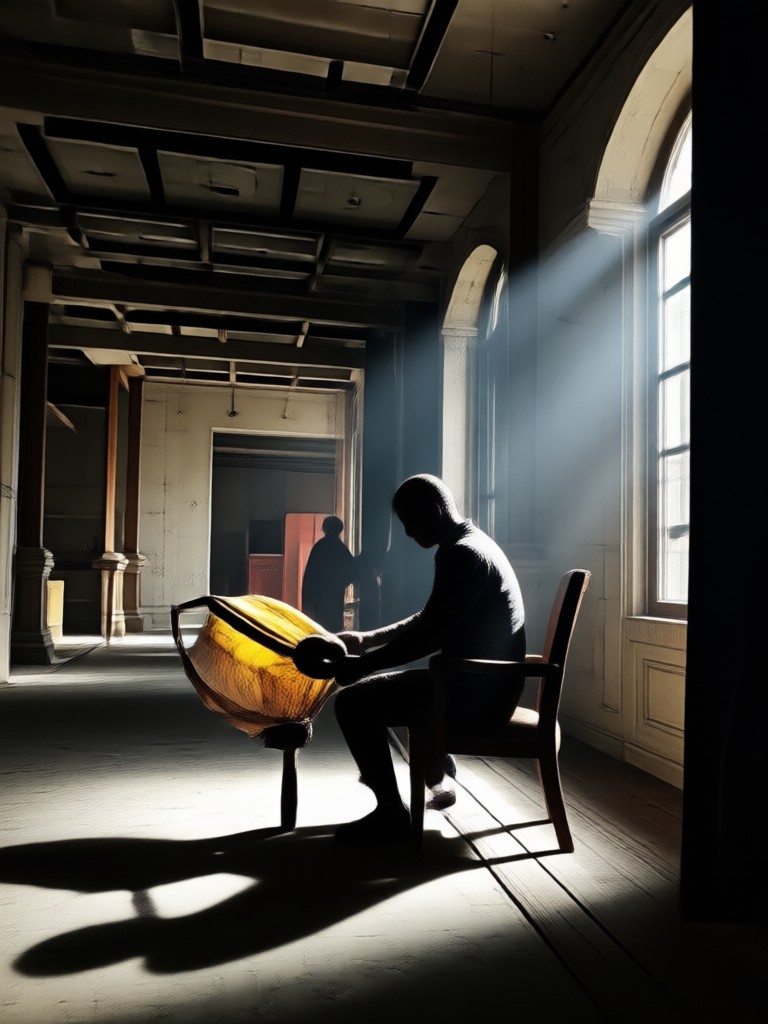
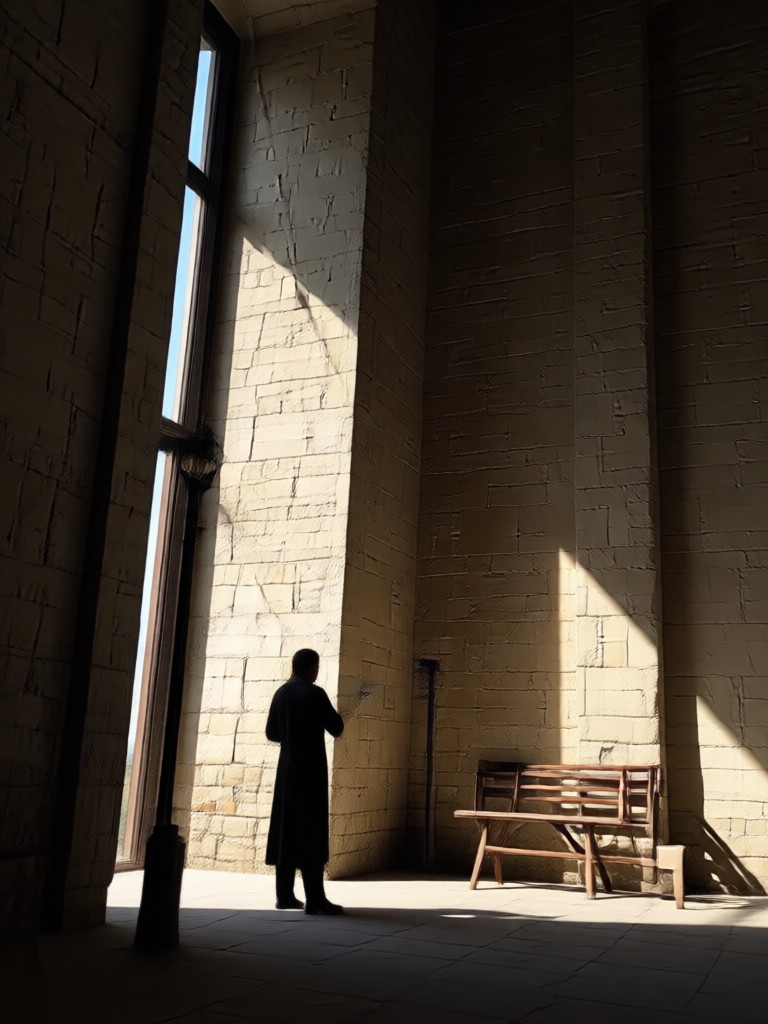
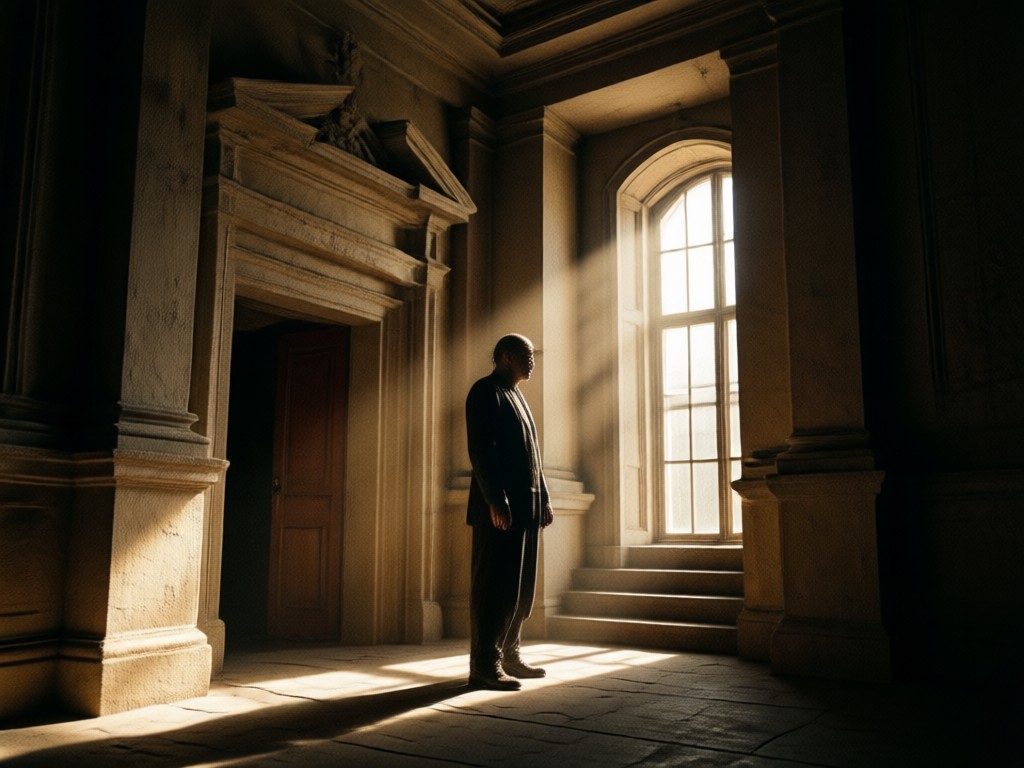
Why Use Chiaroscuro Photo Prompts?
Chiaroscuro photo prompts give you control over light, shadow, and mood. A well written prompt directs the AI to place shadows with intention and highlight your subject. Instead of flat, evenly lit images, you get depth, drama, and emotional weight. The funpack app makes this easy with style templates and one click generation. No photography skills needed.
Why Use Chiaroscuro Photo Prompts?
Chiaroscuro photo prompts give you control over light, shadow, and mood. A well written prompt directs the AI to place shadows with intention and highlight your subject. Instead of flat, evenly lit images, you get depth, drama, and emotional weight. The funpack app makes this easy with style templates and one click generation. No photography skills needed.
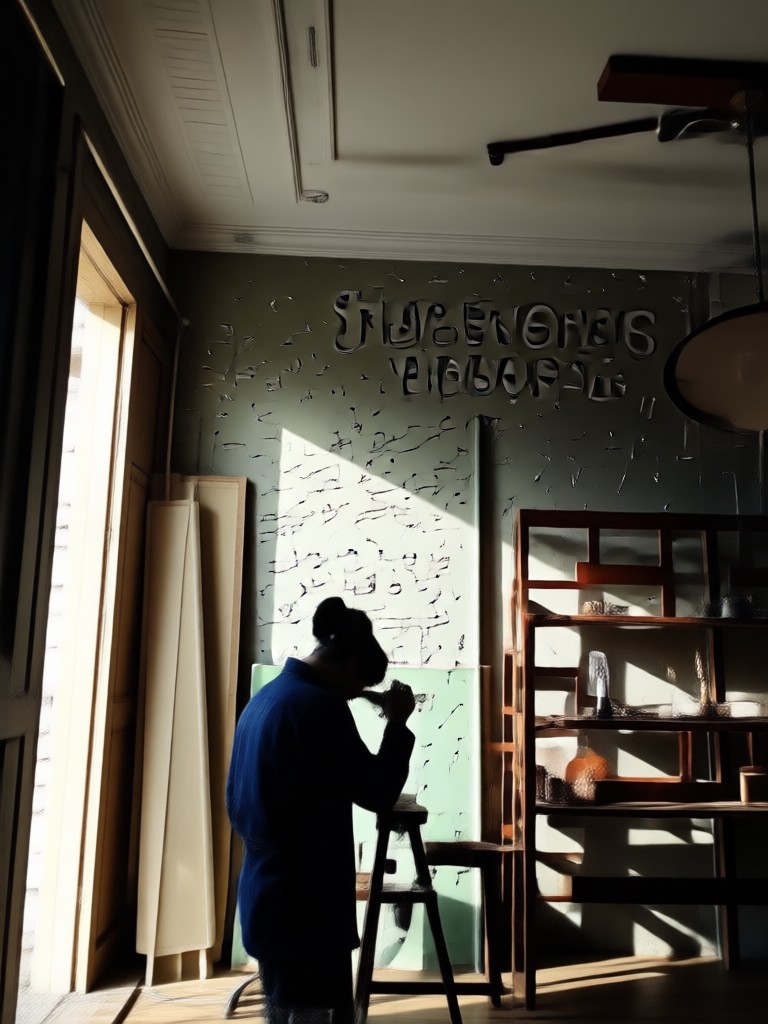
Create Chiaroscuro Photos on Mobile
Download the funpack app and turn any chiaroscuro photo prompt into a dramatic high contrast image on your Android phone.

Frequently Asked Questions About Chiaroscuro Photo Prompts
Find clear answers about writing chiaroscuro photo prompts, choosing the right style, and using the funpack app for dramatic light and shadow images.
Here is What Creators Think About Chiaroscuro Prompts
Dramatic portraits in seconds
I used a chiaroscuro photo prompt for a Rembrandt style portrait and the result looked like a museum painting. The shadows were exactly where I described them. This app saves me hours of editing.
Perfect for film noir mood boards
I write short film scripts and need visual references. With funpack I type a film noir chiaroscuro prompt and get the exact moody frame I imagined. The light direction control is impressive.
No photography skills needed
I always wanted to create dramatic still life images like the Dutch masters. The chiaroscuro photo prompts in the app make it easy. I just described a silver teapot with window light and the result was stunning.
More Topics You May Like
Explore more topics you may like and discover fresh ideas tailored to your interests.

Butt Enhancement Prompt: AI Photo & Video Transformations
Camping Prompts: Create Stunning Outdoor AI Art & Videos
Cat Illustration Prompt: Generate Whimsical AI Cat Art
AI Cartoon Movie Poster Prompts: 32 Fresh Ideas
Butt Enhancement Prompt: AI Photo & Video Transformations
Camping Prompts: Create Stunning Outdoor AI Art & Videos
Cat Illustration Prompt: Generate Whimsical AI Cat Art
AI Cartoon Movie Poster Prompts: 32 Fresh Ideas
Bring Chiaroscuro Drama to Your Photos
Download the funpack app and start creating high contrast, light driven images with simple text prompts.

Bring Chiaroscuro Drama to Your Photos
Download the funpack app and start creating high contrast, light driven images with simple text prompts.