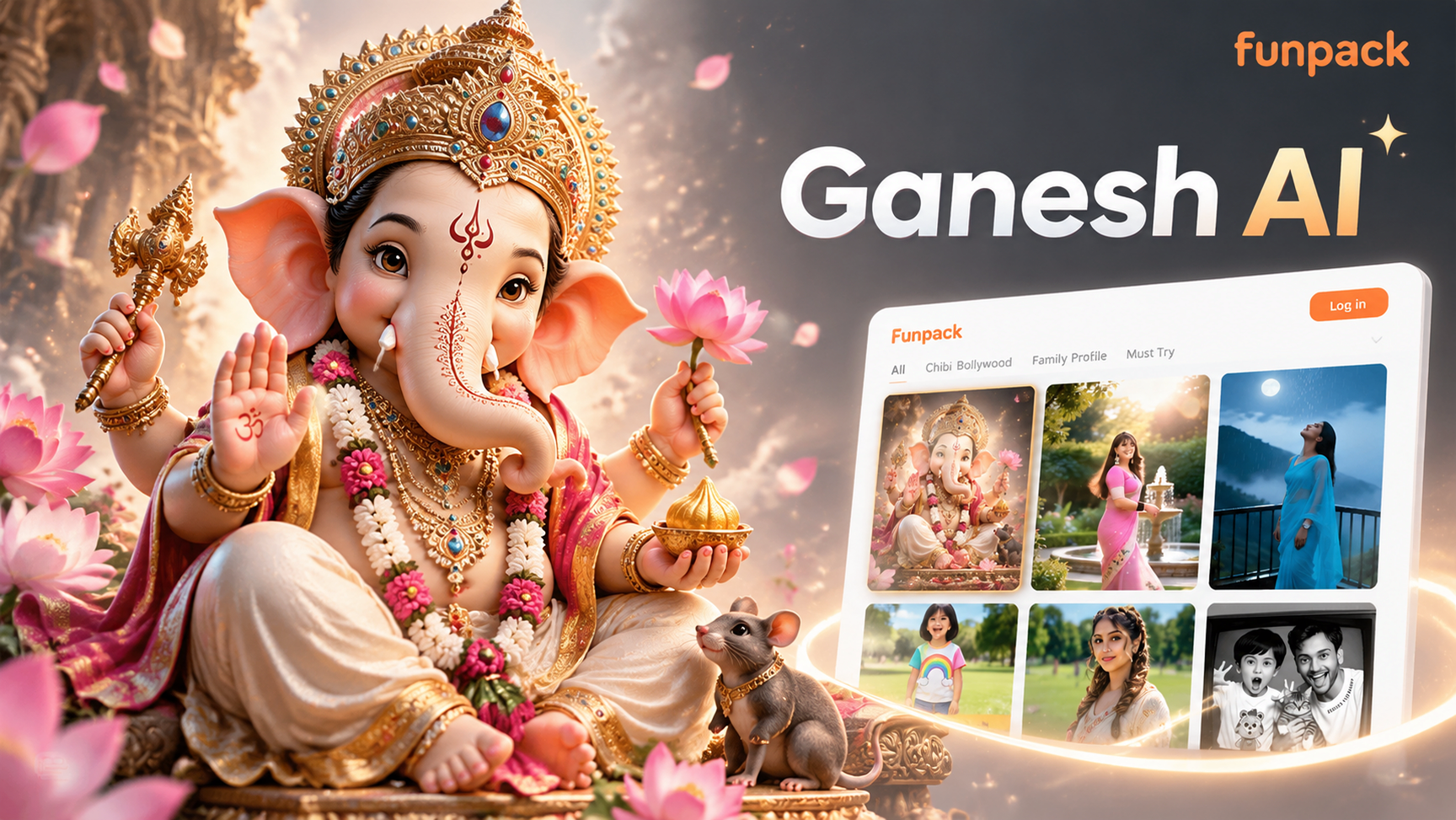
Introduction to Ganesh Chaturthi AI Photo Editing Prompts
If you are looking for Ganesh Chaturthi AI photo editing prompts, you have landed on the right page. This guide gives you over twenty specific prompts that you can copy and paste into an AI photo editing app such as funpack. These prompts help you turn ordinary selfies, family photos, or empty backgrounds into vibrant Ganesh Chaturthi themed images. Whether you want to add a Lord Ganesha idol, place yourself in traditional festive clothing, or create an artistic festival poster, these prompts cover a wide range of creative ideas. All prompts are written to work with text-to-image and image-to-image modes, so you can either generate a completely new image or transform an existing photo while keeping the original subject.
Understanding Ganesh Chaturthi AI Photo Editing
Ganesh Chaturthi is a Hindu festival celebrating the birth of Lord Ganesha, the elephant-headed god of wisdom and prosperity. The festival spans ten days and is marked by colorful decorations, devotional songs, modak sweets, and vibrant processions. AI photo editing for this festival means using artificial intelligence to add festive visual elements to your photos. These elements include marigold flowers, traditional oil lamps, red and gold color schemes, ornate backgrounds, and the iconic Ganesha idol. By entering a detailed prompt, the AI understands the specific scene you want and generates an image that fits the festive mood. The beauty of AI photo editing is that you do not need any design skills. You simply describe the image you want, choose a style template, and the app does the rest.
Essential Visual Elements of Ganesh Chaturthi
Before you use any prompt, it helps to know which visual details make an image look authentically Ganesh Chaturthi. When you include these keywords in your prompts, the AI produces more accurate and culturally relevant results. Key elements include:
- Lord Ganesha idol made of clay or metal, often decorated with red flowers and sandalwood paste
- Marigold garlands hanging from doorways and around the idol
- Traditional Indian attire such as sarees, kurtas, and dhotis in red, yellow, orange, and gold
- Modak sweets placed on a plate as an offering
- Oil lamps or diyas with warm flames
- Red and gold decorative backgrounds with rangoli patterns
- Festive crowd scenes with people dancing or singing devotional songs
- Elephant motifs and religious symbols
Including two or three of these elements in each prompt gives the AI enough context to create a cohesive festive image. Avoid overcrowding the prompt with too many elements, as this can confuse the AI and produce muddy results.
20+ Ganesh Chaturthi AI Photo Editing Prompts
Below is a collection of specific prompts you can use directly. They are organized into categories so you can pick the style that matches your photo or your imagination. Copy any prompt and paste it into the funpack app after uploading your photo or selecting the text-to-image option.
Portrait Enhancement Prompts
- "A close-up portrait of a young woman wearing a red and gold silk saree with traditional jewelry, soft warm lighting, a blurred background of marigold flowers and a small Ganesha idol, photorealistic style"
- "A smiling man in a cream colored kurta with a festive orange stole, standing in front of a decorated Ganesha pandal, warm golden hour lighting, sharp focus on the face, festive bokeh"
- "A family selfie transformed into a Ganesh Chaturthi greeting card, everyone wearing traditional Indian clothes, a large Ganesha idol behind them, marigold garlands framing the photo, vibrant colors, high detail"
- "A child dressed as little Krishna with a peacock feather, holding a modak in one hand, sitting next to a small Ganesha idol, soft indoor lighting, cute and cheerful expression"
- "A professional headshot of a woman with a festive red dupatta, a subtle Ganesha symbol in the background, elegant and modern style, clean composition"
Festive Background Prompts
- "Replace the background of this photo with a beautifully decorated Ganesh Chaturthi pandal, red and gold drapes, strings of marigold flowers, glowing oil lamps, crowd in soft focus"
- "Add a festive rangoli pattern on the floor behind the person, intricate designs in red, yellow, and white, warm ambient lighting, Ganesha idol on a small table"
- "Transform the room into a traditional Indian home during Ganesh Chaturthi, hanging mango leaves and marigold torans, brass lamps, a decorated altar with a clay Ganesha idol"
- "Create a dreamy night background with a giant illuminated Ganesha statue, fireworks in the sky, silhouettes of people celebrating, cinematic lighting"
- "A scenic balcony with a view of a procession carrying a Ganesha idol, colorful flags, flower petals floating in the air, golden sunset light"
Traditional Attire Prompts
- "Dress this person in a traditional Maharashtrian nauvari saree in green and gold, with a nose ring and bangles, standing gracefully near a Ganesha idol"
- "Change the outfit to a festive red and gold lehenga with intricate embroidery, paired with a matching blouse and dupatta, hair decorated with jasmine flowers"
- "Put this man in a white dhoti and kurta with a red and gold waistcoat, a traditional turban, and a tilak on his forehead, standing with folded hands"
- "Transform the child's clothes into a bright yellow kurta pajama with a small orange turban, holding a decorated umbrella, happy expression"
- "Add a traditional silk saree in pink and gold with a zari border, gold jewelry, and a small bindi, elegant and festive look"
Symbolic Element Prompts
- "Add a small brass Ganesha idol on a table beside the person, with a modak offering plate, incense sticks burning, and a soft warm glow"
- "Place a garland of marigold flowers around the person's neck, with petals falling gently, and a blurred Ganesha idol in the background"
- "Add a tilak on the forehead of the person using red sandalwood paste, traditional and respectful, subtle but visible"
- "Add a small oil lamp in the person's hands, with a bright flame and soft bokeh lights in the background, serene expression"
- "Create a subtle Ganesha symbol in the clouds behind the person, with rays of sunlight breaking through, spiritual and uplifting mood"
Cinematic and Artistic Prompts
- "Cinematic still of a Ganesh Chaturthi celebration at dusk, warm orange and gold tones, a large Ganesha idol being immersed in water, emotional faces in the crowd, film grain"
- "Ghibli style illustration of a family celebrating Ganesh Chaturthi at home, small Ganesha idol on a decorated altar, modaks on a plate, cozy and whimsical atmosphere"
- "Oil painting of a traditional Ganesh Chaturthi procession, vibrant colors, brush strokes visible, people dancing with dhol drums, festive energy"
- "Watercolor art of a quiet Ganesh Chaturthi morning, a woman offering flowers to a small Ganesha idol, soft pastel colors, gentle light"
- "Cyberpunk reinterpretation of Ganesh Chaturthi, neon lights in red and gold, a holographic Ganesha idol, futuristic crowd, dramatic night scene"
How to Adapt These Prompts for Different Photos
Every photo is different, so you may need to adjust a prompt to get the best result. If you are using image-to-image, the AI keeps the subject of your original photo but changes the style, background, or clothing based on your description. Here are a few practical tips. First, always mention the main subject clearly. For example, write "the woman in the photo" or "the man wearing a blue shirt" so the AI knows who to focus on. Second, if the background change looks unstable, add a phrase like "keep the face unchanged" or "preserve facial features" to maintain identity. Third, if you want a stronger festive feel, add one or two more keywords such as "marigold garland" or "red and gold color palette". Fourth, if the AI produces an image that looks too busy, simplify the prompt by removing one element. A clean description often works better than a long list.
Common Mistakes and How to Fix Weak Results
When you start using Ganesh Chaturthi AI photo editing prompts, you might encounter some common issues. One issue is that the AI changes the person's face too much, making them unrecognizable. To fix this, add "keep the original face" or "preserve facial features" at the end of your prompt. Another issue is that the AI adds random text or symbols that look wrong. If that happens, specify "no text, no watermark" in the prompt. A third issue is dull or washed-out colors. To address this, add "vibrant colors, high contrast, rich gold and red tones". A fourth issue is that the Ganesha idol appears distorted or with incorrect features. In that case, write "accurate Lord Ganesha idol with elephant head and four arms" to guide the AI. Finally, if the result looks too cartoonish when you want a realistic photo, add "photorealistic, detailed skin texture, natural lighting". Practice with small adjustments until you find the prompt that works for your photo.
Tips for Using AI Photo Editing Tools on Mobile
Since funpack is a mobile app available on Google Play, you can create these Ganesh Chaturthi images directly on your phone. Download the app, open it, and choose either text-to-image or image-to-image. For text-to-image, type one of the prompts above and select a style template that matches your goal, such as realistic photography, anime, or oil painting. For image-to-image, upload your photo first, then enter the prompt, and the AI will apply the edits while keeping your subject. Always use good quality photos with clear faces and decent lighting for the best results. After generating, you can download the image and share it on WhatsApp, Instagram, or any social media platform to wish your friends and family a happy Ganesh Chaturthi.
Conclusion
Ganesh Chaturthi AI photo editing prompts give you a simple way to create personalized and festive images without any design skills. With over twenty prompts covering portraits, backgrounds, traditional attire, symbolic elements, and artistic styles, you have plenty of options to experiment with. Start with a prompt that closely matches your photo, make small adjustments as needed, and let the AI do the heavy lifting. Download funpack today and turn your ordinary photos into beautiful Ganesh Chaturthi memories that you can share with everyone you love.