Why Use AI Prompts for Diwali Photo Editing?
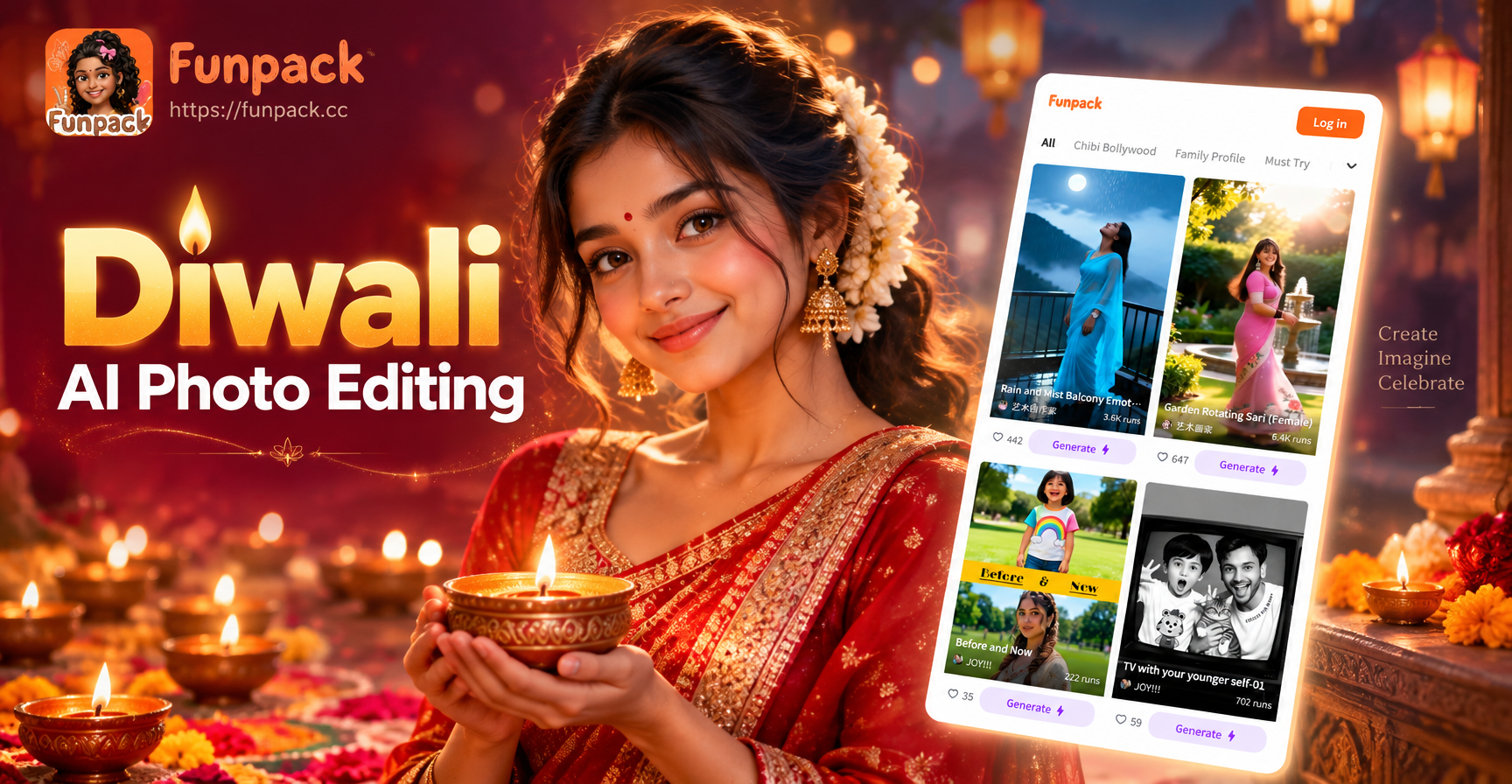
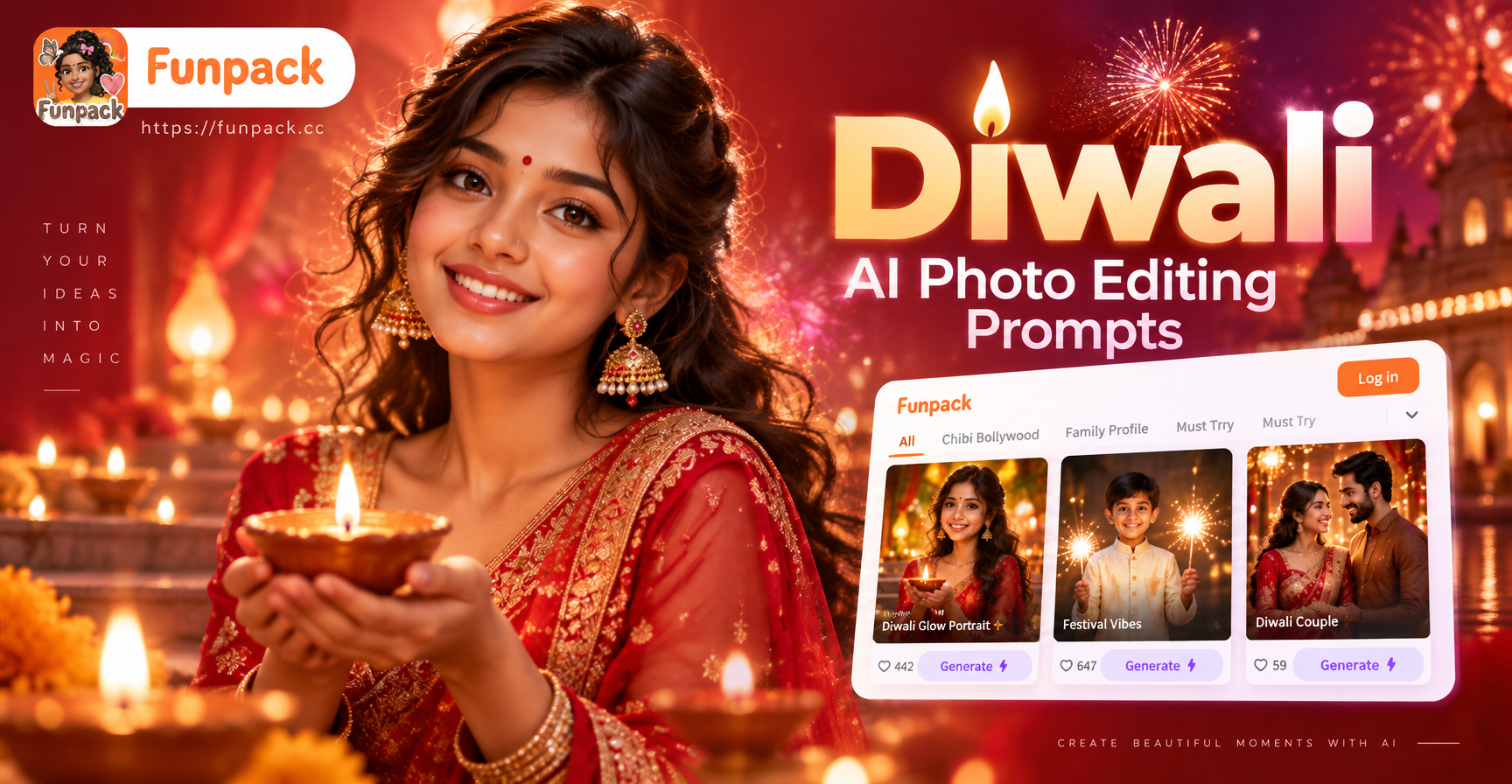
Diwali is a festival of light, color, and togetherness. Many people want to enhance their photos with festive elements like glowing diyas, intricate rangoli, traditional clothing, or celebratory fireworks. AI photo editing makes this quick and accessible. Instead of learning complex software, you can type a clear prompt and let the AI generate or edit the image for you. On funpack, you can upload a photo and use image-to-image editing with these prompts to add Diwali magic to your portraits, family pictures, or even product shots.
The right prompt is the key. A vague instruction like "make it Diwali themed" produces unpredictable results. A specific prompt like "add a warm golden diya glow to the background, softly blurred, while keeping the person in focus, traditional red and gold outfit, festive bokeh" gives the AI enough detail to work with. Below, you will find a collection of ready-to-use prompts, plus advice on adapting them to your own images.
What Makes a Good Diwali AI Photo Editing Prompt?
A strong prompt for Diwali photo editing should include three elements: the subject or area to edit, the specific festive details, and the desired mood or lighting. For example, instead of "add decorations", try "add a brass diya with a bright flame on the window sill, warm orange glow reflecting on the wall, cozy festive atmosphere". The more concrete the visual, the better the AI can follow it. Also, mention color schemes (gold, red, marigold orange, deep blue night sky) and lighting (candlelight, string lights, soft golden hour) to guide the edit. Finally, if you are using image-to-image, you can tell the AI what to preserve, such as "keep the person's face and pose unchanged, only add the festive background".
Below are 30 prompts organized by category. You can use them directly in funpack's image-to-image feature or as inspiration for text-to-image generation. Each prompt is written to be copied and pasted, but feel free to adjust details like the number of diyas, the type of outfit, or the background setting.
Essential Diwali AI Photo Editing Prompts
Traditional Attire and Portrait Prompts
Use these prompts to dress up a portrait in festive clothing or enhance an existing outfit.
- Transform the person into a traditional Diwali look with a rich red and gold embroidered saree, gold jewelry, and a small bindi, soft studio lighting, warm golden backdrop.
- Add a elegant kurta and Nehru jacket with intricate gold buttons to the man in the photo, deep maroon color, festive background with string lights.
- Enhance the portrait by adding a glowing diya on the palm, soft flame light illuminating the face from below, traditional attire, dark background for contrast.
- Change the outfit to a bright yellow and orange lehenga with mirror work, add matching bangles and earrings, keep the person's smile and pose unchanged.
- Add a royal Diwali look with a turban and sherwani, gold embroidery, palace background with hanging marigold garlands.
Festive Background and Decor Prompts
These prompts focus on adding or replacing backgrounds with Diwali decorations.
- Replace the background with a beautiful Diwali setup: a wooden table with brass diyas, marigold flowers, and a small rangoli, warm candlelight, soft bokeh from string lights.
- Add a festive living room background with hanging paper lanterns, colorful torans on the door, and a glowing rangoli on the floor, keep the subject in the foreground sharp.
- Create a dreamy Diwali night background with countless floating diyas on a river, reflections sparkling, deep blue sky with soft fireworks.
- Add a vibrant market scene during Diwali with glowing shops, strings of marigold and lights, and festive shoppers in the background, keep the main person clear.
- Turn the plain wall behind the person into an elegant backdrop of red and gold curtains with ornate Diwali patterns and soft candle sconces.
Lighting and Diya Glow Prompts
Diwali is all about light. These prompts enhance the glow and warmth.
- Add a warm golden diya glow to the entire photo, as if lit by dozens of oil lamps, create a cozy festive atmosphere with soft shadows and orange highlights.
- Enhance the candlelight on the person's face, add a gentle flickering effect to the diya flames, brighten the eyes with festive light reflections.
- Replace harsh flash lighting with soft, warm Diwali lighting from multiple diyas and string lights, create a natural, inviting portrait.
- Add a subtle golden sparkle and glow around the edges of the photo, like festive bokeh from fairy lights, keep the subject sharp.
- Turn the background into a dark night with a large glowing full moon and hundreds of diyas covering the ground, creating a magical Diwali scene.
Rangoli and Artwork Prompts
Rangoli adds color and tradition. Use these to include them in your edits.
- Place a large colorful rangoli with flower petals and geometric patterns at the entrance of the photo, bright colors, keep the person standing beside it.
- Add a detailed rangoli design in the foreground of a family photo, made of colored powder and flower petals, vibrant and symmetrical.
- Transform the floor into a Diwali rangoli art canvas with glowing outlines, traditional peacock and lotus motifs, soft overhead lighting.
- Add a floating rangoli pattern overlay to the background, subtle and artistic, in red, gold, and white, while keeping the main subject in focus.
- Create a close-up of hands drawing a rangoli with colored powder, the rest of the photo softly blurred, warm afternoon light.
Fireworks and Celebration Prompts
Fireworks bring excitement. Use these for dynamic edits.
- Add colorful fireworks exploding in the night sky behind the person, bright reds, greens, and golds, reflections on the face, festive energy.
- Enhance the photo with a grand firework display over a city skyline during Diwali, keep the subject in the foreground looking up in wonder.
- Add sparkler effects in the person's hand, writing "Happy Diwali" in the air with light trails, dark background, joyful expression.
- Create a background of continuous soft fireworks like falling golden sparks, elegant and dreamy, while keeping the photo well lit.
- Turn the entire scene into a celebration with multiple firework bursts, confetti, and glowing diyas, but keep the main person clearly visible.
Family and Group Photo Prompts
Diwali is about togetherness. These prompts work well for group edits.
- Enhance the family photo by adding coordinated festive outfits for everyone, warm lighting, a decorated home background with diyas and marigold.
- Add a large rangoli and diya arrangement in the foreground of a group photo, keep all faces sharp and evenly lit, festive atmosphere.
- Transform the group photo into a candid moment of lighting diyas together, soft golden glow on everyone's faces, joyful expressions.
- Add a Diwali dinner table setting with traditional sweets and decorations behind the family, warm and inviting, keep the group in focus.
- Create a festive backdrop for a wedding style family portrait during Diwali: red and gold drapes, hanging lanterns, and a glowing floral arrangement.
How to Adapt These Prompts for Your Own Photos
Every photo is different. A prompt that works for one portrait may need tweaks for a group shot or a different background. Start by identifying what you want to change: the outfit, the background, the lighting, or adding props. Then select the prompt closest to your goal and replace the descriptive parts. For example, if the prompt says "red saree" but your photo has a person in blue, change the color to blue or pick a different garment. If the prompt includes "night sky" but your photo was taken indoors, change it to "warm indoor lighting" or "decorated room". The more you align the prompt with the actual photo content, the better the AI edit will look.
You can also combine prompts. For instance, take a lighting prompt about diya glow and combine it with a background prompt about a festive market. Just make sure the combined description remains clear and not contradictory. Avoid asking for both "bright daylight" and "dark night" in the same prompt. Also, keep the main subject description consistent. If you are editing a person, mention "keep the person's face and pose unchanged" to avoid the AI altering the subject unexpectedly.
Common Mistakes and How to Improve Your Diwali AI Edits
One common mistake is using too many competing elements. A prompt like "add diyas, rangoli, fireworks, traditional outfit, and a palace" might confuse the AI and produce a cluttered image. Pick one or two main changes and keep the rest simple. Another mistake is ignoring lighting. Diwali photos need warmth. If your edit looks flat, add a prompt about "warm golden glow" or "soft candlelight". If the edit makes the person's skin look unnatural, specify "maintain natural skin tone" or "soft lighting on face".
Sometimes the AI may add unwanted artifacts, like extra fingers or distorted diyas. In that case, refine the prompt with more precise descriptions, such as "single diya with a small steady flame" or "symmetrical rangoli pattern". You can also run the edit twice, using the first result as a new input and applying a second prompt for cleanup. In funpack, you can adjust the style template before generating. Choose a realistic photo filter for portrait edits or an artistic filter for rangoli and background changes.
Tips for Using Funpack for Diwali Photo Editing
Funpack is a mobile app available on Google Play. It supports image-to-image editing, so you can upload your Diwali photo and apply these prompts directly. To get the best results, choose a clear, well lit original photo. Then select a style template that matches the mood you want: realistic for portraits, cinematic for dramatic diya glow, or artistic for rangoli overlays. After entering the prompt, you can generate multiple variations and pick the one you like most. The app also lets you generate Diwali themed images from text alone, which is useful for creating greeting cards or social media posts.
Remember, these prompts are starting points. The true magic happens when you experiment. Change a color, add a garland, move the light source. With practice, you will develop your own favorite Diwali prompt combinations. Download funpack and start turning your ordinary photos into glowing festival memories.