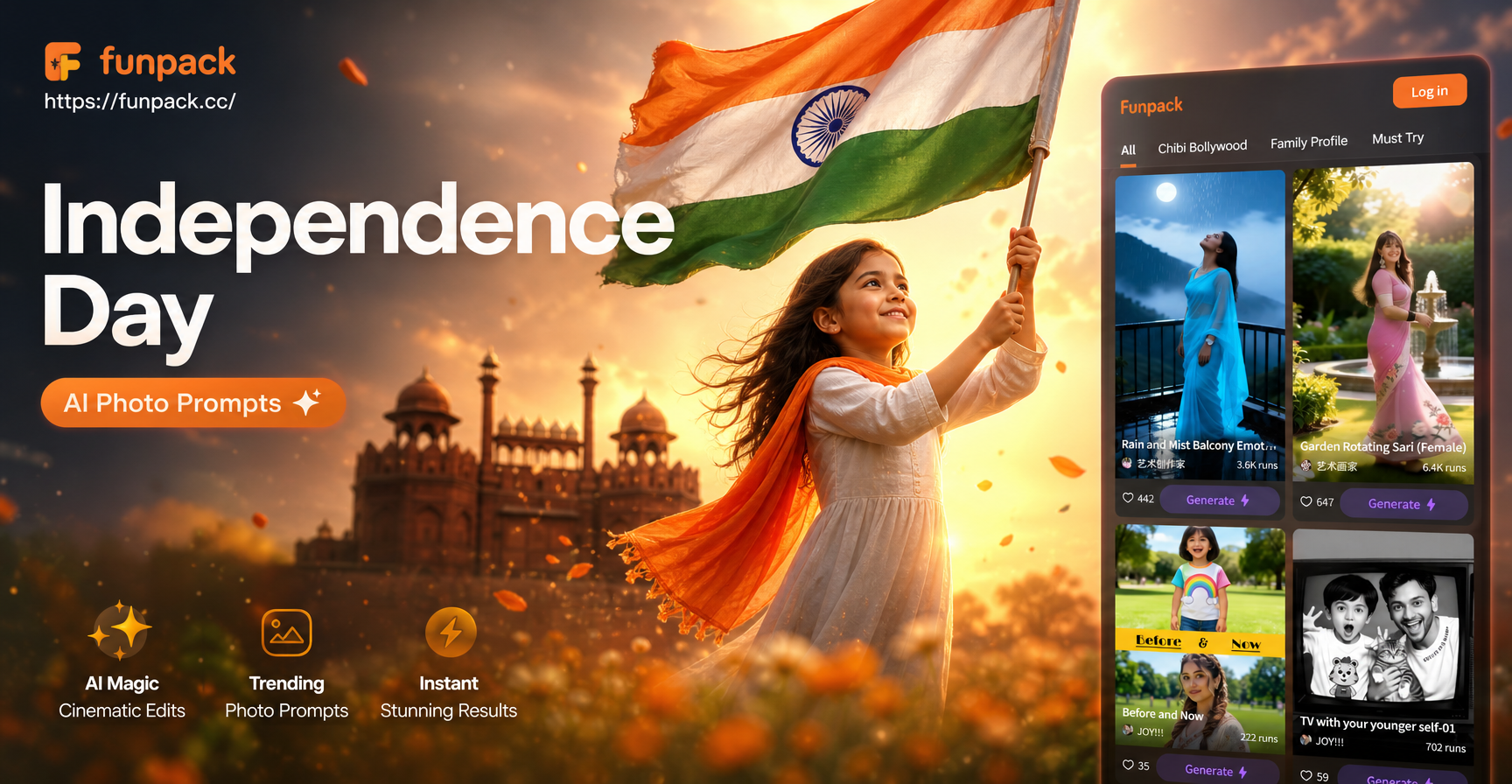
If you are looking for Independence Day AI photo editing prompts, this guide gives you ready to use prompt ideas for July 4th portraits, fireworks backgrounds, family BBQs, pets, and creative styles. Each prompt is written to keep your original face and subjects intact while adding the colors, light, and atmosphere of Independence Day. You can paste any prompt into an AI image editing app such as funpack after uploading your photo. The goal is to help you create a polished and shareable July 4th image without spending hours learning complex photo tools.
Why Specific Prompts Matter for July 4th Edits
Generic AI prompts often produce flat results because the model has too much freedom. A weak prompt like add fireworks may place bursts in the wrong spot or distort your face. A specific prompt tells the AI what to preserve, what to add, where to place it, and what mood to create. For Independence Day photo editing, the strongest prompts include a clear subject, a patriotic color palette, a light source, and a style description. This gives you consistent, shareable results instead of a random red white and blue filter.
Independence Day AI Photo Editing Prompts for Portraits
These prompts work well for selfies, headshots, and profile photos. Keep your face clear and front facing when you upload the image.
- Transform my close up portrait into an Independence Day celebration shot. Keep my facial features exactly the same and add a soft American flag bokeh background, warm golden hour light, a small sparkler glow near my shoulder, and red white and blue color grading. Use realistic photography with clean skin texture.
- Make this photo look like a July 4th picnic portrait. Preserve my face and body shape, put me in a red white and blue outfit, and place me in a grassy park with fireworks far in the sky and string lights overhead. Keep the image natural, high detail, and editorial in style.
- Edit my portrait into a vintage Americana July 4th photo. Keep my expression unchanged, apply faded Kodachrome film tones, and add a 1960s diner background with flag bunting. Use soft grain and a clean composition.
- Change the background of my selfie to a rooftop firework viewing party on Independence Day. Keep my face and hair sharp, add colorful firework bursts and a city skyline under blue hour light. Do not add text.
- Add a red white and blue light streak effect to my profile photo for July 4th. Preserve my face shape and hair, keep the photo realistic, and use long exposure light trails against a dark background with high contrast.
- Turn my headshot into a proud Independence Day themed portrait. Add a subtle American flag print on my shirt, soft studio light, and a neutral background. Keep my hair natural and skin texture realistic.
Fireworks and Night Sky Prompts
Fireworks are the most requested July 4th effect. Use these prompts to replace the background or add a display without changing your face.
- Replace the background of my photo with a dense firework display over a small town on July 4th. Keep the foreground subjects clear and add reflections of red white and blue bursts on their faces. Use a deep blue night sky and photorealistic detail.
- Add fireworks behind my family in this photo without changing their faces or positions. Use red white and blue fireworks with light smoke and a festive night setting. Keep the people in sharp focus.
- Turn this daytime photo into a night scene with sparklers and Independence Day fireworks. Add a warm sparkler glow in the subject's hand, cool night sky, and soft shadows while keeping the original face unchanged.
- Create a cinematic July 4th scene with my portrait in front of a giant firework burst. Keep my face natural, add a symmetrical burst with lens flare, and use a teal and orange color grade in a wide shot.
- Add a quiet small town street scene behind me with firework bursts above rooftops. Keep my face and pose the same, use blue hour light, stars, and a red white and blue color palette.
Backyard BBQ and Family Gathering Prompts
July 4th is often a group celebration. These prompts help you add festive details to family photos while preserving every person's face and pose.
- Edit this family photo into a patriotic backyard BBQ scene. Add a red white and blue tablecloth, light grill smoke, string lights, and small paper flags while keeping everyone's faces and poses exactly the same. Use golden hour light.
- Transform this group photo into a July 4th block party snapshot. Add bunting, confetti, and a distant firework burst while preserving natural laughter and candid expressions. Use a documentary style.
- Make this kids table photo look like an Independence Day craft party. Add red white and blue decorations, small flags, painted stars, and natural indoor light while keeping the children's faces unchanged.
- Add a vintage picnic setup behind my photo for July 4th. Use a checkered blanket, wicker basket, apple pie, and small American flags with warm sunlight and film photography tones.
Pets and Kids Prompts
Pets and kids make adorable July 4th subjects. These prompts keep their unique features intact while adding a safe, festive look.
- Edit my dog photo into a cute Independence Day portrait. Keep the dog's fur and face natural, add a red bandana and a small flag softly blurred behind, with bright daylight and a joyful mood.
- Add a tiny American flag bow tie to my cat and place it in a July 4th themed room. Keep the cat's eyes and fur realistic, add bokeh lights and a red white and blue banner, and avoid any distortion.
- Turn my child's photo into a playful July 4th postcard. Add a sparkler in the child's hand, a small flag pin on the shirt, and soft evening light. Keep the face exactly the same and do not add text.
- Transform my pet into a vintage Independence Day poster illustration. Preserve the pet's shape, use retro muted colors, stars and stripes motifs, and a subtle paper texture.
Stylized and Creative Prompt Ideas
If you want more than a realistic edit, these prompts push the style into illustration, cinematic, or fantasy territory while still honoring the July 4th theme.
- Convert my photo into a 3D clay style July 4th celebration. Keep my main features recognizable, add small clay firework figures, flag bunting, cheerful colors, and shallow depth of field.
- Make a Ghibli style Independence Day scene from my portrait. Keep my face softened but recognizable, add a peaceful night sky with fireworks over a grassy hill, warm lanterns, and soft pastel colors. Do not add text.
- Edit my photo into a watercolor July 4th greeting card. Use loose red white and blue washes, a flag silhouette, and stars with minimal outlines while keeping my portrait as a soft focal point.
- Create a cyberpunk July 4th portrait with neon red and blue lighting, a futuristic flag hologram, firework streaks, and reflective sunglasses. Preserve my face structure and keep the image sharp.
How to Use These Prompts in funpack
funpack is a mobile AI design app that supports image to image editing and style templates. The workflow is simple.
- Download funpack from Google Play.
- Open the app and upload your July 4th photo.
- Choose image to image or a style template.
- Paste one of the prompts above into the prompt box.
- Generate and save your result.
You can try the same prompt with different style filters to see which version fits your photo best. Keep your original photo clear and well lit for the most accurate face and background preservation.
How to Adapt Any Prompt for Your Photo
These prompts are starting points. You can change them to match your exact image and mood.
- Replace close up portrait with full body shot if your photo shows more of the scene.
- Swap the background details to match your actual location, such as a lake, porch, or city street.
- Change the film tone or style from vintage to editorial, cinematic, or documentary.
- Always add keep my face unchanged or preserve the original pose to force identity retention.
- Mention exact colors and the light source, such as golden hour, blue hour, or soft studio light.
Common Weak Results and How to Fix Them
If your first edit looks off, do not start over. Adjust the prompt with these fixes.
- Distorted faces: add keep my face natural and use a clear front facing photo.
- Fake looking fireworks: specify photorealistic, soft smoke, blue hour, and face reflections.
- Harsh red white and blue tones: ask for muted or vintage film tones.
- Unwanted captions or logos: end the prompt with no text.
- Subject replaced by the background: add keep original pose and position.
Quick Prompt Formula for July 4th Edits
Use this formula to write your own Independence Day AI photo editing prompt.
[Subject] + [action or placement] + [red white and blue elements] + [lighting and time] + [style or camera tone]
For example, a full body shot of my family standing on a porch with flag bunting and sparklers at dusk in a vintage film style.
These Independence Day AI photo editing prompts cover portraits, fireworks, family moments, pets, and stylized looks. Copy the ones that match your image and run them in funpack with your own photo. Adjust a few words to fit your scene and keep your face consistent. With a clear prompt and a good source photo, you can create a polished July 4th edit in seconds.