Introduction: The Power of a Good Prompt
Social media moves fast. You have a fraction of a second to stop someone from scrolling. That means your visuals need to be striking, relevant, and perfectly tailored to your brand. AI image generators can help you create these visuals in minutes, but they are only as good as the prompts you feed them. A vague prompt like "a nice picture of a coffee" will give you a boring result. A detailed prompt that describes the mood, lighting, style, and composition will give you a masterpiece. This guide breaks down how to write effective prompts for AI image generators specifically for social media. We will cover the anatomy of a great prompt, platform-specific strategies, and common mistakes to avoid. By the end, you will be able to generate images that look like a professional designer made them.
Why Social Media Needs AI-Generated Images
Creating a consistent stream of high-quality content is hard. You need graphics for posts, stories, ads, and profile updates. Hiring a designer for every single asset is expensive and slow. Stock photo sites are convenient, but the images are often generic and overused. AI image generators solve this problem by giving you unlimited, unique visuals on demand. You can generate a custom illustration for a blog post, a stylized product shot for an ad, or a surreal background for a quote card. The key is learning how to direct the AI. A well-written prompt is a creative brief. It tells the AI exactly what you want to see, from the subject and setting to the color palette and artistic style.
Anatomy of a High-Performing AI Image Prompt
Most AI image generators respond well to structured prompts. You do not need to write a novel, but you should include several key elements. A good prompt typically contains a subject, an action or pose, a setting, a style, and a lighting or mood descriptor.
1. Be Specific About the Subject
Start with the main focus of your image. Instead of "a person," try "a young woman with curly red hair wearing a mustard yellow turtleneck." Instead of "a building," try "a brutalist concrete building with a glass entrance." The more specific your subject description, the more control you have over the result. If you are promoting a product, describe it in detail. For example, "a matte black ceramic coffee mug with steam rising from the top."
2. Describe the Action and Emotion
A static subject is boring. Tell the AI what your subject is doing and how they feel. Are they laughing, concentrating, jumping, or looking thoughtfully into the distance? For a social media post, emotion drives engagement. "A smiling woman holding a mug with both hands, looking out a rainy window, feeling cozy" is much more compelling than "a woman with a mug."
3. Set the Scene and Context
Where is your subject? What is in the background? A subject floating in a void looks artificial. Ground your image in a specific environment. "Sitting at a wooden table in a sunlit kitchen" or "standing on a rooftop at night with city lights blurred in the background." This context helps the AI build a believable scene and gives your image a narrative quality that works well on social media.
4. Specify the Art Style
This is where you can get creative. Do you want a photorealistic image, a 3D render, a watercolor painting, or an anime style? The funpack app offers millions of style filters, from Ghibli style to cyberpunk. You can specify the style directly in your prompt. For example, "photorealistic," "vintage film grain," "pastel watercolor illustration," or "isometric 3D render." Choosing the right style is crucial for brand consistency. If your brand uses a minimalist, flat illustration style, include that in every prompt.
5. Define Lighting and Mood
Lighting dramatically affects the feel of an image. Soft, diffused light feels calm and approachable. Harsh, direct light feels dramatic and intense. Golden hour light feels warm and nostalgic. Describe the lighting you want. Also, describe the overall mood. Words like "airy," "moody," "vibrant," "serene," and "energetic" help the AI understand the emotional tone you are going for.
Platform-Specific Prompt Strategies
Different social media platforms have different cultures and visual expectations. A prompt that works for LinkedIn might not work for TikTok. Here are some tailored strategies for the major platforms.
Instagram: Curated and Aesthetic
Instagram is all about the aesthetic. Your images need to look cohesive and high-end. Focus on prompts that emphasize color palettes and lifestyle. For example: "A flat lay of a skincare routine on a marble countertop, soft morning light, pastel pink and cream colors, minimalist aesthetic, photorealistic." This type of prompt generates images that fit perfectly into a curated Instagram grid.
TikTok: Bold and Attention-Grabbing
TikTok is fast and chaotic. Your image needs to stop the scroll instantly. Use prompts that generate bold colors, surreal concepts, and dynamic compositions. For example: "A person wearing a neon yellow jacket standing in a field of giant glowing flowers, cyberpunk style, high contrast, vibrant colors, dramatic lighting." This generates a visually striking image that stands out in a feed full of videos.
LinkedIn: Professional and Clean
LinkedIn is for professional networking. Your images should be clean, abstract, or educational. Avoid overly whimsical styles. Focus on prompts that generate professional illustrations or clean tech mockups. For example: "A 3D illustration of a team collaborating around a table, isometric view, flat design, soft blue and white color scheme, minimal detail." This type of image works well for articles or company updates.
Pinterest: Inspirational and Aspirational
Pinterest is a search engine for ideas. Users look for inspiration for projects, recipes, or home decor. Your images should be beautiful and inspirational. Use prompts that emphasize specific aesthetics. For example: "A cozy reading nook with a velvet armchair, warm string lights, a stack of books, a cup of tea, warm golden tones, hygge style, photorealistic." This creates an image that people will want to save and share.
Common Prompt Mistakes and How to Fix Them
Even with a good formula, it is easy to make mistakes. Here are some of the most common pitfalls and how to avoid them.
Being Too Vague
Mistake: "A dog."
Fix: "A golden retriever puppy sitting in a field of daisies, tongue out, golden hour backlight, warm tones, photorealistic." The more details you add, the better the result.
Overloading the Prompt
Mistake: "A woman with red hair and a blue dress and a hat and sunglasses holding a coffee and a phone and a bag standing on a beach with palm trees and a sunset and a boat in the distance and a dog running and a bird flying."
Fix: "A woman with red hair wearing a blue dress and sunglasses, holding a coffee on a sunny beach, palm trees in the background, golden sunset light." Keep your prompt focused on one or two main elements to avoid confusing the AI.
Ignoring Style and Mood
Mistake: "A plate of pasta."
Fix: "A plate of fresh tagliatelle with tomato sauce and basil, rustic wooden table, overhead shot, soft natural light, Italian trattoria atmosphere, photorealistic food photography." Adding style and mood transforms a generic object into a scene with atmosphere.
Using Contradictory Terms
Mistake: "A minimalist maximalist bedroom."
Fix: Pick one style and stick to it. "A minimalist bedroom with white walls, a low platform bed, and a single green plant." Contradictory instructions confuse the AI and produce muddled results.
Using funpack to Bring Your Prompts to Life
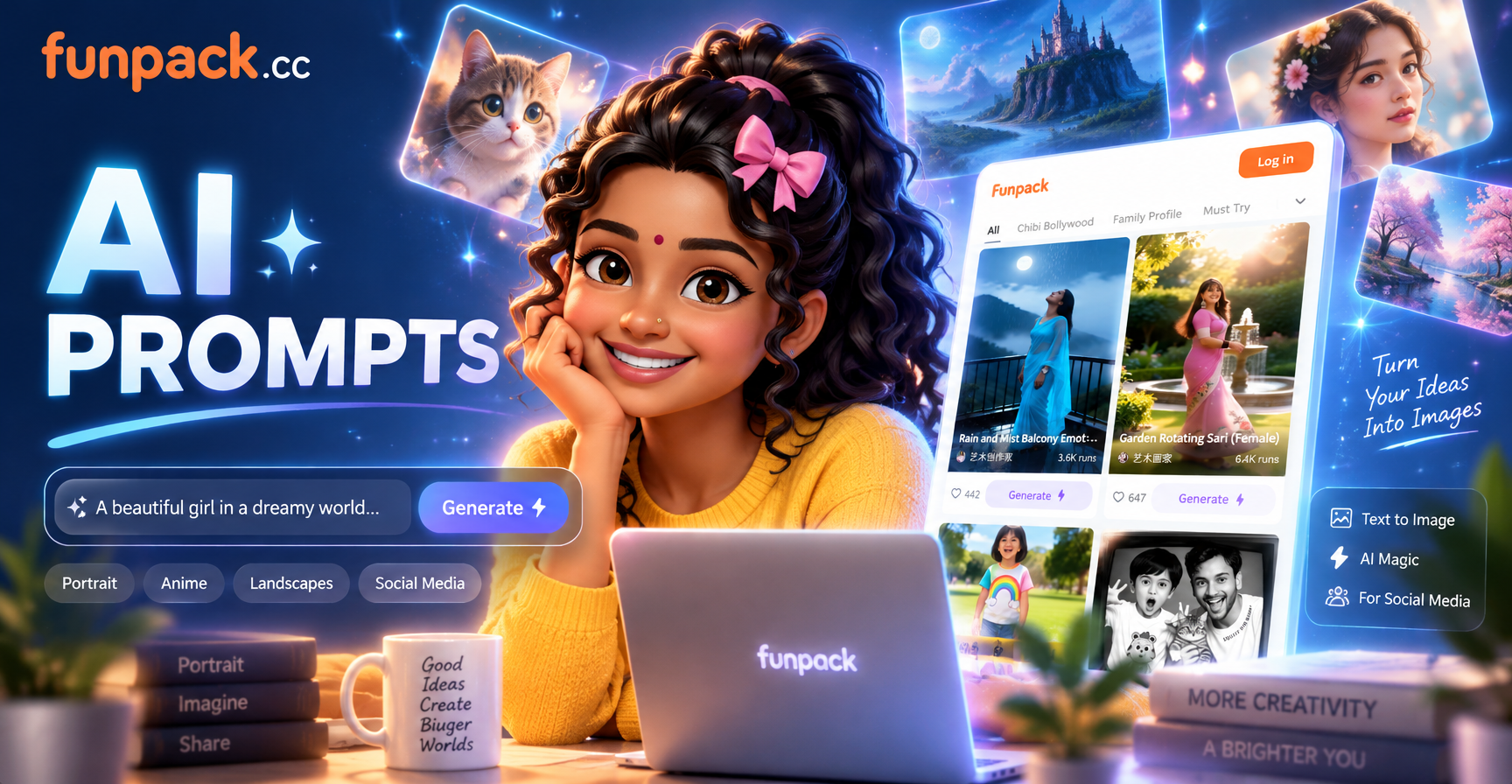
The funpack app is designed to make this process easy. It combines text-to-image generation with a massive library of style filters, so you do not have to be a prompt engineer to get great results. You can enter a simple description and then browse through over 1,000,000 style templates to find the perfect look. For example, you might enter "a portrait of a young man in a city" and then apply a Ghibli style filter or a cinematic film filter. The app also supports image-to-image generation, allowing you to upload a photo and transform it into a new style while preserving the subject's features. This is perfect for creating unique social media avatars or stylized product shots. The best part is that everything happens inside the mobile app. You type your prompt, choose your filter, and generate. It is that simple.
Conclusion: Start Creating Today
Mastering the art of the AI image prompt is the fastest way to level up your social media content. You do not need to be a professional designer or a copywriter. You just need to be specific, intentional, and willing to experiment. Start with a clear subject, add an action, set the scene, choose a style, and define the mood. Then, open the funpack app, type in your prompt, and choose from one of the millions of style filters. Within seconds, you will have a unique, high-quality image ready to post. Stop overthinking and start creating. Your next viral post is just a prompt away.