Add Bangs To Photo
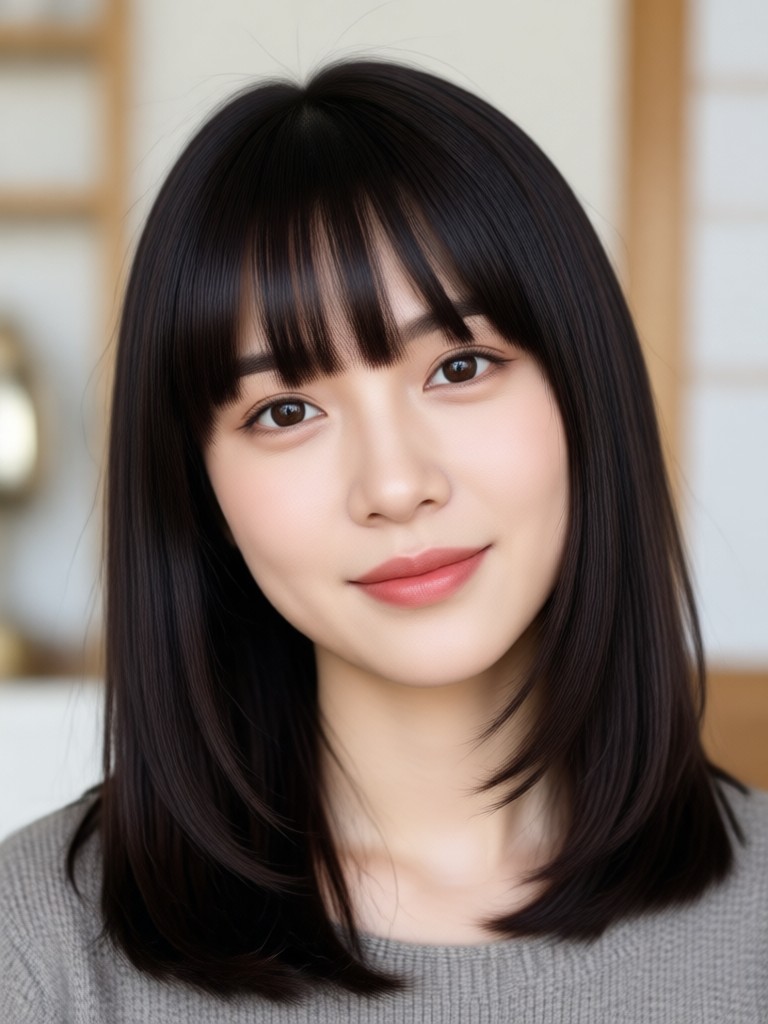
Choose the Bangs Style That Fits Your Face
Explore multiple bangs filters and find the fringe that flatters your face shape, hair texture, and personal style.
Why Use AI to Add Bangs to Photos
Experiment with bangs without the commitment. Our AI analyzes your selfie and overlays natural looking fringe that matches your hair color, lighting, and face angle.
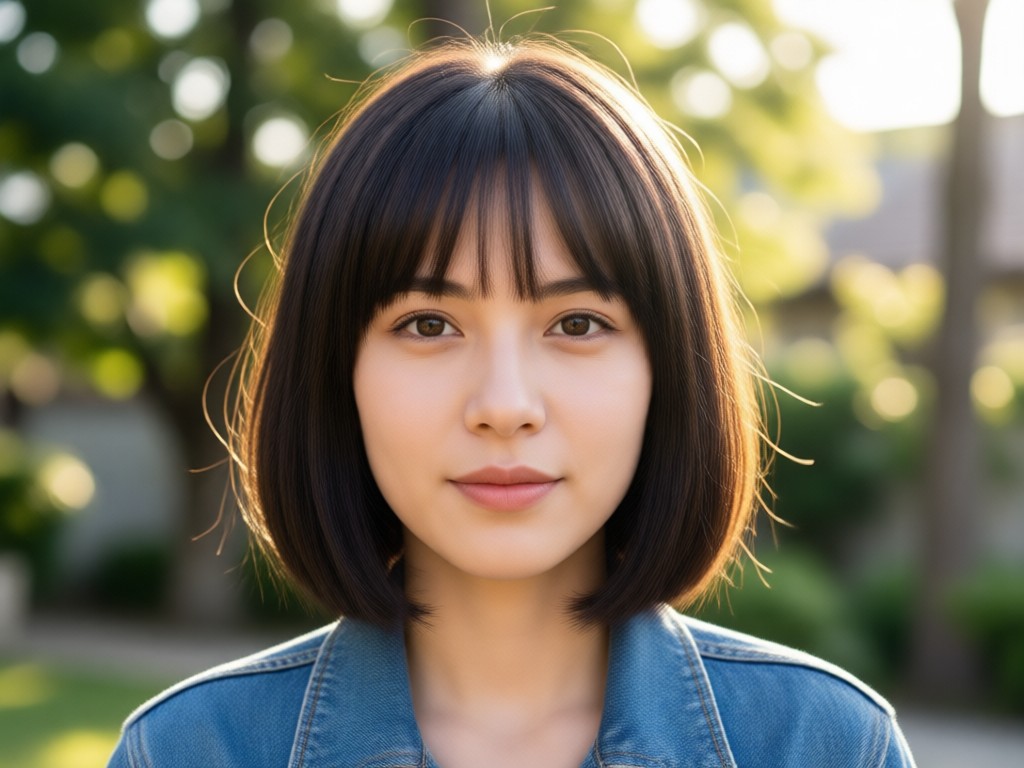
Realistic Hair Blending
AI maps your hairline and blends the bangs with your existing hair, avoiding the fake sticker look. Results look like an actual salon photo.
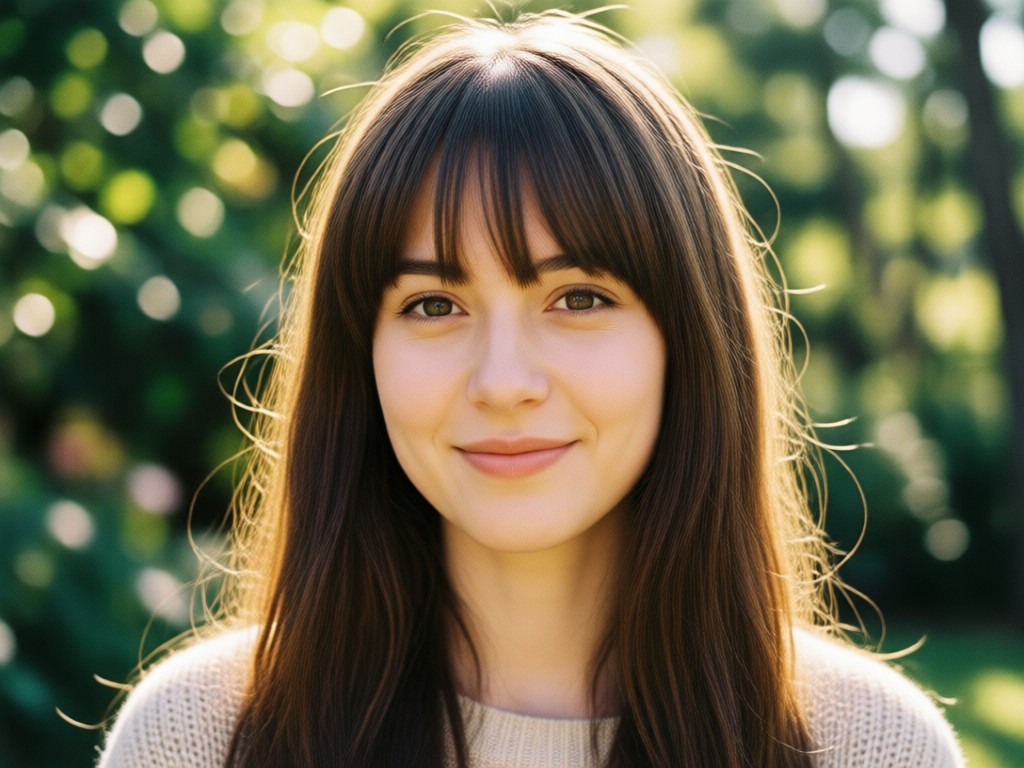
Multiple Bangs Styles
Choose from wispy, blunt, curtain, side swept, baby bangs, and more. Each style can be adjusted for length and density.
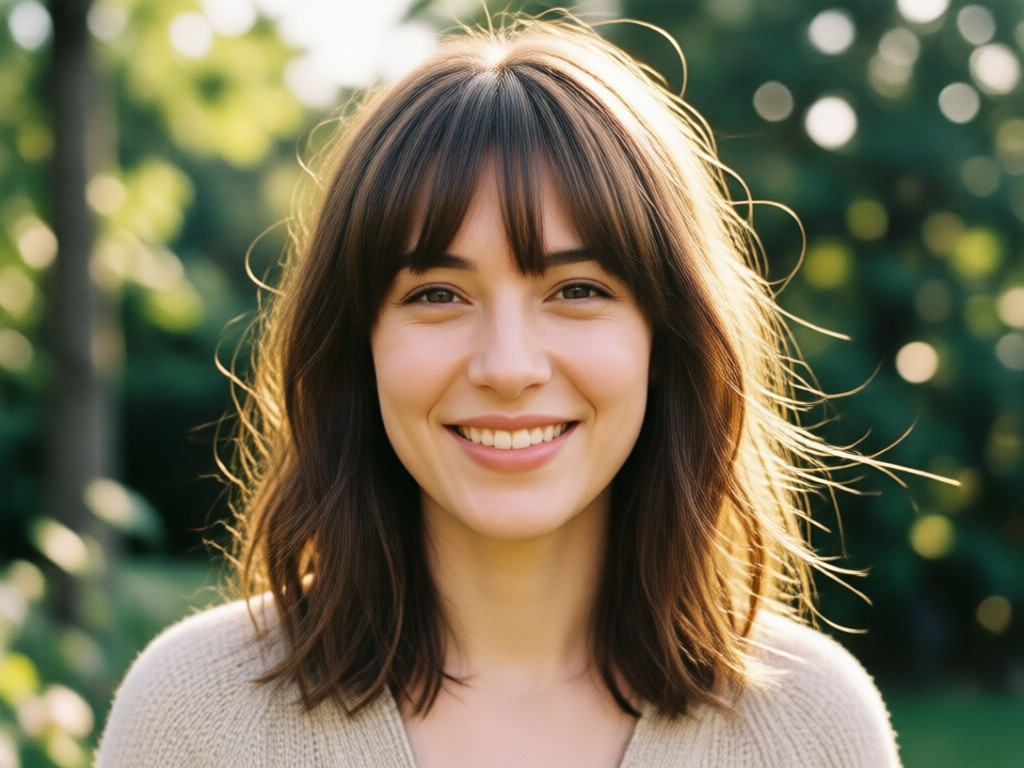
Instant Virtual Try On
No salon appointment or commitment needed. Upload one selfie and preview multiple bangs styles in under a minute.
How to Add Bangs to a Photo
Add bangs to any photo in three simple steps using the funpack app.

Step 01.
Download the funpack app from Google Play and open it on your phone.

Step 02.
Upload a clear front facing selfie and choose the Add Bangs filter from the hairstyle category.

Step 03.
Pick your favorite bangs style, generate the image, and save or share the result.
Popular Bangs Styles to Try
Browse the most requested bangs styles and see how each fringe changes your overall look.
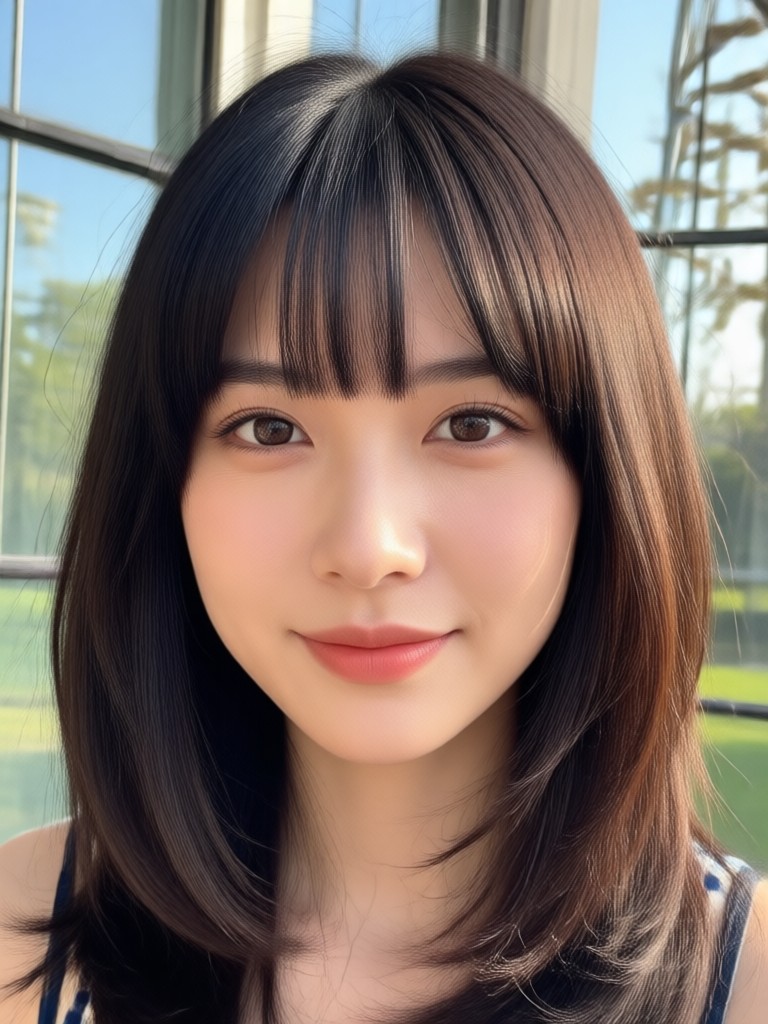
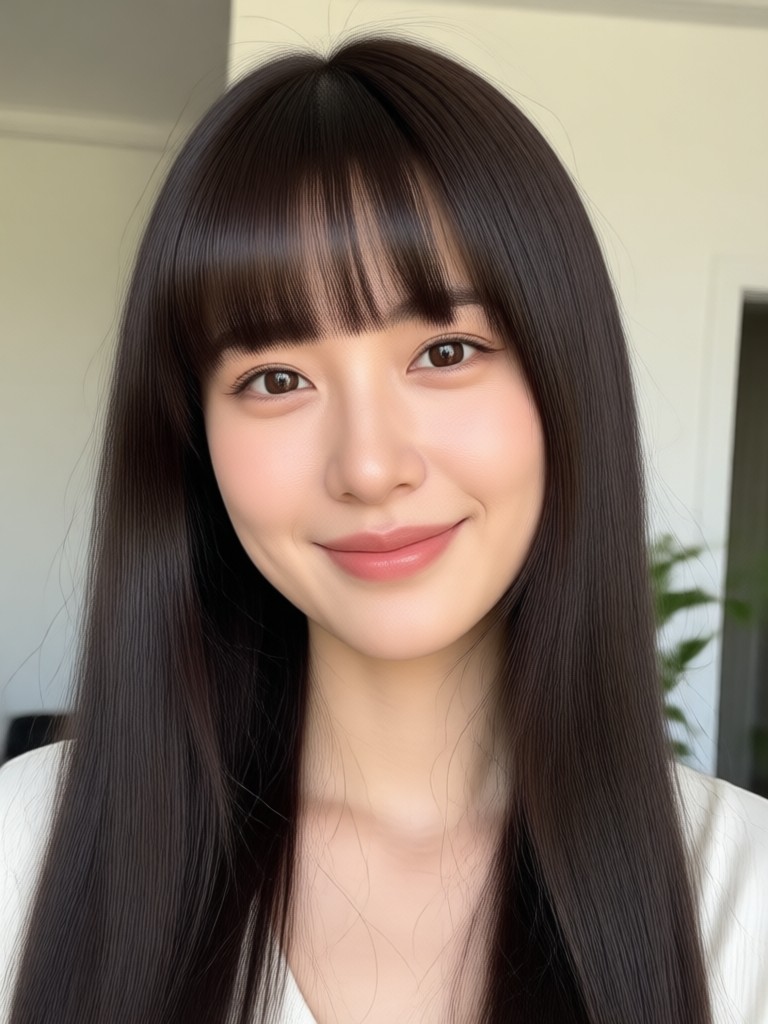
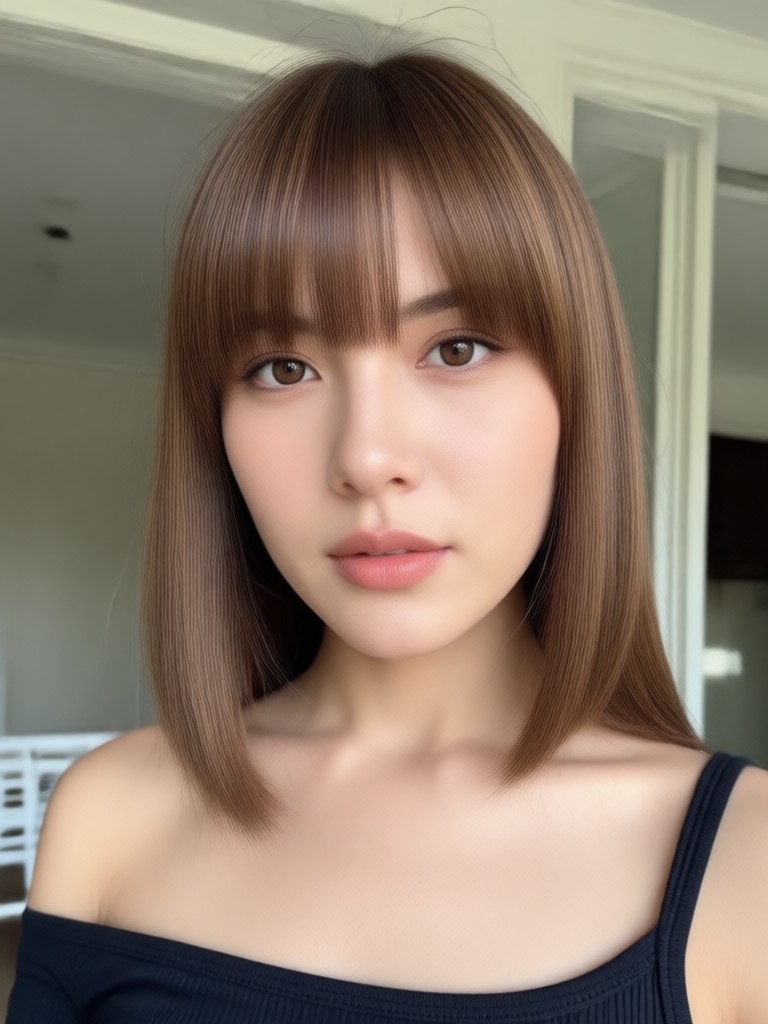
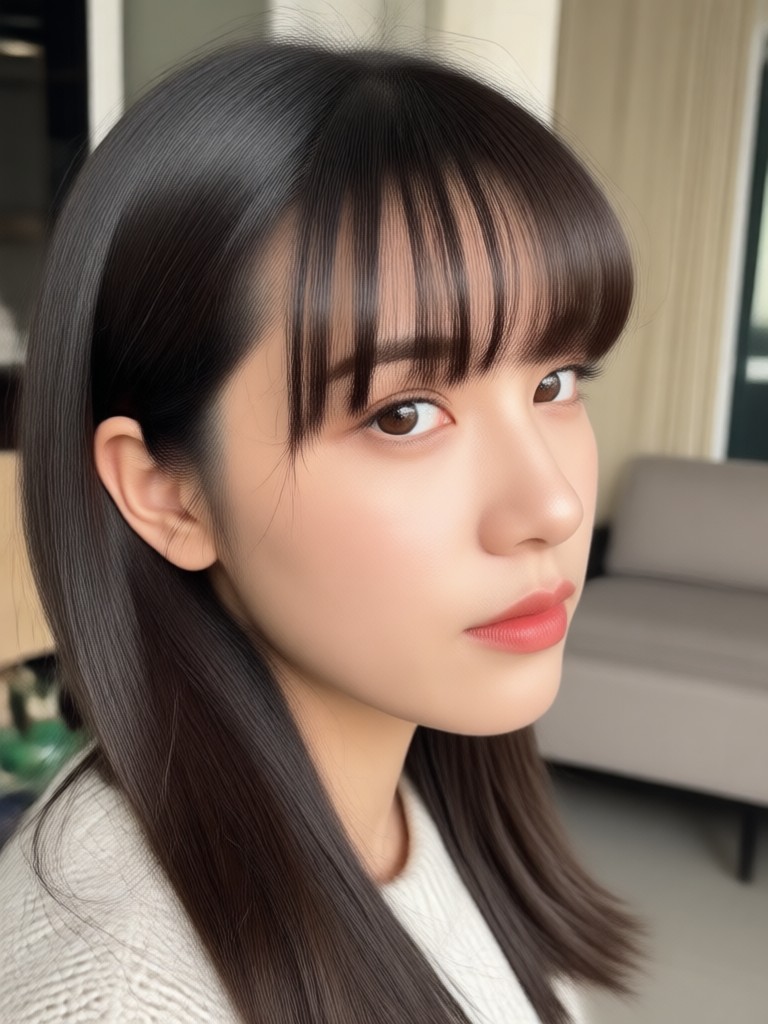
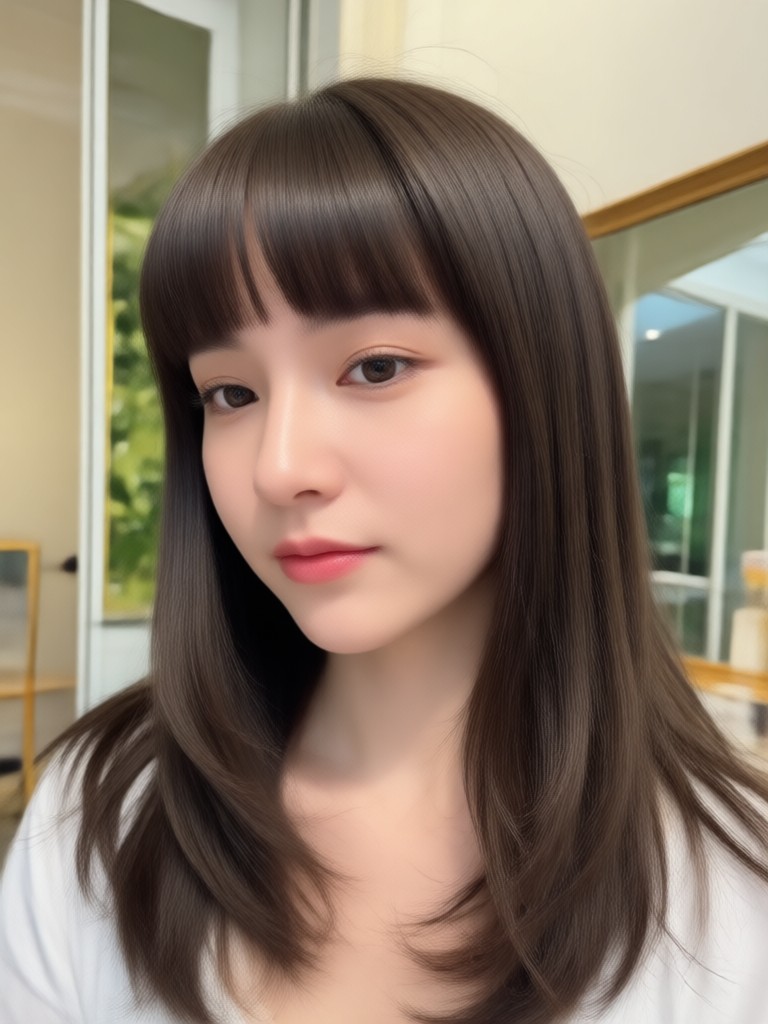
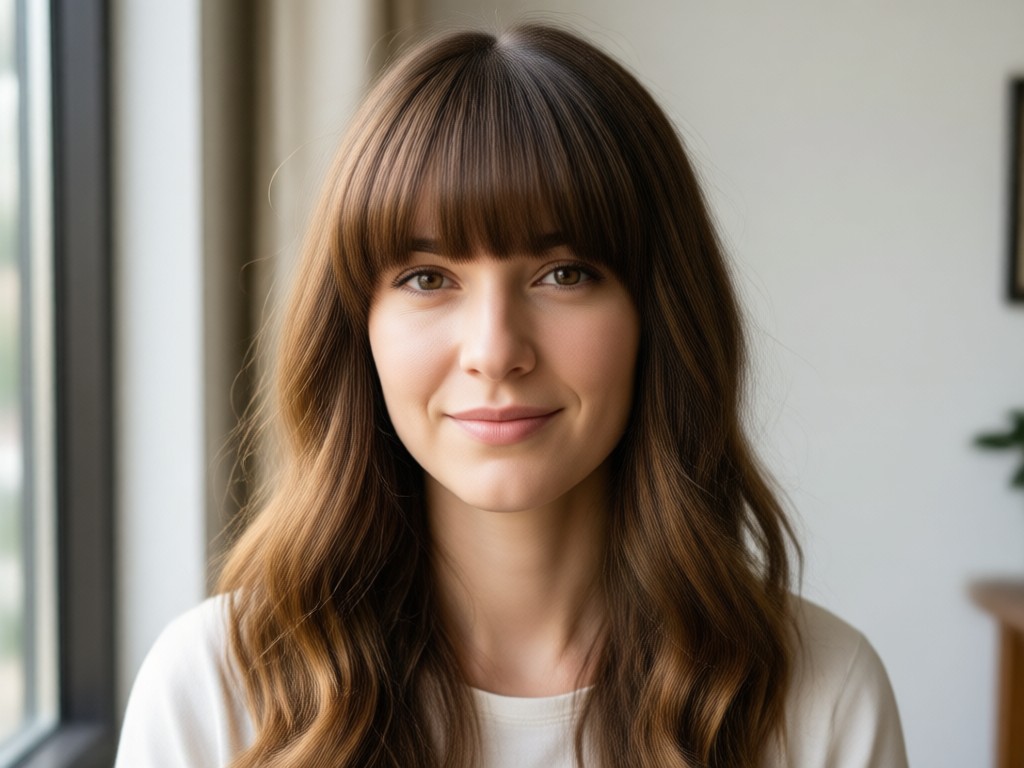
Safe Way to Test a New Hairstyle
Bangs grow out slowly. Avoid the regret of a bad fringe by testing your look first with AI. See exactly how your face shape changes before you book the salon appointment.
Safe Way to Test a New Hairstyle
Bangs grow out slowly. Avoid the regret of a bad fringe by testing your look first with AI. See exactly how your face shape changes before you book the salon appointment.
What People Say About Adding Bangs with funpack
Finally tried bangs without cutting my hair
I was terrified of bangs but this app convinced me. I uploaded a selfie and saw myself with curtain bangs. I bought a clip in fringe the same week.
Helped me decide before my salon visit
I showed my stylist the AI generated photo and she recreated the exact wispy bangs I wanted. No miscommunication.
The most realistic bangs filter I have used
Other apps put a black blob on my forehead. This one matched my hair color and even added natural flyaways. Looks like a real photo.
Frequently Asked Questions About Adding Bangs to Photos
Find clear answers about using AI to add bangs to your photo, including free options, privacy, and style variety.
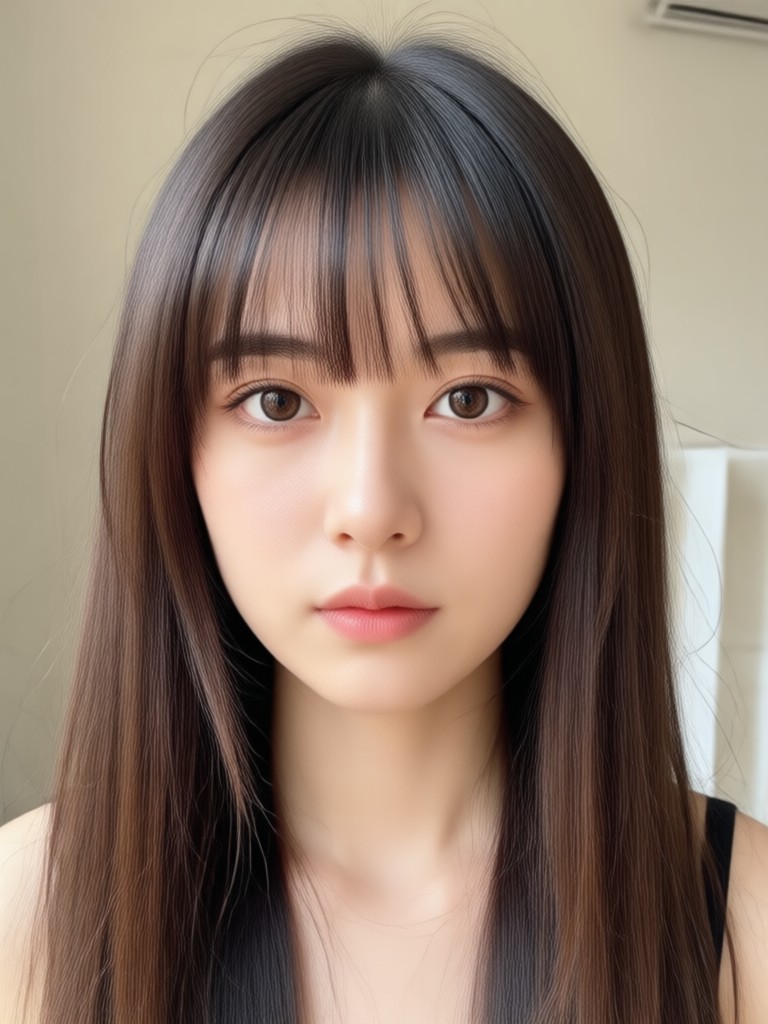
Add Bangs to Photo on Android
Download funpack from Google Play and instantly try bangs styles on your own selfies. No salon, no scissors, no commitment.

More Hairstyle Tools You May Like
Explore related AI beauty and hairstyle tools to further transform your look.
Remove Object Video: AI Eraser for Flawless Clips
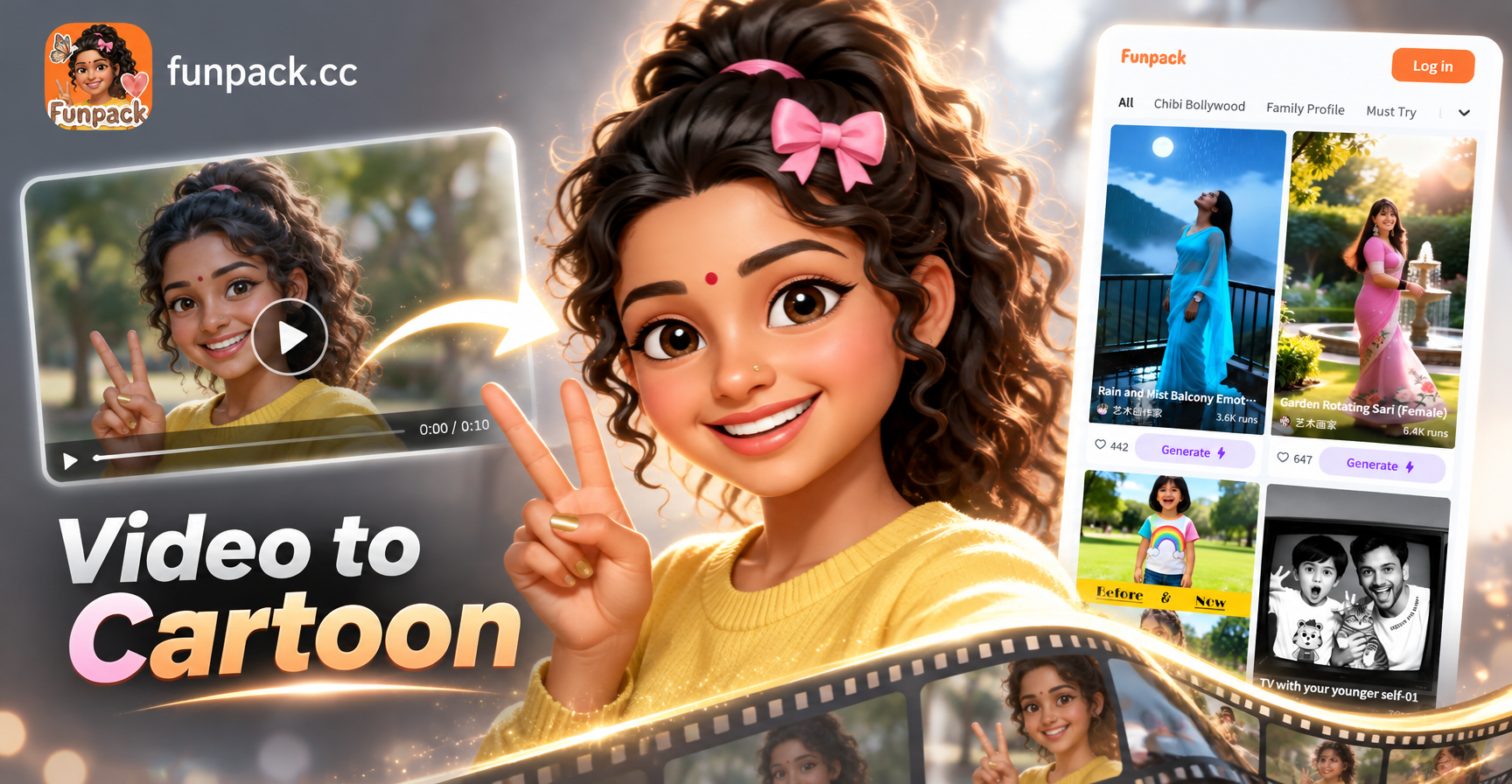
Convert Video Into Cartoon with AI: Easy Cartoon Video App
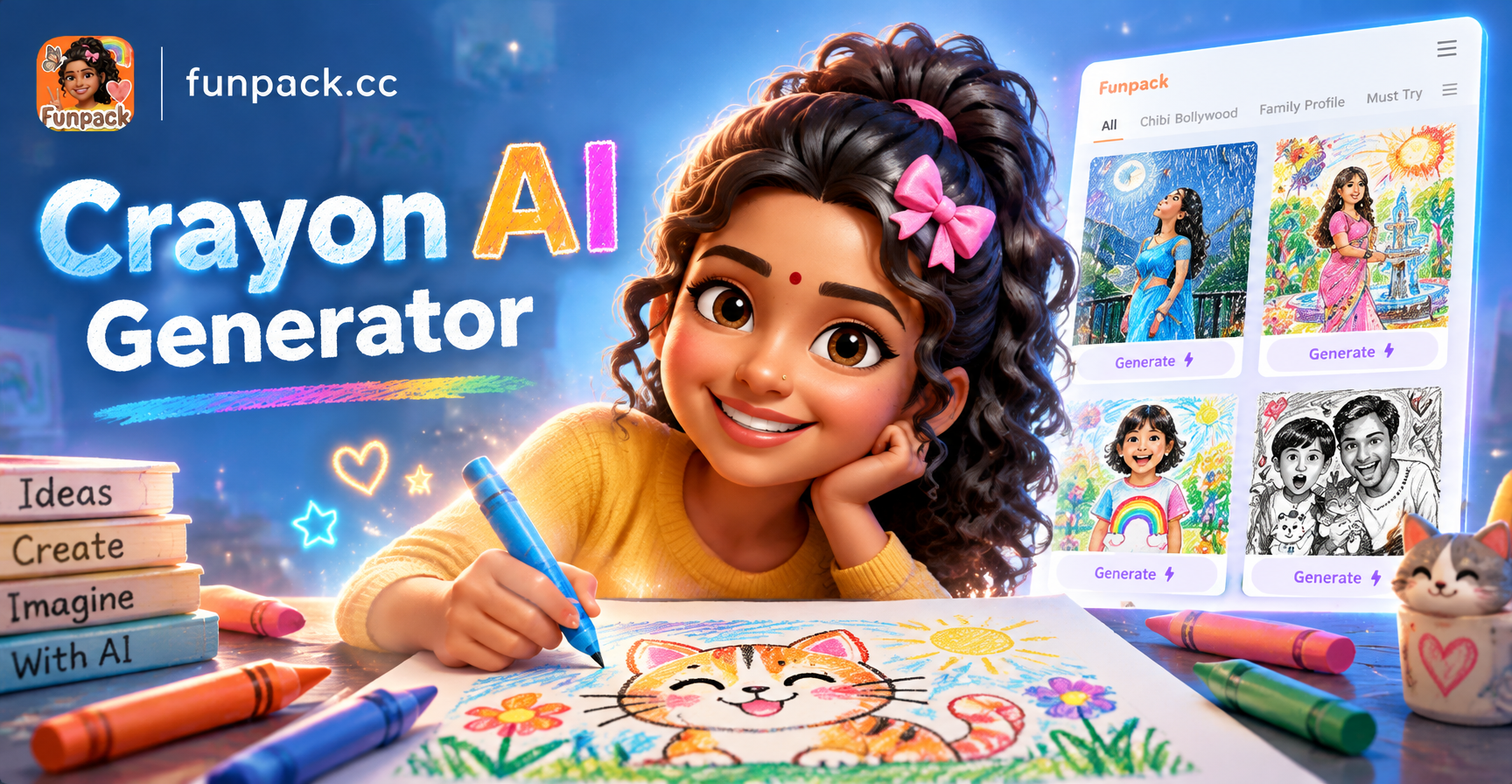
Crayon AI Generator: Turn Photos into Crayon Art
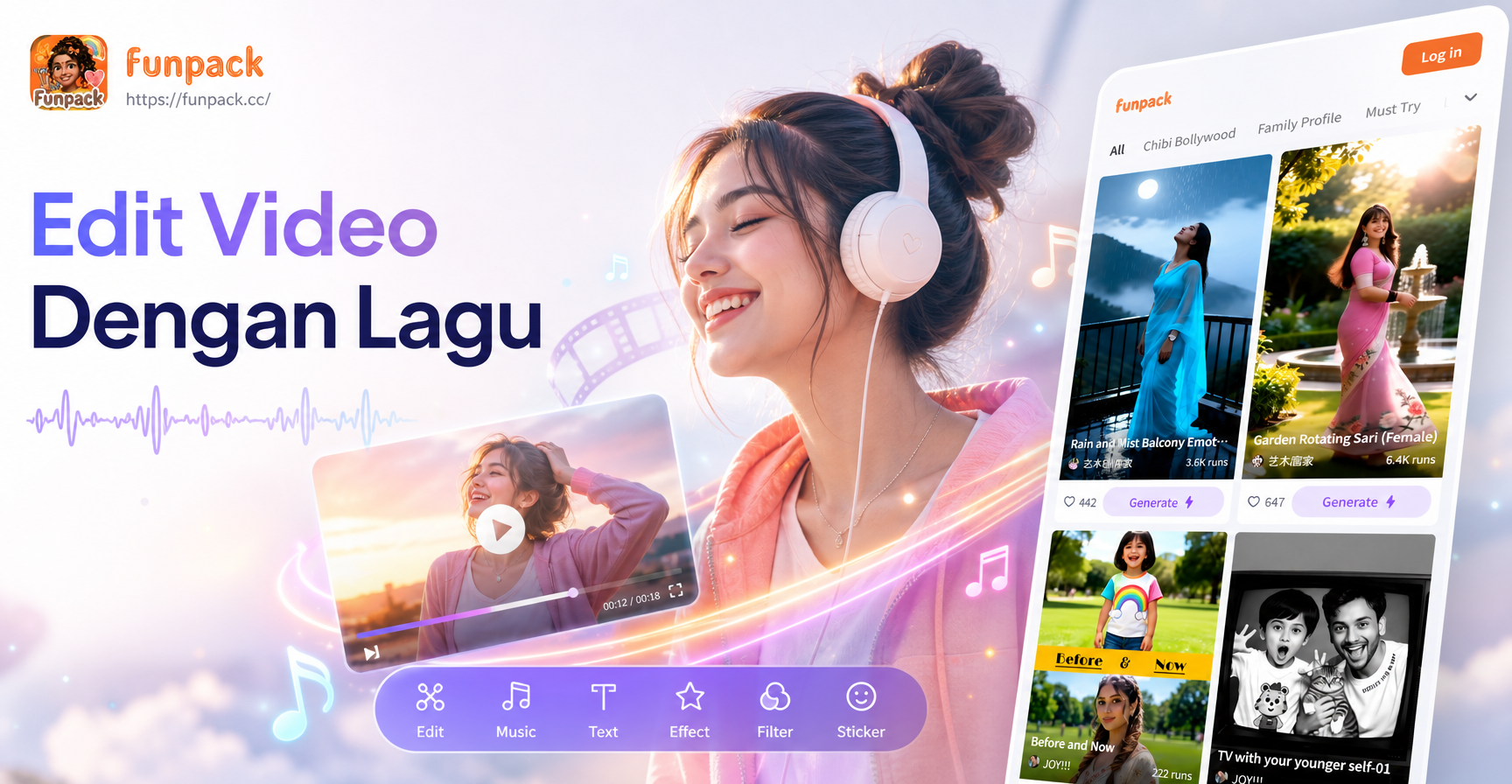
Edit Video Pakai Lagu: Ubah Konten dengan AI
Remove Object Video: AI Eraser for Flawless Clips
Convert Video Into Cartoon with AI: Easy Cartoon Video App
Crayon AI Generator: Turn Photos into Crayon Art
Edit Video Pakai Lagu: Ubah Konten dengan AI
Ready to See Your New Look?
Download funpack now and add bangs to your photo in under a minute. Try all the fringe styles you have been curious about and share your favorite look.
Ready to See Your New Look?
Download funpack now and add bangs to your photo in under a minute. Try all the fringe styles you have been curious about and share your favorite look.