Remove Object Video
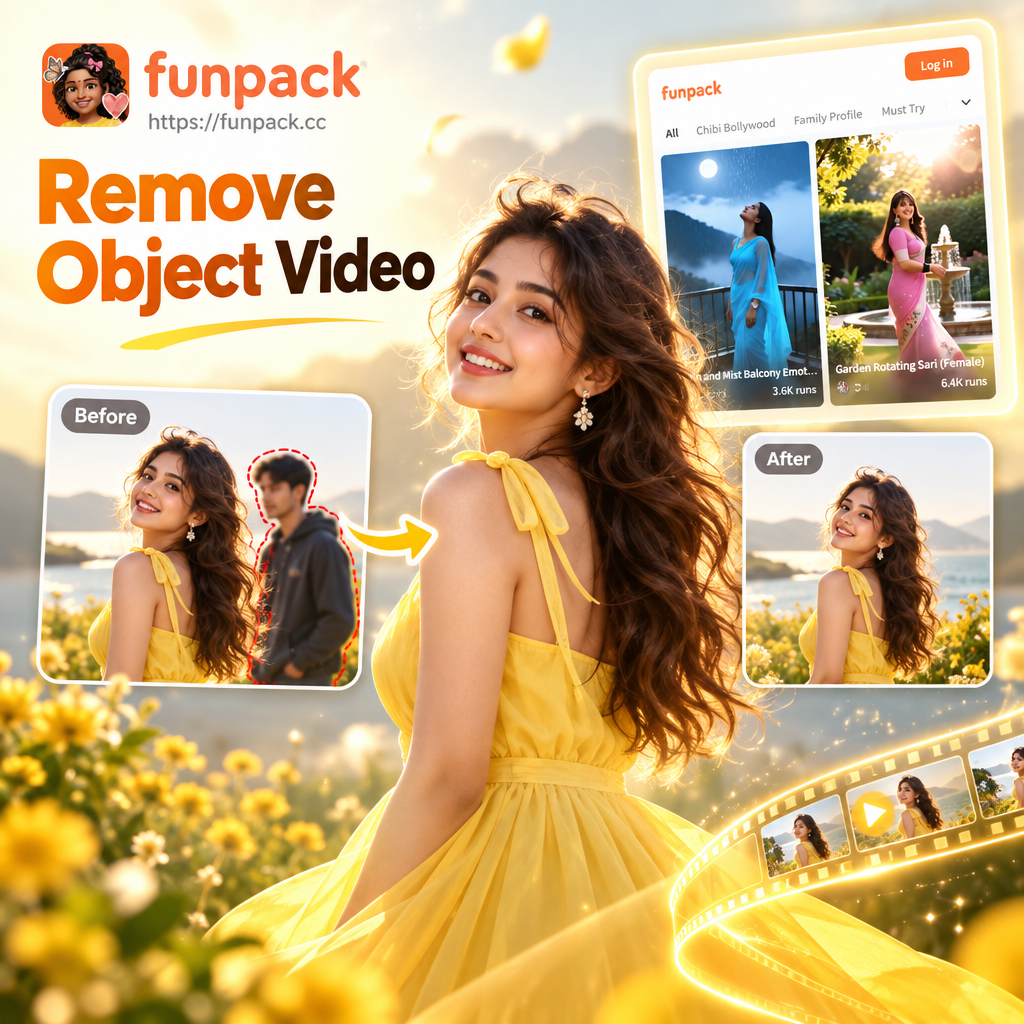
Select the Perfect Object Removal Filter
Different videos need different AI retouch approaches. Browse specialized filters for removing people, text, watermarks, or background clutter from your clips.
Key Features of Remove Object Video
Funpack brings professional grade object removal to your phone. The AI does the heavy lifting so you can focus on creating clean, publish ready clips without learning complex editing software.
Smart Object Tracking
The AI identifies the object you highlight and tracks it through every frame, even when it moves, so the removal stays consistent and seamless throughout the entire clip.
Smart Object Tracking
The AI identifies the object you highlight and tracks it through every frame, even when it moves, so the removal stays consistent and seamless throughout the entire clip.
Context-Aware Background Fill
After erasing the unwanted object, the AI rebuilds the background using surrounding pixels, textures, and lighting. The result blends naturally without visible patches or distortions.
Context-Aware Background Fill
After erasing the unwanted object, the AI rebuilds the background using surrounding pixels, textures, and lighting. The result blends naturally without visible patches or distortions.
One-Tap Cleanup for Any Clip
Whether it is a TikTok, a vlog, or a product demo, erase objects, text, logos, and photobombers in a single tap. No timeline editing or manual frame-by-frame work required.
One-Tap Cleanup for Any Clip
Whether it is a TikTok, a vlog, or a product demo, erase objects, text, logos, and photobombers in a single tap. No timeline editing or manual frame-by-frame work required.
Stunning Examples of Video Object Removal
Browse real results from creators who cleaned up their clips in minutes. Watch as strangers, clutter, watermarks, and accidental objects vanish while the scene stays perfectly intact.





How to Remove Objects from Video?
Clean up any video clip in three simple steps using AI. No advanced editing skills required.

Step 01.
Download the funpack app from Google Play and open it on your Android device to access the object removal tools.

Step 02.
Upload your video and choose the object removal filter. Use your finger to highlight the object you want to erase from the clip.

Step 03.
Tap generate and let AI remove the object from every frame. Preview, save, and share your clean video directly to social media.
Why Choose AI for Remove Object Video?
Traditional object removal means hours in editing software. Rotoscoping, cloning, and frame-by-frame fixes are slow and frustrating. This AI app handles the heavy lifting automatically. Highlight what you want gone, tap once, and watch the object disappear from every frame. The rebuilt background keeps motion blur, lighting, and texture intact for a natural result every time.
Why Choose AI for Remove Object Video?
Traditional object removal means hours in editing software. Rotoscoping, cloning, and frame-by-frame fixes are slow and frustrating. This AI app handles the heavy lifting automatically. Highlight what you want gone, tap once, and watch the object disappear from every frame. The rebuilt background keeps motion blur, lighting, and texture intact for a natural result every time.

Remove Object Video on Your Phone
The full object removal suite fits in your pocket. Edit clips on the go, sync nothing to a desktop, and export videos at original quality.

Who Uses Remove Object Video AI

Maya Chen
I shoot travel videos constantly, and tourists always walk through my best shots. This app removes them in seconds. My scenic clips finally look clean and professional.

David Okafor
I sell products online and always had cluttered backgrounds in my demo clips. Now I erase the mess with one tap. My conversion rates have never been better.

Priya Sharma
I used to spend hours in editing software removing logos and watermarks from stock clips. This AI does the exact same job in under a minute. Total game changer.

Tom Becker
Wedding videos are full of photobombers and accidental objects. This app cleans everything up without touching the couple or the ceremony footage. Clients are amazed.
Maya Chen
I shoot travel videos constantly, and tourists always walk through my best shots. This app removes them in seconds. My scenic clips finally look clean and professional.
David Okafor
I sell products online and always had cluttered backgrounds in my demo clips. Now I erase the mess with one tap. My conversion rates have never been better.
Priya Sharma
I used to spend hours in editing software removing logos and watermarks from stock clips. This AI does the exact same job in under a minute. Total game changer.
Tom Becker
Wedding videos are full of photobombers and accidental objects. This app cleans everything up without touching the couple or the ceremony footage. Clients are amazed.
Maya Chen
I shoot travel videos constantly, and tourists always walk through my best shots. This app removes them in seconds. My scenic clips finally look clean and professional.
David Okafor
I sell products online and always had cluttered backgrounds in my demo clips. Now I erase the mess with one tap. My conversion rates have never been better.
Priya Sharma
I used to spend hours in editing software removing logos and watermarks from stock clips. This AI does the exact same job in under a minute. Total game changer.
Tom Becker
Wedding videos are full of photobombers and accidental objects. This app cleans everything up without touching the couple or the ceremony footage. Clients are amazed.
Frequently Asked Questions About Remove Object Video
Find answers to common questions about AI video object removal and how to get the best results from the app.
More Topics You May Like
Explore more topics you may like and discover fresh ideas tailored to your interests.
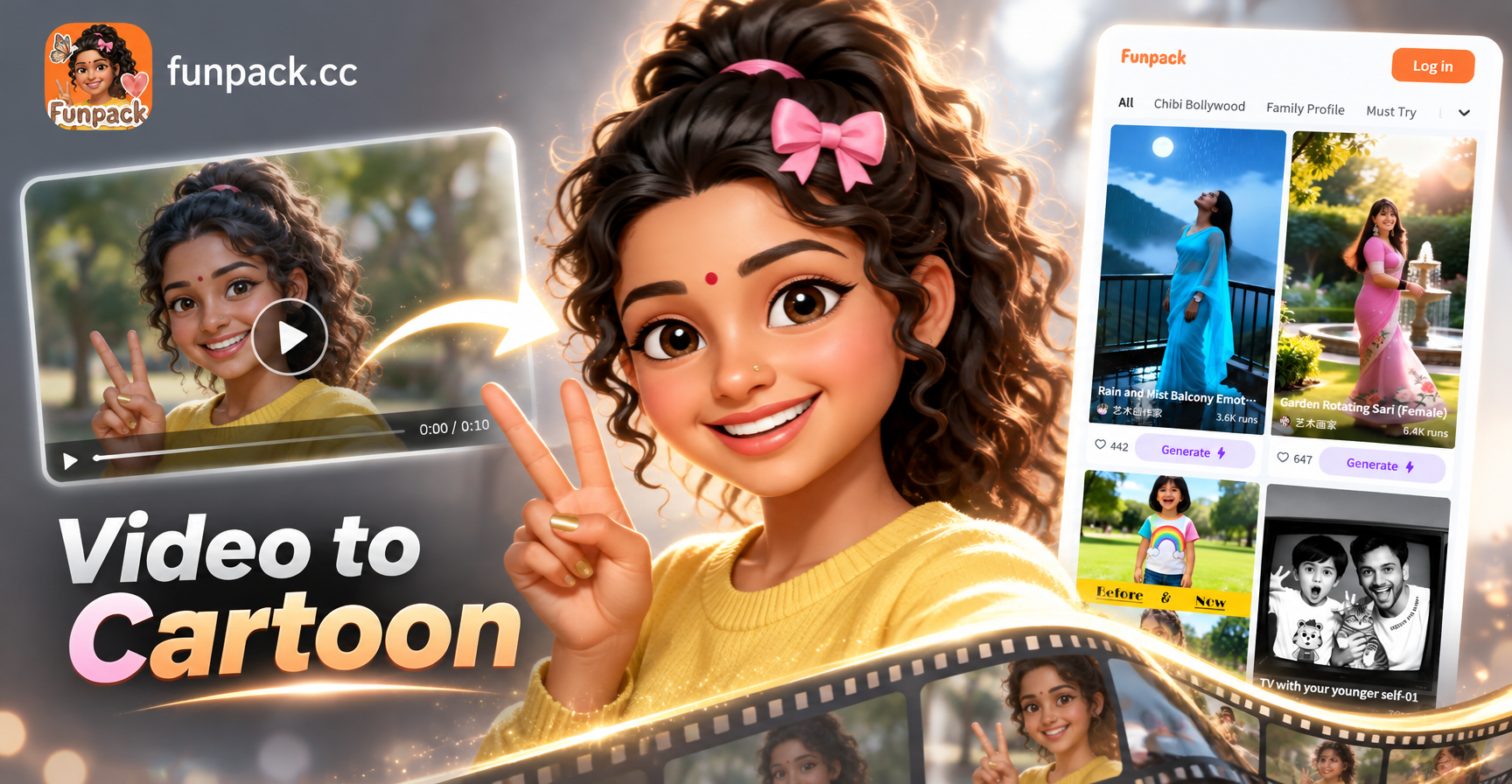
Convert Video Into Cartoon with AI: Easy Cartoon Video App
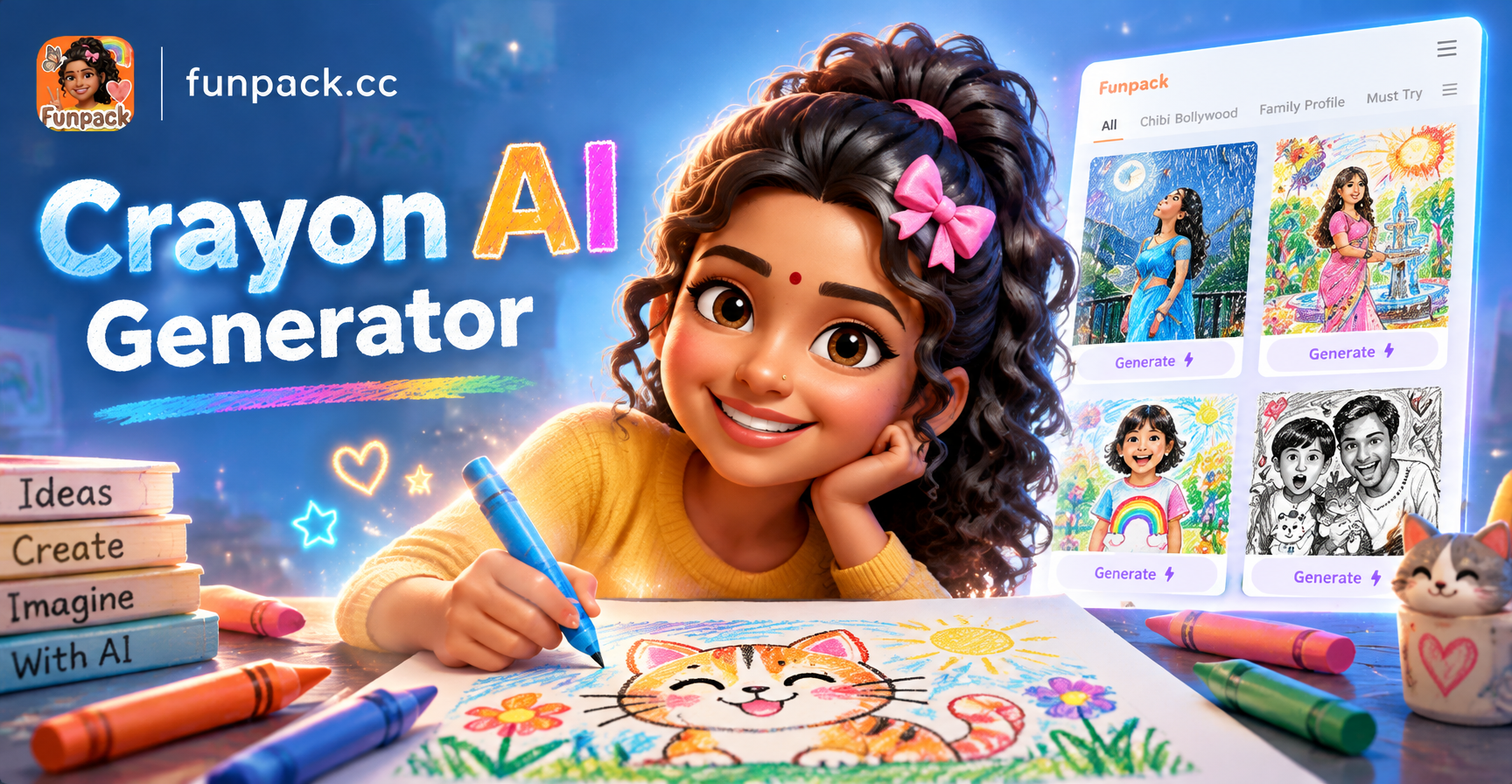
Crayon AI Generator: Turn Photos into Crayon Art

Edit Video Pakai Lagu: Ubah Konten dengan AI
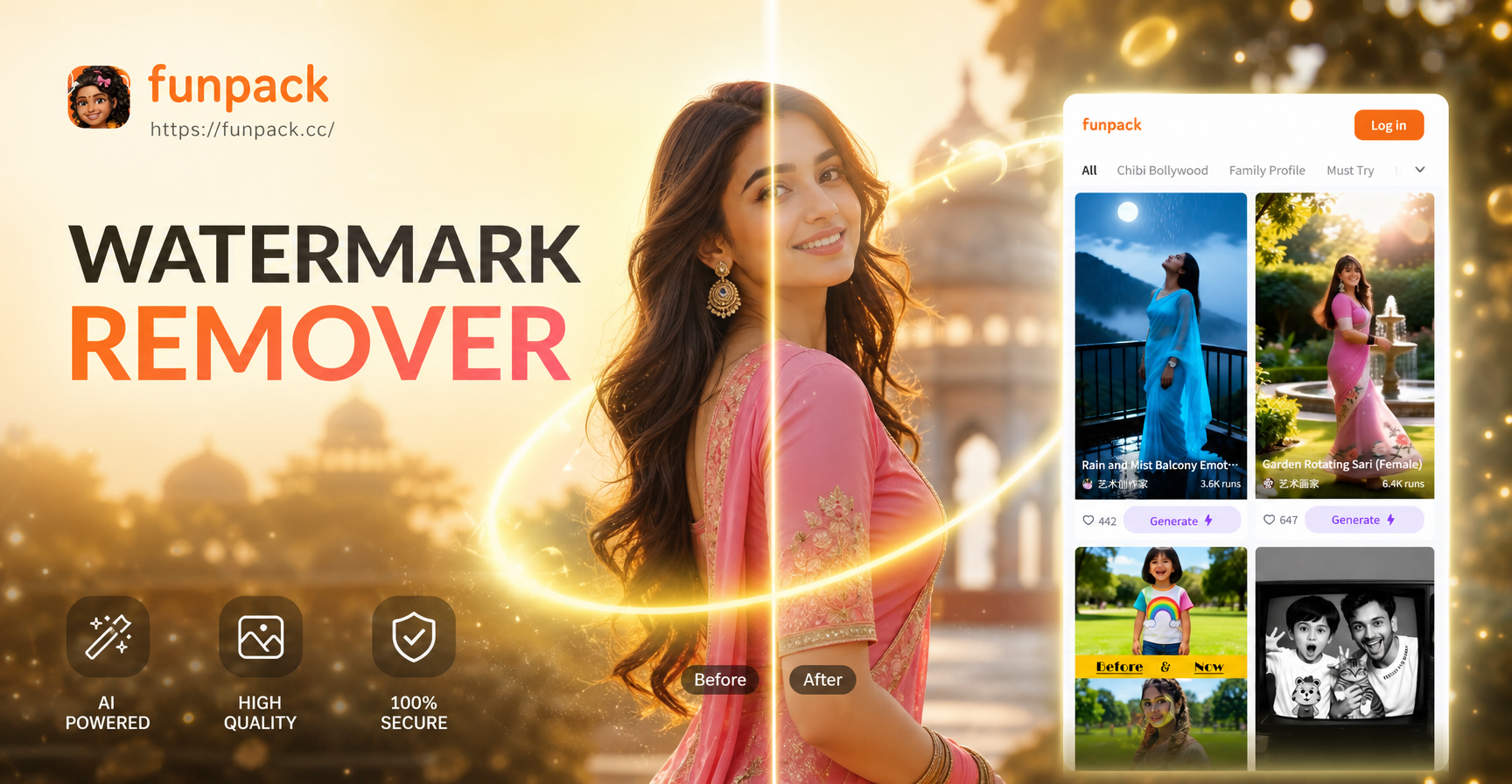
Remove Watermark from Photos with AI in Seconds
Convert Video Into Cartoon with AI: Easy Cartoon Video App
Crayon AI Generator: Turn Photos into Crayon Art
Edit Video Pakai Lagu: Ubah Konten dengan AI
Remove Watermark from Photos with AI in Seconds
Ready to Clean Up Your Videos?
Download the app and see how easy object removal can be. Erase distractions, delete unwanted elements, and publish flawless clips in minutes.
Ready to Clean Up Your Videos?
Download the app and see how easy object removal can be. Erase distractions, delete unwanted elements, and publish flawless clips in minutes.