AI Generated Presentation

AI Presentation Visual Style Filters
Browse style templates designed for business, education, marketing, and creative decks. Each filter transforms your raw images or prompts into polished presentation-ready visuals.
AI Tools for Better Presentation Visuals
Generate every visual element your presentation needs, from title backgrounds and section dividers to animated loops and data-inspired art.
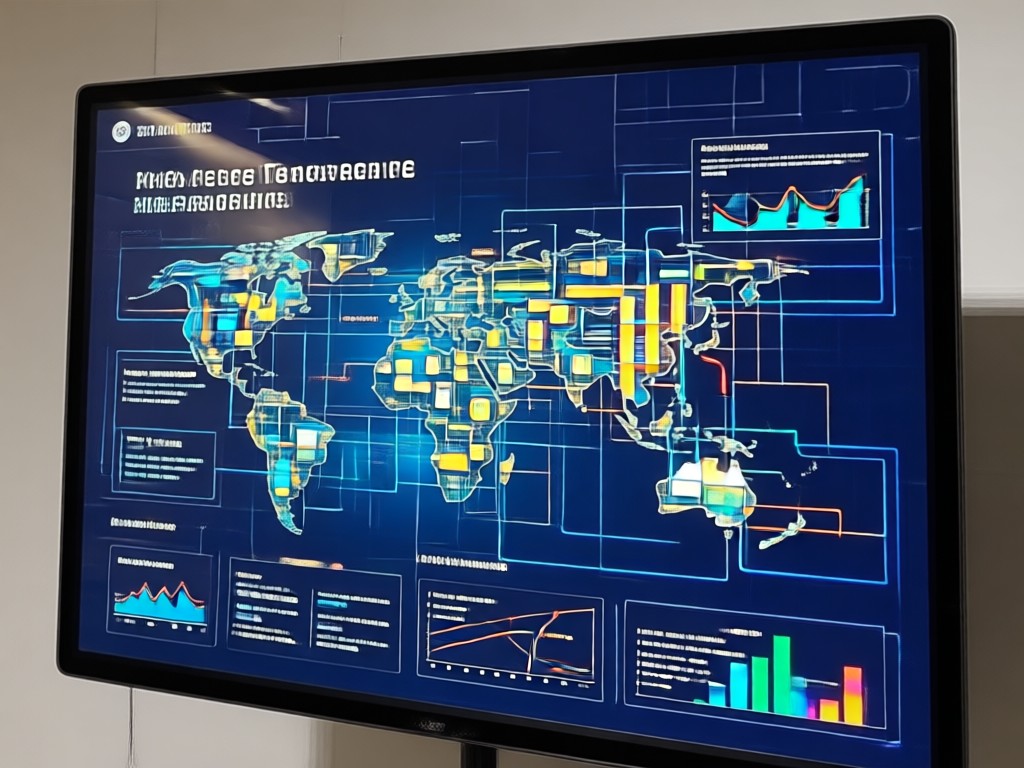
Slide Backgrounds on Demand
Type a theme or upload a photo and let AI produce clean, professional backgrounds that match your brand tone and slide layout.

Presentation-Ready Images
Turn rough sketches or simple text prompts into polished diagrams, concept art, and supporting visuals without stock photo searches.

Animated Visual Loops
Create short AI videos to add motion to your title slide, transitions, or closing screen. Perfect for keeping audiences engaged.
AI Generated Presentation Visual Gallery
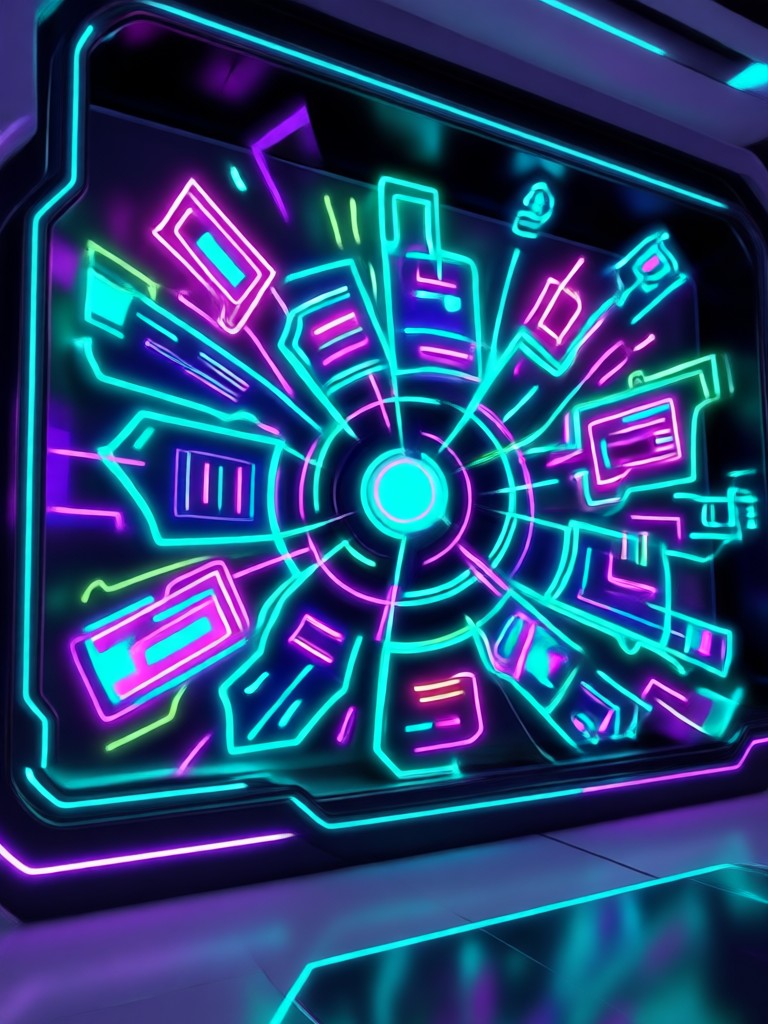
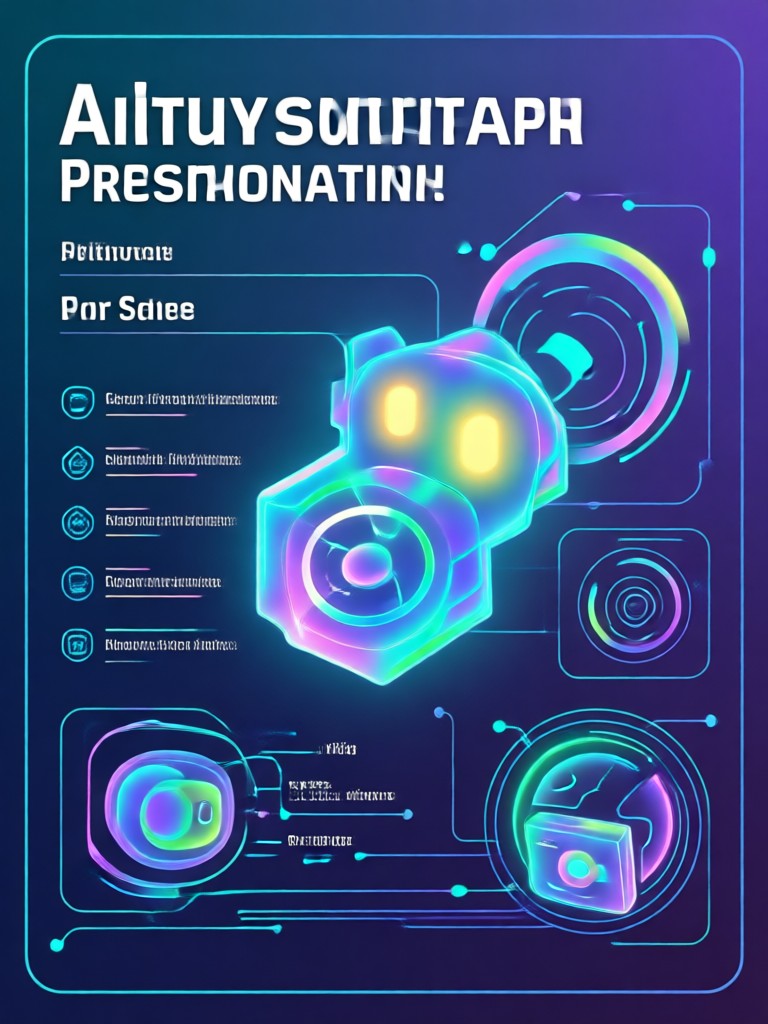
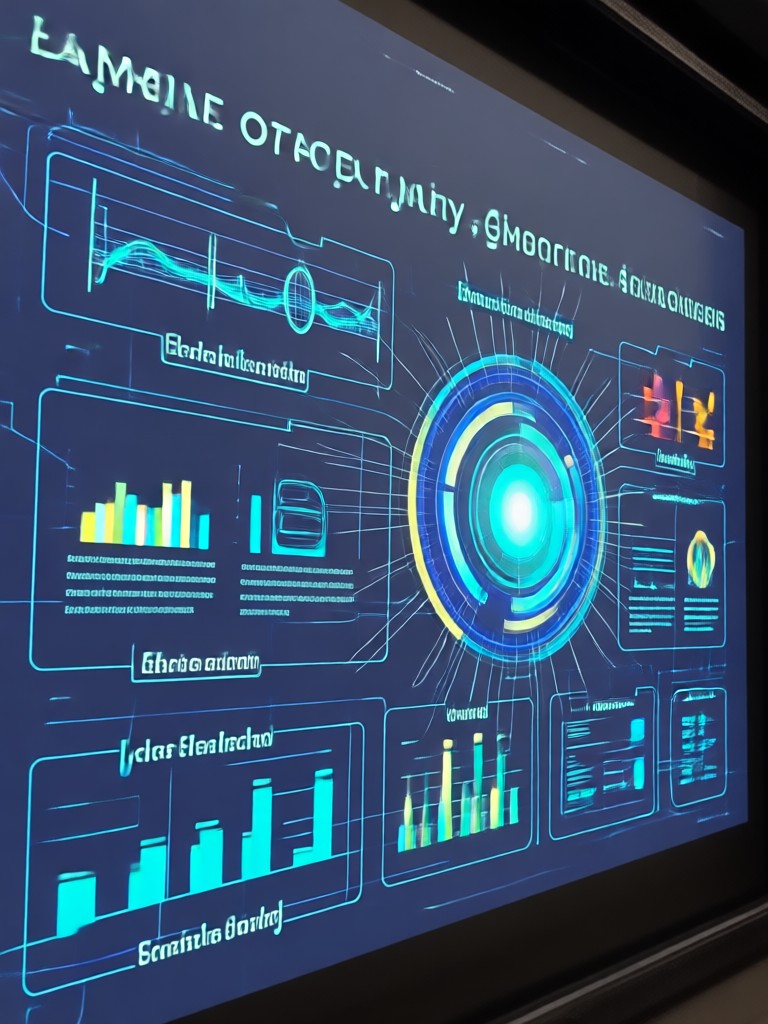
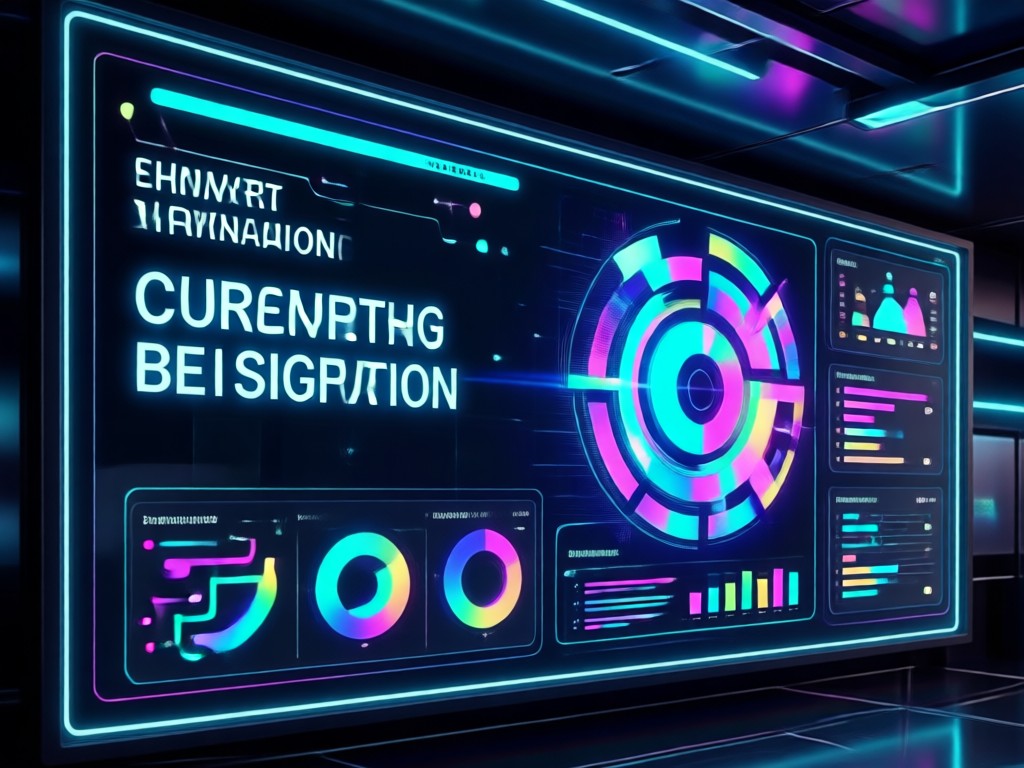
Explore a selection of AI generated backgrounds, concept images, and short video frames created with funpack. See how style filters turn ordinary prompts into presentation-ready assets.









How to Create AI Generated Presentation Visuals
Use funpack to generate custom visuals for any presentation in three simple steps.

Step 01.
Download funpack from Google Play and open the app on your phone. The interface is designed for quick, stress-free creation.

Step 02.
Choose a style template or enter a text prompt. You can also upload a photo as a reference to keep your subject consistent.

Step 03.
Generate your AI image or video, save it to your device, and drop it straight into your slides, pitch deck, or social post.
Why Use AI for Presentation Visuals?
Save hours of searching through stock libraries. funpack gives you original, on-brand visuals in seconds, with style filters that match any presentation format from startup pitch to classroom lecture. No design experience required.
Why Use AI for Presentation Visuals?
Save hours of searching through stock libraries. funpack gives you original, on-brand visuals in seconds, with style filters that match any presentation format from startup pitch to classroom lecture. No design experience required.
What Presenters Say About funpack
Finally, unique visuals for my pitches
I used to spend an hour hunting for stock images. Now I generate a custom background or concept image in seconds and it always fits my deck perfectly.
My lectures look more engaging
The AI style filters help me turn plain concept descriptions into colorful, clear visuals that keep my students focused.
Perfect for client proposals
Generating short animated loops for my title slide made a huge difference. Clients immediately see the level of polish.
AI Generated Presentation FAQs
Quick answers about using funpack for AI generated presentation visuals, slides, and videos.

Create Presentation Visuals on Your Phone
Download funpack from Google Play and start generating AI images and videos for your next pitch, lecture, or report in minutes.

More Topics You May Like
Explore more topics you may like and discover fresh ideas tailored to your interests.
Try Ginger Hair Filter: Realistic AI Hair Color Change

AI Video to MOV Converter: Transform Clips in Seconds
Slim Your Face Instantly with the Best AI Photo Editor

AI Age Filter: Convert Your Photo To Old Age Online
Try Ginger Hair Filter: Realistic AI Hair Color Change
AI Video to MOV Converter: Transform Clips in Seconds
Slim Your Face Instantly with the Best AI Photo Editor
AI Age Filter: Convert Your Photo To Old Age Online
Ready to Upgrade Your Next Presentation?
Download funpack and start generating AI visuals for slides, pitches, and reports in seconds. No design skills needed.
Ready to Upgrade Your Next Presentation?
Download funpack and start generating AI visuals for slides, pitches, and reports in seconds. No design skills needed.