AI Image To Video
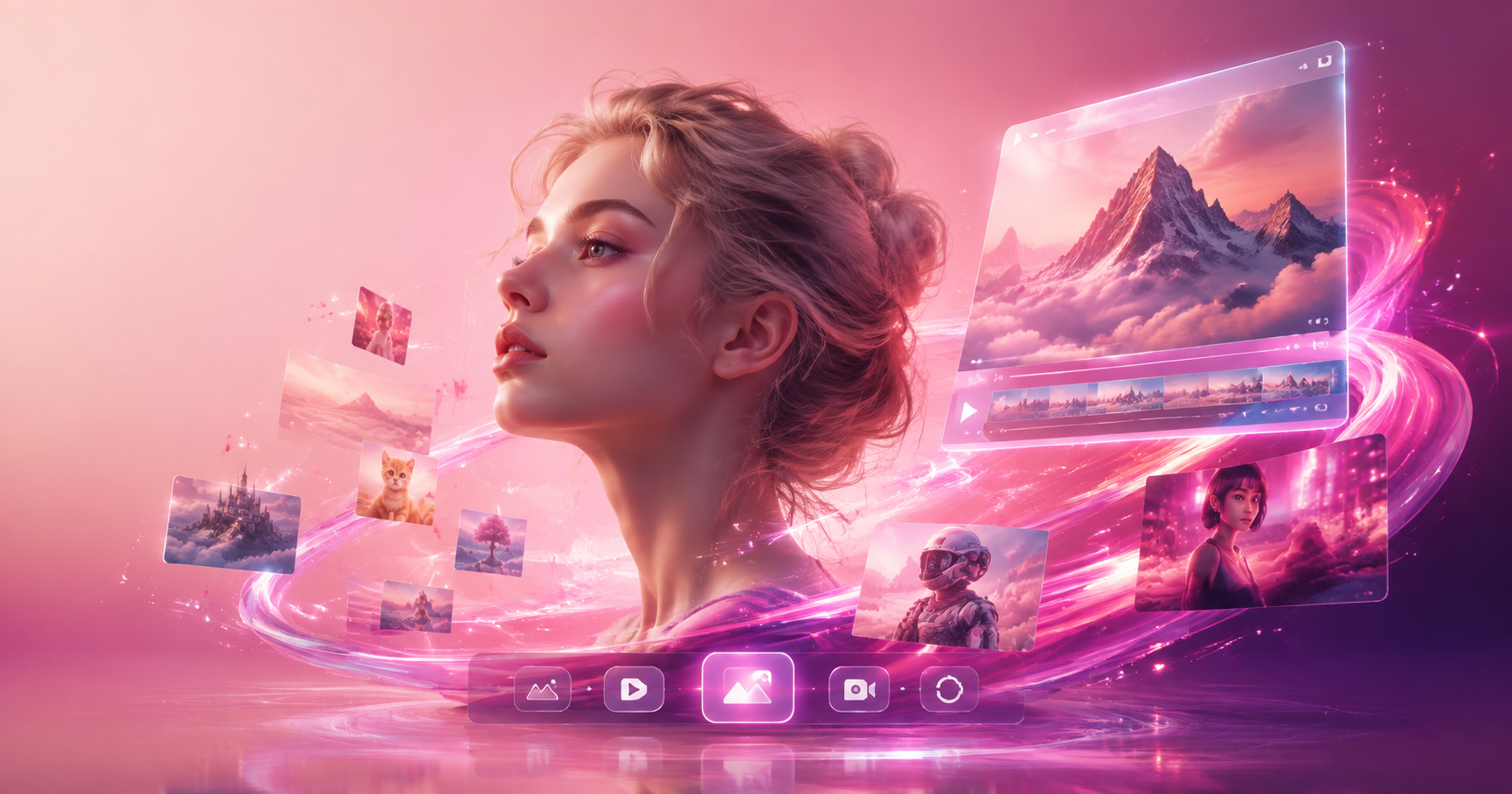
Choose Your Animation Style
From subtle expressions to full cinematic scenes, pick the perfect effect to bring your images to life. Explore our library of AI-powered animation styles.
Key Features of AI Image to Video
Our mobile app makes video creation effortless. With simple controls and powerful AI, you can produce professional-looking animations in seconds.
Photo Animation
Upload any portrait or photo. Our AI analyzes facial features to add realistic motions like blinking, smiling, or subtle head turns, creating a lifelike video from a single image.
Photo Animation
Upload any portrait or photo. Our AI analyzes facial features to add realistic motions like blinking, smiling, or subtle head turns, creating a lifelike video from a single image.
Style Transfer Videos
Turn your photo into a moving work of art. Apply styles like anime, Ghibli, watercolor, or cyberpunk, and watch as your static image transforms into a stylized animated clip.
Style Transfer Videos
Turn your photo into a moving work of art. Apply styles like anime, Ghibli, watercolor, or cyberpunk, and watch as your static image transforms into a stylized animated clip.
Viral Social Effects
Create trending content instantly. Use popular templates like AI Hug, AI Kiss, or old photo revival to make videos that stand out on TikTok, Instagram, and other platforms.
Viral Social Effects
Create trending content instantly. Use popular templates like AI Hug, AI Kiss, or old photo revival to make videos that stand out on TikTok, Instagram, and other platforms.
Explore AI Generated Videos
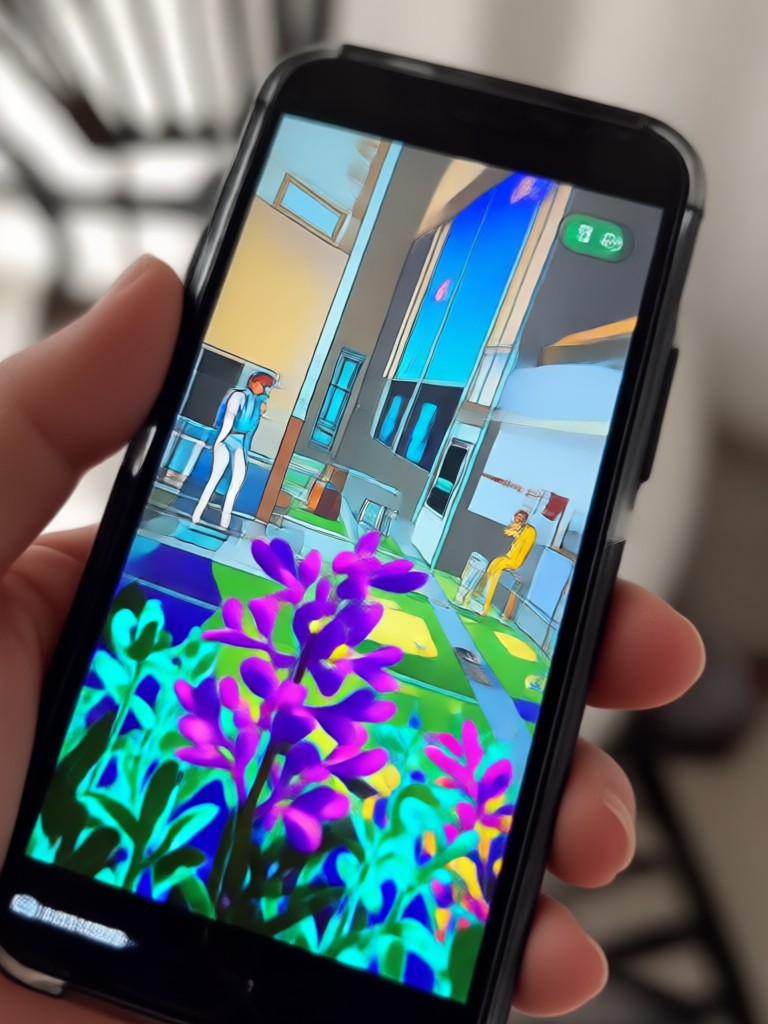
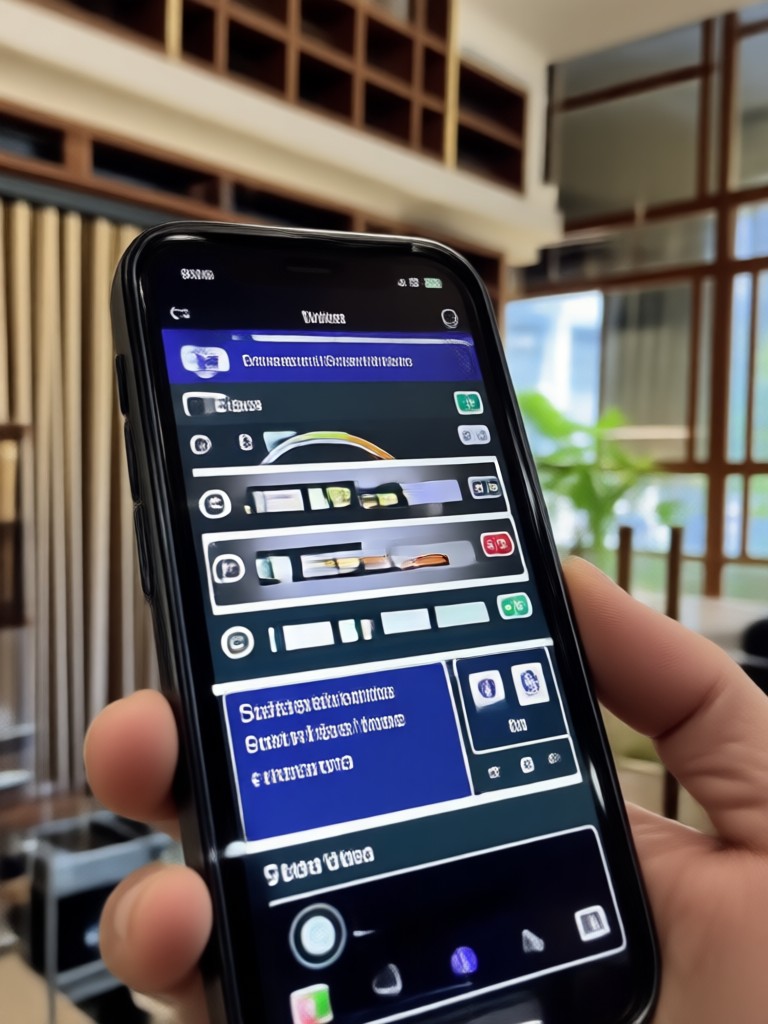
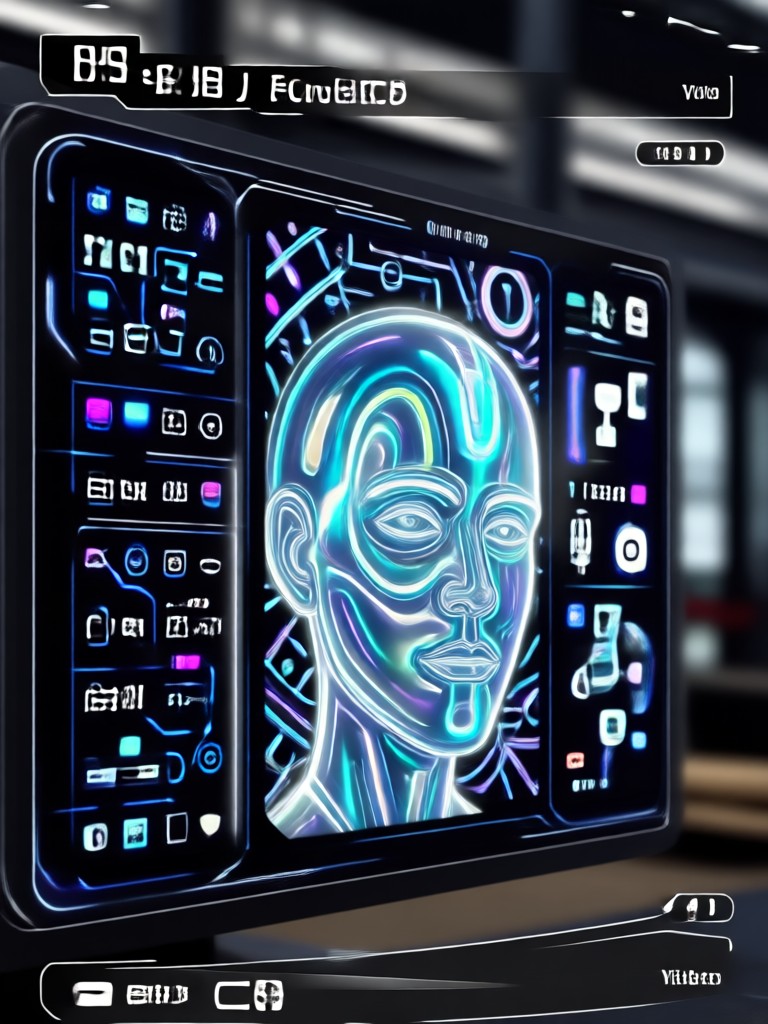
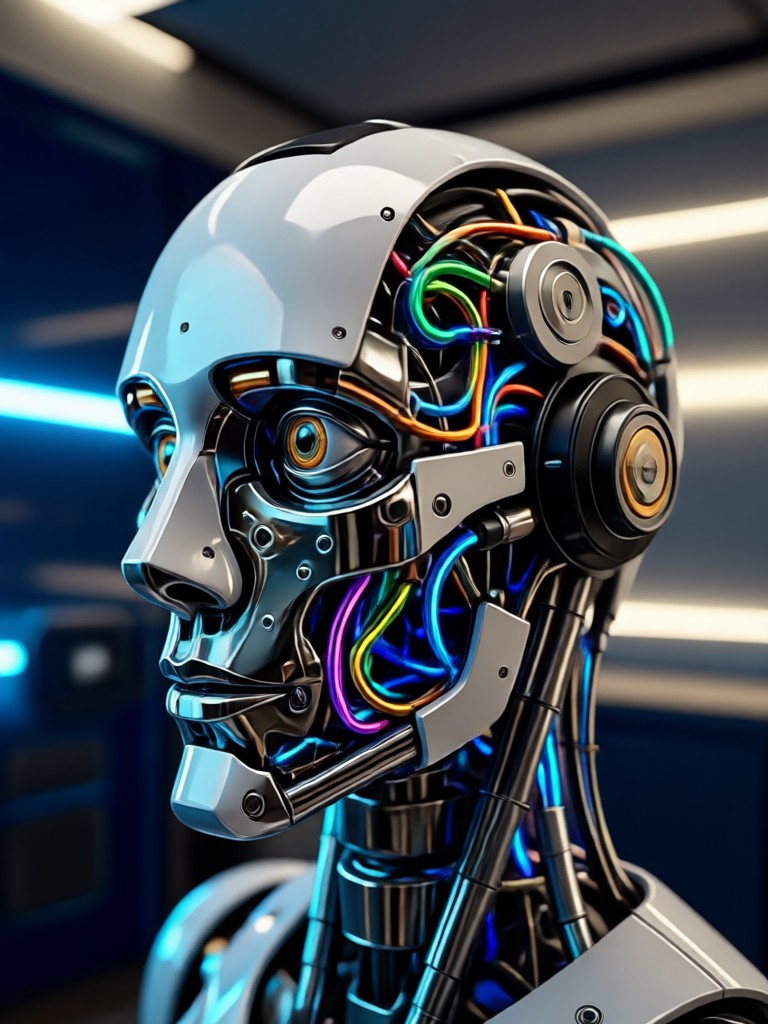
See the incredible possibilities. Browse a gallery of videos created from simple photos using our AI image to video technology.
How to Create AI Videos from Images?
Turn your favorite photos into engaging videos in just three simple steps. No technical knowledge required.
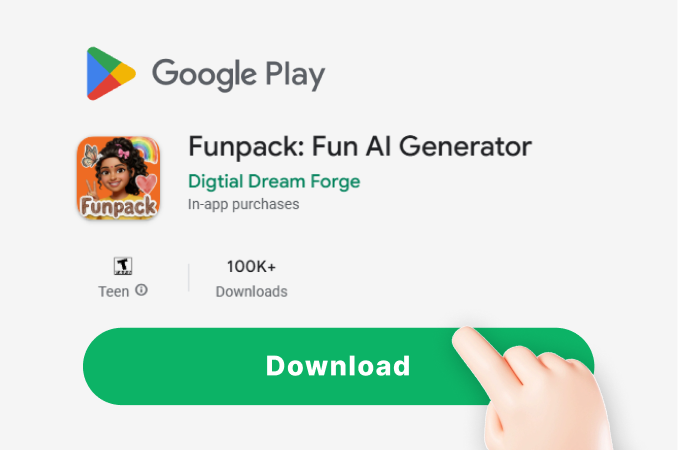
Step 01.
Download the funpack app from Google Play. This all-in-one AI design tool is where all the magic happens, right on your mobile device.
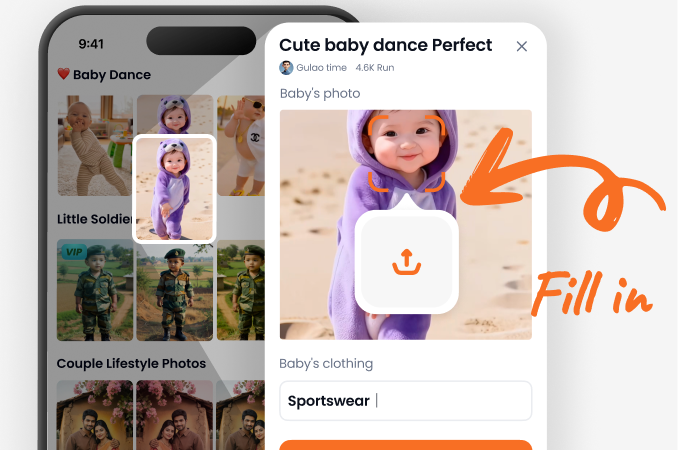
Step 02.
Select the 'Image to Video' feature and upload your photo. Then, browse and choose from thousands of animation styles, filters, or trending video templates.
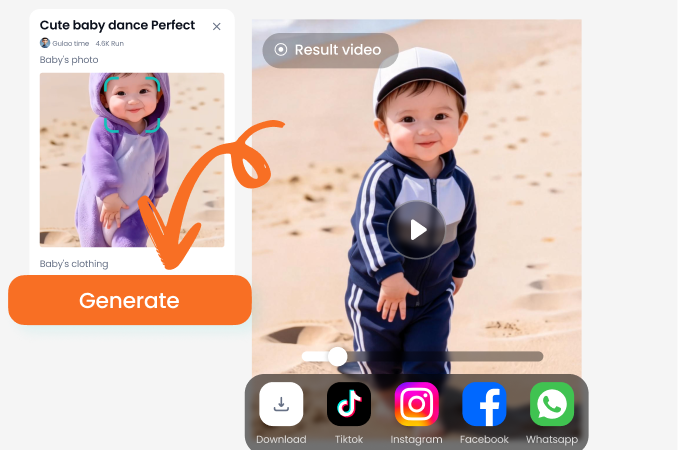
Step 03.
Generate and share. The AI will process your image instantly. Preview your new video, download it in HD, and share it directly to social media or with friends.
Why Use AI for Image to Video?
Static photos tell a moment. Animated videos tell a story. Our AI bridges that gap effortlessly, allowing anyone to create dynamic, engaging content from their existing photo library without complex software.
Why Use AI for Image to Video?
Static photos tell a moment. Animated videos tell a story. Our AI bridges that gap effortlessly, allowing anyone to create dynamic, engaging content from their existing photo library without complex software.
Here is What Creators Are Saying
Breathed new life into my old family photos
I used the old photo revival effect on pictures of my grandparents. Seeing them smile and blink in a video was incredibly emotional. It's so simple to use, and the results are magical.
My secret weapon for viral TikTok content
The trending effects like AI Hug generate so much engagement. I can turn a simple selfie into a full video concept in under a minute. My follower growth has been unbelievable.
Perfect for adding flair to my online shop
Instead of static product photos, I now create short, animated videos showing my jewelry from different angles. Customers love it, and it has definitely increased my sales.
Your Pocket-Sized Video Studio
Professional animation is now in your hands. Download the app and transform your photo gallery into a captivating video collection today.

Frequently Asked Questions
Get clear answers about using AI to convert images to video. Learn how to start, what's possible, and how to get the best results.
More Topics You May Like
Explore more topics you may like and discover fresh ideas tailored to your interests.
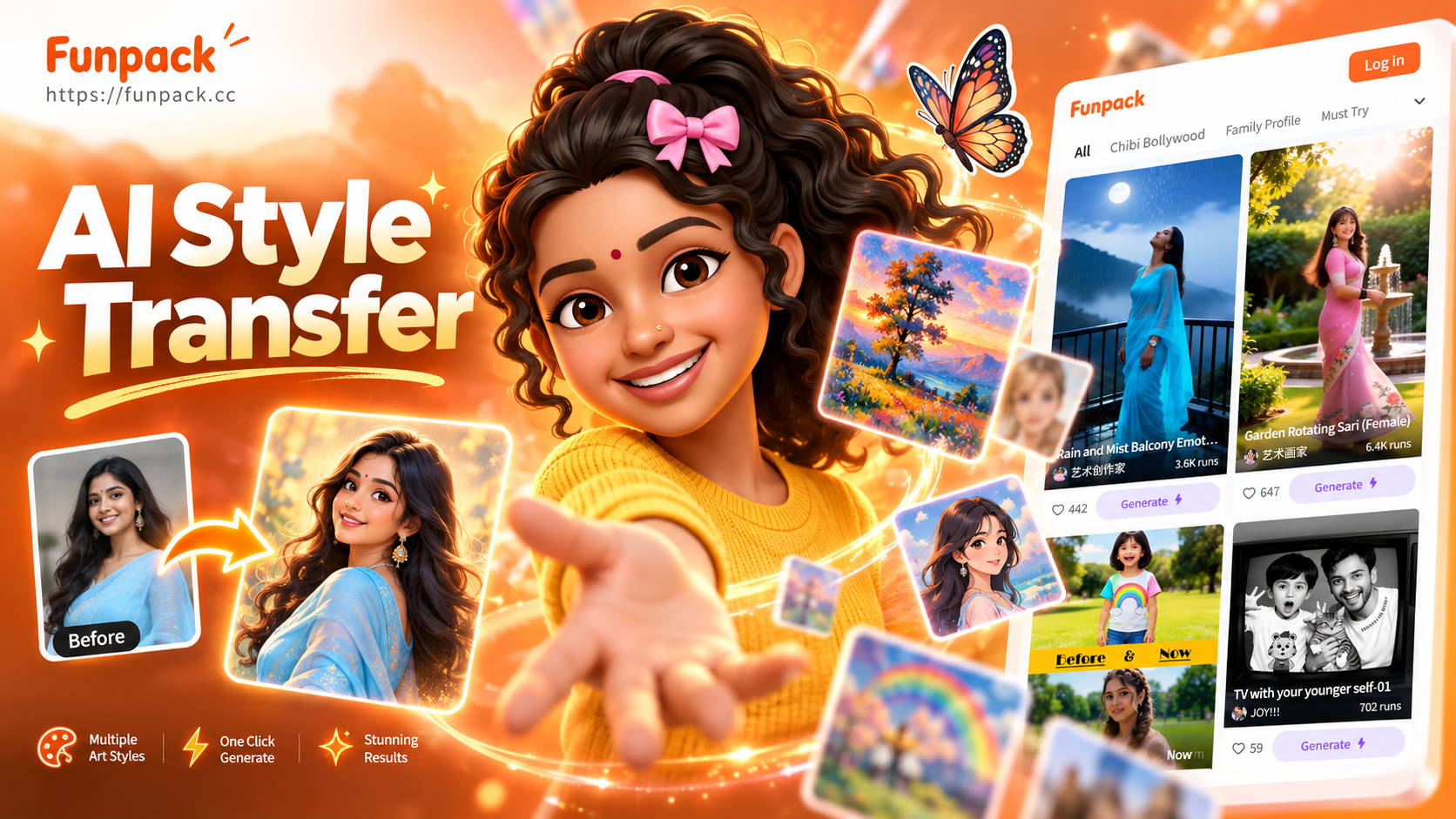
Unleash Your Image's Style: AI Style Transfer Made Simple
Discover effortless AI image style transfer. Transform any photo into a masterpiece using thousands of artistic filters. From Van Gogh to cyberpunk, it's all at your fingertips.
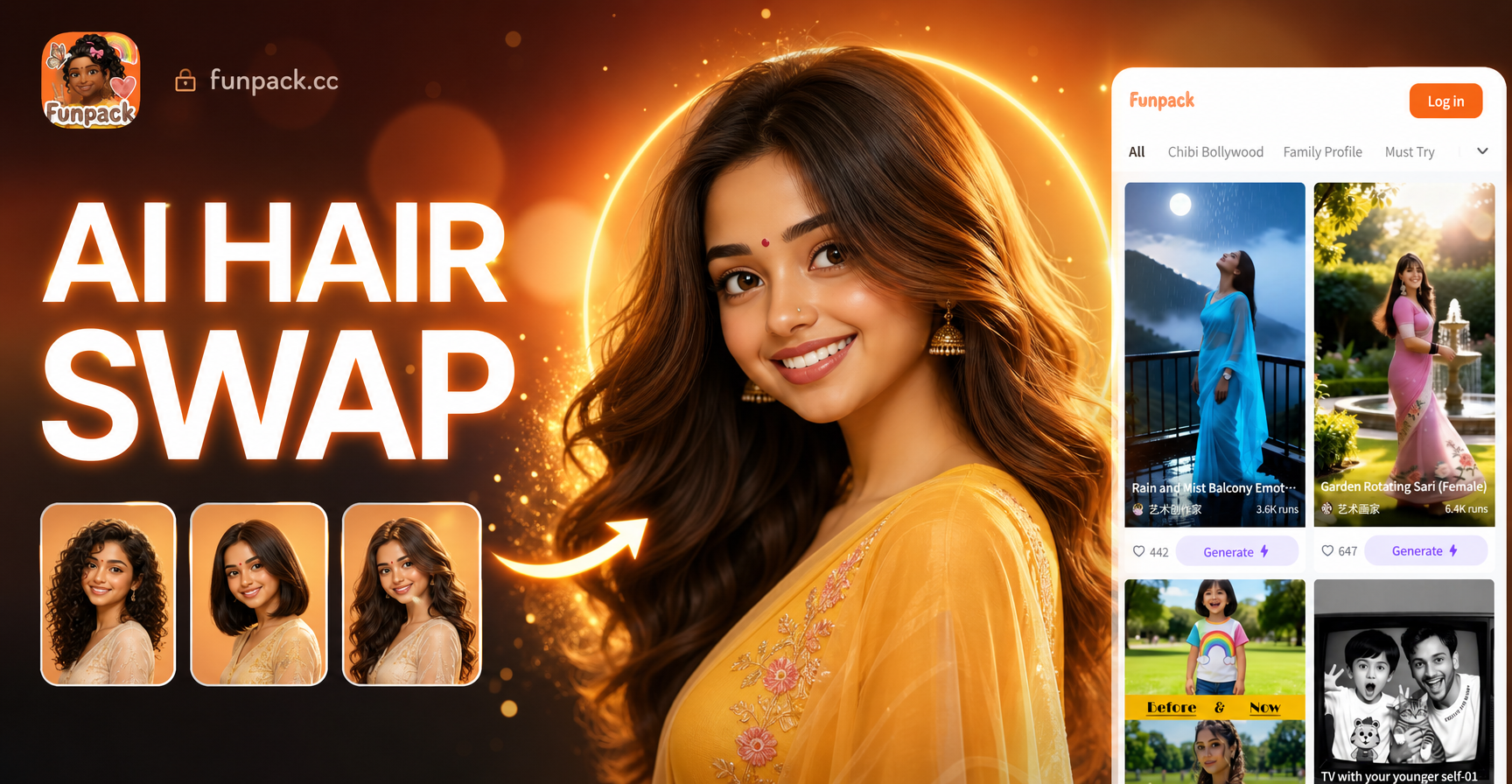
Virtual Hair Makeover: AI Hair Swap Effect
Try the AI Hair Swap Effect to change your hairstyle, color, or length instantly. Upload a selfie, explore thousands of styles, and see your new look. Download the app now!
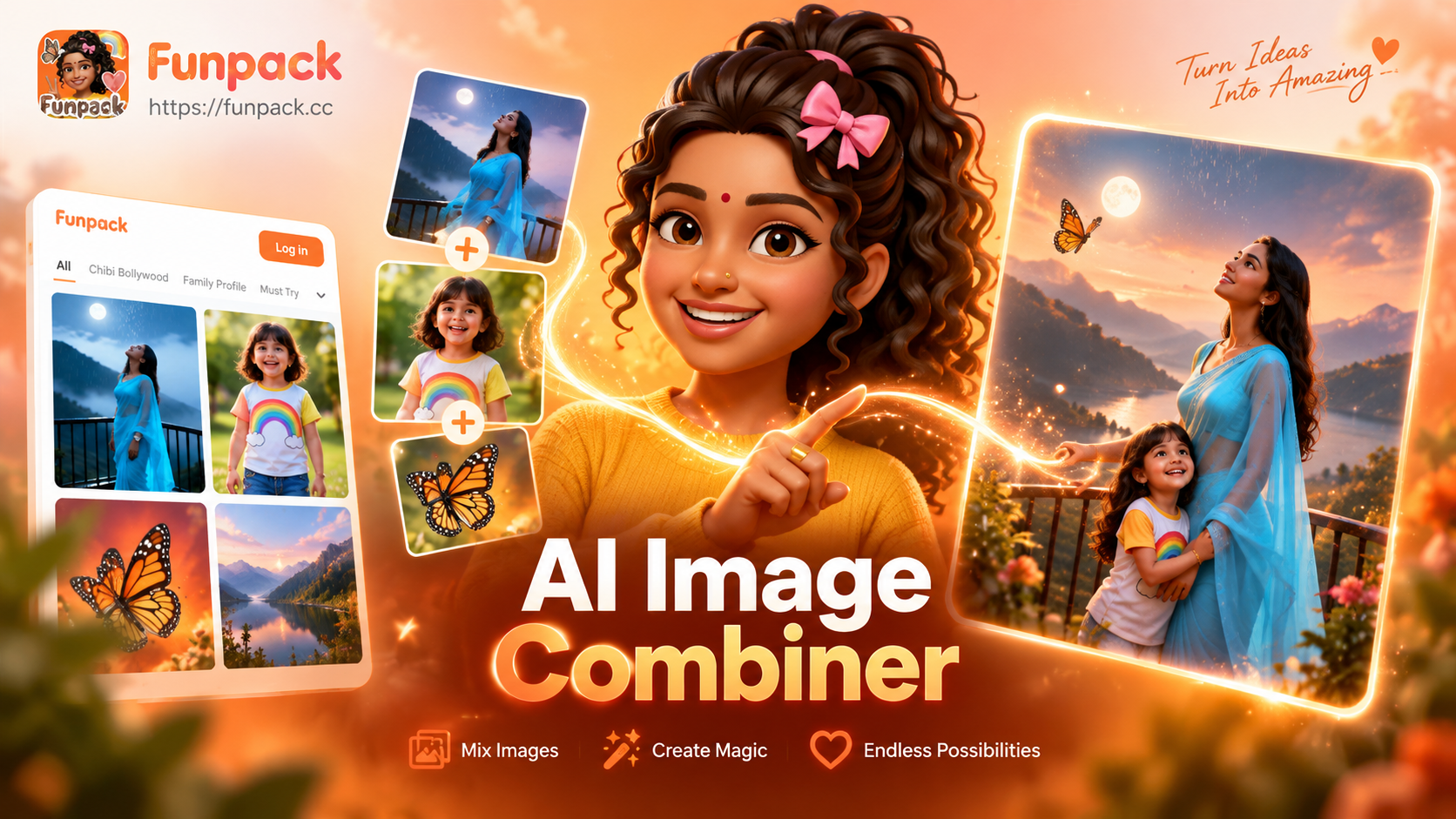
AI Image Combiner | Merge Photos into Artistic Collages
AI Image Combiner merges multiple photos into one stunning collage. Upload images, select a layout, and let AI blend them artistically. Perfect for storytelling, social media, and memory montages.
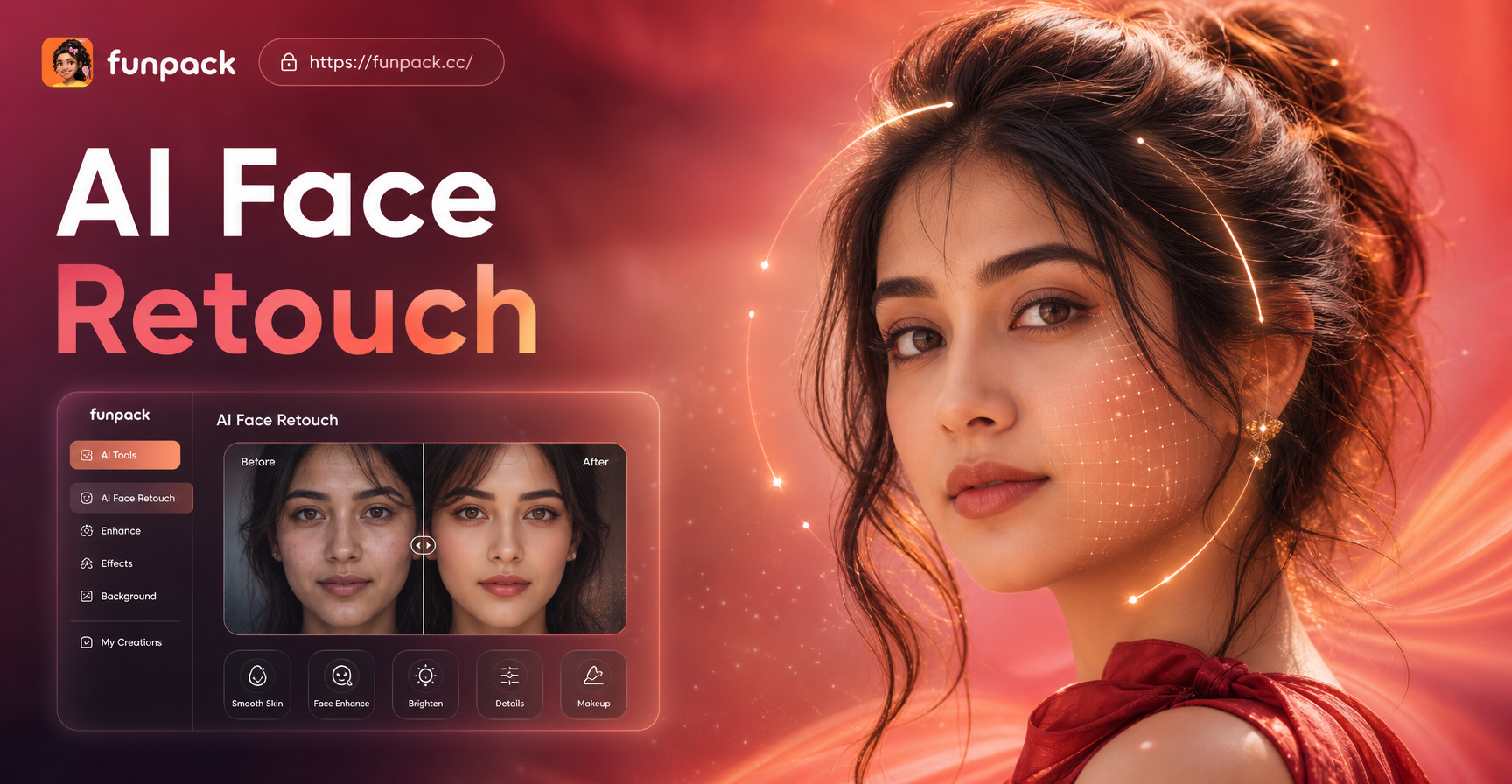
AI Face Retouch: Glowing Skin & Flawless Beauty Instantly
AI Face Retouch smooths skin, removes blemishes, and enhances features. Achieve magazine-ready perfection with one tap. Reduces wrinkles, brightens eyes, and sculpts your look.
Start Animating Your World Today
Don't let your photos sit still. Download funpack now and discover how easily you can turn any image into an engaging, shareable video with the power of AI.

Start Animating Your World Today
Don't let your photos sit still. Download funpack now and discover how easily you can turn any image into an engaging, shareable video with the power of AI.