Can You Take A Filter Off A Saved Snapchat Video
Pick the AI Video Style That Fits
Different Snapchat videos need different treatments. Pick a filter or style that helps you rework the clip into something new.
Smart Ways to Rework a Snapchat Clip
You cannot delete a Snapchat filter directly, but you can use AI to reimagine the video. These features help you get a completely fresh result.
AI Style Transfer
Apply a brand new visual style to your saved video. Change the color tone, texture, and overall mood without manually editing frame by frame.
AI Style Transfer
Apply a brand new visual style to your saved video. Change the color tone, texture, and overall mood without manually editing frame by frame.
AI Video Regeneration
Use the video as a reference and let AI rebuild the scene. This is useful when you want to change the visual context or remove distracting effects.
AI Video Regeneration
Use the video as a reference and let AI rebuild the scene. This is useful when you want to change the visual context or remove distracting effects.
Background and Detail Cleanup
AI can modify the background or smooth out visual noise from the original filter. It helps you create a cleaner version of your clip.
Background and Detail Cleanup
AI can modify the background or smooth out visual noise from the original filter. It helps you create a cleaner version of your clip.
How to Rework a Saved Snapchat Video
You cannot remove the original filter, but you can transform your clip with AI in three simple steps.

Step 01.
Download the funpack app on your phone. Open it and upload the saved Snapchat video you want to rework.

Step 02.
Choose a new style or AI effect. You can pick a clean look, a different aesthetic, or a complete visual regeneration.

Step 03.
Let the AI process the video. Preview the result, adjust if needed, and save or share the new version.
Why a Filter Cannot Be Removed After Saving
Snapchat saves the filter as part of the video file during export. This means the visual effect is permanently merged with the original footage. There is no toggle to separate them later. AI tools work differently by analyzing the existing clip and generating a new version based on your instructions.
Why a Filter Cannot Be Removed After Saving
Snapchat saves the filter as part of the video file during export. This means the visual effect is permanently merged with the original footage. There is no toggle to separate them later. AI tools work differently by analyzing the existing clip and generating a new version based on your instructions.
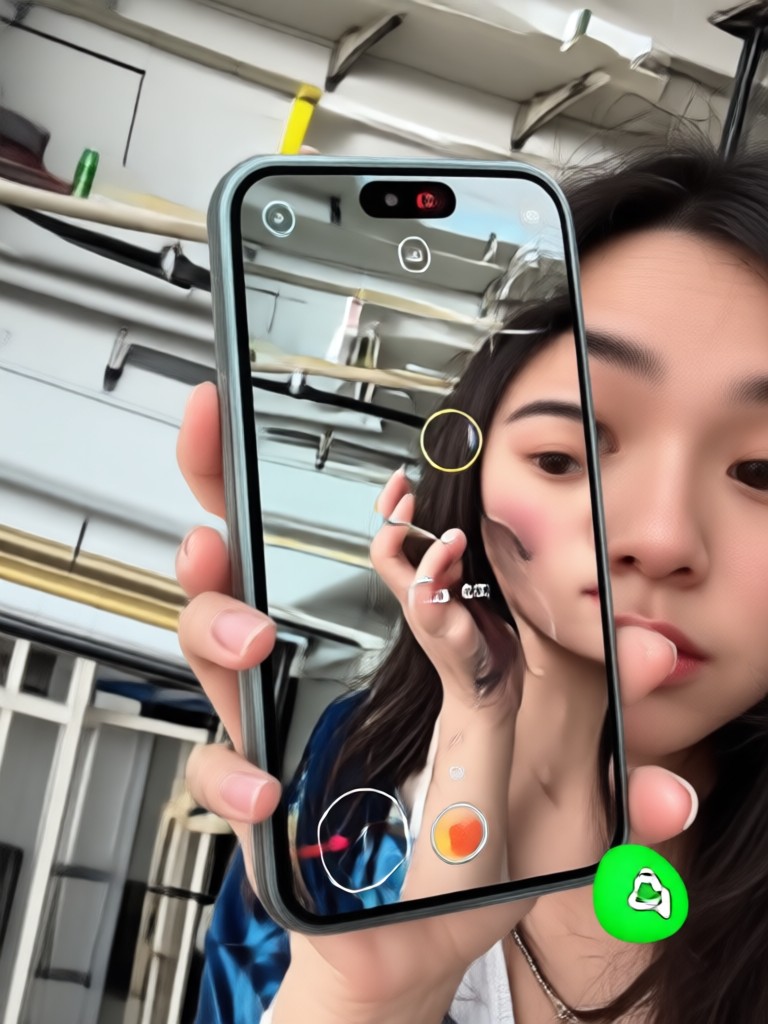
Turn a Locked Filter into a Fresh Edit
Do not waste time trying to peel off a burned-in Snapchat filter. Use AI to create a new version of your video with a style you actually want.

From Old Snapchat Filter to New AI Style
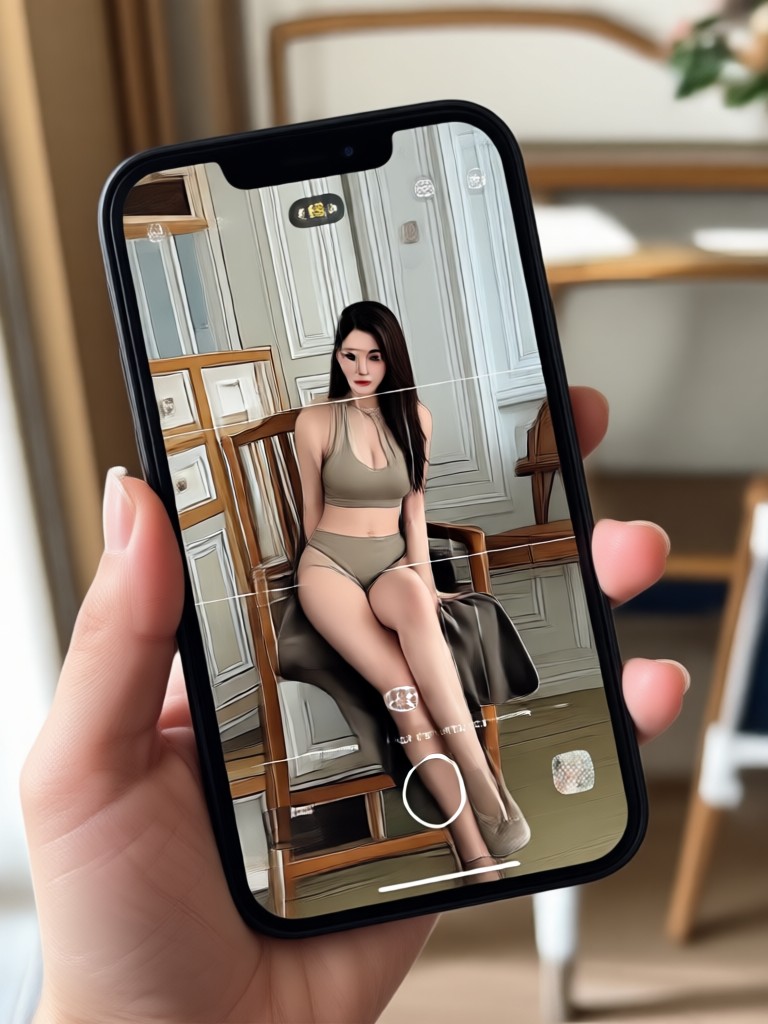
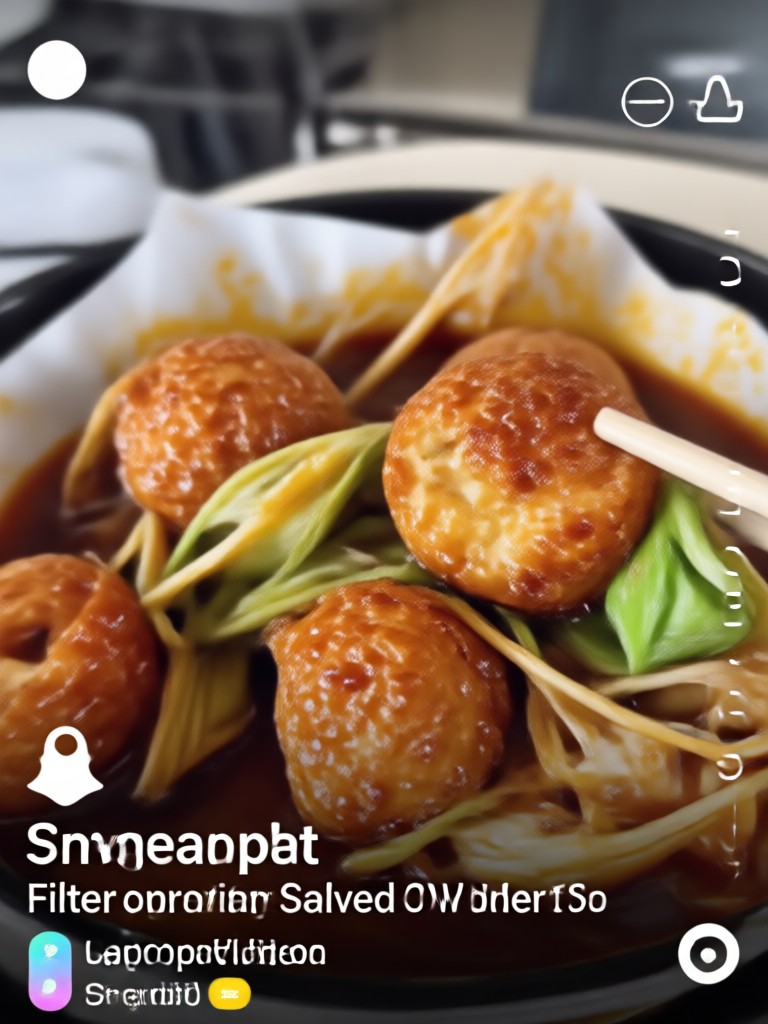
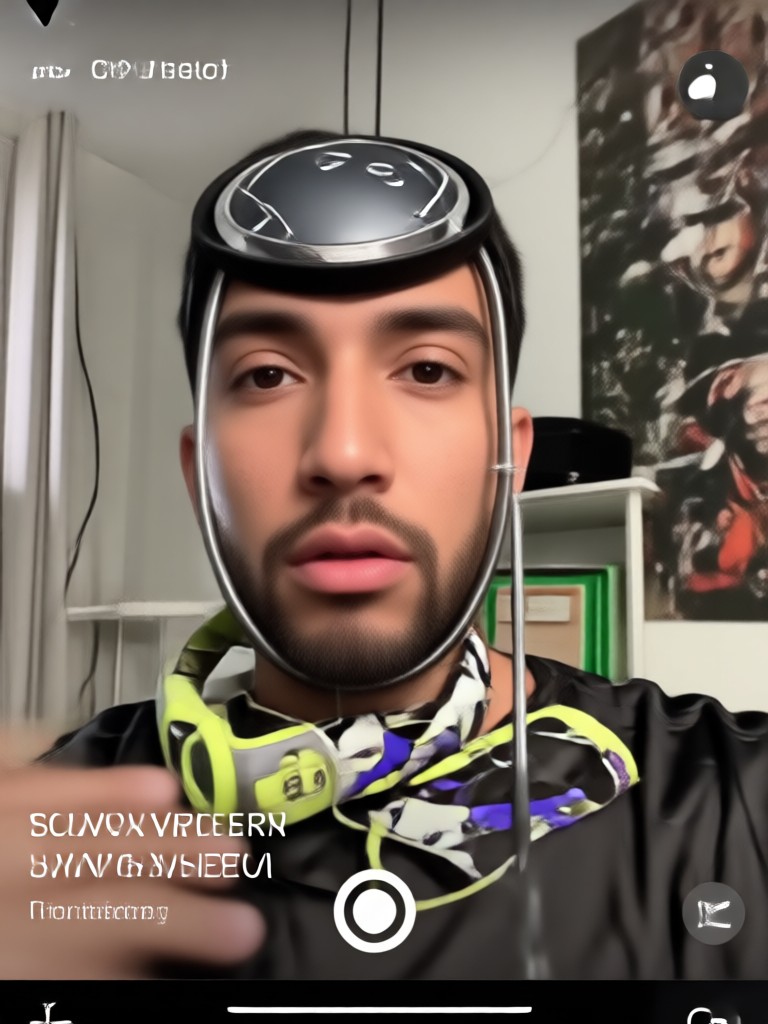
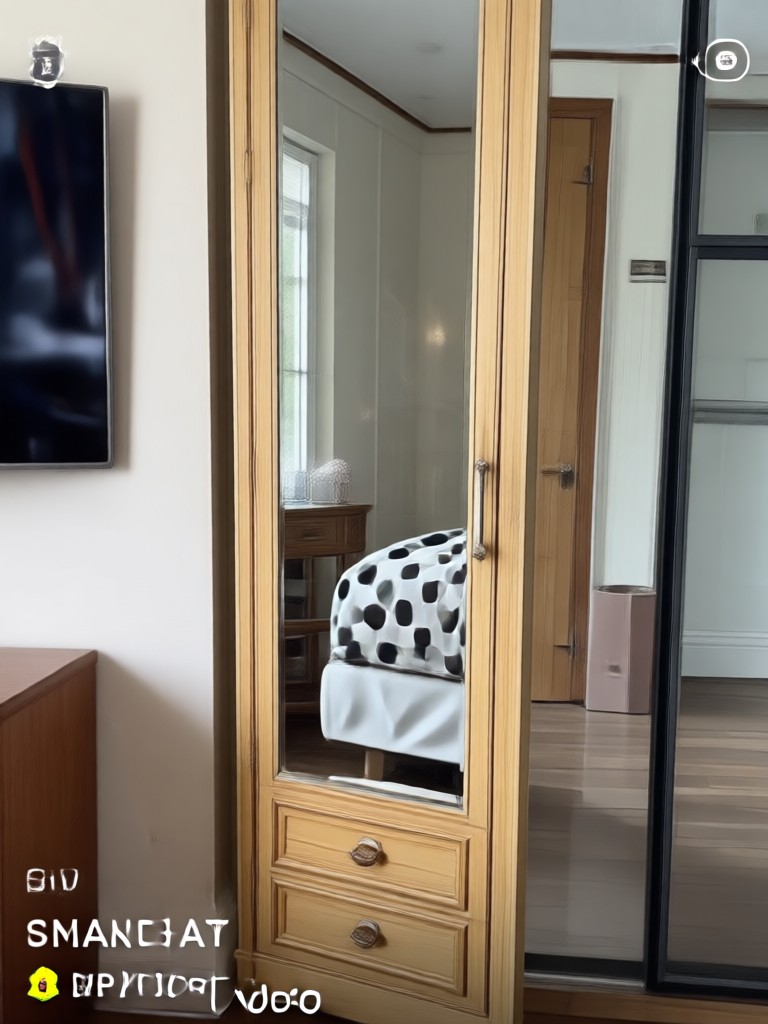
Browse examples of saved videos that got a second life through AI processing. These show how a locked filter can be replaced with a completely new visual direction.
Creators Who Rework Videos with AI
Finally a workaround for old snaps
I had a saved video with a weird face filter and thought it was lost. Using AI to regenerate the clip with a clean style saved the footage for my highlight reel.
No more being stuck with one look
I used to think a Snapchat filter was permanent forever. Now I just restyle the whole video whenever I want a different vibe for my profile.
Fast and surprisingly good
The AI cleanup removed a lot of the visual noise from the original filter. It is not a perfect undo, but it gave me a much cleaner video to work with.
FAQs About Snapchat Filters and AI Video Editing
Answers to the most common questions about removing filters from saved Snapchat videos and using AI alternatives.
More Topics You May Like
Explore more ways to edit and rework your videos with AI.

Extract Audio from Facebook Videos Instantly
Turn any Facebook video into high-quality MP3 audio. Upload, extract, and download clean sound in seconds. Perfect for podcasts, music, and voice notes.

Convert Image To 4K - AI Powered Creative Tool | funpack
Create stunning Convert Image To 4K with funpack AI. Generate images, videos, and art instantly with one tap. Download the app and start creating today.

Upgrade Blurry Photos to 4K with AI Quality Converter
Transform low resolution or fuzzy pictures into crisp 4K quality with one tap. Funpack uses AI to enhance details, reduce noise, and sharpen every element for stunning HD results.

Erase Video Watermarks Instantly With AI Magic
Remove watermarks, logos, and overlays from videos with advanced AI. Upload a clip, get clean results in seconds. Perfect for TikTok and Instagram.
Rework Any Saved Video with AI
Stop worrying about locked filters. Download funpack and turn your old Snapchat clips into fresh, shareable videos.
Rework Any Saved Video with AI
Stop worrying about locked filters. Download funpack and turn your old Snapchat clips into fresh, shareable videos.