Photo To 4K Quality Converter

Choose the 4K Enhancement Filter That Fits Your Photo
Select from a wide range of AI powered filters made for upscaling portraits, landscapes, product shots, and old photos. Each filter is optimized to boost clarity, recover fine textures, and deliver true 4K resolution.
Key Features of the 4K Photo Converter
Funpack combines advanced AI upscaling with a simple mobile interface. Preserve natural skin texture, enhance architectural lines, and remove compression artifacts without oversharpening or introducing fake looking details.
True 4K Resolution Upscaling
Increase image resolution to true 4K while keeping textures natural. The AI reconstructs missing pixels intelligently so faces, hair, fabric, and foliage look realistic instead of plastic or blurry.
True 4K Resolution Upscaling
Increase image resolution to true 4K while keeping textures natural. The AI reconstructs missing pixels intelligently so faces, hair, fabric, and foliage look realistic instead of plastic or blurry.
Noise Reduction and Sharpening
Remove grain, JPEG artifacts, and low light noise while boosting edge definition. The converter balances clarity and softness so your photo looks clean, bright, and professionally retouched in seconds.
Noise Reduction and Sharpening
Remove grain, JPEG artifacts, and low light noise while boosting edge definition. The converter balances clarity and softness so your photo looks clean, bright, and professionally retouched in seconds.
Batch and Instant Processing
Convert multiple photos in one session without waiting. The mobile optimized pipeline delivers 4K results in seconds, making it easy to enhance an entire album, old family scans, or content for social media.
Batch and Instant Processing
Convert multiple photos in one session without waiting. The mobile optimized pipeline delivers 4K results in seconds, making it easy to enhance an entire album, old family scans, or content for social media.
How to Convert Photos to 4K Quality
Follow three simple steps to turn any low resolution image into a crisp 4K quality photo using Funpack.

Step 01.
Download the Funpack app from Google Play and open the 4K photo converter tool on your phone.

Step 02.
Upload the photo you want to enhance and select a 4K quality filter that matches the photo type, such as portrait or landscape.

Step 03.
Tap generate and wait a few seconds. Download your new ultra high definition photo and share it directly to social media or save it to your gallery.
Why Funpack Is the Best Photo To 4K Quality Converter
Most online upscalers destroy facial details or make images look painted. Funpack uses content aware AI models trained specifically on photos, preserving realistic skin pores, eyelashes, fabric weaves, and natural lighting while increasing resolution to 4K. The entire process happens inside a lightweight mobile app with no upload to a desktop browser, no watermarks, and no premium desktop software required.
Why Funpack Is the Best Photo To 4K Quality Converter
Most online upscalers destroy facial details or make images look painted. Funpack uses content aware AI models trained specifically on photos, preserving realistic skin pores, eyelashes, fabric weaves, and natural lighting while increasing resolution to 4K. The entire process happens inside a lightweight mobile app with no upload to a desktop browser, no watermarks, and no premium desktop software required.
Stunning Photo To 4K Quality Results
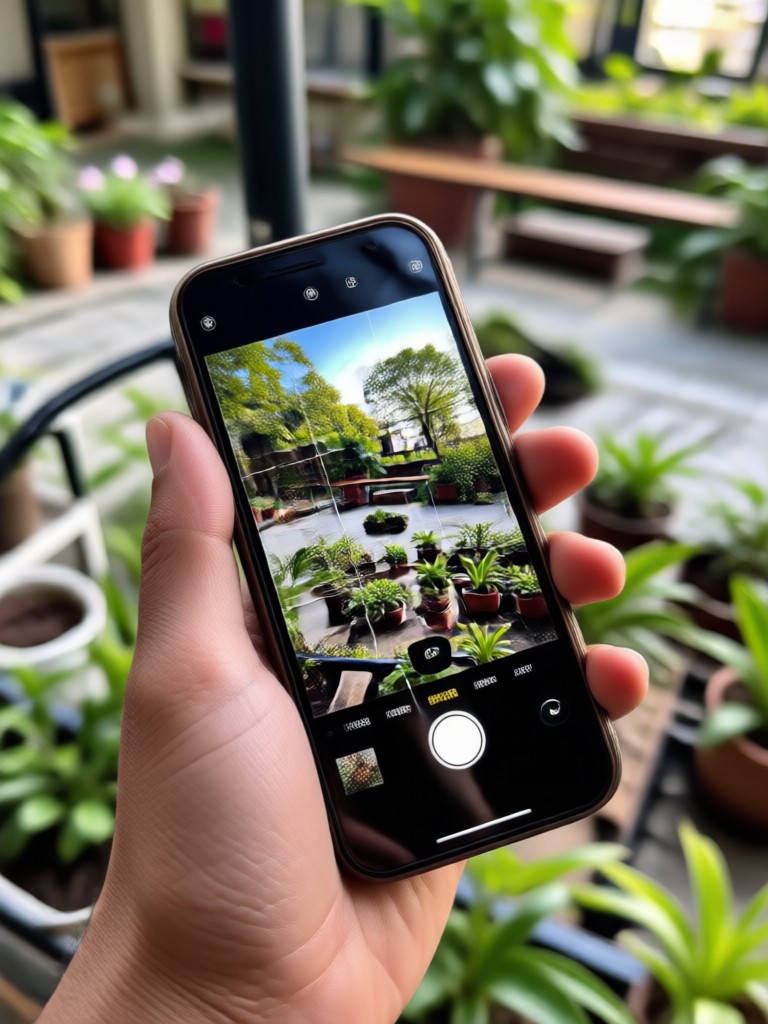
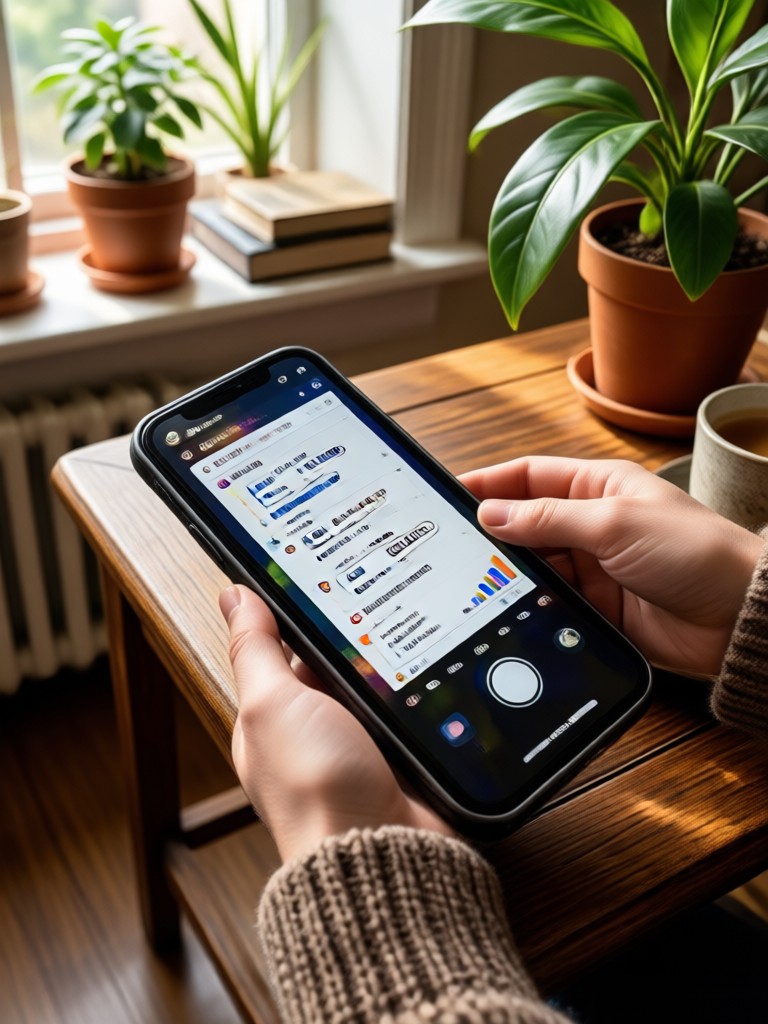
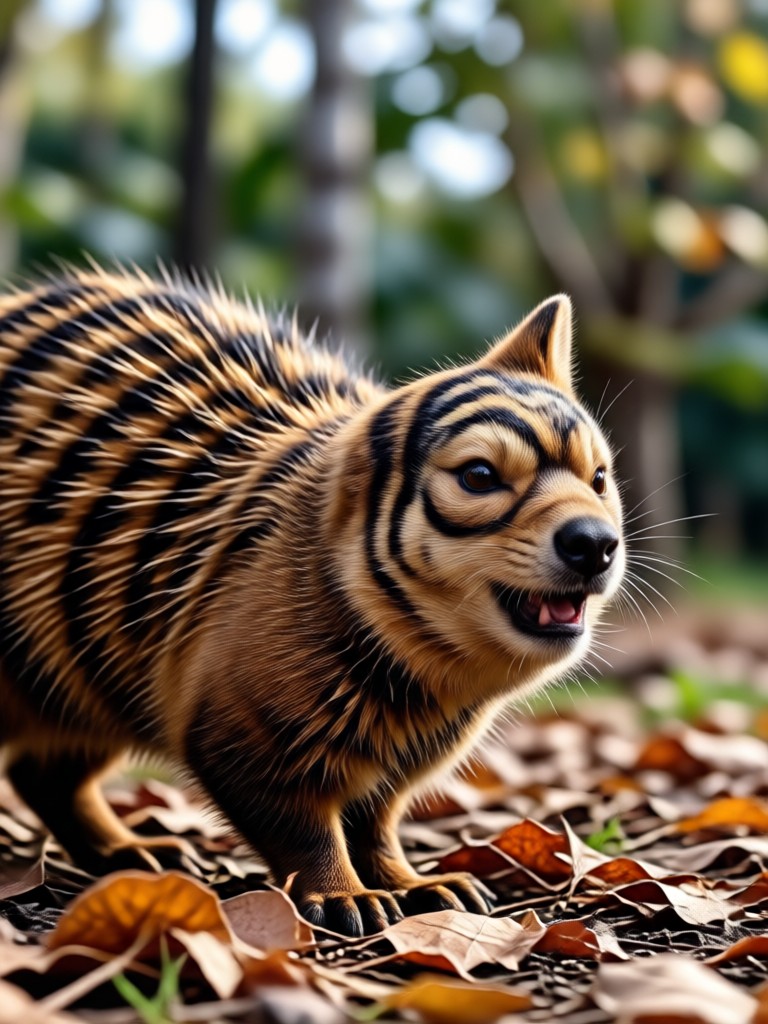
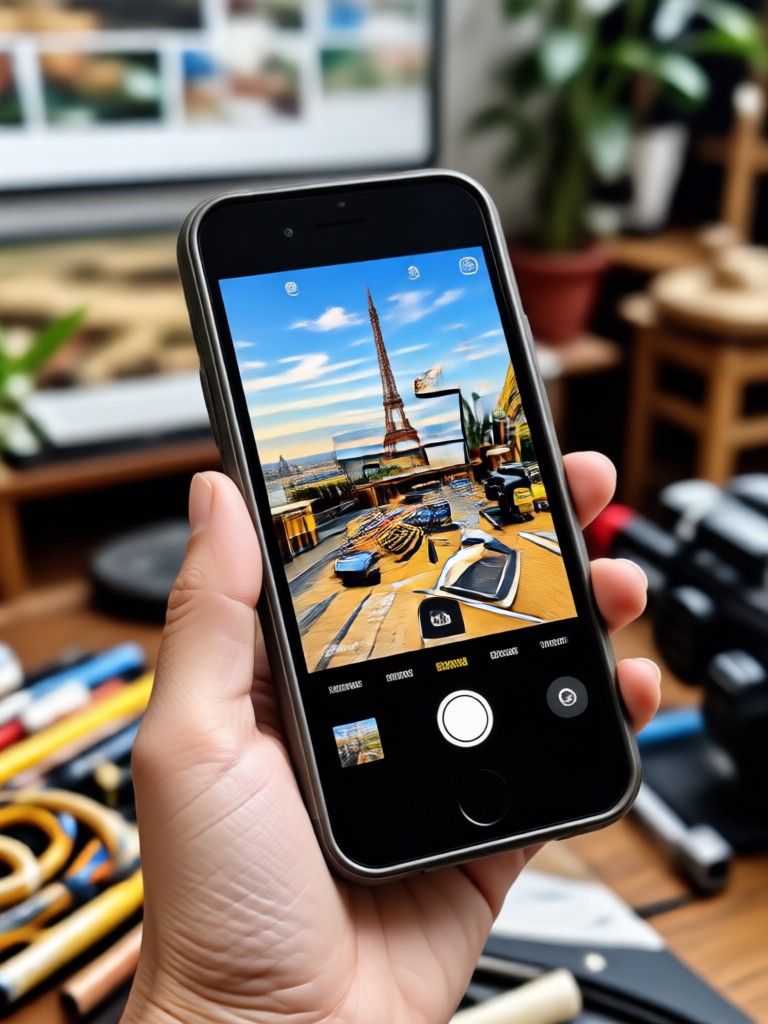
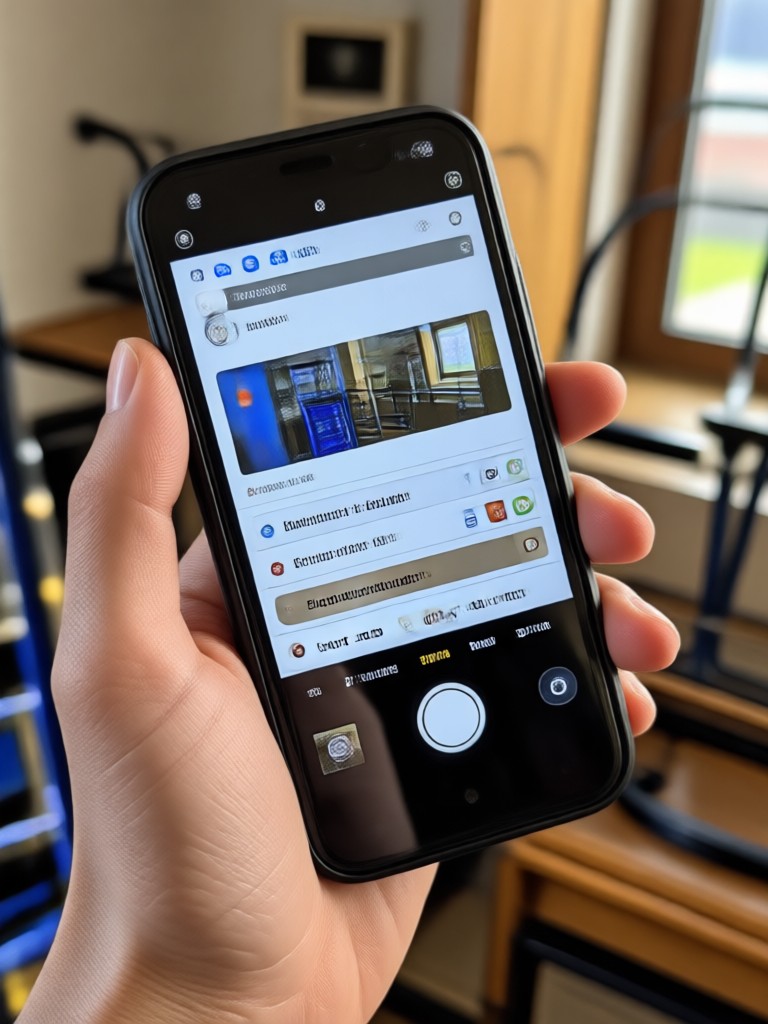
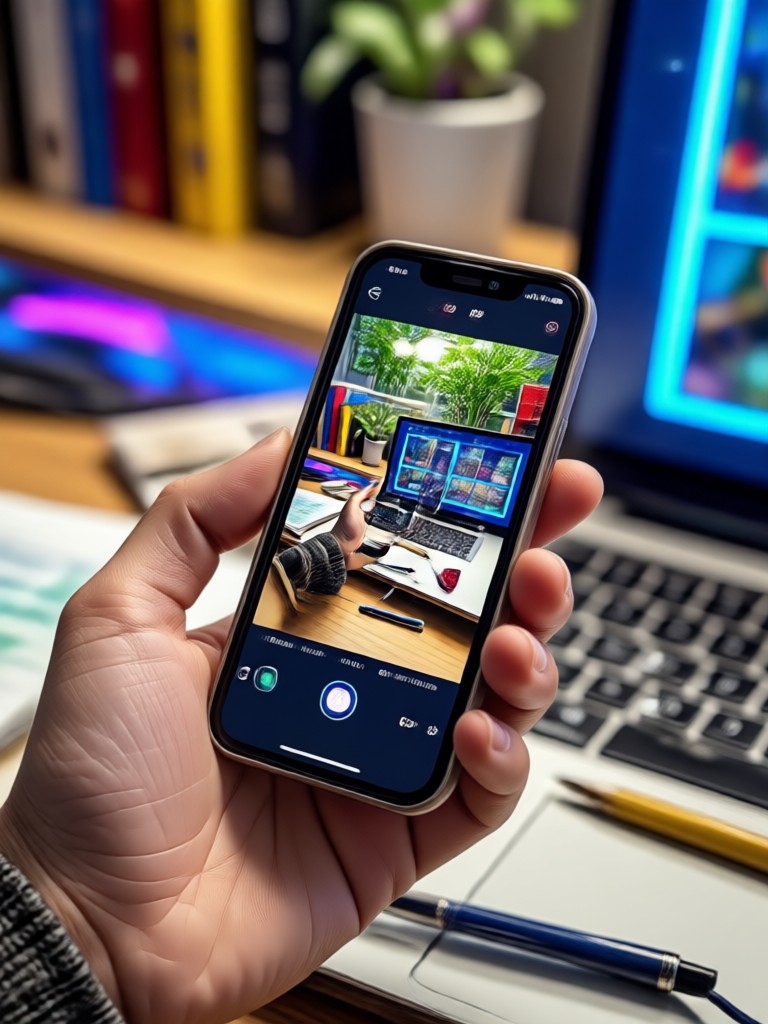
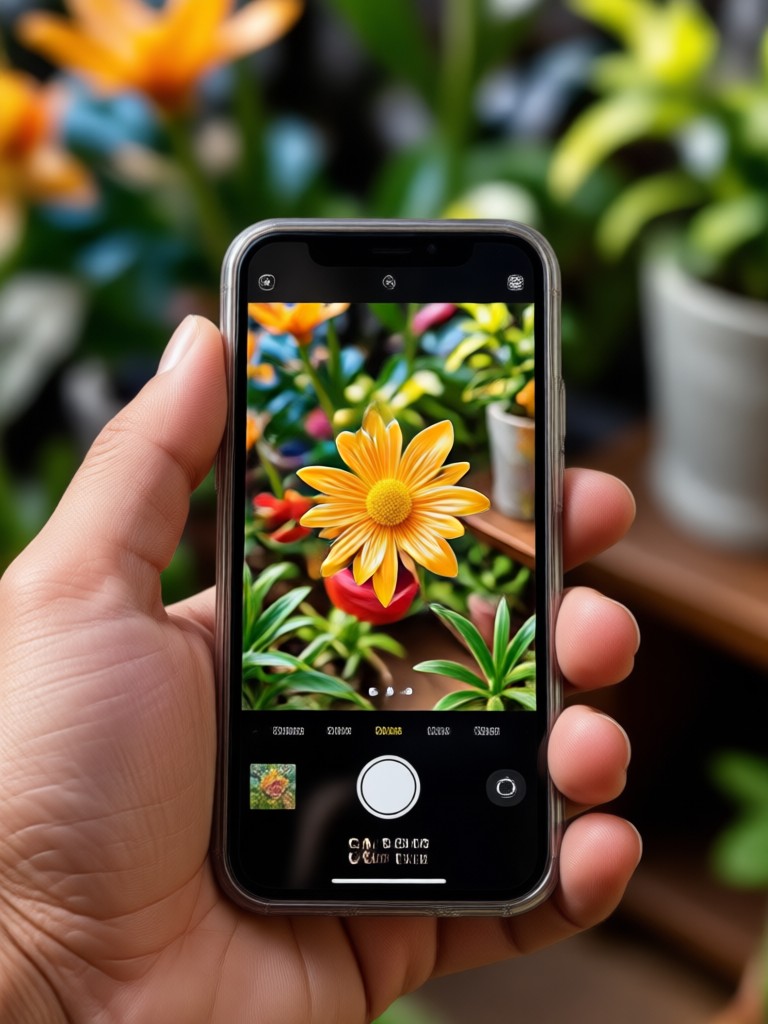
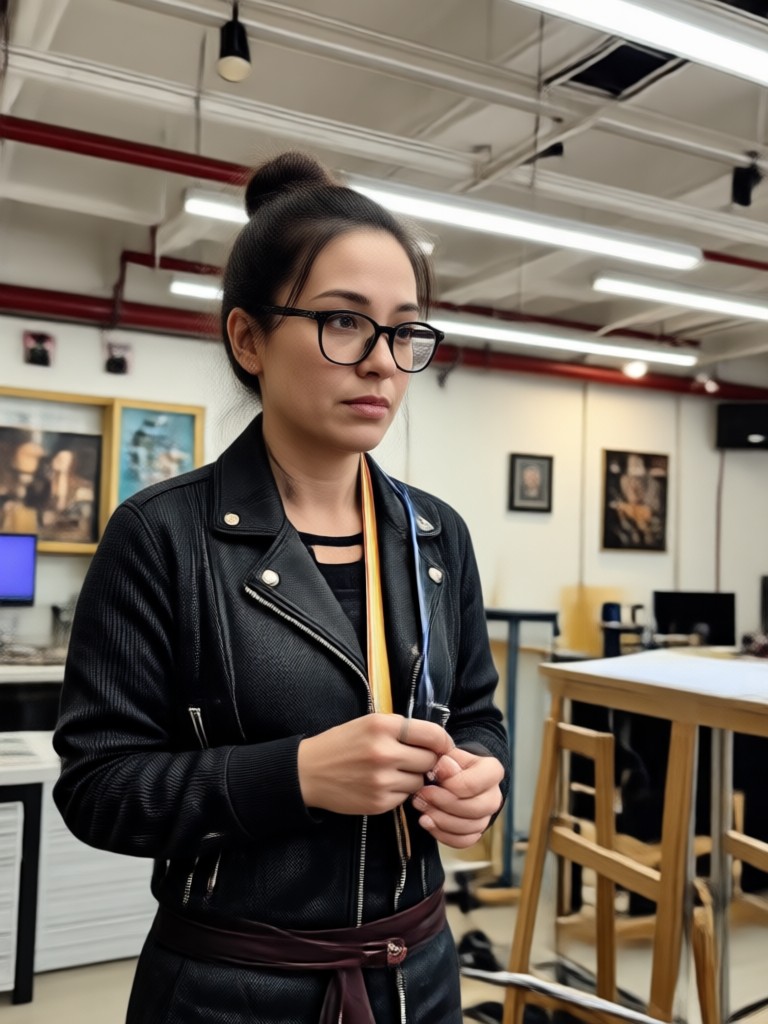
See how low resolution photos transform into detailed 4K quality images. These examples show recovery of facial detail, texture, and color depth using the Funpack mobile converter.
From 720p to 4K in Seconds
Upload any low resolution photo as a JPG, PNG, or HEIC file. The AI immediately analyzes the image, predicts missing pixel information, and reconstructs a clean 4K version. Old family photos, small thumbnails, screenshots, and compressed social media images all benefit from the same high quality enhancement engine.
What Users Say About the 4K Photo Converter
Finally a mobile upscaler that keeps faces realistic
I tried several online 4K converters and they all made my portraits look waxy. Funpack kept the skin texture and even fixed the blurry eyes from an old phone photo. Now I use it before posting any photo to Instagram.
Perfect for restoring old family scans
I scanned hundreds of old printed photos and most were low resolution. This converter brought them up to a quality I can print at large sizes. The app is fast and I could batch process an entire album in one sitting.
My product photos look professionally shot now
Shooting products on a phone often leaves a little softness. After running them through the 4K quality converter, the textures and edges are crisp enough for my online store. No more expensive camera gear needed.
Frequently Asked Questions About Photo To 4K Quality Converter
Clear answers about converting photos to 4K quality using Funpack on your Android phone.
More Topics You May Like
Explore more photo enhancement and AI editing topics to get the most out of Funpack.
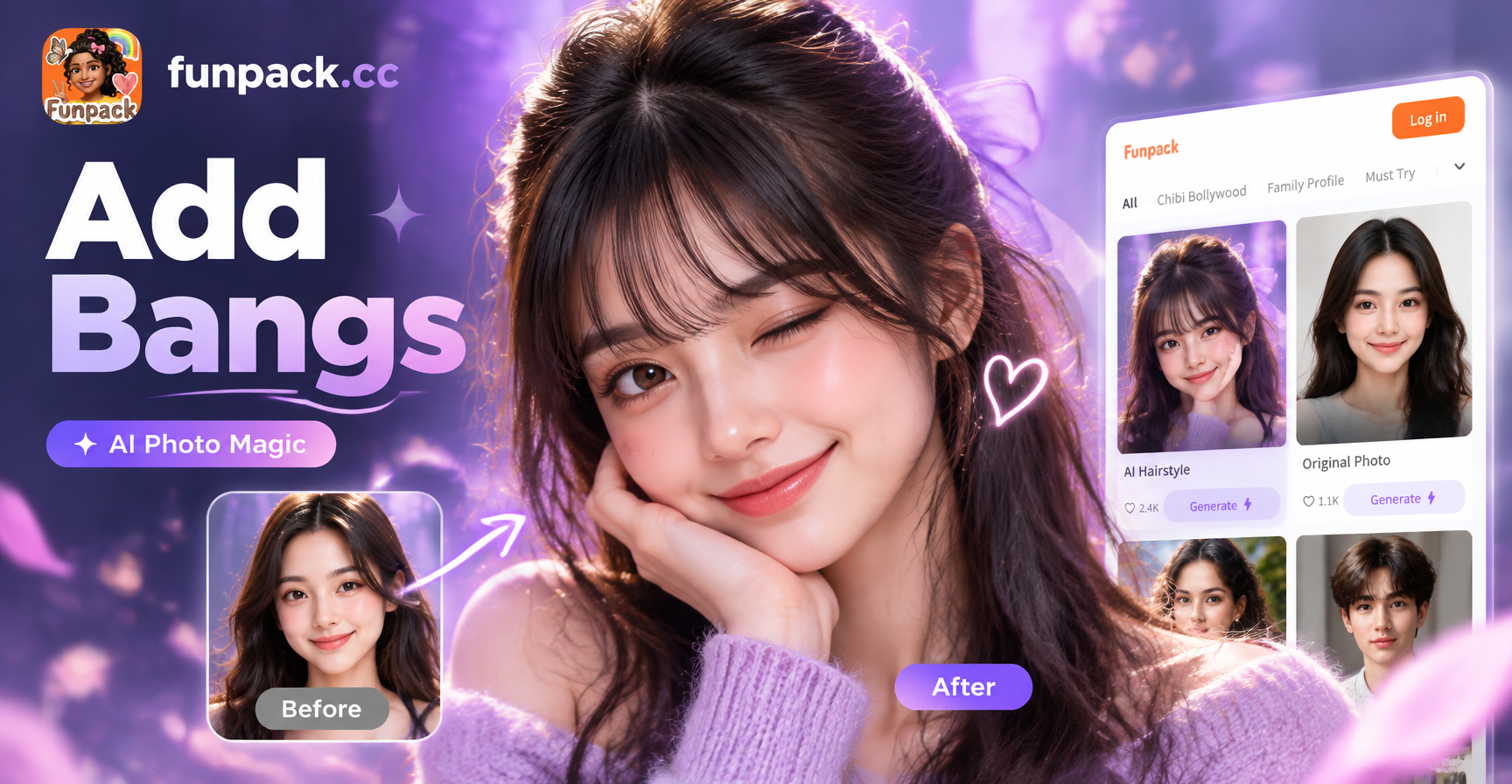
See Yourself with Bangs in Seconds
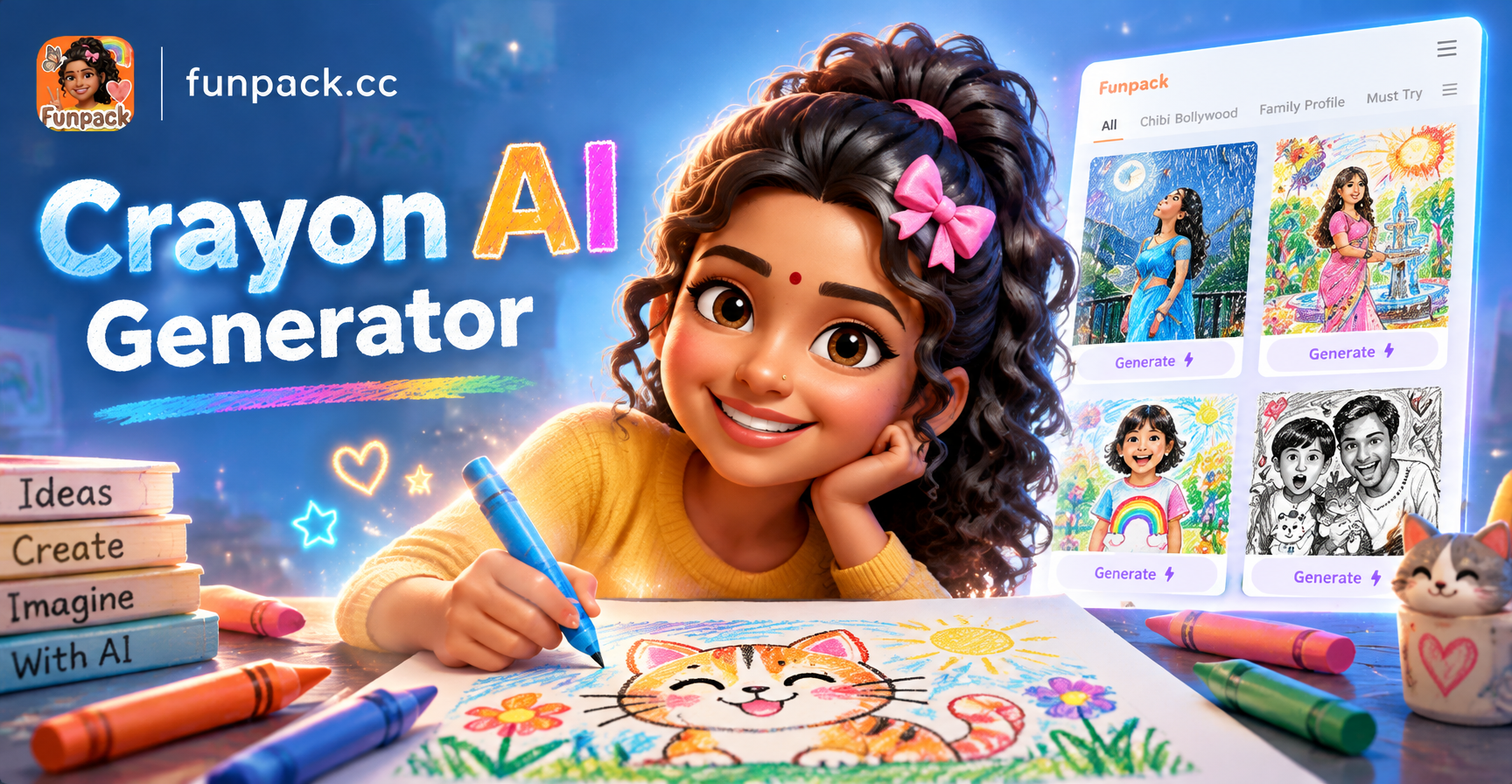
Crayon AI Generator: Turn Photos into Crayon Art
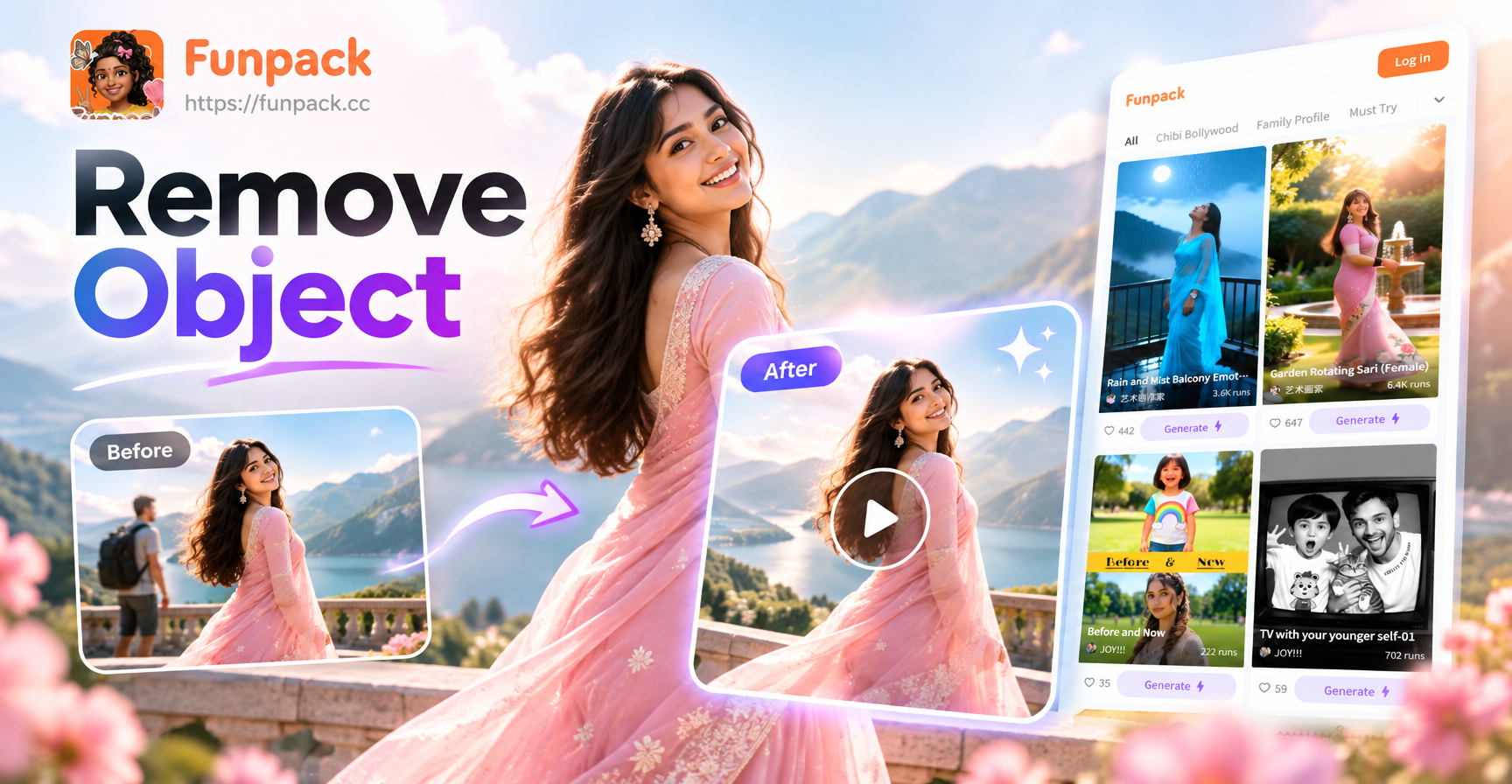
Remove Object Video: AI Eraser for Flawless Clips
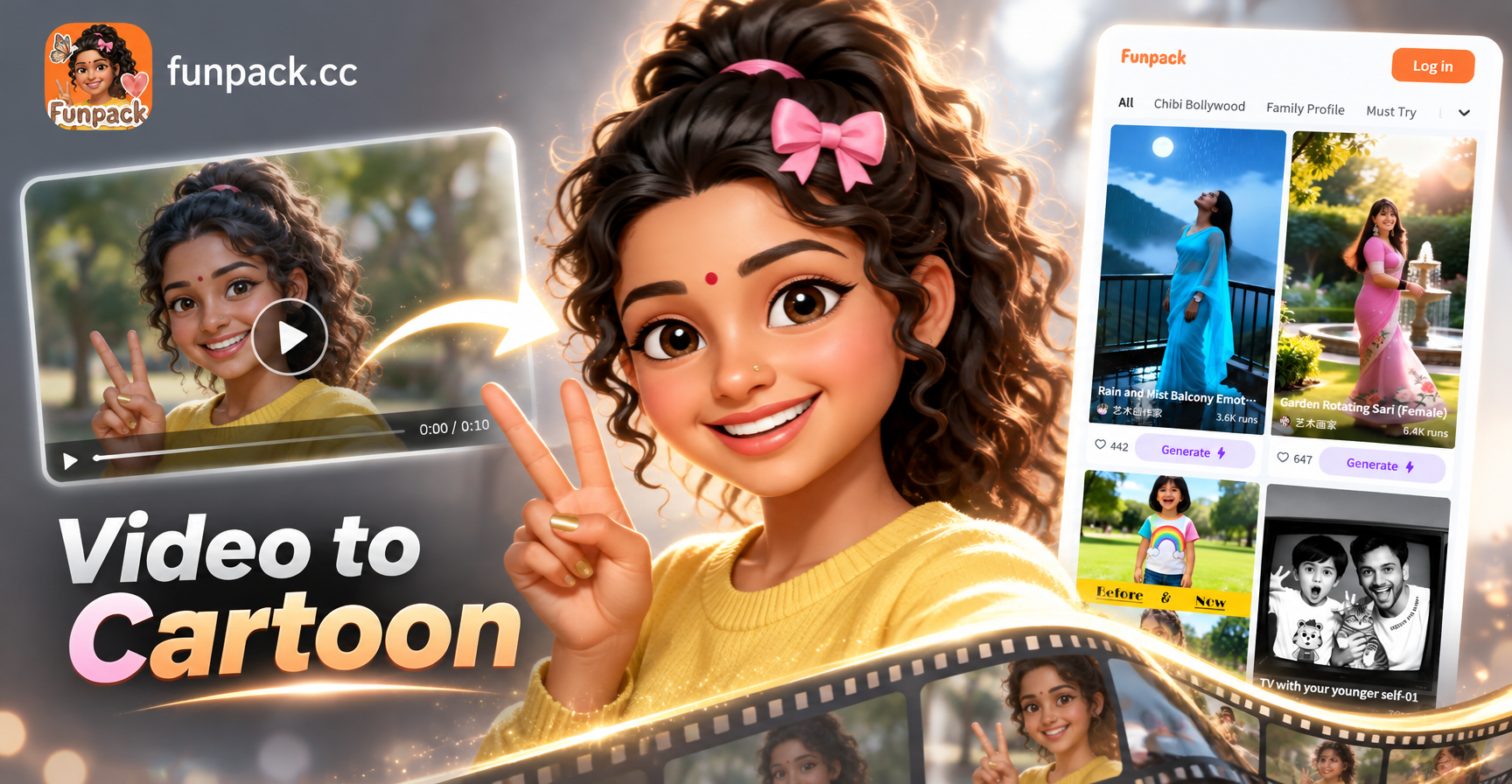
Convert Video Into Cartoon with AI: Easy Cartoon Video App
See Yourself with Bangs in Seconds
Crayon AI Generator: Turn Photos into Crayon Art
Remove Object Video: AI Eraser for Flawless Clips
Convert Video Into Cartoon with AI: Easy Cartoon Video App
Convert Your First Photo to 4K Today
Download Funpack from Google Play and see the difference true 4K quality makes. Restore old memories, upgrade product photos, or simply make every social media post look professionally shot.

Convert Your First Photo to 4K Today
Download Funpack from Google Play and see the difference true 4K quality makes. Restore old memories, upgrade product photos, or simply make every social media post look professionally shot.