Gemini AI Acrylic Painting Style
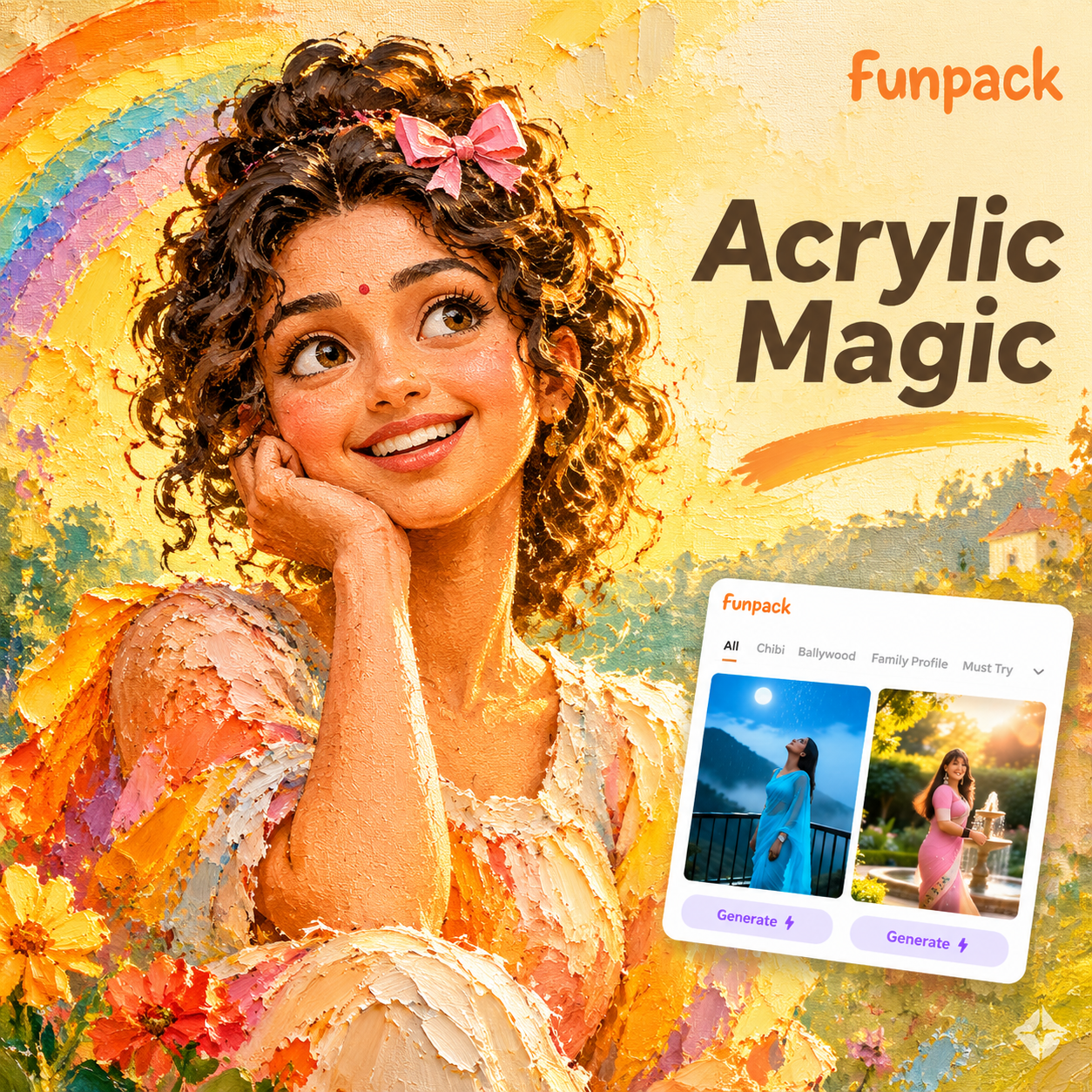
Choose Your Acrylic Painting Filter
Explore bold knife strokes, fluid pours, soft blends, and impasto textures. Each filter matches different moods from airy pastel portraits to dramatic colorful landscapes. Pick a style and see your photo transform instantly.
Why Use Gemini AI Acrylic Painting Effects
Turn everyday snapshots into expressive artwork with realistic paint textures, smart style transfer, and adjustable results that keep your subject clear and recognizable.
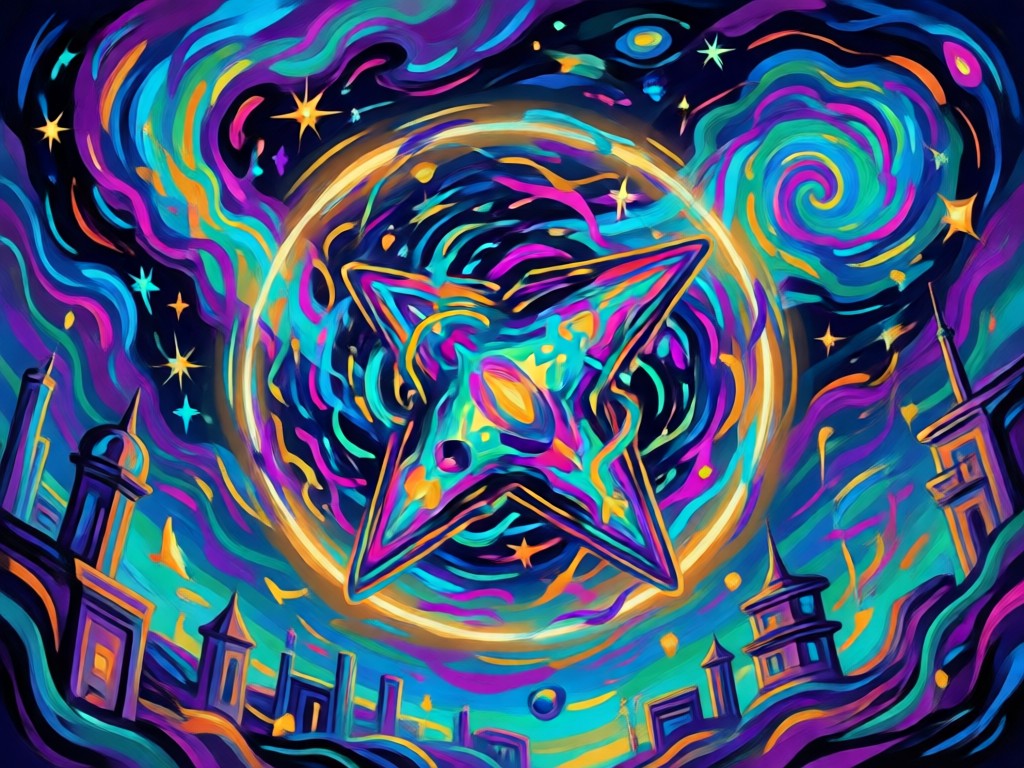
Realistic Acrylic Textures
Recreate thick brush strokes, palette knife marks, and layered paint blends that look like real hand made canvas art, not flat digital filters.
Realistic Acrylic Textures
Recreate thick brush strokes, palette knife marks, and layered paint blends that look like real hand made canvas art, not flat digital filters.
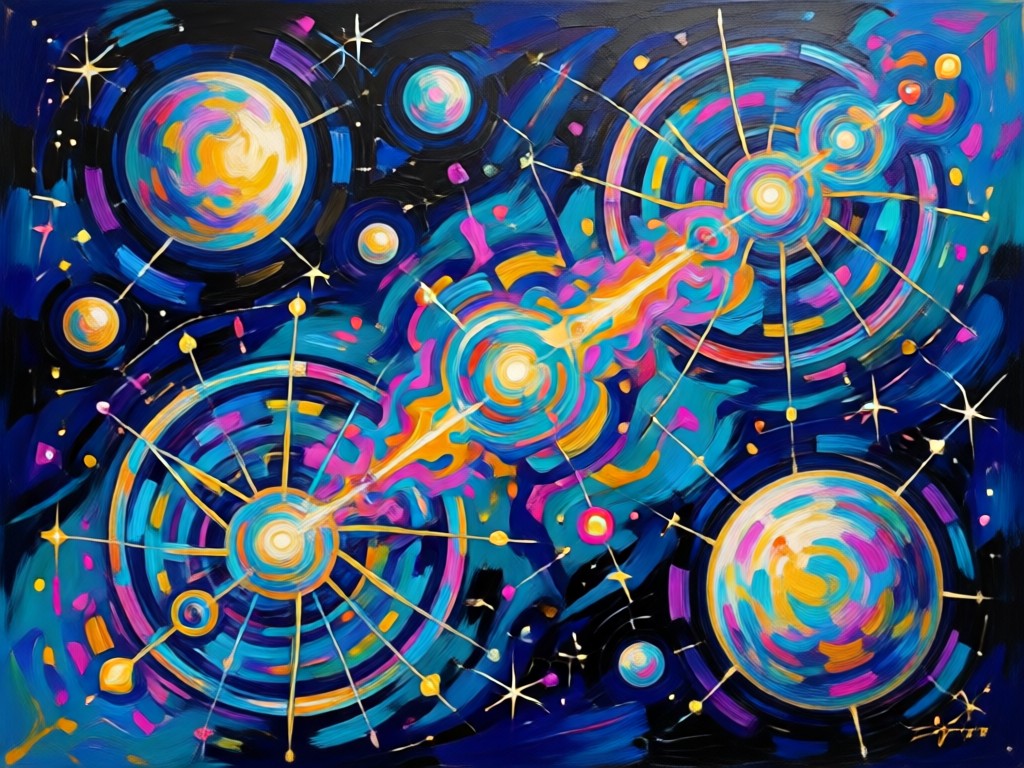
One Tap Style Transfer
Upload any photo and let the AI apply a cohesive acrylic painting treatment while preserving faces, clothing details, and background depth automatically.
One Tap Style Transfer
Upload any photo and let the AI apply a cohesive acrylic painting treatment while preserving faces, clothing details, and background depth automatically.
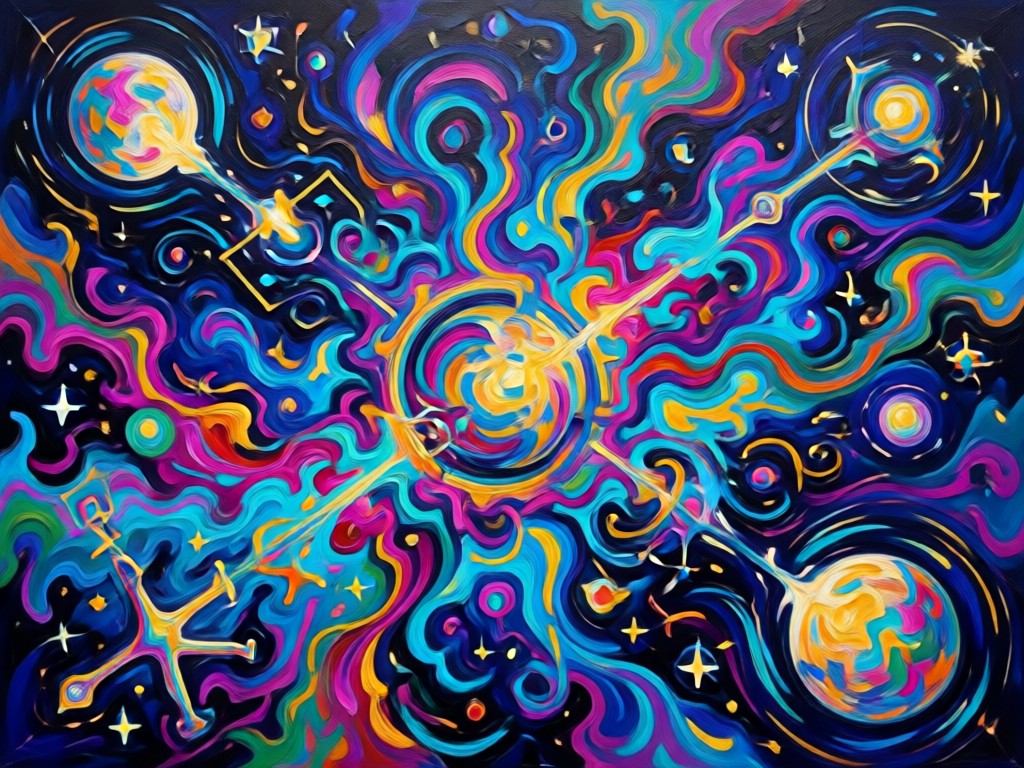
Adjustable Art Intensity
Control brush size, color saturation, and texture strength to match your creative vision, from subtle painterly touches to bold expressive strokes.
Adjustable Art Intensity
Control brush size, color saturation, and texture strength to match your creative vision, from subtle painterly touches to bold expressive strokes.
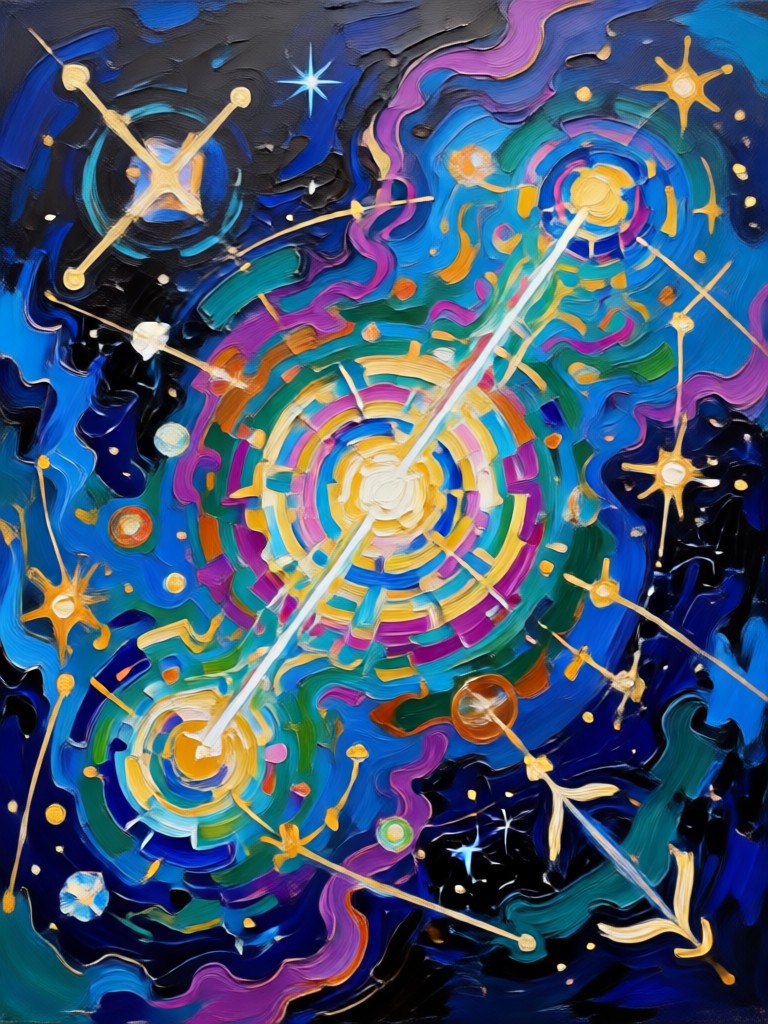
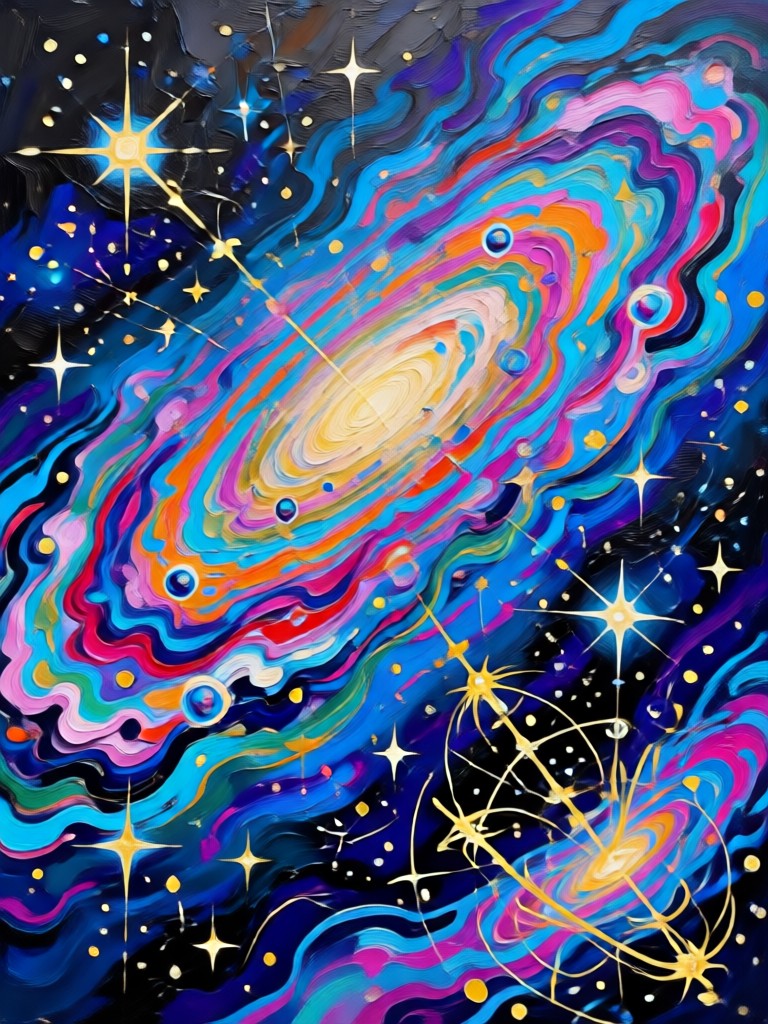
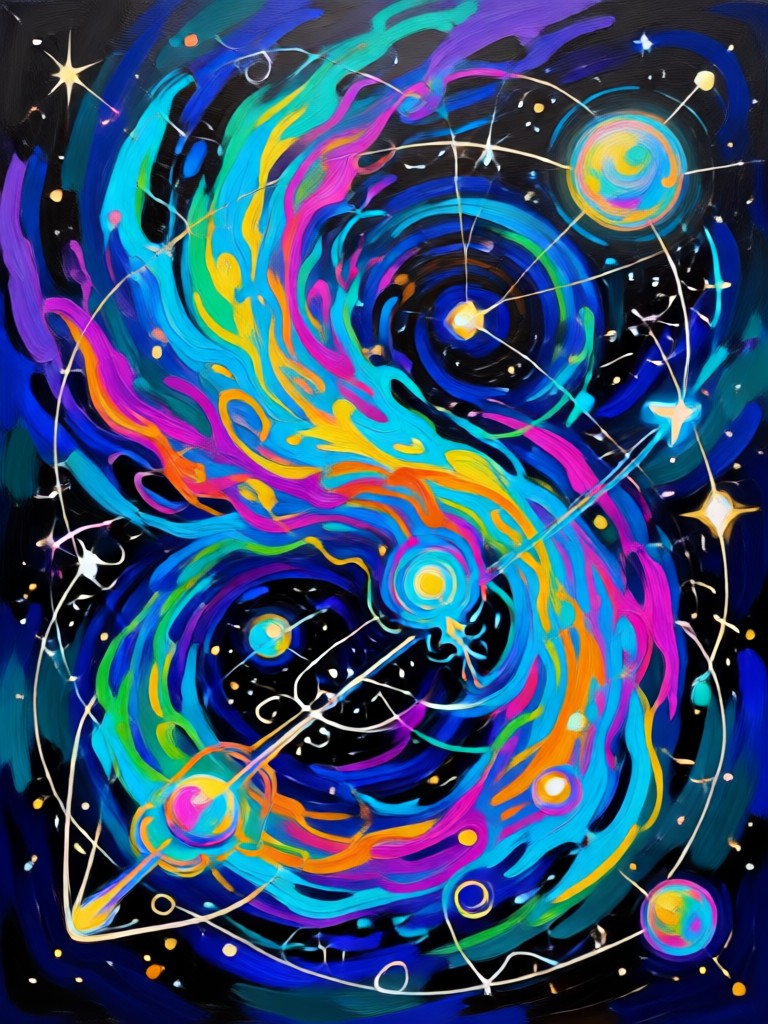
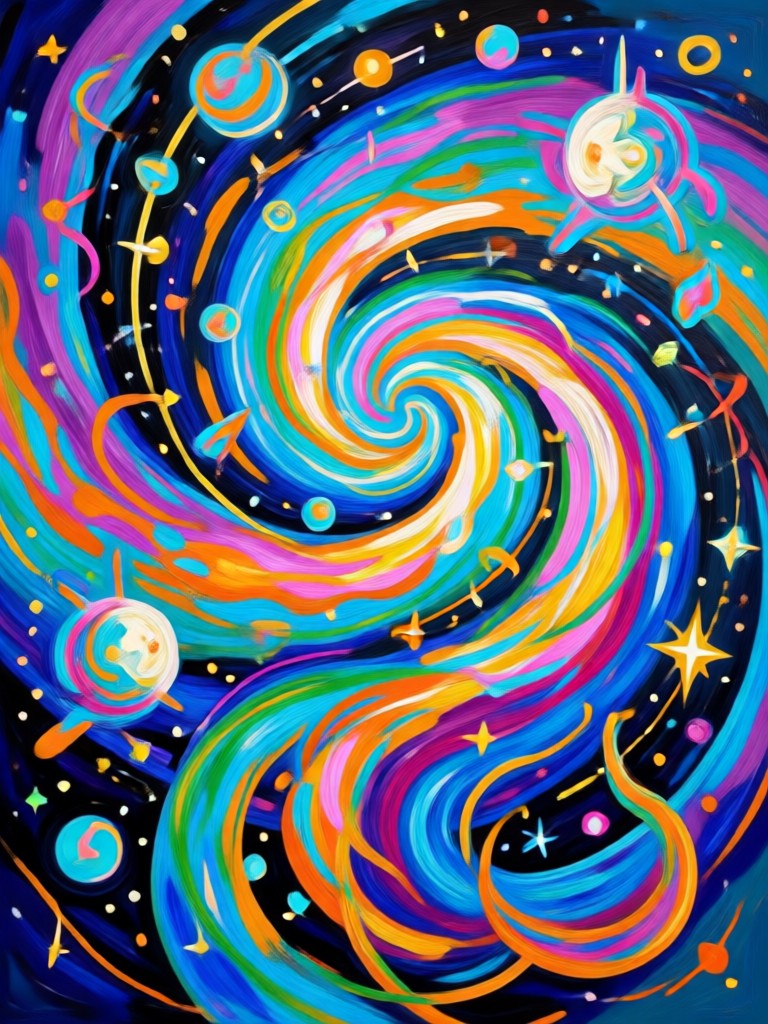
Acrylic Painting Style Gallery
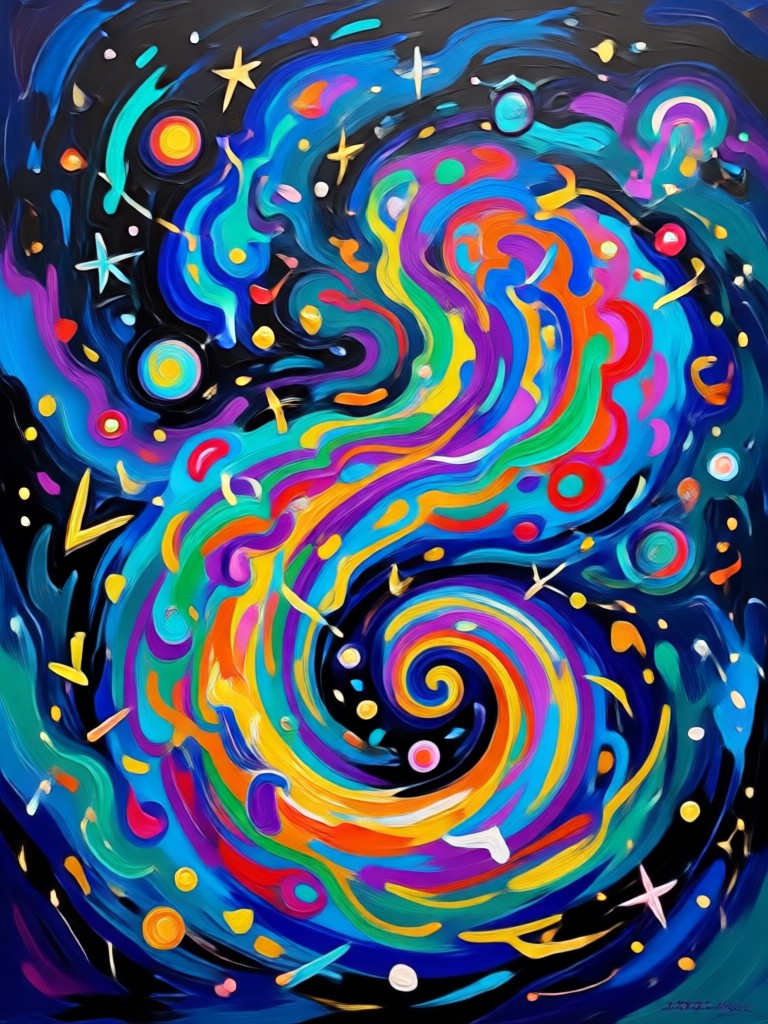
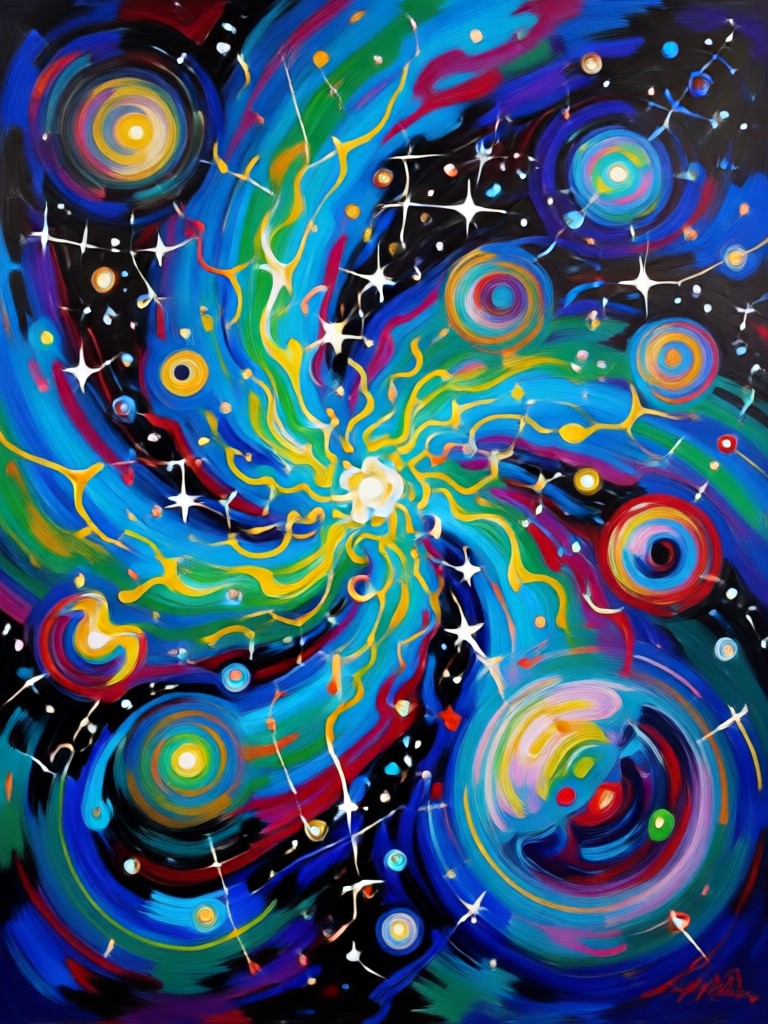
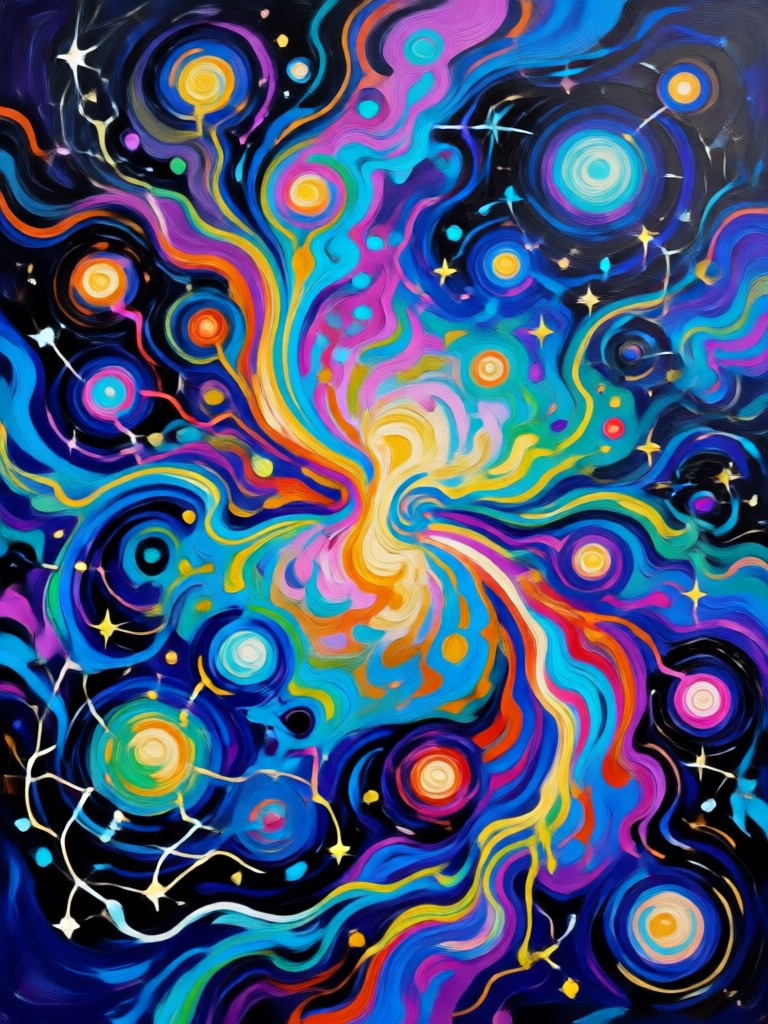
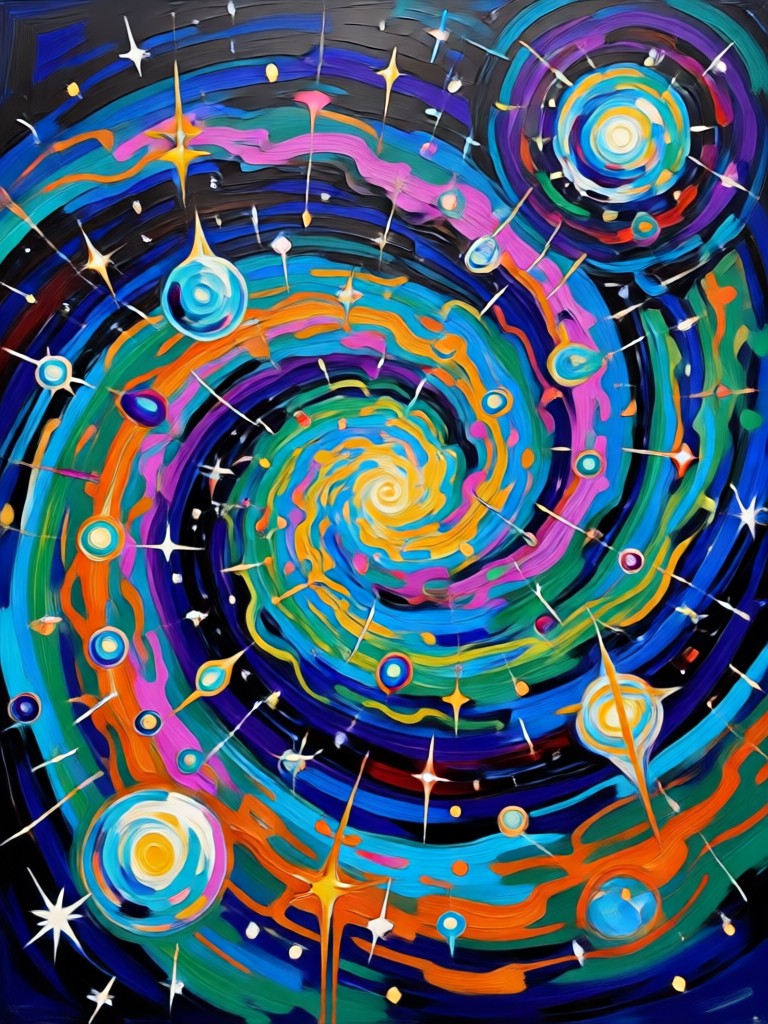
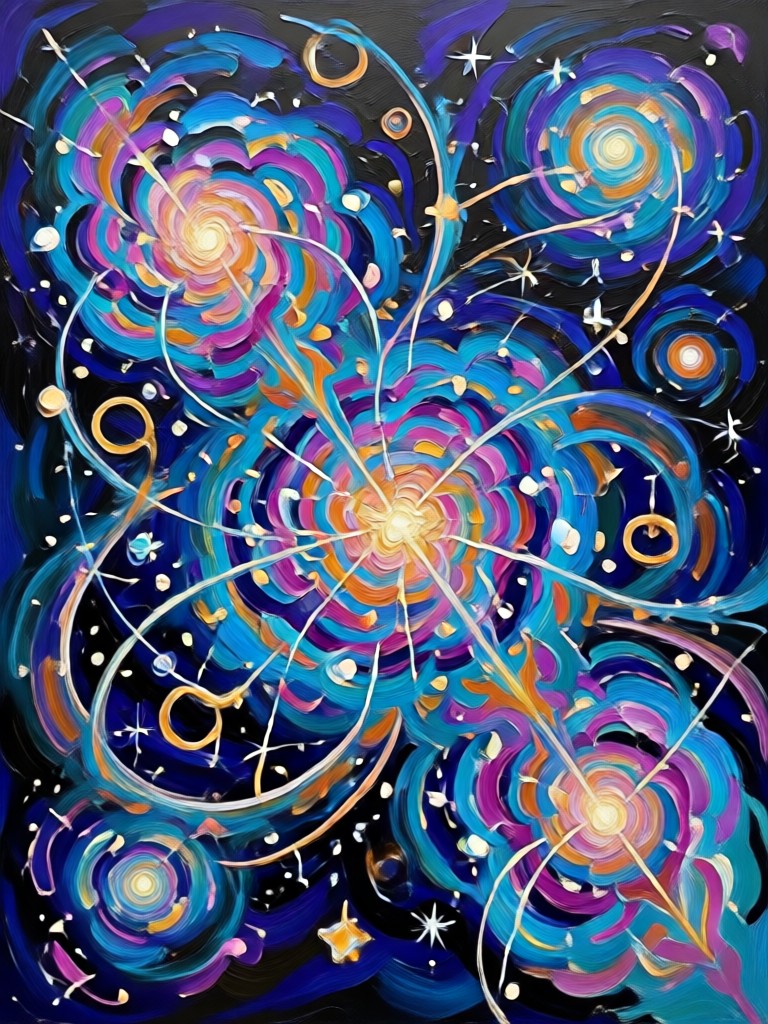
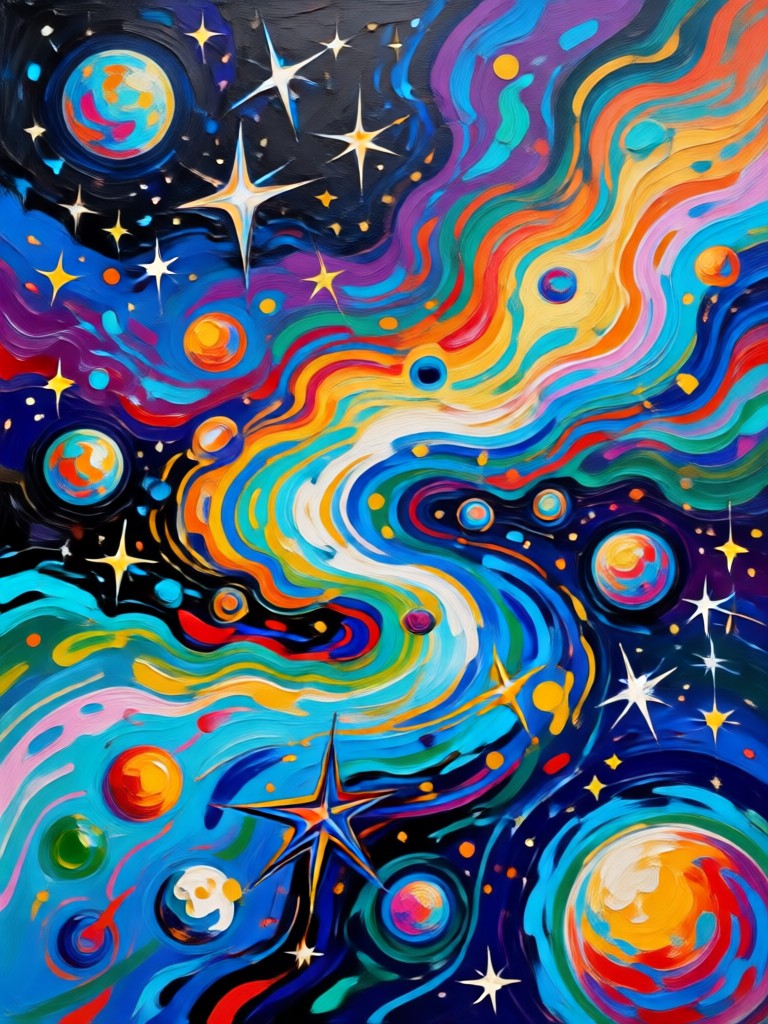
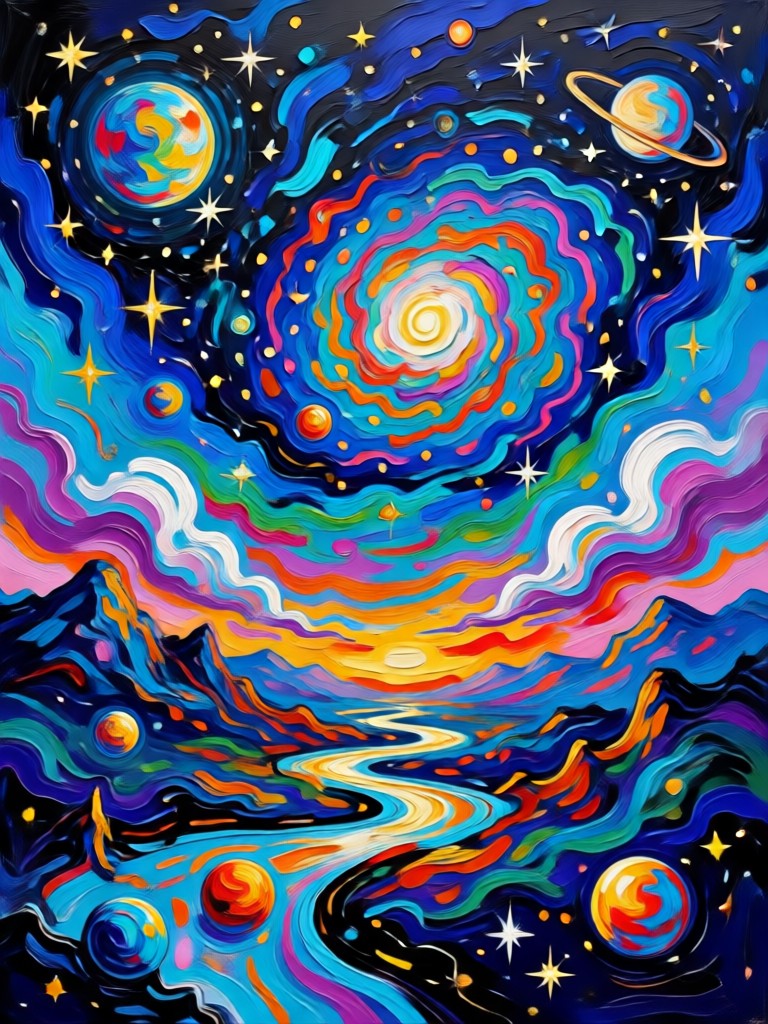
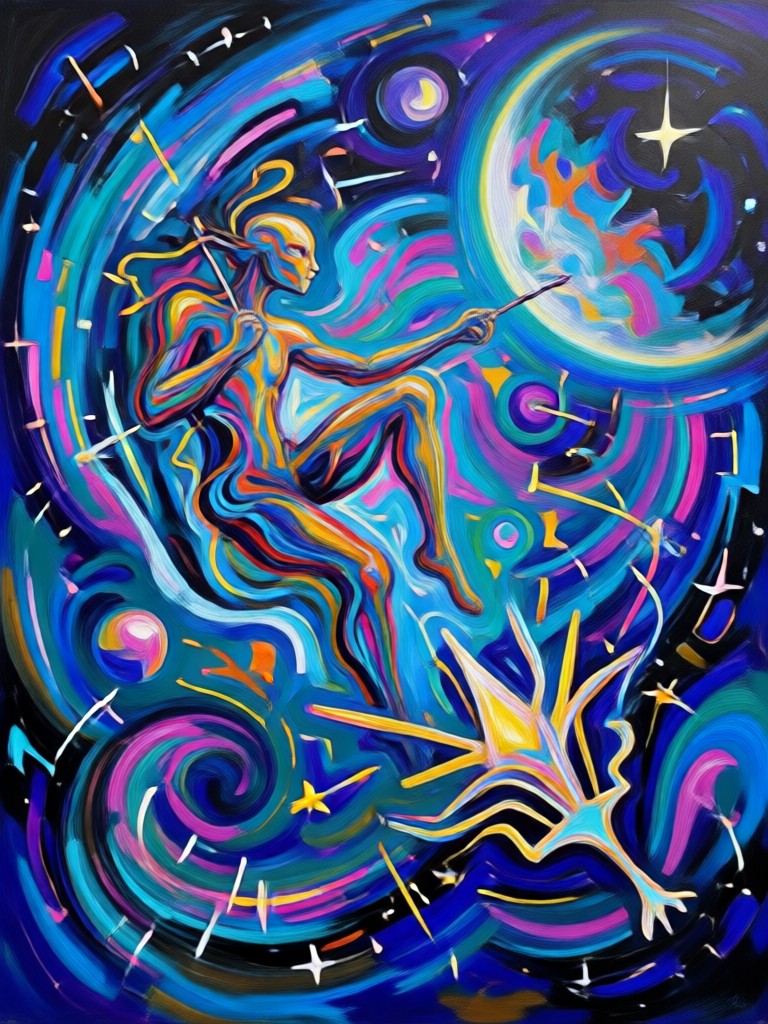
See how ordinary photos become expressive acrylic paintings with rich color, layered texture, and hand painted charm. Browse examples of portraits, landscapes, pets, and still life created in the Gemini AI acrylic style.
How to Create Gemini AI Acrylic Painting Art
Start with any photo and finish with a textured acrylic masterpiece in three simple steps using the funpack app on your Android device.

Step 01.
Download the funpack app from Google Play and open it on your Android phone or tablet.

Step 02.
Upload your photo and select the acrylic painting filter you love from the style library.

Step 03.
Generate your artwork, save it to your gallery, and share it on social media or with friends.
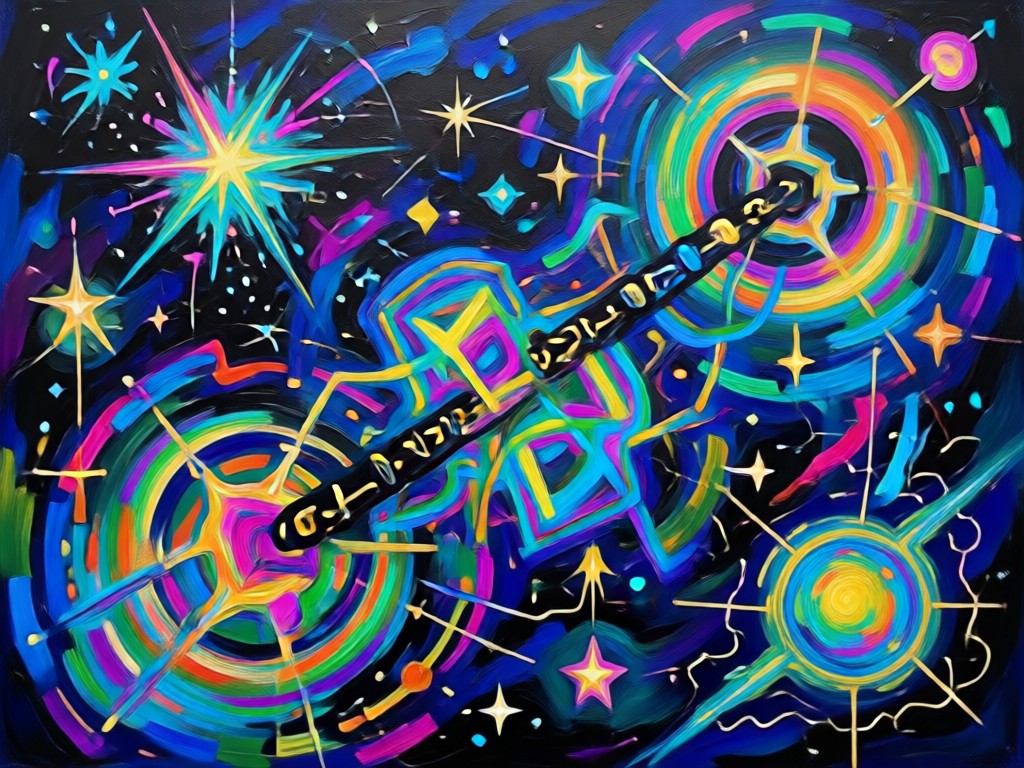
Turn Ordinary Photos Into Gallery Worthy Acrylic Art
funpack removes the barrier between your phone and beautiful canvas art. The AI studies light, color, and brush movement to create cohesive acrylic paintings that feel human made. Whether you work on portraits, travel shots, or product photos, you get consistent results in seconds instead of hours.
Turn Ordinary Photos Into Gallery Worthy Acrylic Art
funpack removes the barrier between your phone and beautiful canvas art. The AI studies light, color, and brush movement to create cohesive acrylic paintings that feel human made. Whether you work on portraits, travel shots, or product photos, you get consistent results in seconds instead of hours.
What Creators Say About funpack Acrylic Filters
Feels like a real painter did it
I used the acrylic style on a family portrait and the brushwork looked hand made. My friends asked which app I used because they could not believe it was AI.
Perfect for my social media art
I post daily art content and funpack gives me a consistent acrylic look without spending money on supplies. The texture presets are surprisingly varied.
Simple and beautiful results
I am not a designer but I uploaded a travel photo and picked the acrylic filter. The result looked like a painting I would hang on my wall. Very easy to use.
Frequently Asked Questions
Find clear answers about using the Gemini AI acrylic painting style in the funpack app and get the most out of your creative edits.
More Topics You May Like
Explore more AI art styles and creative filters to keep your content fresh and expressive.
Gemini AI PS2 Filter: Retro Game Style Photo Generator

Turn Any Photo Into a Cowboy Masterpiece

Create Stunning Car Videos with AI

Create Chilling Horror Movie Posters with Gemini AI
Gemini AI PS2 Filter: Retro Game Style Photo Generator
Turn Any Photo Into a Cowboy Masterpiece
Create Stunning Car Videos with AI
Create Chilling Horror Movie Posters with Gemini AI
Create Your Acrylic Masterpiece Today
Download funpack and unlock thousands of style filters including the Gemini AI acrylic painting effect. Turn your photos into textured, colorful artwork and share it with the world in seconds.
Create Your Acrylic Masterpiece Today
Download funpack and unlock thousands of style filters including the Gemini AI acrylic painting effect. Turn your photos into textured, colorful artwork and share it with the world in seconds.