Gemini AI Baby Flower Photo
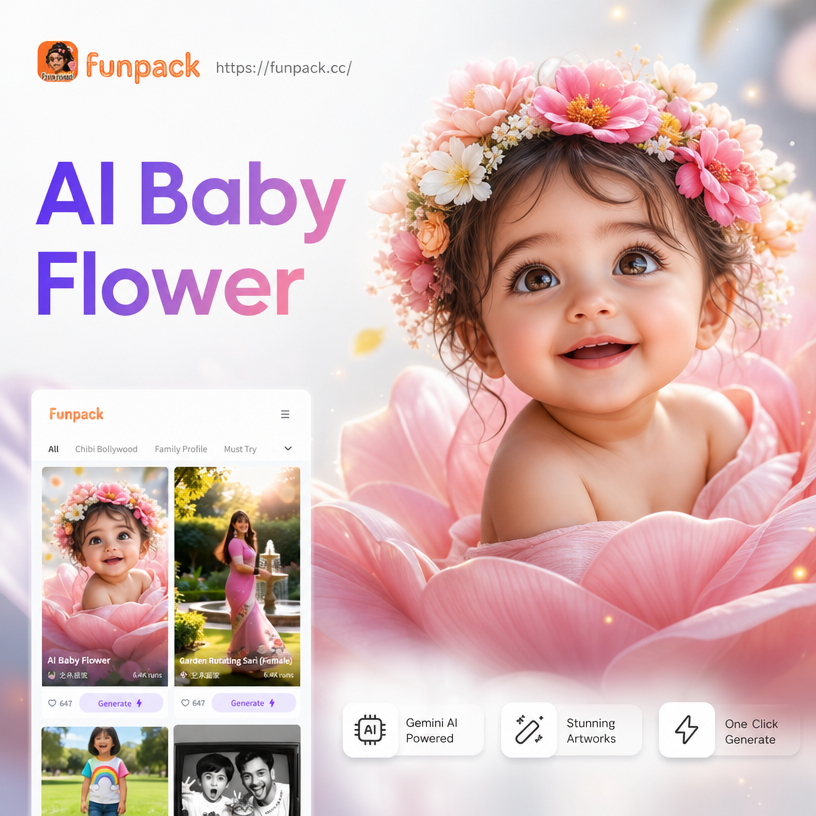
Choose the Perfect Baby Photo Filter
Browse handpicked filters designed for baby portraits, family photos, and flower themed transformations. Each one creates a unique look while keeping your little one's face beautifully preserved.
Key Features of the AI Baby Flower Photo Effect
funpack makes it simple to create magical baby flower photos with advanced AI technology. Here is what makes our baby photo generator stand out.

Realistic Baby Face Preservation
Our AI carefully analyzes your baby's facial features and keeps every detail intact while surrounding them with beautiful flowers. No distorted faces, no blending issues. Your little one stays recognizable in every generation.
Realistic Baby Face Preservation
Our AI carefully analyzes your baby's facial features and keeps every detail intact while surrounding them with beautiful flowers. No distorted faces, no blending issues. Your little one stays recognizable in every generation.
Hundreds of Flower Style Templates
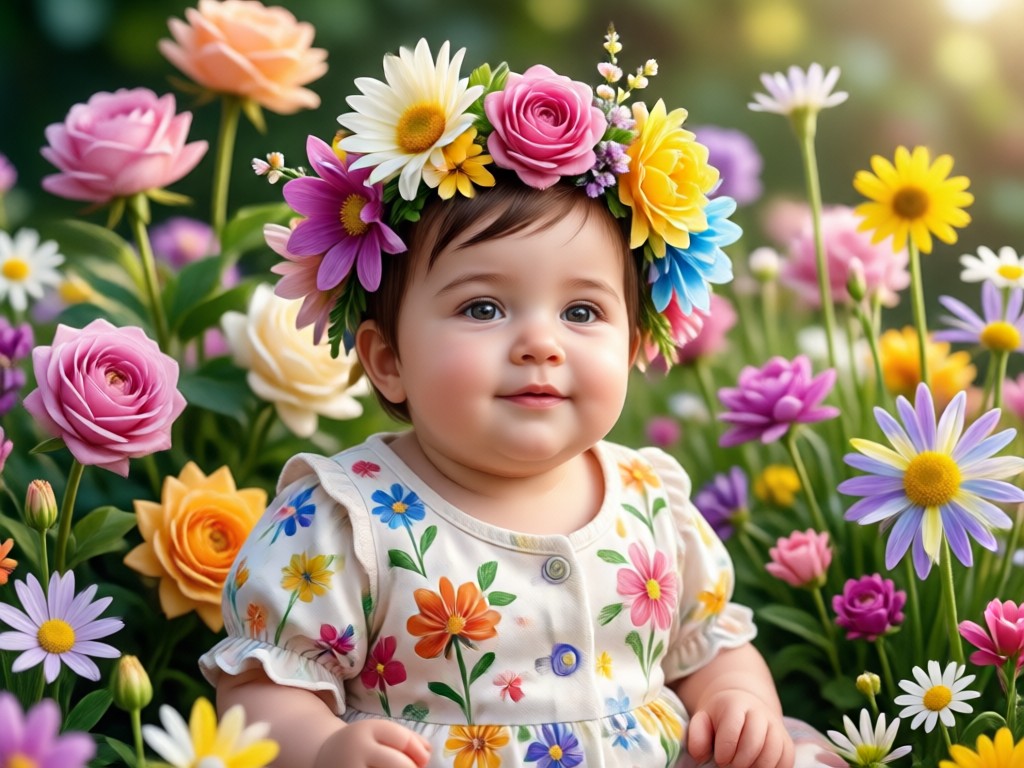
Choose from roses, tulips, sunflowers, cherry blossoms, wildflowers, and seasonal bouquets. Every template is crafted to match different moods, from soft pastel nurseries to vibrant garden scenes. One tap applies the style instantly.
Hundreds of Flower Style Templates
Choose from roses, tulips, sunflowers, cherry blossoms, wildflowers, and seasonal bouquets. Every template is crafted to match different moods, from soft pastel nurseries to vibrant garden scenes. One tap applies the style instantly.
Instant HD Results in Seconds
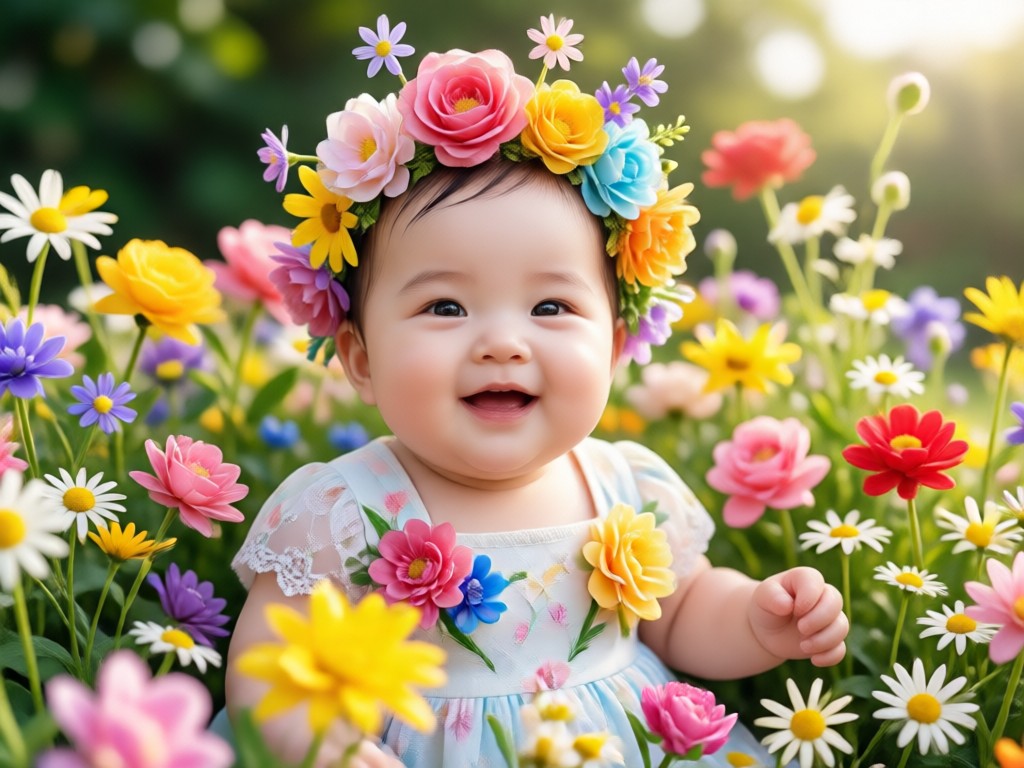
No waiting, no complex prompt engineering. Upload your photo, select a flower style, and receive a high resolution portrait ready to share. Save it to your gallery or post directly to social media with one tap.
Instant HD Results in Seconds
No waiting, no complex prompt engineering. Upload your photo, select a flower style, and receive a high resolution portrait ready to share. Save it to your gallery or post directly to social media with one tap.
AI Baby Flower Photo Creations Gallery
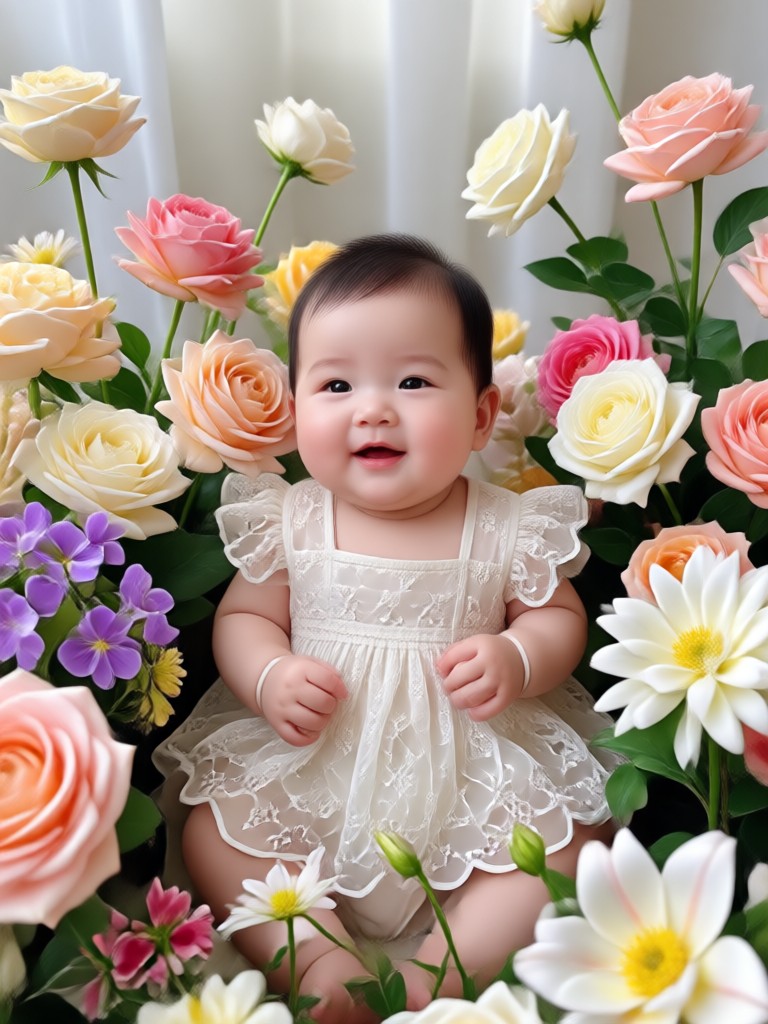
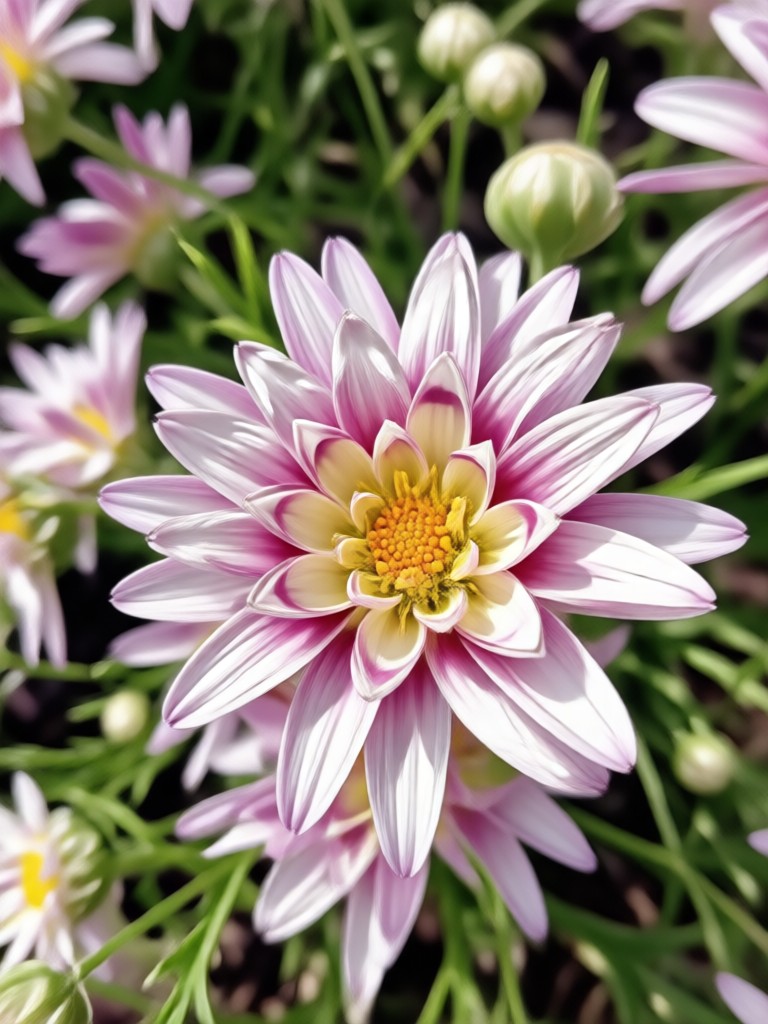
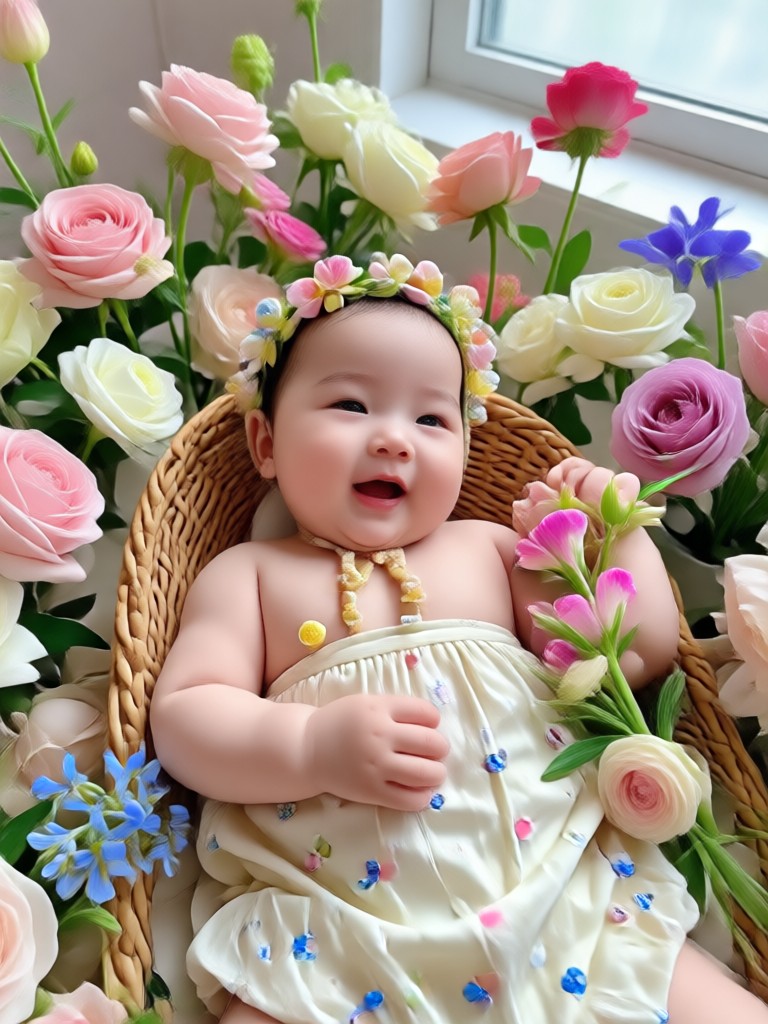
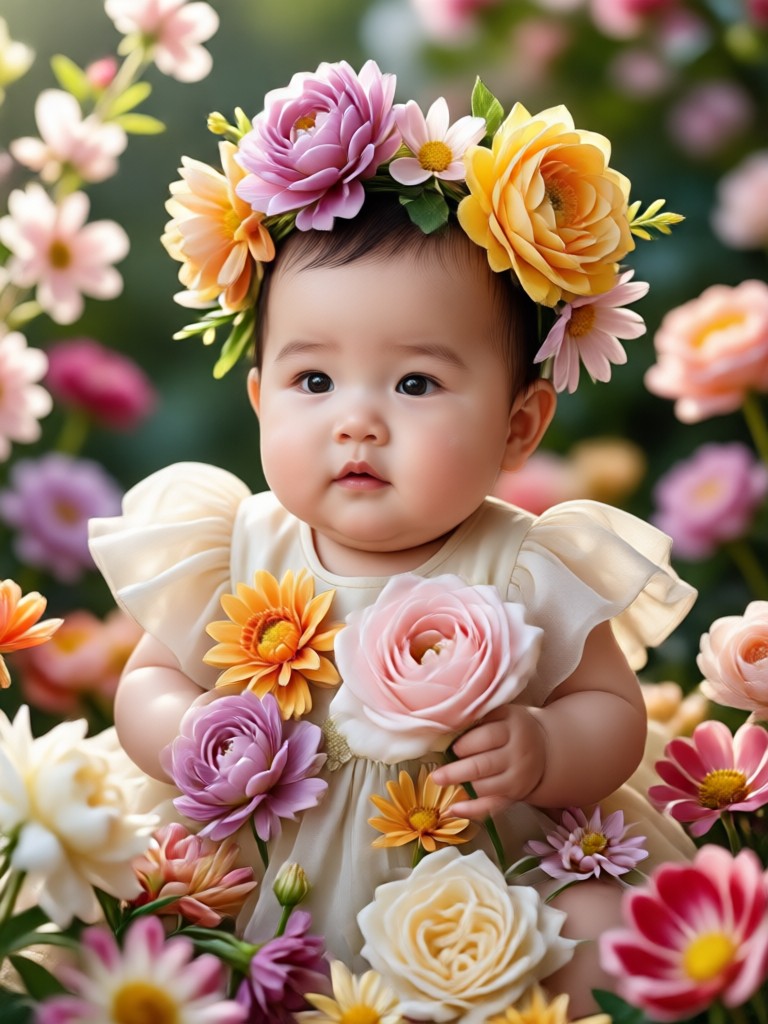
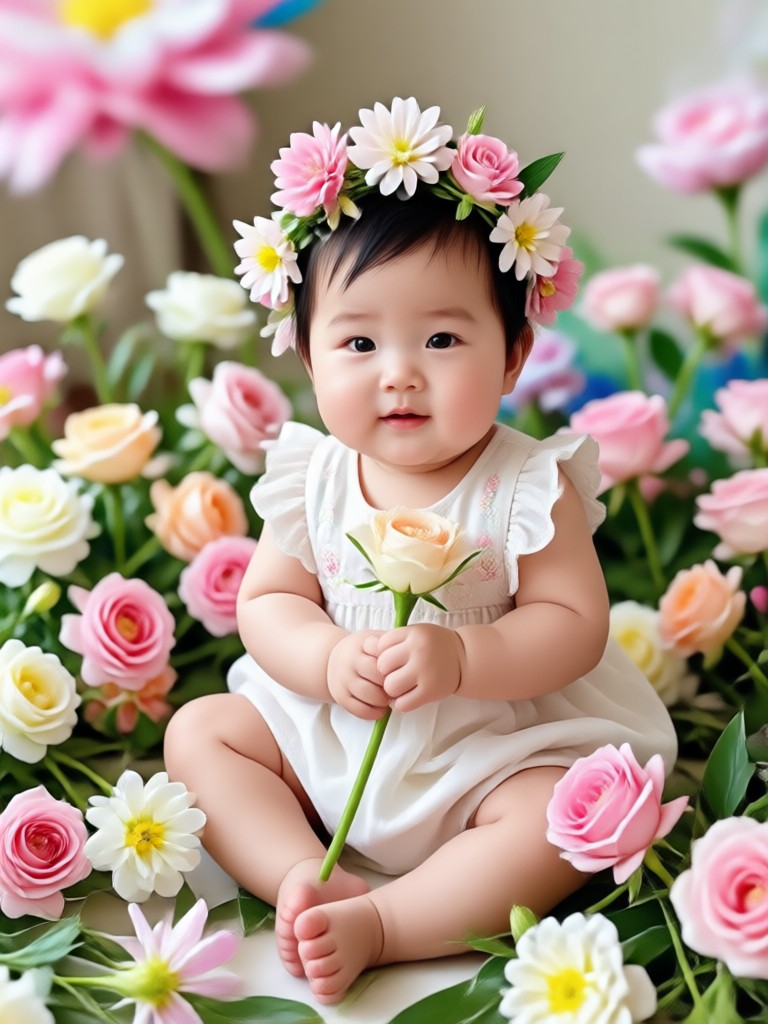
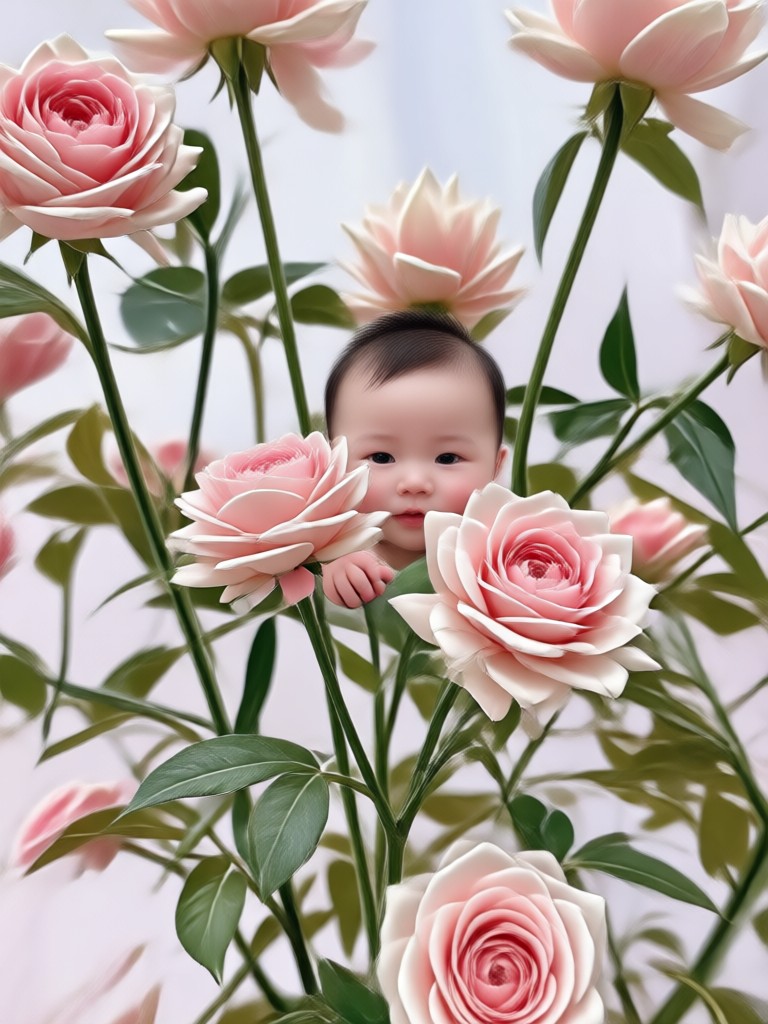
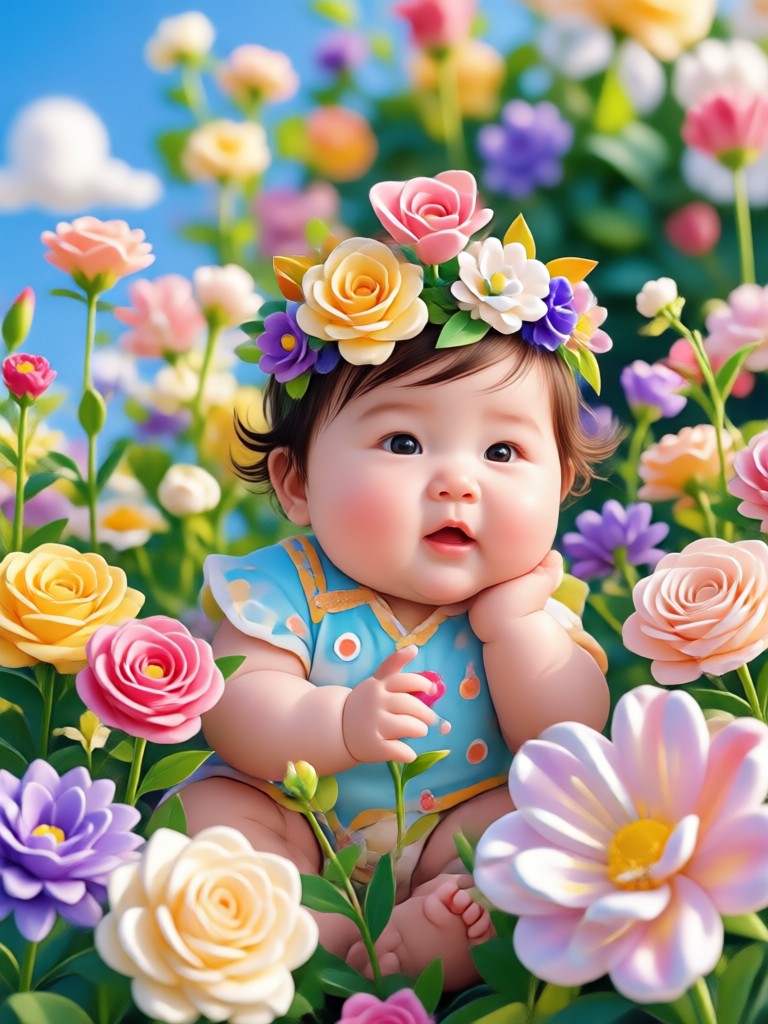
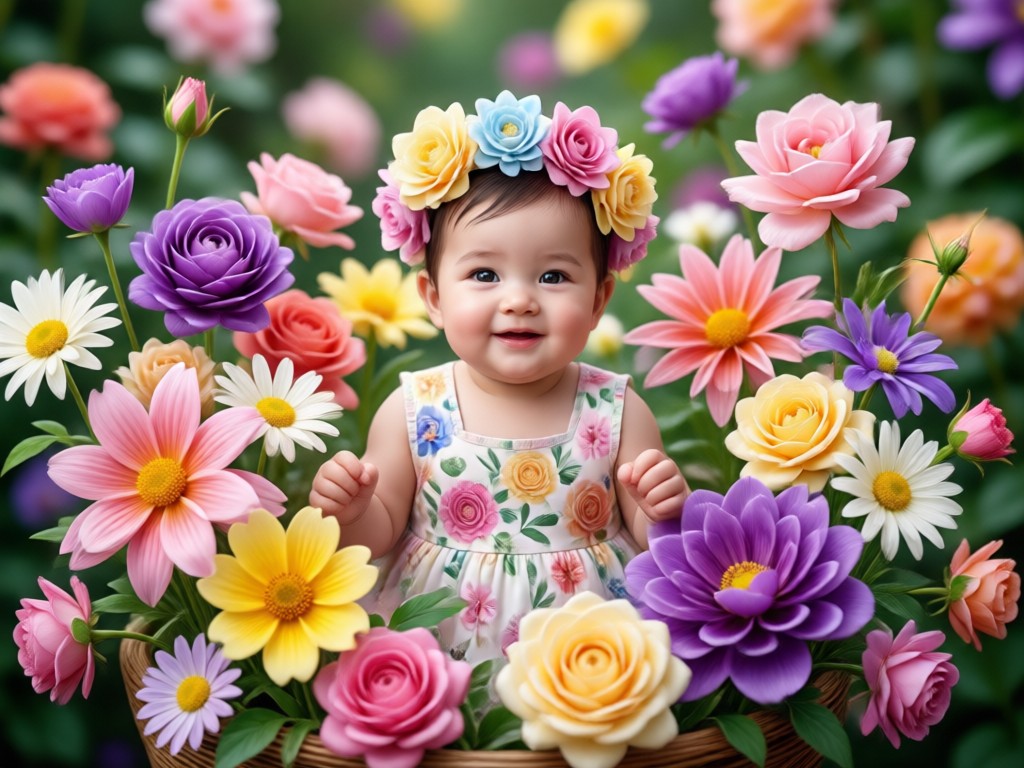
Browse real AI generated baby flower photos created with funpack. From newborn portraits wrapped in rose petals to toddlers surrounded by vibrant tulip fields, these examples show the magic you can create in seconds.


How to Create a Gemini AI Baby Flower Photo
Follow these three simple steps to turn any baby photo into a magical flower portrait with funpack. No design or photography skills required.

Step 01.
Download funpack from the Google Play Store and open the app on your phone. The setup takes less than a minute.

Step 02.
Upload a clear baby photo from your gallery, then browse the flower style templates. Pick roses, sunflowers, cherry blossoms, or any bloom you love.

Step 03.
Tap generate and watch the AI create your baby flower photo in seconds. Save the result to your phone or share it directly to Instagram, TikTok, or family group chats.
Why funpack Is the Best Choice for Baby Flower Photos
You have plenty of AI photo apps to choose from, but none are built specifically with parents and family memories in mind. funpack combines powerful AI generation with a simple, intuitive interface that takes the stress out of creating keepsake portraits. From accurate face preservation to a massive style library, every feature is designed to deliver beautiful results on the first try.
Why funpack Is the Best Choice for Baby Flower Photos
You have plenty of AI photo apps to choose from, but none are built specifically with parents and family memories in mind. funpack combines powerful AI generation with a simple, intuitive interface that takes the stress out of creating keepsake portraits. From accurate face preservation to a massive style library, every feature is designed to deliver beautiful results on the first try.
What Parents Are Saying About funpack
The baby face stays perfect every time
I have tried several AI photo apps for my daughter, but funpack is the only one that never distorts her face. The flower effect looks like a professional studio shoot. I printed the result and framed it in her nursery.
So easy even my husband can use it
We made a sunflower baby photo for our son's first birthday invitation and everyone asked where we got it done. The app took two minutes from download to finished photo. I recommend it to every parent I know.
Beautiful keepsakes without the photoshoot cost
A professional flower themed baby photoshoot was going to cost us over $300. Instead I used funpack with a photo I took on my phone and got results that look just as good. The cherry blossom template is my favorite.
Create Your Baby Flower Photo Today
Download funpack from Google Play and turn any baby photo into a magical flower portrait in seconds. Free to install, instant results, no design skills needed.

Frequently Asked Questions About AI Baby Flower Photos
Find clear answers to common questions about creating Gemini AI Baby Flower Photos with funpack.
More Topics You May Like
Explore more creative AI photo ideas and discover fresh ways to transform your family memories with funpack.

Gemini AI For Women 2 Piece Try On & Style Swap

Create Stunning Blue Dress Photos with Gemini AI

Gemini AI Photo In A Desert: Virtual Desert Shoot

Create Stunning Gemini AI Blue Hour Photos on Your Phone
Gemini AI For Women 2 Piece Try On & Style Swap
Create Stunning Blue Dress Photos with Gemini AI
Gemini AI Photo In A Desert: Virtual Desert Shoot
Create Stunning Gemini AI Blue Hour Photos on Your Phone
Ready to Create Magical Baby Flower Photos?
Download funpack now and turn your favorite baby photos into stunning flower portraits. Simple, fast, and beautiful results every time.
Ready to Create Magical Baby Flower Photos?
Download funpack now and turn your favorite baby photos into stunning flower portraits. Simple, fast, and beautiful results every time.