NSFW Text to Image AI
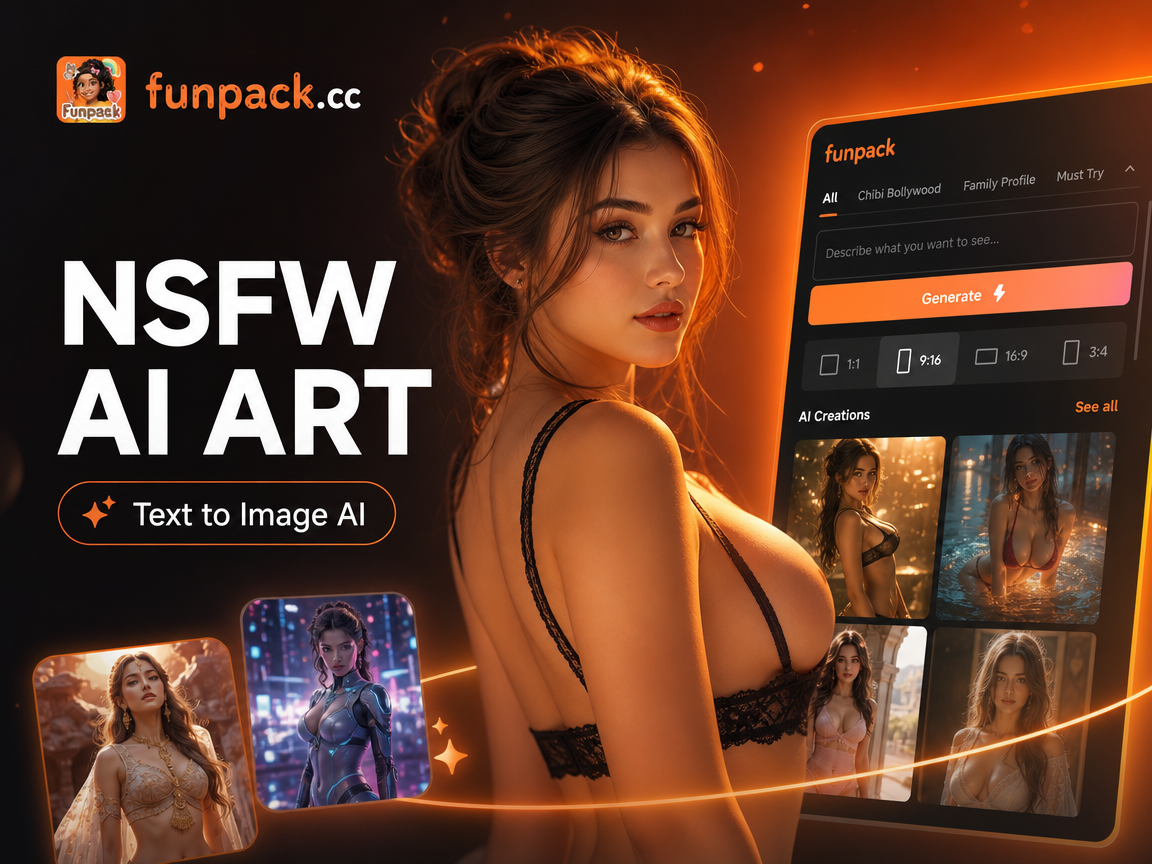
Choose the Filter That Fits Your Scene
Realistic skin, anime linework, painted light, or cinematic grade. Pick a template first so your text prompt can stay short and specific.
Key Features of NSFW Text to Image AI
funpack puts adult image generation on your phone with text input, style templates, and a simple save flow. You describe the scene, the model paints it, and you decide what leaves the device. These are the pieces that matter when you want speed and control.
Text In, Adult Image Out
Write a short description of the person, setting, lighting, and mood. The model builds a complete adult image from that text. You do not need weighted tokens, negative prompts, or a desktop workflow. Open the app, type your scene, generate, and review the still in a few seconds on your phone.
Text In, Adult Image Out
Write a short description of the person, setting, lighting, and mood. The model builds a complete adult image from that text. You do not need weighted tokens, negative prompts, or a desktop workflow. Open the app, type your scene, generate, and review the still in a few seconds on your phone.
A Million Style Starting Points
Browse a library of more than a million look presets covering realistic photography, anime, oil painting, cinematic stills, watercolor, and cyberpunk. Tap a template and clothing, skin finish, and atmosphere shift to match. You spend time on the idea itself, not on learning a new editor or sampler settings.
A Million Style Starting Points
Browse a library of more than a million look presets covering realistic photography, anime, oil painting, cinematic stills, watercolor, and cyberpunk. Tap a template and clothing, skin finish, and atmosphere shift to match. You spend time on the idea itself, not on learning a new editor or sampler settings.
Create on Your Phone, Keep It Private
Every generation runs inside the funpack app on Android. You are not pushed into a public web gallery to see your work. Save images to your phone, share the ones you choose, and leave the rest off social feeds. Privacy here is a workflow choice, not a hidden setting you have to hunt.
Create on Your Phone, Keep It Private
Every generation runs inside the funpack app on Android. You are not pushed into a public web gallery to see your work. Save images to your phone, share the ones you choose, and leave the rest off social feeds. Privacy here is a workflow choice, not a hidden setting you have to hunt.
Popular Adult Styles You Can Generate
Use these looks as a starting point. Write your own prompt in the app, apply a matching filter, and generate a still that fits the mood you want.
Adult Image Generation Without the Desktop Mess
Most adult image tools ask you to wrestle with seeds, samplers, and browser tabs. funpack keeps the path short. Type the scene, tap a style, generate on your phone, and save only what you want to keep. You get realistic or stylized adult stills without installing a PC toolkit or posting work to a public feed.
Adult Image Generation Without the Desktop Mess
Most adult image tools ask you to wrestle with seeds, samplers, and browser tabs. funpack keeps the path short. Type the scene, tap a style, generate on your phone, and save only what you want to keep. You get realistic or stylized adult stills without installing a PC toolkit or posting work to a public feed.
How to Use NSFW Text to Image AI
Three steps take you from a blank screen to an adult image you can save. You do not need a prompt library or a graphics tablet.
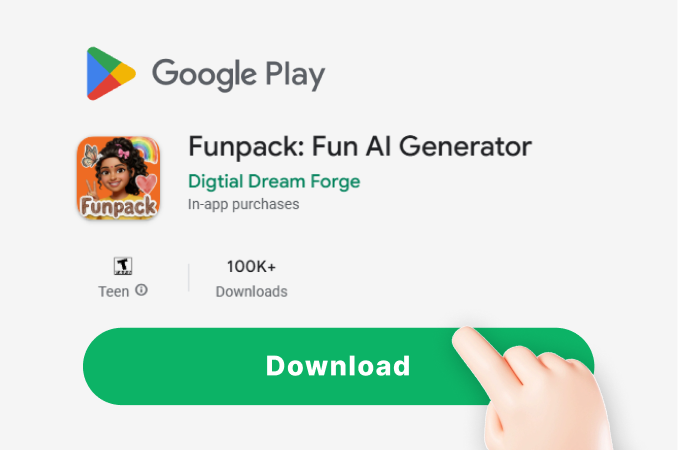
Step 01.
Download funpack from Google Play. Install it, open the generator, and you are ready to create adult images from text wherever you carry your phone.
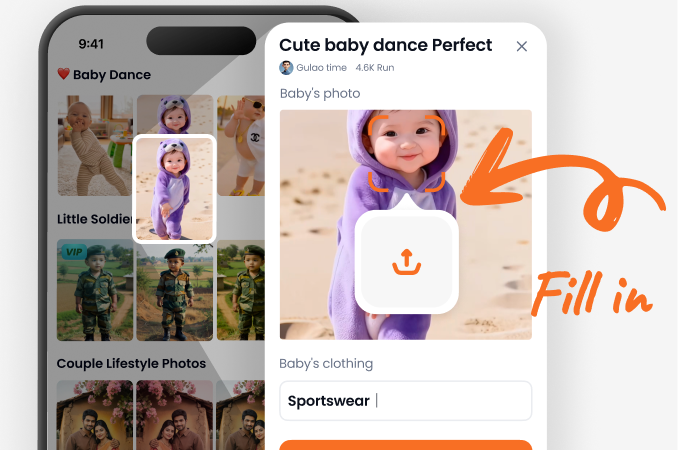
Step 02.
Choose a style filter that matches the finish you want, such as realistic photography, anime, cinematic stills, or painted art. The template sets the look before you write.
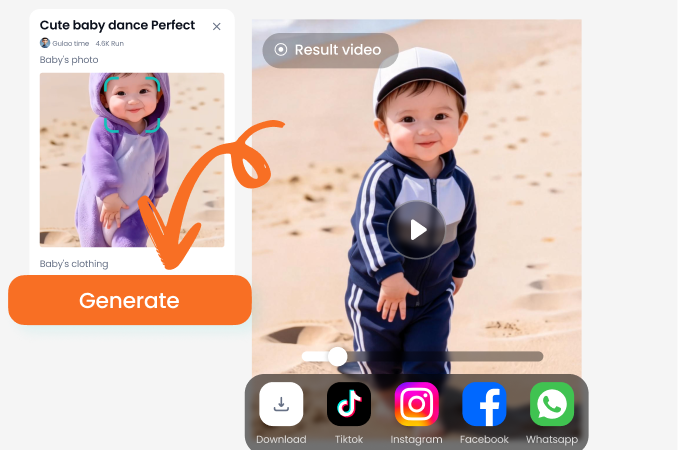
Step 03.
Type your scene in plain language, generate the image, then download it or share it. Repeat with a new description or a new filter until the result feels right.
Take NSFW Text to Image AI With You
funpack lives on Android, so your prompts, styles, and adult generations stay on the phone you already use. Install it from Google Play and create the next time an idea hits.

What Creators Say After Switching to Mobile
I stopped babysitting desktop queues
I write romance and I need adult stills that match a chapter mood. I type the room, the clothing, and the lighting, pick a cinematic filter, and I have a reference in under a minute. It is the first tool that does not feel like a second job.
Anime looks without a 40 line prompt
I used to paste the same giant prompt into a website and still get random faces. Here I pick an anime template, write a short adult scene, and the character stays readable. I generate on the train and export the ones I like for my private board.
Private enough for client mood boards
I build lookbooks for adult photography concepts. Clients do not want drafts sitting on a public gallery. I generate options in the app, screenshot the shortlist, and keep the rest off the web. The realistic styles are strong enough for lighting tests.
Frequently Asked Questions
Straight answers about generating adult images from text with funpack, including privacy, styles, mobile use, and what you need to get started.
More Topics You May Like
Explore more ways to generate images, animate stills, and restyle photos inside the same app.
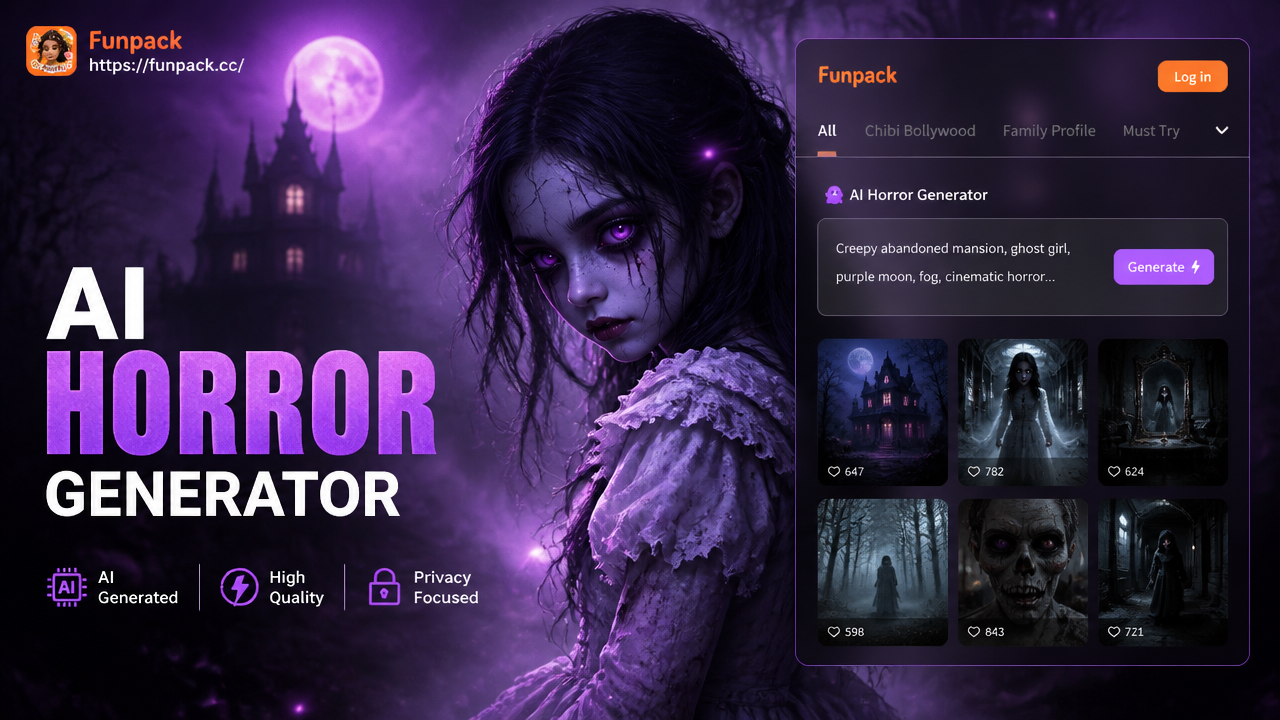
Free AI Horror Generator: Craft Creepy Images & Videos
Generate terrifying horror art and creepy videos with our AI Horror Generator. Turn text descriptions or photos into nightmare fuel in seconds. No skills needed.
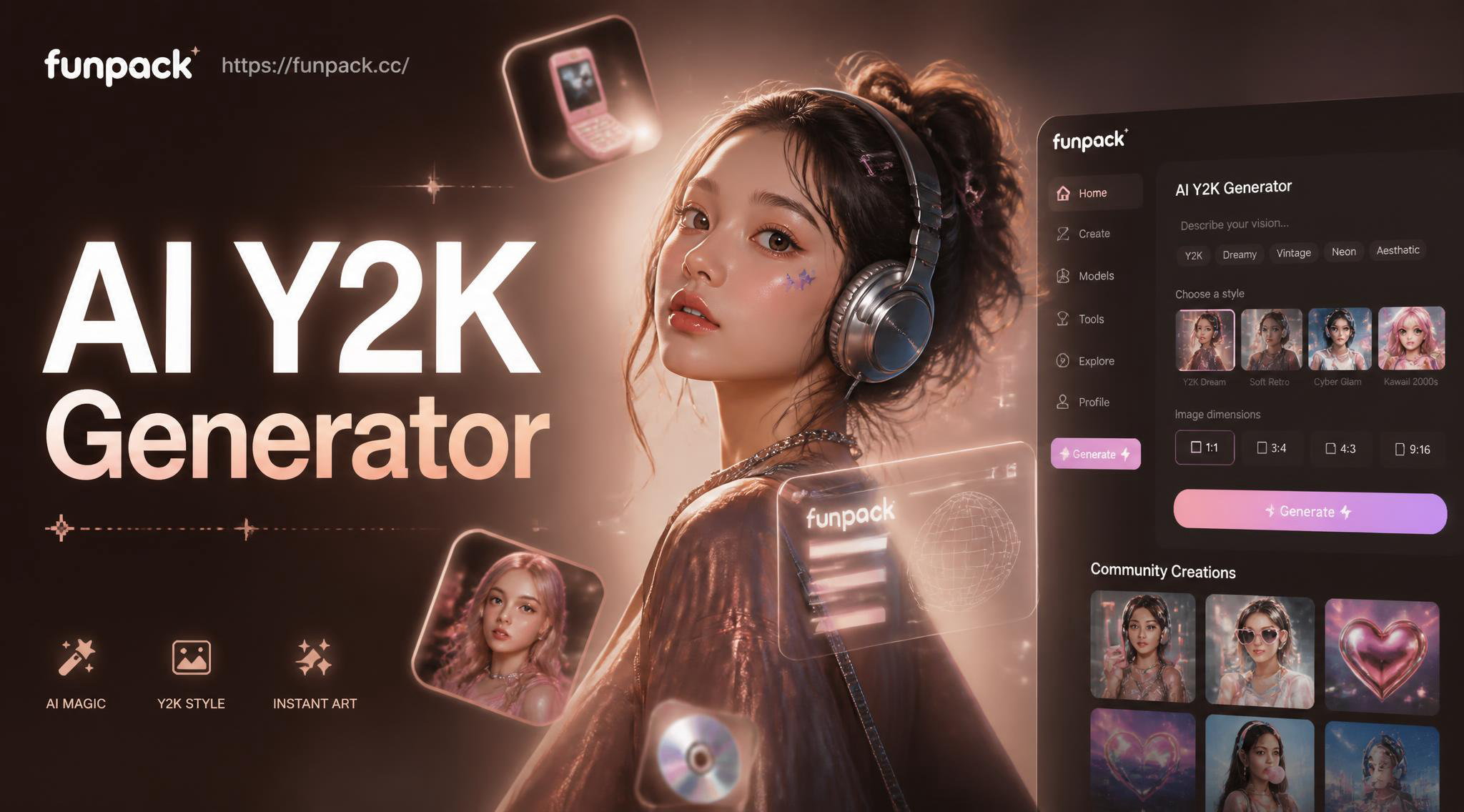
Get Y2K Style Logos & Graphics with AI Generator
Create iconic Y2K logos, graphics, and digital art instantly. Our AI Y2K generator captures the unique aesthetics of the early 2000s for your projects.
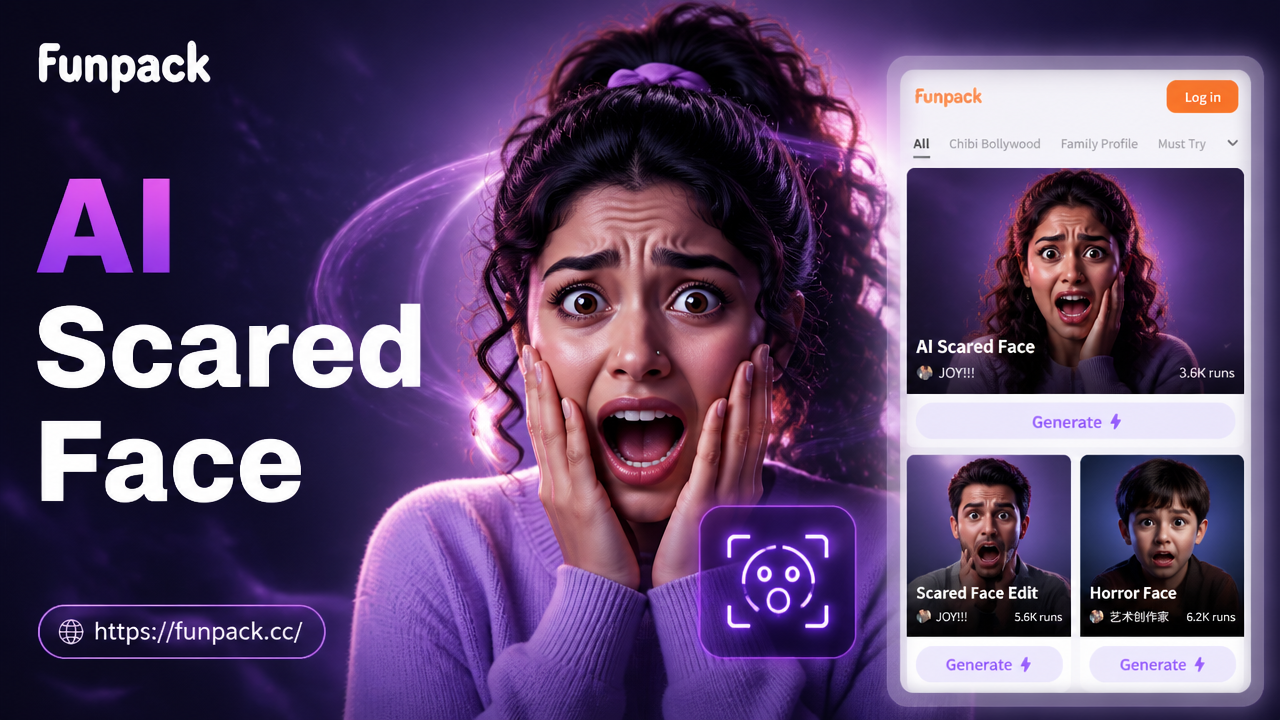
AI Scared Face Effect: Create Viral Horror & Fear Memes
Use the AI Scared Face Effect to instantly transform photos into hilarious fear memes. Add realistic scared expressions, jump scares, and viral horror effects with one tap. No editing skills needed.
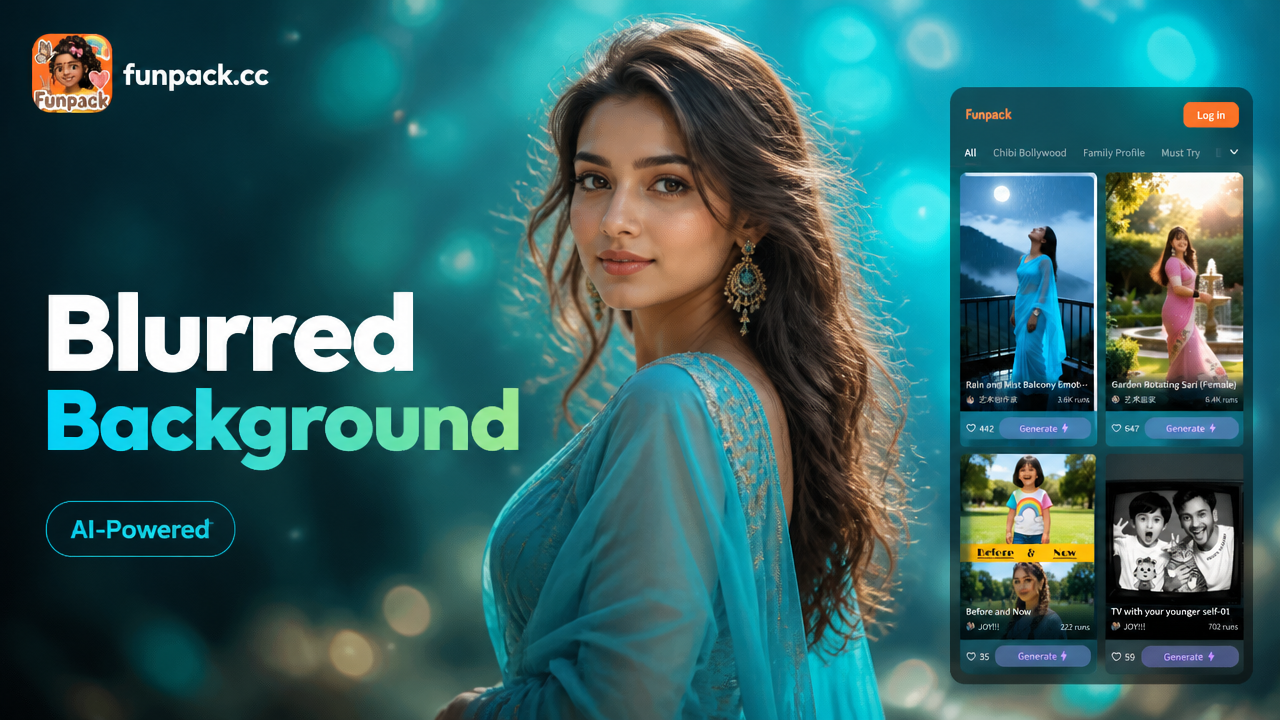
AI Blurred Background Generator for Pro Videos
Instantly create cinematic bokeh & focus effects. Our AI blur video background tool isolates subjects and blurs backgrounds automatically, perfect for portraits, interviews, and social media.
Your Next Adult Image Starts as a Sentence
Install funpack on Google Play, pick a style, and turn a short prompt into a private adult still. No desktop setup, no public gallery required.

Your Next Adult Image Starts as a Sentence
Install funpack on Google Play, pick a style, and turn a short prompt into a private adult still. No desktop setup, no public gallery required.