Remove Water Mark From The Image

Powerful Filters for Flawless Image Cleanup
Pair the watermark eraser with other image enhancement filters to get picture-perfect results every time.
Why Choose funpack for Watermark Removal
Remove watermarks from images without leaving smudges, blurs, or visible patches. funpack uses advanced AI inpainting to reconstruct textures, gradients, and fine details behind the watermark.

Smart AI Background Reconstruction
The eraser does more than cover up watermarks. It analyzes surrounding pixels and rebuilds the hidden area with realistic textures, skin tones, fabric patterns, or natural scenery. Your photo looks untouched, as if the watermark was never there.
Smart AI Background Reconstruction
The eraser does more than cover up watermarks. It analyzes surrounding pixels and rebuilds the hidden area with realistic textures, skin tones, fabric patterns, or natural scenery. Your photo looks untouched, as if the watermark was never there.

Precise Brush and Auto Detection
Use the adjustable brush to highlight the exact watermark area. Or let the AI automatically detect text, logos, and timestamps. Both methods give you fine control for tricky spots like faces, product shots, or busy backgrounds.
Precise Brush and Auto Detection
Use the adjustable brush to highlight the exact watermark area. Or let the AI automatically detect text, logos, and timestamps. Both methods give you fine control for tricky spots like faces, product shots, or busy backgrounds.

Batch Cleanup for Multiple Images
Clean watermarks from an entire photo set before posting on marketplaces, listing platforms, or client galleries. The app keeps your workflow smooth and consistent without switching between complex desktop tools.
Batch Cleanup for Multiple Images
Clean watermarks from an entire photo set before posting on marketplaces, listing platforms, or client galleries. The app keeps your workflow smooth and consistent without switching between complex desktop tools.
How to Remove Watermarks from Images with AI
Three simple steps to erase watermarks, logos, and unwanted text from your photos using the funpack mobile app.

Step 01.
Download funpack from Google Play and open the watermark eraser tool on your phone.

Step 02.
Upload the image and brush over the watermark. Adjust the brush size for precise control.

Step 03.
Tap Generate and let the AI fill in the area. Preview the clean result, then save or share it.
Clean Watermark Free Results
See how funpack removes watermarks, logos, and text overlays while keeping the original photo quality intact.












The Fastest Way to Clean Images on Mobile
Desktop editors are overkill for a simple watermark removal. funpack puts professional-grade AI cleanup right in your pocket.

Why Creators and Sellers Choose funpack
When you need to repurpose a photo for a listing, presentation, or social post, a watermark can ruin the shot. funpack removes it in under a minute with AI that understands natural backgrounds. The reconstruction fills the erased area with matching shadows, highlights, and textures. You do not need to learn clone stamps, healing brushes, or layer masks. Just open the app, brush over the mark, and get a clean image. It works on portraits, products, landscapes, screenshots, and more. The result looks natural because the AI studies the whole image before filling the gap, not just the small area around the mark.
Why Creators and Sellers Choose funpack
When you need to repurpose a photo for a listing, presentation, or social post, a watermark can ruin the shot. funpack removes it in under a minute with AI that understands natural backgrounds. The reconstruction fills the erased area with matching shadows, highlights, and textures. You do not need to learn clone stamps, healing brushes, or layer masks. Just open the app, brush over the mark, and get a clean image. It works on portraits, products, landscapes, screenshots, and more. The result looks natural because the AI studies the whole image before filling the gap, not just the small area around the mark.
Here is What Creators Say About Our Eraser
Perfect for cleaning client photos
I regularly receive photos with watermarks from stock libraries or collaborators. funpack helps me prepare clean versions for client presentations in minutes. The background reconstruction looks completely natural.
Saved my product listings
I had dozens of product photos with the old supplier watermark. Instead of reshooting everything, I cleaned them all with funpack. The AI handled busy backgrounds and smooth gradients beautifully.
No more timestamps on travel shots
My old camera used to burn timestamp text into the corner of every photo. funpack erased them from my entire travel album without leaving smudges. I can finally print my favorite shots.
Watermark Removal FAQ
Find clear answers to common questions about removing watermarks from images with funpack.
More Topics You May Like
Explore more image editing and AI photo tools to enhance your creative workflow.

Add Pro Visual Effects to Video in Seconds | AI Magic Tool
Transform your videos instantly with AI. Add fire, lightning, sparkles, glitch, and more. Upload, pick an effect, and watch your footage come to life. No editing skills needed.

Angry Face Filter: AI Rage & Grumpy Mood Effects
Discover the top AI angry face filter apps. Turn any photo into a furious, grumpy, or cartoonishly angry character instantly. Works on people, pets, and memes. 100+ rage effects.

Create Soft Dreamy Selfie Videos with Aesthetic Pastel Filters
Transform your videos with aesthetic selfie filters for a soft, dreamy pastel look. Download funpack to add gentle color grading, creamy bokeh, and ethereal glow to your content.
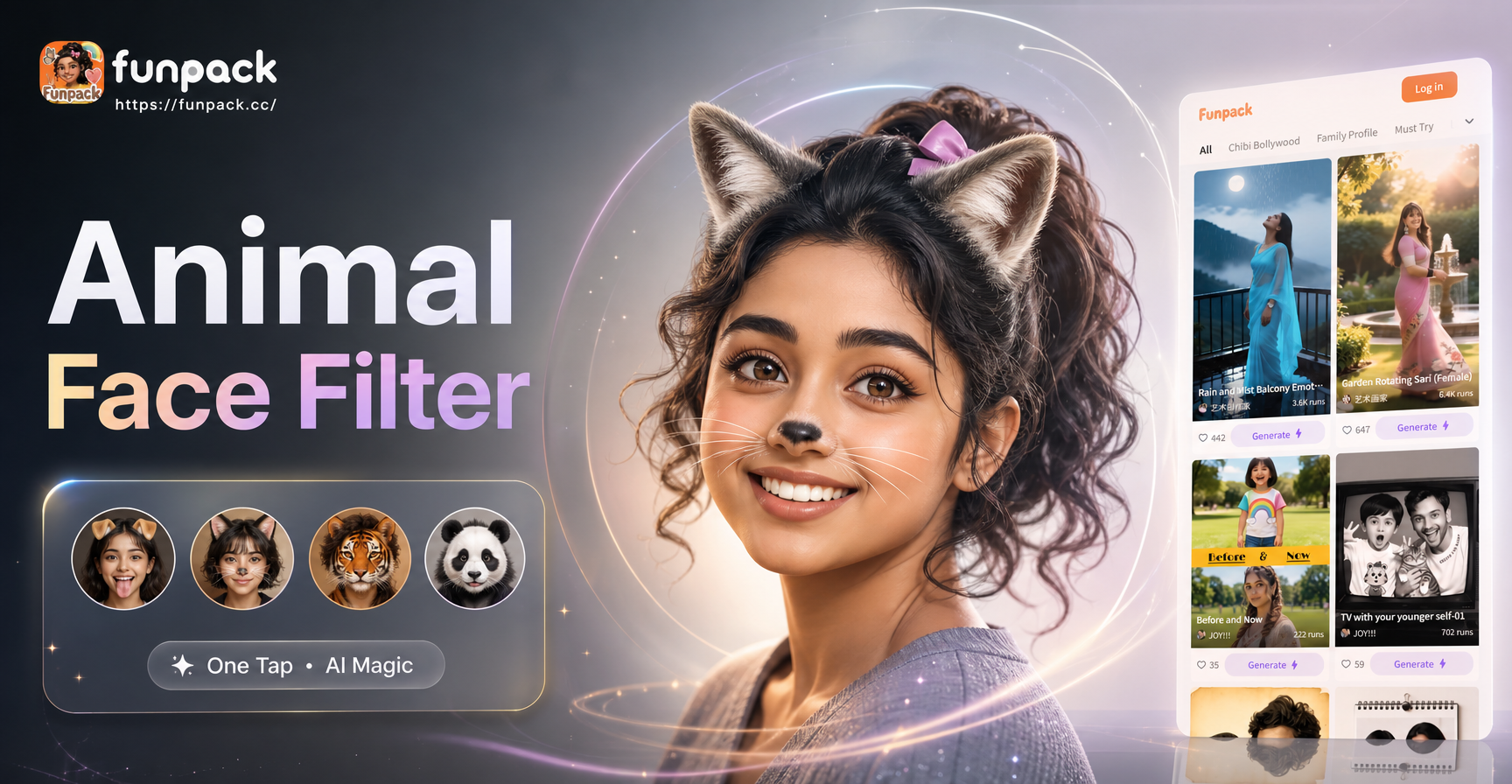
Animal Face Filter App: Playful Pet & Wildlife AR Lenses
Try the ultimate Animal Face Filter app. Turn your face into a cute pet, wild animal, or fantasy creature instantly. Fun AR lenses for social media videos and photos. Free download.
Remove Watermarks Directly from Your Phone
Download funpack on Google Play and clean your images in seconds. Professional AI eraser, zero learning curve.

Remove Watermarks Directly from Your Phone
Download funpack on Google Play and clean your images in seconds. Professional AI eraser, zero learning curve.