Skin Tone Changer
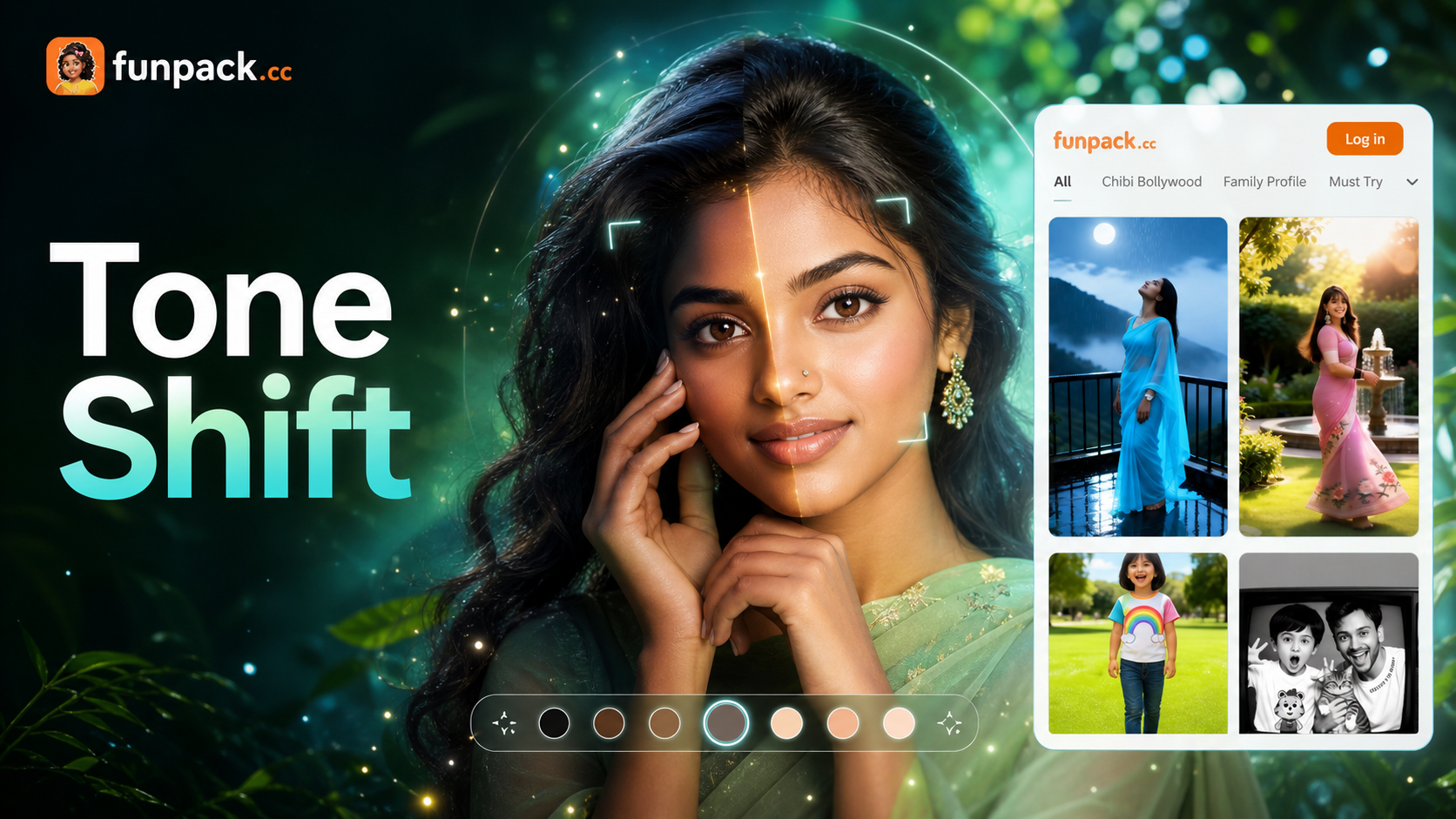
Match Your Ideal Aesthetic
Choose from AI filters designed to enhance portraits, create unique character designs, or adjust skin tone for a flawless look.
Advanced AI Skin Tone Features
Our AI doesn't just paint over your photo. It intelligently analyzes light, shadows, and facial contours to deliver realistic, natural looking results every time.
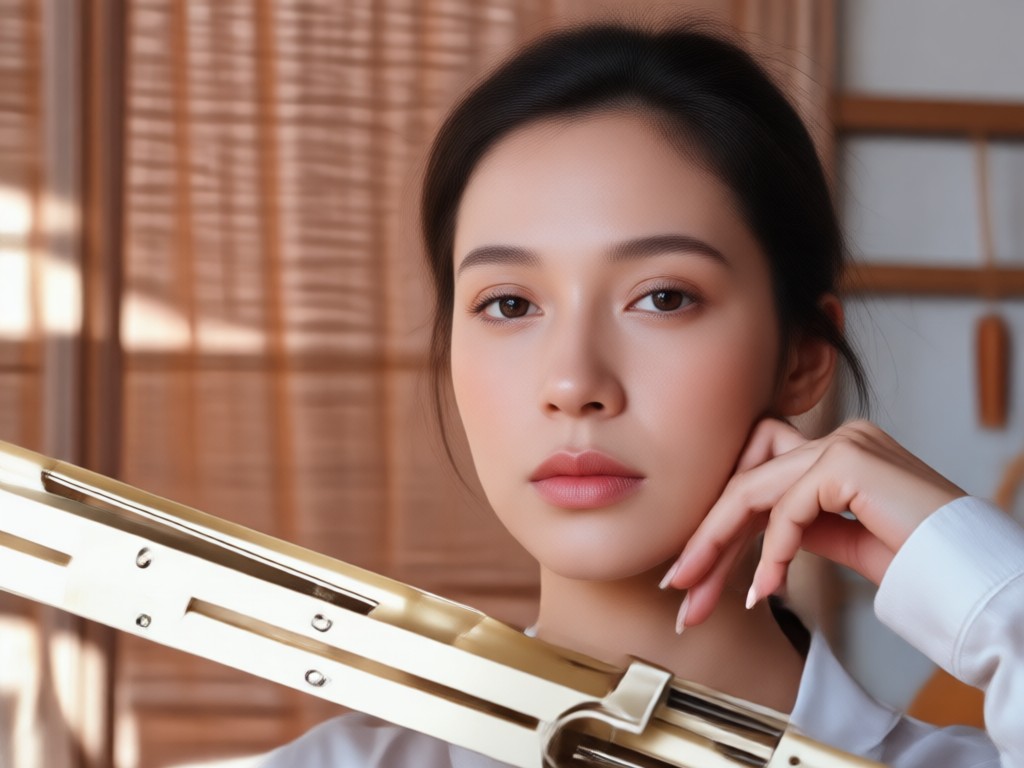
Precise Tone Selection
Choose from a spectrum of skin tones or use our auto match AI to suggest the perfect shade based on lighting and your original photo's mood.
Precise Tone Selection
Choose from a spectrum of skin tones or use our auto match AI to suggest the perfect shade based on lighting and your original photo's mood.
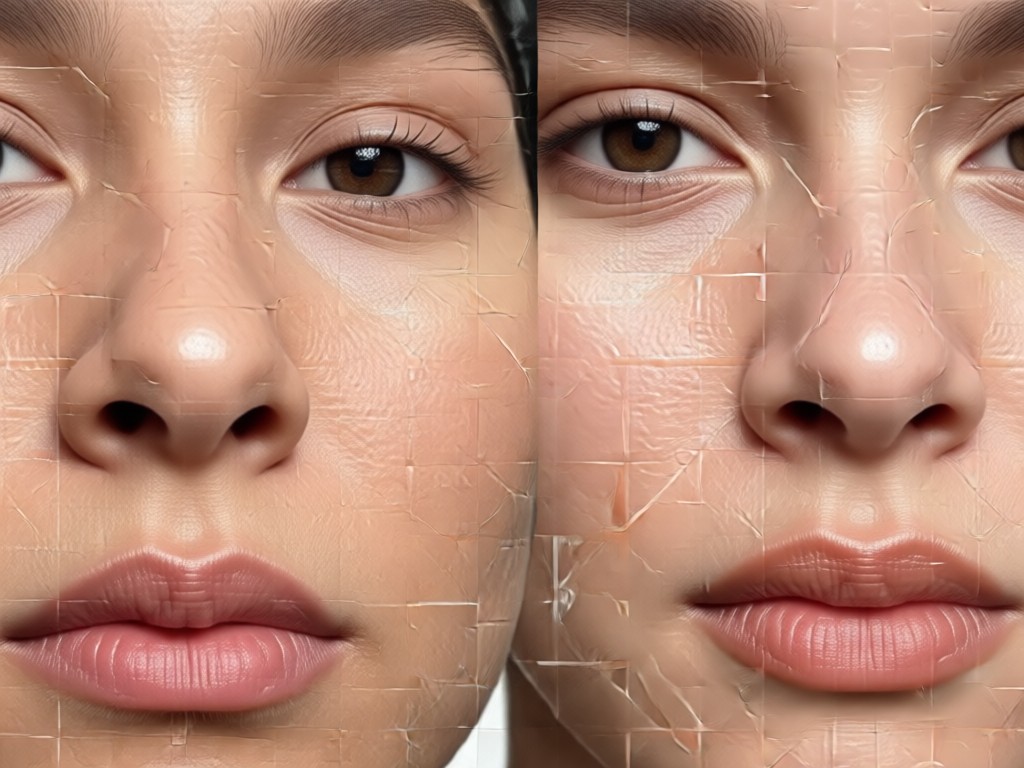
Natural Light & Shadow
The AI preserves the natural highlights and shadows of your face, ensuring the new skin tone blends seamlessly and looks three dimensional.
Natural Light & Shadow
The AI preserves the natural highlights and shadows of your face, ensuring the new skin tone blends seamlessly and looks three dimensional.
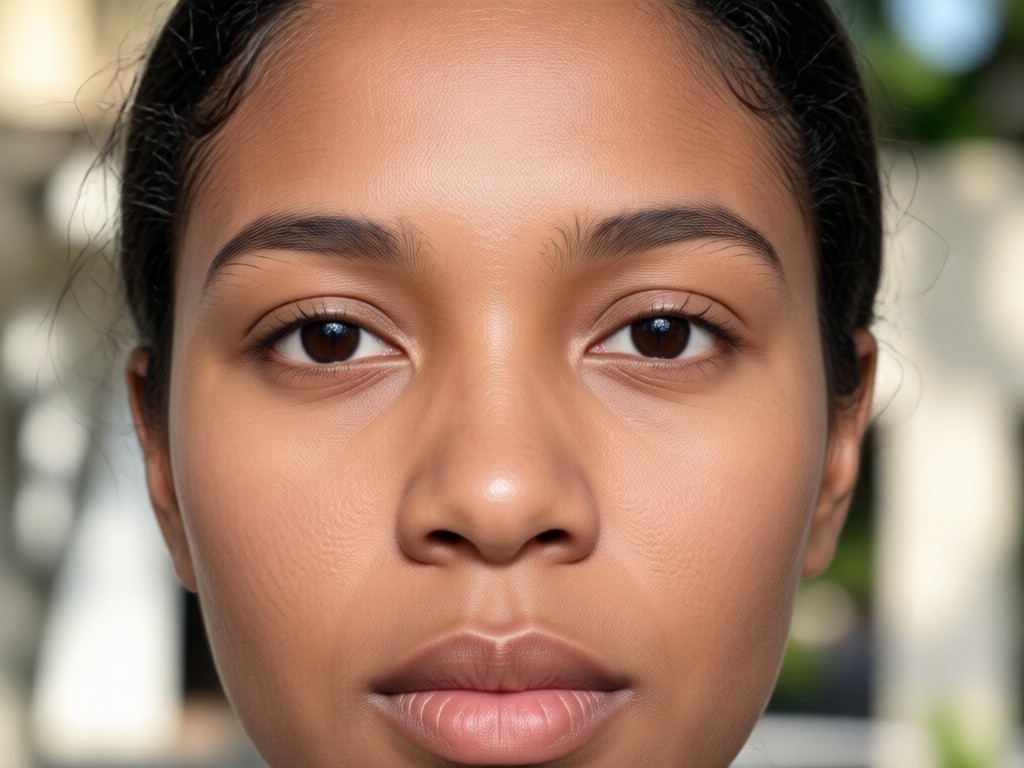
One Tap Global Changes
Apply a new skin tone to your entire face and body with a single tap. No tedious manual brushing or complex layer masking required.
One Tap Global Changes
Apply a new skin tone to your entire face and body with a single tap. No tedious manual brushing or complex layer masking required.
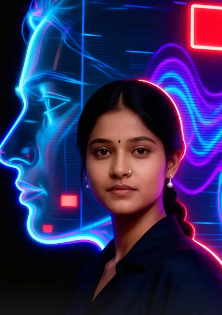
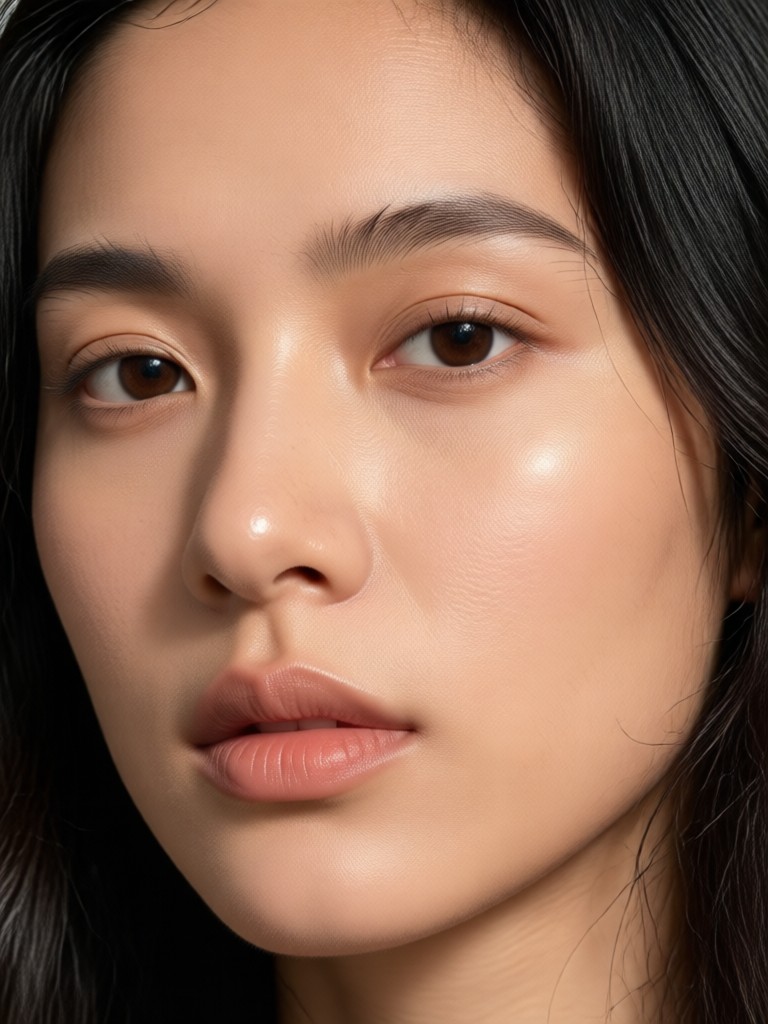
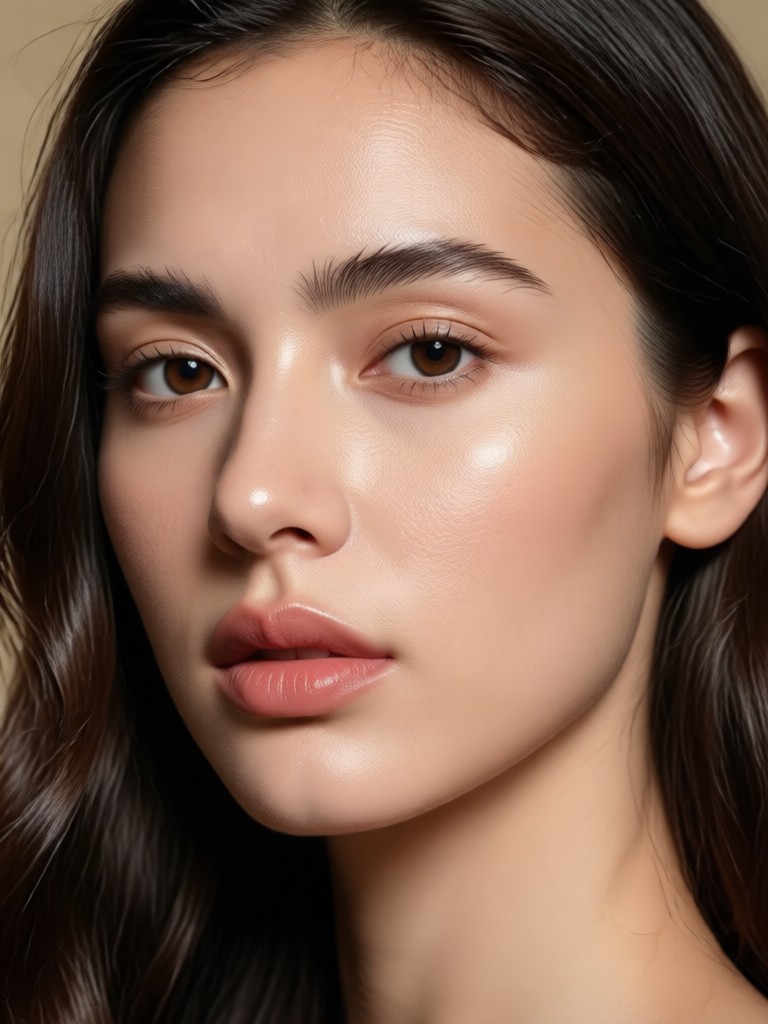
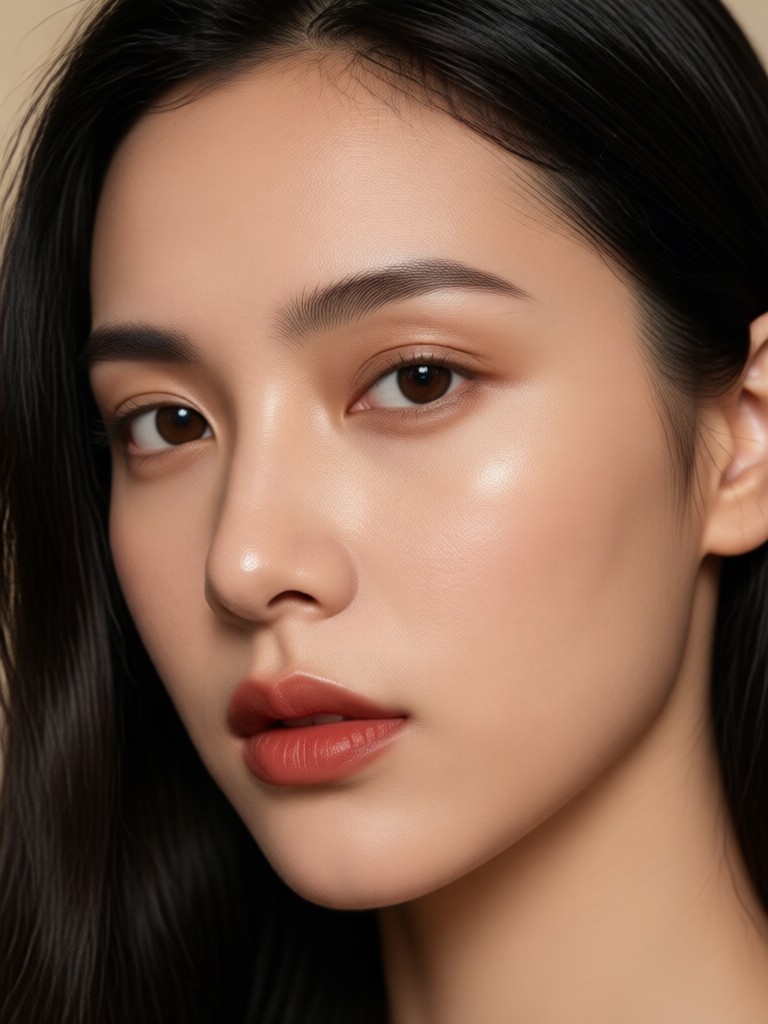
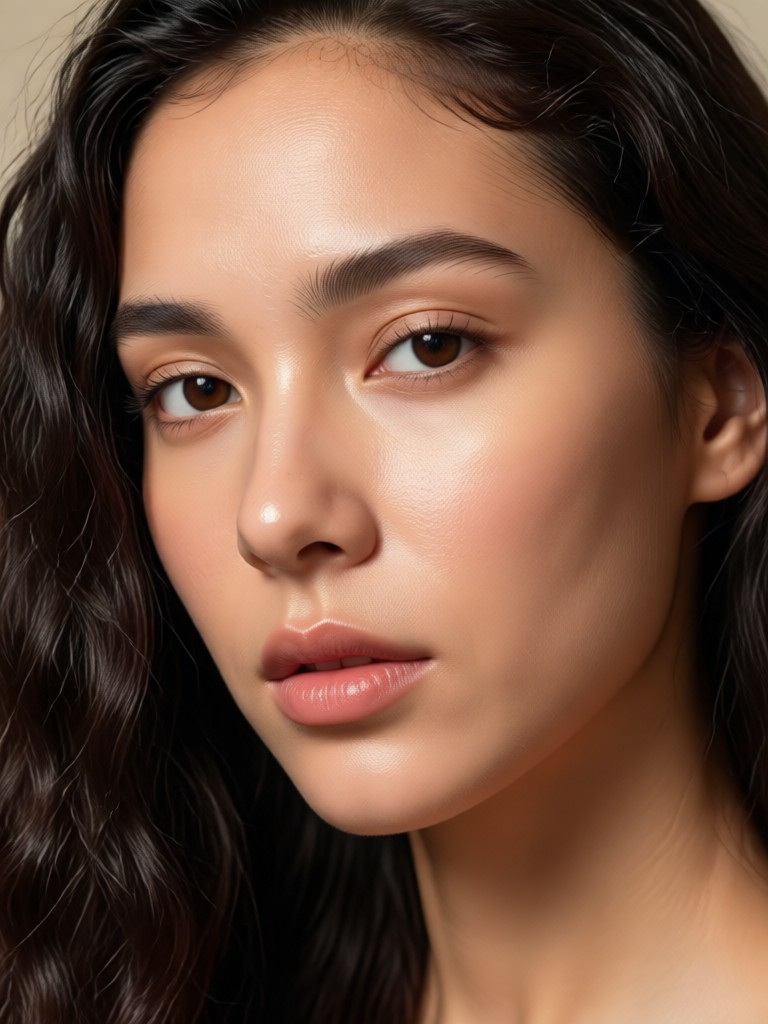
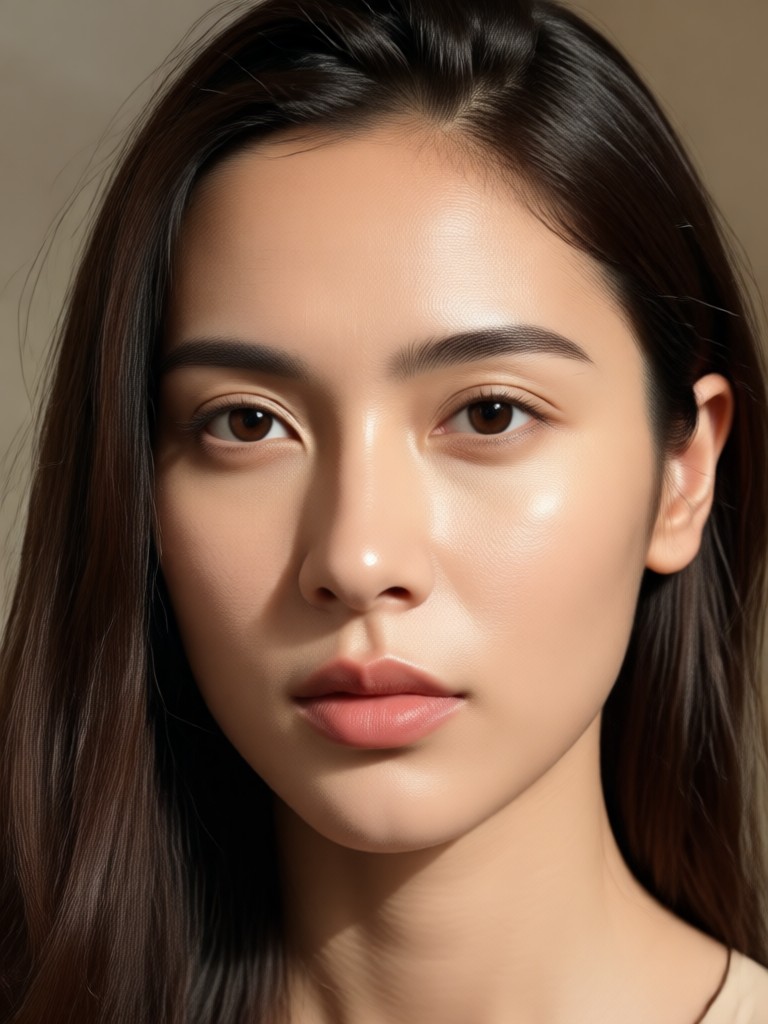
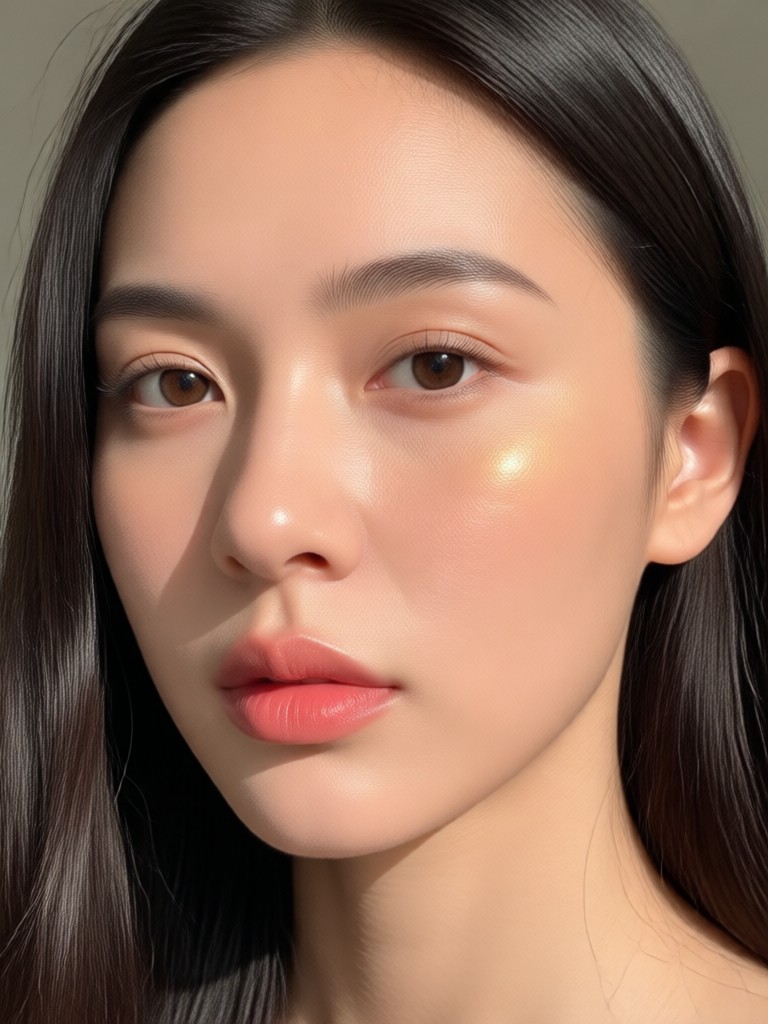
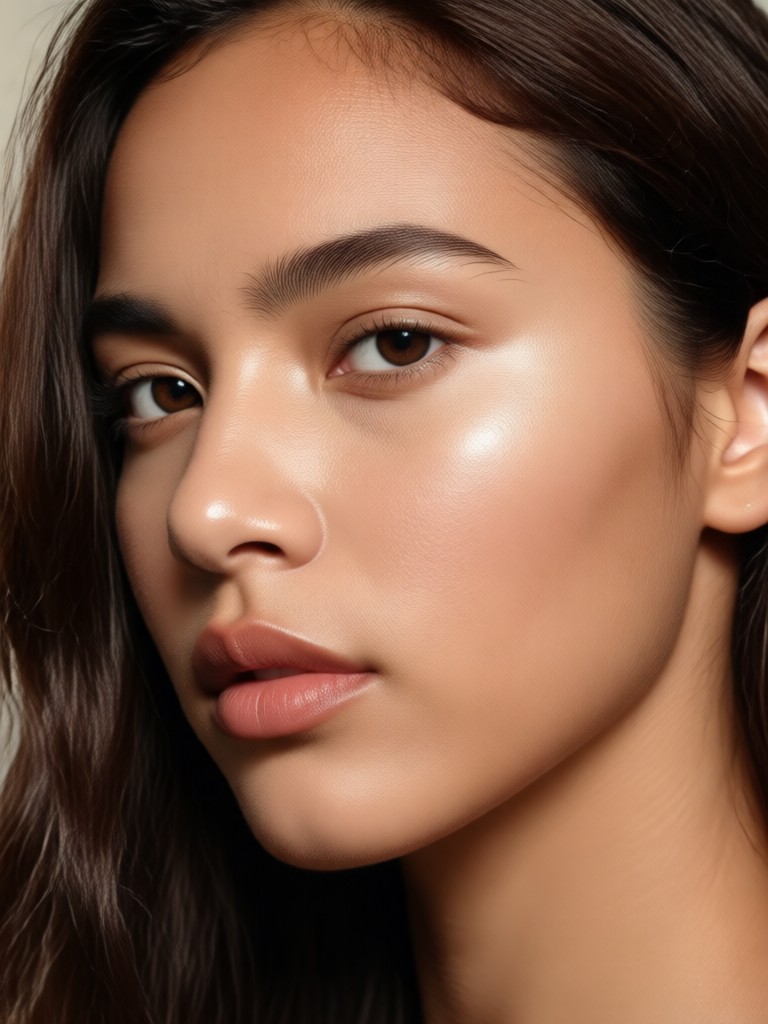
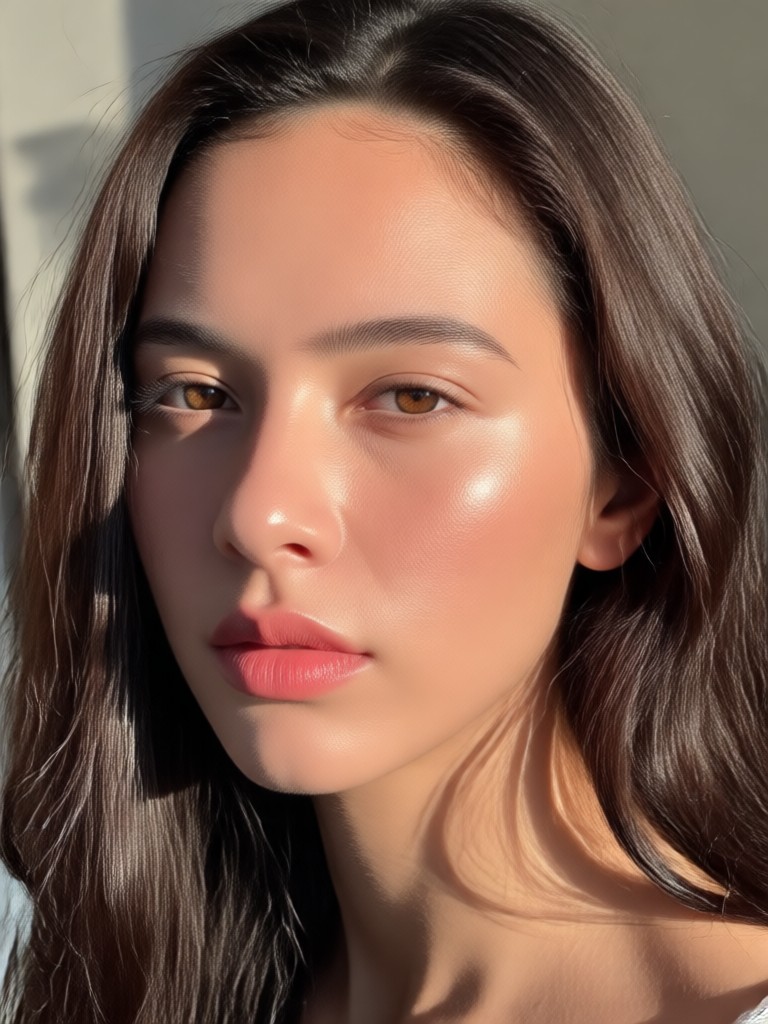
Skin Tone Transformation Gallery
See real examples of portraits transformed with our AI. From subtle enhancements to complete aesthetic changes, discover the creative possibilities.

How to Change Skin Color Online for Free?
Create stunning skin tone transformations in just three simple steps, directly from your phone.

Step 01.
Download the funpack app from Google Play. It's completely free and houses all the AI tools you need, including the skin tone changer.

Step 02.
Open the app, upload your portrait, and browse the 'Enhance' or 'Style' filters. Select the skin tone adjustment tool to begin.

Step 03.
Adjust the tone slider or pick a preset. Preview the change in real time, then save and download your transformed image instantly.
Why Use an AI Skin Tone Changer?
Move beyond basic photo editors. Our AI understands human skin texture, light reflection, and facial structure for professional grade edits.
Professional Results Without the Complexity
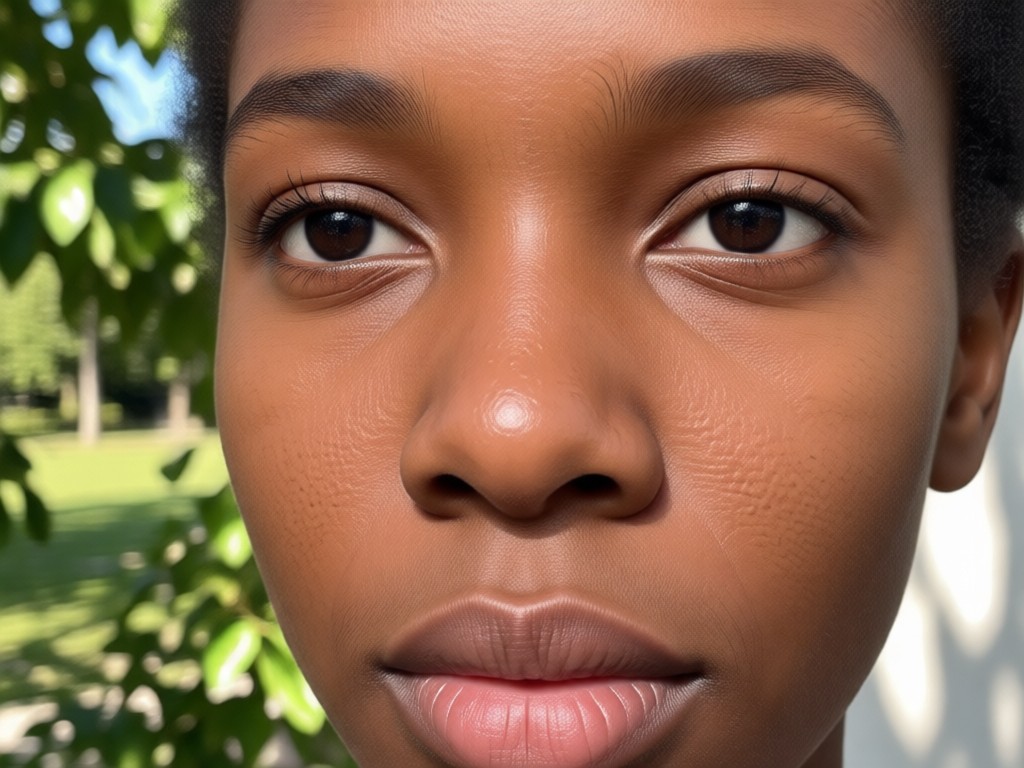
Traditional photo editing requires expert knowledge in color grading, dodge and burn techniques, and layer masking to change skin color naturally. Our AI automates this complex process. It intelligently distinguishes skin from hair, eyes, and clothing, applying the new tone only where it should go. This ensures a realistic, blended result that respects the original photo's lighting and depth, making it the most accessible way to achieve high quality edits for social media, digital art, or personal projects.
Professional Results Without the Complexity
Traditional photo editing requires expert knowledge in color grading, dodge and burn techniques, and layer masking to change skin color naturally. Our AI automates this complex process. It intelligently distinguishes skin from hair, eyes, and clothing, applying the new tone only where it should go. This ensures a realistic, blended result that respects the original photo's lighting and depth, making it the most accessible way to achieve high quality edits for social media, digital art, or personal projects.
Creators Love Our Skin Tone Changer
A Game Changer for My Character Design
As a digital artist, I use this to quickly visualize characters with different ethnicities and features. The AI keeps the facial structure intact while changing the skin tone, which is perfect for my workflow.
Perfect for Trying New Makeup Looks
I experiment with bold makeup, and seeing how it would look on different skin tones helps me plan my content. This free tool gives me that flexibility instantly on my phone.
Made My Cosplay Photos Pop
For my latest cosplay, the character had a very specific pale complexion. This app helped me match it perfectly without looking washed out or unnatural. The results were spot on.
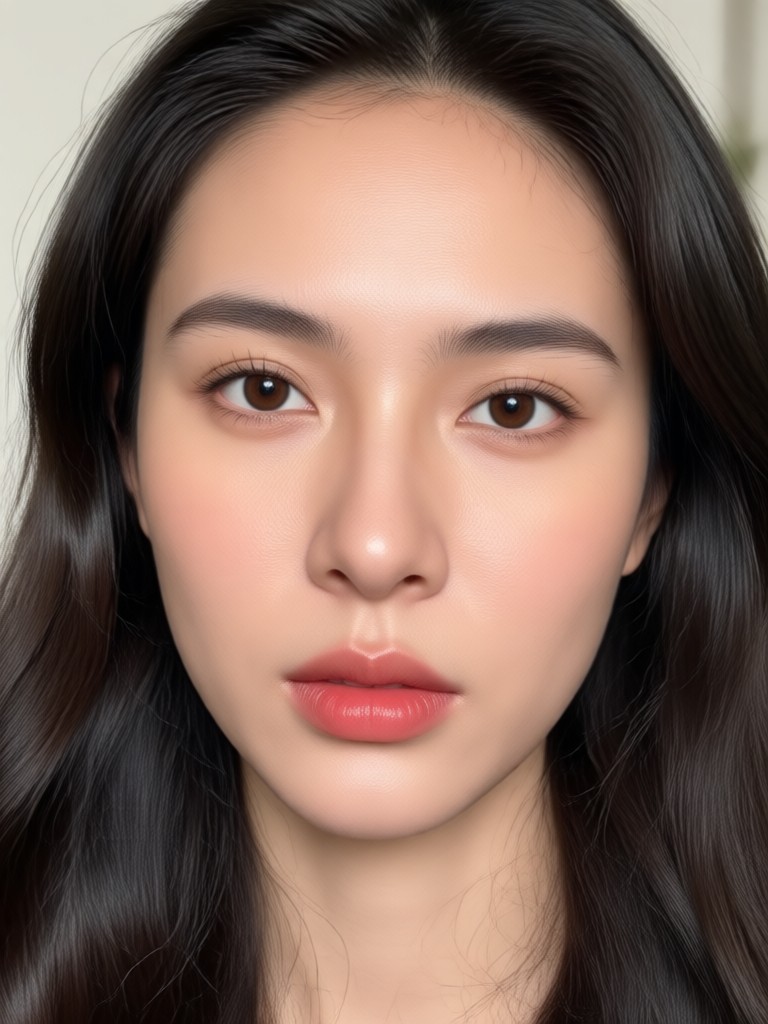
Your Free Portrait Enhancer is Here
Download funpack to access the skin tone changer and dozens of other AI tools. Edit photos, create videos, and transform your ideas directly from your mobile device.

Skin Tone Changer FAQs
Get answers to the most common questions about changing skin color online for free with our AI powered tool.
More Topics You May Like
Explore more topics you may like and discover fresh ideas tailored to your interests.
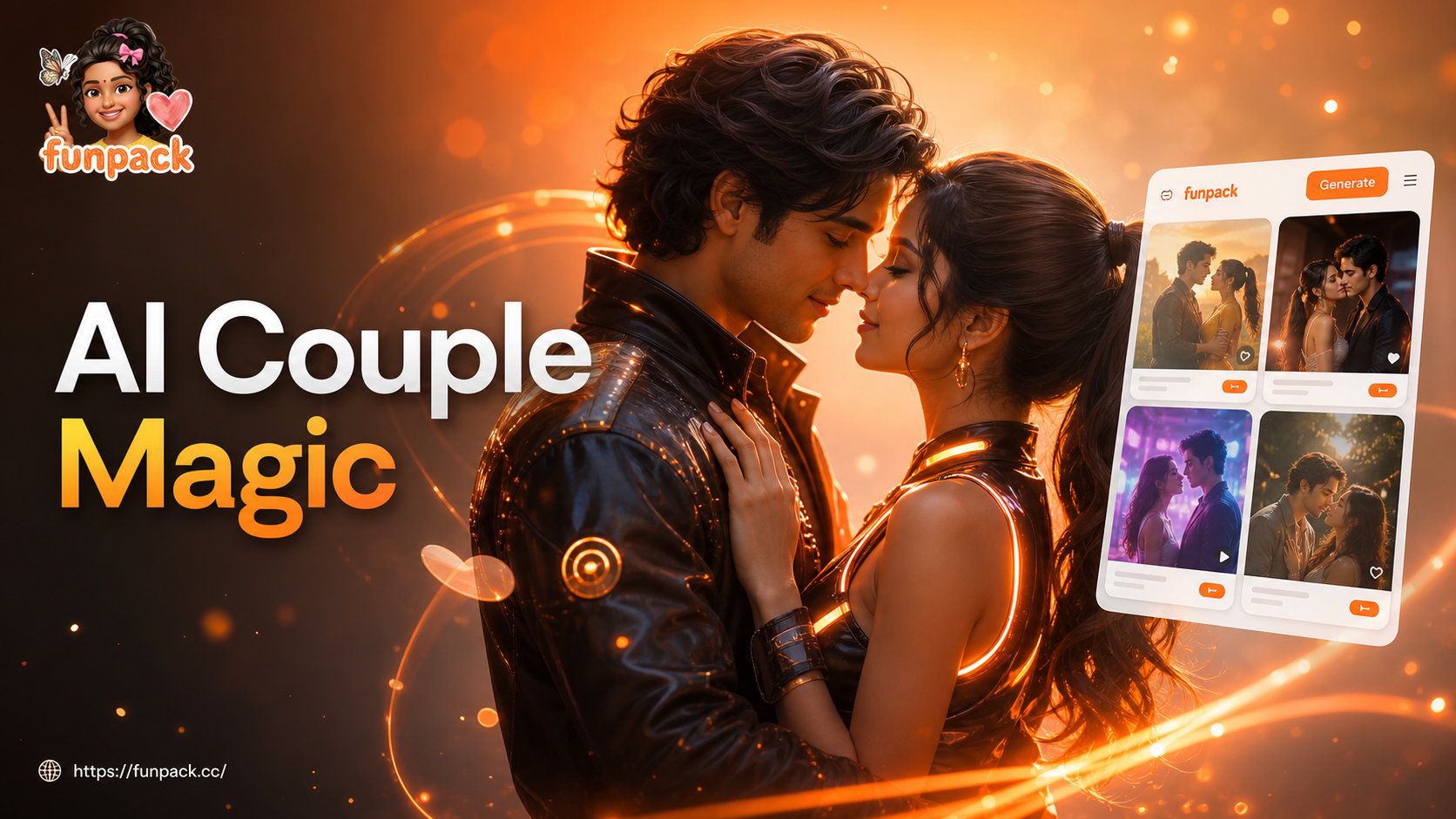
Create Couple Videos with AI | Fun & Realistic Generator
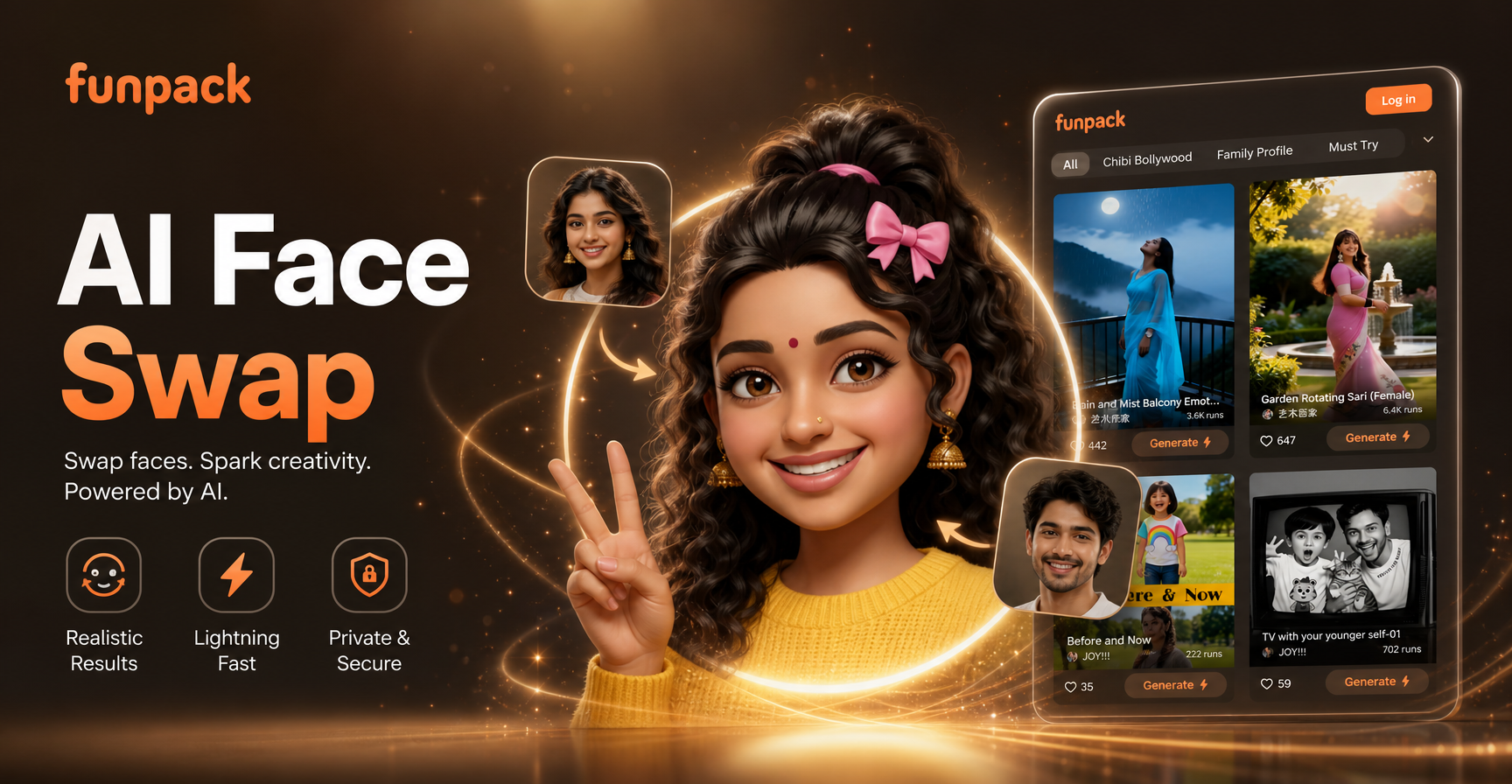
Swap Faces in Photos Instantly with FunPack AI
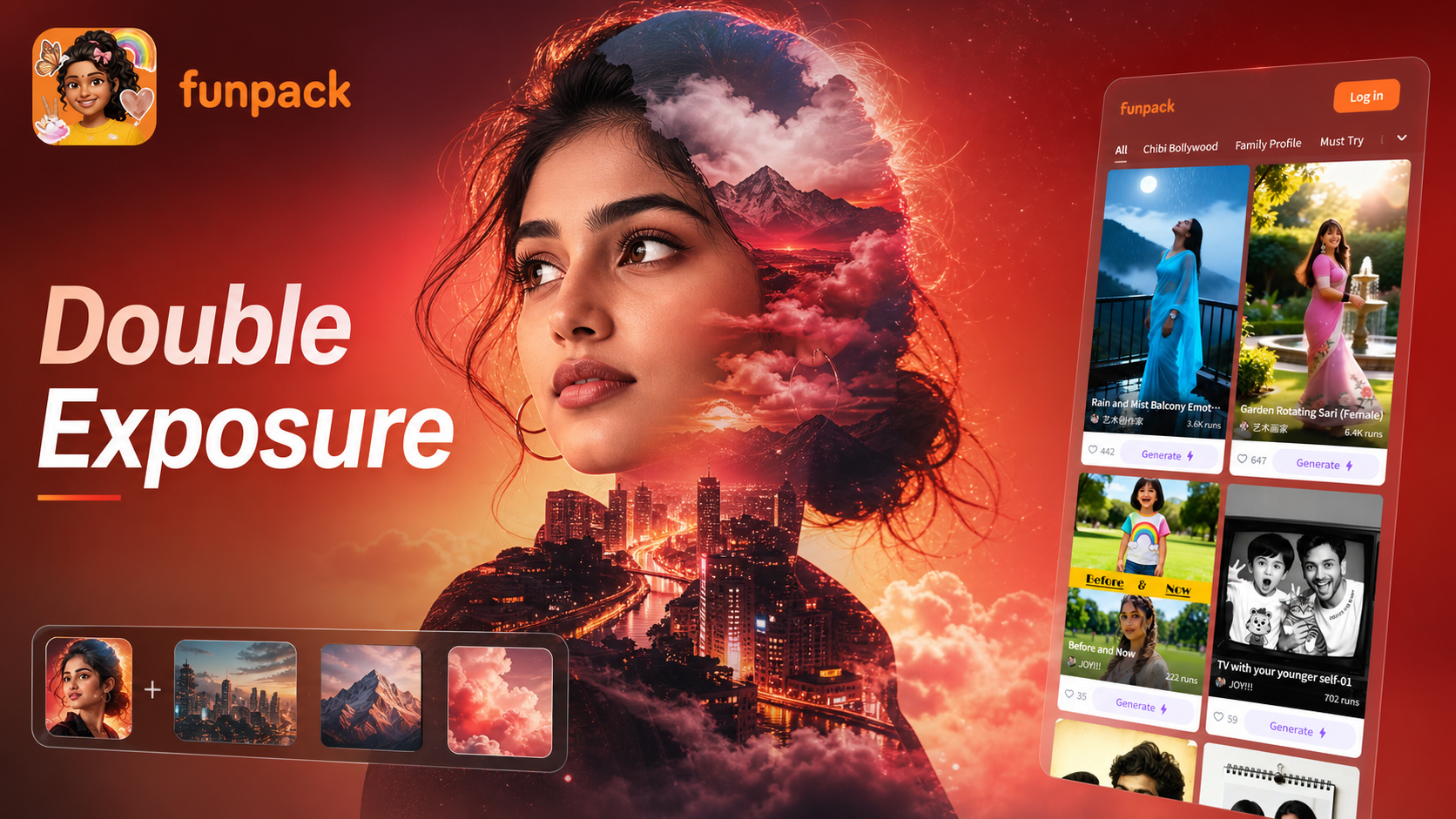
Double Exposure Photo Editor: Merge Two Images into Art
Virtual Saree Color Changer: Try New Shades Instantly
Create Couple Videos with AI | Fun & Realistic Generator
Swap Faces in Photos Instantly with FunPack AI
Double Exposure Photo Editor: Merge Two Images into Art
Virtual Saree Color Changer: Try New Shades Instantly
Redefine Your Portrait in Seconds
Stop wondering how you'd look with a different skin tone. Download the free funpack app now and see the transformation for yourself with our advanced AI editor.

Redefine Your Portrait in Seconds
Stop wondering how you'd look with a different skin tone. Download the free funpack app now and see the transformation for yourself with our advanced AI editor.