If you are looking for Ambedkar Jayanti AI photo editing prompts, you probably want to create a respectful tribute photo, a social media banner, or a WhatsApp status for 14 April without spending hours in a complex editor. The right prompt helps an AI tool understand your intention, preserve the dignity of the occasion, and produce a clean image that fits your purpose. This article gives you 20 specific Ambedkar Jayanti AI photo editing prompts you can copy and adapt. You can use them as text to image prompts to create a new scene, or as image to image prompts to edit a personal photograph in funpack or a similar AI app.
What Are Ambedkar Jayanti AI Photo Editing Prompts?
Ambedkar Jayanti AI photo editing prompts are detailed text instructions that guide an AI image generator to create or modify an image related to Dr. B. R. Ambedkar's birth anniversary. These prompts usually mention the subject, clothing, background, lighting, artistic style, and the respectful tone of the final image. For image to image editing, the prompt also tells the AI which parts of the original photo to keep and which parts to change. For example, a prompt can ask the AI to keep your face natural while replacing the background with a navy blue Ambedkar Jayanti theme.
Visual Elements That Strengthen Ambedkar Jayanti AI Prompts
To get better results, mention visual elements that are commonly associated with the occasion. These details help the AI understand the mood and avoid a generic festival look.
- Navy blue or royal blue background
- Soft golden light or morning light
- The Constitution of India
- Dhamma Chakra or a peaceful Buddhist stupa
- White lilies or marigold flowers
- A dignified statue of Dr. B. R. Ambedkar
- Clean empty space for text
- Subtle tricolor accents
20 Ready to Use Ambedkar Jayanti AI Photo Editing Prompts
Copy any of the following prompts. For your own photo, paste the prompt after uploading your image in an image to image mode. For a new scene, use text to image mode.
Portrait and Tribute Prompts
- Edit my portrait photo into a respectful Ambedkar Jayanti tribute poster. Keep my face natural, place me in a clean navy blue studio background, add soft golden light from the left, and put a small copy of the Constitution of India in my right hand.
- Transform this image into a dignified social media banner for Ambedkar Jayanti. Use a deep blue gradient, a subtle outline of Dr. B. R. Ambedkar's statue on the left, and leave the right side clean for text.
- Create a text to image portrait of a young Indian professional wearing a blue formal suit, standing in front of a library wall with law books and the Constitution of India, respectful Ambedkar Jayanti tribute, photorealistic, soft studio light.
- Edit my photo into a hand painted oil portrait inspired by Ambedkar Jayanti themes, with a dignified expression, navy blue jacket, warm brown background, and subtle rays of morning light.
- Generate a cyberpunk style tribute portrait of a young Indian man wearing a futuristic navy blue coat, holding a glowing book, with blue neon outlines and soft particles, Ambedkar Jayanti modern art.
Poster, Banner and Background Prompts
- Generate a minimalist poster for Ambedkar Jayanti with a white background, a central image of the Indian Constitution, a small wooden gavel, and blue and gold accent shapes. No text, clean layout.
- Create a scene of a peaceful morning at a memorial garden, with white lilies, a marble pillar, and a clear blue sky, empty space for text, high resolution, serene Ambedkar Jayanti background.
- Edit my group photo into a clean Ambedkar Jayanti poster. Keep every face recognizable, replace the background with a simple navy blue wall, and add a subtle tricolor ribbon at the bottom.
- Generate a realistic image of an office desk with a framed photo of Dr. B. R. Ambedkar, a burning candle, a white flower, and the Constitution of India, honoring 14 April, warm respectful atmosphere.
- Generate a vector style Ambedkar Jayanti poster with a dignified portrait silhouette, a rising sun, and blue and white geometric shapes. Keep the silhouette minimal and respectful.
Artwork and Illustration Prompts
- Create an image of a peaceful Buddhist stupa with blue prayer flags, symbolizing Dr. B. R. Ambedkar's Dhamma path, soft sunrise light, calm atmosphere, high detail, photorealistic.
- Generate a 3D clay style illustration of a child holding a small copy of the Constitution of India, wearing a blue school uniform, smiling gently, Ambedkar Jayanti school tribute, soft classroom background.
- Transform this photo into a watercolor painting of a public gathering on Ambedkar Jayanti, with blue flags, people holding flowers, and a decorated stage, soft color wash, artistic.
- Edit my portrait to look like a vintage Indian freedom movement inspired photograph, with sepia tone, formal attire, and a subtle blue ribbon on the lapel, respectful Ambedkar Jayanti edit.
- Generate a Ghibli style illustration of a child placing a garland on a statue of Dr. B. R. Ambedkar in a school courtyard, soft green trees, respectful mood, warm sunlight, gentle colors.
Social Media Story and Header Prompts
- Turn this selfie into a respectful social media story for Ambedkar Jayanti. Add a soft blue bokeh background, a small circular badge with the number 14 April, and a neat white border.
- Edit my photo into a respectful social media header for 14 April. Add a translucent blue layer, a small image of a book and candle on the right, and keep my face clear on the left.
- Transform this product photo of a printed poster into a realistic room mockup. Place the Ambedkar Jayanti poster on a clean white wall above a wooden table with flowers and a small lamp.
- Generate a photo of a student reading the Preamble of the Indian Constitution in a library, soft window light, blue notebook on the table, expressive but calm mood, Ambedkar Jayanti education theme.
- Create a cinematic film still of a statue of Dr. B. R. Ambedkar at dawn, with dramatic blue and orange sky, people walking respectfully below, shallow depth of field, high detail.
How to Adapt These Prompts for Your Own Ambedkar Jayanti Photo
These prompts are starting points, not fixed formulas. To make an image feel personal, replace the subject details with your own. If you are editing a photo of yourself, start with an image to image prompt and specify what should stay the same. For example, write keep my face identical, keep my hairstyle, or keep the original pose. If you are creating a poster from scratch, add the exact background color you need, such as navy blue, off white, or a muted tricolor. Mention the lighting style, such as soft studio light, golden hour light, or overcast daylight, because this changes the overall mood. For social media, include the orientation. Use square for an Instagram post, vertical for a story or status, and horizontal for a banner. Finally, always include respectful words like dignified, serene, or tribute to keep the output appropriate for the occasion.
How to Improve Weak or Odd AI Results
AI tools can misinterpret prompts. If a face looks distorted, switch to image to image mode and add keep my face natural and preserve facial identity. If the AI adds garbled text, do not ask it to write long Hindi or Marathi lines. Instead, ask for empty space for text or a clean area for a caption, then add your text afterward with an app. If multiple symbols look merged, simplify the prompt by limiting it to one statue, one book, or one candle. If the colors feel too loud, replace bright saturated colors with muted blue tones, soft neutrals, or professional palette. If a group photo loses individual faces, add preserve every face and accurate face separation. You can also reduce style intensity or try a different style template in funpack.
Using funpack for Ambedkar Jayanti AI Photo Editing
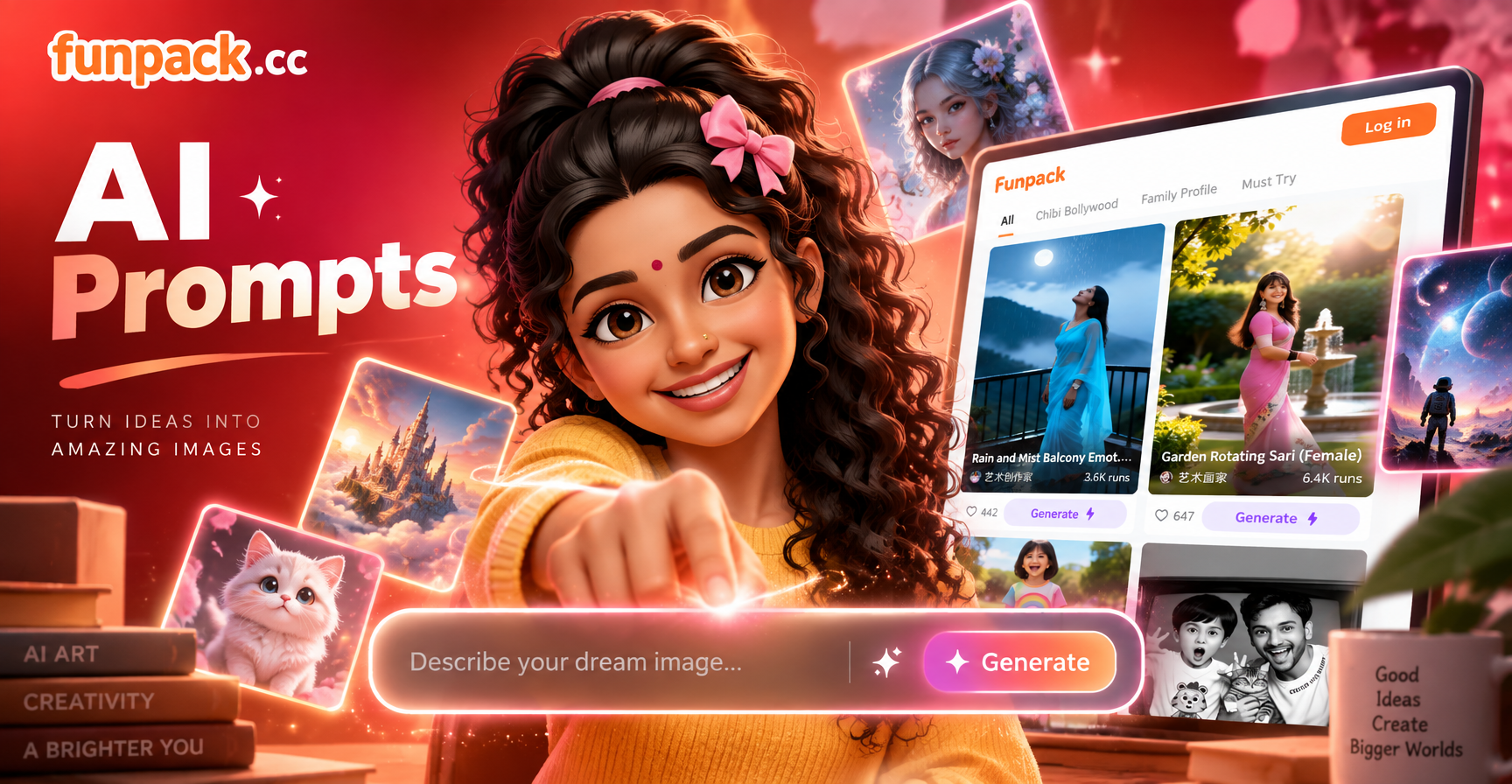
funpack is a mobile AI design app with text to image and image to image tools. To apply these Ambedkar Jayanti prompts, download funpack from Google Play. Open the app, choose image to image if you are editing a personal photo, or text to image if you want to create a tribute scene from scratch. Paste one of the prompts above, select a style filter such as realistic photography, watercolor, 3D clay, or Ghibli style, and generate. You can then adjust the prompt and regenerate until the result looks clean and respectful. Always review the image before sharing it for a public occasion.
Final Checklist for Respectful Ambedkar Jayanti AI Edits
Before you download or post your AI edited image, check that the subject looks dignified and that no symbol or text is distorted. Use culturally relevant colors such as blue, white, and subtle tricolor accents. Avoid asking AI to place a real historical figure in fictional or casual situations. Add any quotes or slogans manually to keep the text accurate. If you are editing a group photo, confirm that each person remains recognizable. If you are creating a poster, leave clean space for the date and event details. With these Ambedkar Jayanti AI photo editing prompts, you can produce high quality tribute images for 14 April quickly and respectfully.