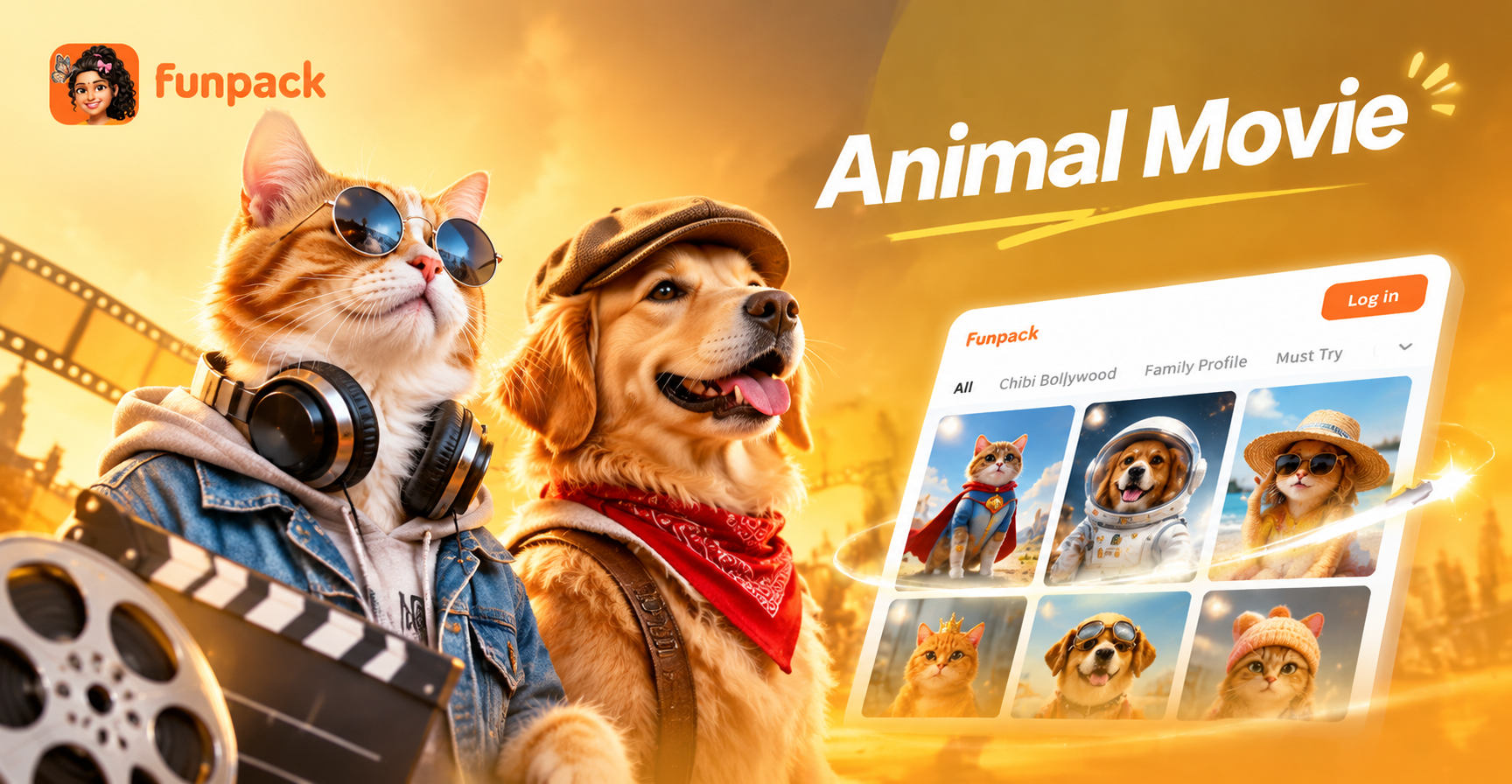
Animal movie AI photo editing prompts let you turn ordinary pet photos into scenes that look like they belong in a feature film. Instead of a flat snapshot, you get a cinematic frame with deliberate lighting, expressive character, and a clear story. This guide gives you a practical set of prompts for creating animal movie style images. You can use them for realistic wildlife dramas, animated family adventures, and playful fantasy films.
The right prompt does more than apply a filter. It tells the AI how to light the scene, what mood to create, which camera angle to use, and how much of your pet's original face to preserve. With these animal movie AI photo editing prompts, you can take a simple phone photo and turn it into a dramatic film still in seconds.
Why Animal Movie Style Needs Better Prompts
Generic animal filters often make every pet look the same: big eyes, smooth fur, and a bright background. That can feel cute but rarely feels cinematic. A strong animal movie prompt controls the details that make a frame feel like a movie. It defines the era, the color palette, the lens, the lighting direction, and the mood.
For example, a realistic wildlife drama needs muted earth tones, soft directional light, and a wide frame. An animated family adventure needs saturated colors, rounded shapes, and a clean 3D render. The exact same pet photo can become ten completely different movie scenes when you change these prompt instructions.
What Makes a Good Animal Movie Prompt
Every prompt below follows a simple structure. First it names the subject and what to keep from the original photo. Then it sets the movie genre and the environment. Finally it gives camera and lighting directions, such as lens choice, depth of field, color grade, and film grain. This structure prevents flat results and helps the AI treat the image as a film still.
You do not need to be a cinematographer to use these prompts. Just keep the animal and setting consistent, and change only one or two details at a time. That gives you much more control than a single style template.
How to Use These Animal Movie AI Prompts
These prompts work best in the funpack app. Open the app, tap the image to image or text to image tool, and upload a clear photo of your pet. Then paste one of the prompts below. If you use a style template, choose a template that matches the mood you want, such as realistic photography, anime, or 3D animation.
Replace the animal name, breed, and fur color in each prompt with your own pet's details. Keep the instructions about camera, lighting, and framing exactly as they are. Those camera directions are what create the movie feel.
12 Animal Movie AI Photo Editing Prompts to Try
1. Realistic Wildlife Drama
Prompt: Transform my German Shepherd photo into a dramatic wildlife film still. Keep the dog's face and markings accurate. Set the scene in a misty pine forest at dawn. Use cold blue shadows, warm rim light on the fur, and a distant mountain ridge. Add a low angle camera, 35mm lens, shallow depth of field, and a subtle 35mm film grain.
2. Historical Animal Epic
Prompt: Edit my horse photo into a historical animal epic. Place the horse on a windswept hill under a stormy sky. Keep the horse's coat colors realistic but add a braided mane. Use desaturated earthy tones, dramatic side lighting, and flying dust. Frame as a 2.39:1 cinematic still with a heroic low angle.
3. Hand Drawn Animated Adventure
Prompt: Turn my orange cat photo into a scene from a hand drawn animated animal movie. Keep the cat's markings but give it large expressive eyes, soft rounded fur, and a tiny red scarf. Place it on a cobblestone street in a cozy European village. Use warm sunrise light, soft pastel colors, and a gentle smile. Render as a clean 2D animation film frame.
4. 3D Family Film
Prompt: Transform my rabbit photo into a 3D animated family film still. Keep the rabbit's fur pattern but enlarge the ears slightly and add a playful expression. Show it standing beside a small wooden cart filled with carrots in a bright meadow. Use saturated spring greens, soft studio lighting, and a shallow depth of field. Frame as a 16:9 animated movie screenshot.
5. Fantasy Animal Adventure
Prompt: Edit my ferret photo into a fantasy animal adventure film. Keep the ferret's face recognizable but wrap it in a tiny leather cape. Place it on a mossy tree root in an enchanted forest with glowing blue mushrooms. Use teal and gold color grading, volumetric light rays, and a 50mm cinematic close up. Add subtle sparkle particles.
6. Animated Pirate Hero
Prompt: Turn my parrot photo into a hero shot from an animated pirate animal movie. Keep the parrot's feather colors vivid but add a tiny pirate hat and a golden compass hanging from its neck. Set the background as a ship deck at sunset with blurred sails. Use warm amber and navy tones, dramatic rim light, and a 35mm film still look.
7. Noir Mystery
Prompt: Transform my black cat photo into a 1940s noir animal movie still. Keep the cat's green eyes bright. Use a film noir style with hard shadows, venetian blind light patterns, and a smoky room background. Add a fedora tilted on the cat's head. Keep the fur texture realistic but slightly high contrast. Frame as a black and white 35mm film frame with heavy grain.
8. Retro Adventure
Prompt: Edit my dog photo into a retro adventure movie poster scene. Keep the dog's face and collar recognizable. Put it in a vintage leather aviator cap and goggles. Place it in an open cockpit biplane with a painted sky and fluffy clouds behind. Use faded Kodachrome colors, soft golden light, and a 4:3 composition with a slight paper texture.
9. Arctic Wilderness
Prompt: Turn my husky photo into a frozen wilderness film frame. Keep the husky's face and blue eyes clear. Place it on a snowy ridge under a pale arctic sky. Use cool white and blue tones, bright but soft light, and visible breath vapor in the cold air. Frame as a wide 2.39:1 shot with the dog looking into the distance.
10. Space Companion
Prompt: Transform my tabby cat photo into a loyal space companion in a science fiction animal movie. Keep the cat's face markings but place it inside a small glass viewing dome on a spaceship. Use deep navy and soft cyan lighting, glowing control panels in the background, and a 50mm lens with shallow depth of field. Add a subtle reflection on the glass dome.
11. Coastal Adventure
Prompt: Turn my golden retriever photo into a cheerful coastal adventure film still. Keep the dog's floppy ears and warm brown eyes. Place it on a wooden dock beside a small sailboat at sunset. Use golden hour light, deep orange and teal tones, and a 35mm lens with gentle mist over the water. Frame as a 2.39:1 cinematic shot.
12. Royal Palace Hero
Prompt: Transform my white cat photo into a royal hero in an animated animal movie. Keep the cat's blue eyes and fluffy chest. Give it a small gold crown and a soft velvet cape. Place it in a grand marble palace hall with tall windows and warm candlelight. Use rich red and gold colors, soft reflections on the floor, and a slow camera push in effect.
How to Adapt These Prompts for Different Pets
Change the animal name and physical details at the start of each prompt. If your pet has unique markings, describe them clearly. For example, write my white and gray border collie instead of my dog. If your pet has a distinctive eye color, include it. This helps the AI preserve your pet's identity while changing the scene.
You can also swap the setting. If you like the forest prompt but want a desert scene, replace misty pine forest at dawn with rocky desert canyon at golden hour. Keep the camera and lighting directions because they define the movie mood.
Common Problems and Prompt Fixes
Face looks too different: Add keep the exact face shape, eye color, and markings to the beginning of the prompt. Reduce the prompt's emphasis on stylized eyes or fur if you want a realistic result.
Background overpowers the pet: Add subject in sharp focus, soft background, pet occupies 60 percent of frame. This keeps your animal as the main character.
Style looks inconsistent: Add frame as a cinematic still, same color grade across the whole image, no mixed media. This tells the AI to avoid combining styles.
Extra paws or artifacts: Simplify the background and reduce complex props. Replace detailed accessories with one clear item, such as a scarf or hat. Generate again if the first result has too many details.
Great Animal Movie Scenes to Try Next
You can build many more prompts by combining an animal, a movie genre, and a clear setting. Here are a few ideas to start:
- Turn my pet into a detective in a rainy city mystery.
- Make my pet a loyal companion in a space exploration film.
- Turn my pet into a fantasy guardian in an ancient forest.
- Make my pet a sidekick in a western adventure.
- Turn my pet into a royal hero in a palace celebration.
Start Creating Animal Movie Photo Edits
Now you have a set of animal movie AI photo editing prompts that work together with the funpack app. Download funpack, upload your best pet photo, paste a prompt, and choose a style template. In a few seconds, you will see your pet transformed into a movie scene you can save and share.