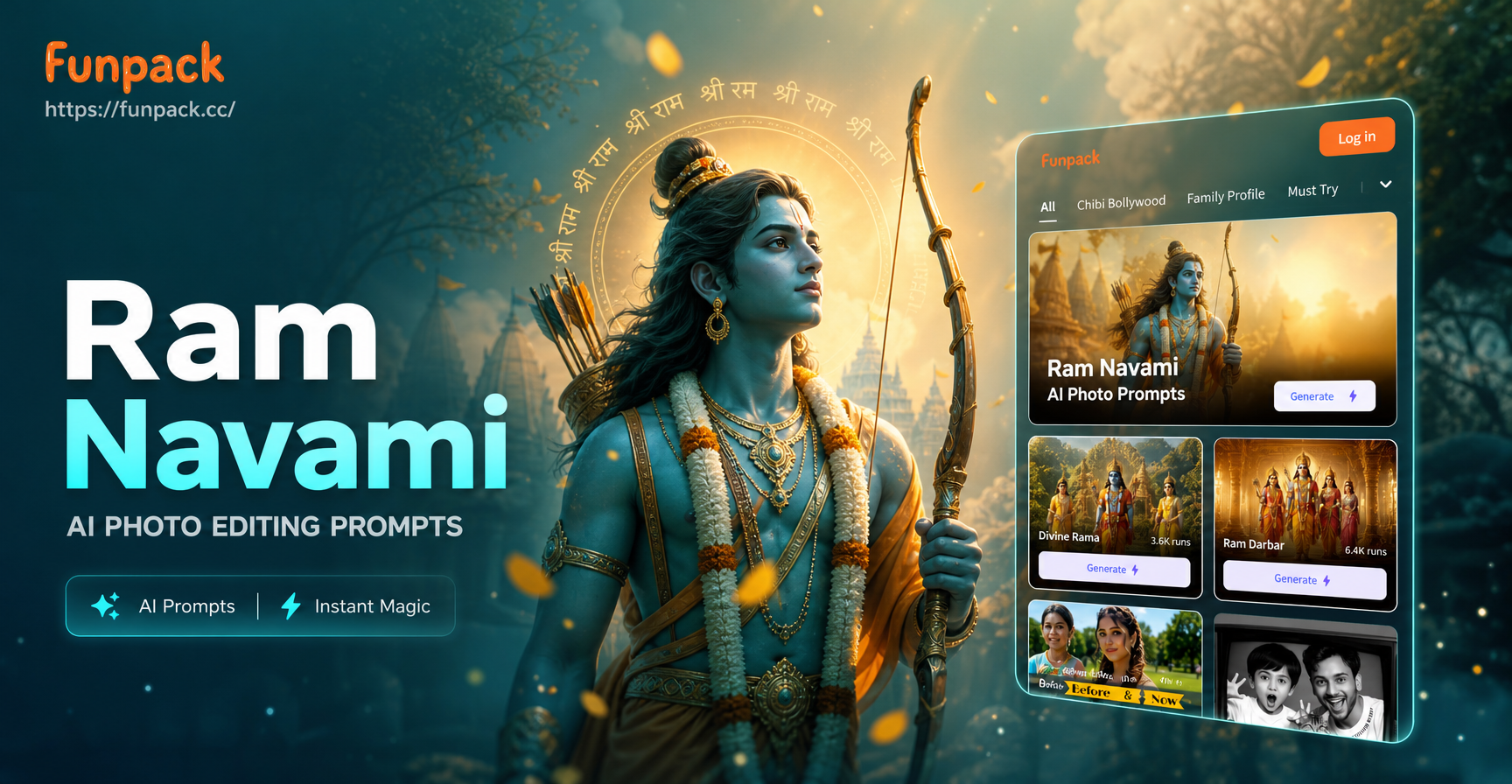
What Are Ram Navami AI Photo Editing Prompts?
Ram Navami is a Hindu festival celebrating the birth of Lord Rama. AI photo editing prompts are text instructions that guide an AI image generator to transform a photo or create an image in a specific style. This article provides a curated list of prompts you can use to create beautiful Ram Navami themed images. Whether you want a devotional portrait, a festive family photo, or a cinematic poster, these prompts will help you get impressive results in seconds.
25 Ram Navami AI Photo Editing Prompts for Stunning Images
Here are detailed prompts across different categories. Copy any prompt, upload a photo (or start from text), and let the AI work its magic.
Devotional Lord Rama Portraits
- Prompt 1: Create a photorealistic portrait of Lord Rama with a serene smile, golden crown, traditional saffron silk attire, holding a bow, standing in front of an ancient temple, warm golden hour lighting, highly detailed.
- Prompt 2: Generate a divine illustration of Lord Rama seated on a throne, surrounded by soft glowing diyas, with Sita and Lakshman standing beside him, intricate temple architecture in background, oil painting style.
- Prompt 3: Make a close up portrait of Lord Rama, eyes closed in prayer, forehead adorned with tilak, wearing a garland of marigold flowers, soft bokeh background, cinematic lighting, 4k resolution.
- Prompt 4: Create an anime style image of Lord Rama with stylized features, long braided hair, holding a golden bow, standing under a blooming Ashoka tree, vibrant colors, cel shading.
- Prompt 5: Make a watercolor painting of Lord Rama and Hanuman sitting together on a hill, with soft washes of orange and blue, minimal details, peaceful mood.
Ayodhya Temple and Festival Scenes
- Prompt 6: Transform this photo into a vibrant Ram Navami celebration in Ayodhya, with decorated temples, colorful flags, crowds in traditional attire, and flower petals falling from the sky, festive atmosphere.
- Prompt 7: Generate a wide-angle view of a grand temple at sunset, illuminated with thousands of oil lamps, a chariot carrying Lord Rama, Sita, and Lakshman in the foreground, people cheering.
- Prompt 8: Create a watercolor painting of the Ram Janmabhoomi temple complex during Ram Navami, with soft pastel colors, intricate carvings, and a procession of devotees.
- Prompt 9: Make a 3D clay art scene of an Ayodhya street with miniature temples, tiny diyas on every doorstep, and small figures of Lord Rama and Sita waving, cheerful and colorful.
Diya and Lamp Lighting Effects
- Prompt 10: Add a warm diya glow effect to this portrait, with multiple brass lamps in the foreground, their flames lighting the face softly, background darkened, dramatic chiaroscuro lighting.
- Prompt 11: Create a macro shot of a traditional clay diya with a bright flame, decorated with marigold petals and rangoli powder, blurred background of a temple, bokeh lights, photorealistic.
- Prompt 12: Transform this image into a night scene where the subject is holding a plate of lit diyas, their reflection visible in the eyes, festive atmosphere, high contrast.
- Prompt 13: Generate an image of a row of diyas floating on the Sarayu river at night, with the full moon reflecting on the water, peaceful and devotional.
Traditional Attire and Jewelry
- Prompt 14: Edit this photo to dress the person in traditional Indian festive wear, a silk kurta or saree in vibrant red and gold, with ornate jewelry, a bindi, and a turban, suitable for Ram Navami.
- Prompt 15: Generate a full body shot of a woman in a red and gold saree with temple jewelry, standing in front of a decorated door with marigold garlands, soft natural light, ethnic portrait.
- Prompt 16: Transform this photo into a royal portrait inspired by the Ramayana era, with the subject wearing ancient armor or royal robes, holding a bow, palace interior background, cinematic style.
- Prompt 17: Create a close up of hands adorned with mehndi and gold bangles, holding a small diya, with a blurred background of a Ram Navami prayer setup.
Family and Community Celebration
- Prompt 18: Create a joyful group photo of a family celebrating Ram Navami, with everyone wearing festive clothes, offering prayers, holding diyas, decorated home background, warm and inviting.
- Prompt 19: Generate an image of a community Ram Navami procession, with people carrying a palanquin of Lord Rama, singing bhajans, colorful banners, and flower showers, documentary style.
- Prompt 20: Make a heartwarming scene of children dressed as Lord Rama and Hanuman, playing in front of a decorated temple, laughing, golden hour light, candid photography.
Cinematic Ram Navami Posters
- Prompt 21: Design a cinematic movie poster for Ram Navami, featuring Lord Rama in heroic pose, bow drawn, arrow ready, dramatic clouds and sun rays behind, title text space at top, epic fantasy style.
- Prompt 22: Create a minimalist Ram Navami poster with a single diya in the center, its flame shaped like the silhouette of Lord Rama, clean background, modern design, warm color palette.
- Prompt 23: Make a retro Bollywood style poster for a Ram Navami celebration, with bold typography, saturated colors, and Lord Rama and Sita in iconic dance pose.
Artistic and Abstract Interpretations
- Prompt 24: Make an impressionist painting of Ram Navami celebrations, with loose brush strokes, bright orange and yellow colors, crowds depicted as dabs of paint, joyful energy.
- Prompt 25: Generate a paper cutout style illustration of the Ram Darbar, with layered paper textures, intricate patterns, and a festive border of marigold garlands.
How to Use These Prompts in funpack
funpack makes it easy to apply these prompts. Follow these steps:
- Download funpack from Google Play and open the app.
- Tap on the AI image generator feature and upload a photo you want to edit, or choose to start from text.
- Select a style template that matches your desired look, such as photorealistic, anime, oil painting, or 3D.
- Copy a prompt from the list above and paste it into the description box.
- Hit generate. The AI will produce a Ram Navami themed image in seconds.
- Adjust the prompt or try another style if you want a different result.
Tips for Getting Better Ram Navami AI Results
These prompts work best when you provide clear details. Here are some expert tips to refine your output:
- Be specific about clothing: Mention colors like saffron, red, gold. Include details like silk, embroidery, jewelry. For example, instead of 'traditional clothes', write 'red silk saree with gold border' or 'saffron dhoti and kurta'.
- Describe lighting: Golden hour, soft glow, candlelight, or dramatic backlighting can drastically change the mood. Phrases like 'warm golden hour lighting' or 'soft diya glow' instantly set the festival tone.
- Include cultural symbols: Bow and arrow, diyas, marigold garlands, tilak, temple bells, conch shells, and the Ram Darbar are instantly recognizable. Add them explicitly to avoid generic outputs.
- Set the environment: Temples, Ayodhya streets, decorated homes, or palace interiors add authenticity. A simple background change can turn a regular portrait into a festive image.
- Use style keywords: Add terms like photorealistic, oil painting, anime, 3D clay, cinematic, watercolor, or minimalist to control the output style. Experiment with different styles to find your favorite.
- Fix imperfections: If the AI distorts faces or hands, regenerate with simpler prompts or use a reference image with clear facial features. Sometimes reducing the number of elements in a prompt improves accuracy.
- Combine prompts: You can merge elements from different prompts to create a unique image. For example, combine a diya glow effect with a family group photo for a warm festive portrait.
Common Mistakes and How to Fix Them
Even with good prompts, AI may produce unexpected results. Here are common issues and their fixes:
- Distorted faces: Use a high quality, front facing reference photo. Reduce prompt complexity and avoid close up crops if the AI struggles. Sometimes adding 'clear facial features' or 'sharp focus on face' helps.
- Wrong attire: Specify the exact garment and color. For example, instead of 'traditional clothes', write 'red silk saree with gold border' or 'saffron dhoti and kurta'. The more detail, the better.
- Missing cultural elements: If the AI omits diyas or bow, add them explicitly in the prompt with position and quantity. For example, 'three brass diyas in the foreground' or 'holding a golden bow in left hand'.
- Too much clutter: If the background is noisy, add 'clean background' or 'blurred background' to the prompt. You can also specify 'shallow depth of field' to blur the background.
- Unnatural colors: Ask for 'natural skin tones' or 'warm color palette' to keep the image grounded. Avoid overly saturated colors unless you want a stylized look.
- Inaccurate temple architecture: Use specific terms like 'North Indian temple style' or 'South Indian gopuram' to steer the AI. If needed, add 'intricate carvings' for detail.
Advanced Prompt Formulas for Unique Results
For more control, try combining multiple elements into a single structured prompt. Here is a formula you can use:
Base prompt + Subject details + Environment + Lighting + Artistic style
Example: 'Create a photorealistic portrait of a woman in a red and gold saree, standing in front of a decorated temple, soft diya glow lighting, oil painting style'. This structure ensures all important aspects are covered.
Why Use AI for Ram Navami Photo Editing?
AI photo editing saves time and gives professional results without design skills. You can create personalized greeting cards, social media posts, or family keepsakes with a single tap. The prompts in this article are a starting point. Feel free to mix and match elements to create your unique Ram Navami artwork. With funpack, you have access to over one million style filters, so the possibilities are endless.
Conclusion
Ram Navami is a time for joy, devotion, and celebration. With these AI photo editing prompts, you can capture the spirit of the festival in beautiful images. Download funpack today and start creating stunning Ram Navami visuals that you can share with family and friends.