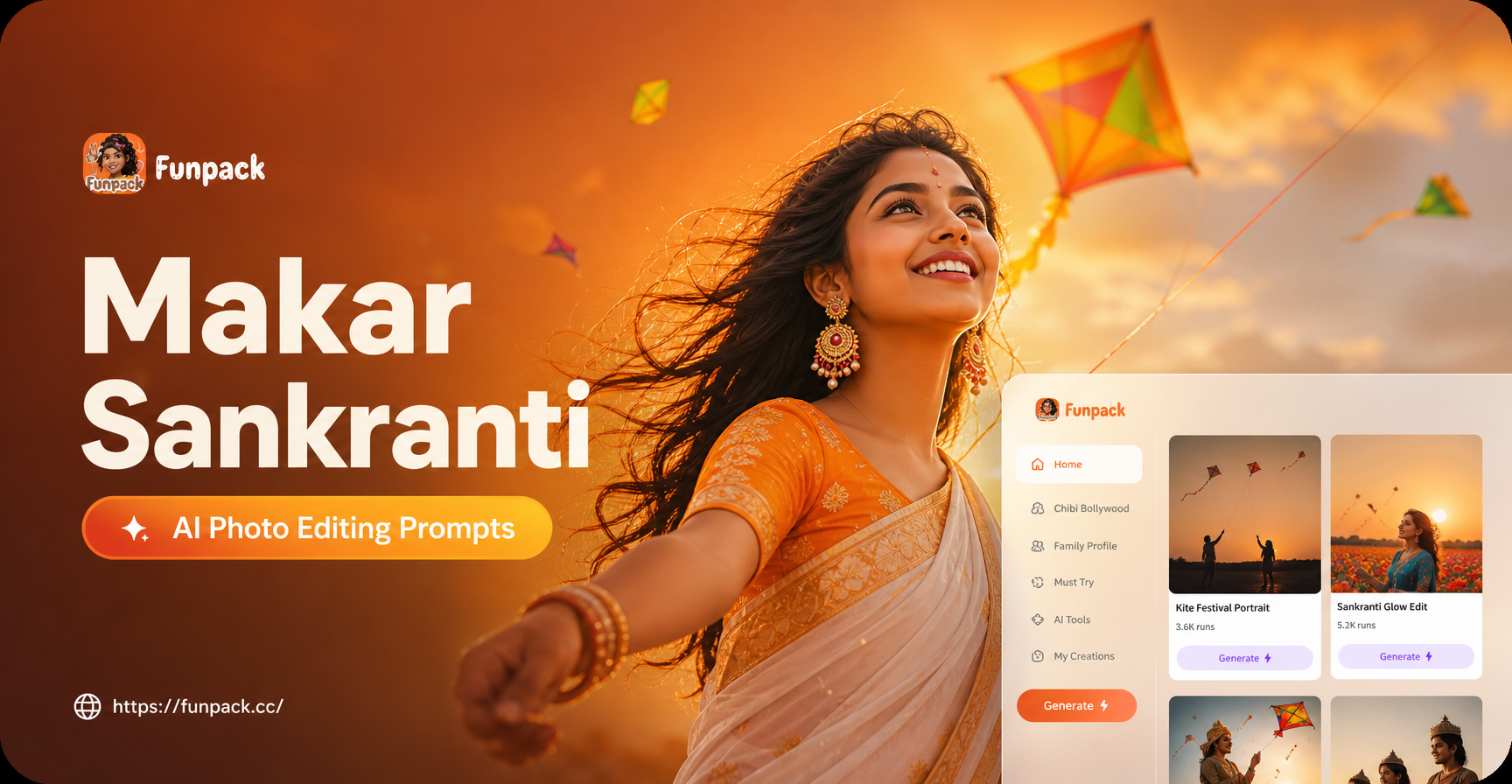
Why Makar Sankranti Photos Deserve Special AI Editing
Makar Sankranti is one of India's most vibrant harvest festivals, celebrated with colorful kites, traditional sweets like tilgul, sugarcane decorations, and joyful rooftop gatherings. Your photos from this day often capture the emotion but may lack the perfect festive touch, the right lighting, or the ideal background. AI photo editing prompts can change that. By using a tool like funpack, you can upload your existing Makar Sankranti photos and apply detailed text instructions to add missing elements, enhance colors, transform outfits, or even create entirely new festival scenes. This guide provides specific, ready-to-use Makar Sankranti AI photo editing prompts that will help you turn ordinary snapshots into stunning festive memories.
What Are Makar Sankranti AI Photo Editing Prompts?
AI photo editing prompts are short, descriptive text instructions that tell an AI image editor what changes to make to your photo. When you use an app like funpack, you can type a prompt such as 'Add a colorful kite in the sky and warm golden light' and the AI will interpret that request and apply it to your image. The more specific your prompt, the better the result. For Makar Sankranti, effective prompts often include elements like kites, tilgul, sugarcane, marigold garlands, rangoli, traditional clothing, and warm afternoon sunlight. You can use these prompts to edit portraits, group photos, food shots, landscapes, and more.
Core Visual Elements of Makar Sankranti
Before diving into the prompts, it helps to understand the key visual symbols associated with Makar Sankranti. Including one or more of these in your prompt will instantly give your edited photo a festive identity.
- Kites: The most iconic symbol. Colorful paper kites of all shapes and sizes fill the sky during the festival. Add them to any outdoor photo for instant recognition.
- Tilgul and sweets: Sesame and jaggery laddus, puran poli, and halwa are traditional foods. They represent the sweet exchange of the season.
- Sugarcane: Stalks of sugarcane are often decorated and given as offerings during Makar Sankranti in many regions.
- Rangoli: Intricate floor designs made with colored powders, often featuring sun motifs, kites, and geometric patterns.
- Marigold garlands: Bright orange and yellow flower strings used for decoration and worship.
- Traditional attire: Women in vibrant sarees, men in kurta pajamas, often in warm colors like red, orange, yellow, and pink.
- Bonfires: In some regions, especially Punjab's Lohri, bonfires are lit, but Makar Sankranti in Maharashtra and Gujarat focuses more on kites and sweets.
- Mustard fields: The yellow mustard flower fields of North India are in full bloom around this time and make a beautiful backdrop.
How to Use These Prompts with funpack
funpack is a mobile AI design app available on Google Play. It combines text-to-image, image-to-image, and video generation with a massive library of style filters. To edit your Makar Sankranti photos, you simply upload the photo you want to transform, choose the image-to-image or style transfer option, and type one of the prompts below. The AI will apply the changes while preserving the main subject of your photo. You can also start with a style filter that matches the festive mood, then refine it with your custom prompt. No complex prompt engineering is needed. The app is designed to be simple enough for anyone to use.
Before you begin, make sure your original photo is clear and well-lit. A high-resolution image with visible faces and objects will produce much better results. Then choose a prompt from the collection below, paste it into the prompt field, and generate. If the result is close but not perfect, tweak one detail at a time, such as changing the clothing color or adding an object, until you get the image you want.
25 Ready-to-Use Makar Sankranti AI Photo Editing Prompts
Below is a collection of prompts organized by category. Each prompt is designed to be used as-is in an AI photo editing tool like funpack. You can copy and paste them directly, or modify them to suit your specific photo and creative vision.
Portrait Editing Prompts
- Transform my portrait into a Makar Sankranti celebration look. Add a vibrant orange and yellow saree with golden border, a traditional nose ring, and a soft bokeh background of colorful kites flying in a clear blue sky.
- Edit my selfie to look like I am joyfully flying a kite on a rooftop during Makar Sankranti. Add a bright red kite, warm sunlight, and a subtle smile with wind blowing through my hair.
- Give my photo a festive Makar Sankranti makeover. Add tilak on forehead, a marigold garland around my neck, and a plate of tilgul and sugarcane in my hands. Keep the background warm and bright.
- Turn my casual photo into a traditional Indian festive portrait. Drape me in a vibrant Banarasi silk saree with zari work, place a small kite in my hand, and add rangoli patterns on the ground.
- Apply a warm cinematic color grade to my portrait inspired by Makar Sankranti morning light. Add a hint of golden hour glow and a subtle kite silhouette in the distant sky.
Group Photo Prompts
- Edit our group photo to show us celebrating Makar Sankranti on a rooftop. Add multiple colorful kites in the sky, festive decorations, and change our outfits to traditional Indian attire with bright colors.
- Transform this family picture into a Makar Sankranti gathering scene. Add a plate of tilgul laddus in the center, sugarcane stalks propped against a wall, and a cheerful atmosphere with everyone smiling.
- Add a festive Makar Sankranti background to our group selfie. Include a clear blue sky filled with kites of different shapes, a few paper lanterns, and colorful rangoli on the floor.
- Make our team photo look like we are at a Makar Sankranti kite festival. Add a crowd of kites, festive bunting, and change our clothing to coordinated kurta sets in warm colors.
- Edit our couple photo to depict a romantic Makar Sankranti moment. Add two kites flying close together, a shared plate of sweets, and a warm sunset sky in orange and pink tones.
Food and Sweets Prompts
- Enhance this photo of tilgul laddus to look irresistible. Improve the texture of sesame seeds and jaggery, add a soft warm light, and place them on a traditional brass plate with marigold petals.
- Edit my food photo to include a complete Makar Sankranti feast. Add sugarcane pieces, halwa, puran poli, and a small clay pot of curd. Style the table with a festive rangoli underneath.
- Turn a simple bowl of sweets into a Makar Sankranti special. Add a drizzle of ghee, a sprinkle of dry fruits, and a background of blurred kite-flying activity.
- Apply a rustic, traditional Indian food photography style to this image of tilgul. Use earthy tones, a wooden board, and natural window light with a hint of festive decoration.
- Create a flat lay image of Makar Sankranti sweets by editing this photo. Add a colorful kite, sugarcane sticks, and marigold flowers arranged neatly around the sweets.
Kite Flying Prompts
- Edit my photo to show me flying a large, intricately designed kite against a bright blue sky. Add motion blur to the kite string and a sense of excitement on my face.
- Transform this plain sky photo into a Makar Sankranti sky filled with dozens of colorful kites of various shapes and sizes. Add a few kite tails and birds in the distance.
- Add a dynamic kite-flying action shot to my portrait. Show me running on a rooftop with a kite catching the wind, my dupatta flying, and a joyful expression.
- Create a nostalgic Makar Sankranti scene by editing this photo to include a child flying a simple paper kite from a terrace, with old buildings and a warm afternoon light.
- Apply a vibrant festival filter to my kite photo. Boost the red, orange, and yellow colors of the kite, sharpen the string, and add a soft glow around the edges.
Rangoli and Decoration Prompts
- Edit my photo to add a beautiful, colorful rangoli design at the entrance of a home. Include traditional Makar Sankranti motifs like kites, sun, and sugarcane. Make the colors pop.
- Transform this plain courtyard into a festive Makar Sankranti space. Add intricate rangoli patterns, hanging marigold garlands, and small oil lamps along the edge.
- Add a festive Makar Sankranti backdrop to my portrait. Create a background of hand-drawn rangoli with vibrant powders, a few kites stuck in the ground, and a string of paper flags.
- Edit this photo to feature a beautiful sunflower and marigold garland decoration, typical of Makar Sankranti, draped over a doorway with a colorful rangoli below.
- Enhance this image of a decorated balcony for Makar Sankranti. Add bright orange and yellow fabrics, small clay pots with sweets, and a kite resting against the railing.
Scenic and Atmosphere Prompts
- Apply a warm golden hour tone to my landscape photo to evoke the feeling of Makar Sankranti morning. Add a subtle orange sun, soft mist over fields, and a few kites dotting the sky.
- Transform this city street photo into a festive Makar Sankranti scene. Add colorful kites flying above buildings, festive banners, and people in traditional clothes celebrating.
- Edit this photo of a mustard field to capture the essence of Makar Sankranti in rural India. Add bright yellow blooms, a clear blue sky with kites, and a farmer in traditional attire.
- Add a dreamy, festive atmosphere to my outdoor photo. Include soft bokeh lights, hanging paper lanterns, and a gentle breeze that suggests kite flying.
- Create a cinematic Makar Sankranti still by editing this image with teal and orange color grading, a low angle shot of a kite soaring, and a sense of freedom.
Tips for Better AI Photo Editing Results
Getting great results from AI photo editing depends as much on how you use the tool as on the prompt itself. Here are practical tips to improve your Makar Sankranti edits with funpack.
- Start with a clear, well-lit photo. AI models work best when the original image has good resolution, visible subjects, and balanced exposure. Blurry or dark photos will produce poor results.
- Be specific in your prompt. Instead of saying 'make it festive', describe exactly what you want: 'Add a red kite, a plate of tilgul, and warm golden light'. Specific details give the AI clear direction.
- Combine multiple festival elements. A prompt that includes a kite, tilgul, and rangoli creates a richer, more coherent scene than one with a single element.
- Use funpack's style filters as a starting point. The app offers thousands of filters. Choose a traditional, festive, or warm filter and then apply your custom prompt on top for better control.
- Iterate one change at a time. If the result is not exactly what you want, do not change the entire prompt. Tweak one detail, such as the clothing color or background object, and regenerate.
- For group photos, mention people and positions. funpack's multi-person processing keeps faces distinct, but it helps to describe the group, such as 'three people standing together, all wearing orange kurta'.
- Test different wording. Words like 'vibrant', 'soft', 'cinematic', 'photorealistic', and 'traditional' can dramatically change the style. Experiment with synonyms.
Common Mistakes to Avoid
Even with great prompts, a few common mistakes can ruin your AI photo editing results. Here is what to watch out for.
- Using overly long or vague prompts. A prompt that rambles or tries to do too much will confuse the AI and produce a messy image. Keep it focused on one or two main changes.
- Ignoring the original photo's context. If your photo is taken indoors with a busy background, adding outdoor elements like kites may look unnatural. Either choose a photo that matches the desired setting or ask the AI to replace the background entirely.
- Expecting photorealistic results from a cartoon-style prompt. If you want a realistic edit, include words like 'photorealistic', 'natural', or 'high detail'. If you want artistic, say 'anime style' or 'watercolor'.
- Not checking face consistency. For portrait edits, ensure the AI preserves your facial features. funpack's image-to-image mode is designed to maintain subject identity, but you may need to add 'keep my face exactly the same' to the prompt.
- Forgetting to download the app. funpack is a mobile-only app. You cannot use these prompts on a website. Install it from Google Play before you start.
Conclusion
Makar Sankranti is a festival full of color, joy, and tradition. With the right AI photo editing prompts, you can transform your ordinary festival photos into vibrant works of art that capture the spirit of the day. Whether you want to add kites to a sky, dress up in traditional attire, enhance your tilgul sweets, or create a complete festive scene, the 25 prompts above give you a strong starting point. Download funpack from Google Play, upload your photo, and start experimenting. Share your edited Makar Sankranti photos with friends and family, and enjoy the creative process. Happy Makar Sankranti!