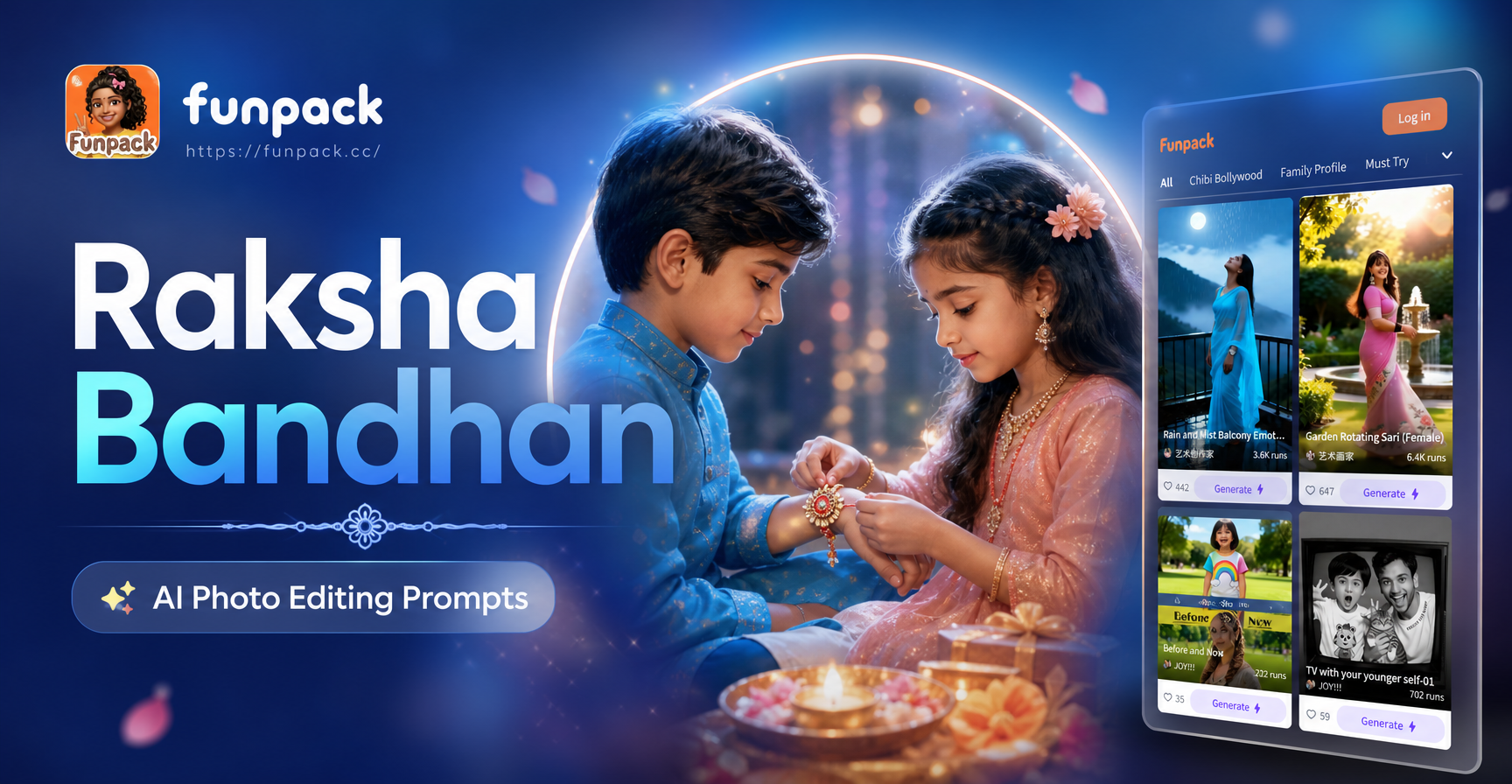
What Are Raksha Bandhan AI Photo Editing Prompts?
Raksha Bandhan AI photo editing prompts are text instructions that tell an AI image editing tool how to transform your photographs for the festival. The prompts describe the final look, including the style, background, clothing, lighting, and mood you want. Instead of spending hours in a complex editor, you type a short prompt, upload a photo, and let the AI apply the changes. These prompts are especially useful for creating polished Rakhi portraits, group shots with siblings, festive greeting cards, and social media posts that stand out during the celebration.
For anyone celebrating Raksha Bandhan, these prompts can turn a simple phone photo into a professional quality image. You do not need design skills or deep knowledge of AI tools. A well written prompt is enough. This guide gives you a large collection of practical prompts organized by theme, plus tips for adapting them and fixing common weak results.
Why Use AI Prompts for Raksha Bandhan Photos?
Raksha Bandhan is a festival of emotion, color, and tradition. A typical photo taken at home may have poor lighting, a cluttered background, or faded colors. AI photo editing with the right prompt can fix these issues in seconds. You can add festive decorations, recover skin tones, replace the background with a studio like setup, and even create artistic versions of your sibling photos.
AI prompts are especially helpful when you want a consistent look across multiple photos for a Rakhi album or a social media carousel. You can reuse the same prompt with minor changes to keep all images visually harmonious. For example, a prompt that says warm golden light and traditional marigold decor can be applied to every photo in a series to create a cohesive feel.
The funpack app includes a wide range of style filters, but a specific prompt gives you more control. You can ask for a particular outfit color, a traditional Indian background, or a soft cinematic mood. The combination of an uploaded photo and a clear prompt produces results that feel personal and intentional.
25 Raksha Bandhan AI Photo Editing Prompts
Below are prompts you can copy, adapt, and use directly in your AI photo editing app. Each prompt focuses on a different aspect of Raksha Bandhan, from close up rakhi details to full sibling portraits and artistic reinterpretations. When you use a prompt, replace the bracketed details with your own preferences.
Classic Rakhi Portrait Prompts
1. Traditional Rakhi wrist close up: Close up of a sister tying a red and gold rakhi on her brother's wrist, soft window light, blurred festive background with marigold flowers and diyas, realistic skin texture, warm color grade, Indian festival mood.
2. Elegant sibling portrait: A brother and sister in traditional Indian attire, sister wearing a vibrant saree, brother in a kurta, both smiling gently, seated on a decorated floor with rangoli and flower petals, soft golden hour light, professional portrait photography, high detail.
3. Rakhi ceremony moment: Candid photo of a sister applying tilak on her brother's forehead, brother holding a small gift box, warm indoor lighting, blurred family members in the background, authentic festival emotion, realistic style.
4. Rakhi and sweets flat lay: Top down view of a decorated thali with rakhi threads, rice grains, kumkum, diya, and Indian sweets, vibrant colors, soft shadows, festive table setting, high resolution product photography style.
5. Silhouette at sunset: Silhouette of a brother and sister exchanging rakhi against a warm sunset sky, traditional outfits visible in outline, soft orange and pink tones, emotional and cinematic mood, dramatic backlighting.
Sibling Bonding Prompts
6. Playful childhood memory: A young brother and sister laughing together, sister tying a colorful rakhi, brother making a funny face, bright cheerful room with balloons and paper decorations, natural light, joyful and candid moment.
7. Protective brother pose: Brother standing behind sister with hands on her shoulders, both smiling, sister holding a rakhi thali, traditional outfits, festive background with hanging marigold garlands, soft studio lighting, warm family atmosphere.
8. Sister blessing brother: Sister performing aarti for her brother, gentle light from the diya, brother bowing slightly with folded hands, traditional home setting, spiritual and serene mood, realistic Indian festival photo.
9. Long distance sibling connection: Split screen style edit of a brother and sister in different locations, both holding rakhi and sweets, divided by a subtle Indian motif border, warm color grading on both sides, emotional connection across distance.
10. Generational Raksha Bandhan: Grandmother tying rakhi on grandfather while grandchildren watch, multi generational family moment, warm indoor light, traditional decor, soft smiles, rich color depth, realistic documentary style.
Festive Decor and Background Prompts
11. Marigold and rangoli backdrop: Portrait of siblings with a background filled with orange marigold garlands and colorful rangoli patterns, traditional Indian home entrance, festive decorations, soft natural light, vibrant yet balanced colors.
12. Palace inspired setting: Siblings dressed in royal Indian attire, standing in an ornate palace courtyard with arches and carved pillars, warm golden light, luxurious and regal mood, high detail architecture, cinematic composition.
13. Minimal festive studio: Clean beige studio background with a single brass diya and a small marigold arrangement, siblings in elegant traditional wear, soft diffused lighting, minimalist composition, modern Indian aesthetic.
14. Night diya glow: Brother and sister holding lit diyas, dark background with bokeh lights, warm orange glow on their faces, festive and intimate atmosphere, shallow depth of field, realistic low light photography.
15. Garden celebration: Siblings in a lush green garden decorated with marigold strings and colorful fabric drapes, natural daylight, candid laughter, festive yet relaxed picnic mood, vibrant color palette.
Artistic and Stylized Prompts
16. Oil painting style: Raksha Bandhan scene of a sister tying rakhi rendered as a classical oil painting, visible brush strokes, rich colors, warm golden light, traditional Indian attire, gallery quality artistic style.
17. Watercolor illustration: Soft watercolor illustration of siblings exchanging rakhi, delicate color washes, white background with subtle festive motifs, gentle and dreamy mood, hand painted feel.
18. Ghibli inspired animation: Raksha Bandhan moment in a soft anime style, siblings with expressive eyes and gentle smiles, cozy Indian home background, warm sunlight, whimsical and heartwarming atmosphere.
19. Black and white classic: Monochrome portrait of brother and sister during rakhi ceremony, strong contrast, timeless and emotional tone, fine grain, classic film photography style.
20. Vintage Bollywood poster: Retro Bollywood style poster featuring siblings in traditional outfits, bold typography space, saturated colors, dramatic poses, 1970s Indian cinema aesthetic, high detail.
Raksha Bandhan Video Prompts
21. Animated rakhi tying: Short video of a sister tying rakhi on her brother's wrist, gentle motion, warm festive lighting, soft focus background, realistic animation, 5 second loop.
22. Slow motion sparkler: Siblings holding sparklers during Raksha Bandhan night, slow motion sparks, warm glowing faces, festive dark background, cinematic video style.
23. Rotating festive thali: 360 degree rotating view of a decorated Raksha Bandhan thali with rakhi, sweets, diya, and flowers, smooth product video, vibrant colors, soft studio lighting.
24. Hugging siblings animation: Still photo of siblings hugging animated into a gentle embrace, subtle movement of clothing and hair, warm emotional mood, realistic AI video effect.
25. Confetti celebration reveal: Photo of siblings revealed through falling marigold petals and golden confetti, festive transition video, bright and joyful Raksha Bandhan greeting card style.
How to Adapt These Prompts for Your Photos
Every family and every photo is different, so the best results come from prompt adaptation. Start with the core prompt that matches your need, then change the following details to make it personal. Replace the clothing description with what you actually wore. If your siblings are wearing casual clothes instead of traditional outfits, say so in the prompt. Specify the number of people, their approximate ages, and the emotion you want to capture.
Lighting is one of the most important factors. If your original photo was taken indoors under yellow light, asking for soft daylight may cause the AI to over correct. Instead, describe the lighting you want but keep it consistent with the source photo. For example, if the photo is warm and cozy, use warm indoor lighting rather than bright outdoor sunshine.
You can also combine elements from multiple prompts. Take the background idea from one prompt and the emotional tone from another. For example, combine the palace inspired setting with the playful childhood memory prompt to create a royal yet joyful sibling portrait. Do not make the prompt too long, however. Keep it under three sentences for best results.
Common Mistakes and How to Fix Weak Results
One common mistake is writing a prompt that focuses only on decorations and ignores the people. If the AI output shows a beautiful background but distorted faces, the prompt did not emphasize the subjects enough. Add a phrase like preserve the exact facial features and expressions or keep the original faces unchanged to protect the people in your photo.
Another issue is overloading the prompt with too many conflicting styles. If you ask for both watercolor and realistic photography at the same time, the AI may produce a confusing image. Choose one primary style and stick to it. If you want a painted look, describe the painting style clearly and avoid words like photo or realistic.
Low quality results often come from source photos that are blurry or too dark. Use the best original photo you have. A clear, well lit photo gives the AI more information to work with. If the output looks washed out, add a phrase like rich color saturation and high contrast to the prompt. If the skin tones look unnatural, mention natural skin texture and accurate Indian skin tones.
A Quick Guide to Editing Raksha Bandhan Photos in funpack
The funpack app makes it easy to use Raksha Bandhan AI photo editing prompts. Download the app from Google Play, open it, and choose the image to image feature. Upload your Raksha Bandhan photo, type or paste one of the prompts above, and select a style filter if you want an extra artistic touch. The AI processes the image in seconds and gives you a downloadable result you can share directly on WhatsApp, Instagram, or with family.
You can use the same prompt across multiple photos to build a consistent Rakhi album. For video greetings, use the text to video or image to video feature and apply a short prompt from the video section. The key is to experiment with small changes and use the app's preview to compare results before saving.
Final Thoughts
Raksha Bandhan AI photo editing prompts give you a simple way to create polished, emotional, and festive images without professional editing skills. The prompts in this article cover classic rakhi portraits, sibling moments, decorative backgrounds, artistic styles, and short videos. By adapting the prompts to your own photos and fixing common issues, you can produce images that truly celebrate the bond between brothers and sisters. Download funpack today and turn your Raksha Bandhan memories into beautiful keepsakes.