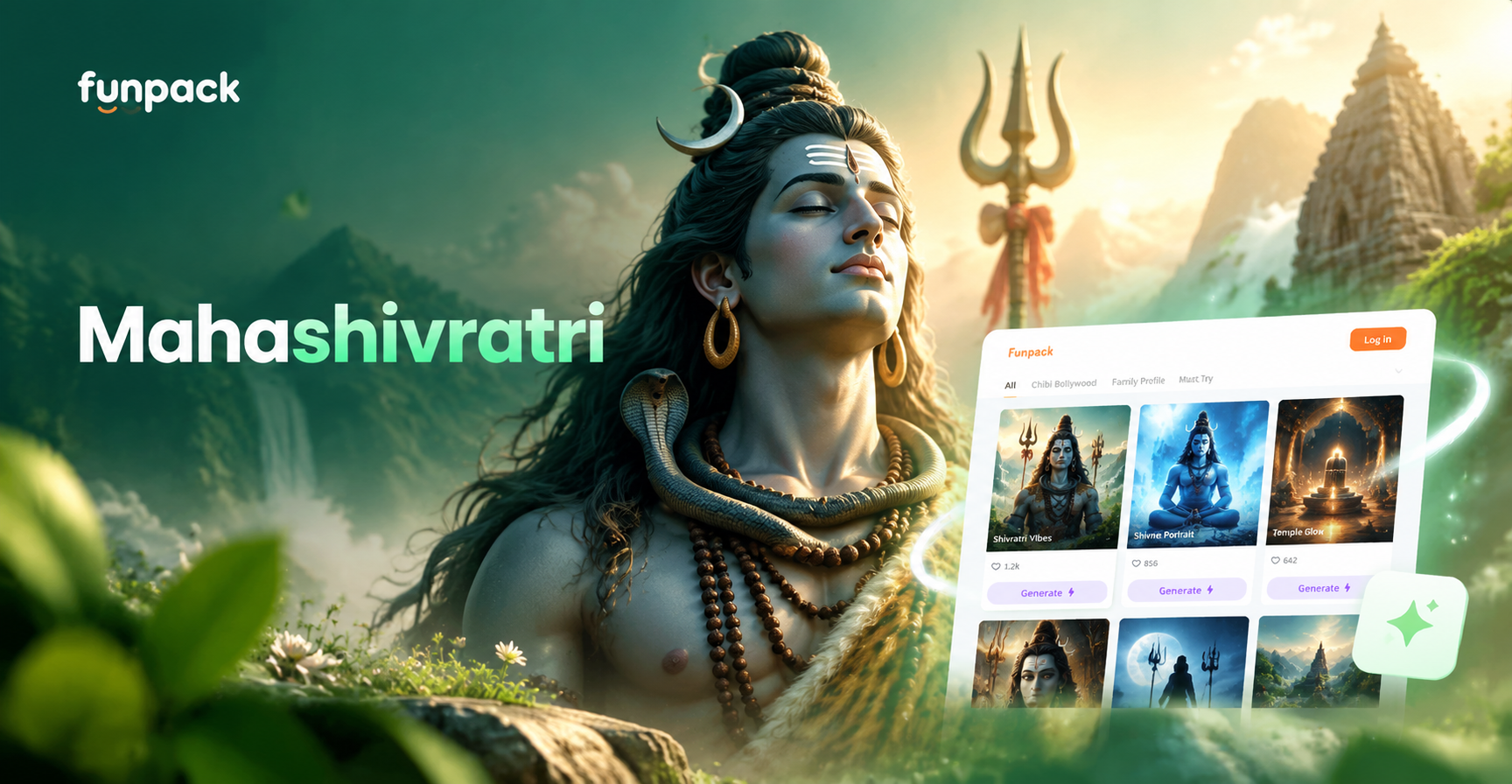
Mahashivratri AI photo editing prompts are ready made text instructions that help you create, transform, or enhance images inside an AI art app such as Funpack. Instead of learning complicated design software, you describe the scene, choose a style, and let the AI render the final image. This guide gives you a complete collection of usable prompts for Mahashivratri, from divine Lord Shiva portraits and temple festival scenes to symbolic still life and stylized self portraits. You will also learn how to adapt the prompts to your own photos and improve weak results quickly.
Why Use AI Prompts for Mahashivratri Photo Editing
Mahashivratri is a deeply visual festival. It carries rich symbolism such as the crescent moon, trishul, damru, rudraksha beads, sacred ash, the Ganga flowing from Lord Shiva hair, the blue throat known as Neelkanth, and the calm presence of Nandi. A general prompt like make a spiritual image often produces a vague result that misses these meaningful details. A specific AI photo editing prompt tells the tool exactly which symbols, mood, and style to include. That is what makes the output feel authentic and shareable, whether you are creating a devotional portrait, a festival background, or a stylized greeting card.
Core Elements of a Strong Mahashivratri Prompt
To write a good Mahashivratri prompt, combine four elements: the subject, the setting, the style, and the lighting or mood. For example, instead of writing Lord Shiva photo, you can write a photorealistic portrait of Lord Shiva in deep meditation on Mount Kailash with a crescent moon, blue throat, and soft moonlit snow background. This kind of detail produces far better results.
Subject and Symbols
Mention the main subject clearly. For Lord Shiva, include relevant symbols based on the scene:
- Lord Shiva with matted hair, crescent moon, third eye, blue throat (Neelkanth), sacred ash marks, rudraksha beads, tiger skin cloth, trishul and damru
- Shiva lingam with water offering, bel patra leaves, flowers and marigold garlands
- Nandi statue, temple bells, diyas, incense smoke and fire pits
- Mount Kailash, Ganga river, snow peaks, caves and starry night skies
- Devotees in traditional clothing performing puja, offering water, chanting bhajans or preparing festive sweets
Setting and Mood
Choose an environment that matches the theme. You can describe a hilltop Shiva temple at night, a crowded festive courtyard, a quiet Himalayan meditation spot, a riverbank with bonfires, or a simple indoor altar with diyas. Add a mood such as devotional, peaceful, grand, festive or meditative to guide the overall feeling.
Style and Lighting
Add a style keyword to control the final look. Popular choices include photorealistic, cinematic, oil painting, watercolor, anime, Ghibli style, 3D clay, Madhubani art and minimalist digital art. For lighting, try warm temple lamps, soft moonlight, golden rim light, dramatic side light, glowing diya bokeh or cool blue night tones. The right combination makes the image feel polished and intentional.
25 Ready to Use Mahashivratri AI Photo Editing Prompts
Copy any prompt below into Funpack, choose a matching style filter or template, and generate. Each prompt is independent and ready to use. You can keep the wording as it is or adjust the details to fit your own photo.
Divine Shiva Portraits
- Prompt 1: Photorealistic portrait of Lord Shiva in deep meditation on Mount Kailash, matted hair, crescent moon, blue throat, rudraksha beads, ash marks on forehead, Ganga flowing from hair, snow peaks behind, soft moonlight, intricate details, ultra realistic skin texture, cinematic lighting.
- Prompt 2: Cinematic close up portrait of Lord Shiva with a softly glowing third eye, sacred ash on body, snake around neck, rudraksha malas, dark background with falling snow, golden rim light, devotional atmosphere, 8K detail.
- Prompt 3: Oil painting of Lord Shiva playing a damru, trishul beside him, tiger skin around waist, crescent moon, starry night sky, warm firelight, textured brush strokes, spiritual festival mood.
- Prompt 4: 3D clay style Mahashivratri portrait of Lord Shiva holding a trishul, blue throat visible, crescent moon, Nandi in the background, soft studio lighting, pastel temple backdrop, cheerful colors.
- Prompt 5: Anime style portrait of Lord Shiva with glowing blue throat, third eye, flowing Ganga from hair, trishul in hand, starry Mahashivratri night, vibrant colors, clean line art, dramatic composition.
- Prompt 6: Ghibli style illustration of Lord Shiva meditating under a giant banyan tree, fireflies and diyas around, crescent moon, peaceful lake reflection, warm dreamy colors, soft hand painted feel.
Devotee and Festival Scenes
- Prompt 7: Photorealistic Indian woman in a red and gold saree performing Mahashivratri puja at a Shiva temple, offering bel leaves and water on a Shiva lingam, marigold garlands, oil lamps, incense smoke, warm evening light, candid devotional moment.
- Prompt 8: Cinematic wide shot of a Mahashivratri night celebration outside a temple, large statue of Lord Shiva, crowd chanting bhajans, fire pit, orange marigold decorations, blue night sky, festive lights.
- Prompt 9: Photorealistic close up of hands offering water and bel patra to a stone Shiva lingam decorated with flowers and rudraksha beads, glowing diyas, shallow depth of field, devotional atmosphere.
- Prompt 10: Watercolor art of devotees walking toward a hilltop Shiva temple on Mahashivratri night, carrying small oil lamps, dark blue sky, crescent moon, soft flowing colors, peaceful mood.
- Prompt 11: 3D clay scene of a family making bhaang thandai and sweets in a modern kitchen decorated with marigold strings for Mahashivratri, warm cheerful lighting, detailed kitchen props.
- Prompt 12: Anime style group scene of young devotees singing bhajans with harmonium and tabla at a temple courtyard, festive lights, Lord Shiva statue in background, joyful expressions.
Symbolic and Abstract Still Life
- Prompt 13: Minimalist photorealistic still life of a trishul and damru placed on a wooden temple altar, marigold flowers, diyas, bhasma in a small bowl, dark background with soft golden light, Mahashivratri theme.
- Prompt 14: Cinematic close up of a Shiva lingam with water flowing over it, bel leaves and white flowers arranged around the base, crescent moon visible through a temple window, dramatic light rays.
- Prompt 15: Abstract digital art of the third eye with cosmic mandala patterns, blue and silver palette, sacred geometry, subtle Ganga waves, dark background, Mahashivratri spiritual energy.
- Prompt 16: Photorealistic Nandi statue decorated with flower garlands and bells in a temple courtyard, soft morning light, devotees touching the hooves in the background, Mahashivratri morning rituals.
- Prompt 17: Oil painting of a meditating sadhu with an ash covered body, rudraksha necklaces, trishul beside him, campfire by the Ganga riverbank, night time, stars, spiritual solitude, textured brushstrokes.
Creative Style Transformations for Your Photos
- Prompt 18: Transform this photo into a traditional Madhubani art Mahashivratri portrait, keep the face recognizable, add intricate patterns, lotus and Shiva symbols in the border, vibrant red and blue palette.
- Prompt 19: Restyle this portrait as a cinematic Mahashivratri poster with a dark blue background, crescent moon, subtle trishul silhouette, bokeh diyas, film grain, dramatic side lighting.
- Prompt 20: Convert this photo into a Ghibli style Mahashivratri scene, soft evening temple background, warm lanterns, peaceful atmosphere, keep the subject natural and expressive.
- Prompt 21: Edit this photo into a watercolor Mahashivratri greeting card, add marigold garlands and diya accents, soft pastel background, clean composition, hand painted look.
- Prompt 22: Recolor this portrait with a deep blue night theme, add a glowing third eye symbol on the forehead, subtle ash marks, silver jewelry, cinematic color grade, calm expression.
- Prompt 23: Turn this group photo into a festive Mahashivratri temple background edit, add a decorated Shiva statue and oil lamps, keep all faces sharp, warm bokeh lights, natural skin tones.
- Prompt 24: Apply a cinematic art style to this selfie, add a crescent moon and starry Kailash night backdrop, soft blue rim lighting, devotional mood, photorealistic detail.
- Prompt 25: Create a 3D clay avatar version of this photo holding a small trishul and damru, Mahashivratri temple diorama, soft shadows, cheerful festival colors.
How to Adapt These Prompts for Your Own Photos
If you want to edit an existing photo rather than generate a completely new image, use the image to image workflow in Funpack. Upload your portrait, choose a style filter such as photorealistic, anime, Ghibli or 3D clay, and then paste one of the prompts above. To keep your face recognizable, add a simple instruction at the start such as keep the subject recognizable or preserve the original facial features. For group photos, specify that all faces should remain sharp and that no person should be replaced. You can also soften a prompt by removing symbols you do not want, or by replacing the background with a simpler scene such as a plain temple wall or a soft starry sky.
Common Weak Results and How to Fix Them
- Cluttered background: If the image feels too busy, remove extra symbols and describe one main background, such as a simple temple courtyard with soft bokeh diyas.
- Inaccurate cultural details: If the AI adds generic spiritual elements, rewrite the prompt with exact symbols like trishul, damru, rudraksha beads, bel patra and blue throat. Specific words help the model understand the true theme.
- Blurry eyes or distorted hands: Add phrases like sharp focus on eyes, realistic hands and natural skin texture. These details push the AI to render cleaner facial features.
- Over saturated colors: If the result looks too bright or neon, state a controlled palette such as natural earth tones, warm amber light and deep blue night sky.
- Misplaced symbols: Separate the subject from the background in your prompt. For example, write subject is Lord Shiva meditating, background is Mount Kailash with a crescent moon and snow peaks.
- Low quality output: Use quality keywords like 8K detail, ultra realistic, cinematic lighting or high resolution to improve sharpness and overall finish.
Quick Workflow in Funpack
Funpack is a mobile AI design tool that combines text to image, image to image and video generation with a massive library of style filters. To work with these prompts, download the app, open it, and select a style filter or template that matches your preferred look. Then choose whether to generate from text or upload a photo. Paste your chosen Mahashivratri prompt, adjust the style if needed, and tap generate. You can download or share the result directly from the app. You do not need complex prompt engineering because the filters handle most of the technical work while the prompt adds the specific festival details.
Best Practices for Respectful Mahashivratri Visuals
When creating Mahashivratri images, use accurate traditional symbols and avoid distorting deity features or placing sacred symbols in inappropriate contexts. Keep the mood devotional and avoid humor or mocking edits. If you share the images on social media, add a short caption explaining that the artwork was created with AI and is inspired by Mahashivratri. This keeps your content useful, respectful and clear for your audience.
Conclusion
Mahashivratri AI photo editing prompts give you a simple way to create beautiful festival art without design skills. Use the 25 prompts above as a starting point, adapt them to your own photos, and improve weak results with the quick fixes described in this guide. Download Funpack, choose a style filter, paste a prompt, and turn your Mahashivratri ideas into shareable AI images today.