Age Generator Photo
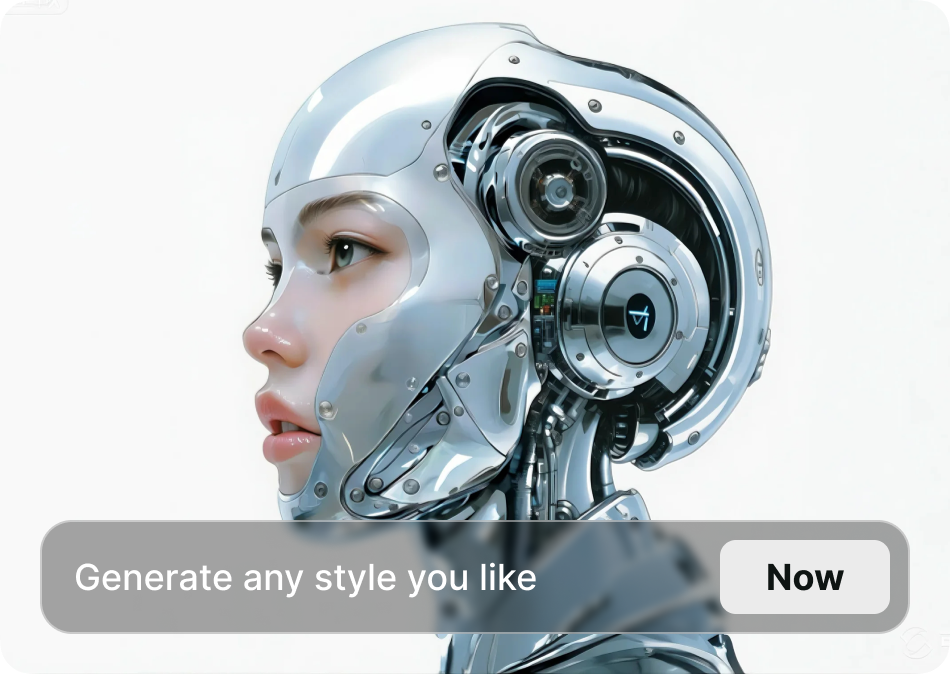
Choose the Age Filter That Suits You Best
Discover the age filter that perfectly matches your style and mood.
Key Features of Age Generator Photo
Turn any photo into a realistic age progression with funpack's AI powered age generator. Preserve facial identity while exploring new looks from childhood to senior years.

Instant Age Progression
Upload a clear selfie and watch the AI add years in seconds. Adjust the age slider to see yourself as a child, teenager, adult, or senior with natural skin texture.
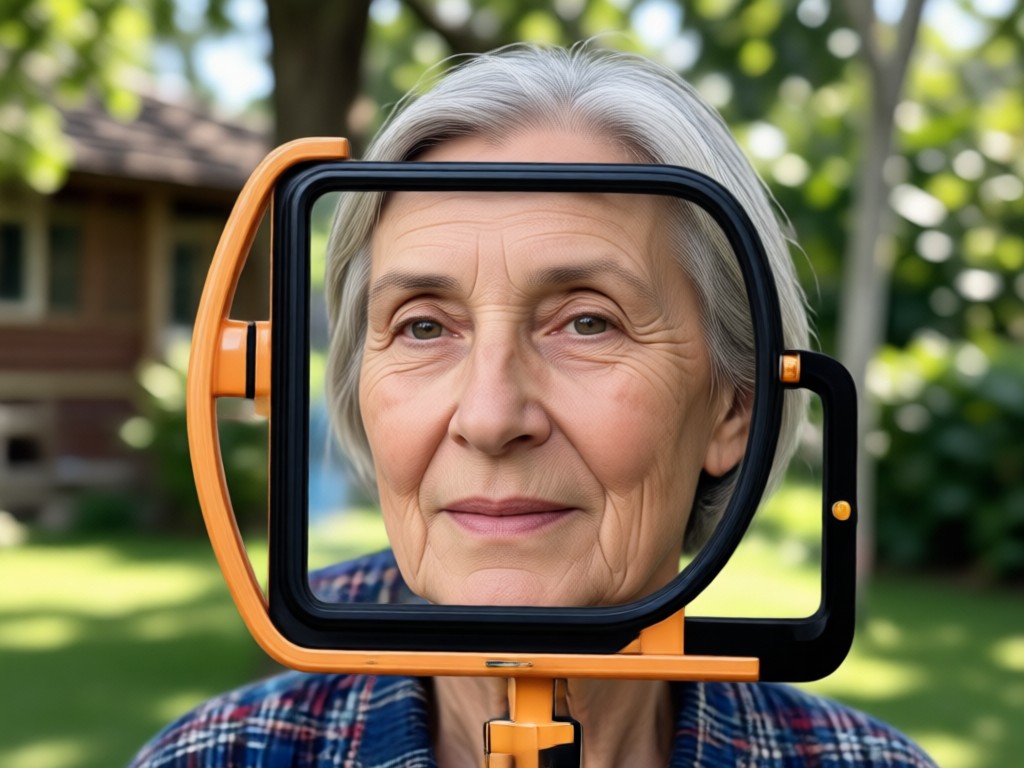
Realistic Facial Preservation
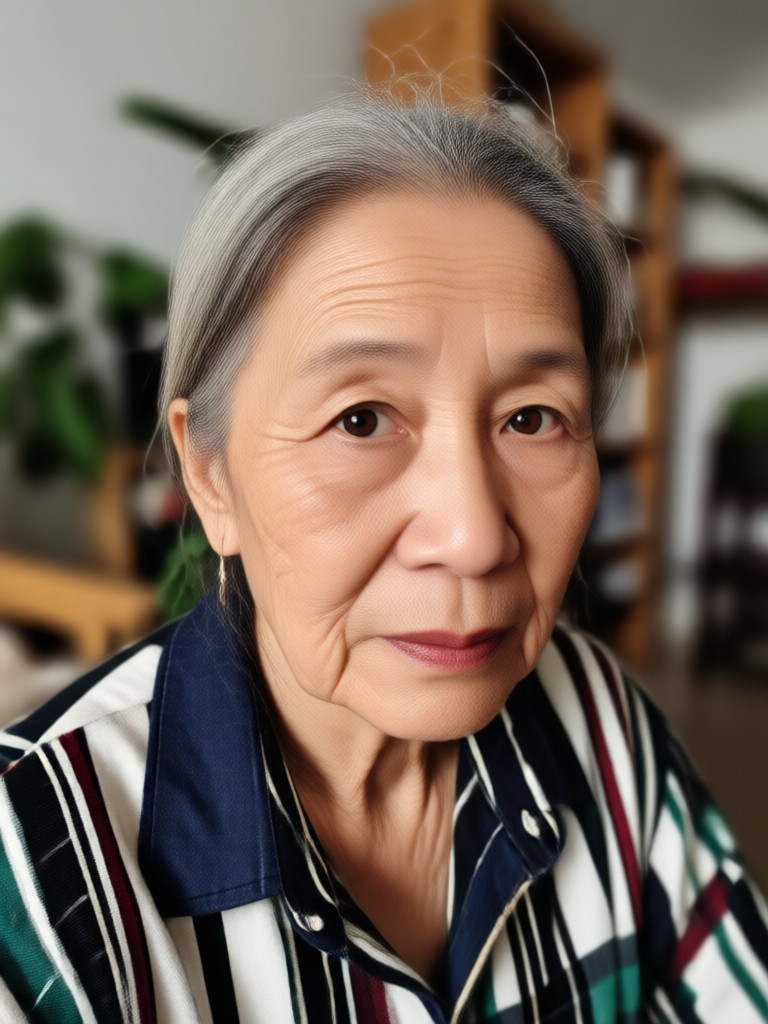
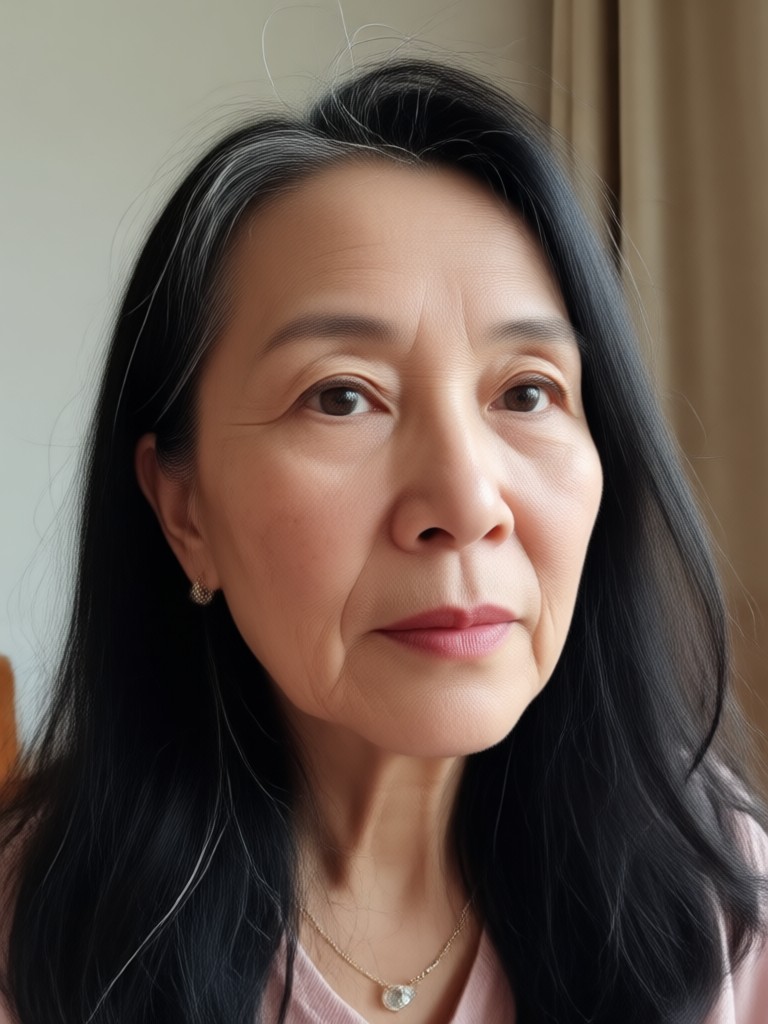
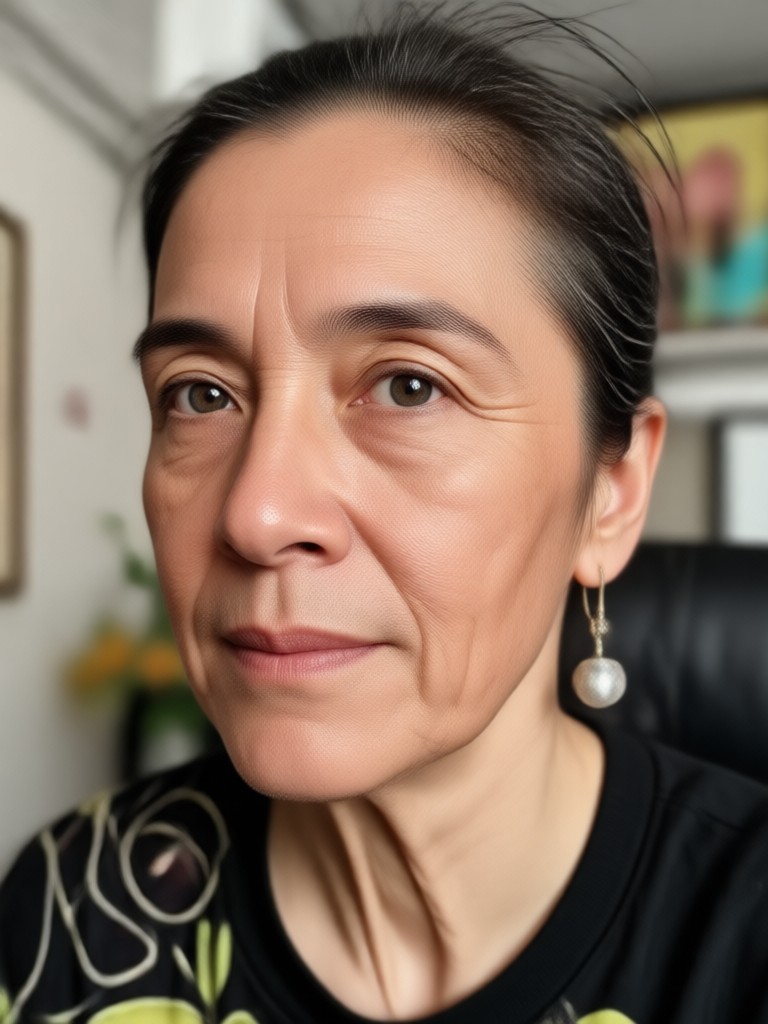
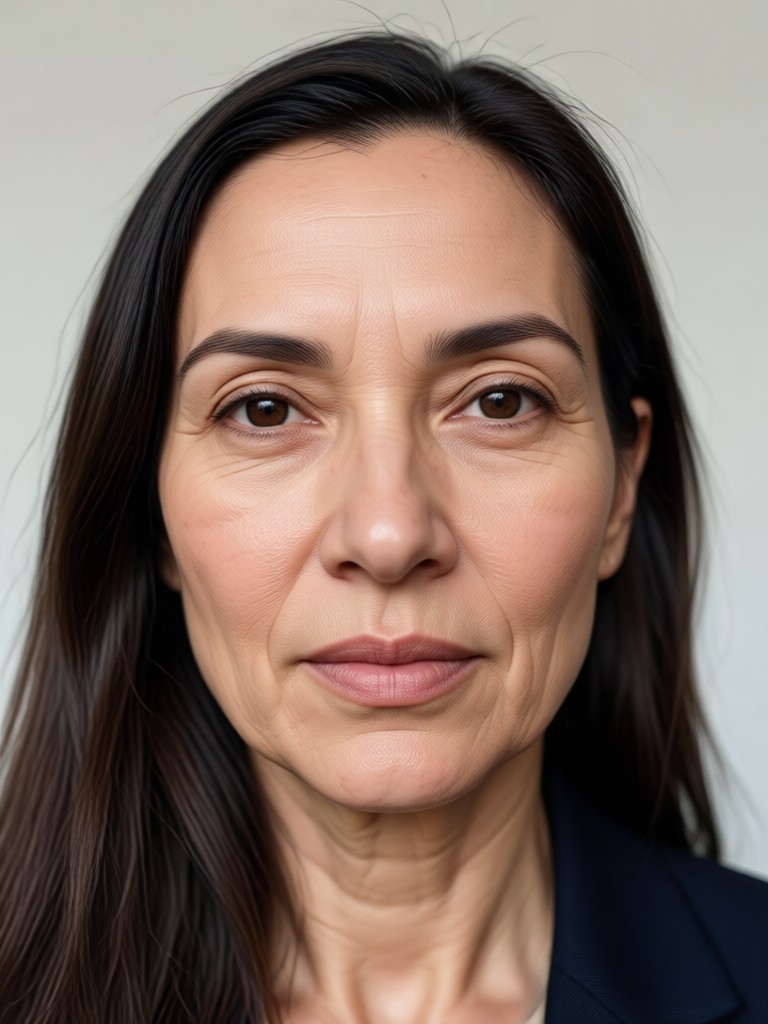
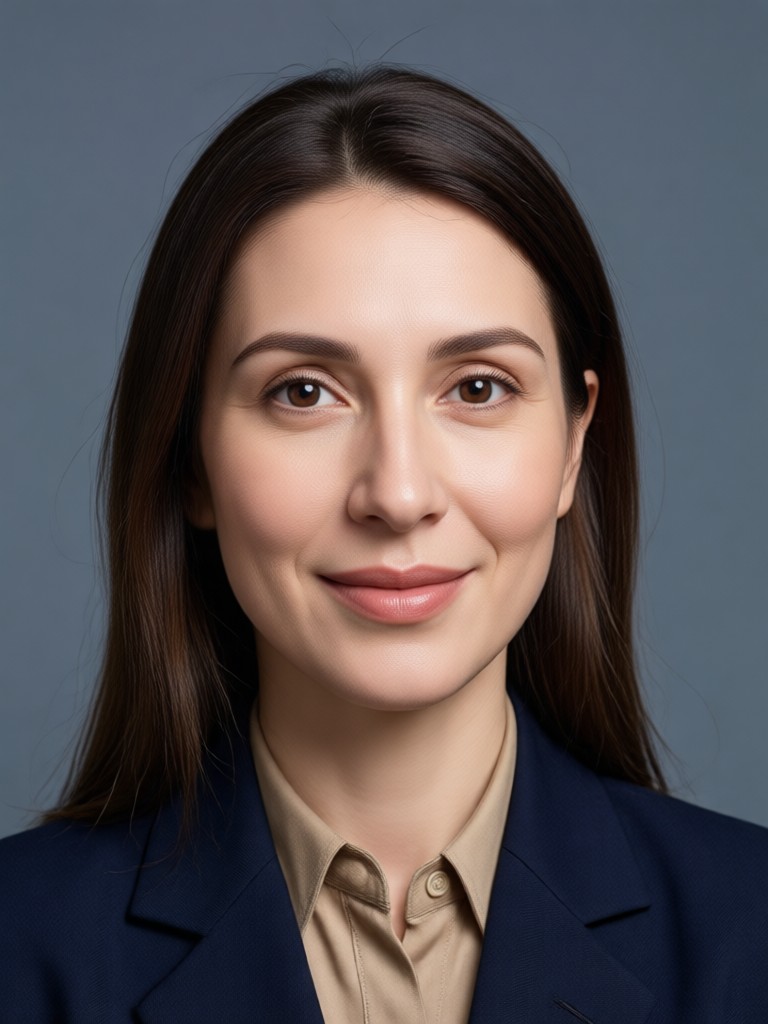
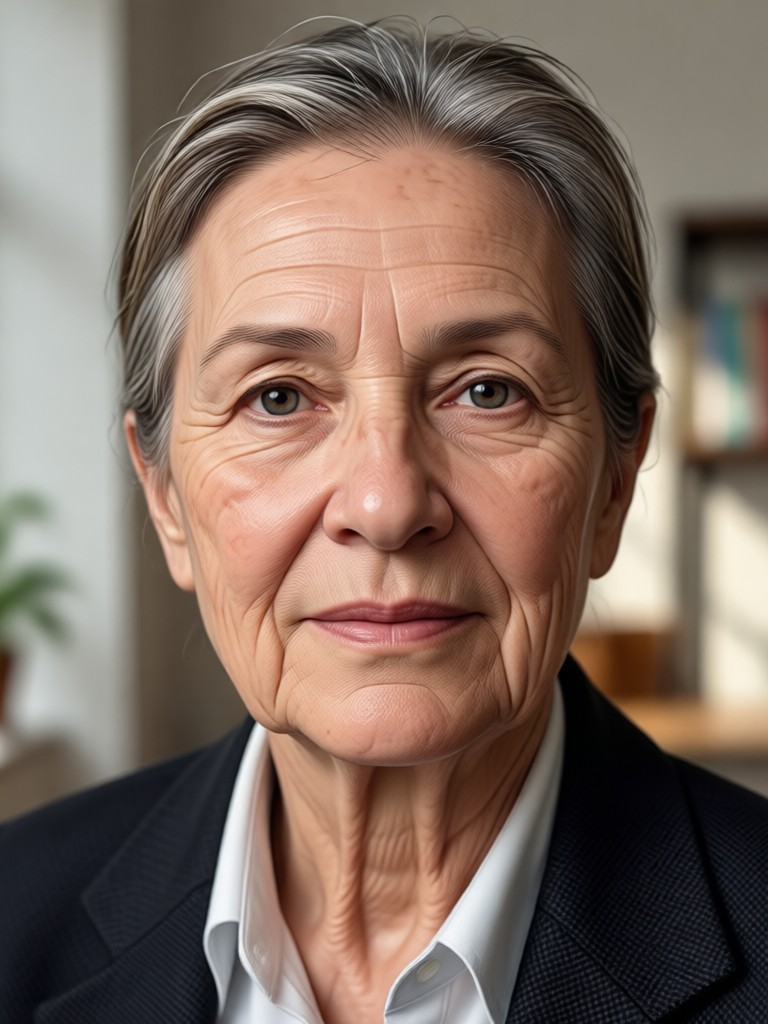
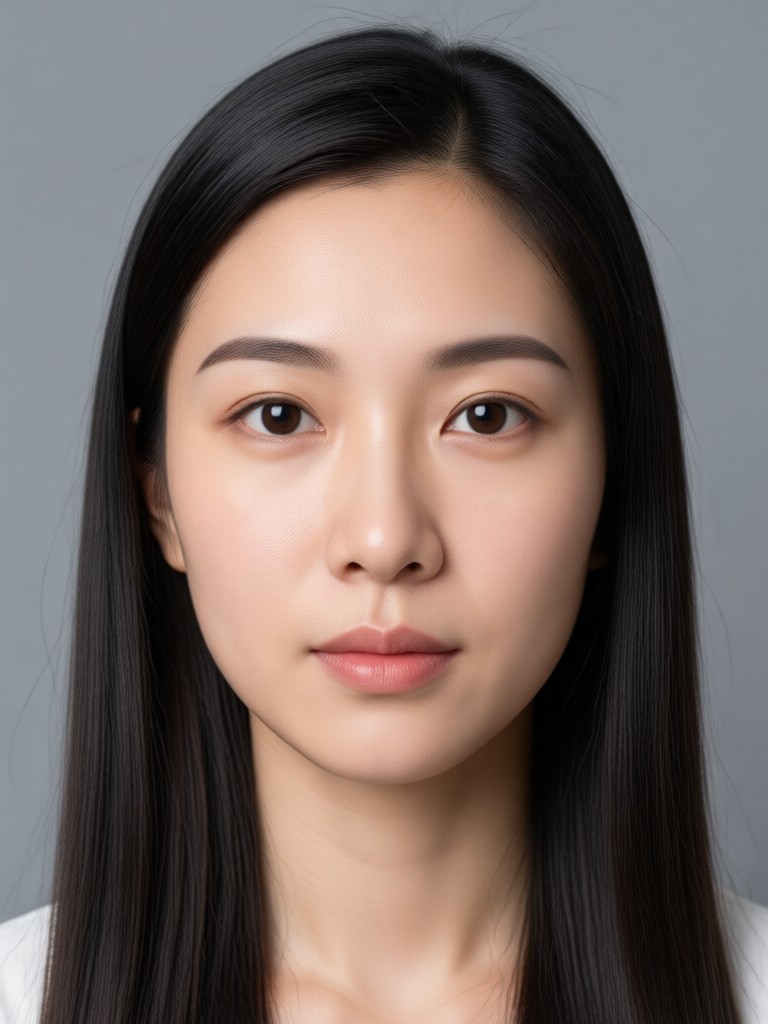
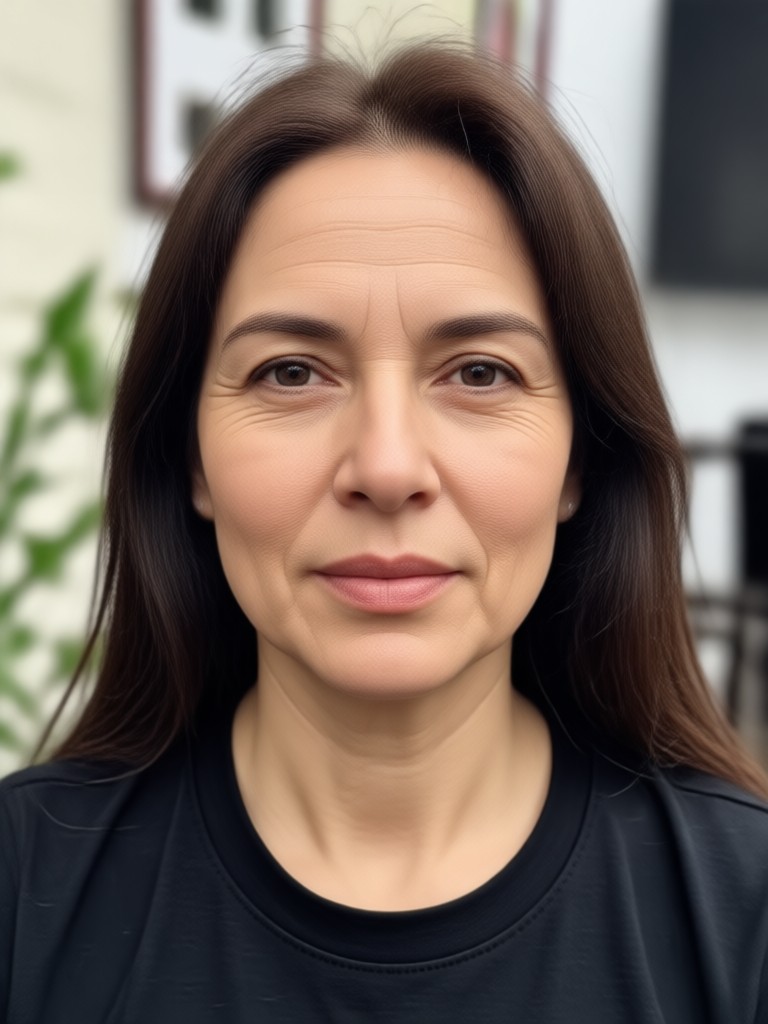
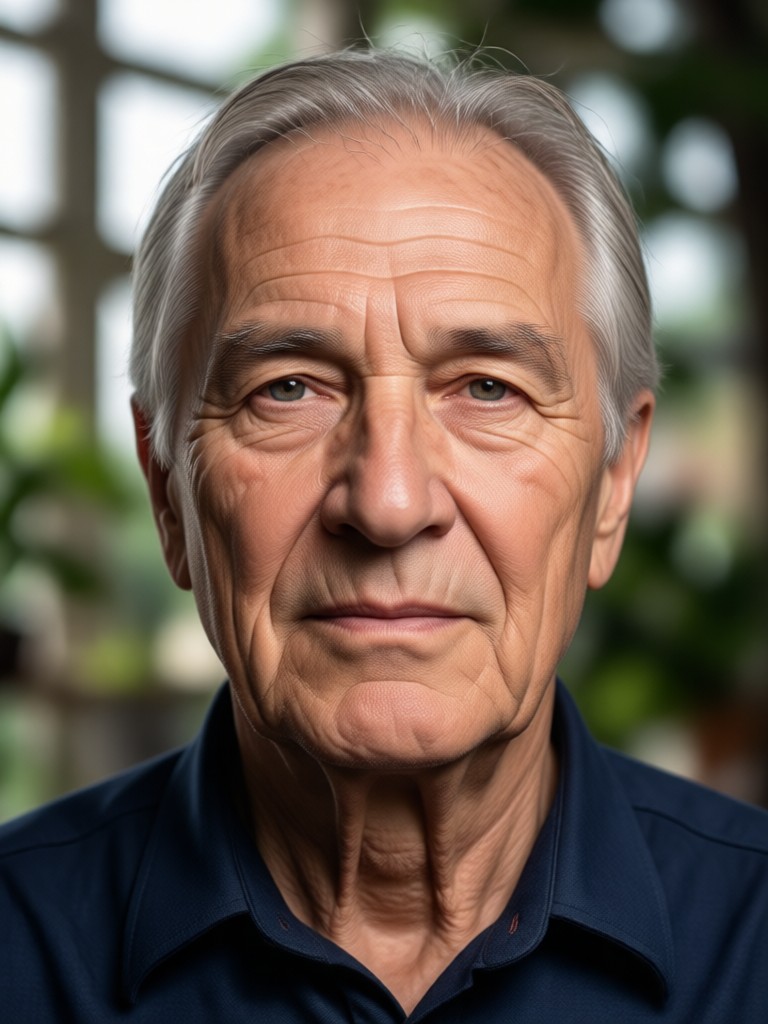
The AI keeps your facial features, bone structure, and expressions intact while applying subtle aging details like fine lines, gray hair, and soft skin changes.

Multiple Style Filters
Pair the age generator with funpack's massive filter library to create vintage, cinematic, or cartoon versions of your future self in one tap.
Age Generator Photo Gallery
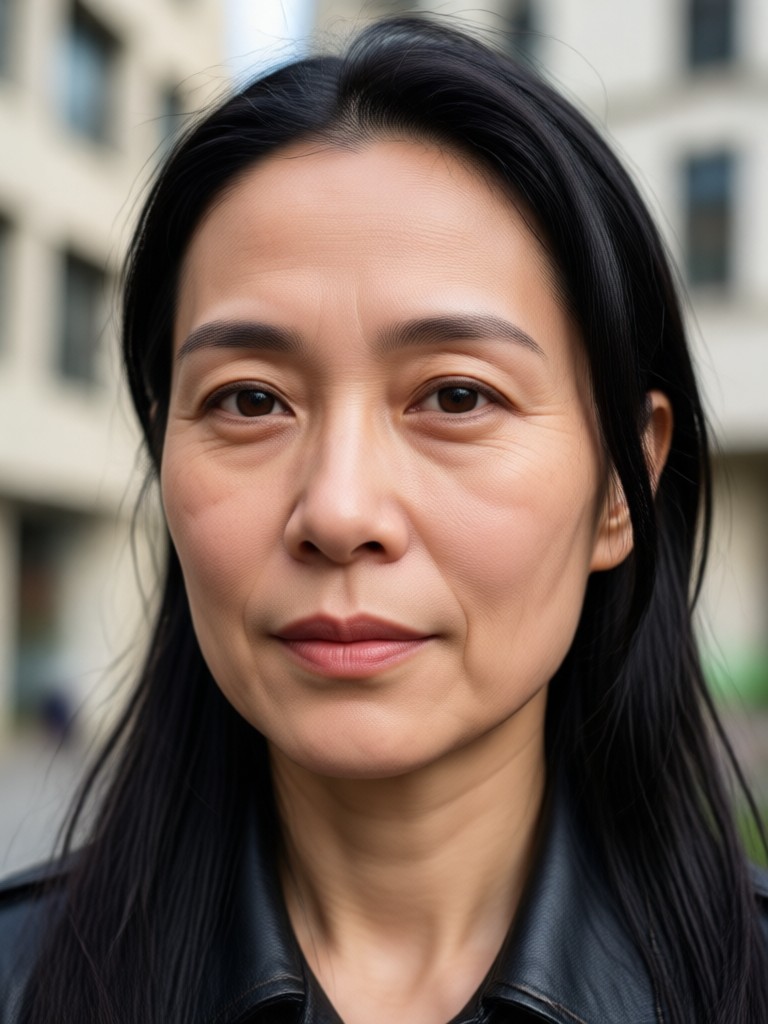
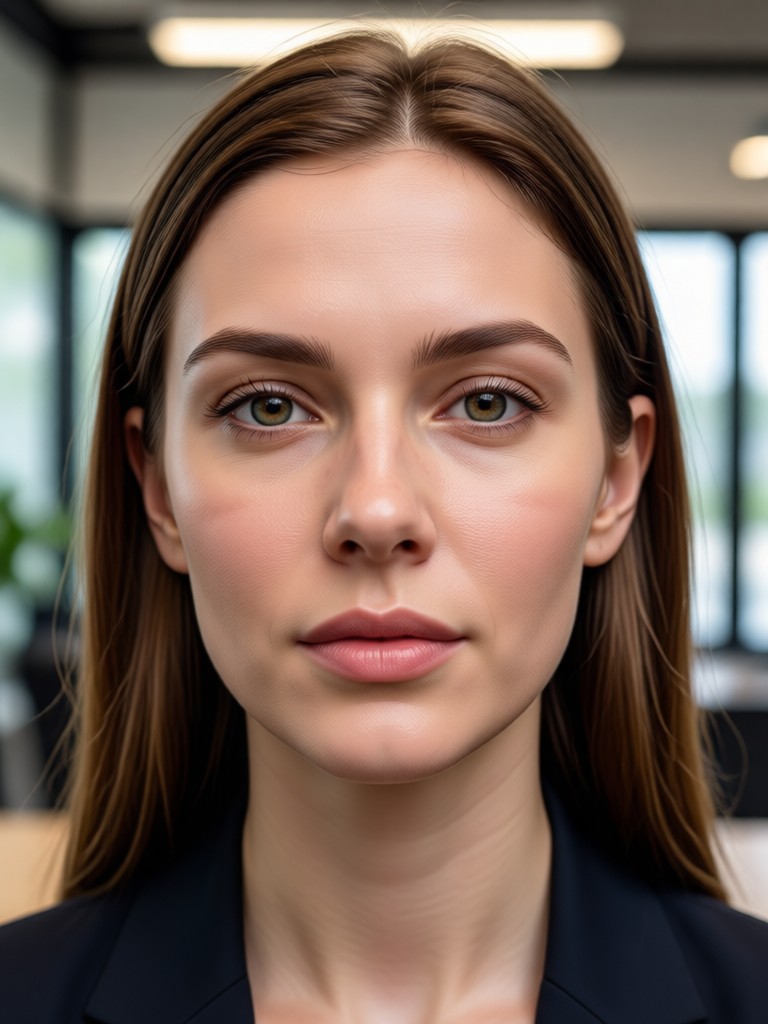
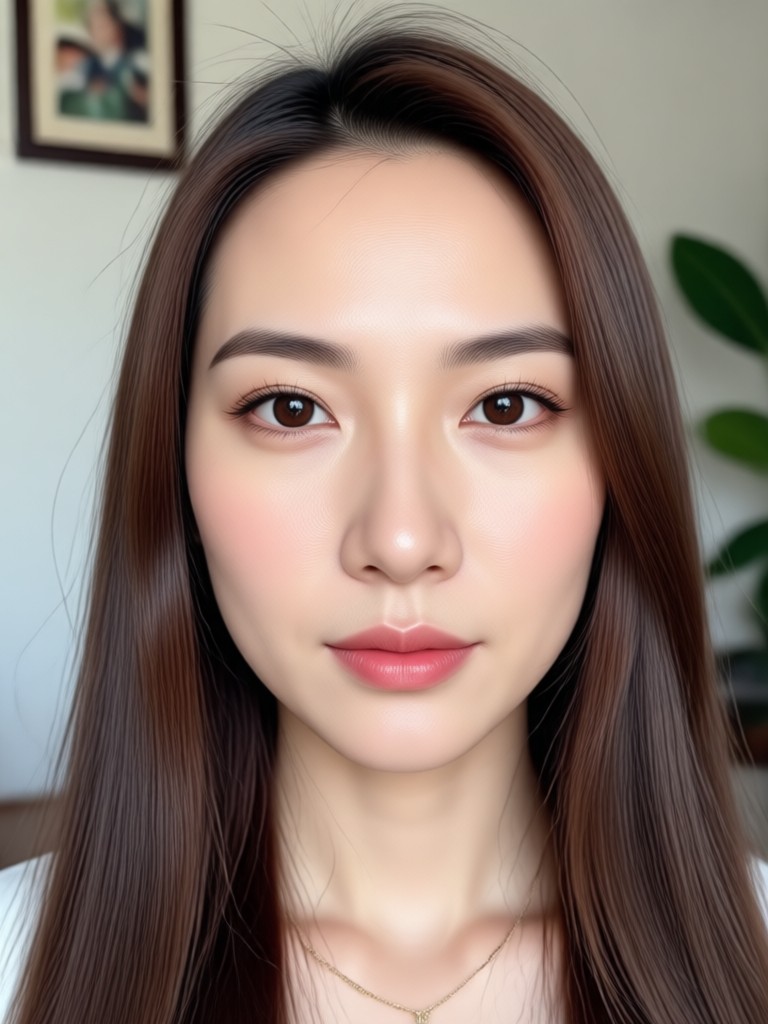
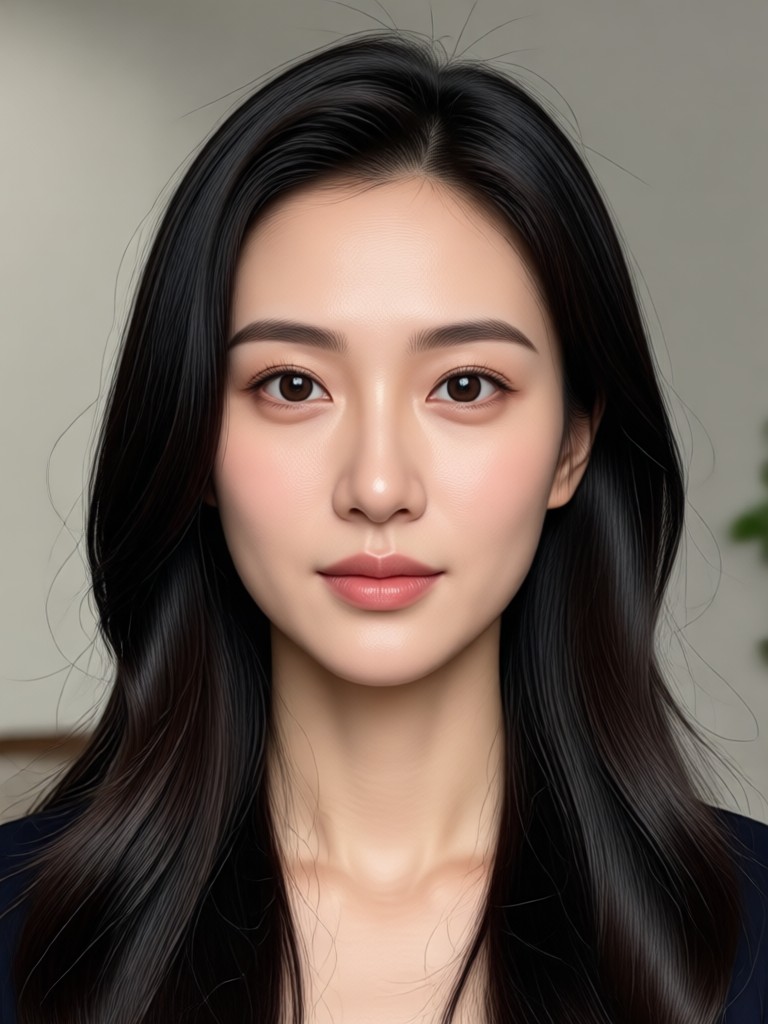
Browse stunning age progression images created with funpack's age generator. See how the AI adds years, restores youth, and keeps every face natural. Then create your own transformation in minutes.
How to Use Age Generator Photo?
Create a realistic age progression in three simple steps with funpack's mobile app.

Step 01.
Download the funpack app from Google Play to start generating age transformed photos anytime, anywhere.

Step 02.
Upload a clear selfie or group photo, then choose an age range or style filter that matches your vision.

Step 03.
Tap generate to see your new age, then save or share the result with friends and on social media.
Why Use funpack's Age Generator Photo?
funpack combines advanced AI face mapping with a simple mobile interface, making age transformation accessible to everyone. No prompt engineering or design experience needed.
Realistic Results, Zero Learning Curve
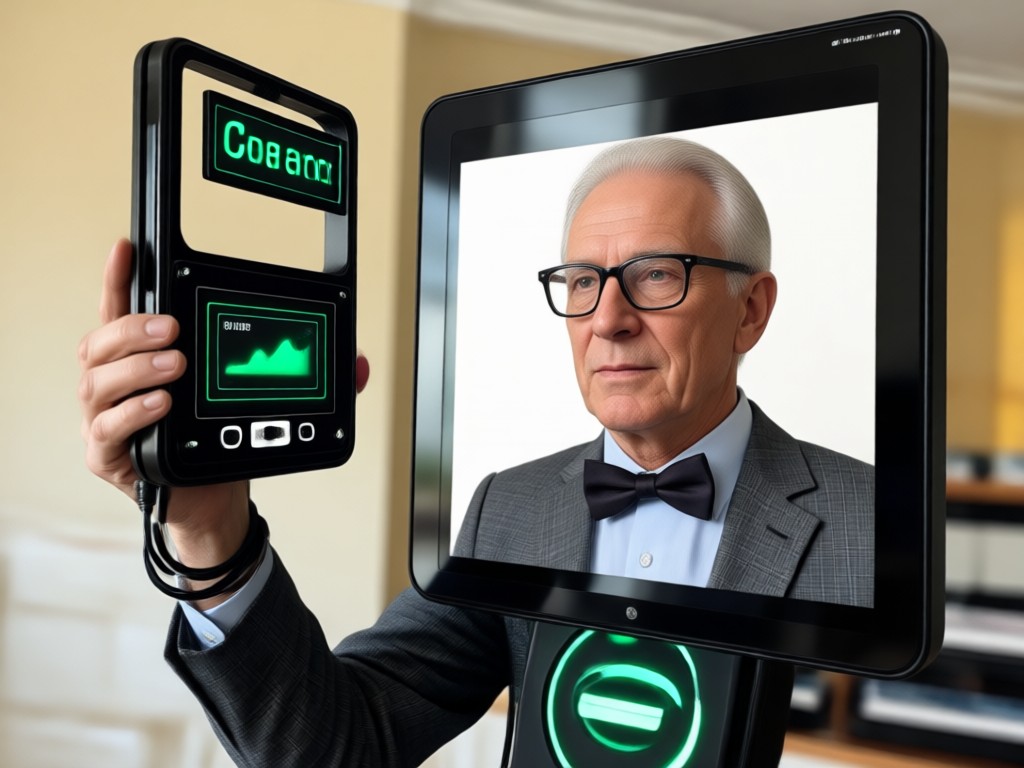
funpack's age generator preserves your facial identity while applying natural age details like fine lines, gray hair, and soft skin changes. The app works with single selfies or group photos, and every transformation takes only seconds. Your images remain private, and you can save or share them directly from your phone. No complicated settings, no design skills, just tap and see your future self.
Realistic Results, Zero Learning Curve
funpack's age generator preserves your facial identity while applying natural age details like fine lines, gray hair, and soft skin changes. The app works with single selfies or group photos, and every transformation takes only seconds. Your images remain private, and you can save or share them directly from your phone. No complicated settings, no design skills, just tap and see your future self.
Get the Age Generator Photo App
Download funpack from Google Play and turn any selfie into a realistic age progression in seconds. No design skills or prompt engineering needed.

What Users Say About Age Generator Photo

Maya
I used the age generator to show my parents what their grandkids might look like as teenagers. The results were surprisingly natural and my family loved it.

Daniel
As a content creator, the age filter saves me hours. I can age myself for storytelling scenes without makeup or prosthetics.
Priya
The AI kept my face recognizable while adding realistic wrinkles and gray hair. It felt like looking at a photograph from the future.

Tom
I made a fun birthday video aging my brother from 5 to 80. Everyone at the party laughed. The app is so easy to use.
Maya
I used the age generator to show my parents what their grandkids might look like as teenagers. The results were surprisingly natural and my family loved it.
Daniel
As a content creator, the age filter saves me hours. I can age myself for storytelling scenes without makeup or prosthetics.
Priya
The AI kept my face recognizable while adding realistic wrinkles and gray hair. It felt like looking at a photograph from the future.
Tom
I made a fun birthday video aging my brother from 5 to 80. Everyone at the party laughed. The app is so easy to use.
Maya
I used the age generator to show my parents what their grandkids might look like as teenagers. The results were surprisingly natural and my family loved it.
Daniel
As a content creator, the age filter saves me hours. I can age myself for storytelling scenes without makeup or prosthetics.
Priya
The AI kept my face recognizable while adding realistic wrinkles and gray hair. It felt like looking at a photograph from the future.
Tom
I made a fun birthday video aging my brother from 5 to 80. Everyone at the party laughed. The app is so easy to use.
Frequently Asked Questions About Age Generator Photo
Find clear answers to common questions about funpack's age generator photo feature.
More Topics You May Like
Explore more AI photo and video tools from funpack to keep your creativity flowing.

Anime Idea Generator: Spark Your Next Story

Remove People From Video: Clean Up Your Clips Instantly

Extract Audio from Facebook Videos Instantly
Remove Filters from Snapchat Videos: AI Fix Guide
Anime Idea Generator: Spark Your Next Story
Remove People From Video: Clean Up Your Clips Instantly
Extract Audio from Facebook Videos Instantly
Remove Filters from Snapchat Videos: AI Fix Guide
Turn Any Photo into Another Age
Download funpack and start creating realistic age progression photos today. No design skills needed. Get the app and share your future self in seconds.
Turn Any Photo into Another Age
Download funpack and start creating realistic age progression photos today. No design skills needed. Get the app and share your future self in seconds.