Remove People From Video

Choose the AI Tool That Fits Your Editing Task
Explore multiple AI-powered filters and tools designed for video cleanup, object removal, and background editing.
Key Features of AI Video Object Remover
Remove unwanted people, photobombers, and background distractions from your videos with advanced AI. No manual masking or frame-by-frame editing required.

One-Tap Person Removal
Simply brush over the person you want to remove and let the AI handle the rest. The tool automatically identifies the subject, tracks movement across frames, and fills in the background seamlessly. No complex keyframes or manual rotoscoping needed.
One-Tap Person Removal
Simply brush over the person you want to remove and let the AI handle the rest. The tool automatically identifies the subject, tracks movement across frames, and fills in the background seamlessly. No complex keyframes or manual rotoscoping needed.

Photobomb and Stranger Cleanup
Clean up crowded shots, remove strangers walking through the background, and erase accidental photobombs with just a few taps. The AI preserves the main subjects and reconstructs the background with natural details.
Photobomb and Stranger Cleanup
Clean up crowded shots, remove strangers walking through the background, and erase accidental photobombs with just a few taps. The AI preserves the main subjects and reconstructs the background with natural details.
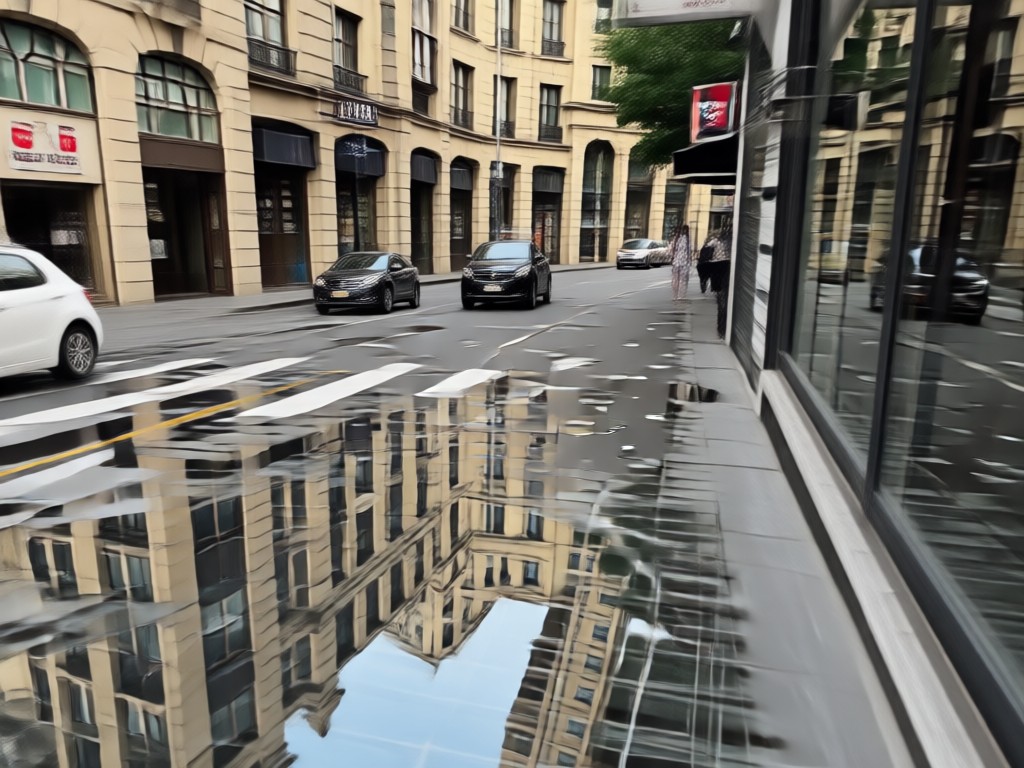
Smart Background Reconstruction
The AI fills in the area where the removed person used to be with realistic background details. It analyzes surrounding pixels, lighting, and texture to make the edit look natural and seamless.
Smart Background Reconstruction
The AI fills in the area where the removed person used to be with realistic background details. It analyzes surrounding pixels, lighting, and texture to make the edit look natural and seamless.
AI Video Object Remover Before and After Results
See how AI video object removal transforms messy clips into clean, professional footage. Browse real examples of people removed from videos with seamless background reconstruction.




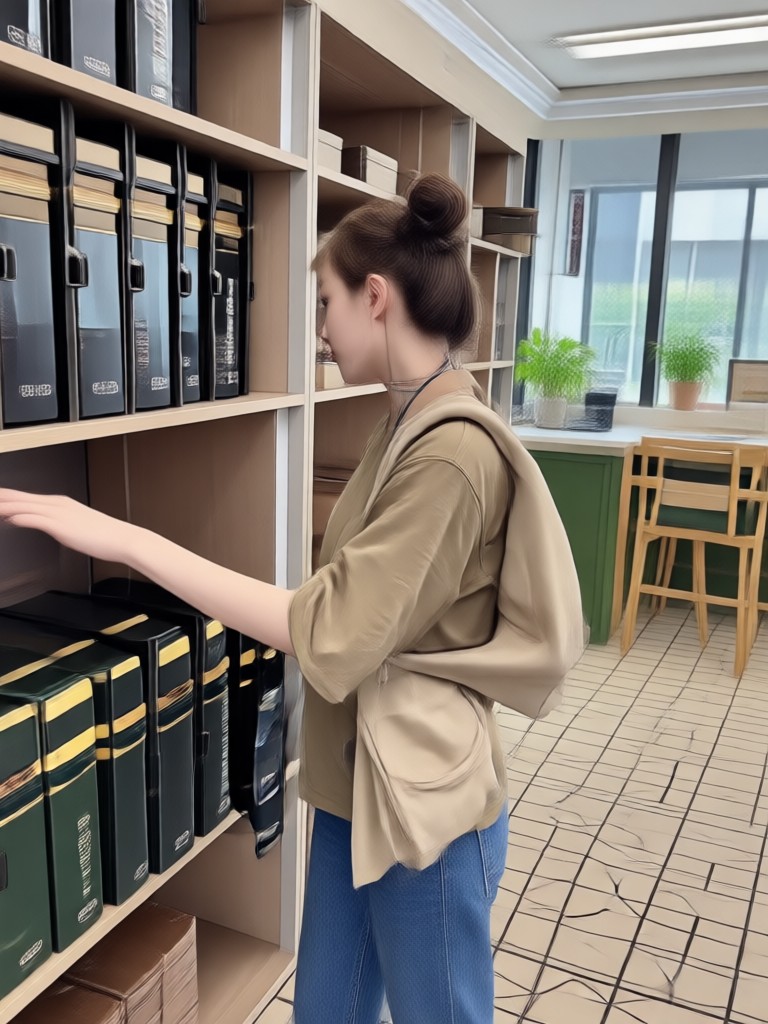




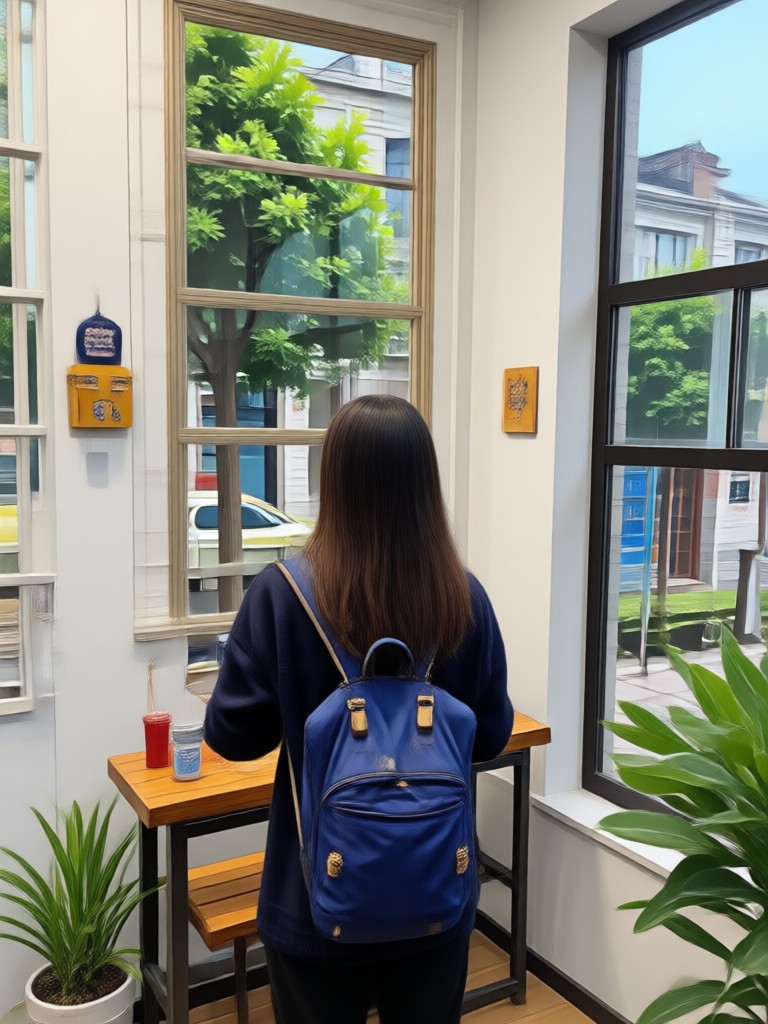

How to Remove People From Video?
Erase unwanted people from your videos in three simple steps using the funpack AI video object remover.

Step 01.
Download the funpack app from Google Play and upload the video you want to clean up.

Step 02.
Use the brush tool to mark the person or object you want to remove from the video.

Step 03.
Let the AI process the video, then preview the result and save your clean clip directly to your phone.
Why Use AI to Clean Up Your Videos?
Manual video editing is time-consuming and requires professional skills. AI video object removal changes that completely.

AI Makes Video Cleanup Effortless
Traditional video editing tools demand frame-by-frame masking, keyframe tracking, and hours of patience. With funpack, you skip all of that. The AI automatically identifies the person you want to remove, tracks them through the entire clip, and reconstructs the background with natural-looking results. Whether you have a photobomber in a family video or a stranger ruining a perfect travel shot, you can erase them in seconds. No desktop software, no tutorials, no editing experience required. Just open the app, brush over the unwanted person, and let the AI handle the hard work. The result is clean, distraction-free footage that looks like the person was never there.
AI Makes Video Cleanup Effortless
Traditional video editing tools demand frame-by-frame masking, keyframe tracking, and hours of patience. With funpack, you skip all of that. The AI automatically identifies the person you want to remove, tracks them through the entire clip, and reconstructs the background with natural-looking results. Whether you have a photobomber in a family video or a stranger ruining a perfect travel shot, you can erase them in seconds. No desktop software, no tutorials, no editing experience required. Just open the app, brush over the unwanted person, and let the AI handle the hard work. The result is clean, distraction-free footage that looks like the person was never there.

Ready to Erase Unwanted People From Your Videos?
Download funpack on Google Play and start removing people, photobombers, and background distractions from your videos instantly.

Here is What Creators Say About AI Video Removal
Saved my vacation footage
I had so many clips with random tourists in the background. This tool cleaned them all up in minutes. The background reconstruction is surprisingly natural.
No more photobombs in family videos
My kids' birthday video had a stranger walking through the shot. I erased them with one brush stroke and the video looks perfect now.
Incredible time saver
I used to spend hours in After Effects removing people from clips. funpack does the same thing in seconds on my phone. Game changer for my workflow.
Frequently Asked Questions
Find clear answers to common questions about removing people from videos with AI.
More Topics You May Like
Explore more AI editing guides and tutorials to level up your content creation.

Extract Audio from Facebook Videos Instantly
Remove Filters from Snapchat Videos: AI Fix Guide

Xvid Video Converter For Android: Convert Any Video Fast

Poster Making Generator: Create Stunning AI Posters
Extract Audio from Facebook Videos Instantly
Remove Filters from Snapchat Videos: AI Fix Guide
Xvid Video Converter For Android: Convert Any Video Fast
Poster Making Generator: Create Stunning AI Posters
Remove Unwanted People From Videos Today
Download funpack on Google Play and start cleaning up your videos with AI. Erase strangers, photobombers, and distractions in seconds, no editing skills required.

Remove Unwanted People From Videos Today
Download funpack on Google Play and start cleaning up your videos with AI. Erase strangers, photobombers, and distractions in seconds, no editing skills required.