AI Sculpture Generator
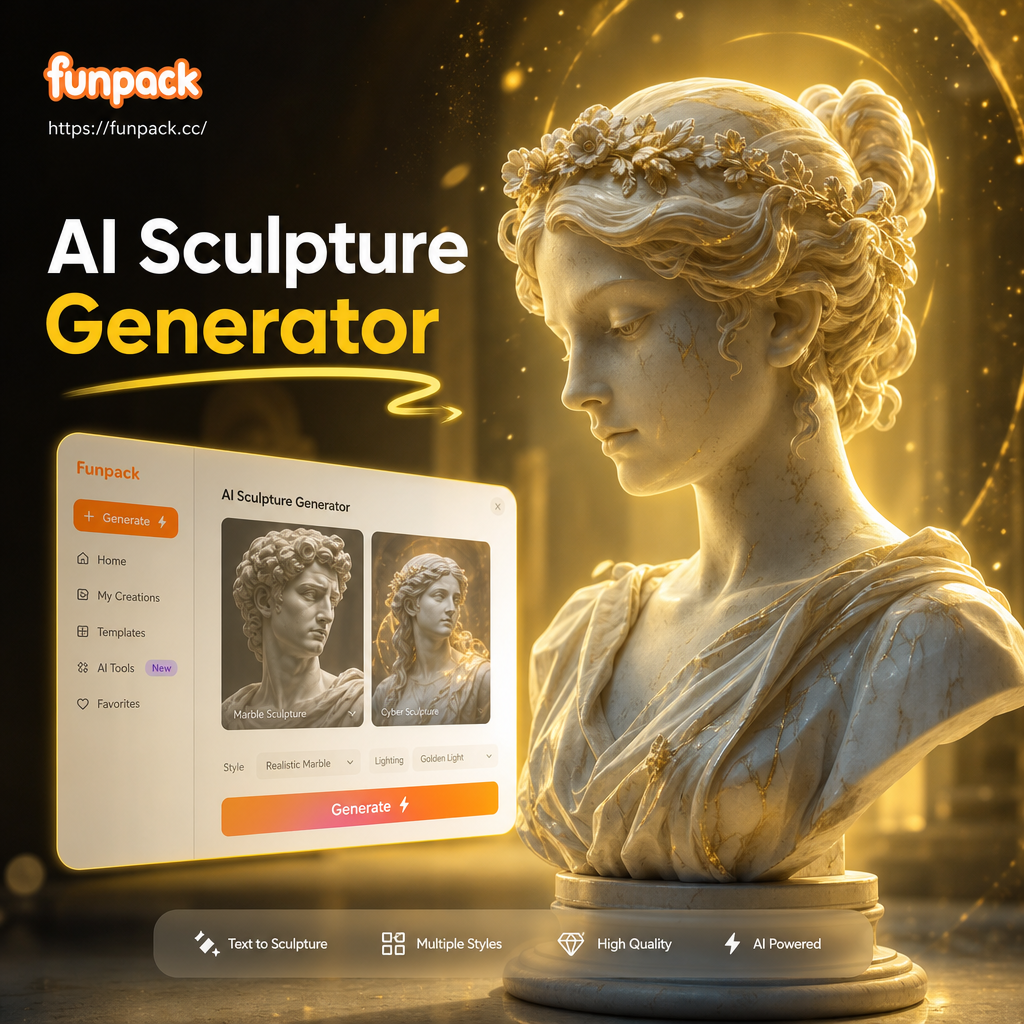
Choose the Sculpture Style That Fits Your Vision
Explore marble, bronze, clay, stone, ice, and abstract AI sculpture filters. Each style preserves realistic depth, natural texture, and dramatic lighting while transforming your photo into a sculpted work of art.
Why Creators Love the AI Sculpture Generator
Powerful AI tools make sculpture art simple, fast, and realistic. No clay, chisels, or studio lighting needed.
Realistic Material Textures
AI recreates carved marble veins, polished bronze reflections, rough stone grain, and soft clay details so your result looks tangible and gallery ready.
Accurate Face and Body Preservation
The model keeps your facial structure, pose, and key features intact while applying the sculpture effect, so the final image still looks like you.
Full Scene Control
Adjust lighting, background, camera angle, and sculpture material to match your creative vision. Turn a simple selfie into a classical bust or garden statue.
How to Turn a Photo Into an AI Sculpture
Create realistic marble, bronze, or clay sculpture art in three simple steps with the funpack app.

Step 01.
Download funpack from Google Play and open the AI Sculpture Generator on your Android phone.

Step 02.
Upload a portrait, pet photo, or group shot and choose a sculpture style such as marble, bronze, clay, stone, or abstract 3D.

Step 03.
Generate your sculpture image, adjust the result if needed, then save or share it to social media in high resolution.
AI Sculpture Gallery: Realistic Results
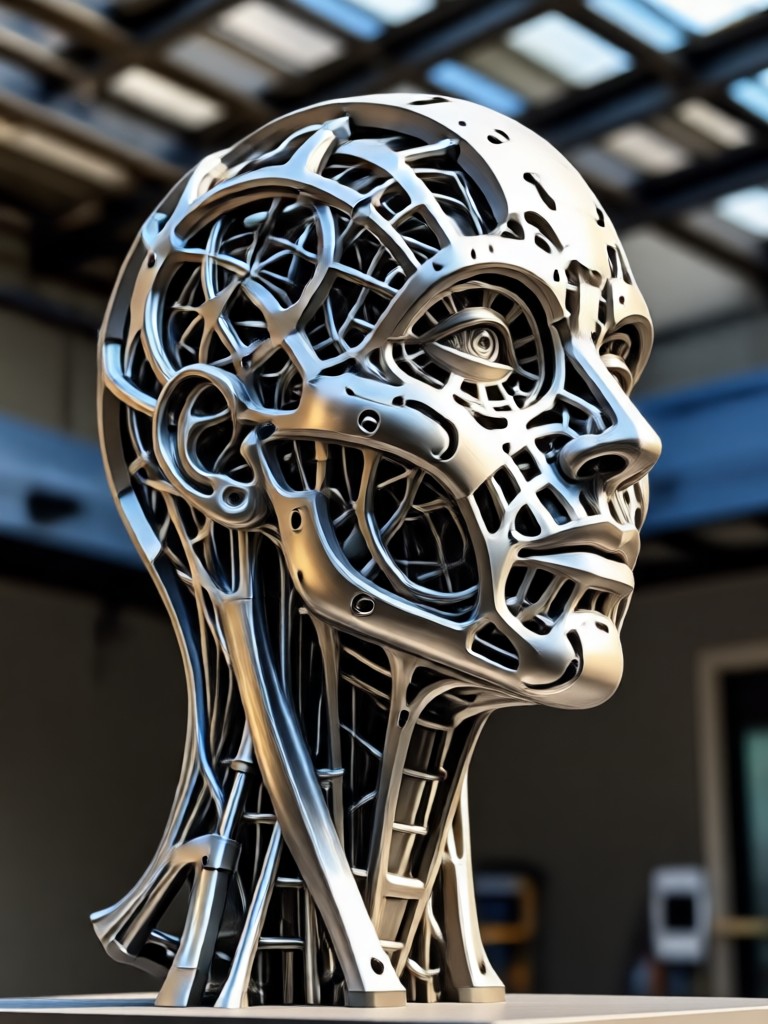
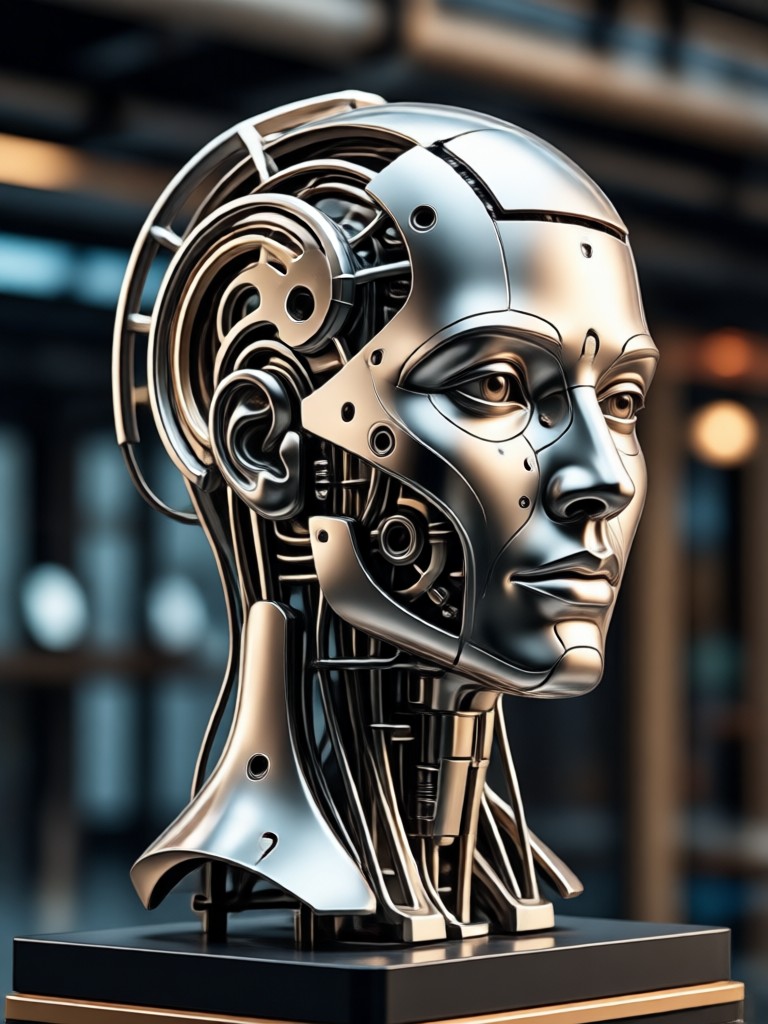
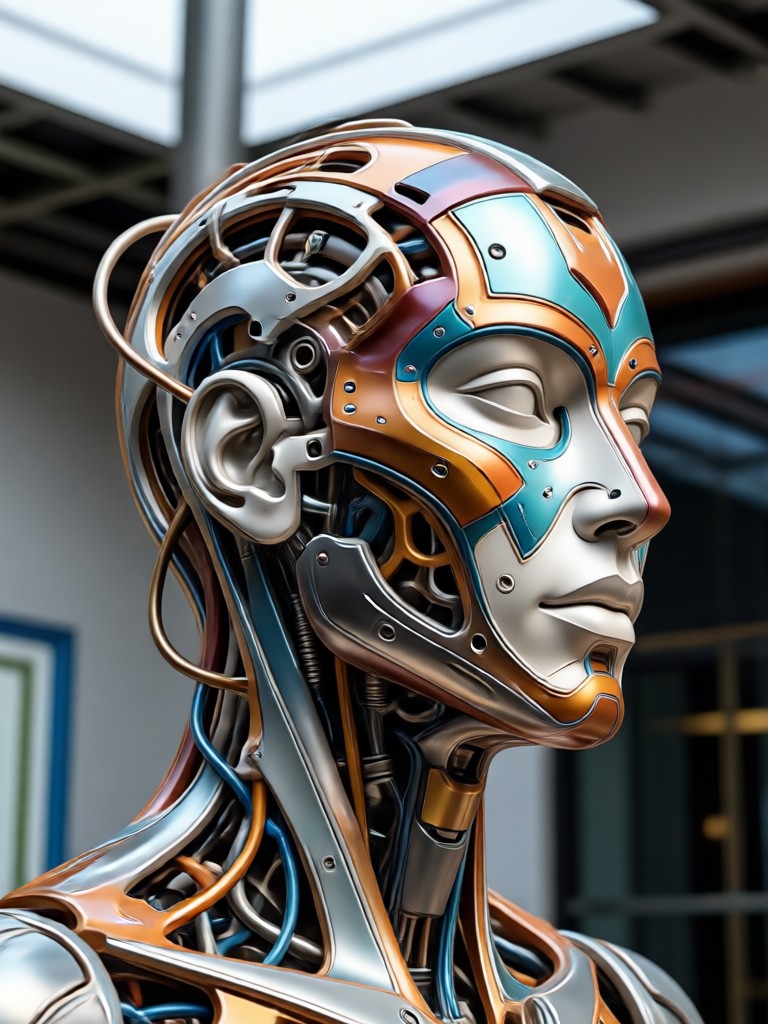
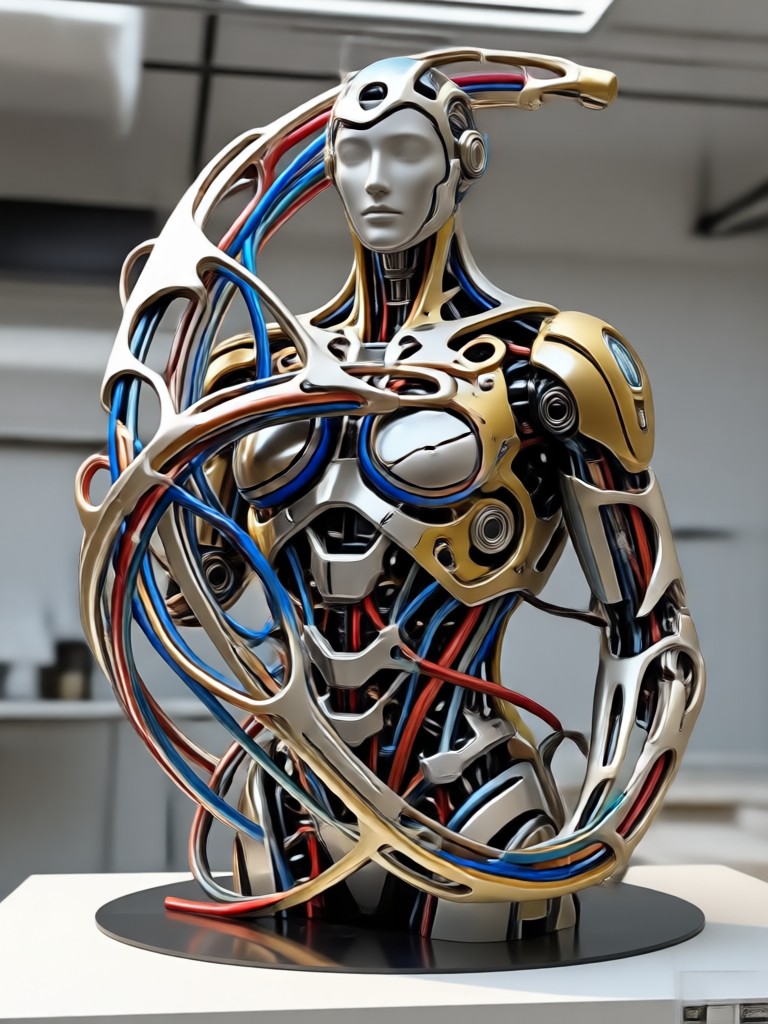
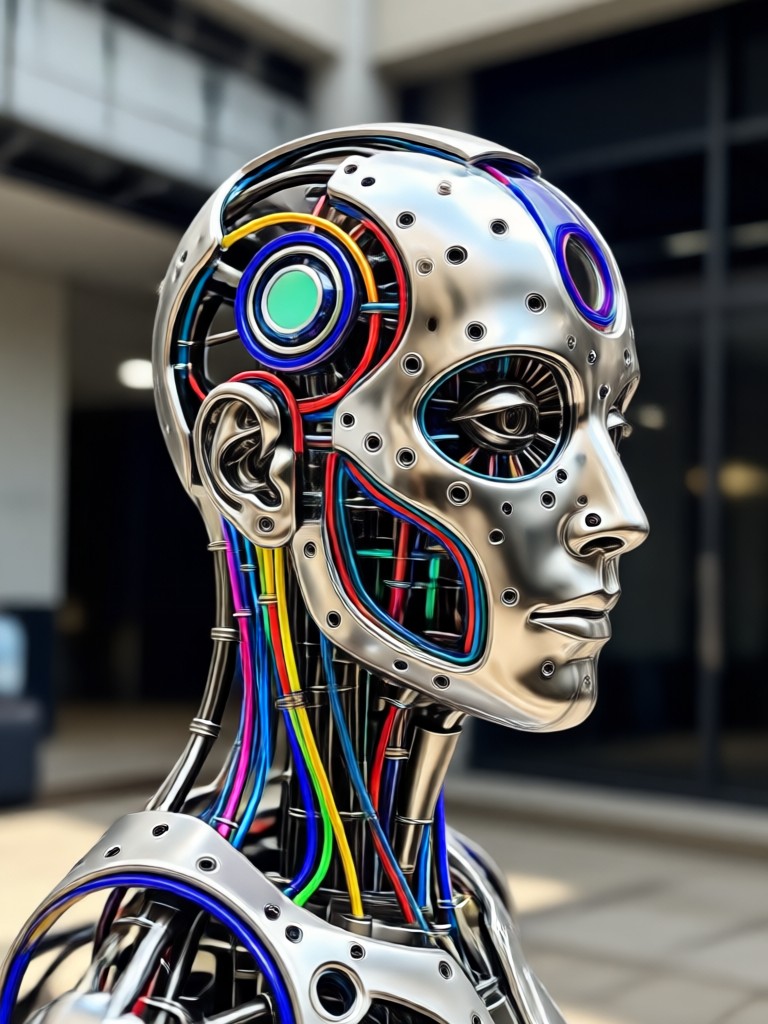
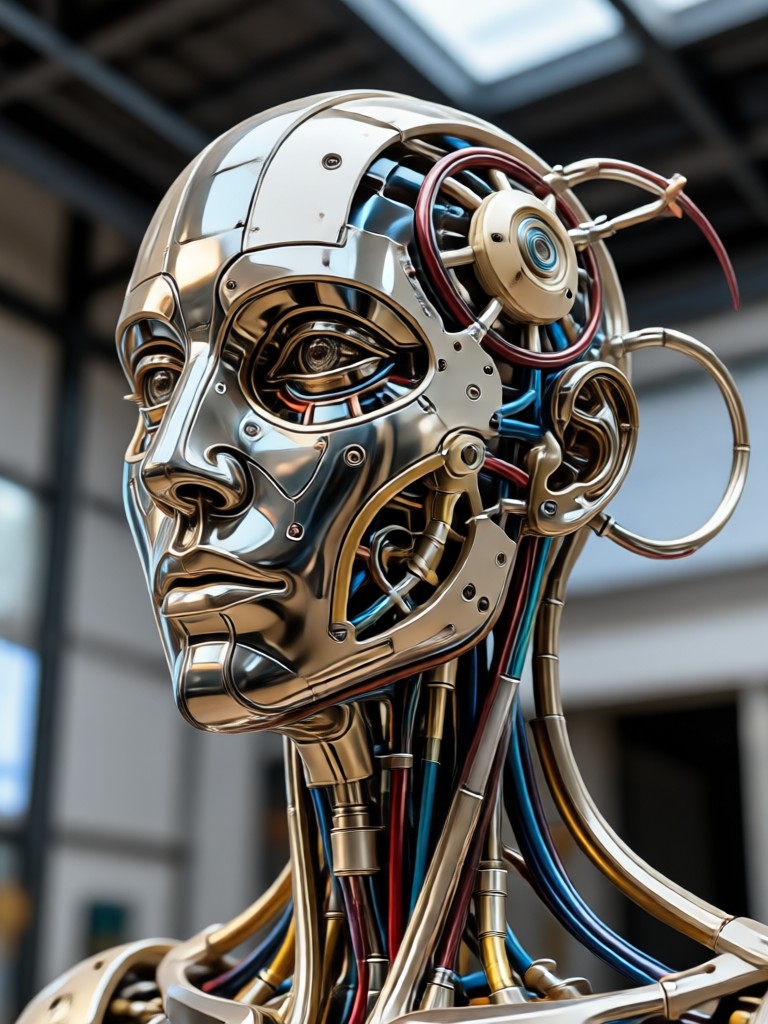
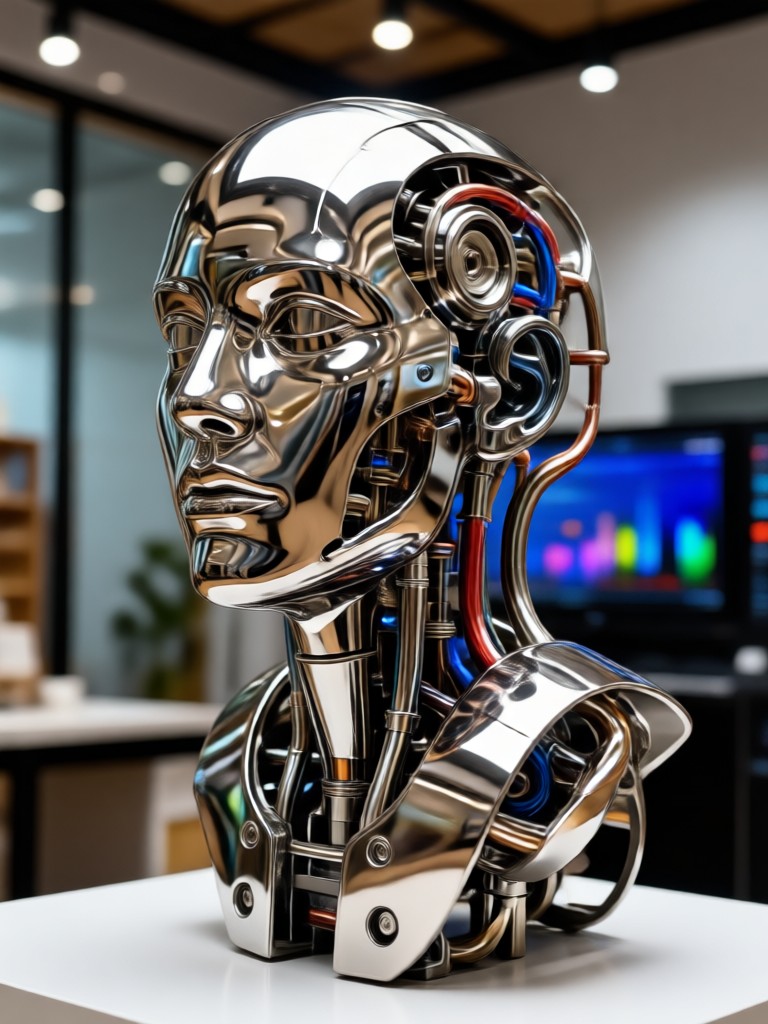
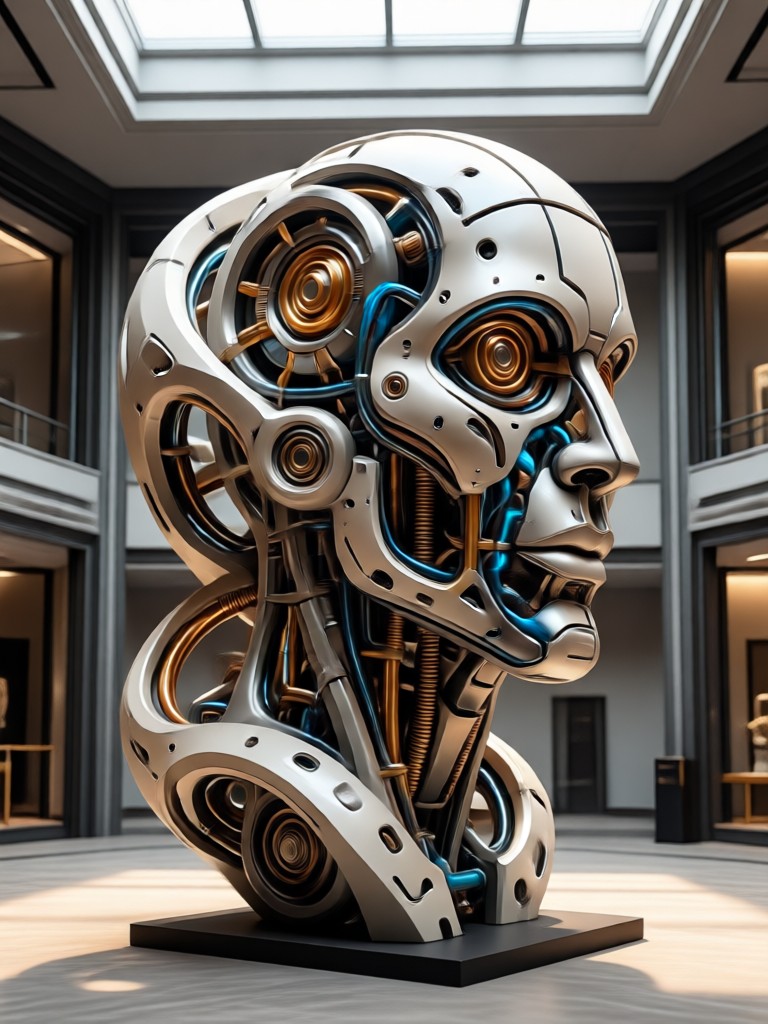
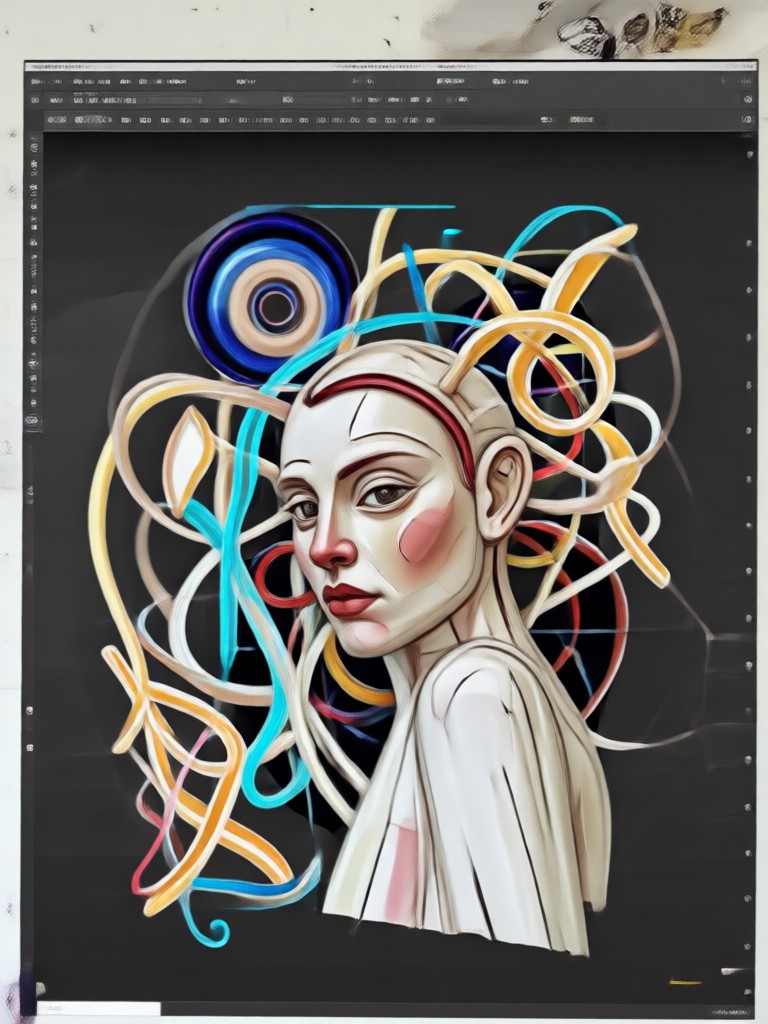
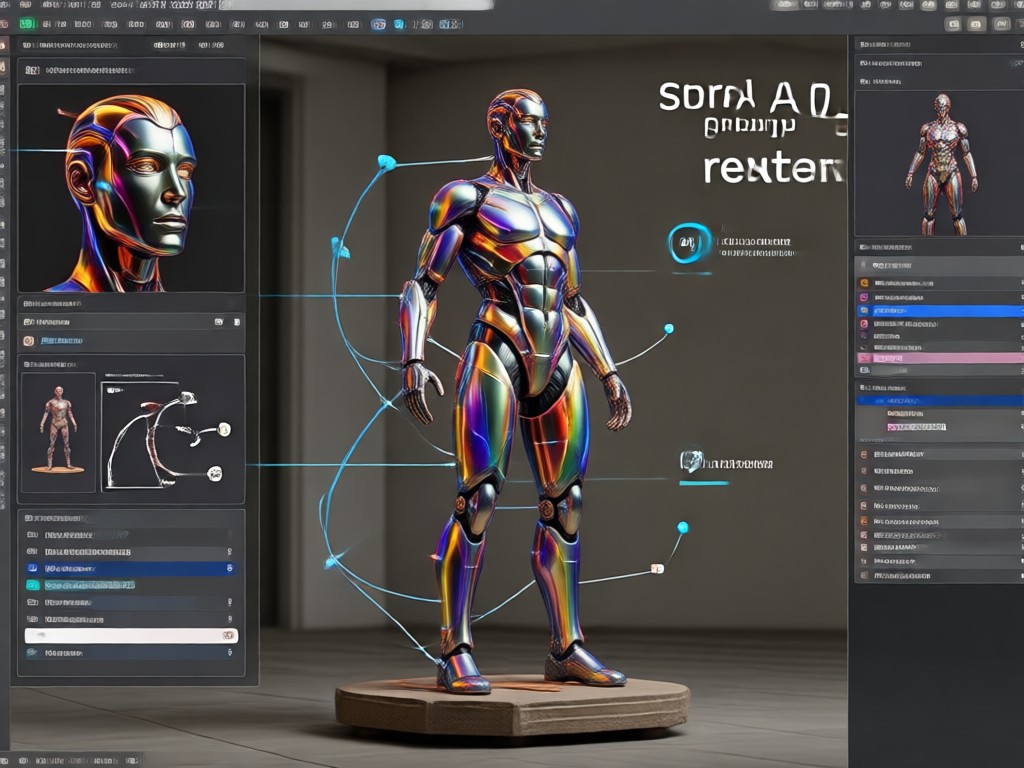
Browse sculpture transformations created with funpack. From classical marble busts to modern metal figures, see how the AI captures texture, depth, and expression.



Why Use an AI Sculpture Generator?
A traditional sculpture commission can take weeks and cost hundreds of dollars. The AI Sculpture Generator delivers a similar visual impact in seconds. You can experiment with marble, bronze, clay, ice, and stone styles without buying materials or learning 3D software. It is perfect for social media posts, profile pictures, gifts, and creative inspiration.
Why Use an AI Sculpture Generator?
A traditional sculpture commission can take weeks and cost hundreds of dollars. The AI Sculpture Generator delivers a similar visual impact in seconds. You can experiment with marble, bronze, clay, ice, and stone styles without buying materials or learning 3D software. It is perfect for social media posts, profile pictures, gifts, and creative inspiration.
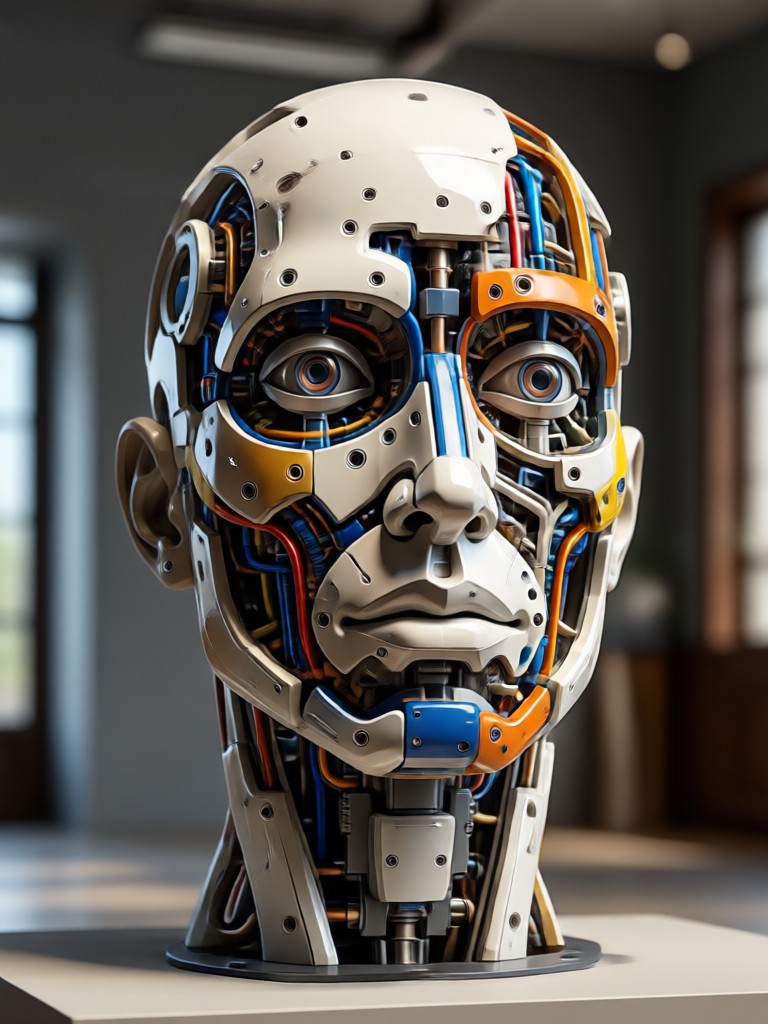
Sculpture AI for Android
Turn any selfie or pet photo into a realistic marble statue, bronze bust, or clay figure in seconds. Download funpack for free and access over one million AI style filters on Google Play.

What Creators Say About the AI Sculpture Generator
My portraits look like museum pieces
I uploaded a plain headshot and got a detailed marble bust with perfect shadows. It took less than a minute and looked like something from a gallery. I use it for my music release covers now.
The marble effect is shockingly realistic
I expected a cheap filter, but the AI captured the stone grain and soft reflections. My cosplay photos look like classical Greek sculptures. It is now my favorite app for themed shoots.
I made a bronze statue of my dog in minutes
I turned a cute photo of my corgi into a polished bronze figure. The fur texture translated into metal details surprisingly well. My followers kept asking how I made it.
Frequently Asked Questions About AI Sculpture Generator
Find clear answers about turning photos into marble, bronze, clay, and stone sculpture art with funpack.
More Sculpture and AI Art Topics
Explore related filters and creative guides to keep your AI art fresh.
Passphoto Background Change: AI Tool for Perfect ID Photo

Create Photo QR Codes Fast: AI Style & Share Guide

See Your Future Self with Age Generator Photo

Anime Idea Generator: Spark Your Next Story
Passphoto Background Change: AI Tool for Perfect ID Photo
Create Photo QR Codes Fast: AI Style & Share Guide
See Your Future Self with Age Generator Photo
Anime Idea Generator: Spark Your Next Story
Turn Any Photo Into a Sculpture Masterpiece
Download funpack and explore marble, bronze, clay, and stone effects. Create gallery-worthy sculpture art in seconds, right from your phone.

Turn Any Photo Into a Sculpture Masterpiece
Download funpack and explore marble, bronze, clay, and stone effects. Create gallery-worthy sculpture art in seconds, right from your phone.