Body Reshaping Photo Editor
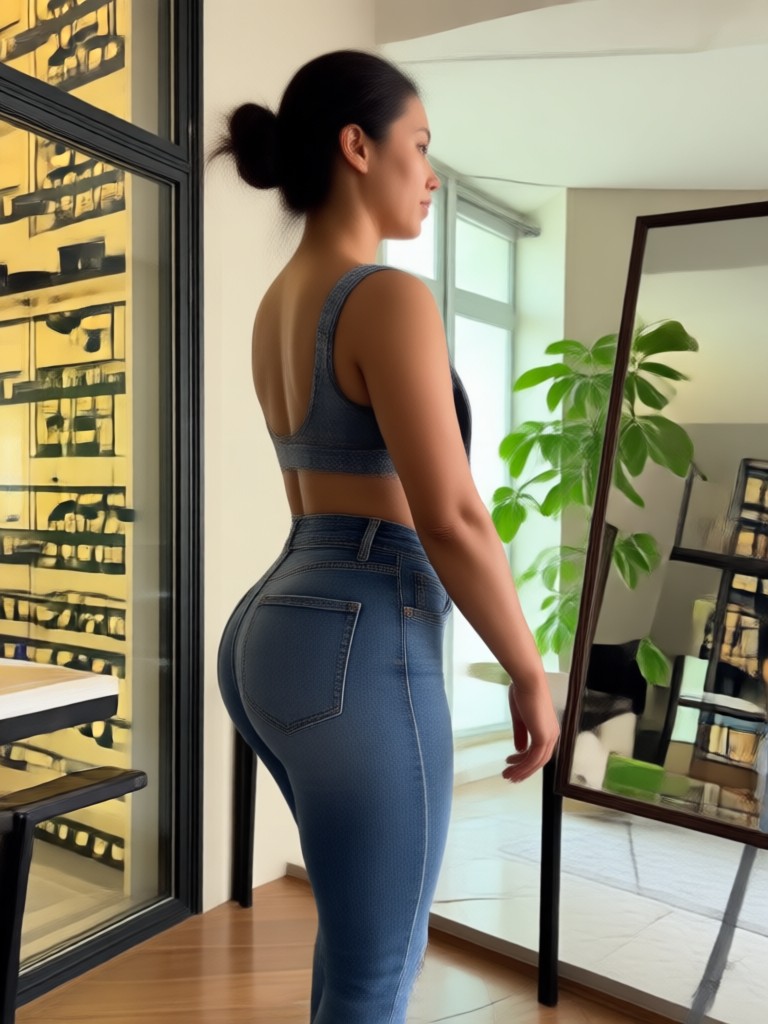
Choose the Body Reshaping Filter That Suits You Best
Discover slimming, toning, and height adjustment filters that perfectly match your body goals and style.
Key Features of Body Reshaping Photo Editor
Turn your ordinary photos into stunning body transformations with these powerful AI tools designed for natural, flattering results.
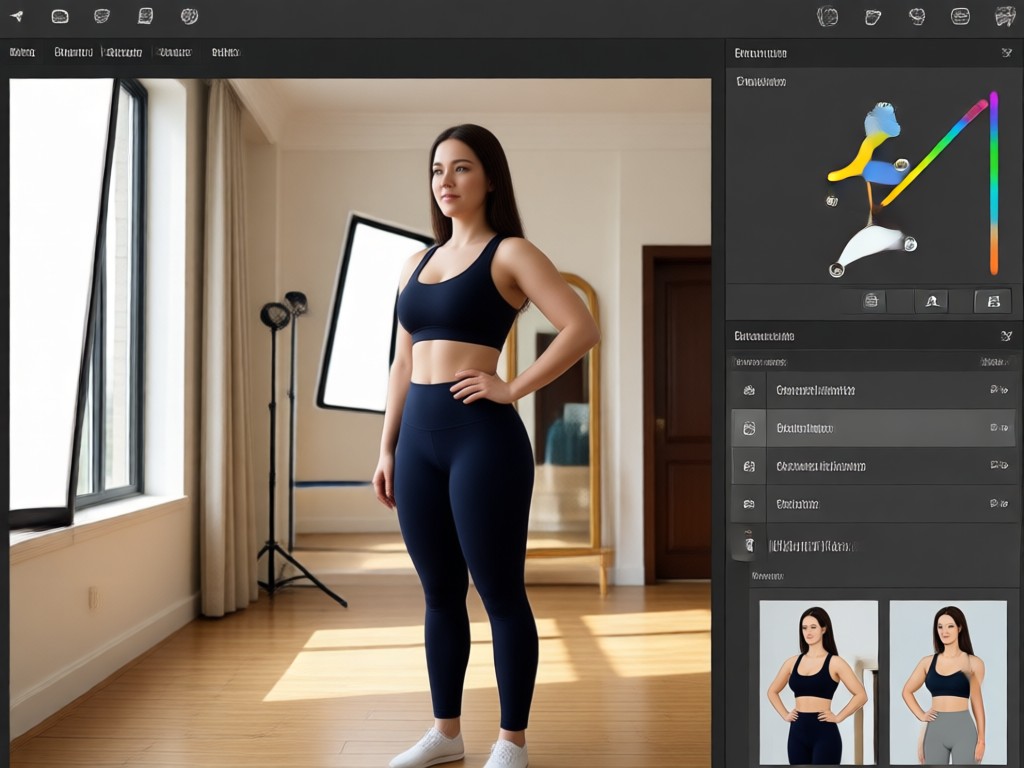
AI Waist Slimming and Toning
Achieve a slimmer waistline and toned torso with one tap. The AI detects your body shape and applies realistic adjustments without distortion.
AI Waist Slimming and Toning
Achieve a slimmer waistline and toned torso with one tap. The AI detects your body shape and applies realistic adjustments without distortion.
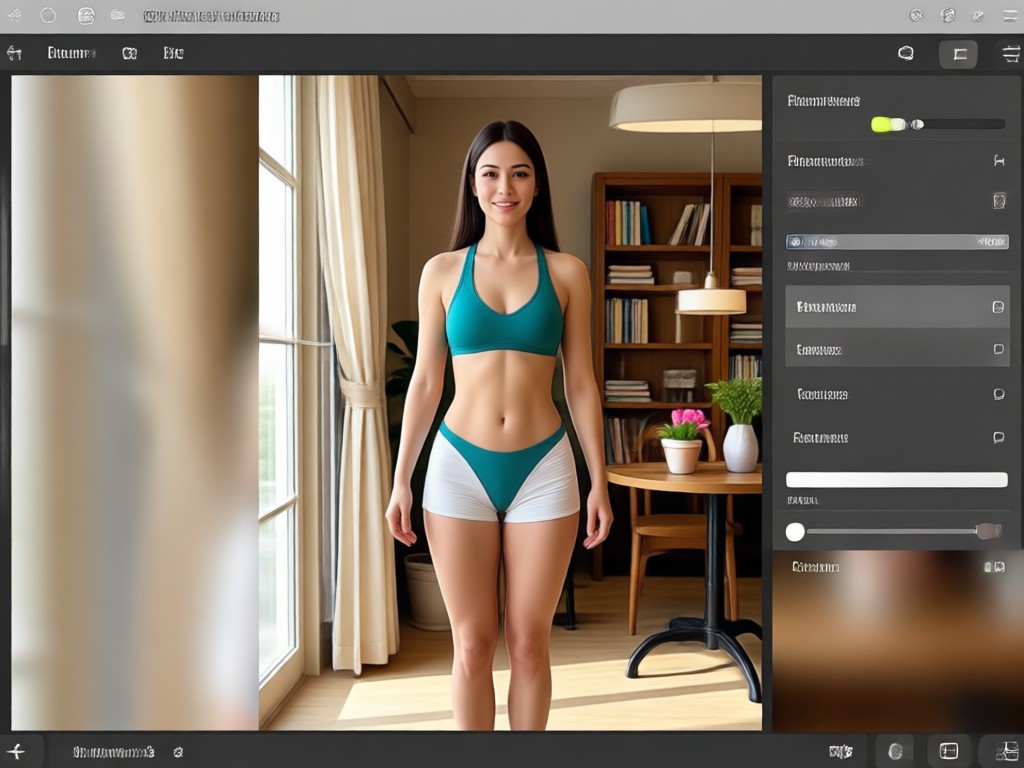
Muscle Enhancement and Definition
Enhance abs, arms, chest, and legs with adjustable intensity levels. Build a more athletic look while keeping your face and skin natural.
Muscle Enhancement and Definition
Enhance abs, arms, chest, and legs with adjustable intensity levels. Build a more athletic look while keeping your face and skin natural.
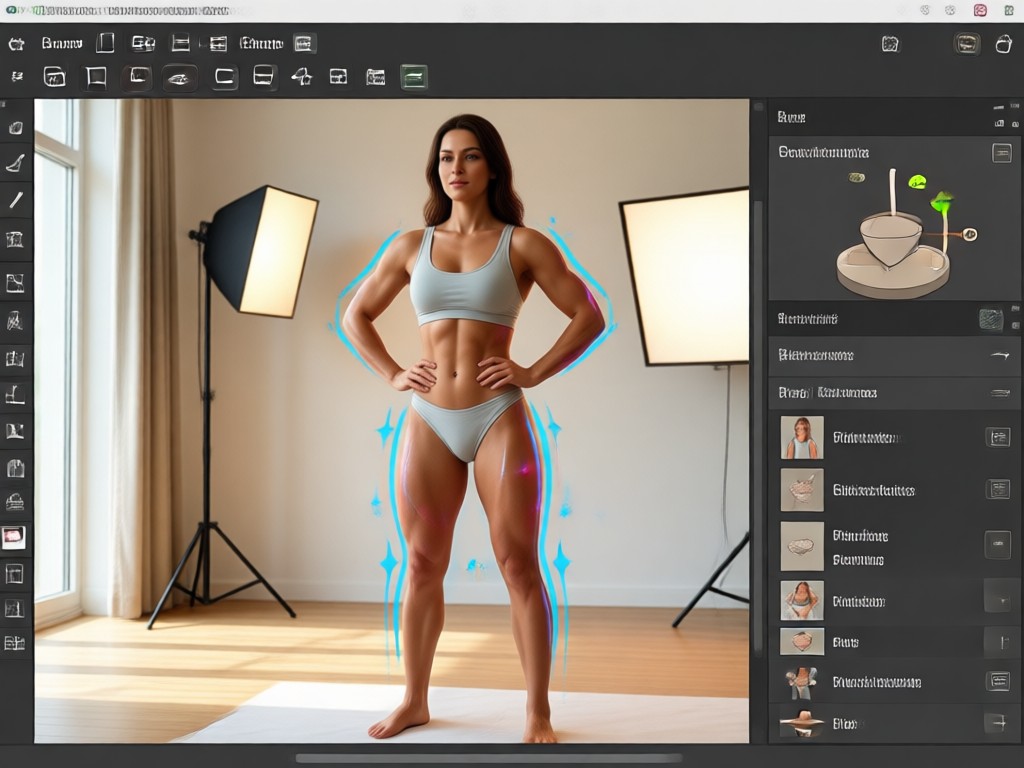
Height and Posture Adjustment
Look taller and more confident by adjusting leg length and posture. Perfect for full body photos, dating profiles, and professional headshots.
Height and Posture Adjustment
Look taller and more confident by adjusting leg length and posture. Perfect for full body photos, dating profiles, and professional headshots.
Explore Body Reshaping AI Creations Gallery
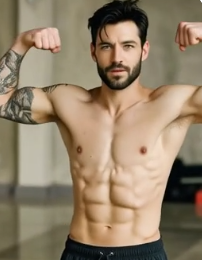
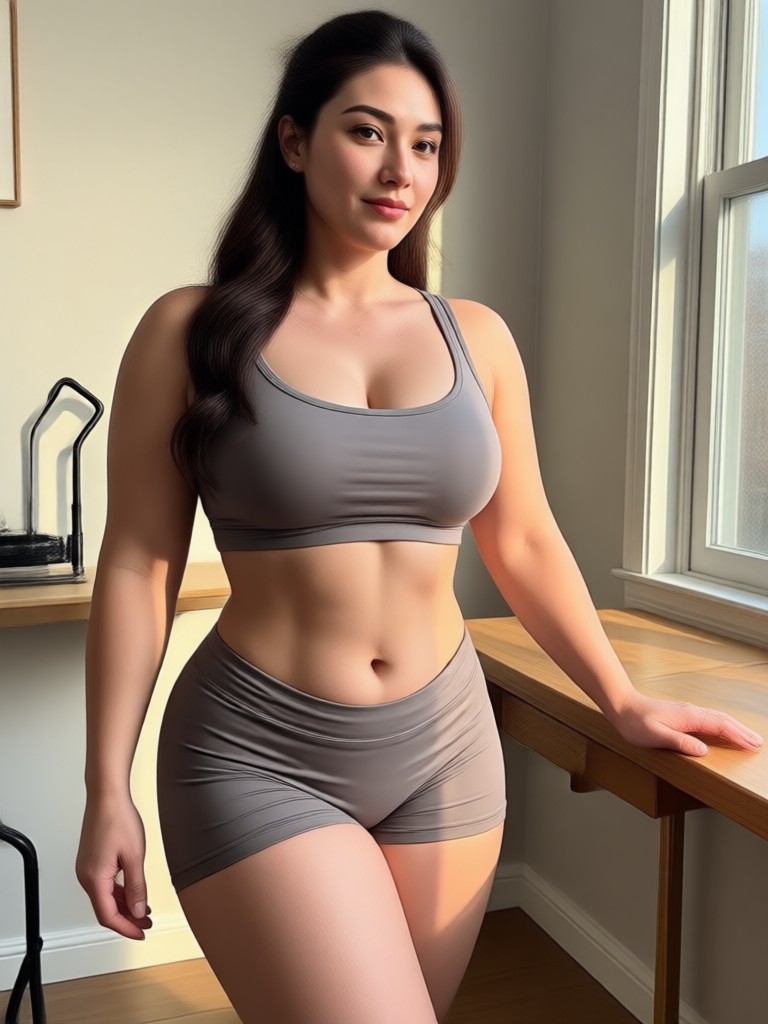
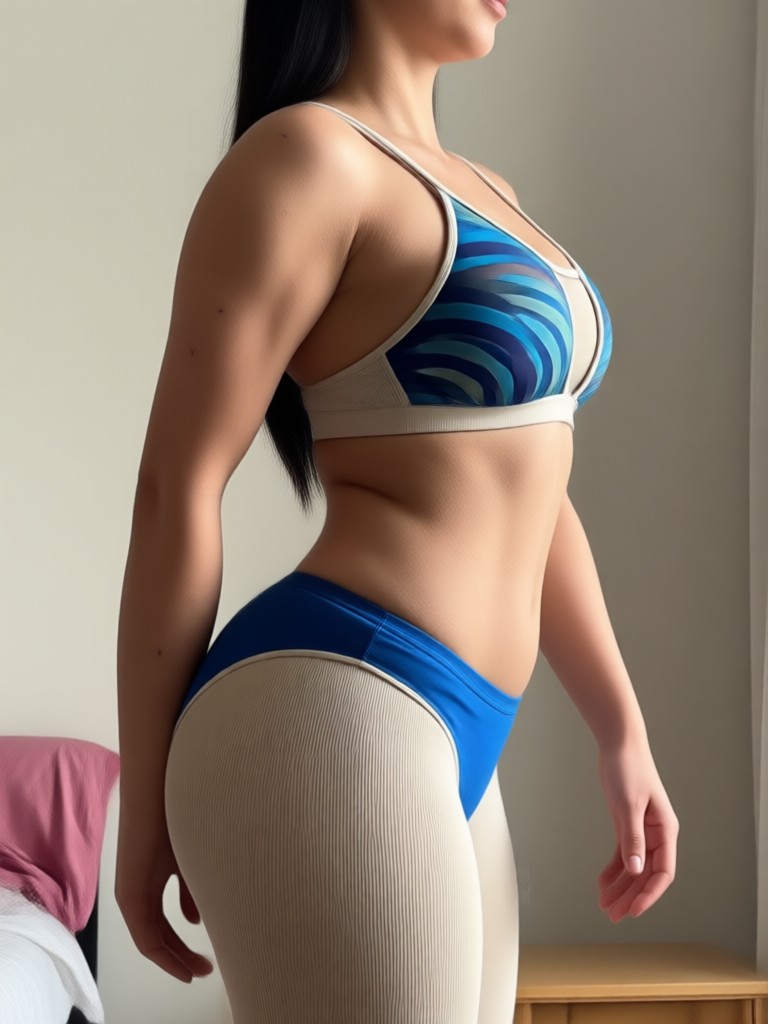
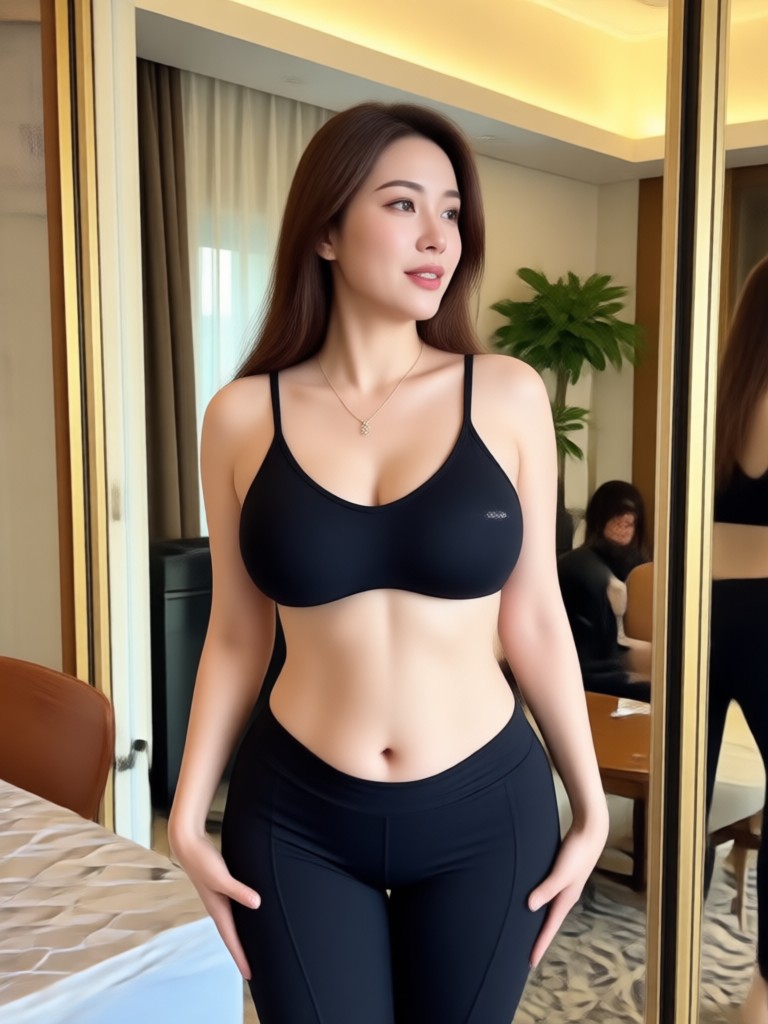
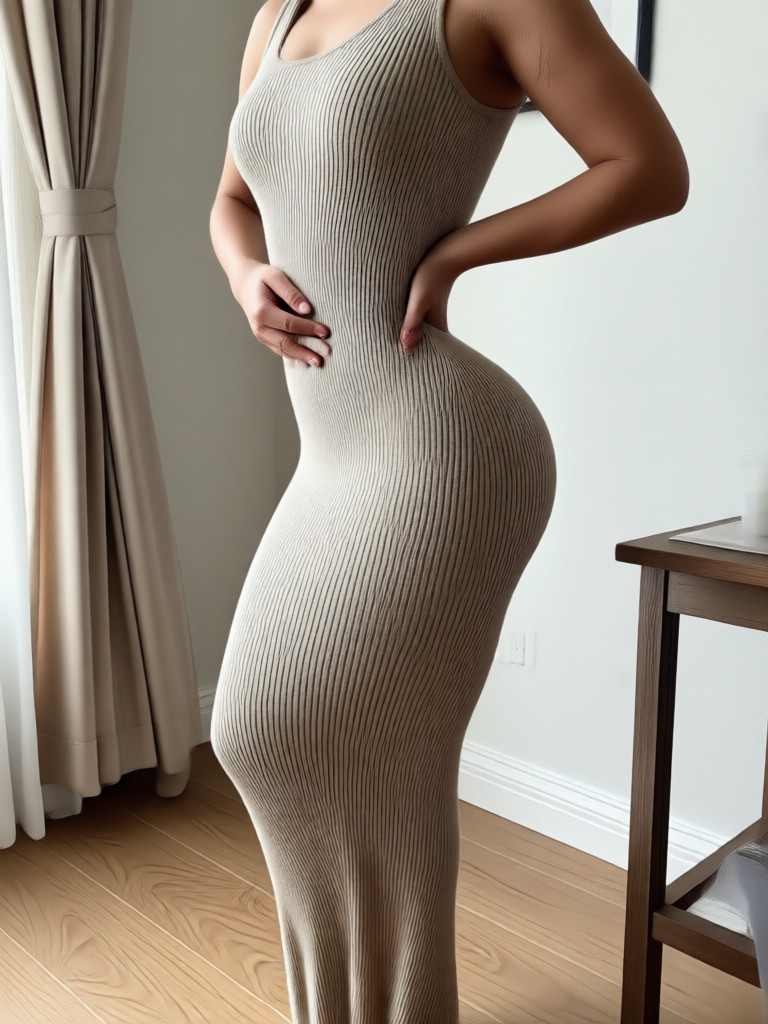
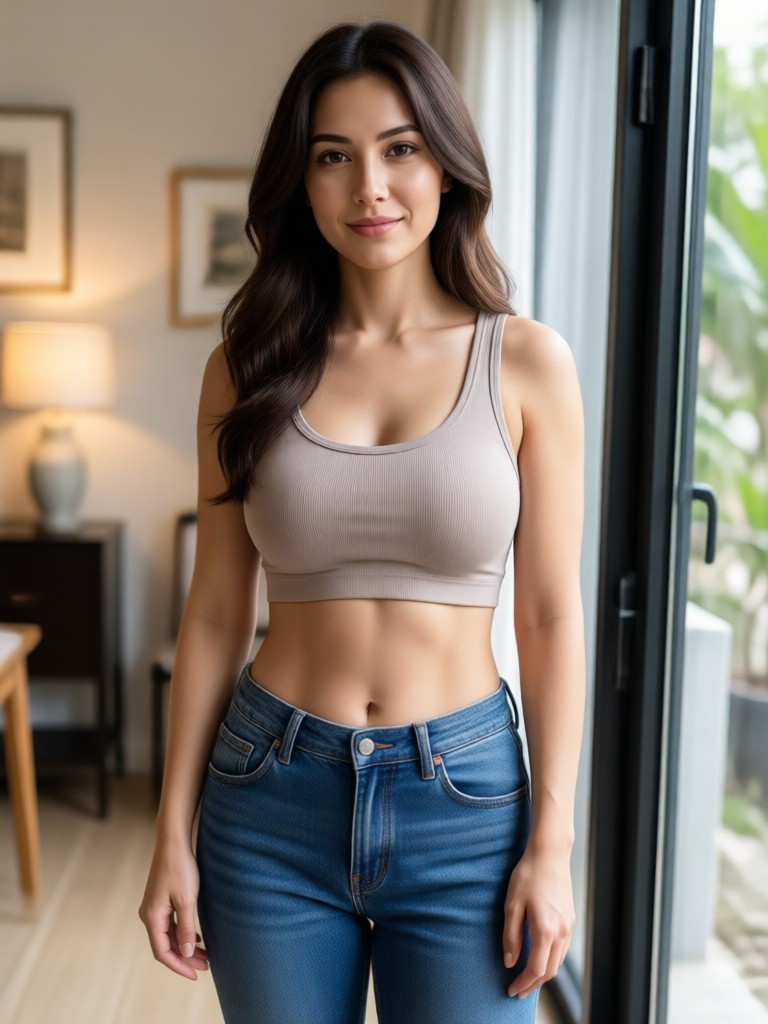
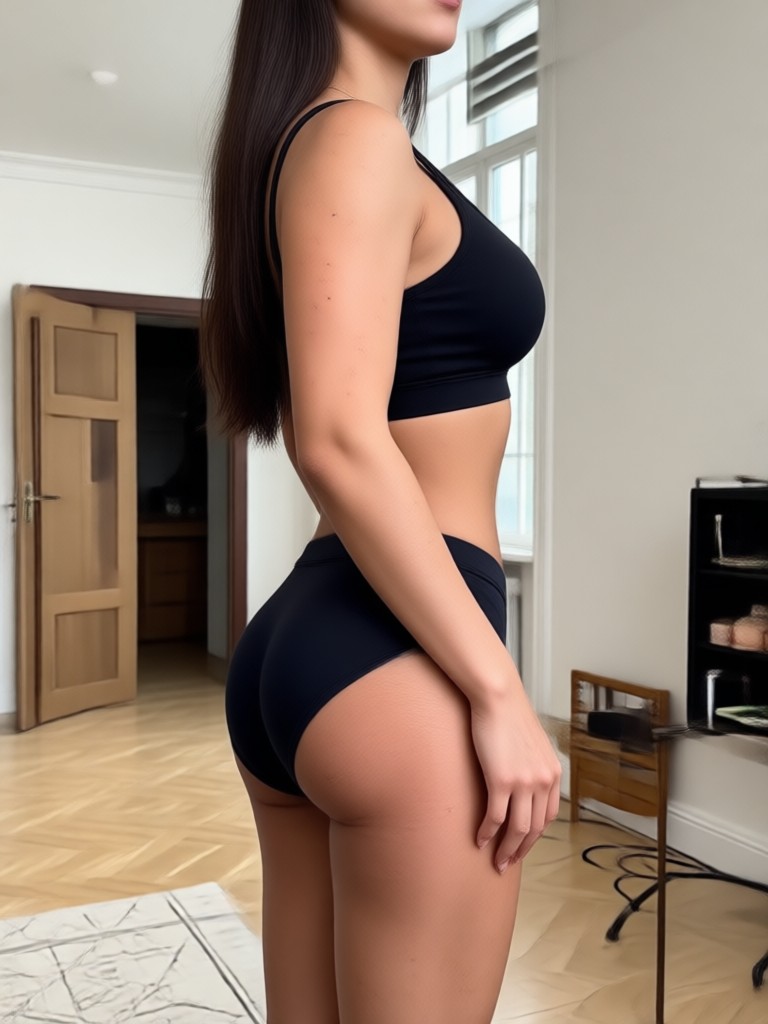
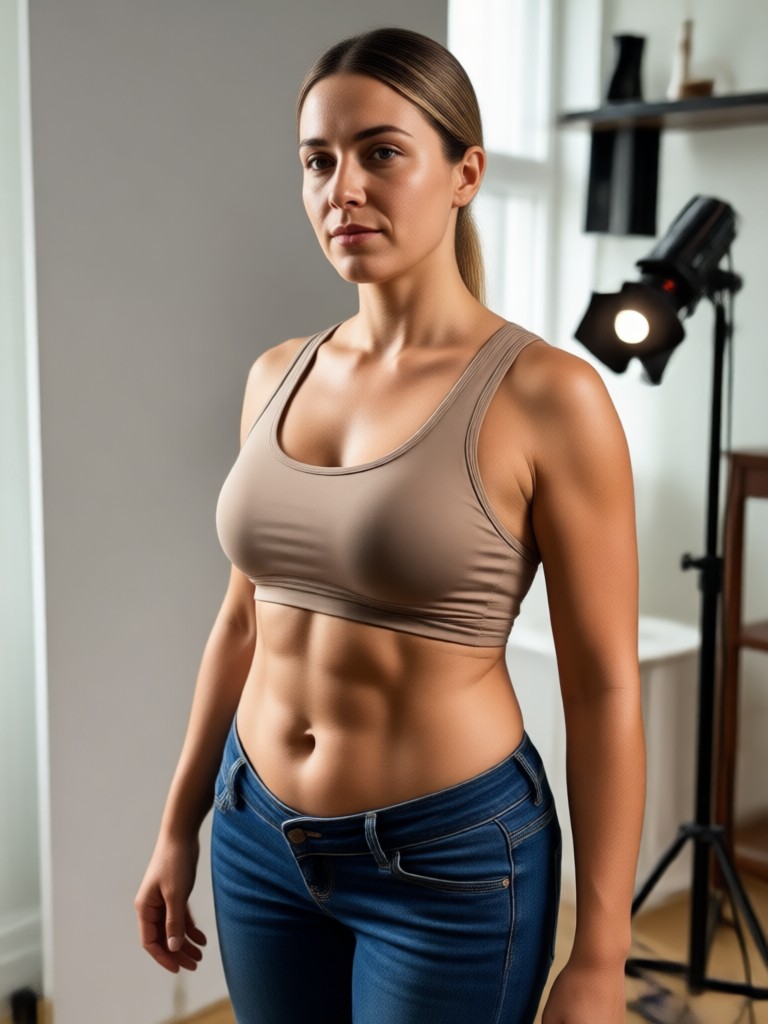
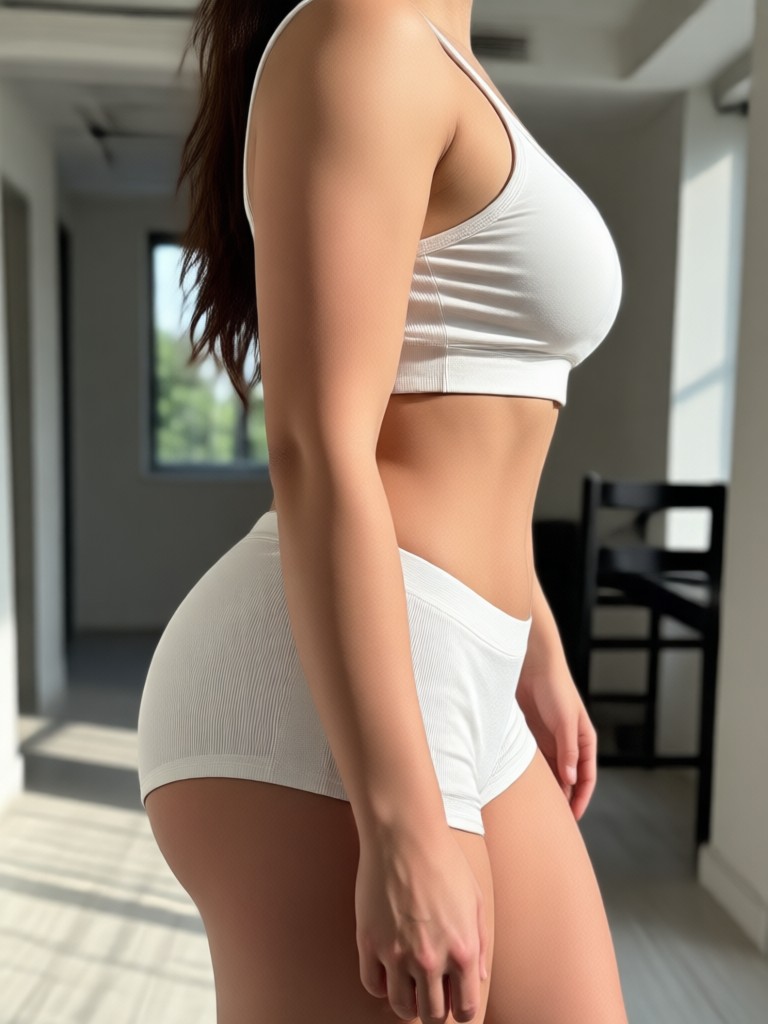
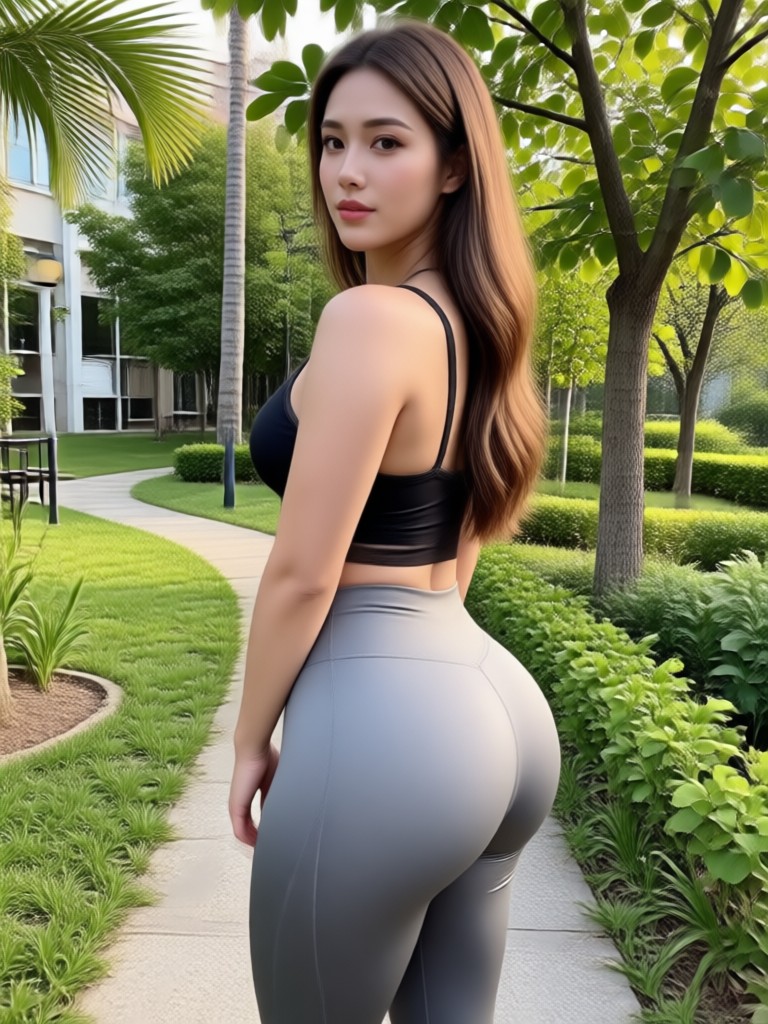
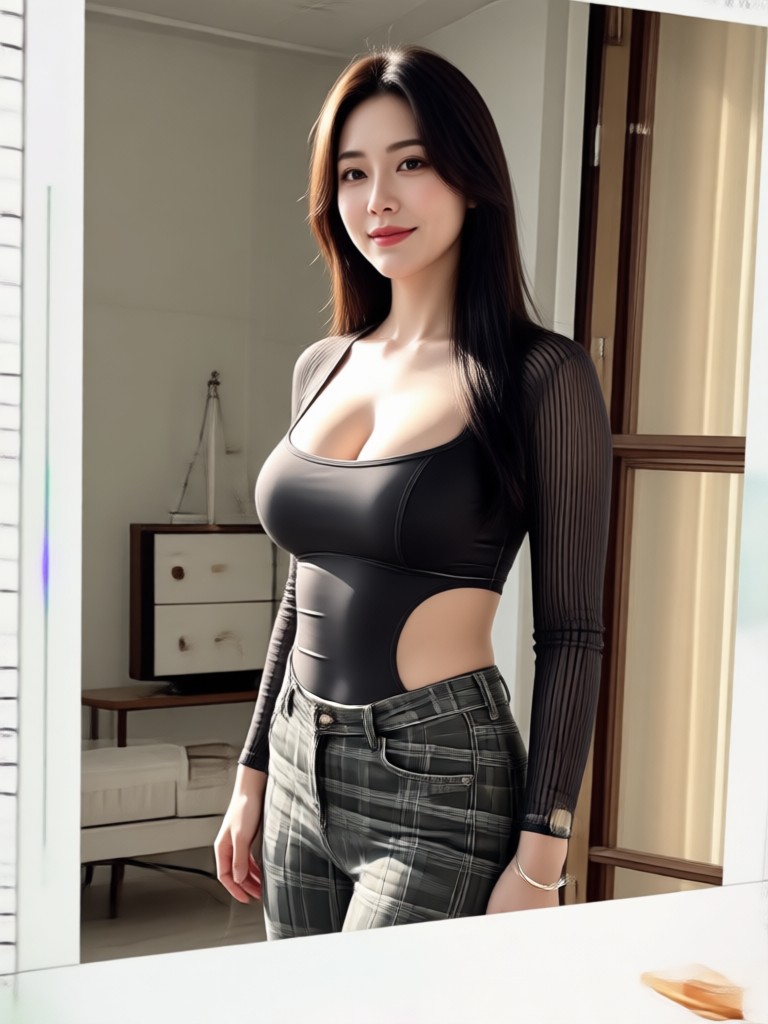
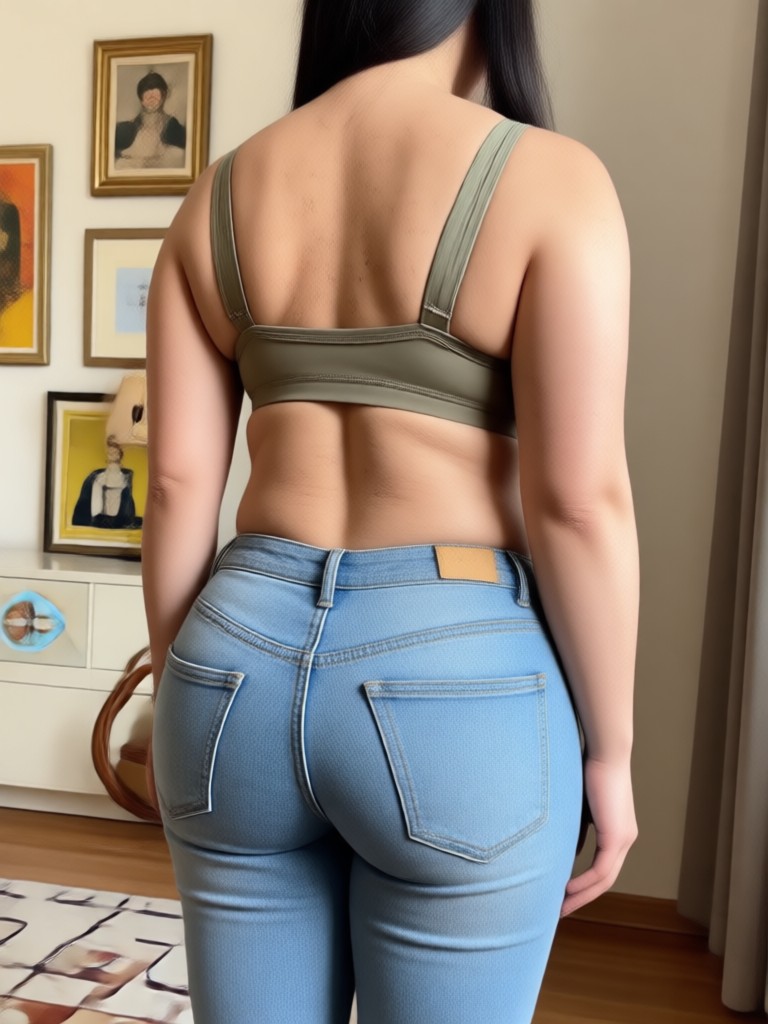
Browse stunning before and after body reshaping examples created with Funpack. See how users slimmed waists, toned muscles, and adjusted height for natural transformations.
How to Use Body Reshaping Photo Editor?
Create your dream body in three simple steps using the Funpack app.

Step 01.
Download Funpack from Google Play and open the app on your phone.

Step 02.
Upload your full body photo and select a body reshaping filter such as waist slimming, muscle toning, or height adjustment.

Step 03.
Generate your reshaped photo, adjust intensity if needed, and download or share it directly to social media.
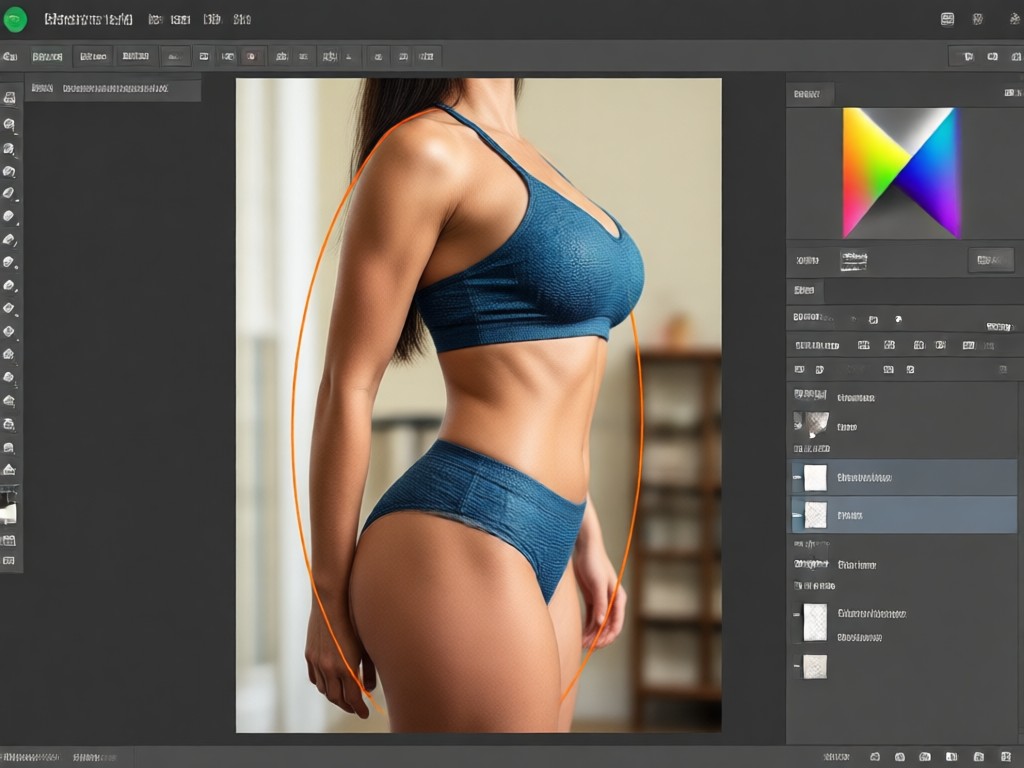
Why Use Body Reshaping Photo Editor?
Funpack gives you studio-quality body sculpting tools without expensive software or professional skills. Realistic AI preserves your identity while enhancing your natural shape, so every photo looks like you, just more confident.
Why Use Body Reshaping Photo Editor?
Funpack gives you studio-quality body sculpting tools without expensive software or professional skills. Realistic AI preserves your identity while enhancing your natural shape, so every photo looks like you, just more confident.
Who Uses Body Reshaping Photo Editor

Louis Yule
I used the waist slimming filter on my vacation photos and the result looked so natural. No one could tell it was edited.

Mandy Sander
The muscle enhancement feature helped me create a fitness progress mockup for my coaching page. It looks incredibly realistic.
Orville Garcia
I adjusted my height for a dating profile photo and got way more matches. The AI kept everything proportional.
Sam Green
As a model, I use the posture correction before submitting portfolio shots. It saves me hours of retouching.
Louis Yule
I used the waist slimming filter on my vacation photos and the result looked so natural. No one could tell it was edited.
Mandy Sander
The muscle enhancement feature helped me create a fitness progress mockup for my coaching page. It looks incredibly realistic.
Orville Garcia
I adjusted my height for a dating profile photo and got way more matches. The AI kept everything proportional.
Sam Green
As a model, I use the posture correction before submitting portfolio shots. It saves me hours of retouching.
Louis Yule
I used the waist slimming filter on my vacation photos and the result looked so natural. No one could tell it was edited.
Mandy Sander
The muscle enhancement feature helped me create a fitness progress mockup for my coaching page. It looks incredibly realistic.
Orville Garcia
I adjusted my height for a dating profile photo and got way more matches. The AI kept everything proportional.
Sam Green
As a model, I use the posture correction before submitting portfolio shots. It saves me hours of retouching.
Frequently Asked Questions About Body Reshaping Photo Editor
Find clear answers to common questions about using Funpack's body reshaping photo editor for natural, realistic transformations.
More Topics You May Like
Explore more AI photo editing topics and discover fresh ways to enhance your images with Funpack.
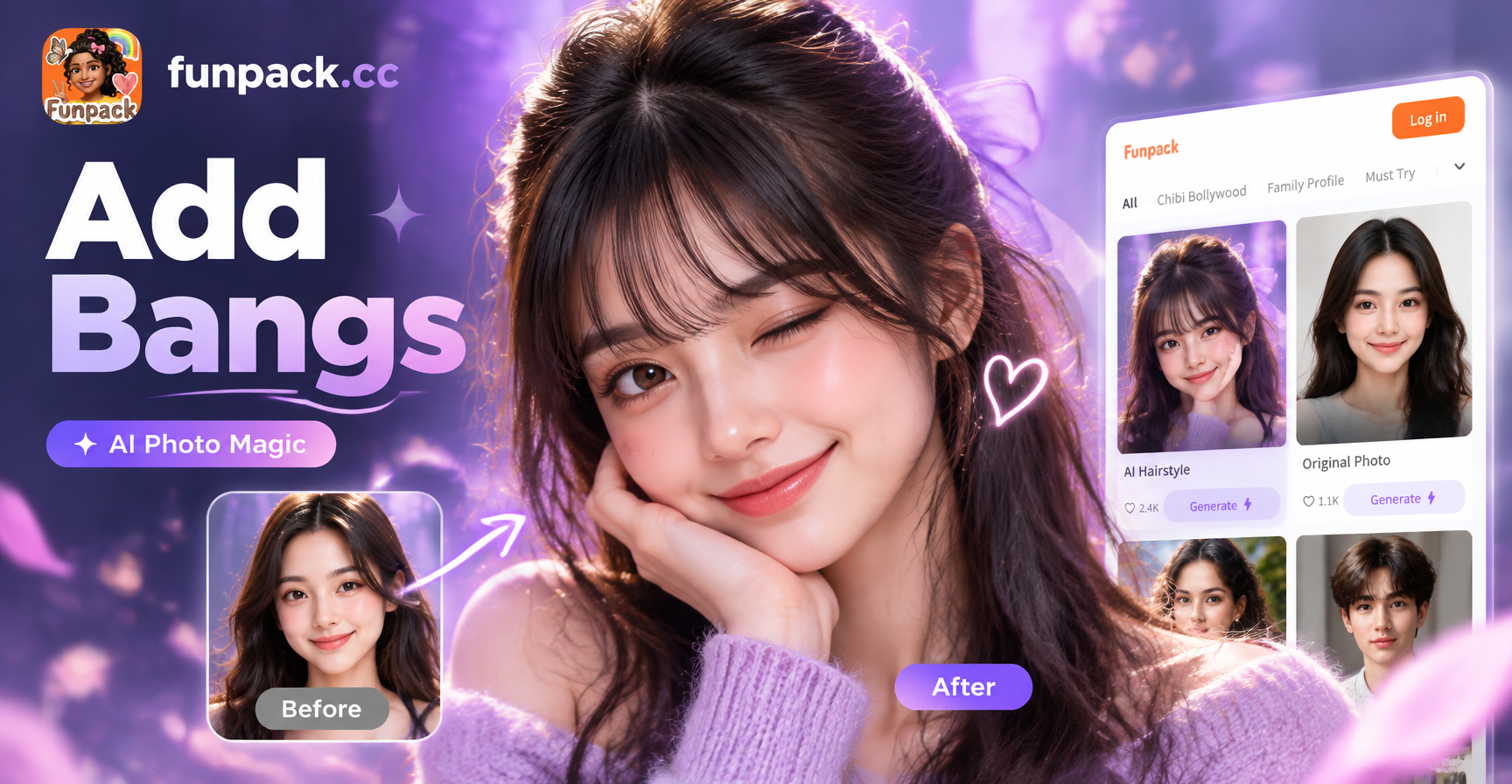
See Yourself with Bangs in Seconds
Upload a selfie and use AI to add bangs to your photo. Choose wispy, blunt, curtain, side swept and micro fringe styles. Realistic try on results in seconds. No salon needed.
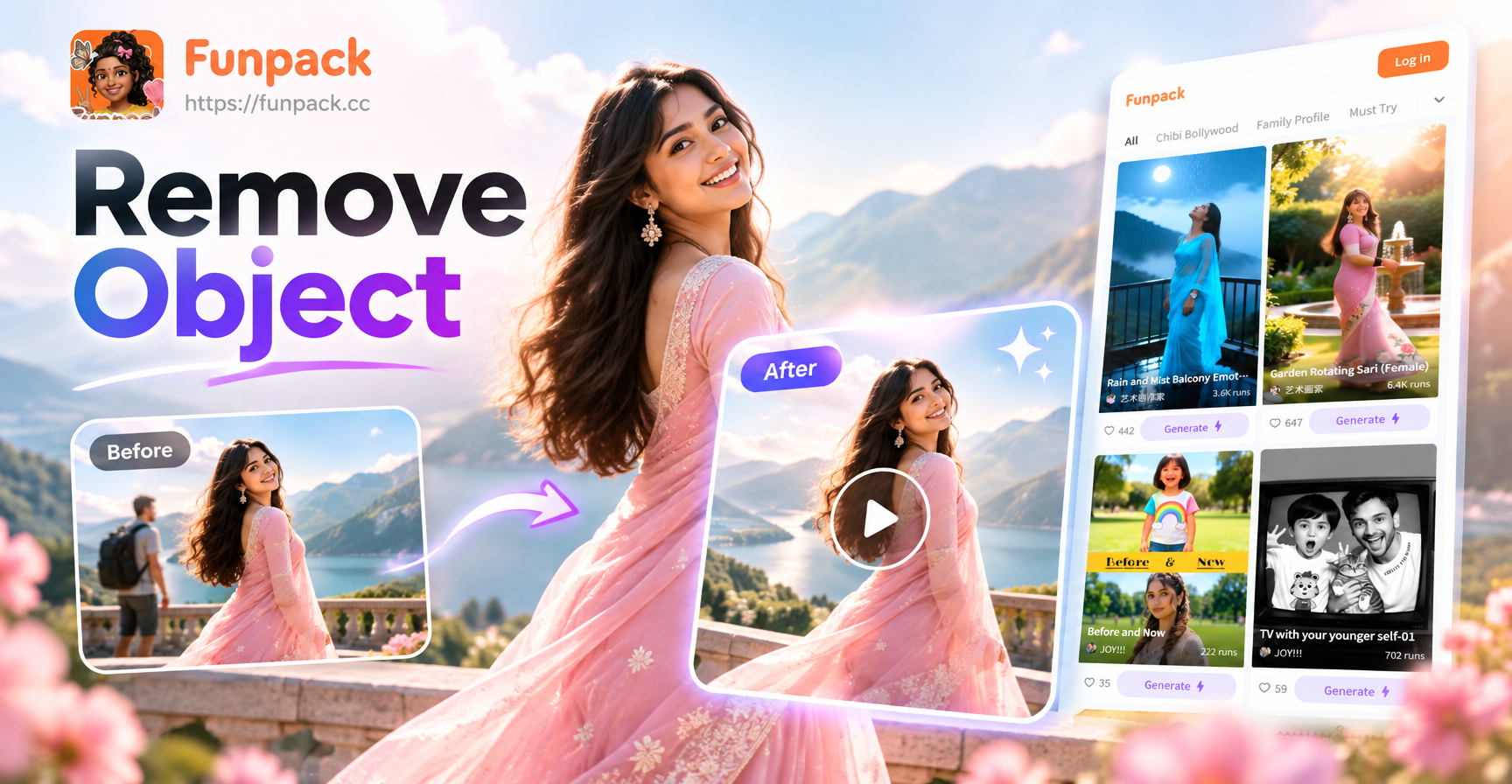
Remove Object Video: AI Eraser for Flawless Clips
Remove unwanted objects from video clips in seconds with AI. Highlight the distraction and let the app erase it cleanly. No editing skills needed. Seamless results.
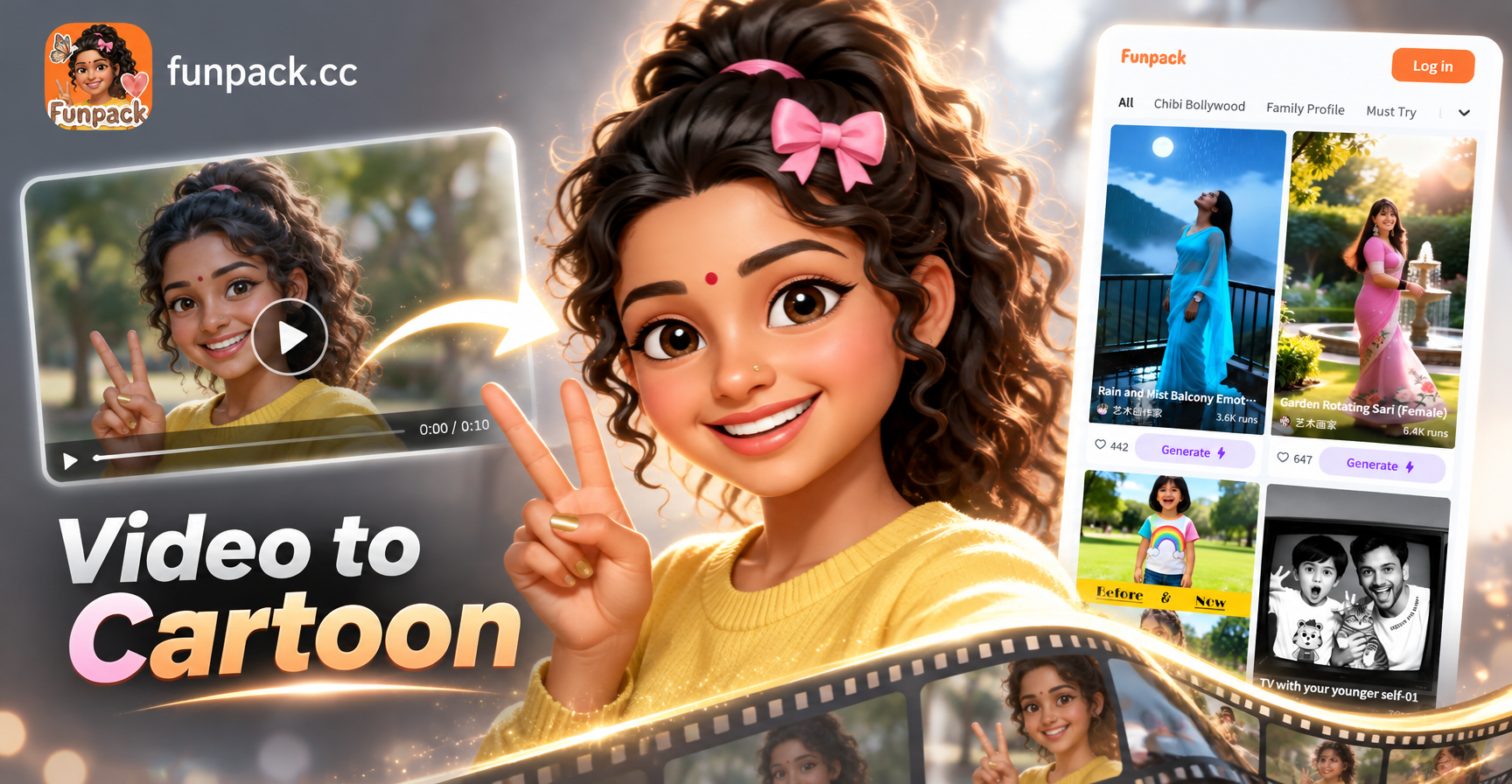
Convert Video Into Cartoon with AI: Easy Cartoon Video App
Turn any video into a cartoon instantly with AI. Pick from anime, comic, or 3D styles and download your cartoon video. No editing skills needed. Free app on Google Play.
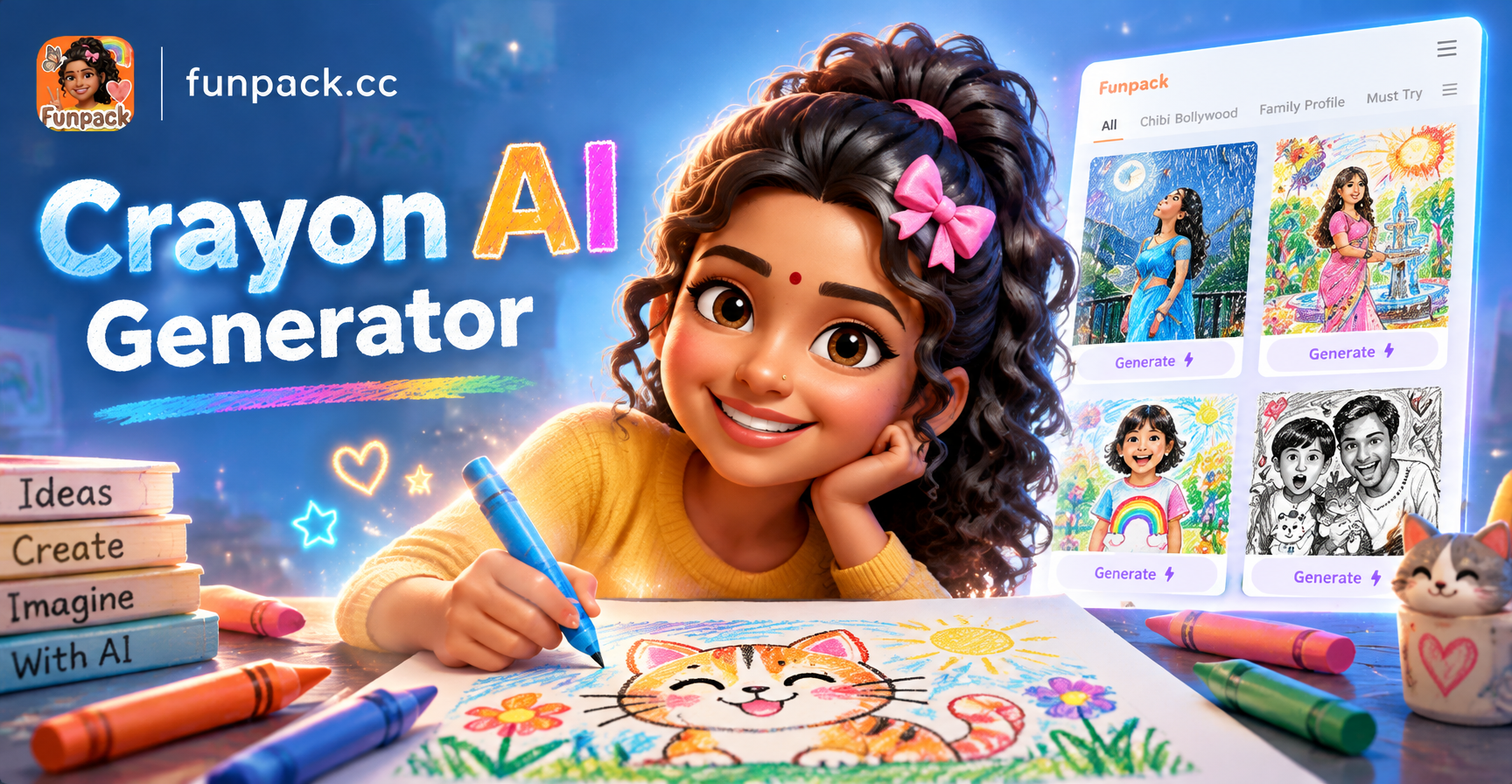
Crayon AI Generator: Turn Photos into Crayon Art
Transform photos into vibrant crayon drawings with the Crayon AI Generator. Upload a picture, pick a crayon style, and create stunning art in seconds. No drawing skills needed. Download the funpack app now.
Sculpt Your Perfect Body Photo Now
Download Funpack and start reshaping your photos with AI precision. Slim, tone, and adjust in seconds for natural results that wow.
Sculpt Your Perfect Body Photo Now
Download Funpack and start reshaping your photos with AI precision. Slim, tone, and adjust in seconds for natural results that wow.