Ghibli Image Generator
Popular Ghibli Style Themes to Explore
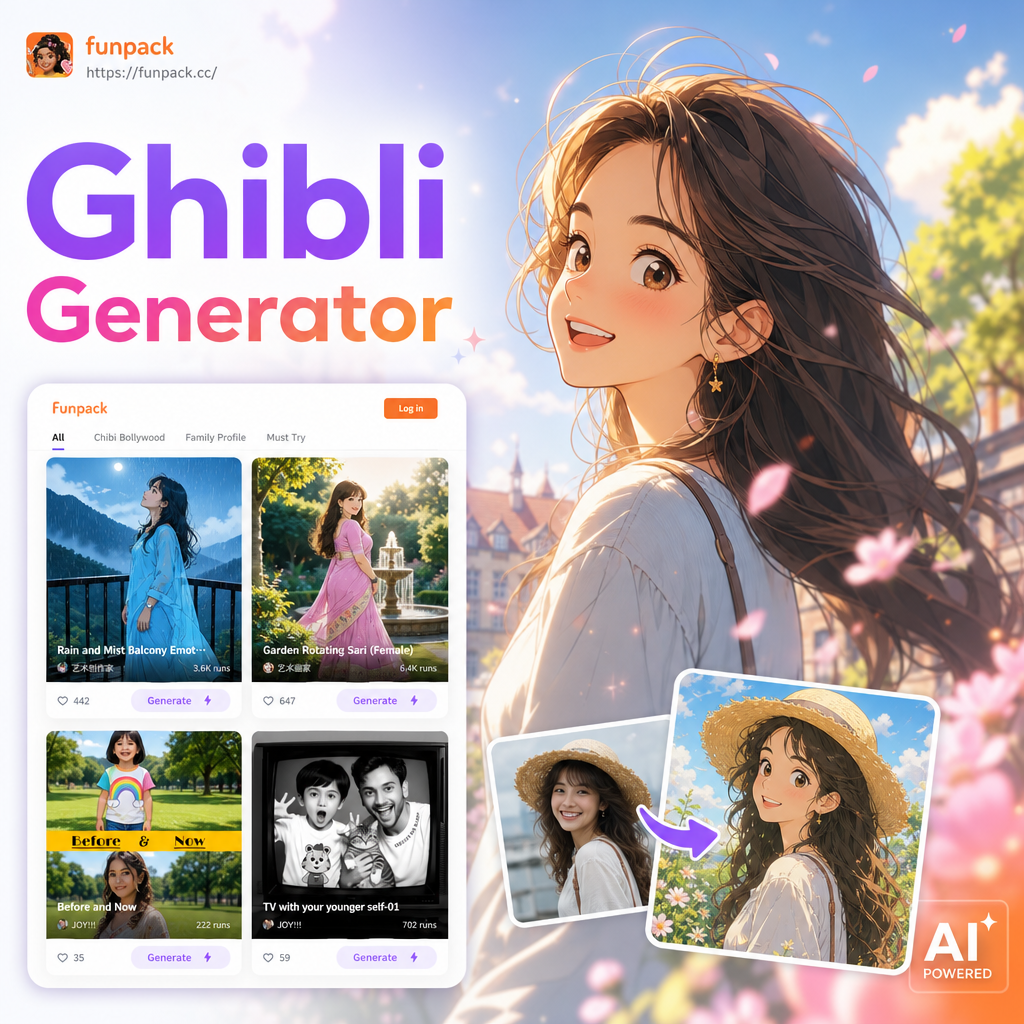
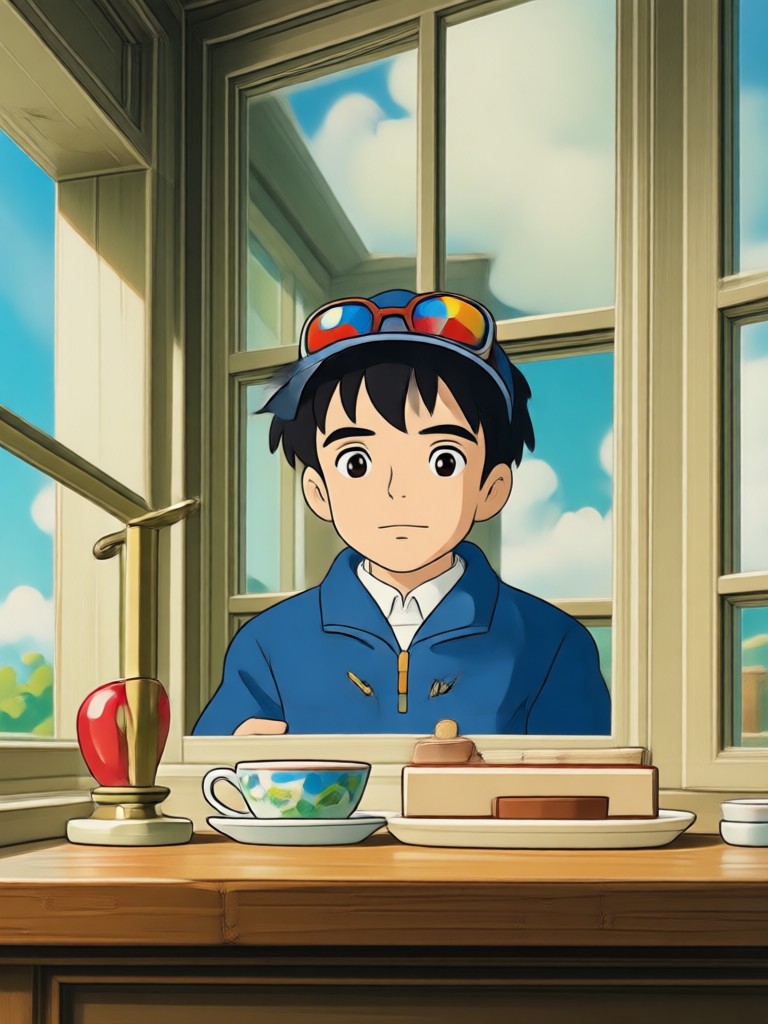
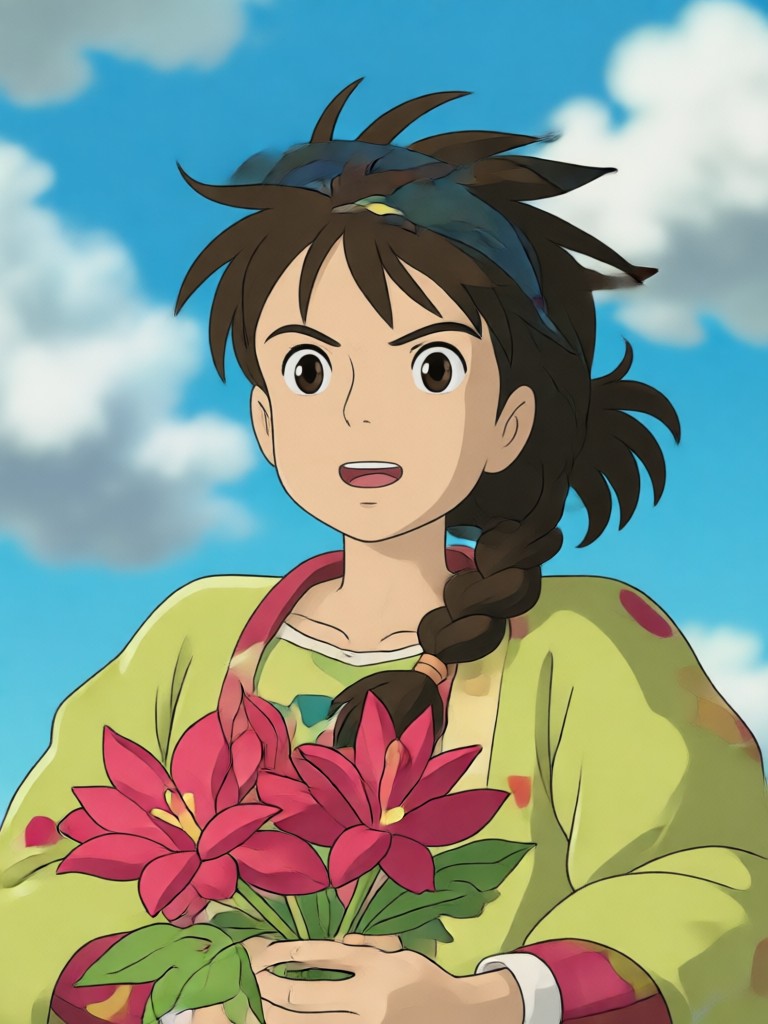
Browse our most popular Ghibli inspired themes. From peaceful countryside villages to magical floating skies, these samples show the range of anime art you can create with funpack.
Why Our Ghibli Image Generator Stands Out
funpack combines a massive filter library with ultra-simple mobile tools. Create authentic Ghibli inspired art without mastering complex prompts or editing software.
Soft Watercolor Aesthetic
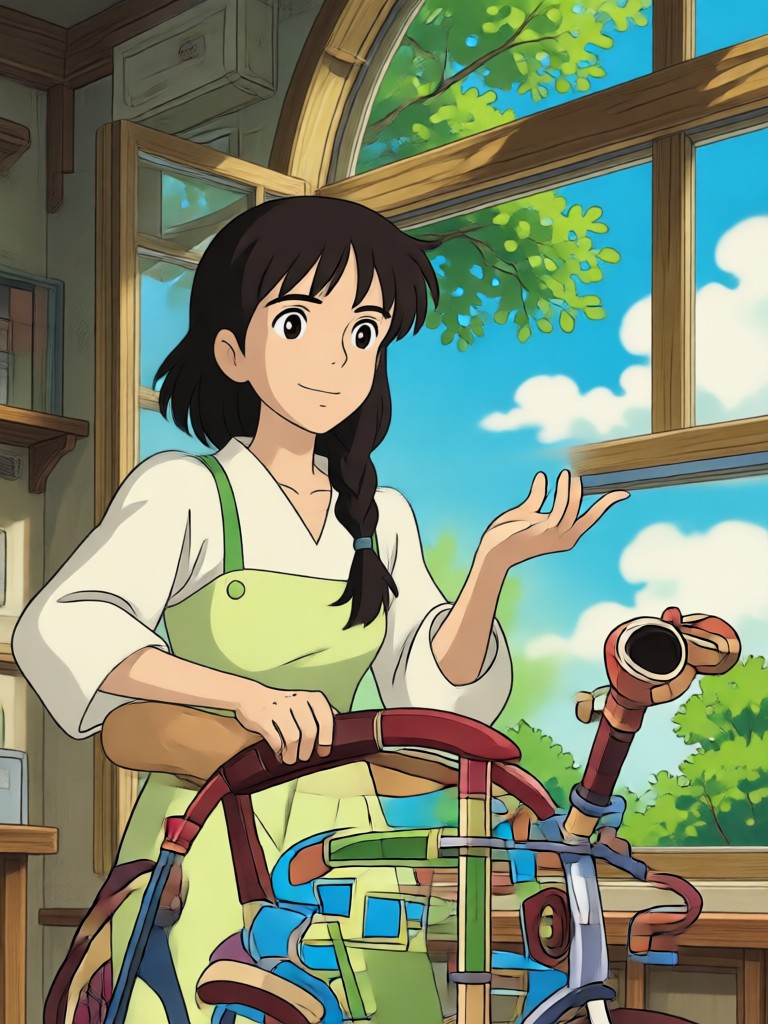
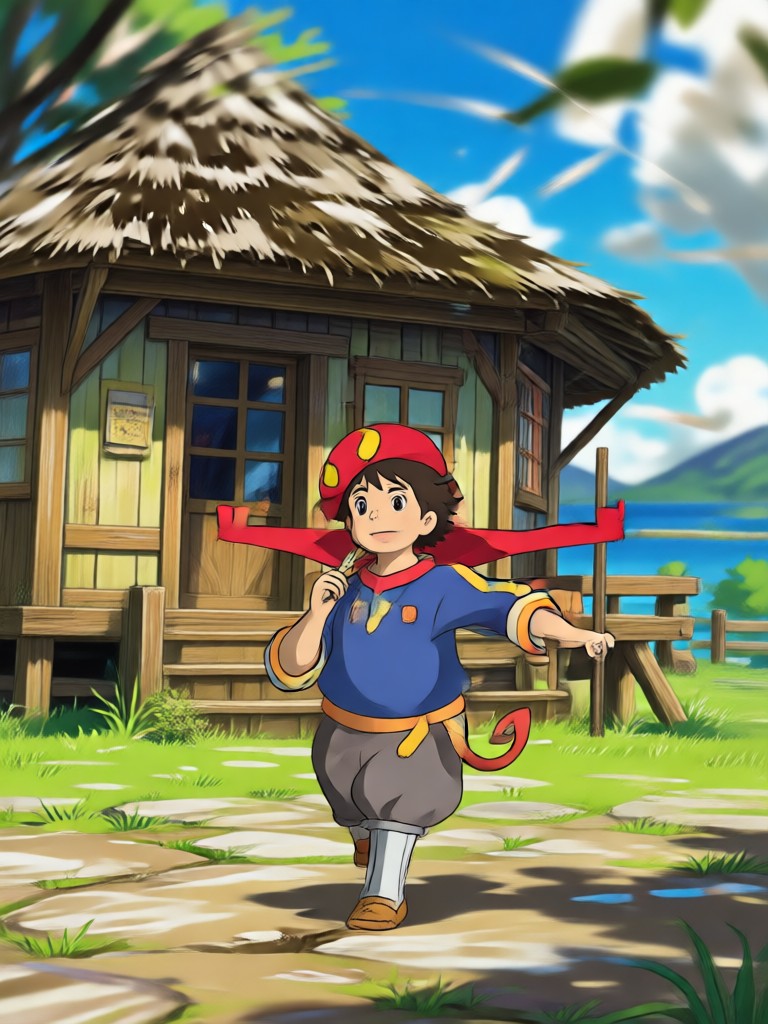
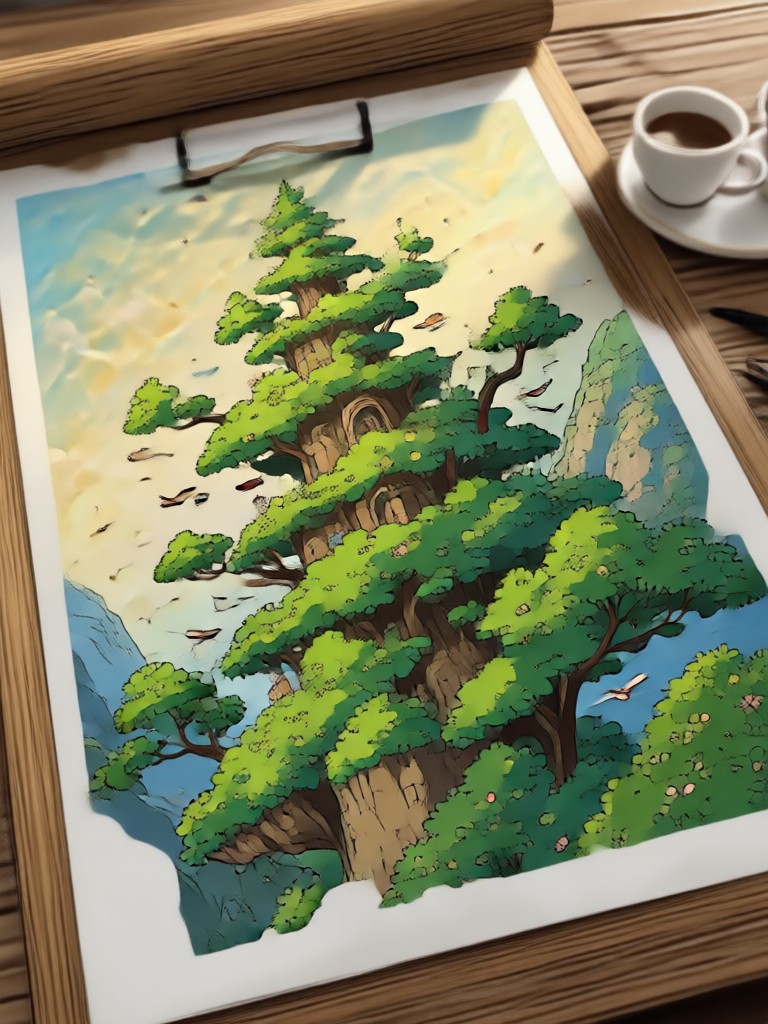
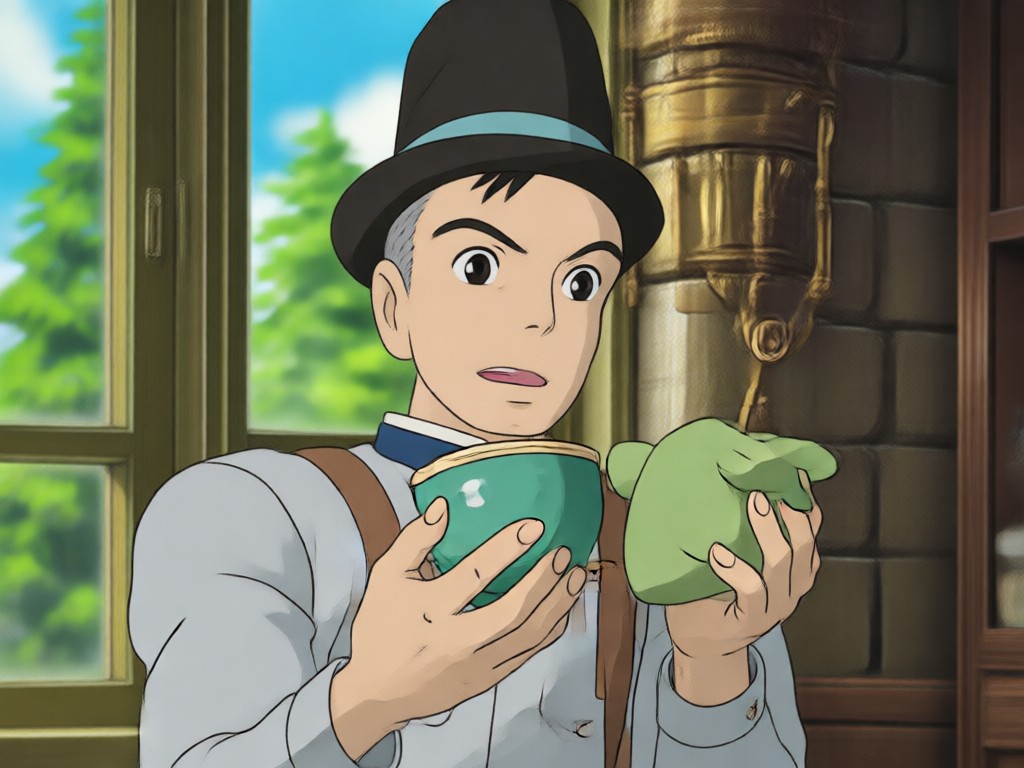
Recreate the gentle watercolor textures and hand-painted backgrounds that make Ghibli films unforgettable. Every generated image captures that soft, storybook warmth.
Soft Watercolor Aesthetic
Recreate the gentle watercolor textures and hand-painted backgrounds that make Ghibli films unforgettable. Every generated image captures that soft, storybook warmth.
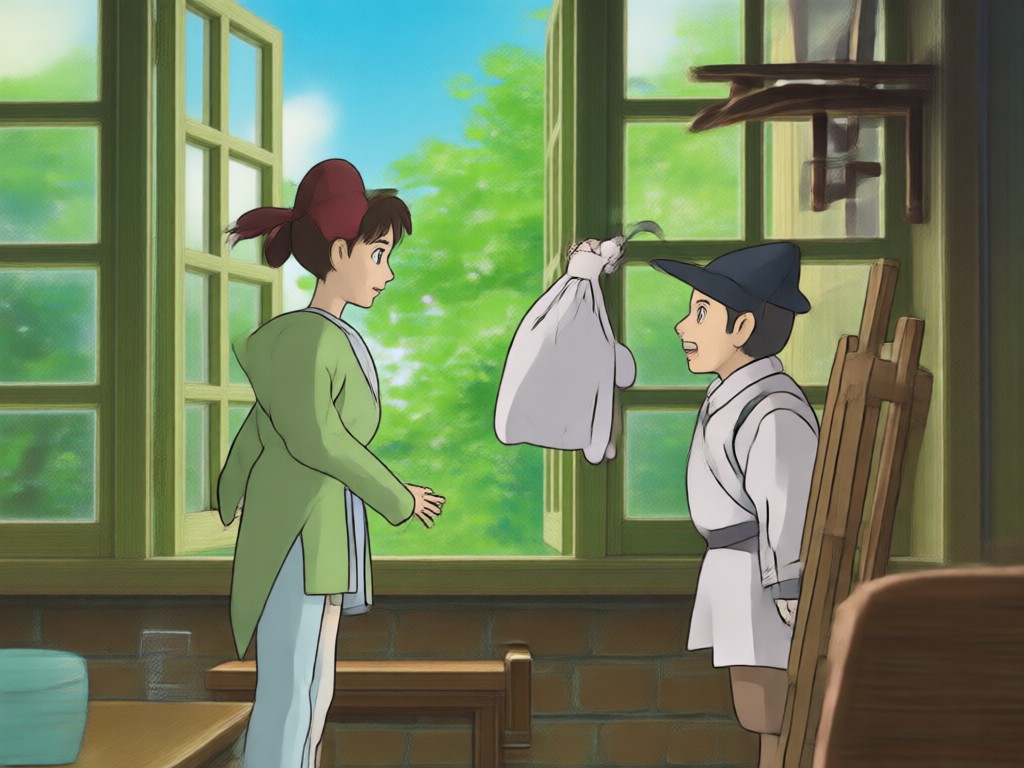
Photo to Anime Conversion
Upload a selfie or photo and watch it transform into a hand-drawn Ghibli character. The AI keeps your features while applying the iconic anime art style.
Photo to Anime Conversion
Upload a selfie or photo and watch it transform into a hand-drawn Ghibli character. The AI keeps your features while applying the iconic anime art style.
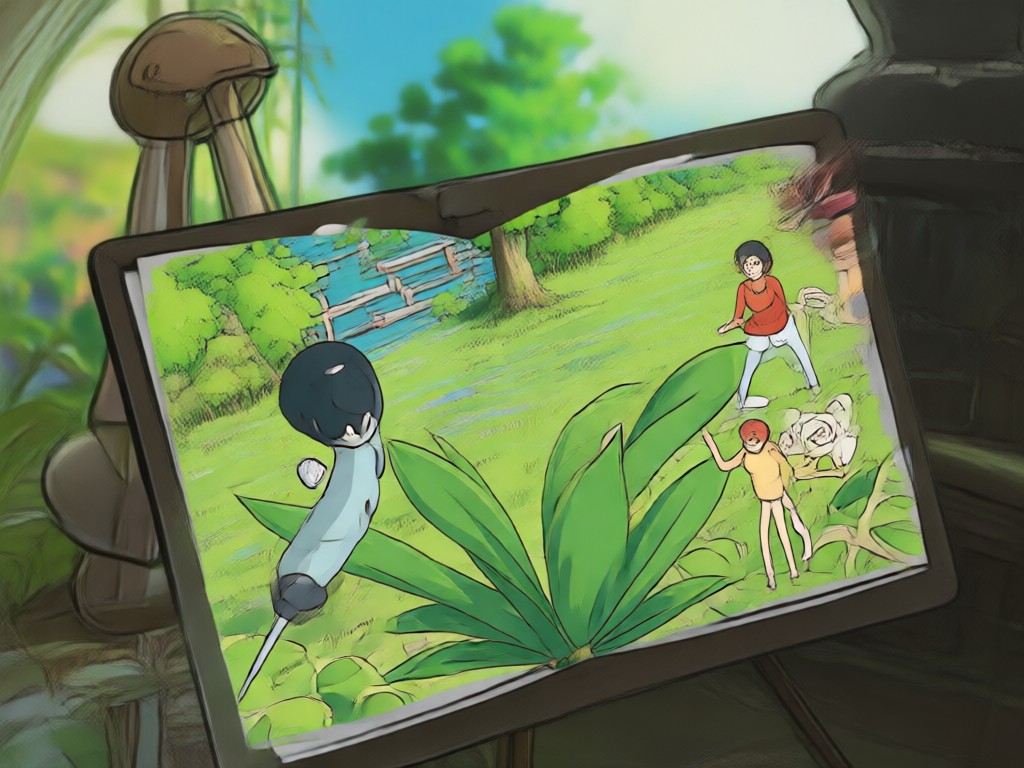
Cinematic Lighting Effects
Add warm sunlight, soft glows, and atmospheric depth to your scenes. Our filters mimic the cinematic color grading used in Ghibli films.
Cinematic Lighting Effects
Add warm sunlight, soft glows, and atmospheric depth to your scenes. Our filters mimic the cinematic color grading used in Ghibli films.
How to Use the Ghibli Image Generator
Create your first Ghibli style masterpiece in three simple steps. The whole process takes less than a minute on your phone.

Step 01.
Download the funpack app from Google Play. It is free to install and works entirely on your mobile device.

Step 02.
Upload a photo or type a text prompt. Then select one of the Ghibli style filters from the anime collection.

Step 03.
Generate your image in seconds. Save it to your gallery or share it directly to social media.
Ghibli Style Creations Made by Users
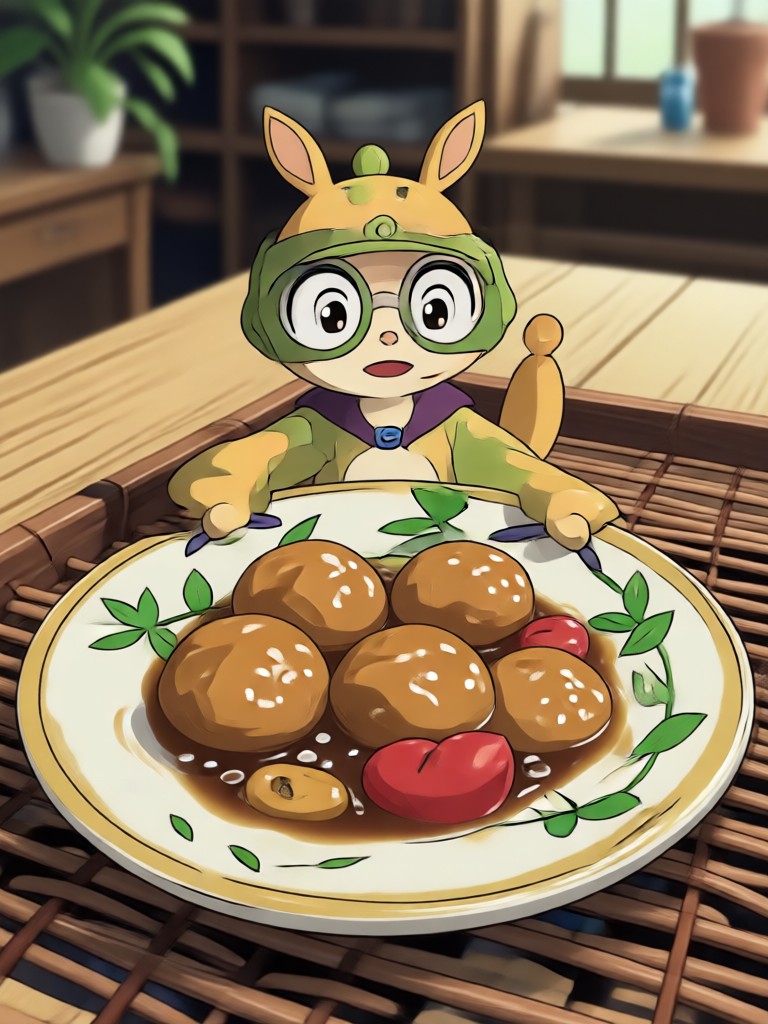
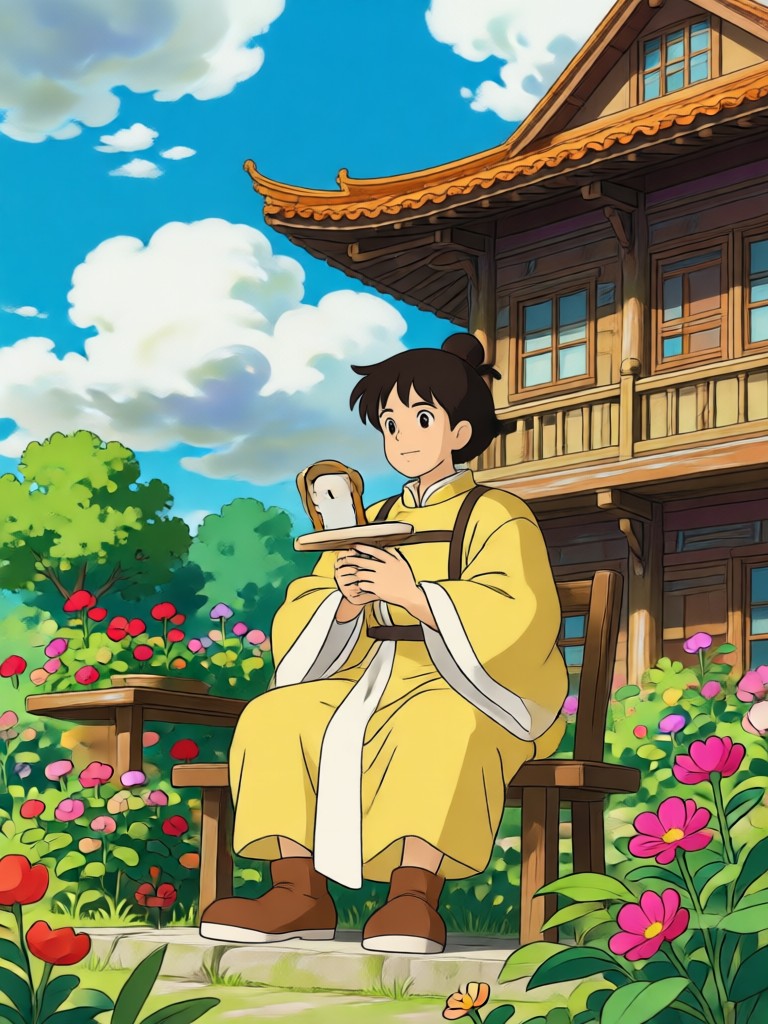
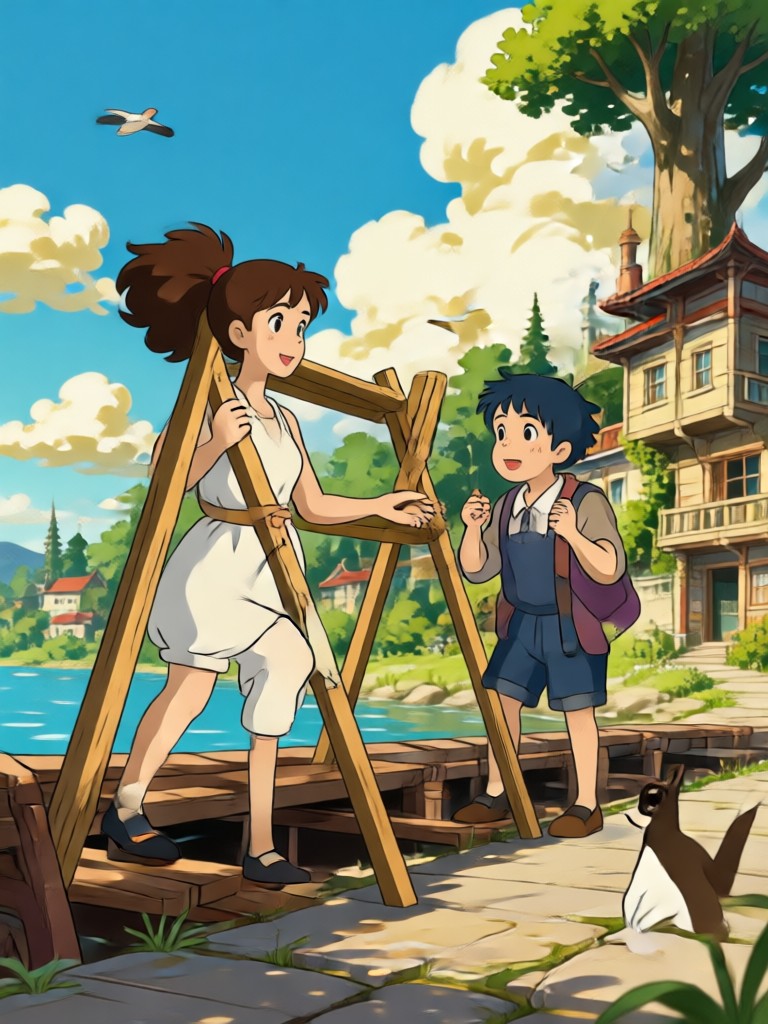
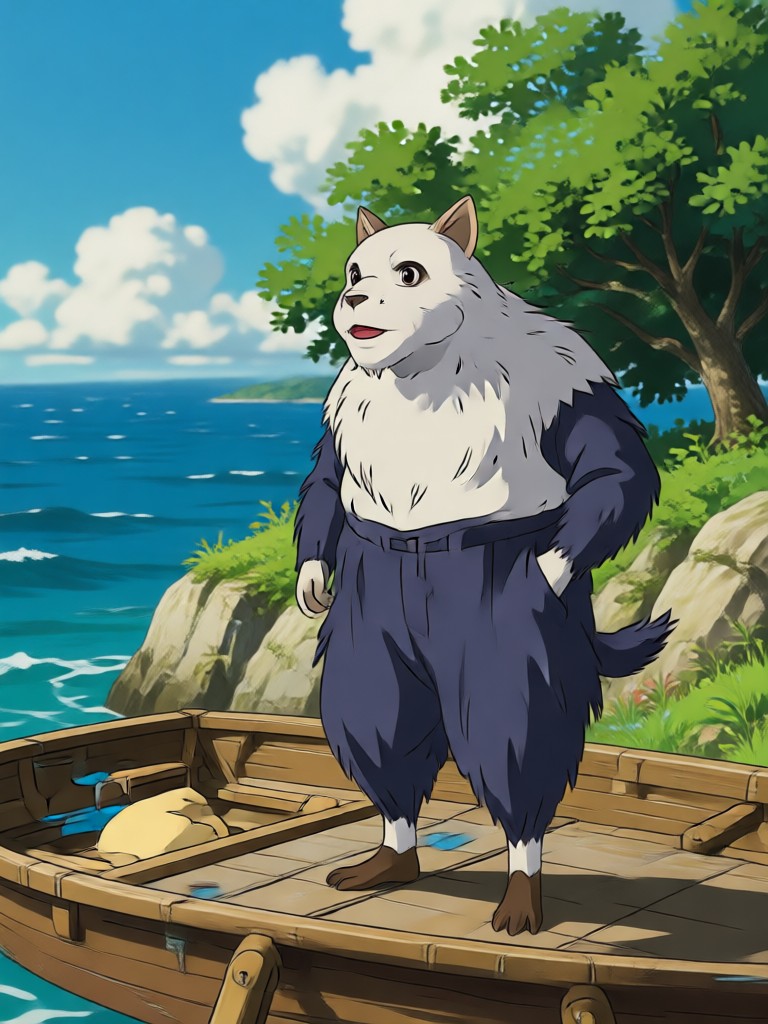
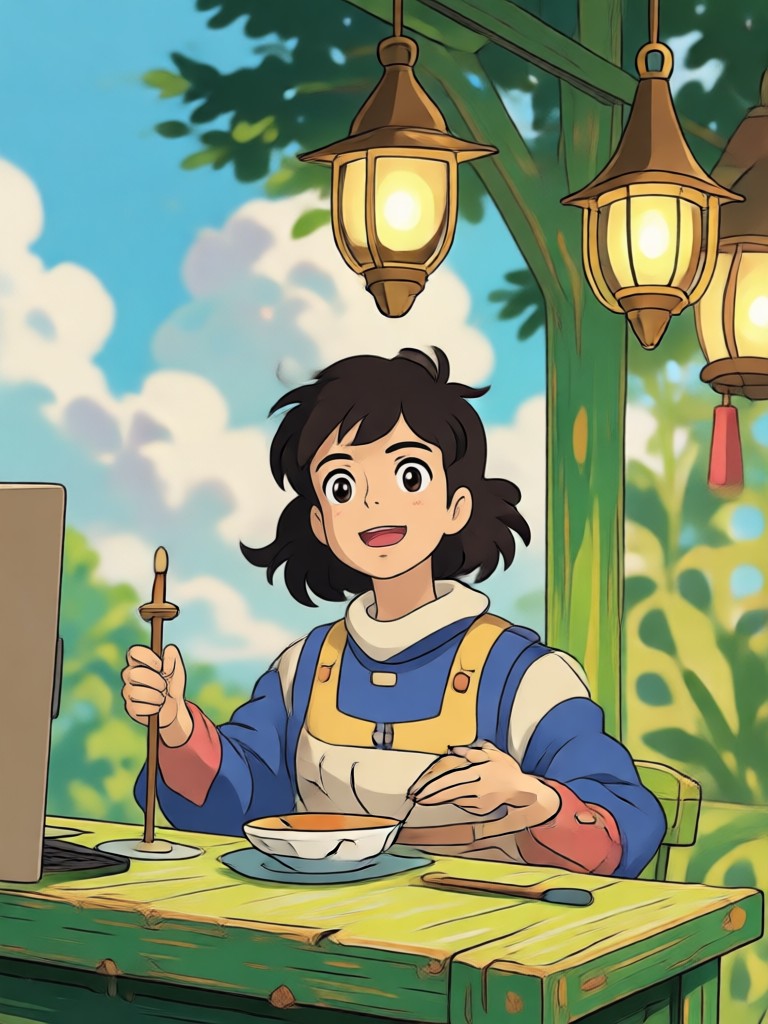
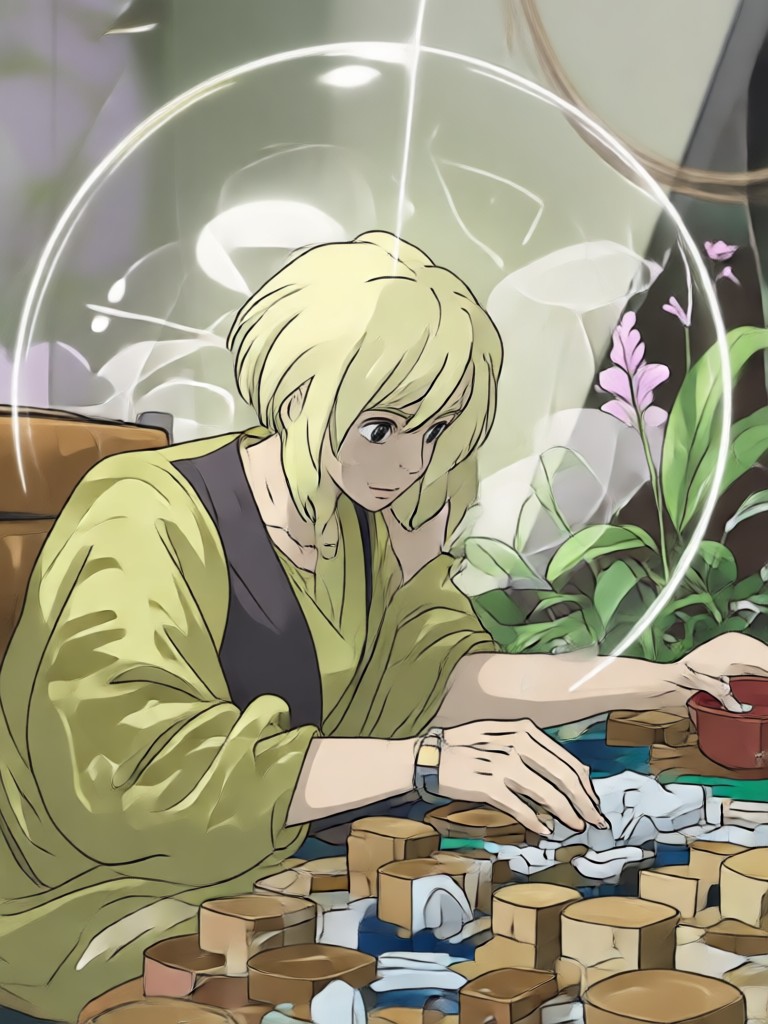
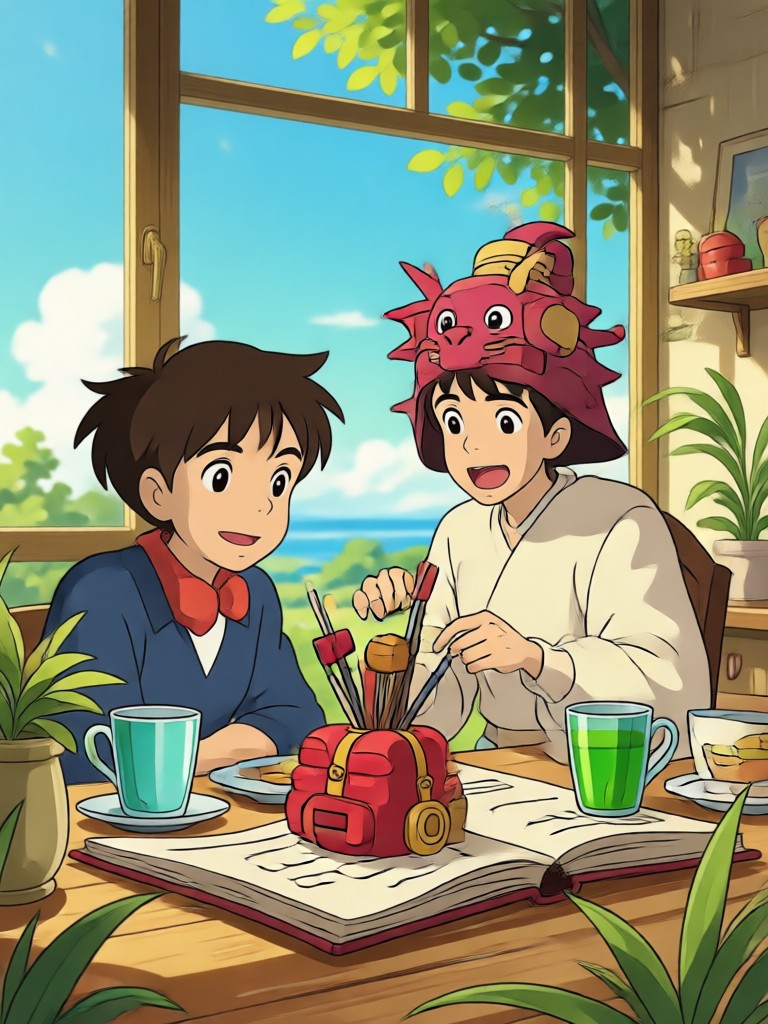
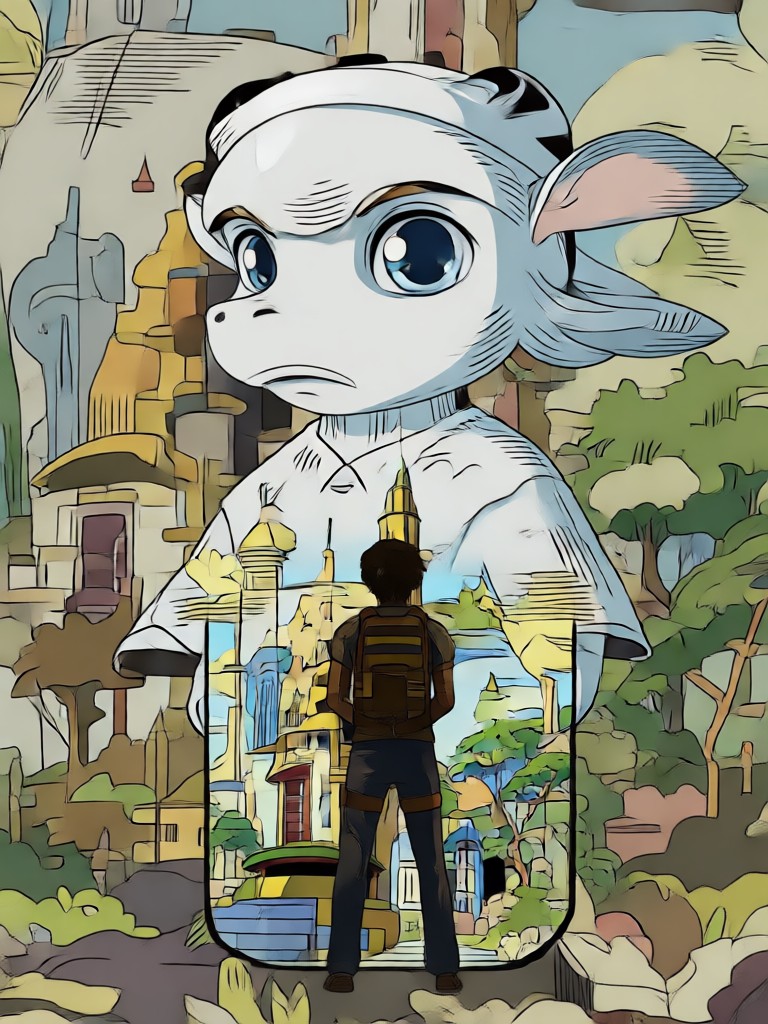
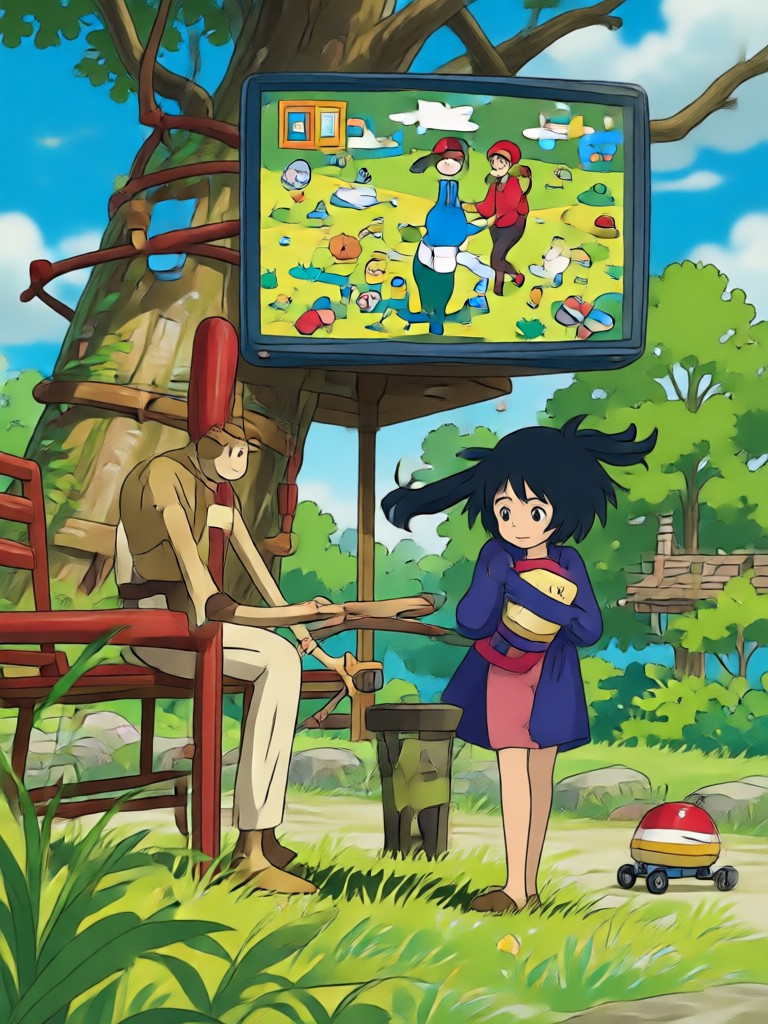
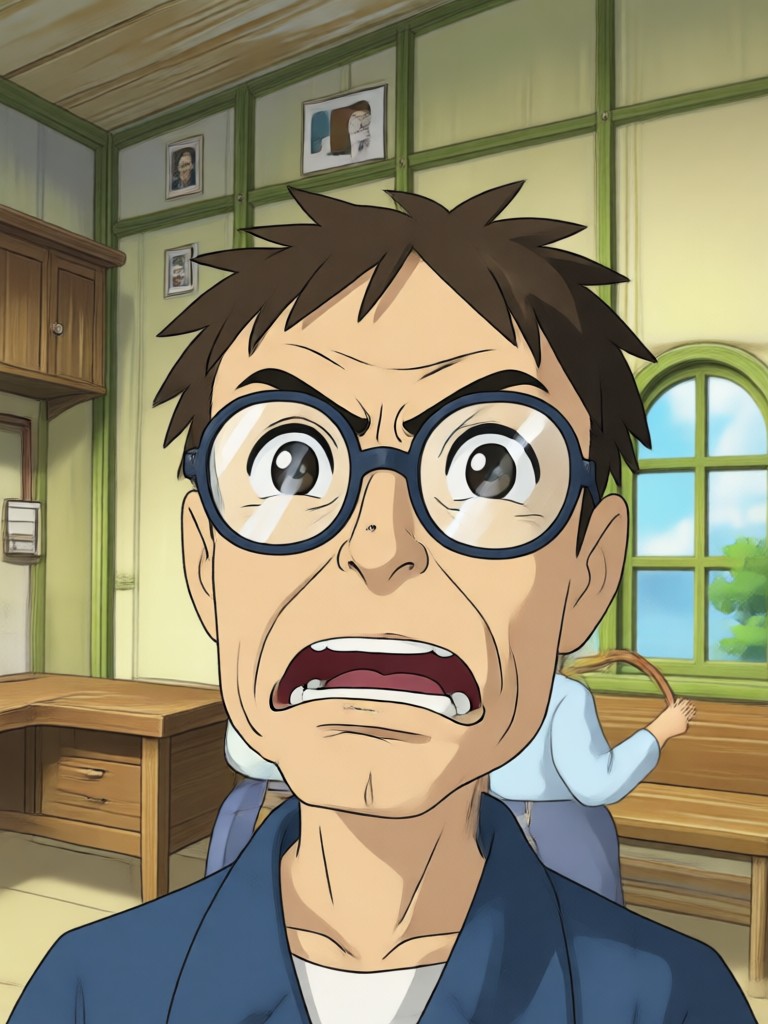
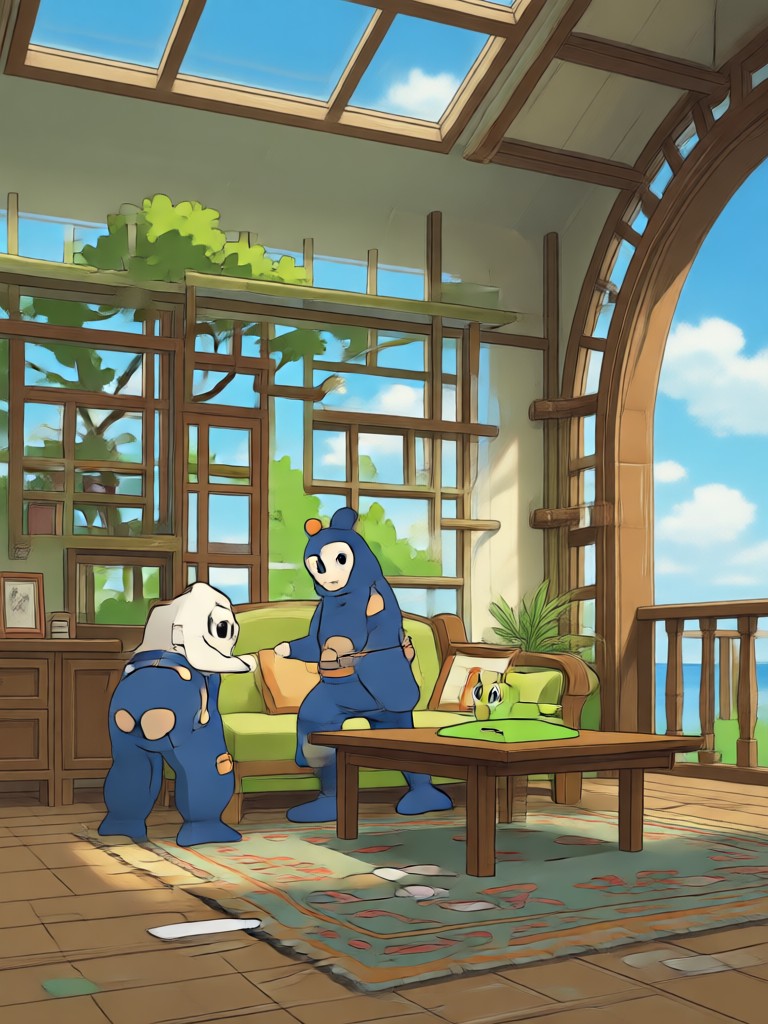
See the kind of anime art real users create with our Ghibli image generator. Each image started as a simple photo or prompt and was transformed on a mobile phone.
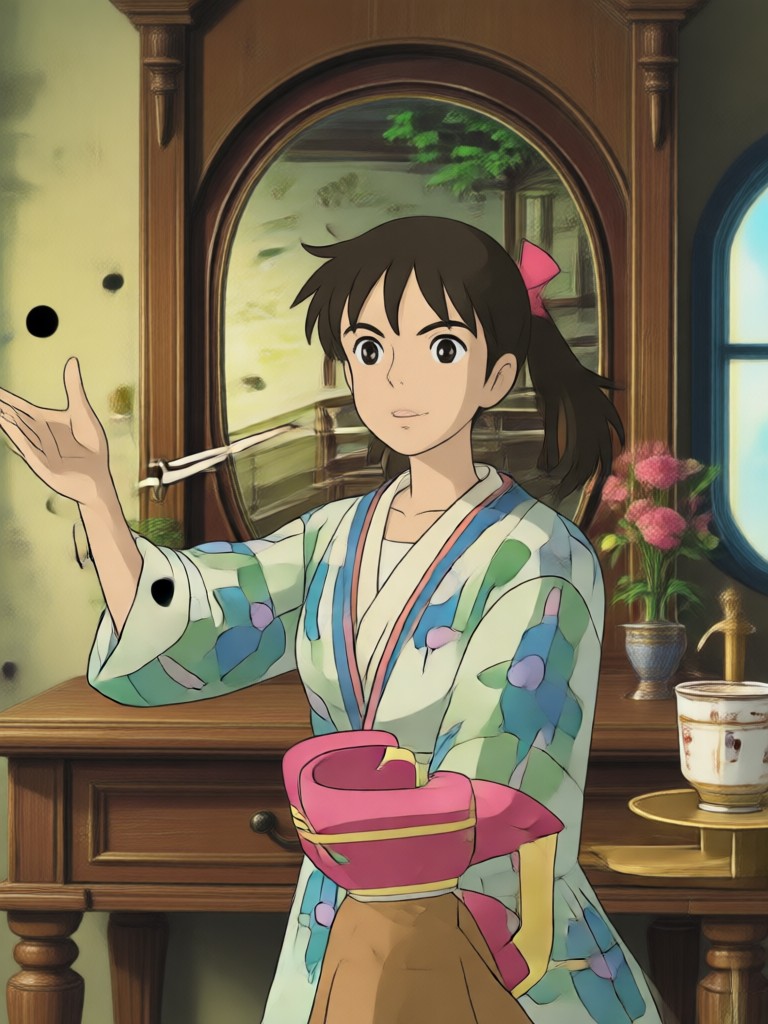
More Anime Filters You Might Love
If you enjoy the Ghibli style, explore these related anime filters that turn photos and prompts into hand-drawn art.
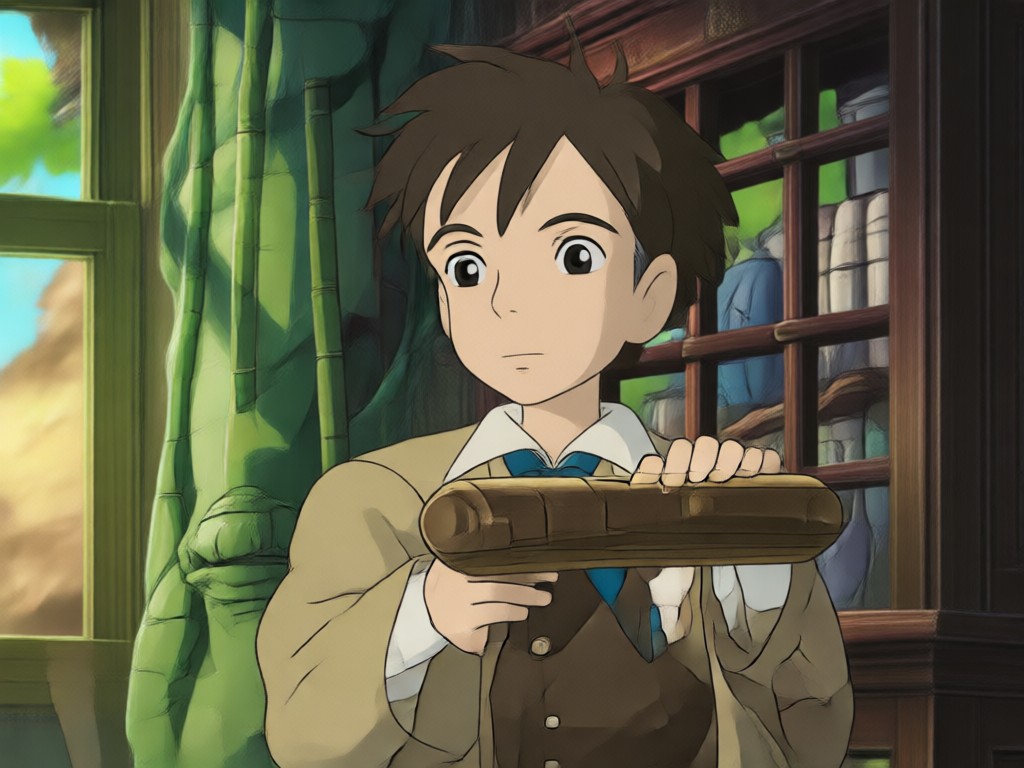
Designed for Fans of Hand-Drawn Anime
We built the Ghibli image generator for people who love storybook visuals, soft textures, and emotional scenes. You do not need to know any prompt engineering or anime drawing skills. Just upload a photo or type a simple idea, and the AI handles the rest with stunning accuracy.
Designed for Fans of Hand-Drawn Anime
We built the Ghibli image generator for people who love storybook visuals, soft textures, and emotional scenes. You do not need to know any prompt engineering or anime drawing skills. Just upload a photo or type a simple idea, and the AI handles the rest with stunning accuracy.
What Creators Say About Our Anime Filters
The closest I have found to real Ghibli texture
I have tried several anime generators and none capture the soft watercolor and warm glow as well as funpack. The photo to anime conversion is surprisingly accurate and keeps my face recognizable.
Perfect for my social media content
I use the Ghibli style filter for all my travel photos now. It turns regular landscapes into dreamy storybook scenes. My followers constantly ask which app I use.
Zero learning curve, beautiful results
I have no design background but I made a stunning Ghibli style portrait on my first try. The app is very easy to use and the generated images are high resolution.
Ghibli Image Generator FAQs
Find clear answers to the most common questions about creating Ghibli style art with funpack.
More Topics You May Like
Explore more topics you may like and discover fresh ideas tailored to your interests.
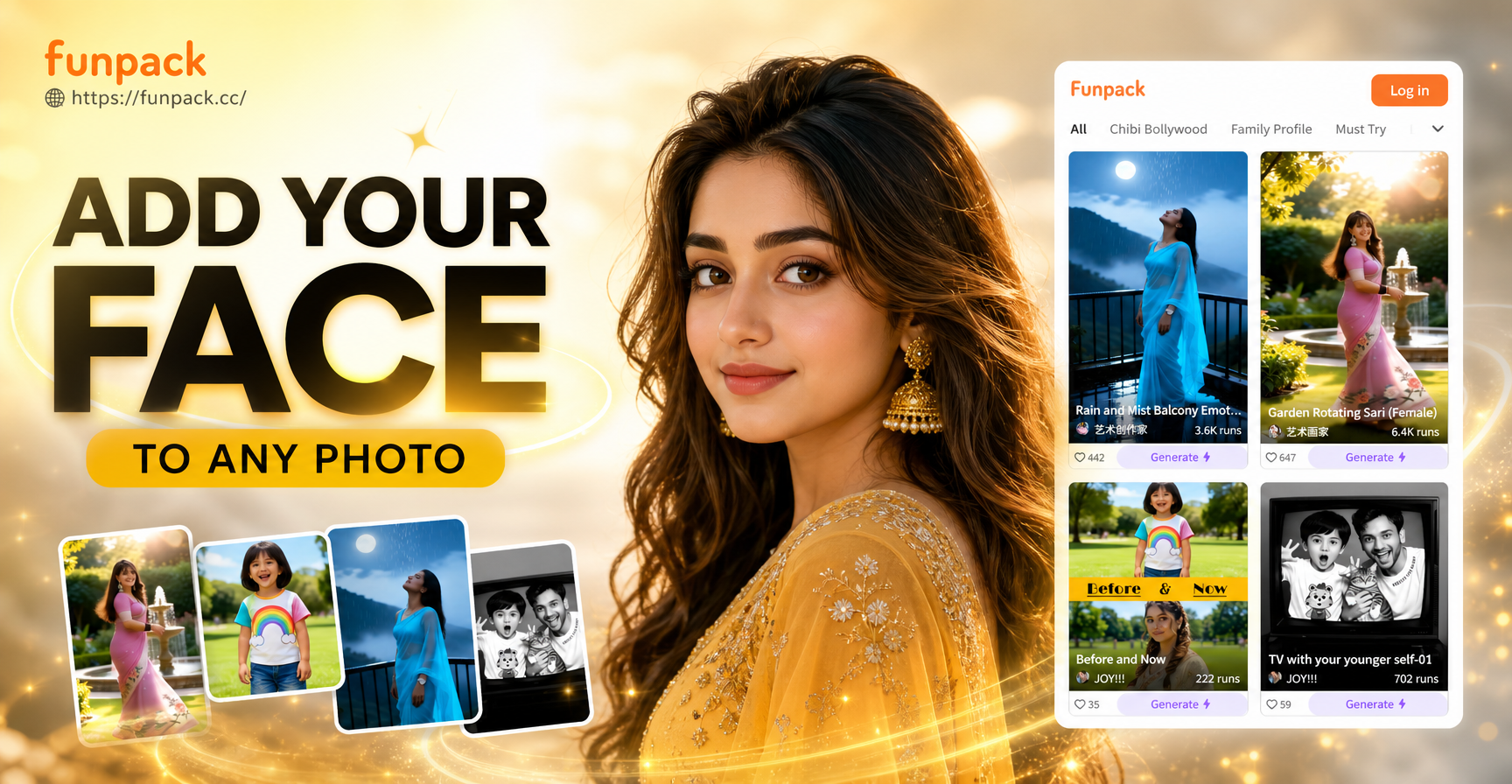
Add Your Face To Any Photo: AI Face Swap Made Simple
Add your face to any photo in seconds. Upload a selfie, pick a style, and create realistic face swaps for social media, avatars, and fun edits. No design skills needed.

Make Taylor Swift Style AI Voice Covers Fast
Turn text into Taylor Swift inspired AI vocals. Download the app, pick a voice filter, and generate singing or speaking clips in seconds. No editing skills needed.
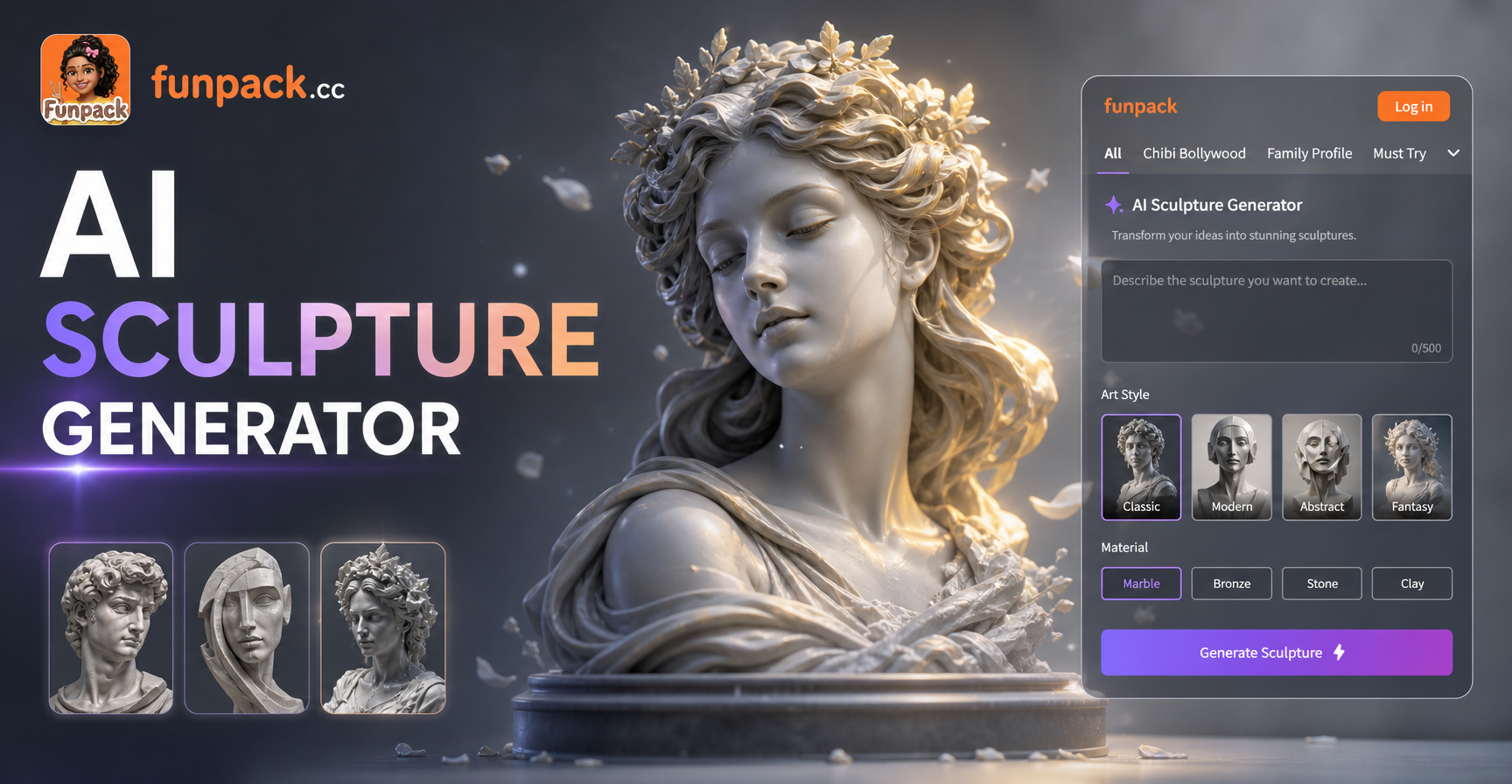
Turn Photos Into Stunning AI Sculptures in Seconds
Use the AI Sculpture Generator to transform any photo into marble, bronze, clay, or stone art. Download the app, pick a sculpture style, and get realistic 3D results instantly.
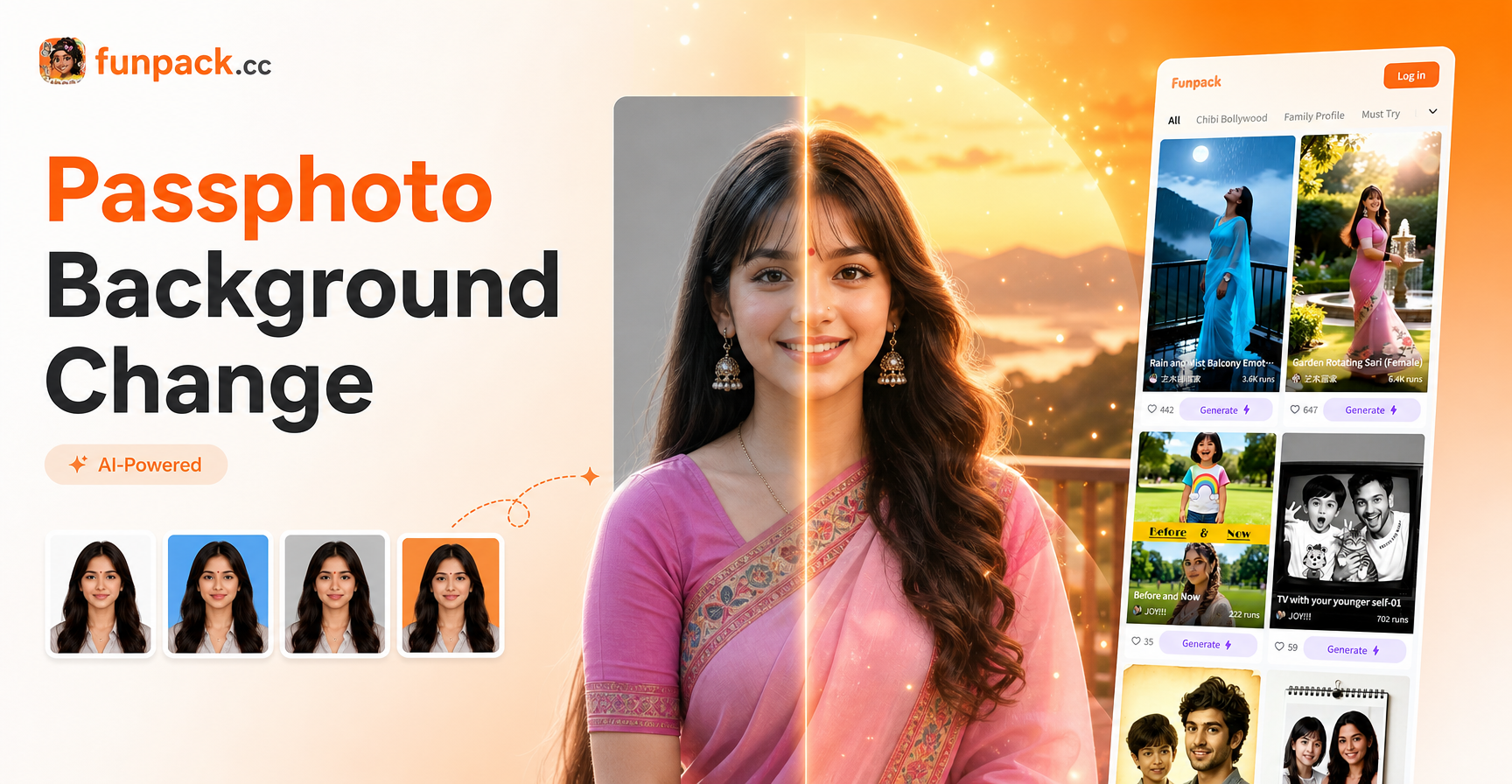
Passphoto Background Change: AI Tool for Perfect ID Photo
Change passphoto background instantly with AI. Upload a photo, pick a solid color or style, and get a clean ID photo in seconds. No editing skills needed.
Ready to Create Your Own Ghibli Style Art?
Download funpack now and turn your photos into hand-drawn anime scenes. One tap and you are inside a storybook world.

Ready to Create Your Own Ghibli Style Art?
Download funpack now and turn your photos into hand-drawn anime scenes. One tap and you are inside a storybook world.