Xvid Video Converter For Android
Related AI Video and Image Tools
Discover more AI-powered tools inside the funpack app that work perfectly alongside your video converter.
Why This Xvid Converter Stands Out
Most Android converters are slow, limited, and loaded with ads. funpack replaces all of that with a clean, AI-driven conversion engine that works offline after the initial download.
Batch Convert Multiple Videos at Once
Queue up dozens of Xvid, MP4, AVI, and MKV files and convert them all in one tap. The app processes files in the background while you use other apps.
Batch Convert Multiple Videos at Once
Queue up dozens of Xvid, MP4, AVI, and MKV files and convert them all in one tap. The app processes files in the background while you use other apps.
Smart Resolution and Quality Presets
Choose from 4K, 1080p, 720p, or custom bitrates. The AI optimizer automatically adjusts compression settings to keep your videos looking crisp while reducing file size.
Smart Resolution and Quality Presets
Choose from 4K, 1080p, 720p, or custom bitrates. The AI optimizer automatically adjusts compression settings to keep your videos looking crisp while reducing file size.
Extract Audio Without Losing Quality
Need an MP3 or AAC file from an Xvid video? The app extracts audio tracks in original quality and saves them to your music folder automatically.
Extract Audio Without Losing Quality
Need an MP3 or AAC file from an Xvid video? The app extracts audio tracks in original quality and saves them to your music folder automatically.
Conversion Templates You Can Reuse
Save your favorite conversion settings as preset templates. Next time, just select a template and the app applies the same format, resolution, bitrate, and audio settings instantly. Perfect for social media creators, online course sellers, and anyone who needs consistent output every time.
How to Convert Xvid Videos on Android
Three simple steps to convert any Xvid video to MP4, AVI, or any other format using the funpack app on your Android device.

Step 01.
Download the funpack app from Google Play and open it. No account is required to start converting.

Step 02.
Tap Convert Video and pick the Xvid file from your gallery. Choose the output format, resolution, and audio settings.

Step 03.
Tap Convert and wait a few seconds. Save the new video to your gallery or share it directly to social media.
No Watermarks, No Ads, No Limits
Unlike free converter websites that slap watermarks on your videos and bombard you with popups, funpack provides a clean, ad-free experience built for serious creators.
A Converter That Respects Your Work
Your videos are processed locally on your device whenever possible, which means faster conversion speeds and complete privacy. We never upload your files to a server for the base conversion process. The app supports Xvid, DivX, MP4, AVI, MKV, MOV, WMV, FLV, WEBM, and many more formats. You can also trim, merge, and compress videos in the same dashboard. For creators who need both conversion and AI-powered editing, funpack replaces three separate apps with one streamlined tool. No desktop computer needed, no file size caps, and no hidden subscription fees for basic conversion tasks.
A Converter That Respects Your Work
Your videos are processed locally on your device whenever possible, which means faster conversion speeds and complete privacy. We never upload your files to a server for the base conversion process. The app supports Xvid, DivX, MP4, AVI, MKV, MOV, WMV, FLV, WEBM, and many more formats. You can also trim, merge, and compress videos in the same dashboard. For creators who need both conversion and AI-powered editing, funpack replaces three separate apps with one streamlined tool. No desktop computer needed, no file size caps, and no hidden subscription fees for basic conversion tasks.
Xvid Video Converter For Android
Download the free app from Google Play and start converting Xvid, MP4, AVI, and MKV videos on your Android phone in seconds.

Xvid Video Converter For Android FAQs
Quick answers to the most common questions about converting Xvid videos and other formats on Android with funpack.
Creators Who Use Our Android Video Converter

Marcus Ren
I downloaded the app to convert old Xvid files from my digital camera. It handled 26 files in under ten minutes and kept the original quality. Way faster than my desktop software.

Priya Nair
The batch conversion feature saved my weekend project. I converted an entire folder of AVI videos to MP4 right on my phone and uploaded them to YouTube without using any desktop tool.

Dwayne Cole
Finally found an Android converter that does not push a watermark on every single video. Clean, fast, and the audio extraction works perfectly for my podcast clips.

Sofia Marchetti
I manage a small online store and needed to convert product videos to a smaller size for WhatsApp. This app compressed a 2GB video to under 200MB and the quality still looks great on mobile.
Marcus Ren
I downloaded the app to convert old Xvid files from my digital camera. It handled 26 files in under ten minutes and kept the original quality. Way faster than my desktop software.
Priya Nair
The batch conversion feature saved my weekend project. I converted an entire folder of AVI videos to MP4 right on my phone and uploaded them to YouTube without using any desktop tool.
Dwayne Cole
Finally found an Android converter that does not push a watermark on every single video. Clean, fast, and the audio extraction works perfectly for my podcast clips.
Sofia Marchetti
I manage a small online store and needed to convert product videos to a smaller size for WhatsApp. This app compressed a 2GB video to under 200MB and the quality still looks great on mobile.
Marcus Ren
I downloaded the app to convert old Xvid files from my digital camera. It handled 26 files in under ten minutes and kept the original quality. Way faster than my desktop software.
Priya Nair
The batch conversion feature saved my weekend project. I converted an entire folder of AVI videos to MP4 right on my phone and uploaded them to YouTube without using any desktop tool.
Dwayne Cole
Finally found an Android converter that does not push a watermark on every single video. Clean, fast, and the audio extraction works perfectly for my podcast clips.
Sofia Marchetti
I manage a small online store and needed to convert product videos to a smaller size for WhatsApp. This app compressed a 2GB video to under 200MB and the quality still looks great on mobile.
More AI Tools You May Like
Explore more topics related to video conversion, AI enhancement, and mobile creative tools.
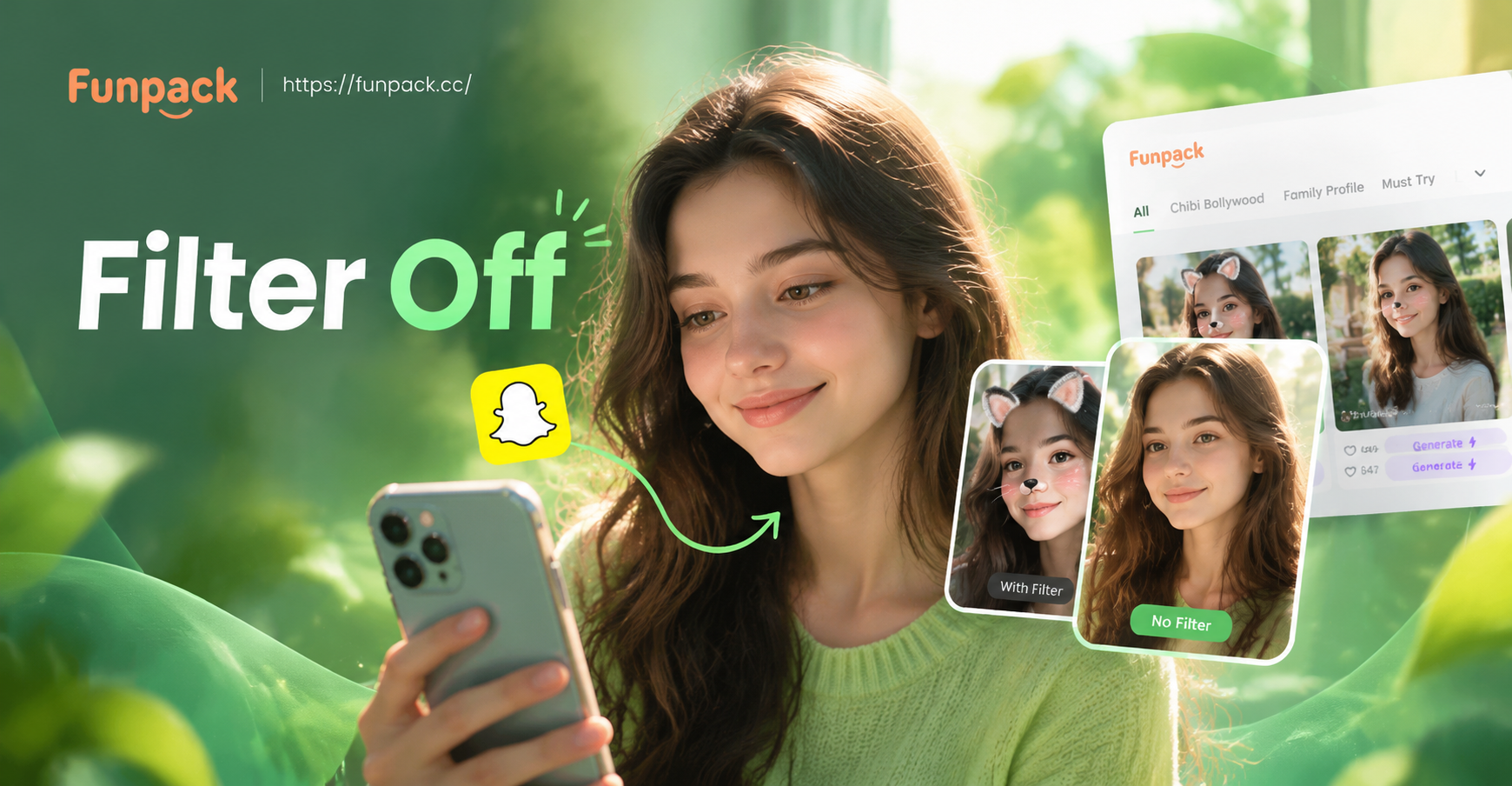
Remove Filters from Snapchat Videos: AI Fix Guide
Can you remove a filter from a saved Snapchat video? Learn why it's locked and how AI tools like funpack can restyle or regenerate your clip.
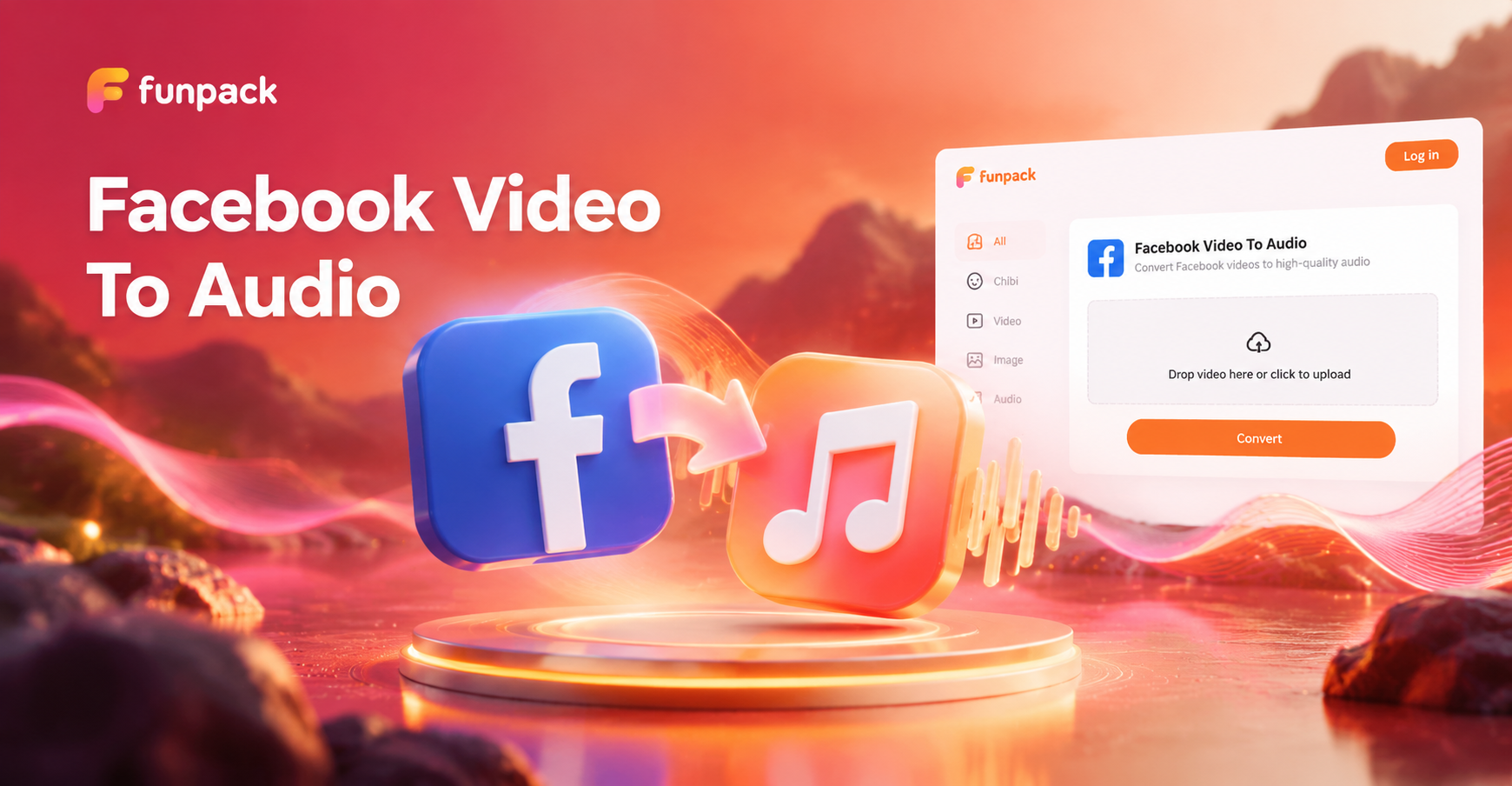
Extract Audio from Facebook Videos Instantly
Turn any Facebook video into high-quality MP3 audio. Upload, extract, and download clean sound in seconds. Perfect for podcasts, music, and voice notes.

Convert Image To 4K - AI Powered Creative Tool | funpack
Create stunning Convert Image To 4K with funpack AI. Generate images, videos, and art instantly with one tap. Download the app and start creating today.

Upgrade Blurry Photos to 4K with AI Quality Converter
Transform low resolution or fuzzy pictures into crisp 4K quality with one tap. Funpack uses AI to enhance details, reduce noise, and sharpen every element for stunning HD results.
Convert Xvid Videos On Your Android Right Now
Download funpack from Google Play and get a fast, watermark-free Xvid video converter plus dozens of AI creative tools in one app.

Convert Xvid Videos On Your Android Right Now
Download funpack from Google Play and get a fast, watermark-free Xvid video converter plus dozens of AI creative tools in one app.