Introduction to Chhath Puja AI Photo Editing Prompts
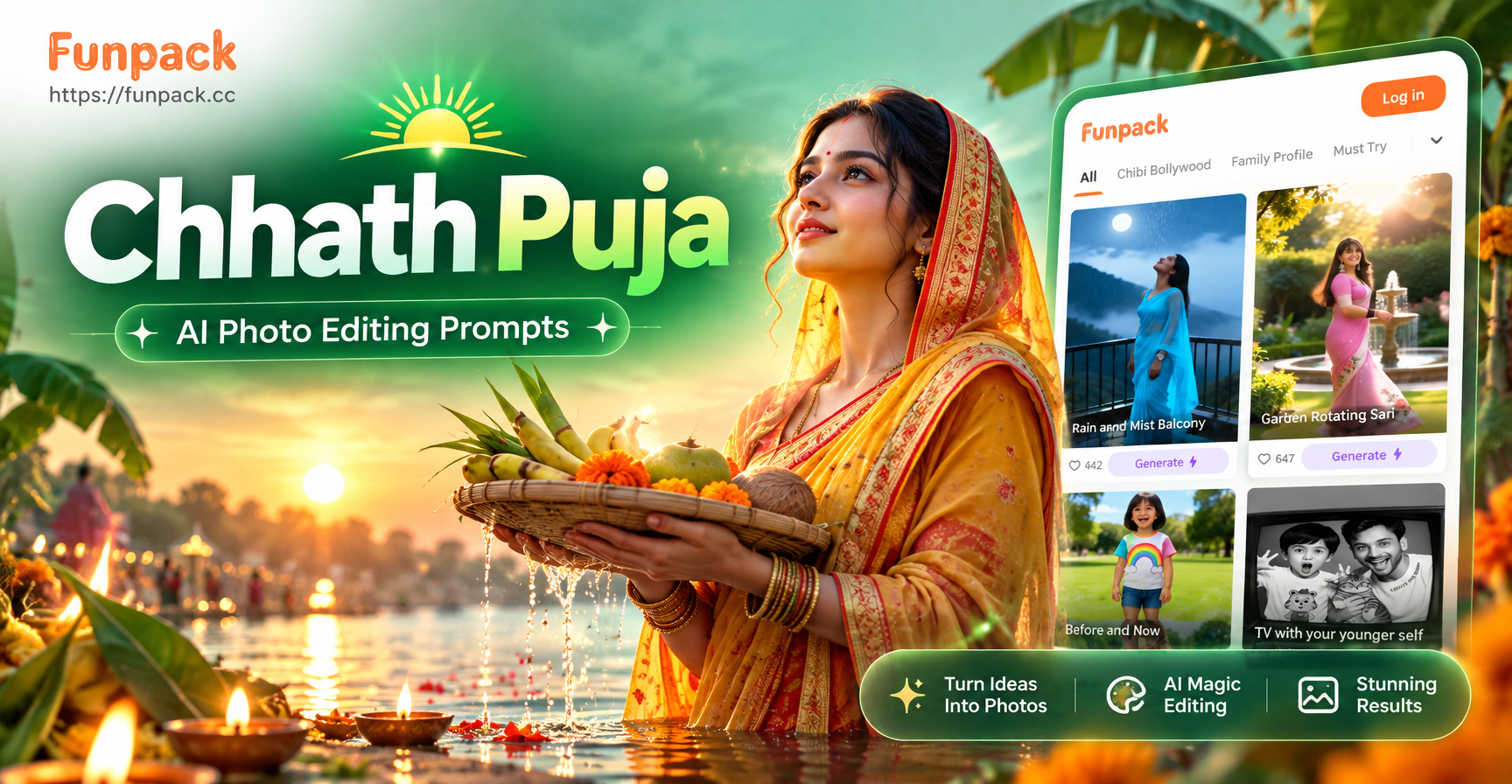
If you are searching for Chhath Puja AI photo editing prompts, you want to turn plain photos into glowing festival tributes. Chhath Puja is a major Hindu festival dedicated to the Sun God and Chhathi Maiya. It is marked by fasting, holy dips in rivers, and evening arghya offerings to the setting sun. The visual elements of this festival are stunning: golden hour light, reflective water, colorful sarees, bamboo baskets filled with fruit, and floating diyas. AI photo editors like funpack make it easy to add these details to your existing photos or generate entirely new festival scenes. The right prompt is the key. Below you will find a collection of specific, ready to use Chhath Puja AI photo editing prompts that work in image to image and text to image modes.
Why Chhath Puja Is Perfect for AI Photo Editing
Chhath Puja offers a rich visual palette that AI models handle beautifully. The warm sunset colors, the symmetry of devotees standing in water, and the traditional attire all translate well into photorealistic edits. Whether you want to place yourself in a riverbank scene, add a traditional sari, or recreate the arghya ritual, a well written prompt guides the AI to preserve your face and body while transforming the surroundings. The festival also has strong emotional and cultural significance, so a good edit can become a cherished keepsake or a social media post that resonates with friends and family.
How to Use These Chhath Puja AI Photo Editing Prompts
These prompts work best in the funpack app, which offers both image to image and text to image generation with a huge library of style filters. For photo editing, upload your own photo and select the image to image mode. Paste one of the prompts below and adjust the intensity if needed. For text to image, simply paste the prompt and choose a photorealistic style filter. Remember to keep the prompt specific about what should change and what should stay the same. If you want to preserve your face, always add a phrase like keep my face unchanged or preserve the original face. Experiment with different style filters inside funpack to get the perfect mood.
15 Detailed Chhath Puja AI Photo Editing Prompts
Here is a collection of specific prompts you can copy and use right away. Each prompt includes a short explanation of what it does.
Prompts for Image to Image Editing
Prompt: "Edit this photo to show me standing on the bank of the Ganges at sunrise during Chhath Puja. I am wearing a traditional yellow sari with a red border, holding a bamboo soop filled with fruits and thekua. The river reflects the orange and pink sky. Add floating diyas and marigold garlands around me. Keep my face and body shape unchanged but change the lighting to a warm golden glow."
Why it works: This prompt gives precise clothing, props, and lighting while preserving identity. Change the sari color or river location to personalize it.
Prompt: "Transform this image into a realistic Chhath Puja arghya offering scene. Add a setting sun over a calm river, a devotee standing waist deep in water holding a brass pot, and the sky filled with soft purple and orange clouds. Preserve the original person's face and replace the outfit with a traditional cotton saree. Style: photorealistic, high detail, warm tones."
Why it works: The prompt specifies the action, setting, and style, which helps the AI create a believable scene while keeping the original person recognizable.
Prompt: "Edit this photo so I am sitting on the steps of a ghat during Chhath Puja evening. Add a clay diya in front of me, a banana leaf plate with offerings, and a background of many devotees with folded hands. The sky is a deep orange and purple gradient. Keep my facial features exactly the same and keep my upper body pose natural."
Why it works: The prompt focuses on the ghat setting and includes multiple festival props. The phrase exactly the same reinforces identity preservation.
Prompt: "Add Chhath Puja elements to this photo: a bamboo basket full of sugarcane, coconut, and fruits in my hands, a red and yellow traditional sari, and a soft golden hour light from the right side. Change the background to a river with gentle ripples and a low sun. Keep my face and hair style unchanged."
Why it works: This prompt is great for a simple portrait edit. It adds props and a new background without altering the person's core appearance.
Prompt: "Turn this ordinary selfie into a Chhath Puja themed portrait. I am holding a lit diya in both hands, wearing a red saree with gold zari border, and standing in front of a blurred riverbank at dusk. Add bangles and a small red bindi. Keep my face shape, skin tone, and expression exactly the same. Use soft, warm studio lighting."
Why it works: The prompt combines specific accessories, attire, and lighting with strong identity preservation. Ideal for profile pictures or festival greetings.
Prompt: "Edit this photo to place me on a boat filled with marigold flowers during Chhath Puja. The boat floats on a calm river at sunset. I am wearing a traditional kurta and angavastram. Add a distant temple silhouette and birds flying across the orange sky. Keep my facial features and body proportions identical."
Why it works: This creates a scenic, storybook style edit. Change the boat to a ghat step or a basket full of flowers for variety.
Prompt: "Convert this photo into a high quality Chhath Puja festival scene. I am standing in knee deep water, offering arghya to the setting sun with a brass pot. The water reflects the golden orange sun and my traditional white saree with red border. Add floating flowers and a soft haze in the air. Preserve my face and body shape unchanged."
Why it works: This prompt focuses on the core ritual and uses atmospheric details like haze and floating flowers for realism.
Prompt: "Edit this image so that I am wearing a traditional Chhath Puja outfit: a bright yellow saree with green border, silver jewelry, and a small amount of sindoor on my forehead. Place me in a courtyard decorated with rangoli and earthen lamps. Keep my face and hair exactly the same. Add a warm evening glow."
Why it works: This prompt is useful for those who want a close up portrait edit with traditional attire and a festive background.
Prompts for Text to Image Generation
Prompt: "A beautiful Indian woman standing on the banks of the Ganges during Chhath Puja, wearing a traditional red and yellow saree, holding a bamboo soop filled with fruits and thekua. The setting sun paints the sky in shades of orange, pink, and purple. Floating diyas on the water. Photorealistic, high detail, 4k."
Why it works: This prompt generates a complete scene from scratch. Change the woman to a man or a couple as needed.
Prompt: "A devotee offering arghya to the setting sun during Chhath Puja, waist deep in the Ganges, holding a brass pot with both hands. The sun is low on the horizon, reflecting on the rippling water. The devotee wears a traditional cotton saree. Warm golden light, cinematic composition, photorealistic."
Why it works: This prompt captures the essential ritual with dramatic lighting and composition. Use it to create stunning wallpapers or posters.
Prompt: "Chhath Puja festival scene at a river ghat at sunset. Many devotees standing in the water, some with folded hands, others holding baskets of offerings. Colorful sarees, floating diyas, and marigold garlands. The sky is a vivid gradient of orange, red, and purple. Highly detailed, photorealistic, wide angle shot."
Why it works: This prompt is perfect for generating a group scene or a background image for a Chhath Puja greeting card.
Prompt: "Close up portrait of an Indian woman during Chhath Puja, wearing a red saree with gold zari border, a small red bindi, and silver jewelry. She is holding a lit clay diya in her hands. The background is softly blurred with warm bokeh lights from the festival. Photorealistic, sharp focus on face and diya, warm color grading."
Why it works: This prompt is ideal for a festive avatar or a close up edit that highlights the diya and traditional attire.
Prompt: "A couple celebrating Chhath Puja together, standing on a wooden boat filled with marigold flowers. The man wears a white kurta and the woman wears a red and green saree. They are holding a bamboo basket of fruits. The boat floats on a calm river during golden hour. Far background shows temple spires. Photorealistic, romantic mood, high detail."
Why it works: This prompt generates a couple edit that can be used for a family festival photo or a social media post.
Prompt: "An elderly Indian woman in a simple cotton saree, standing on the steps of a ghat during Chhath Puja, offering water to the rising sun. Her hands hold a copper lota. The morning light is soft and golden. The river is calm with lotus flowers and floating leaves. Photorealistic, respectful and serene mood."
Why it works: This prompt respects the spiritual aspect of the festival and works well for edits that honor elders or traditional practices.
Prompt: "A young man performing the Chhath Puja arghya ritual, standing in the river holding a brass pot, wearing a traditional dhoti and angavastram. The sun is setting behind him, creating a silhouetted rim light. The water reflects the sky. Photorealistic, dramatic backlighting, high contrast."
Why it works: This prompt is perfect for a male subject and emphasizes dramatic lighting and silhouette effects.
Tips for Better Chhath Puja AI Photo Editing Results
When you use these prompts, keep a few things in mind. First, always mention the specific festival elements you want: the river, the setting sun, the bamboo soop, the traditional attire, and the diyas. The more details you provide, the better the AI understands the visual style. Second, if you are editing an existing photo, always include a phrase like keep my face unchanged or preserve the original face. This reduces the chance of the AI altering your identity. Third, experiment with different style filters inside funpack. The same prompt can produce very different results depending on whether you choose a photorealistic, cinematic, or artistic filter. Fourth, adjust the intensity or strength slider if your editor has one. A lower intensity will blend the new elements more subtly, while a higher intensity will make the transformation more dramatic. Finally, do not be afraid to run the prompt two or three times. AI generation has some randomness, and you may get a better result on the second try.
Common Mistakes and How to Fix Them
One common problem is that the AI changes the person too much. To fix this, strengthen the identity preservation phrase. Use exactly the same face, do not modify facial features, or keep my face unchanged. Another issue is that the generated scene looks too generic. Add more specific Chhath Puja details like the exact color of the saree, the type of basket, or the position of the sun. If the lighting looks off, mention the time of day or the direction of light in your prompt. If the water reflection is missing, explicitly say the river reflects the orange and pink sky. If the traditional outfit looks wrong, try adding more detail: red saree with gold zari border or white dhoti and angavastram. With a few adjustments, you can turn an average result into a beautiful festival edit.
Final Thoughts on Chhath Puja AI Photo Editing
Chhath Puja is a visually rich festival, and AI photo editing gives you a simple way to celebrate it through your photos. Whether you want to recreate the arghya ritual, dress yourself in traditional attire, or generate a complete scene from scratch, these Chhath Puja AI photo editing prompts give you a strong starting point. Download the funpack app, pick a prompt, and create something beautiful. With the right prompt and a little experimentation, your festival photos will glow with the warmth of the setting sun.